Gaming Monitors
Budget 1440p Gaming Monitors: Three Solid Options Under $200
A practical comparison of three affordable 1440p gaming monitors that deliver strong value without breaking the bank.
Introduction
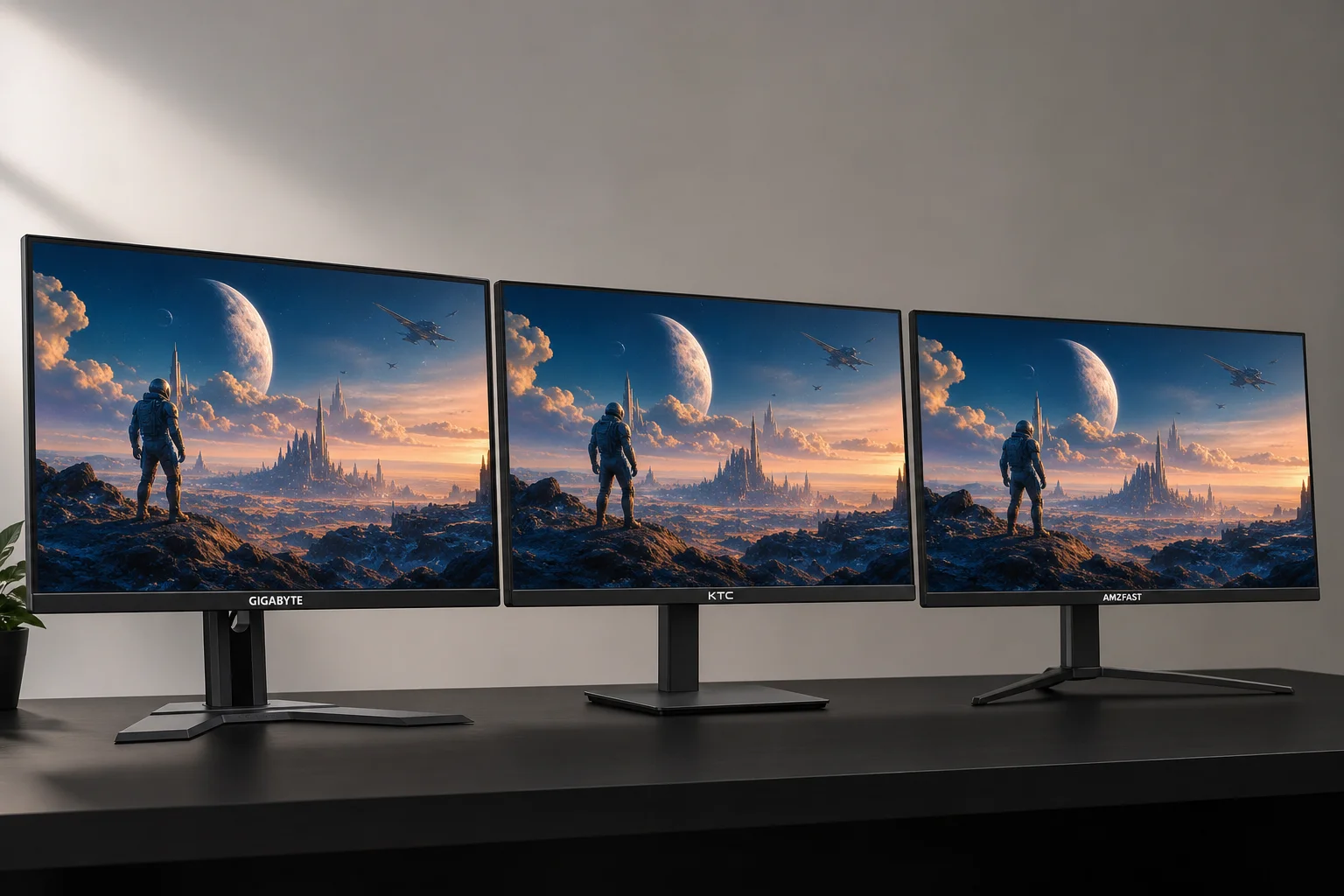
Finding a quality 1440p gaming monitor no longer requires a large budget. Three standout options in the $150 to $170 price range deliver solid performance and image quality that punches above their cost. This comparison examines the KTC, Gigabyte, and AMZFast 1440p monitors to help you choose the right one for your needs.
Color Accuracy and Display Quality
All three monitors share the same basic specifications: 27-inch 1440p IPS panels with similar color reproduction capabilities. However, their out-of-the-box performance differs noticeably.
The AMZFast monitor delivers the most accurate white point straight from the factory, while the KTC performs slightly better than the Gigabyte. The Gigabyte suffers from a warmer color cast and lower maximum brightness, making it appear duller in direct comparison at factory settings. With custom calibration, both the AMZFast and KTC measure very well, achieving roughly 140% of the sRGB color gamut volume. The Gigabyte covers a smaller color space, resulting in less saturated colors, though it remains acceptable for general use.
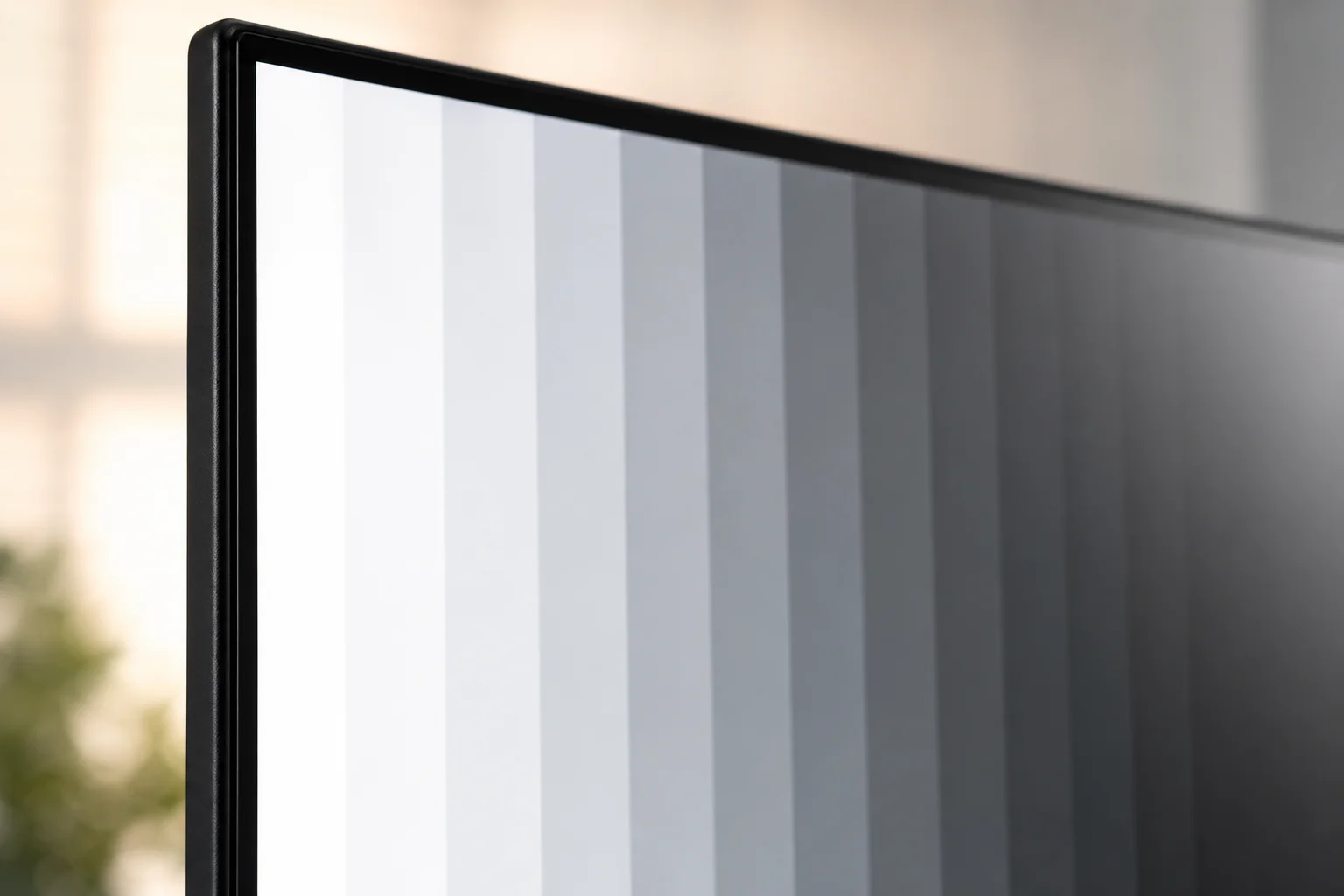
Contrast performance reveals another gap. The AMZFast and KTC both achieve approximately 1400:1 contrast ratios, while the Gigabyte reaches only around 1000:1, typical for standard IPS panels. This difference becomes visible in shadow detail and dark scenes. None of these monitors excel at HDR due to their standard IPS construction, but all three accept HDR signals adequately for SDR-focused use.
The AMZFast and KTC appear to use identical or very similar panels, evidenced by their nearly identical performance and visual characteristics. The Gigabyte uses a different panel with a less aggressive anti-glare coating, resulting in a cleaner, less hazy appearance compared to the stronger haze finish on the other two.
Gaming Performance and Response Times
On paper, the KTC leads with a 210Hz refresh rate, followed by the AMZFast at 200Hz and the Gigabyte at 144Hz. However, refresh rate alone does not determine gaming smoothness.
The Gigabyte actually delivers the fastest response times when running at its maximum refresh rate, producing noticeably clearer motion than the other two. However, its SmartOD overdrive mode only optimizes for the highest refresh rate. Below 140Hz, the Gigabyte exhibits visible ghosting and requires manual mode switching or acceptance of slower response times. The AMZFast and KTC offer overdrive modes that maintain consistent performance across all refresh rates down to 60Hz, averaging around 6ms response time.
Input lag differences are negligible, with only 0.3ms separating the fastest from the slowest result. Adaptive Sync functions flawlessly on all three monitors without flickering. For most gaming scenarios, these three monitors perform very similarly, with the Gigabyte holding only a marginal advantage at maximum refresh rate.
Build Quality and Ergonomics
All three monitors prioritize display quality over stand features, which helps keep costs low. Each comes with a basic stand offering only tilt adjustment and no height adjustment whatsoever.
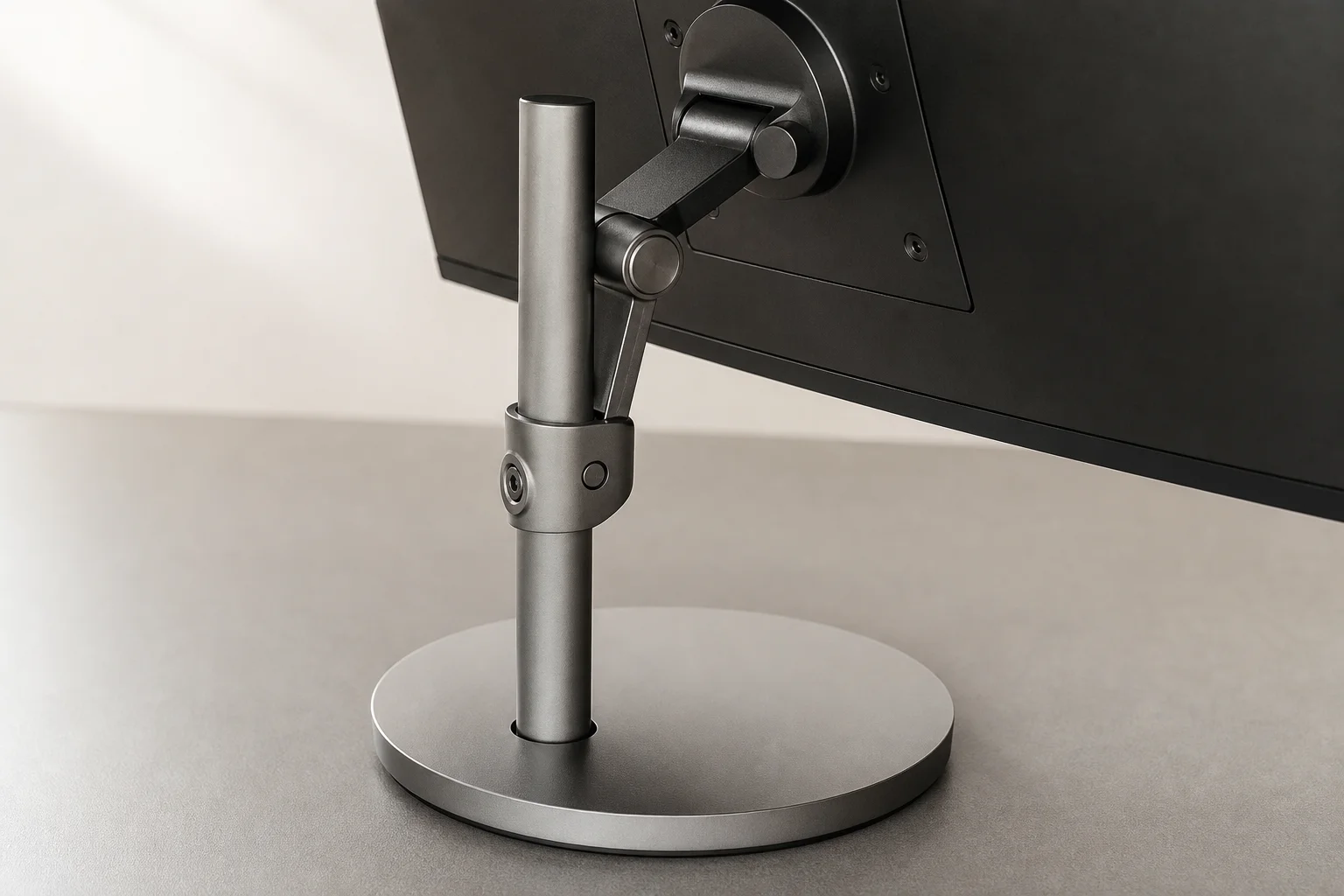
The KTC stand uses metal construction, a minor quality touch, while the AMZFast and Gigabyte use plastic bases. The Gigabyte sits noticeably lower than the other two, creating poor ergonomics without external adjustment. For comfortable long-term use, investing in a monitor arm is strongly recommended, especially for the Gigabyte. This is a necessary cost consideration when budgeting for any of these monitors.
The lack of RGB lighting, cable management features, or premium aesthetics keeps these monitors focused on core display performance, a sensible trade-off at this price point.
Overall Value and Recommendation
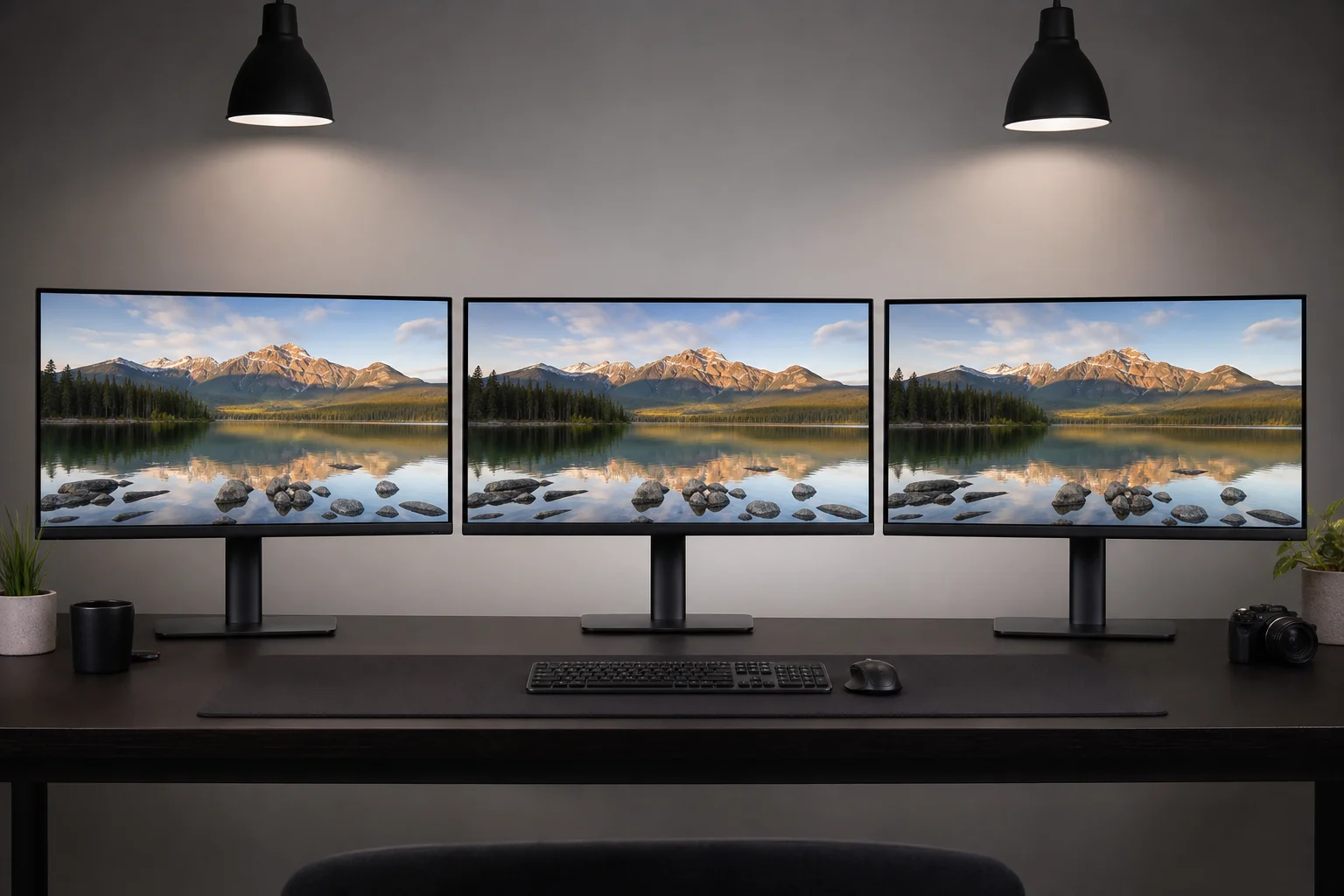
The AMZFast and KTC offer exceptional value, delivering image quality and gaming performance that exceed expectations for their price. The AMZFast was an unexpected standout, proving that lesser-known brands can compete effectively on performance. The Gigabyte, while falling behind in color saturation and contrast, remains a solid choice from an established manufacturer, offering slightly faster response times at maximum refresh rate and a cleaner anti-glare coating.
The trade-off between the AMZFast and KTC versus the Gigabyte comes down to brand familiarity and warranty confidence. The Gigabyte provides the reassurance of a mainstream brand with established support infrastructure, while the AMZFast and KTC deliver superior image quality at similar prices. All three represent excellent value in the budget 1440p segment, proving that spending $150 to $170 on a gaming monitor no longer means compromising on quality.
Conclusion
Budget 1440p gaming monitors have reached a level of maturity where all three of these options deliver genuine performance. The AMZFast and KTC stand out for color accuracy and contrast, while the Gigabyte appeals to those prioritizing brand recognition and warranty support. Whichever you choose, you are getting a capable 1440p monitor that handles both gaming and general use competently without requiring a premium investment.
Product link
View more details for KTC 1440p Gaming Monitor
This product is mentioned in the review. Check the specifications, options, and compatibility before buying.
View more details for KTC 1440p Gaming MonitorFurther reading
Related Reviews
Gaming Monitors
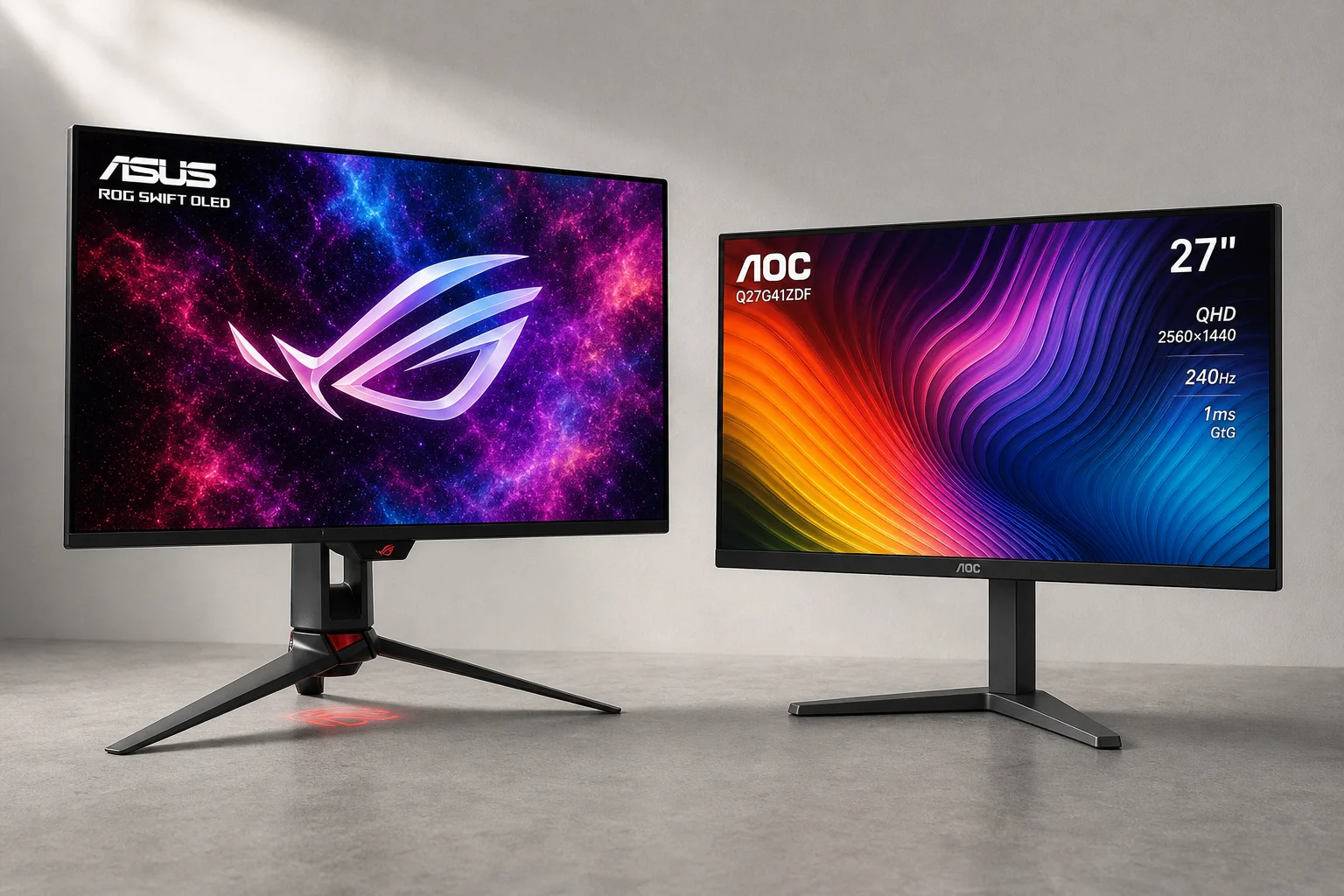
AOC Q27G41ZDF vs Asus ROG Swift OLED PG27AQDP: Budget vs Premium OLED Gaming
Two 27-inch 1440p OLED gaming monitors at vastly different price points. We compare brightness, color accuracy, text sharpness, refresh rates, and real-world performance to see what justifies the premium.
Gaming Monitors
ASUS ROG OLED Gaming Monitors 2026: New Panels, Sizes, and Brightness
ASUS announced several new ROG OLED gaming monitors at Computex 2026, including a 24.5-inch esports panel and a 32-inch 4K RGB stripe model.
Gaming Monitors
ASUS ROG Swift PG32UCWM Review: A New Direction for W OLED
The first 32-inch 4K OLED gaming monitor with an RGB stripe subpixel layout brings sharper text and better color brightness, but brightness regressions and a high price hold it back.