Gaming Keyboards
Best Hall Effect Gaming Keyboards 2026: Five Alternatives Worth Your Attention
Hall effect gaming keyboards are everywhere this year. We break down five notable options from Keychron, ASUS, Luminkey, Logitech, and Pulsar to help you find the right fit.
Introduction
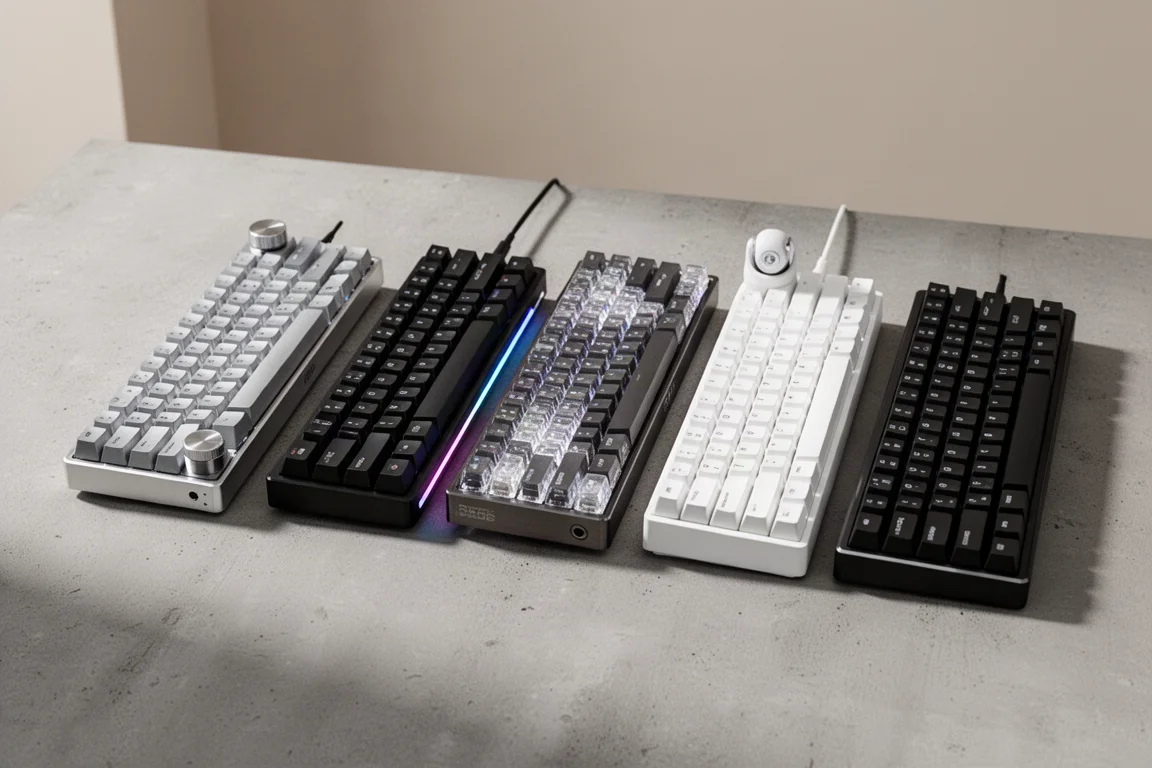
Hall effect has hit the gaming keyboard market hard this year, and for good reason. If you are into competitive FPS or rhythm games, it is getting more and more difficult to not recommend hall effect for people that are into gaming. We have seen a lot of alternatives to Wooting launch over the past few months, both from big brands and from smaller overseas brands.
Today we are walking through a handful of the more notable options, including Pulsar, ASUS, Keychron, Luminkey, and the newly released Logitech Pro X TKL Rapid. We will talk sound, materials, build, software, and of course performance, to see if there is something out there besides Wooting that might be a good fit for you.
What to Look For in a Hall Effect Keyboard
Two things we are not going to waste a lot of time on today are latency and polling rate. Yes, some of these boards have slightly better latency than others, but because we can control the actuation point with hall effect, we are not even taking actuation distance into account. We are talking differences of microseconds, not even milliseconds. This is for bragging rights in marketing materials. In the real world, this makes very little difference to your experience.
8K polling is the same story: fractions of milliseconds, not even whole milliseconds. So do not let conversations around latency or polling rate be the primary factor in your purchase decision. It is much better to have the layout, the features, and the build quality that you want instead.

The only thing like this we will discuss is any rapid trigger performance difference you can actually feel, because depending on what you play, this is the biggest feature outside of being able to set your actuation point. This was a bigger deal a year ago, but luckily now even the basic clone stamp firmware seems to have gotten this figured out.
Purely from a day-to-day ownership operation performance standpoint, Wooting is still king. Their combination of in-house firmware and web-based software configuration is unmatched, and they only use top tier components. That said, their stock boards do not always sound great, and they do not offer a straightforward 65% or 75% layout, which leaves a really wide lane for other brands to operate in. One of the standout things missing on Wooting boards are any kind of knob or dedicated media controls.
Cost is also a factor. The plastic version of the Wooting 60HE goes for $200, and the premium zinc version comes in at $289 with free shipping in the US. Depending on which way you go, there can be lower cost alternatives, some with better feeling build quality. But for us, if you like the layout options and you have the budget, it is Wooting first and then everyone else.
Keychron Q1 HE: The Wireless All-Rounder
Keychron is a company we have not looked at in a really long time, not because they do not make good boards, but because they figured out their formula and then started cranking out every layout imaginable. Unsurprisingly, their Q1 HE board looks and feels almost exactly like the Q1 75% board that came out a few years back, except now it has magnetic switches.
This is one of the few hall effect boards on the market that supports wireless, both 2.4 GHz and Bluetooth. There is a huge battery in here at 4,000 milliamp hours, so you get up to 100 hours of wireless use with the backlight off. We have got a very heavy all aluminum case here and a 75% layout. This is a pre-built version with a knob and it goes for right around $200, with shipping around $20.
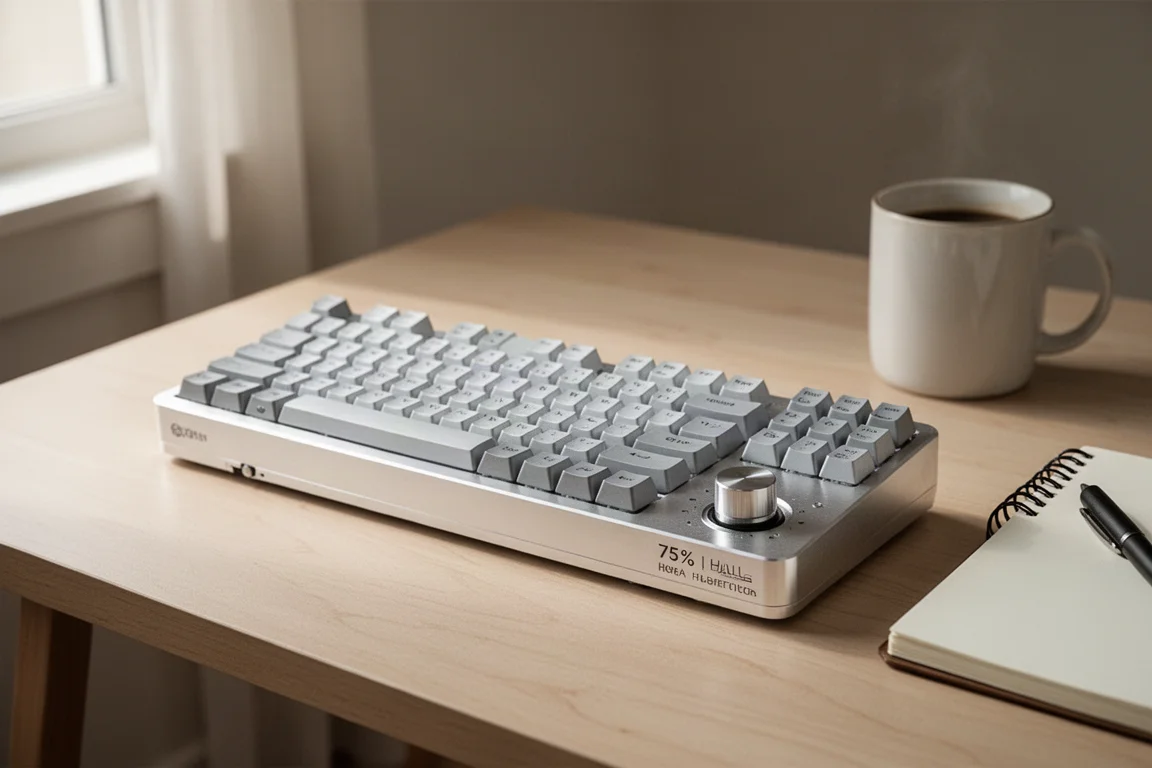
It comes with their own KSA keycap profile that feels very tall, and a wrist rest is mandatory on this board. This uses Gateron Nebula double rail magnetic switches, and that is important because this board is not compatible with a lot of the aftermarket switches people would normally go with. The best of those currently being the Geon Raw HE and the Gateron Jade Pro, neither of those are an option on this board. You are limited to other Gateron double rail switches, and Keychron sells a couple other variants that differ only in spring weight.
Hall effect keyboards do not generally sound great. They all kind of share this weird common squelchy sound that comes off the switches, and some manufacturers have resorted to using tons of sound dampening inside to combat that. This thing sounds like typing on a pile of broken egg shells, and the space bar definitely needs some more lube. Switches feel nice though. These are south facing LEDs, which you do not see a lot, and they are using screw-in stabilizers.
As for hall effect features, we have got adjustable actuation down to 0.2 mm, rapid trigger, multiple command press, and SOCD. Software handles all this is either QMK, which you have probably only heard of if you are into custom keyboards, but they also have a web-based configurator similar to Wooting. This is actually one of the better examples of this we have seen, even has the real-time actuation demo, and there are three profiles here you can save to the board. Performance at 0.4 mm was solid in game, even over wireless, which is pretty impressive. Rapid trigger felt good too.
At $200, this is really solid from a build quality and a feature standpoint, particularly if you are interested in wireless. But you would either have to be okay with the sound or you would have to be willing to spend a lot of time tuning that sound.
ASUS ROG Falchion Ace HFX: Compact and Feature-Packed
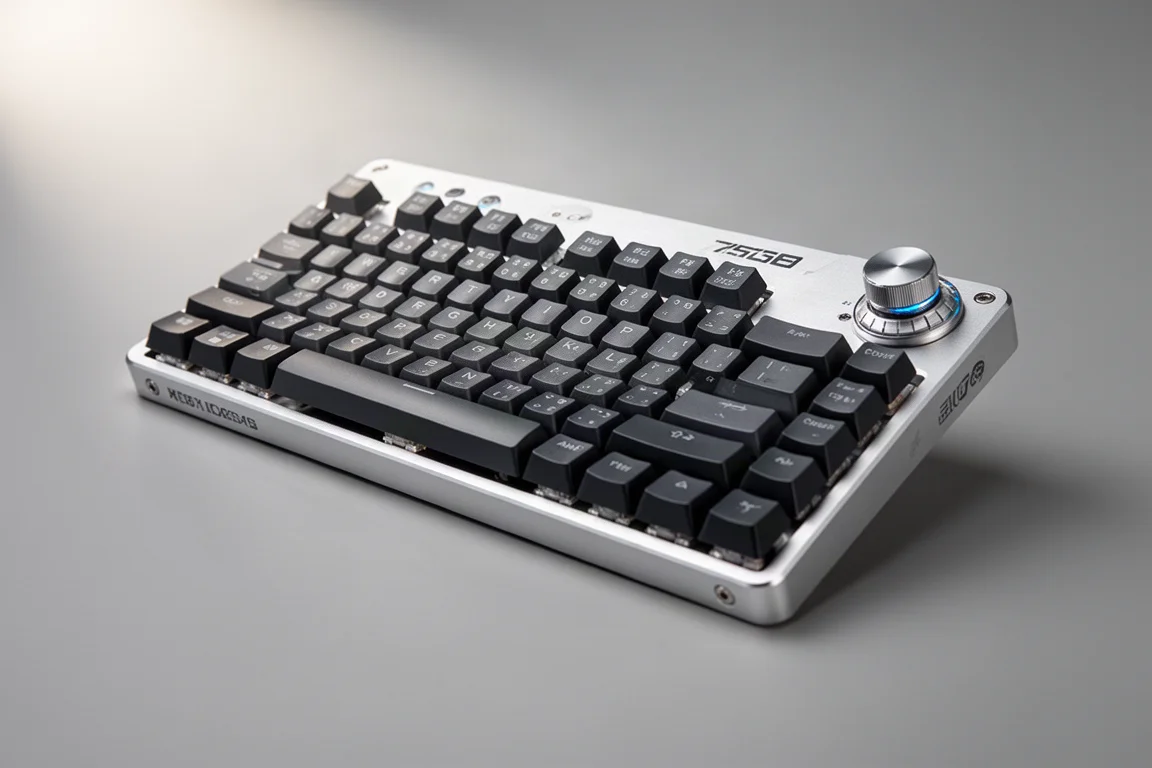
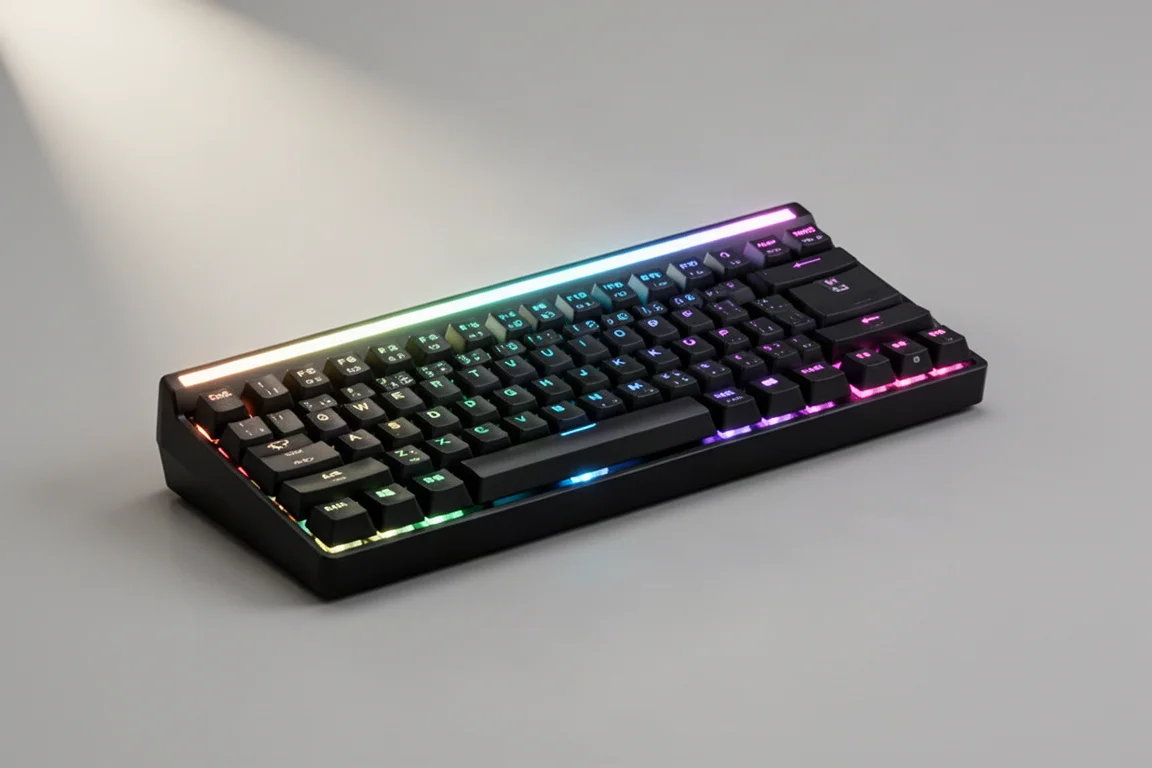
Next up is the Falchion Ace HFX from ASUS ROG. This is a very compact 65% layout, mostly plastic build that looks very gamery and comes in right at $200. This has single stage flip down feet, but it feels almost low profile on the desk. It is really comfortable. This comes with a keycap dust cover that we still wish would snap securely on top of the board so you could throw this in your bag to travel.
This has two USB ports, one on each side, for either cleaner cable management or for multiple system support, and you can switch which USB is active at any one time. Media controls are a combination of this button to toggle features and then there is a touch sensitive stripe on the rear of the board. This lighting feature on top, which we thought was just corny decoration at first, is actually a visual indicator of the adjustments that you make. This includes setting the actuation point on the board in steps of 0.5 mm, and you can do that either globally or per key. On the other side, you have got a switch that toggles this board in and out of rapid trigger mode, which is a nice touch.
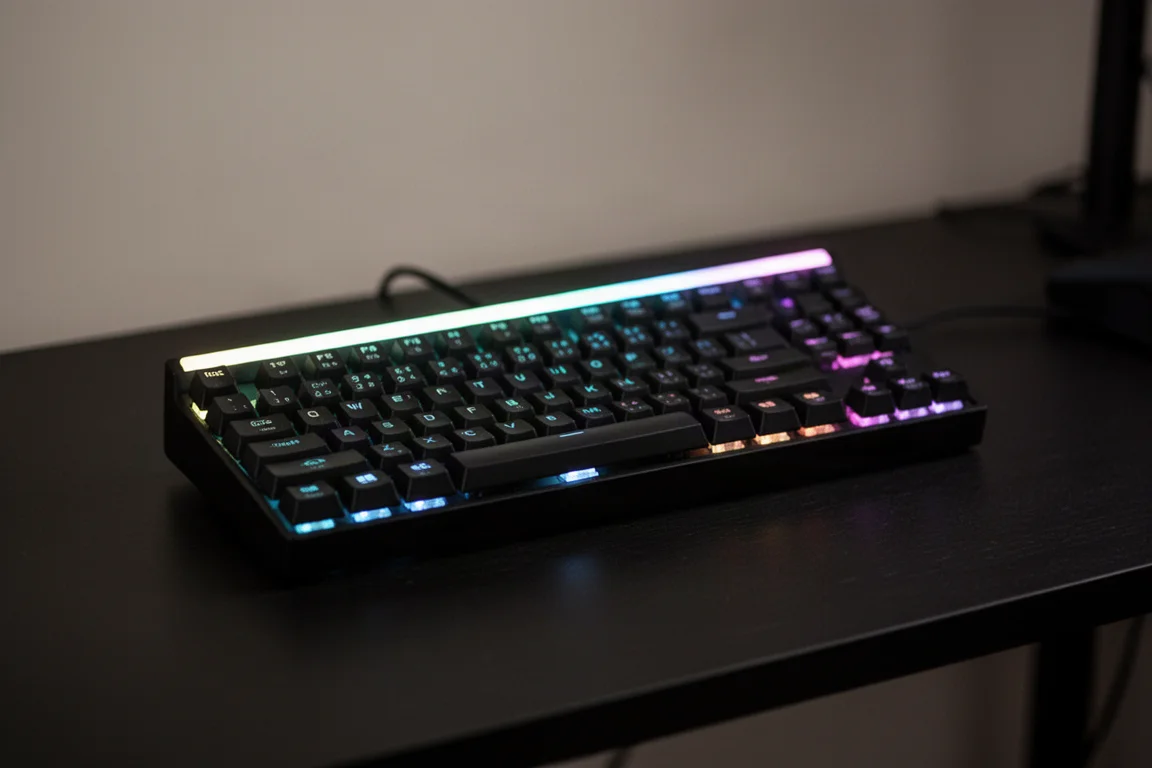
For hall effect features, we have got set actuation down to 0.1 mm with repeating input still present, we have got rapid trigger and SOCD. We do not see any support for multi-press here. So technically you can do a lot of adjustments on the board without using any software, but we cannot see a situation where somebody is only going to use the hardware because there are limitations. So eventually you are going to find yourself back at Armoury Crate, and that can be a turnoff for some people. Fortunately, this does use the newer Armoury Crate gear, so it is a lightweight peripheral specific install versus the invasive full fat version. You get five memory profiles here, and we did not have any issues with the software.
The switches here are their ROG HFX magnetic, and ASUS has quietly been making some banger switches that rival even some of the best of what you would find in the custom market. These are solid, very smooth, very little wobble. North facing LEDs, but they do have a custom magnet position, so you can replace these if one goes bad, which is incredibly unlikely versus a standard mechanical switch, but again no playing the field with other hall effect switch options.
We have got five layers of sound dampening in here, and that was surprising. This is one of the better hall effect keyboards we have heard, and it feels really good to type on too. Stabilizers are co-star style plate mount stabs, which can be removed and tuned, but we did not feel the need to put any extra lube on anything. Performance here is very good, again we would just keep it locked at 0.4 mm lowest for the most consistent performance.
Pros for the compact layout, the lowish profile, the sound and feel, the switches, and some of the more inventive hardware features. Cons, we think $200 is a little tough to swallow for a mostly plastic 65% layout, it looks pretty juvenile mostly down to the font on the caps and the light bar at the top. Just sitting on your desk it looks like it would cost a lot less. Web-based software is the future, so we are not real big on the software here, and it is lacking a couple hall effect features that we see on other options.
Luminkey Magger 68 HE: The Surprising Contender
By now we have seen a lot of overseas hall effect clone boards, most of them are instantly forgettable. This is the best one of those we have seen so far. This is the unfortunately named Magger 68 HE from Luminkey, and aside from that name and a sketchy software experience, this thing is extremely impressive.
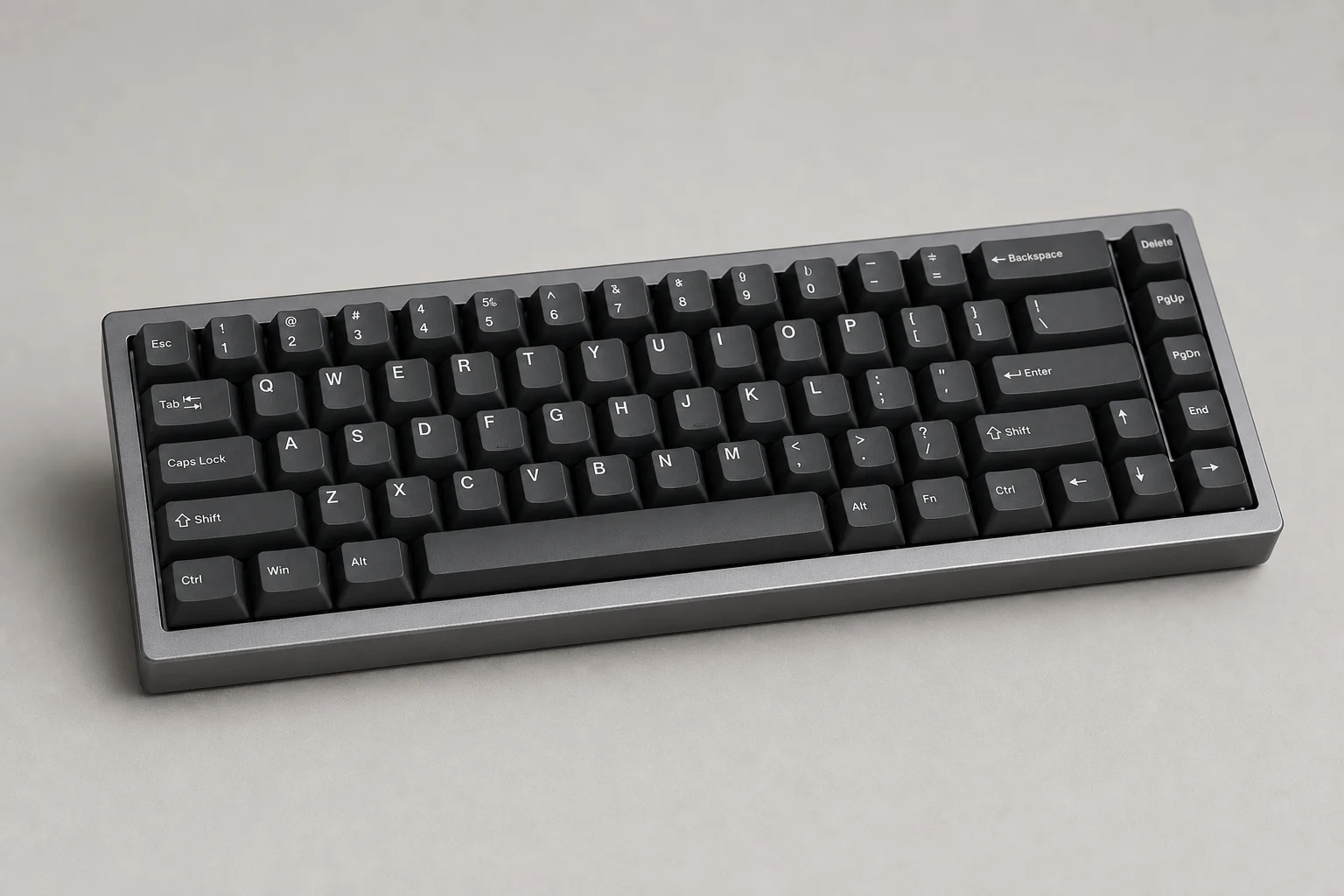
It comes in two flavors: a more affordable performance version at $120 and a professional version at $150, which we have here. This is the hall effect 65% for people who are normally into custom keyboards. The case is all aluminum, it weighs quite a bit, has some nice detailing on the top and bottom of the case. The quality of the case itself feels pretty nuts for this price point, and it is really comfortable to use. The front height is only 16.5 mm, so it sits low with a 7 degree angle.
This comes pre-built, and we love the color palette on the caps and the use of transparent caps for accents. The included switches here are Gateron Jade Pros, one of the best you can get, so you may not ever want to swap these, but you totally can because this board is going to be compatible with all the nice aftermarket switches on the market, including the Geon Raw HE. We have only got two silicone layers of sound dampening in here, and we really like this board. It sounds even better when you are just sitting using it versus miking it for a sound test. Even though we only have plate mount stabs here, they are very good, and again we do not feel the need to do any additional tuning. This thing is a joy to type on.
Hardware build quality is top tier. Software is where things start to get a little sketchy. Firstly, just finding it on the site is challenging, then convincing your computer that it is not a virus and it is safe to download is the next hurdle, then convincing your computer again that it is not a virus and actually installing it. Once you are in, it is very thorough, but it is also pretty tough to navigate. Everything Wooting does, they have a version of, including Tachyon mode, it is just really rough from a UI standpoint. So you are going to need some trial and error and a generous amount of patience to get everything dialed in. You cannot just program everything and dip out, so it is not like this thing needs to run full-time, but if they could somehow hire a UI designer to smooth all this out and then put it as a web-based option, they would utterly dominate this market.
Even take into account which switch type you are using, because the Jades are long pole so they have a shorter travel. When we talk about how Wooting has advanced firmware, this is a great example. Wooting firmware will automatically and on-the-fly calibrate for any switch you put in it, versus here where you have to select that switch and calibrate manually.
Endgame performance though, again very good here. This is the only board so far outside of the Wooting that we could set to 0.1 mm actuation and not have any issues with repeating keys or weird behavior. We are pretty floored at how complete of a package this is at $150. Pros everything except the lack of dedicated media controls and the software being powerful but overall kind of sketchy. Cons the software and the name.
Logitech Pro X TKL Rapid: The Safe Ecosystem Choice
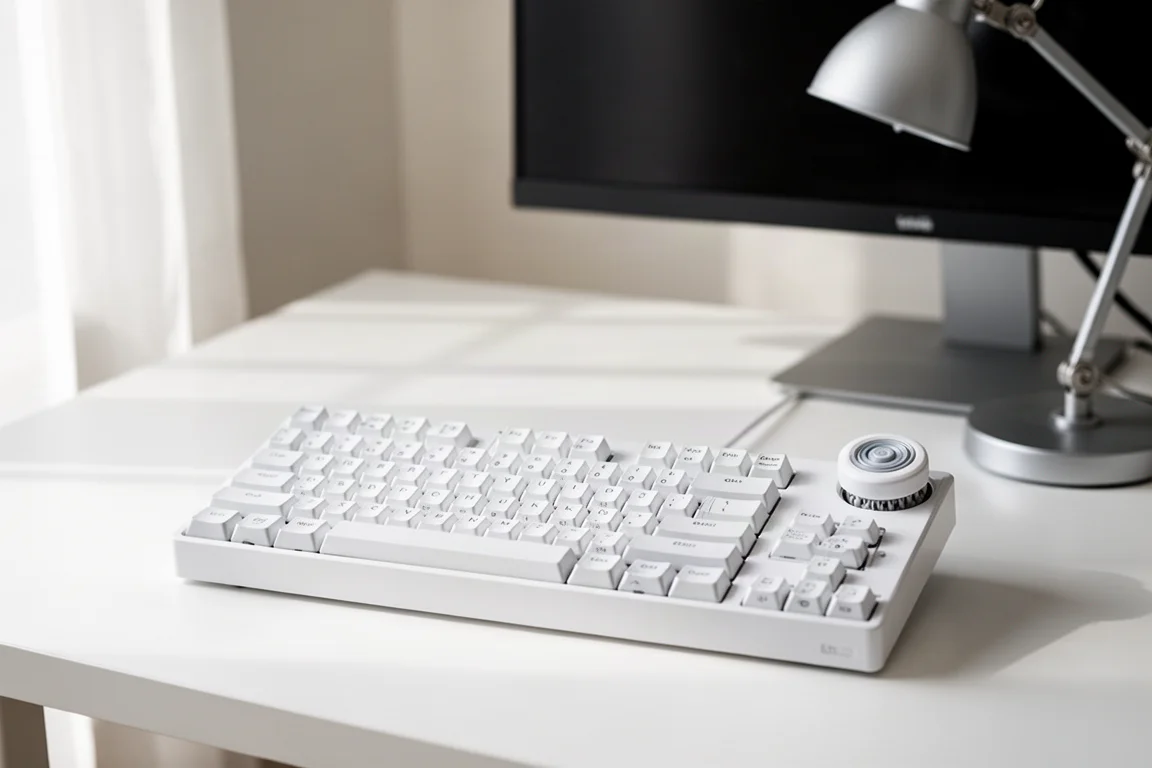
Logitech has finally entered the hall effect ring with their Pro X TKL Rapid analog. This is a full standard TKL layout with dedicated media control buttons and a roller in the top corner. Another mostly plastic build, dual stage flip down feet, a floating switch design that does kind of date this design. This is priced at $170, so $10 under the Corsair option, and if we are honest, the way things have been going with pricing, we fully anticipated both this board and the Corsair to come in at like $200.
Keycap material seems to be PBT, we have got backlighting here, and the font is reserved. It does not scream gamer. The entire design does not, it is really understated. Switches here are new from Logitech, they do not have a cool branded name, but they are a box design and they look like they might be manufactured by Kailh, but that is not confirmed. These also have a unique magnet design, different even from the ASUS board, so again no option for swapping to different hall effect switches. Unlike Corsair, they went all the way with the analog switches, so this entire board is hall effect.
We have got four sound dampening layers here plus a host of other tuning like pads under the stabilizers, the silicone dampener under the space bar, and foam inserts inside the space bar. This is a louder, thocky sounding board. It is not the best sounding board on the list today, but it is not the worst either. It does kind of still have that big box gaming keyboard sound. There is a little ping in there, and most of the volume is coming from the keycap material. Based on all the details they put into the tuning, sound clearly was not an afterthought. We have got plate mount stabs here, factory lube seems good. We personally would probably try to tune these a little more, but most people who would buy a board like this are not going to give these a second thought.
For hall effect features, we have got set actuation, rapid trigger, multi-point, and SOCD which has a few options similar to Wooting implementation. This board has three preconfigured onboard profiles that you can instantly swap to, and a customizable profile where you can quickly set the actuation point in steps of 0.4 mm and set rapid trigger options. If you want to get more granular, you will need to use G Hub, which again does not need to run full-time. Performance here again no issues, no issues with G Hub. It is interesting that they decided to skip 8K polling on this just given how competitive the market is with spec numbers, and we were able to use this board at 0.1 mm with no repeating keys or stuck keys, so pleasantly surprised to be honest.
Yeah, it is not really moving the industry forward in any way, and there is not any one thing about it that is particularly exciting. We would not personally choose it over anything else on the list today, but if you are a fan of Logitech and you want to stay in that ecosystem, this is a safe buy. Pros full TKL layout, dedicated media controls, overall subdued appearance, price point, good feature set, and it is functionally solid. Cons you still have to install G Hub for some functionality, it is a lot of plastic, and the sound while better than expected does get beat by some other hall effect boards.
Pulsar PC MK2 H TKL: The Value Pick
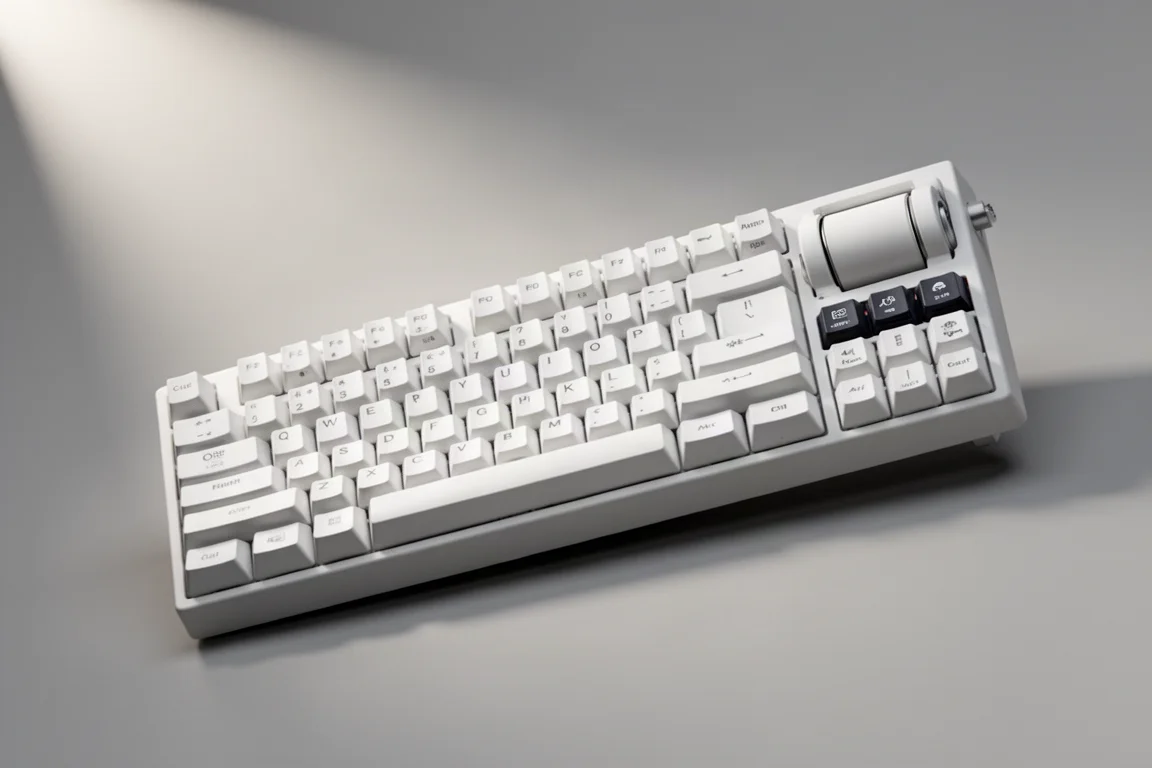
Last up today is the PC MK2 H TKL from Pulsar. This is priced at only $159, and it is a full TKL layout. It feels compact because the bezels here are super small, meaning there is unfortunately no media controls. This is another floating switch design, so we have got a mostly plastic build with an aluminum top plate, which to be fair is thicker than most, so it gives the board some heft. Low front height and low default angle, but you do have two stage flip down feet here too.
Keycaps are double shot PBT, and there are no backlit legends because these sockets are south facing LED. We are kind of surprised by the mullet vibe of this board, where it is business in the front and party in the rear. This looks like it would be more at home in an office environment than it would a high-end gaming setup. Pulsar collabed with Gateron for a custom version HE switch. These are light at 30 g and have dual rails, so they feel pretty stable. The best part is these are standard magnet layout, so you are free to hot swap these with other high-end hall effect switches.
Sounds pretty good, it has got a cleaner clacky high pitch sound. There are three layers of sound dampening here, and we do have plate mount stabs, but the factory lube seems good. Something about the space bar sounds a little weird to us, we would probably spend some time tuning that. Features we have got 8K polling, adjustable actuation, rapid trigger, and SOCD, but no multi-press support. Software here is a name that we are not going to say out loud, but it is web-based, so that is a big win. No issues at all with performance, but outside of this magnetic ID tag, there is not anything about this board that evokes any kind of emotion. It is fine, good even, it is just really bland. This feels like the best executed version of a dated gaming keyboard design, just without backlit keycaps.
For pros, price point is solid, performance is good, sounds good, good hot swap support, web-based software is great. For cons, really it just lacks a couple hall effect features and some personality.
Overall Buying Advice
When it comes to choosing between these five hall effect keyboards, it really comes down to what matters most to you. If wireless is a priority, the Keychron Q1 HE is the only one here that offers both 2.4 GHz and Bluetooth connectivity, and its all aluminum build feels premium, though you will have to live with the sound or invest time in tuning it.
If you want the most complete package for the price, the Luminkey Magger 68 HE is hard to beat at $150. The all aluminum case, top tier Gateron Jade Pro switches, and the ability to hit 0.1 mm actuation without issues make it a standout, provided you can get past the software experience.
For those who want a compact board with inventive hardware features, the ASUS ROG Falchion Ace HFX offers a unique light bar indicator, touch sensitive media stripe, and excellent sound dampening, but the $200 price for a mostly plastic build might give some pause.
Logitech fans will find the Pro X TKL Rapid a safe, understated buy at $170, with a full TKL layout, dedicated media controls, and solid performance, even if it does not push the envelope in any particular way.
And if you want the best value in a full TKL layout, the Pulsar PC MK2 H TKL at $159 delivers solid performance, good sound, and standard magnet switches that you can hot swap, even if it lacks some personality and a couple of hall effect features.
Conclusion
Hall effect gaming keyboards have clearly arrived, and the options beyond Wooting are getting better all the time. Each of these five boards brings something different to the table, whether it is wireless support, build quality, software, or price. The key is to focus on the layout, features, and build quality that match your needs, rather than getting caught up in latency numbers and polling rate marketing.
For us, the Luminkey Magger 68 HE is the most impressive value on this list, and the Keychron Q1 HE is the one to grab if wireless matters to you. But no matter which direction you go, you are getting a genuine upgrade over a standard mechanical keyboard for competitive gaming.
Further reading
Related Reviews
Gaming Keyboards
ASUS ROG AOTH 96 Review: A Premium Hall Effect Keyboard With a Price Problem
The ASUS ROG AOTH 96 brings a vibrant OLED screen, strong wireless performance, and Hall effect switches, but its build quality and price raise serious questions.
Gaming Keyboards
ASUS ROG Falcata Review: A Feature-Packed Split Keyboard With a Premium Price
The ASUS ROG Falcata combines a compact 75% layout, Hall effect switches, 8K polling, and a split design. Here is what stands out and what to consider before buying.
Gaming Keyboards
Best Hall Effect Keyboards 2026: From Budget to Premium
We break down the most popular Hall effect gaming keyboards from $30 to $500, covering build quality, software, sound, and value.