Measuring Tools
Best Digital Angle Finders Compared: Klein, Johnson, and Husky
Four digital angle finders put side by side, covering display quality, features, and which one makes sense for your toolbox.
Introduction
Digital angle finders are one of those tools that seem like a gimmick until you use one, and then you wonder how you managed without it. Essentially a digital protractor, these tools measure the angle between two surfaces quickly and accurately, whether you are copying a roof pitch, checking a miter cut, or setting up joinery.
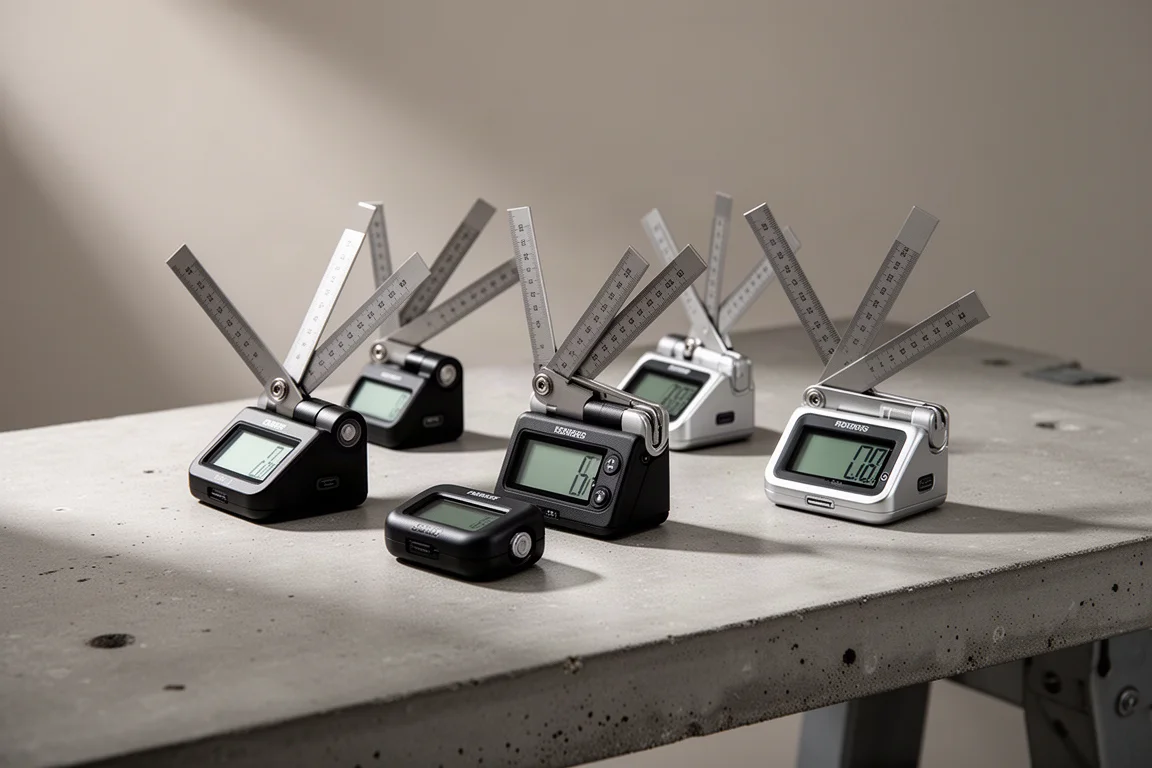
We looked at four widely available options: two from Klein (the 935DAG and 935DL), plus offerings from Johnson and Husky. All of them are battery powered, blindingly simple to use, and genuinely handy. The differences come down to display quality, features, and build refinement.
What a Digital Angle Finder Actually Does
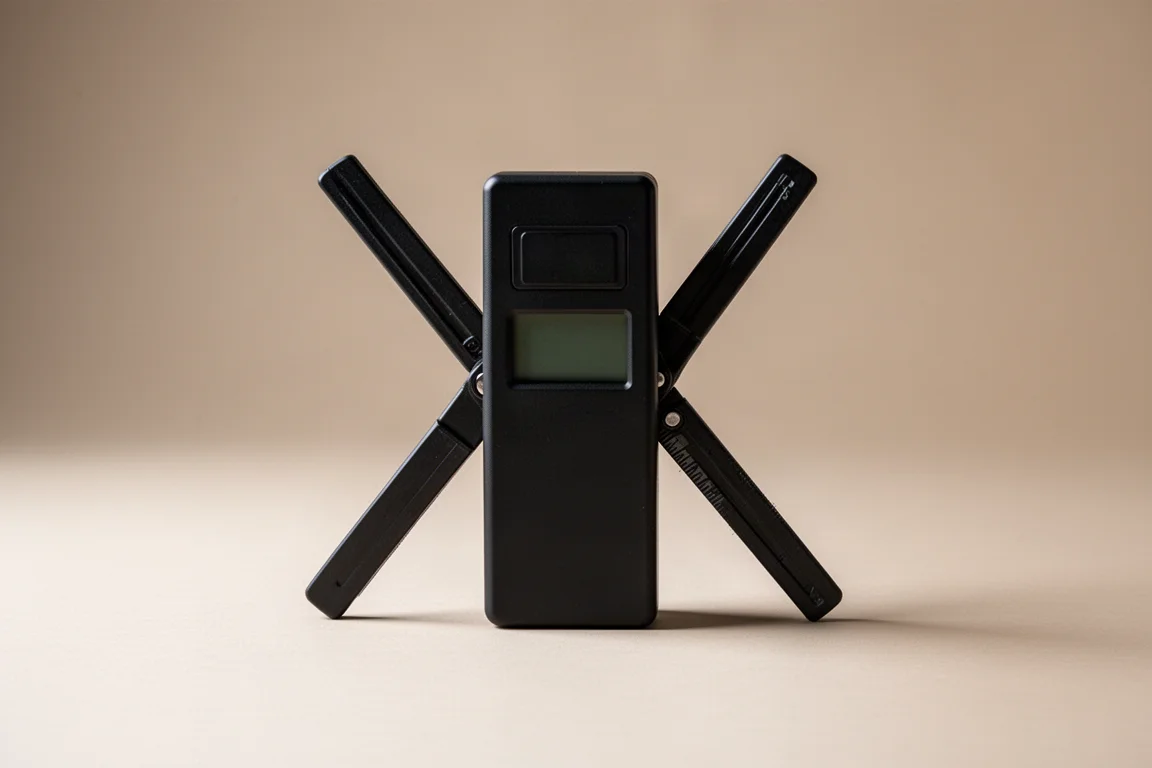
The core design is the same across all four: two straight arms connected at a pivot, with a sensor that measures the angle between them. You open the arms, set them against the surfaces you want to measure, and read the angle on the display.
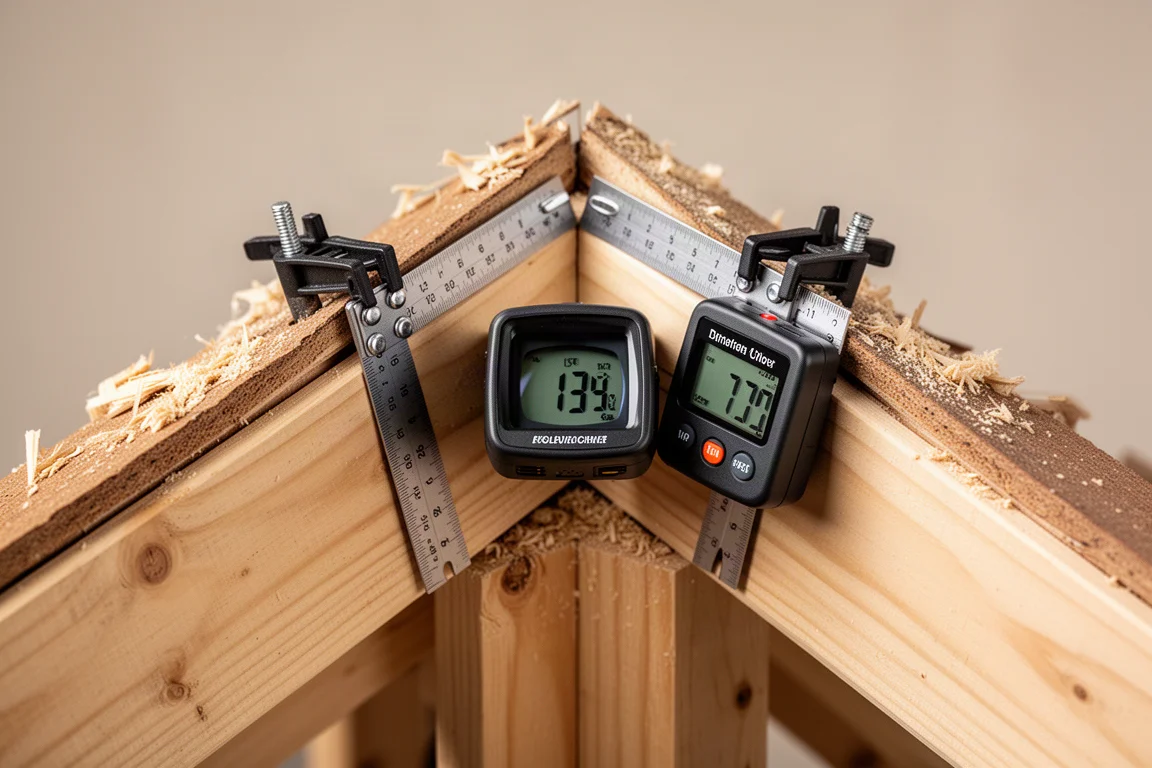
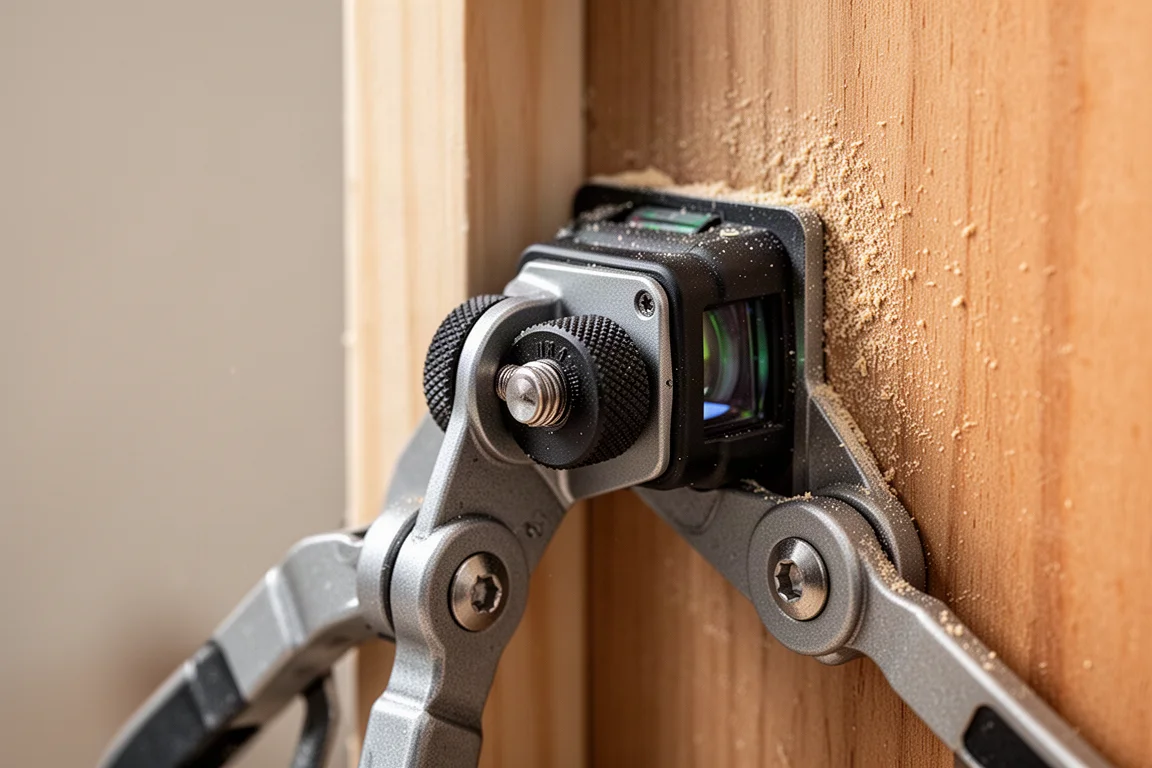
Every model here also has a hold function. That matters more than it sounds. If you are reaching into a confined space, like the eave of a roof, you can lock the reading in, slide the tool out, and read it comfortably instead of squinting into an awkward corner.
Klein 935DL: The Easiest to Read
The Klein 935DL stands out for ease of reading, especially in the dark. Klein’s display is bright and the interface is intuitive, which makes a real difference when you are working in a dim attic or a shadowed corner of a jobsite.
It also carries the most features of the group, including the ability to provide the proper degrees for miter cuts. That function is a little more involved, but it saves you from doing supplementary-angle math in your head when you are setting up the saw.
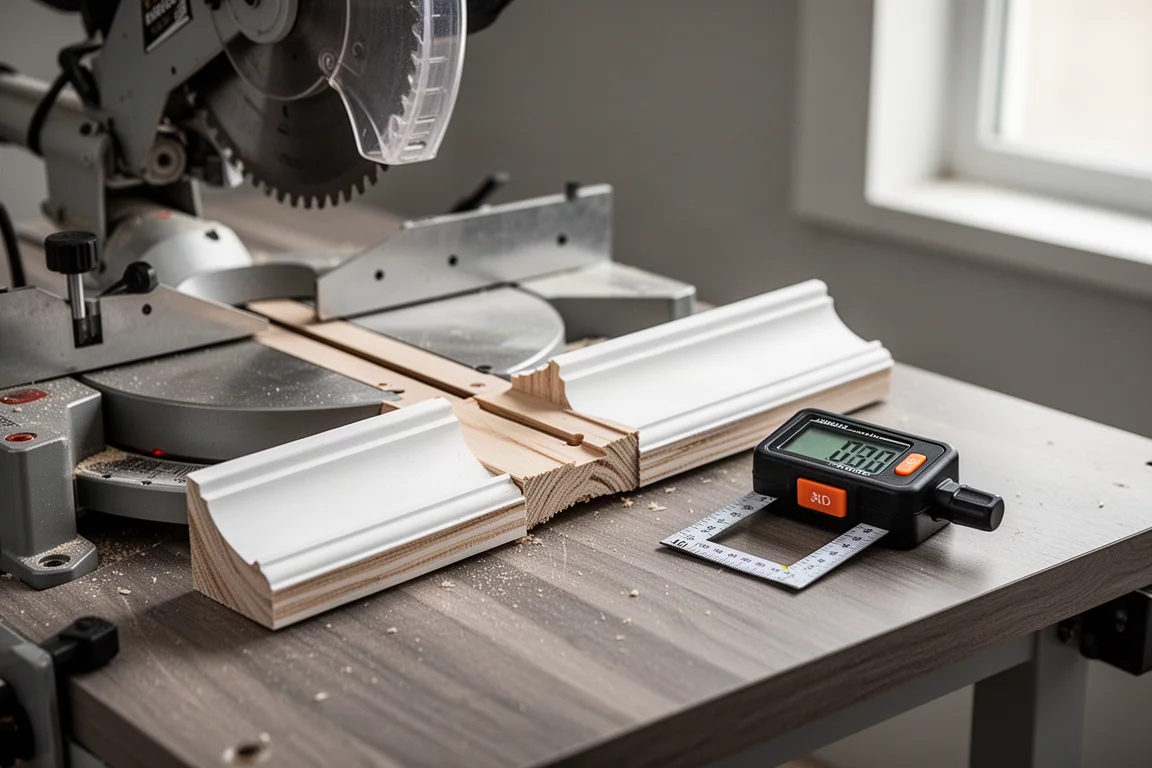
If you want one tool that handles the basics with the least friction and adds useful extras on top, the 935DL is the strongest all-around choice here.
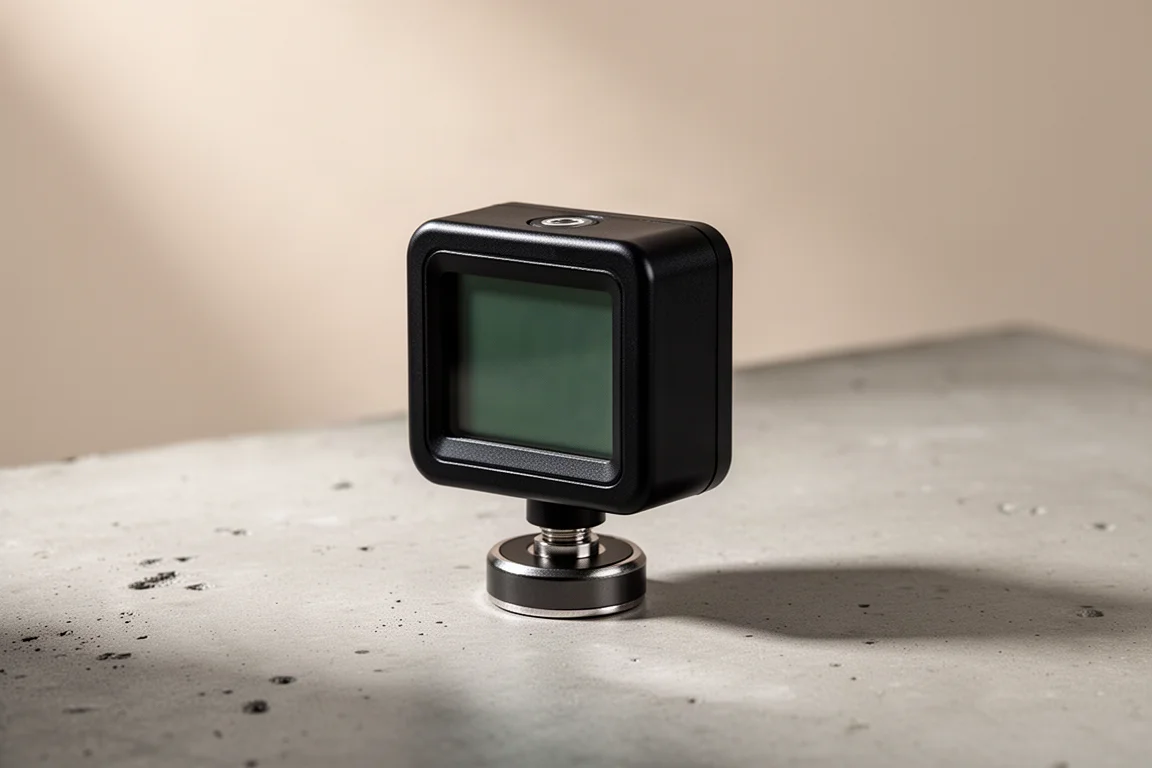
Klein 935DAG: Rulers That Double as a Straightedge
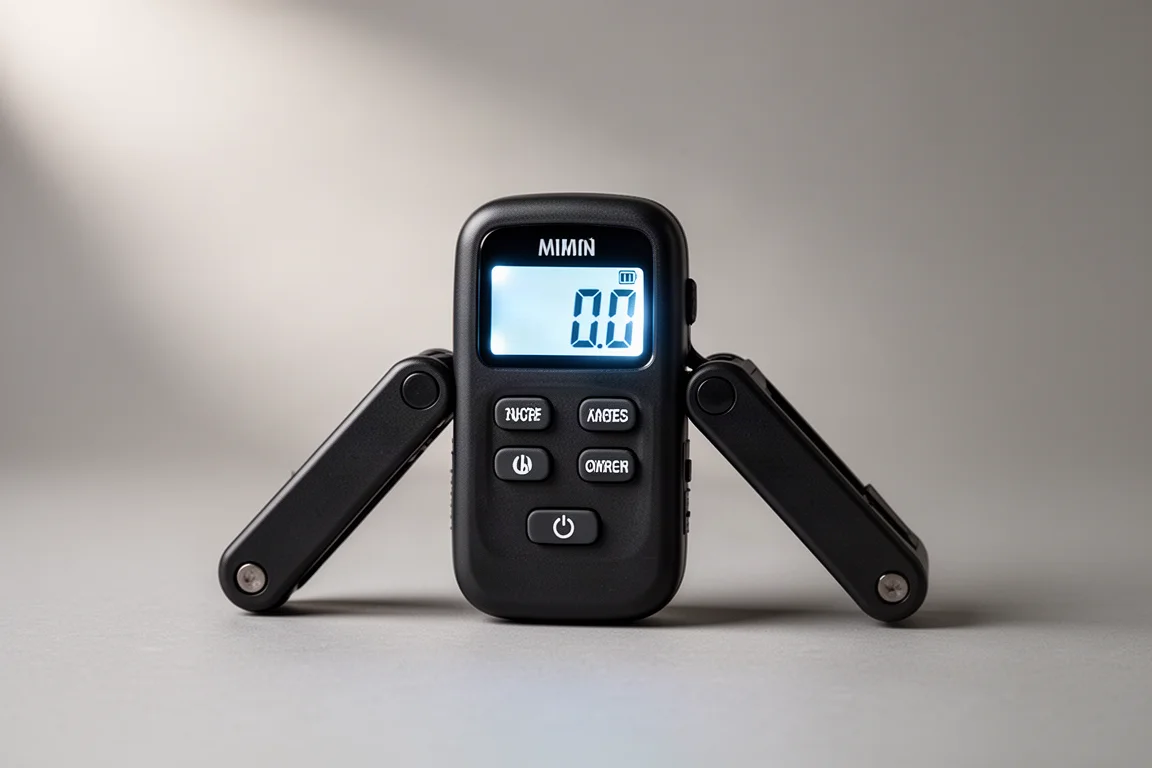
The 935DAG, or digital angle finder, uses the same core concept as the 935DL but with the measuring mechanism inset into two metal rulers. That gives you essentially a straightedge built into the tool, which is handy for extending your reference surfaces along longer boards.
Operation is identical in spirit: press the hold button to lock a reading, and hold the button down to toggle to the supplementary angle when you need the complementary measurement. It is a fast, simple, battery-powered tool with very good build quality.
Johnson Digital Angle Finder: Classic Layout, Modern Readout
The Johnson version takes a different visual approach, with a display and layout reminiscent of the old manual angle gauges that these digital tools descend from. You set the arms to copy an angle, just like the vintage originals, and then get a digital readout instead of eyeballing a scale.
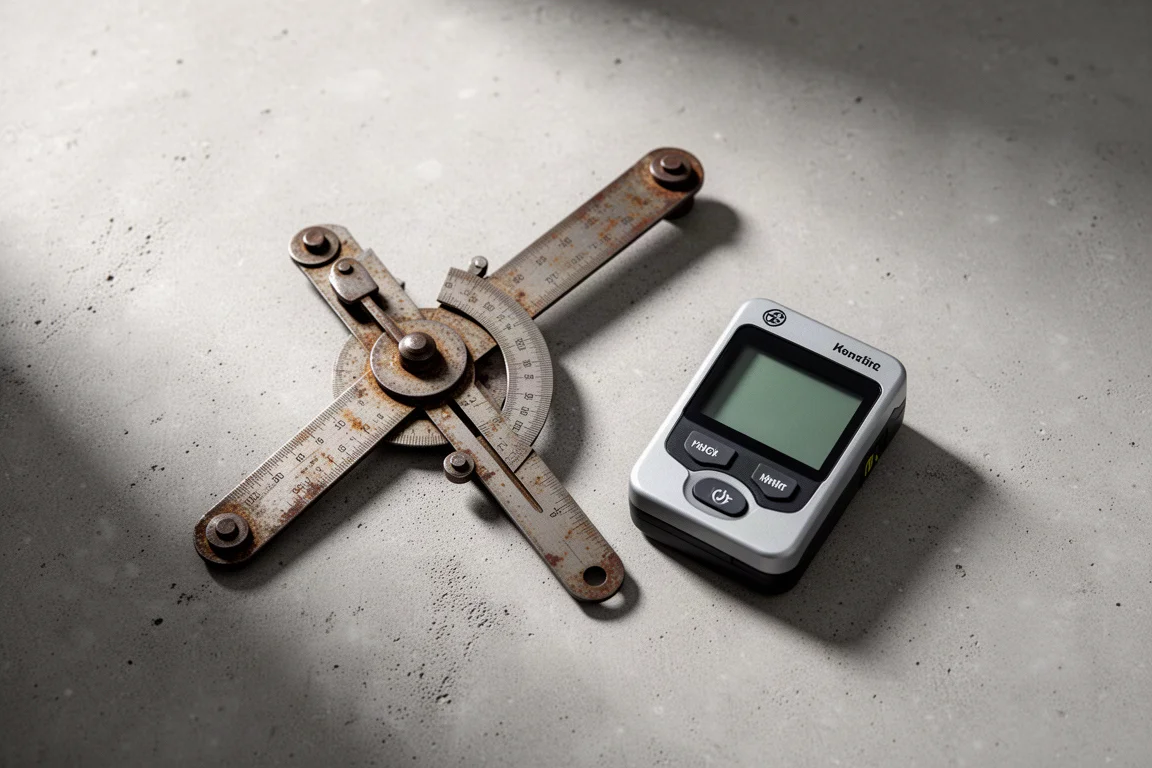
It is a decent tool, a little more basic in feel than the Klein models, but it repeats the same useful functions: hold to lock a reading, and a toggle to flip to the supplementary angle. If you like the familiar ergonomics of a traditional angle gauge but want a digital display, this is the one that bridges the two.
Husky Digital Angle Finder: The Simple Budget Pick
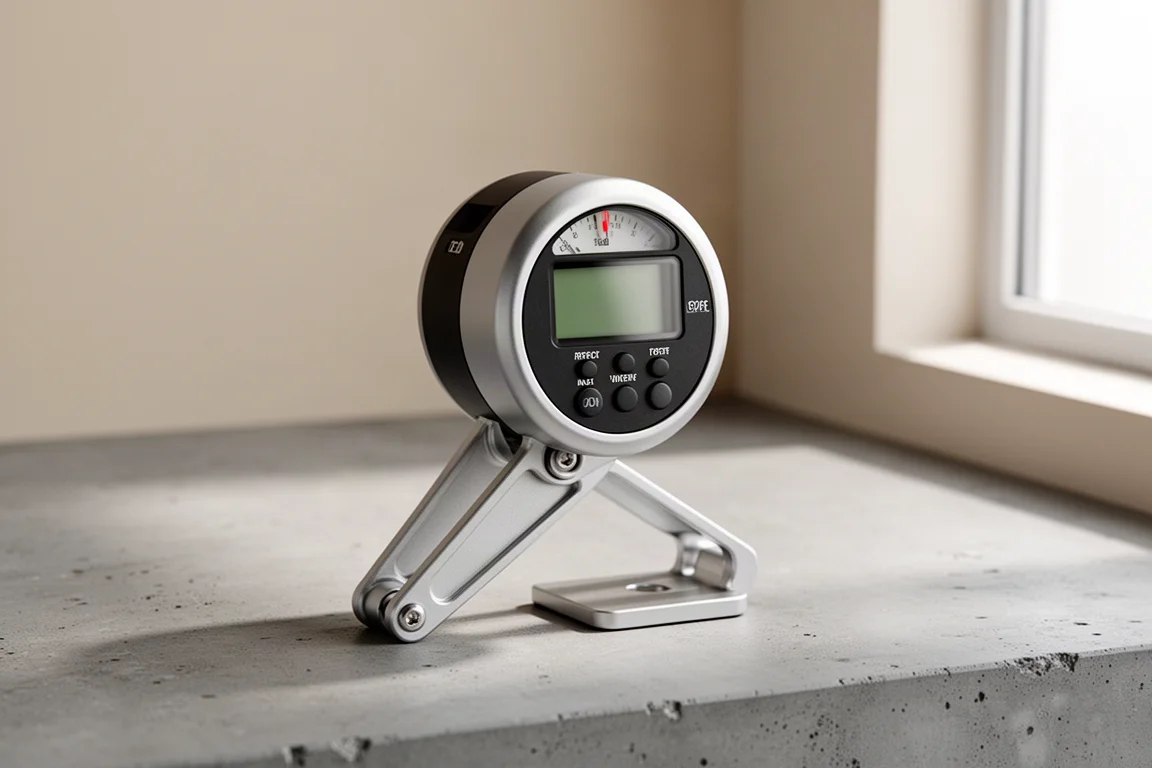
The Husky version is the most stripped-down of the group: real simple, inexpensive, but genuinely handy. It covers the same essentials, including a lock function to keep your reading in place.
Like all of the tools here, it has a control for a snug set screw at the pivot, so you can tension the arms to hold a setting firmly while you transfer the angle. At the budget end, this is a perfectly serviceable entry point if you only need the basics occasionally.
Which One Should You Buy?
Across the board, the Klein models earn the nod for ease of reading, especially in low light, and for having the most features. The 935DL is the standout pick overall, while the 935DAG adds metal rulers that double as a straightedge. The Johnson suits anyone who prefers the classic gauge layout, and the Husky covers the basics at a budget price.
One thing to keep in mind: these tools work best for medium to large angles. If you regularly work with really small objects, you will need a protractor of an appropriate size. And as a bonus, you can even use one as a clinometer if the need arises.
Conclusion
Any of these four will do the core job well, since the underlying design is simple and proven. The Klein models lead on display clarity, refinement, and features, the Johnson offers a familiar classic feel with a digital readout, and the Husky keeps things cheap and cheerful. Pick based on how often you will use it and how much you value the miter-cut feature and readability in the dark.
Further reading
Related Reviews
Measuring Tools
Starrett Combination Square Set Review: Precision Measuring Worth the Price
A four-piece combination square set with an engraved blade, three interchangeable heads, and build quality that holds up in demanding shop environments.
Measuring Tools
Welding Stop Dial Caliper Review: A Manual Measuring Tool Built to Last
A shockproof dial caliper with a full hard case, solid build quality, and a 12-month warranty. Here is what stood out during first use, plus what to watch over time.

Backpacking Gear
Building a 10 lb Base Weight: An Ultralight Backpacking Gear List
A practical walkthrough of the ultralight pieces behind a 10 lb base weight, from a 765 g pack and a roomy one-person tent to a full camp chair and a dependable water filter.