Car Diagnostics
Best Budget OBD2 Code Scanners: Nine Handheld Scanners Compared
Nine affordable OBD2 code readers tested for boot time, code retrieval speed, menu depth, and display clarity. Here is how the Leikulu, Launch Creader, Autel, Moto Power, Ancel, and Foxwell models stack up.
Introduction
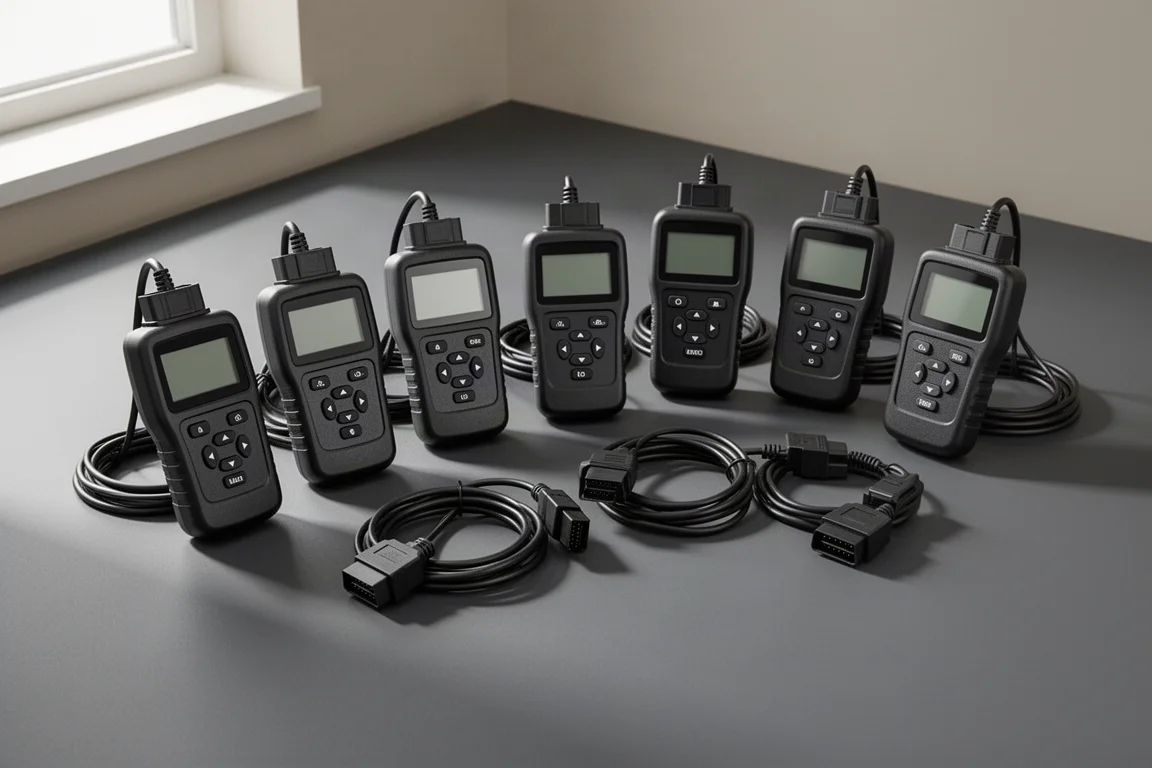
Sooner or later, every vehicle owner meets the check engine light. The good news is that you do not need an expensive professional scan tool to find out what is wrong. A growing range of handheld OBD2 code readers priced between roughly $15 and $63 can pull trouble codes, clear them, and even show live sensor data.
The catch is that not all budget scanners are equal. Some boot up in two seconds and retrieve codes with a single button press. Others lag badly, bury basic functions behind long menu chains, or simply fail to communicate with the vehicle at all. This comparison covers nine popular handheld scanners, from the $15 Leikulu up to the $63 Foxwell NT301.
How We Tested
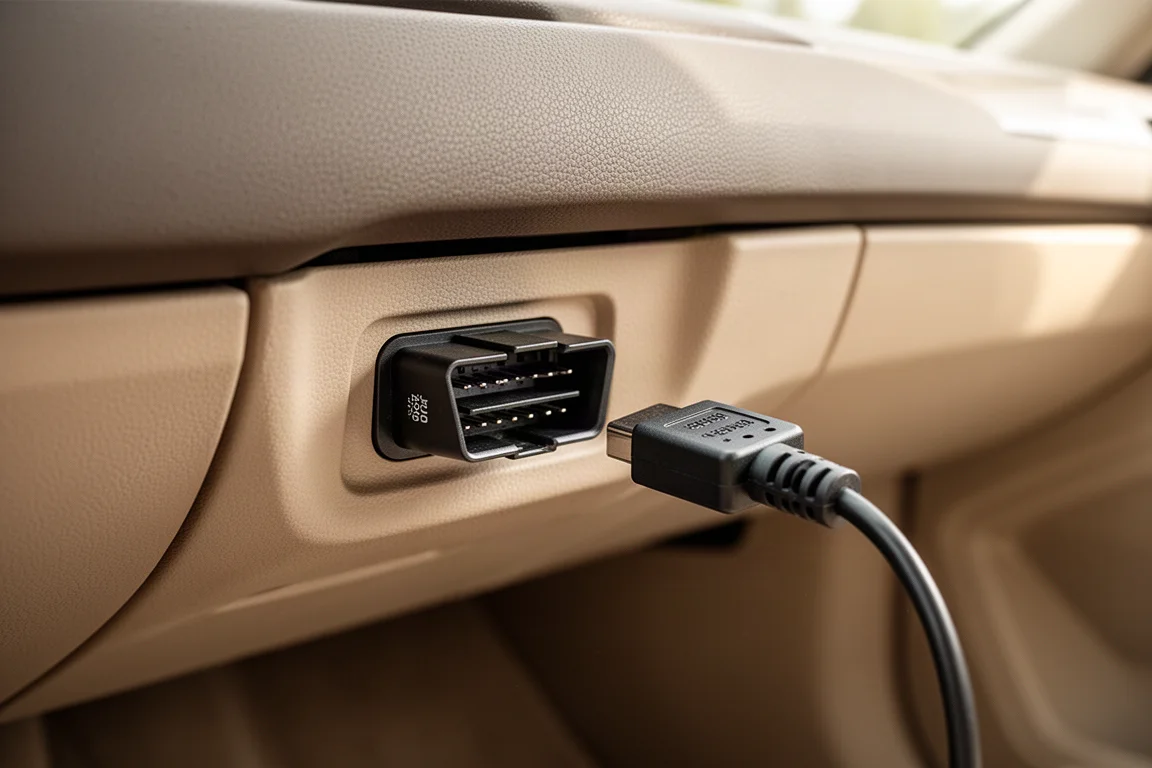
Each scanner was plugged into the OBD2 port, typically located under the kick panel or near the center console, with the ignition on but the engine off. We measured boot time, how long it took to retrieve trouble codes, how many button presses were needed to reach key functions, and how readable each display is in direct sunlight.
Testing was done across multiple vehicles, including a 2003 Chevrolet Suburban, a 2008 Honda Civic, and a 2022 Toyota 4Runner. That mix matters: some scanners only found engine codes, while others could also dig out transmission fault codes. Freeze frame data, I/M readiness screens, and live data streaming were also compared.
Budget Pick Under $20: Leikulu
At $15, the Leikulu is the least expensive scanner in this lineup, and it behaves like a proper plug-and-play code reader. It boots in about 4 seconds and retrieved codes in roughly 1.4 seconds, which is genuinely quick. It can clear codes and retrieve the vehicle identification number, and the large OBD connector is easy to handle.
It took three button presses to display the codes, and it missed the transmission fault code on the Honda Civic, finding only the engine code. The display is one of the easier ones to read in direct sunlight, which is a real advantage for roadside use. For basic read-and-clear duty, it delivers exactly what a $15 tool should.
The $20 Contenders: Launch Creader and Autel
Launch Creader
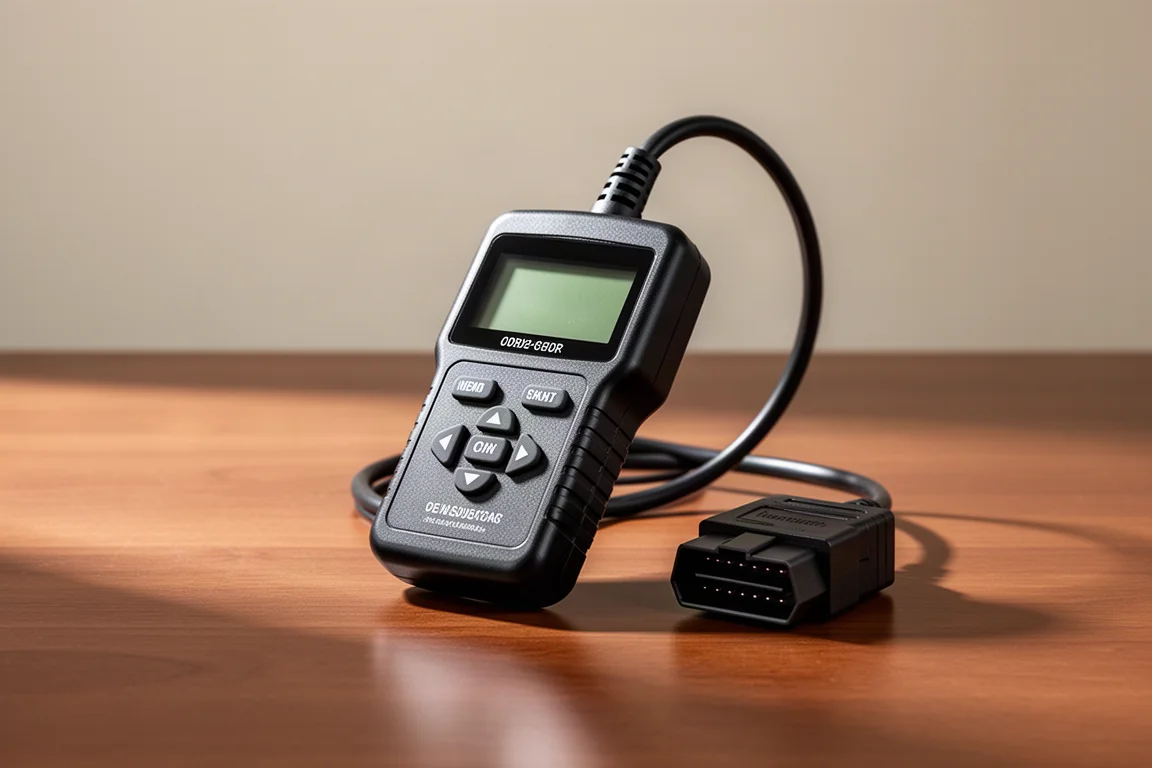
The Launch Creader claims a lot for $20: live data, oxygen sensor and EVAP system tests, and the ability to turn off the malfunction indicator light, all for vehicles from 1996 onward. In practice, it was the problem child of this comparison. It failed to launch and retrieve codes on one test vehicle across five attempts, and it could not find the Civic’s transmission code either.
Its screen also struggles badly in sunlight, with too little contrast and backlight to read outdoors. The connector does not offer much grip either. Unless you find it at a steep discount, the competition at this price is far more reliable.
Autel OBD2 Scanner
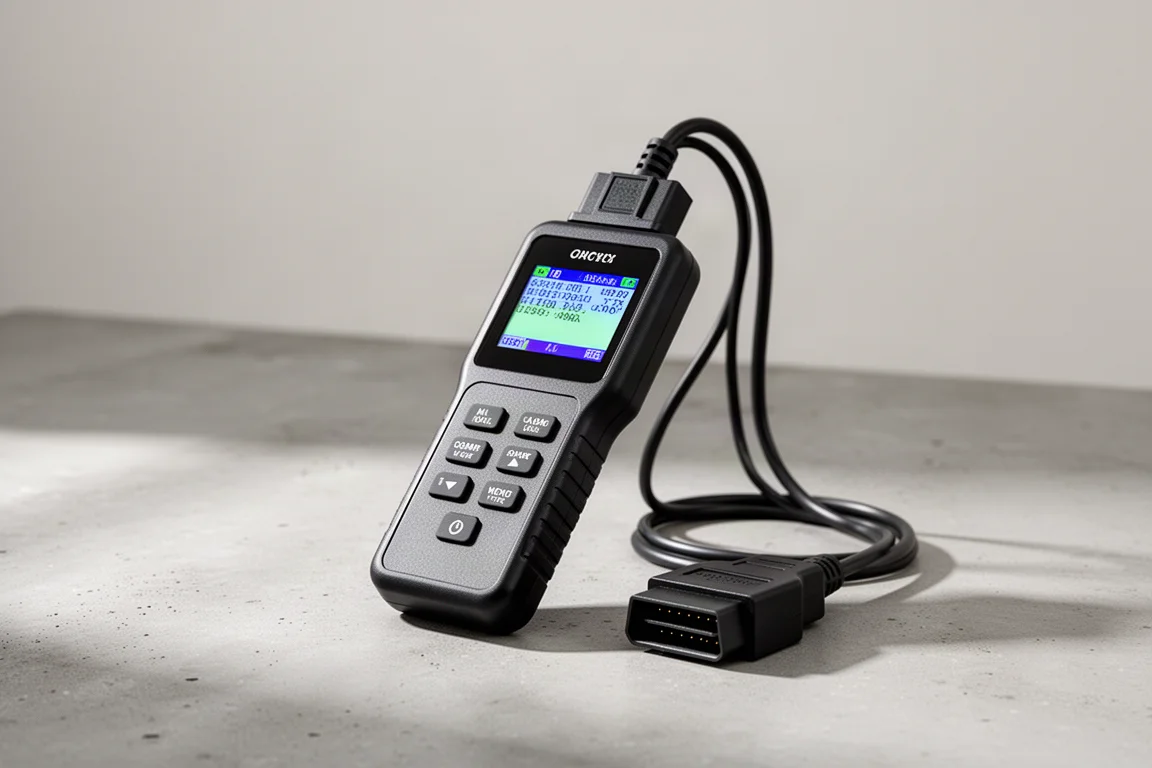
The other $20 option, from Autel, had a much better showing. It took about 6.3 seconds to get ready to work, slightly slow, but retrieved codes in 1.8 seconds after a scan. It pulls generic P0, P2, P3, and U0 codes, and it was the first scanner in the lineup to successfully locate the Honda Civic’s transmission fault code, though reaching both codes requires quite a bit of menu navigation.
The connector is easy to grip, and the font size remains readable on a bright sunny day, if a little small. It cannot look up trouble code definitions on the device, but as a reliable $20 code reader, it is a solid choice.
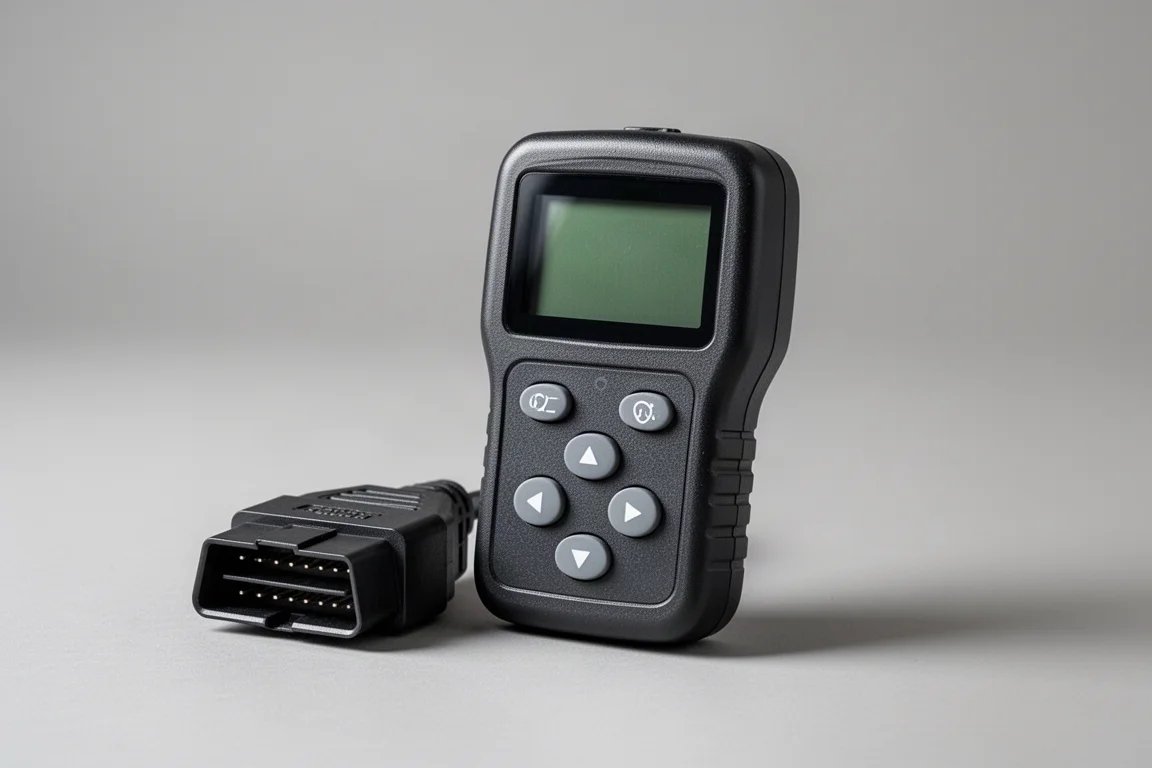
Best Value Around $23: Moto Power
The $23 Moto Power is one of the most pleasant surprises here. It came to life in about 2.5 seconds, and its dedicated diagnostic trouble code hot key put the codes on screen in 1.3 seconds after just one button press, the fastest one-press code retrieval of the group.
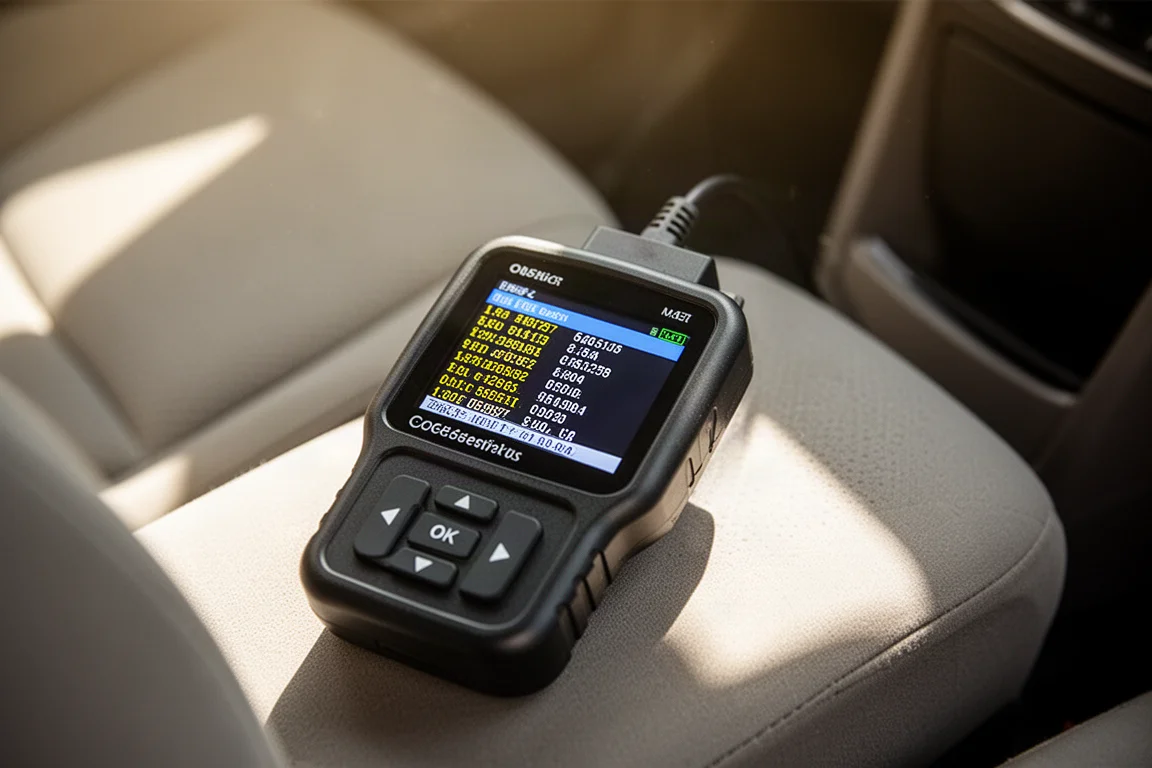
Its LCD with white backlight and contrast adjustment is also very easy to read in direct sunlight, and it has one of the larger screens at 3.29 square inches. Like several others, it missed the Civic’s transmission code, and the on-device code lookup list is functional though basic. For mostly reading codes and turning off the check engine light, it is hard to beat at this price.
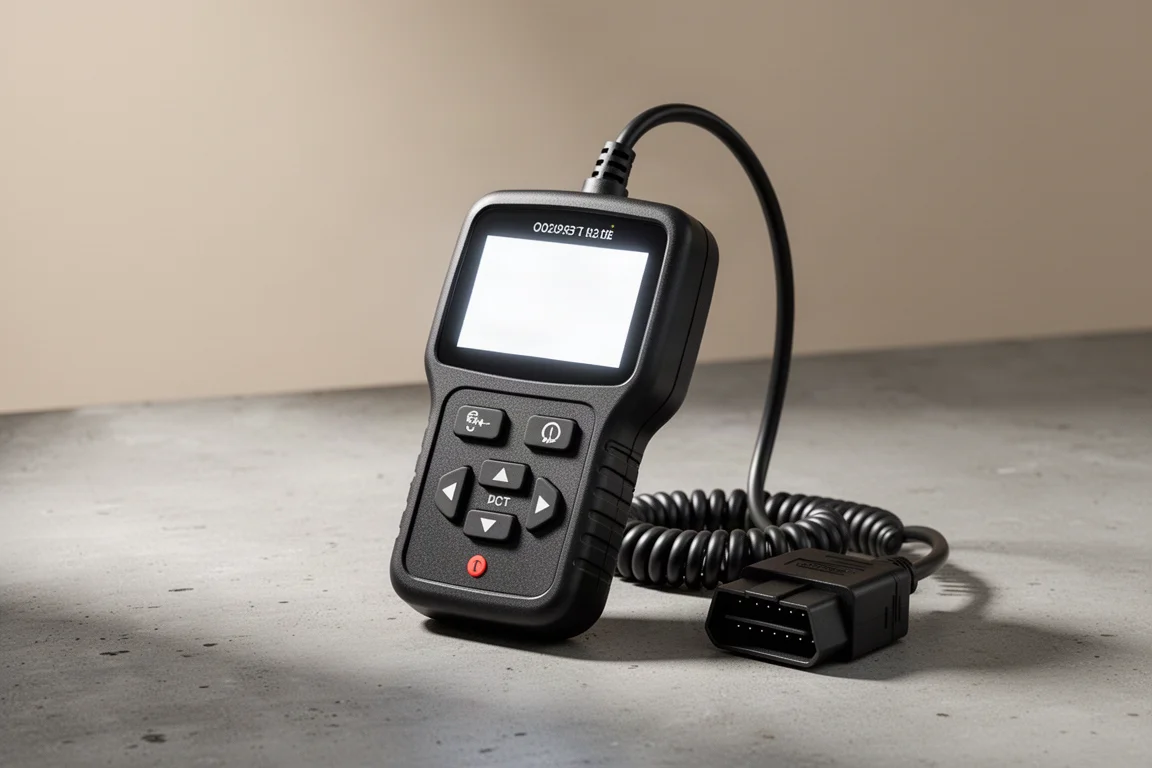
Popular Choice: Ancel 310
The Ancel 310 is extremely popular, with roughly 20,000 units sold every 30 days, and it promises to be accurate, fast, and easy to use. It reads and clears codes, shows live data, and offers hard memory data. On the Civic, it successfully located both the engine and transmission trouble codes, which only a minority of the scanners managed.
The trade-off is speed and responsiveness. It took nearly 5.3 seconds to power up and almost 20 seconds to retrieve codes, the slowest code retrieval of the group, plus four button presses to display them. Scrolling also lags noticeably. The on-device code lookup works but is less user-friendly than rivals. If you value its extra capability over raw speed, it remains a reasonable pick.
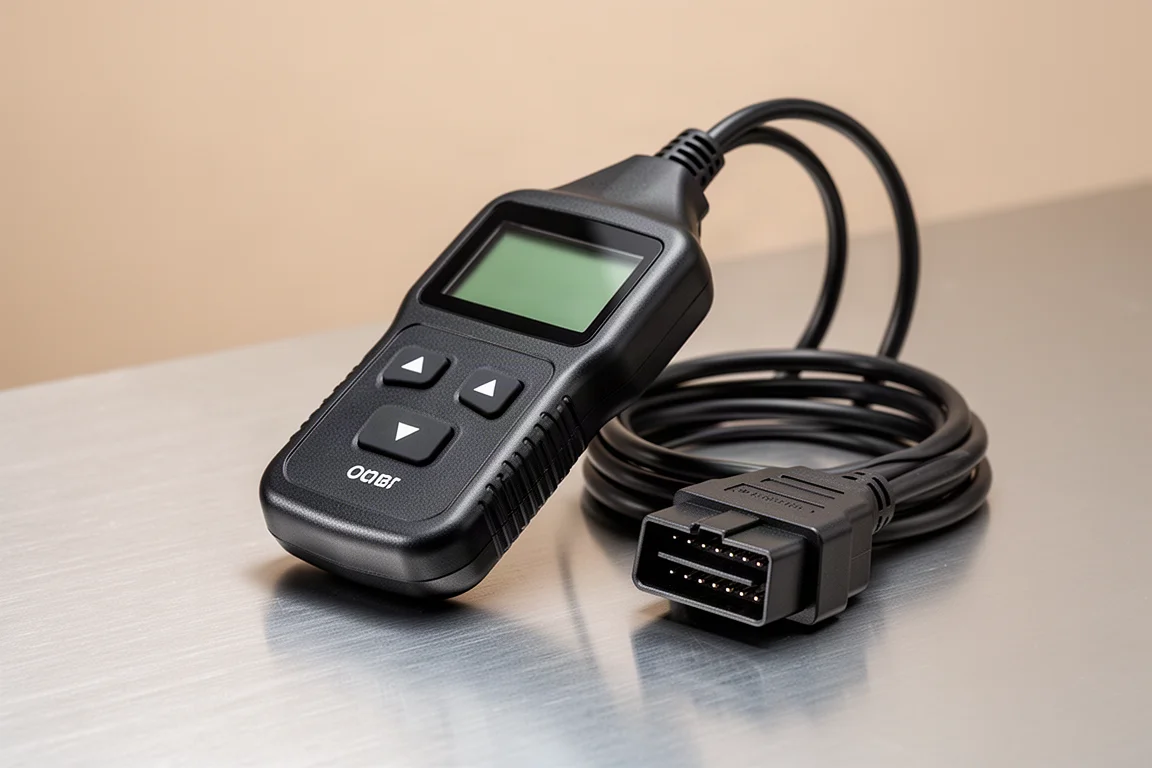
Mid-Tier Picks: Foxwell NT201 and Autel OM126P
Foxwell NT201
At $36, the Foxwell NT201 claims to be the easiest in the industry, with complete OBD-II support, CAN capability, a full live data stream, and on-screen code definitions. It found both the engine and transmission codes on the Civic, and it can store existing trouble codes for future reference, which partly explains its longer 7.5 second code retrieval and five button presses to display them.
Its biggest weakness is screen visibility. Like the Launch Creader, it is very difficult to read in direct sunlight, and launching live data took a sluggish 32 seconds, though scrolling once loaded is lag-free. The code lookup function provides solid information, input one key at a time.
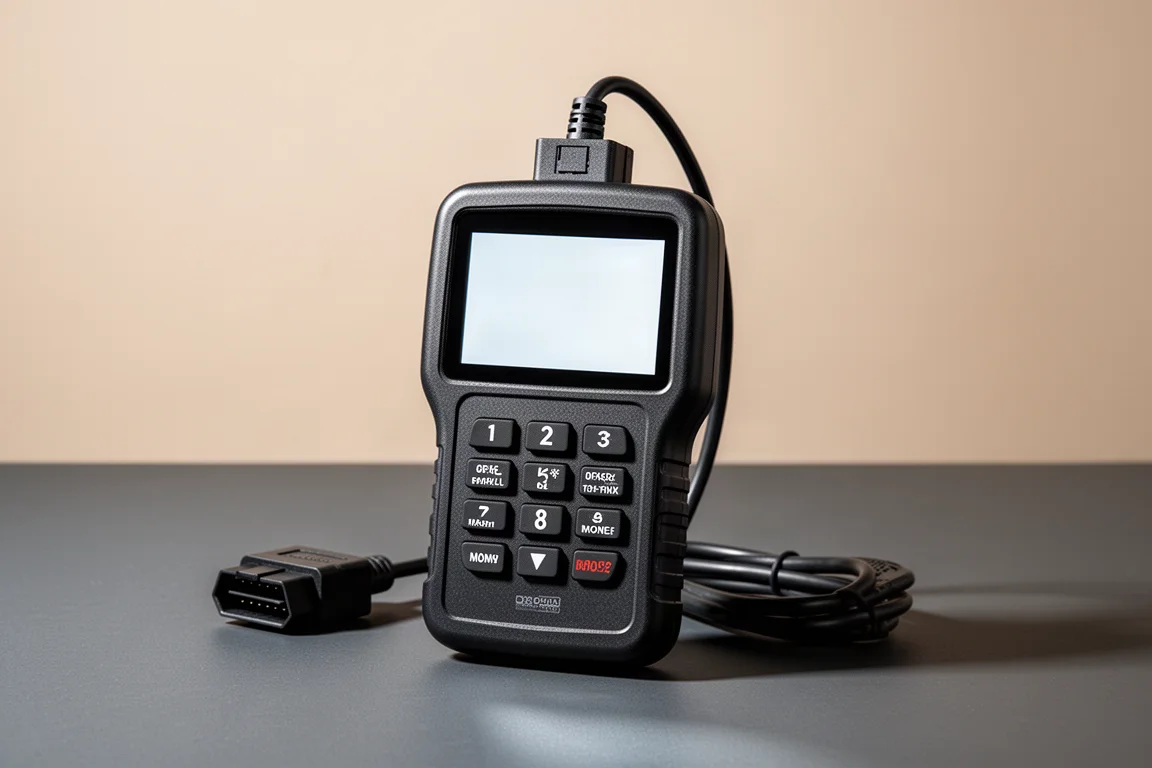
Autel OM126P
The $40 Autel OM126P was the most efficient performer in the group. It was ready for action in just 2 seconds, and its trouble code hot key put codes on screen in only 1 second after a single button press. It retrieves generic P0, P2, P3, and U0 codes, reads live data, and can pull the VIN.
Freeze frame data arrived in 1.4 seconds, though eight button engagements start that process, and the display spells everything out rather than using cryptic acronyms, with three data points per screen. It located both Civic codes quickly, streams live data in 5.8 seconds with no noticeable lag, and supports oxygen sensor testing and graphing. It can be updated online with a Windows PC, a genuine advantage over several rivals. The screen backlight, however, is not bright enough for sunny days.
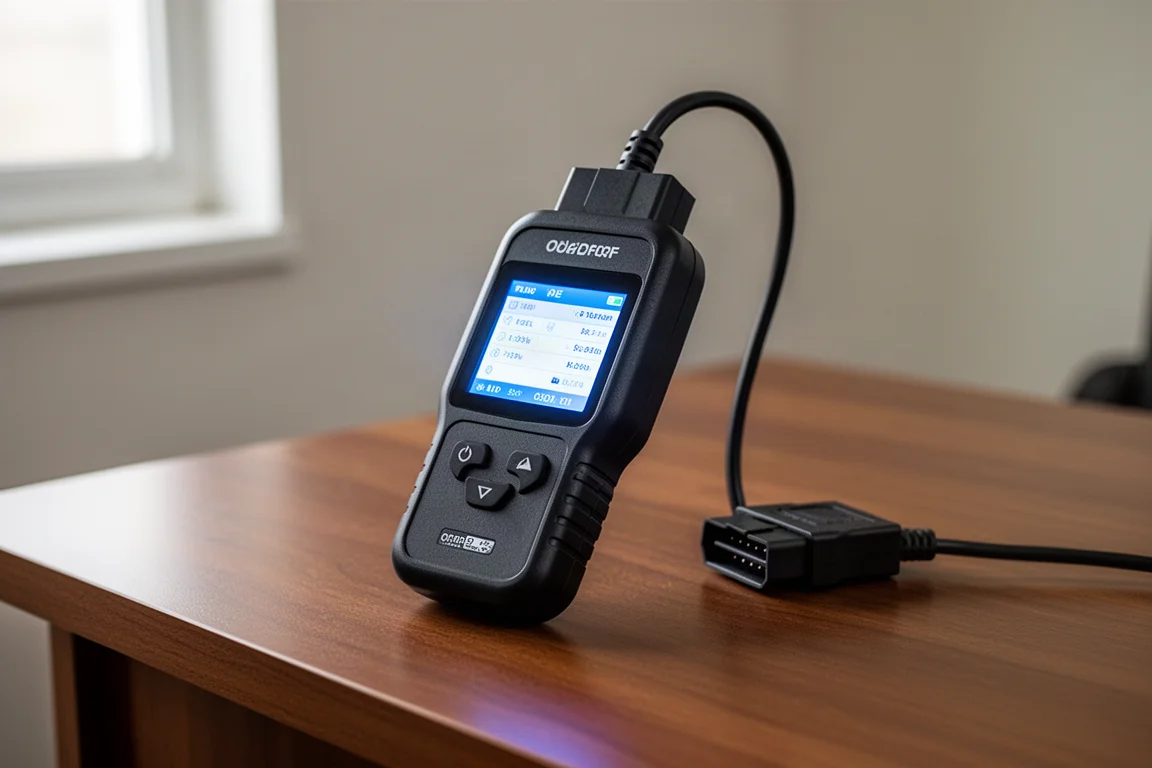
Upper Mid-Range: Ancel AD410
The $40 Ancel AD410 reads and clears stored emissions codes and pending codes, displays code definitions, and includes an O2 sensor test for monitoring the air-fuel mixture, all on a QVGA display with a new user interface. Ancel claims it is so easy to use that you will not need the manual.
It was ready in 2 seconds, matching the OM126P, and it processed information faster than anything else here, retrieving codes in just over half a second. Without a hot key, it took three button presses to show them, and it located both Civic codes with some menu navigation. The I/M readiness screen mirrors the OM126P’s clean one-screen layout. Live data pulls in 5.8 seconds with responsive software, and graphing is supported. On the downside, no update software is available, so what ships is what you keep.
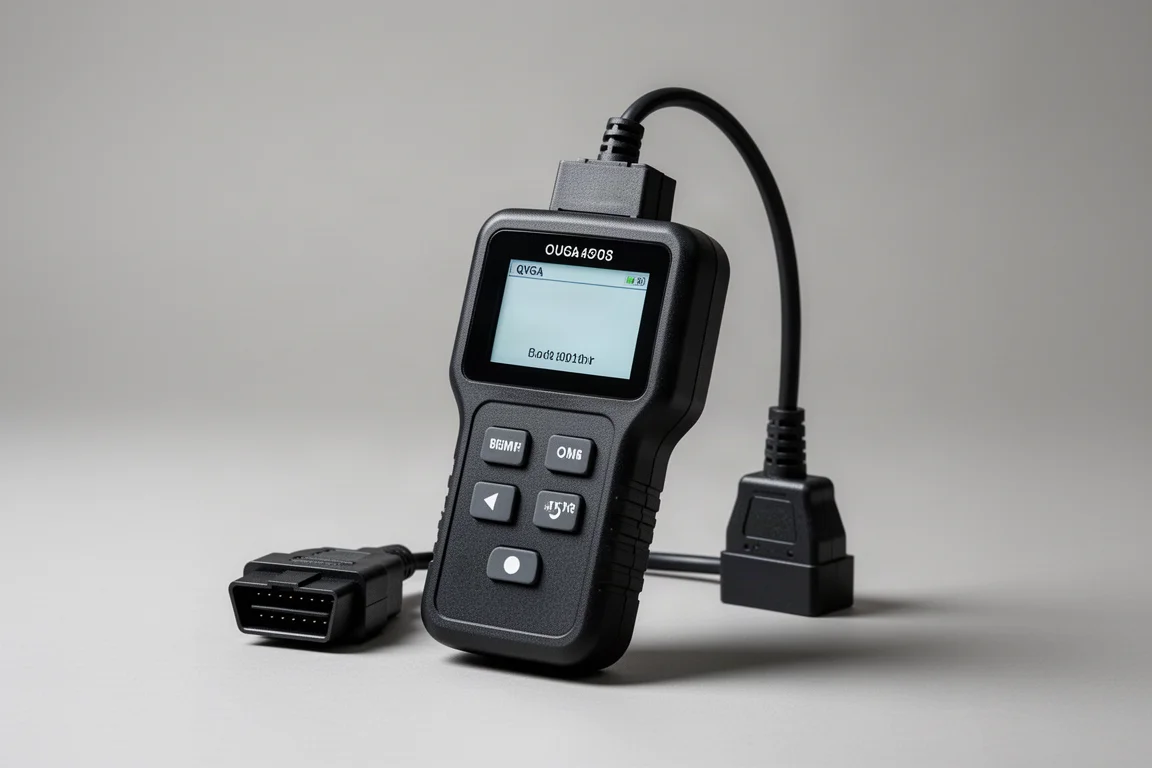
The Feature-Rich Option: Foxwell NT301
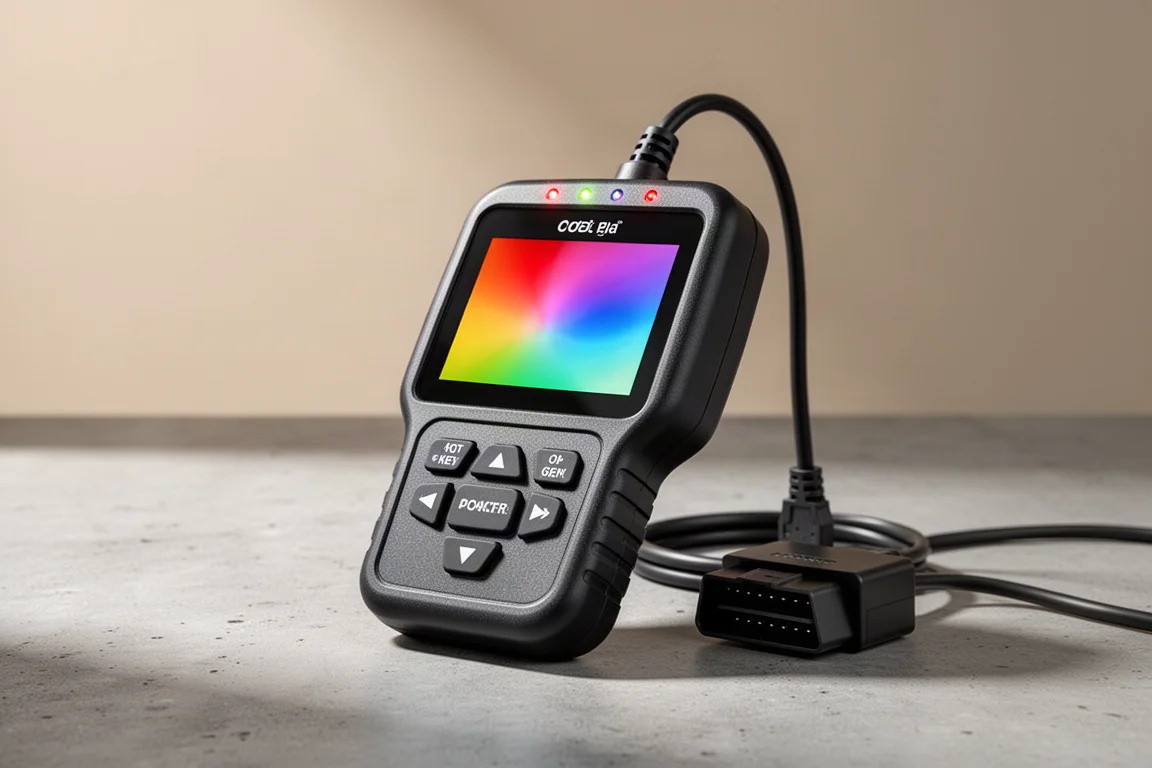
At $63, the Foxwell NT301 is the most expensive scanner here, and it earns that premium with extra capability. It has hot keys for reading and erasing codes and I/M readiness, red, yellow, and green LEDs with a built-in speaker for emissions monitor status, and the ability to catch intermittent problems and confirm repairs during a drive cycle.
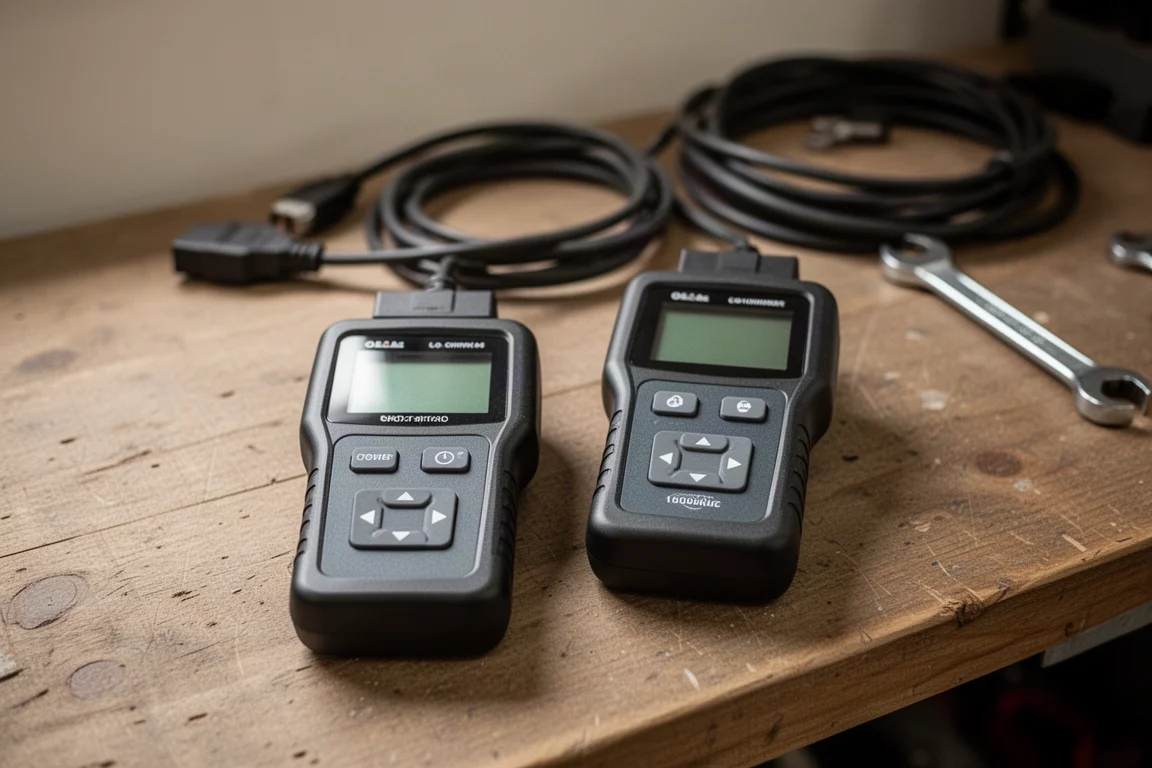
It has the largest display at nearly 4 square inches, and its code lookup is the only one that also suggests possible causes for a trouble code, genuinely useful information. The trade-offs are speed and ergonomics: it boots in 4.3 seconds, retrieves codes in another 7.3 seconds, and needs five button presses to display them. I/M readiness is hot-keyed but takes just over 10 seconds. It found both Civic codes after some menu work, and both Foxwell models already carried the latest firmware, updatable via a Windows PC in about five minutes.
Which OBD2 Scanner Should You Buy
If you mainly want to read trouble codes and turn off the check engine light, the Moto Power and the Ancel 310 around $23 are the strongest starting points, with the Moto Power edging ahead thanks to its hot key, quick processing, and sunlight-friendly screen.
If you want to actually begin troubleshooting, the four most expensive models offer the most capability. The Autel OM126P stands out for speed and online updatability, and the Ancel AD410 is very similar but lacks the hot key and update path. The Foxwell NT301 is slower overall, but it is the only scanner here that suggests possible causes for trouble codes, which is worth real money if you plan to diagnose rather than just reset.
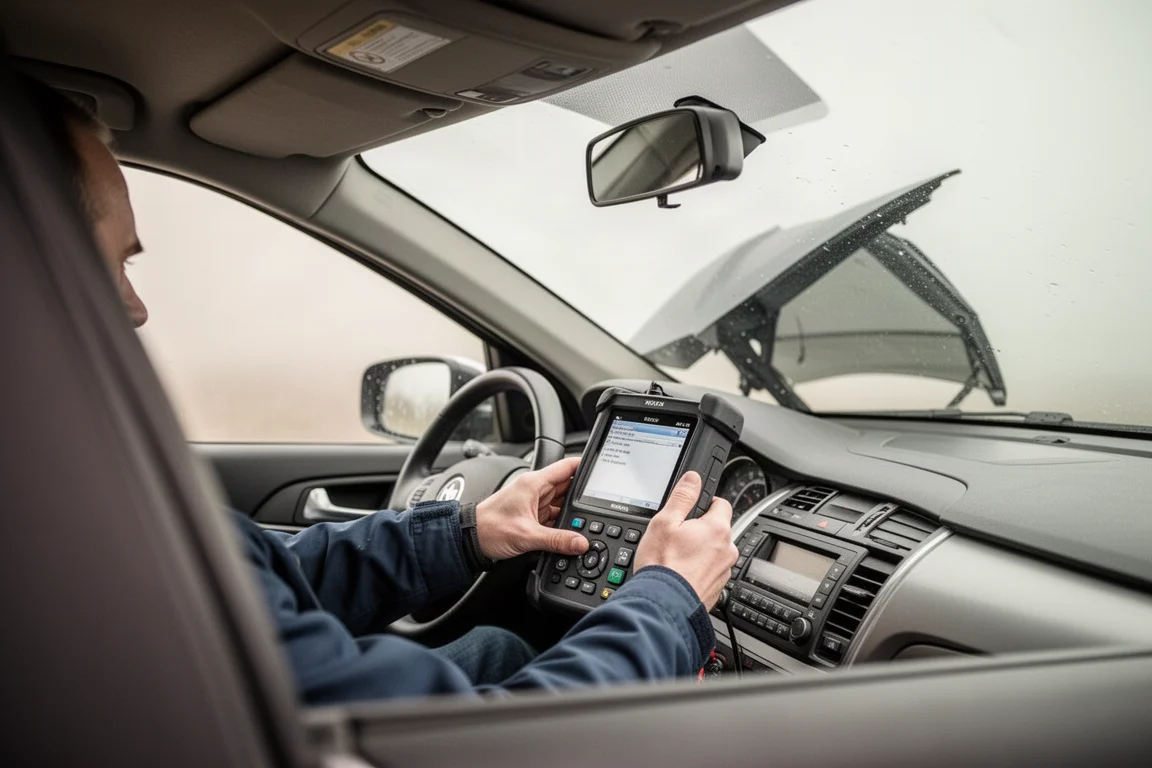
A quick checklist before buying: decide whether you need transmission code coverage, live data, oxygen sensor tests, or graphing; check how many button presses the menus require; and consider whether you will use the scanner outdoors, where screen brightness makes a surprising difference. Also remember that a scan tool only works with the ignition on and the engine off.
Conclusion
More expensive does not automatically mean better in the budget scanner world, but it usually means more capable. The Leikulu proves a $15 tool can handle basic duty, the Moto Power is the efficiency bargain of the group, and the Autel OM126P and Ancel AD410 deliver the best balance of speed and features. The Foxwell NT301 rounds out the lineup for buyers who want the deepest diagnostic information. Pick based on the capability you actually need, and any of these will make the check engine light far less mysterious.
Further reading
Related Reviews
Car Diagnostics
Gulu DS200 OBD2 Scanner Review: A Deep Scan Tool That Pays for Itself
A Bluetooth OBD2 scanning tool with bidirectional control, full system diagnostics, and broad vehicle coverage that makes a strong case for DIY owners of older cars.
Car Diagnostics
Topdon TopScan Review: Bi-Directional Diagnostics for Under $70
A compact Bluetooth OBD2 scanner that delivers bi-directional control, live data streaming, and maintenance resets at a price that undercuts far pricier tools.
Car Diagnostics
XTOOL Advancer AD8010 Review: A Compact Bluetooth OBD2 Scanner That Punches Above Its Price
A small Bluetooth OBD2 scanner with diagnostics, live data, a dashboard mode, and a phone-based HUD, offered at a budget price.