Portable DACs
AudioQuest Dragonfly Copper Review: A New Flagship USB DAC for Headphones and Desks
A practical look at AudioQuest's new flagship dongle DAC, what it adds over earlier Dragonfly models, and how it compares with the Dragonfly Cobalt.
Introduction
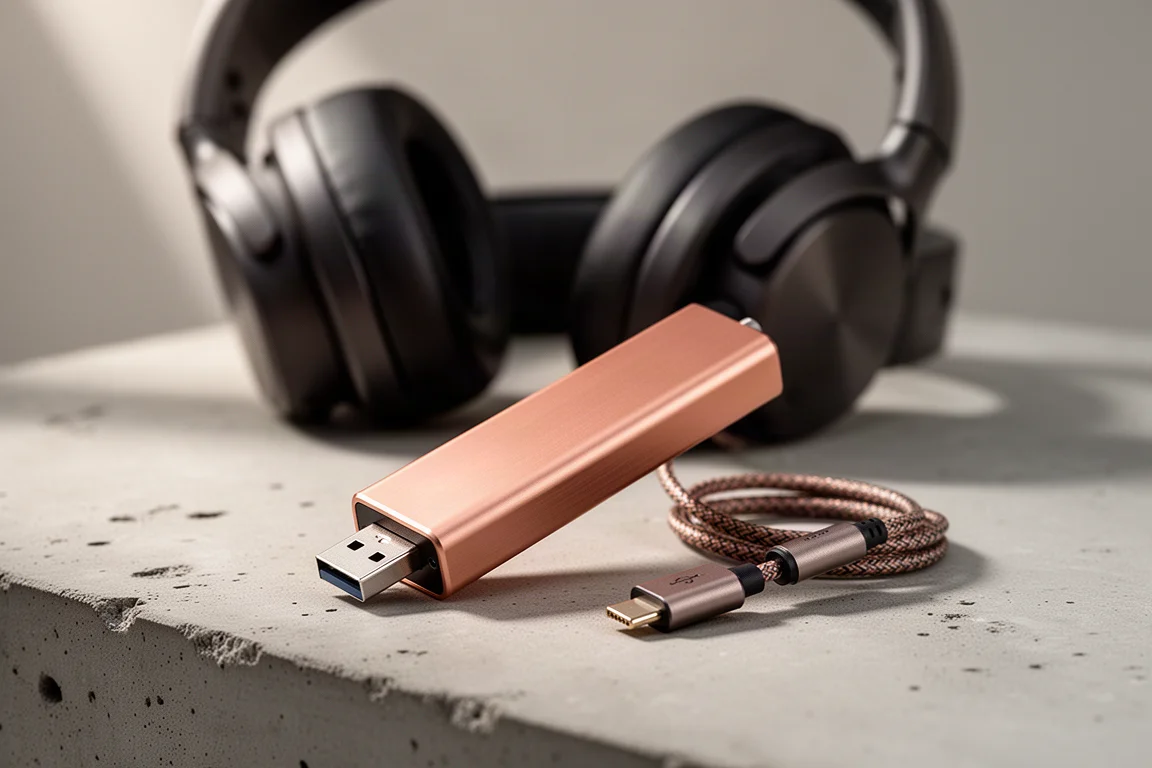
The AudioQuest Dragonfly Copper is the first new flagship dongle DAC from AudioQuest in more than seven years. It arrives in a category the Dragonfly line helped create, and in a market that looks very different from the one the Cobalt entered in 2019, with many more portable DACs now competing for the same pocket. AudioQuest is betting that sound quality, simplicity, and the Dragonfly pedigree still matter, and the Copper launches at $250, which is $50 less than the Cobalt’s original launch price.
What the Dragonfly Copper Actually Does
The Copper is a USB DAC, a preamp, and a headphone amp in a package about the size of a flash drive. Plug it into a laptop or a phone and it takes over digital to analog conversion from the basic audio hardware inside that device, while adding real amplification for a good pair of headphones.
It connects through USB-A, and a DragonTail USB-C adapter is included for phones, tablets, and laptops. There is no battery and no power brick. The Copper draws its power from the USB connection itself and uses about 25% less power than the Cobalt, so it will not drain a phone battery as quickly.
The copper-plated case is not purely cosmetic. AudioQuest says copper helps drain RF noise away from the signal path better than the materials used on previous Dragonfly models.
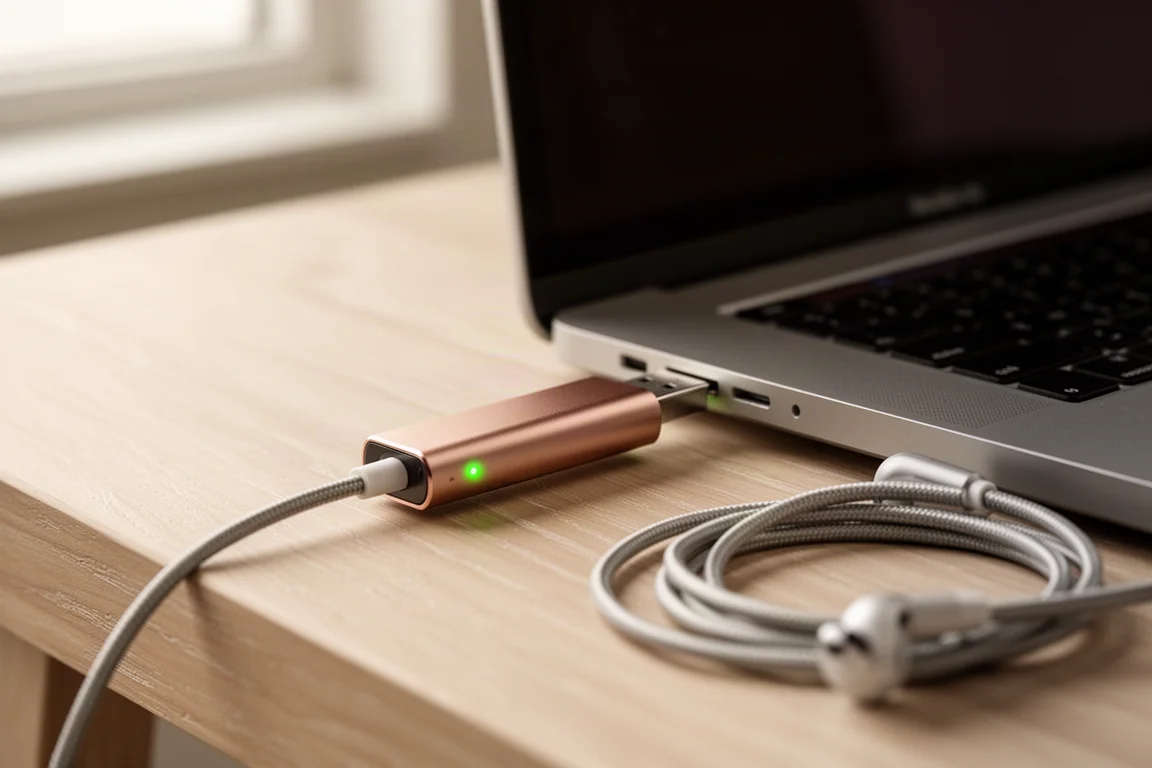
Inside, a new ESS Sabre ES9218 chip handles both digital to analog conversion and headphone amplification. Output reaches 2.1 volts, enough to drive a wide range of headphones and enough to feed powered speakers or an integrated amplifier. The Copper also delivers twice the headphone power of any earlier Dragonfly and is the quietest model AudioQuest has built.
The logo on the front changes color to show the incoming sample rate, so you can see what the Copper is actually receiving instead of relying on what a playback app reports. Red means standby, green is 44.1 kHz, blue is 48 kHz, yellow is 88.2 kHz, and light blue is 96 kHz.
Who This DAC Is For
On a flight or at a coffee shop, the Copper turns a phone and a decent pair of headphones into a legitimate portable hi-fi setup. At a desk, it can run into powered speakers and bypass the computer’s built-in audio entirely, or connect a laptop to an integrated amplifier and turn that computer into a proper music source.
It also makes sense for anyone who has never owned a Dragonfly, or who is still using an older Black or Red model. The clearest fit is a listener who wants better headphone and two-channel sound without another battery, screen, app, or box to carry around.
Main Strengths: Sound, Power, and Control
The Copper’s extra clarity does not come from pushing the top end forward. Compared with the Cobalt, it sounds a little richer, with more weight behind the bass and the lower mid-range, while individual instruments on dense tracks stay more clearly defined instead of competing for the same space.
The presentation feels wider and more organized, and it is easier to tell where things sit within it. Vocals carry plenty of presence without jumping too far forward, and instruments have more body without making the overall sound feel thick.
The added power is most obvious in the low end. Bass hits harder and starts and stops more cleanly, drums have more punch, and basslines have more definition. Big changes in volume land with more impact than they do on the Cobalt, and it is not simply a matter of loudness. The Copper sounds more confident driving headphones.
Up top, the Copper stays relaxed. There is still plenty of detail, and texture in cymbals and higher frequencies comes through, but nothing is made brighter just to impress. That restraint is what keeps long listening sessions comfortable.
Pull it together and the Copper sounds more refined than the Cobalt rather than radically different. It keeps the smooth, easy-going Dragonfly character while adding power, better definition through the low end, and a bigger, more organized presentation.
Things to Consider Before Buying
The Copper tops out at 24-bit 96 kHz over USB. That ceiling is deliberate. AudioQuest has not treated the Dragonfly as a numbers race, and the priority here is the quality of the conversion and the analog output rather than the highest possible sample rate.
If you already own a Cobalt, the Copper does not make it obsolete. The Cobalt remains a very good DAC, and whether the Copper is worth replacing it depends on your headphones and how often you listen.
Compatibility is broad. Windows, Mac, iOS, and Android all work without special drivers, and the Copper can be used with an existing AudioQuest JitterBug USB noise filter.
Setup Tips for Windows, Mac, and Phones
A few settings make a real difference when the Copper is connected to a computer. On Windows, set the Copper as the output device, turn off sound enhancements and spatial sound, and use exclusive mode with compatible playback software so that Windows is not processing the signal unnecessarily.
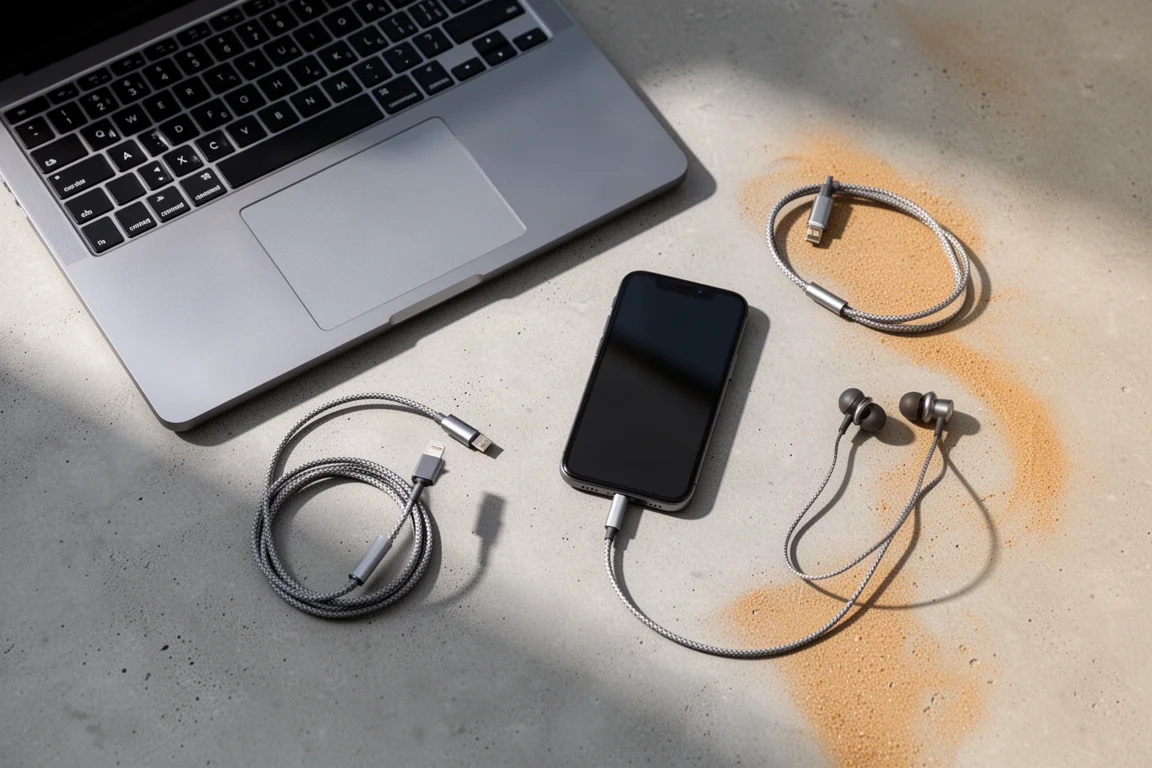
On a Mac, choose the Copper as the output device and use Audio MIDI Setup if you want direct control over the sample rate.
On a phone, lower the volume before the first track starts. The Copper can deliver considerably more output than a phone’s own audio hardware, and hitting play at a high volume setting can be uncomfortably loud and potentially hard on headphones.
How the Copper Compares With the Dragonfly Cobalt
The Dragonfly line goes back to 2012, when the original model helped establish the dongle DAC category. The Black and Red followed in 2016 with phone compatibility, and the Cobalt took the flagship position in 2019. More than 300,000 Dragonflies have shipped since the line began, and every generation, including the Copper, has been designed by Gordon Rankin.
Going back and forth between the Copper and the Cobalt, the Copper comes across as the more complete DAC. It offers more power, better low-end definition, and a larger, better-organized stage while keeping the family’s smooth character. The Cobalt is still very good, and the differences here are refinements rather than a change of direction.
For someone coming from an older Dragonfly Black or Red, or buying into the line for the first time, the Copper is the easier recommendation. For an existing Cobalt owner, the decision comes down to the headphones in use and how often the DAC gets used.
Buying Advice
At $250, the Copper makes the most sense for a listener who wants good headphone and two-channel sound without another battery, screen, app, or box to carry around. Plug it in, select it as the audio output, and you are essentially done.

The value proposition is helped by the fact that AudioQuest made its new flagship more powerful and quieter than the previous one while launching it for $50 less than the Cobalt’s original price. If you are stepping up from an older Dragonfly, or trying a dongle DAC for the first time, the Copper is a straightforward choice. If you already own a Cobalt, weigh whether the extra power and low-end definition matter for your headphones before replacing it.
Conclusion
The AudioQuest Dragonfly Copper keeps what has made the Dragonfly line last: a simple, driver-free device that improves the sound of whatever it is plugged into. It adds real headphone power, a quieter signal path, and a more organized presentation than the Cobalt, and it does so at a lower launch price than its predecessor. For anyone who wants a portable, battery-free upgrade to a laptop or phone’s audio, it is an easy product to recommend.
Product link
View more details for AudioQuest Dragonfly Copper
This product is mentioned in the review. Check the specifications, options, and compatibility before buying.
View more details for AudioQuest Dragonfly CopperFurther reading
Related Reviews
Phono Preamps
Ampapa A1 Review: A $130 Tube Phono Preamp With Tone Controls
A compact tube phono preamp with bass and treble controls, a headphone output, and a design-origin claim worth reading carefully.
Headphone Amps and DACs
Best Headphone Amps Under $500: Five Picks Worth Considering
Five headphone amps and DAC/amp combinations under $500, from pocket-sized USB models to a desktop Class A amplifier and a compact DAC with a built-in preamp.
Audio Equipment
Best Sony Bluetooth Speakers 2025: Five Models for Every Occasion
Sony's 2025 Bluetooth speaker lineup offers rugged durability, impressive battery life, and powerful sound across five distinct models. Here's what each one does best.