Gaming Monitors
ASUS XG32UCWG Review: The Best Looking OLED Gaming Monitor Yet
ASUS brings a new true black glossy WOLED coating to a 31.5-inch dual mode gaming monitor, delivering stunning image quality, strong HDR, and flexible high refresh options.
Introduction
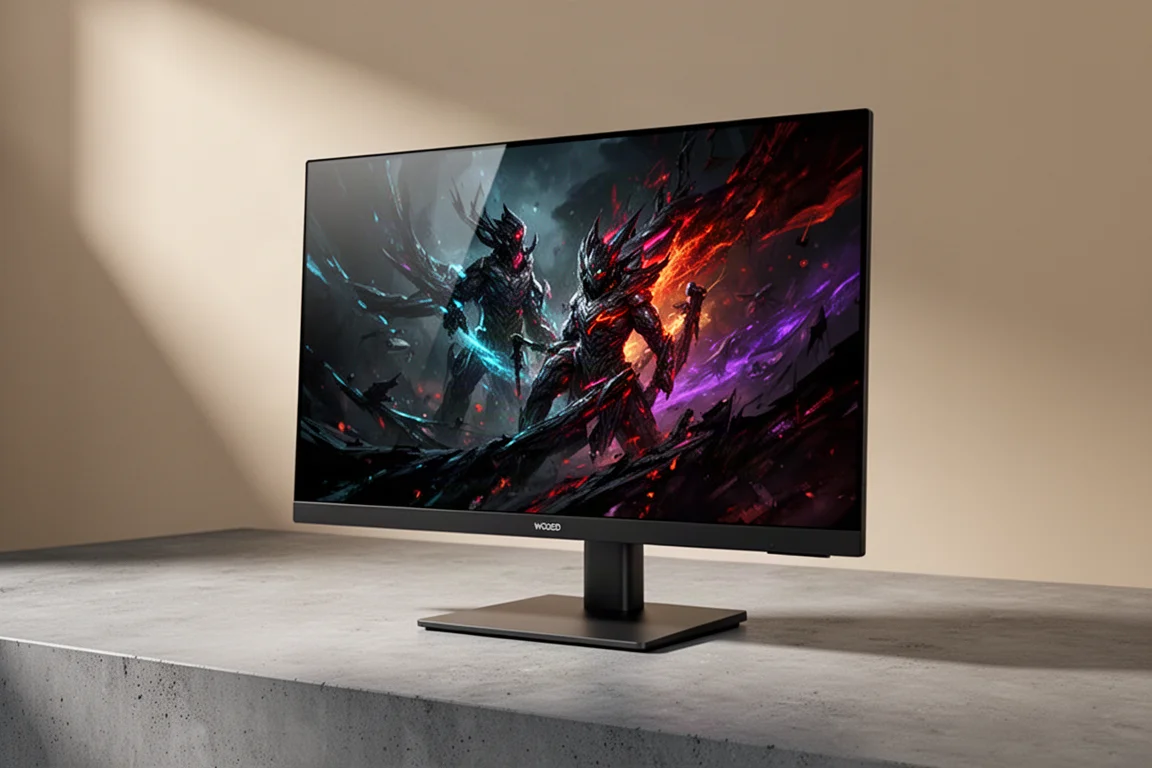
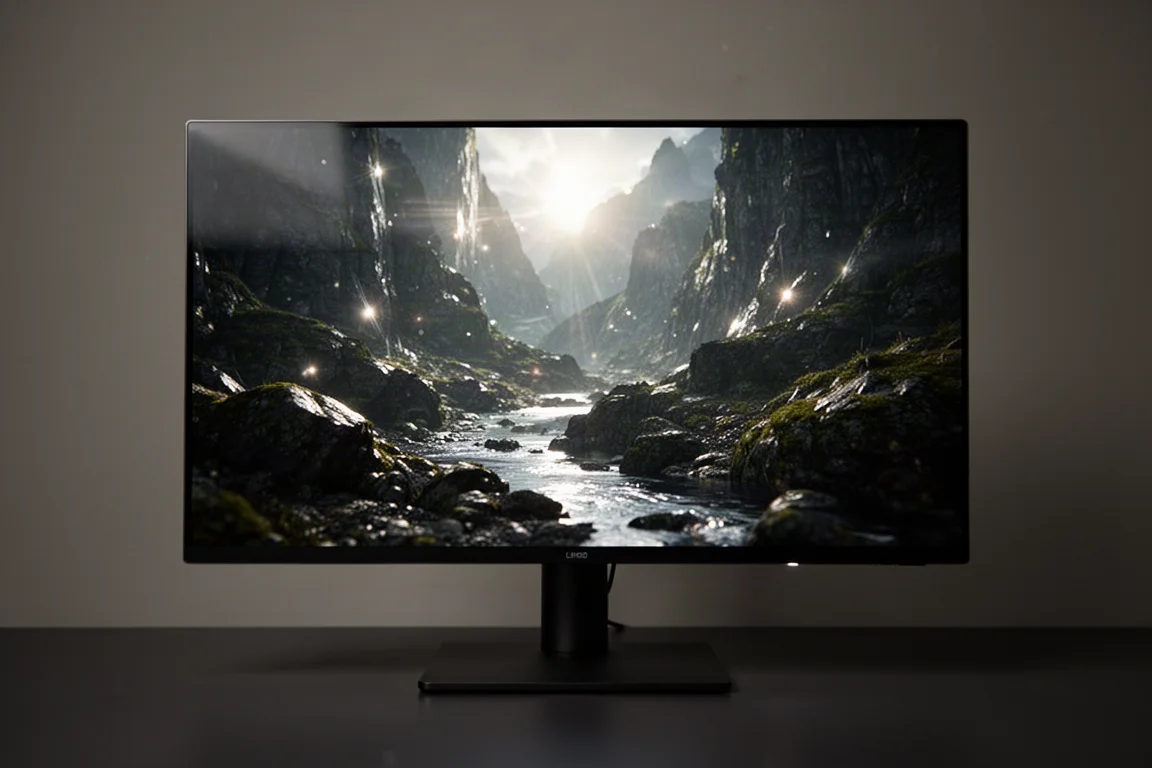
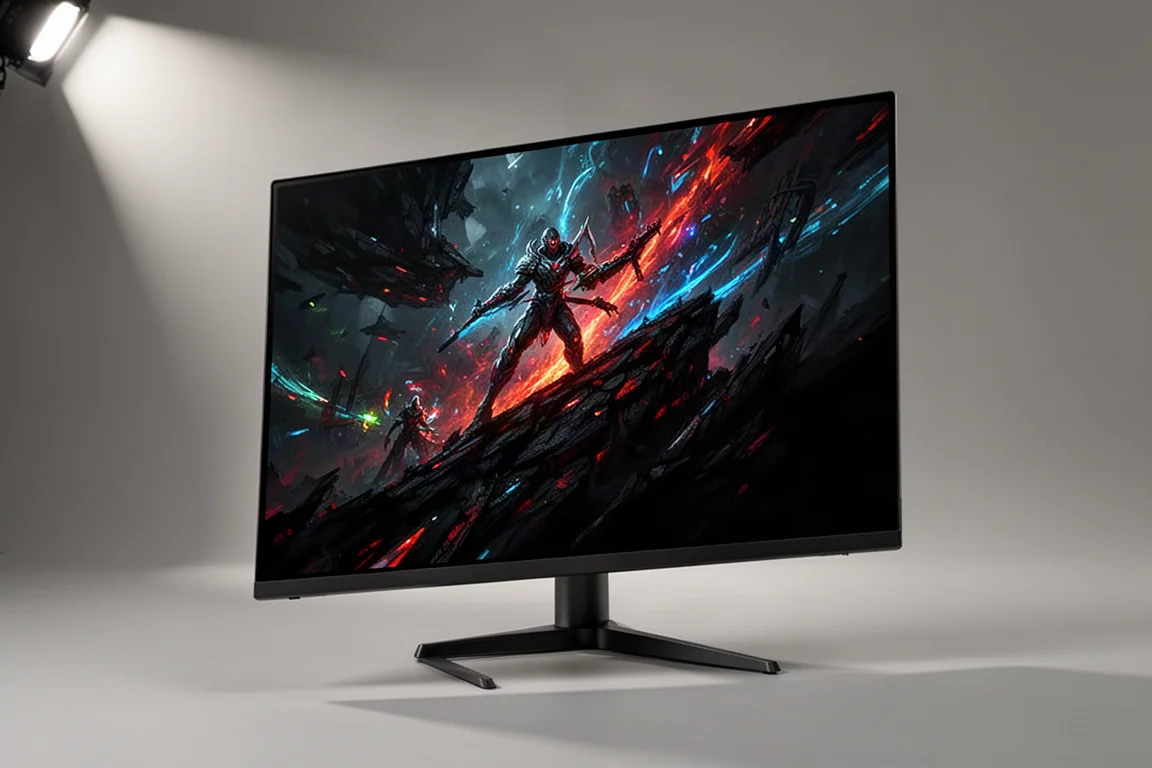
ASUS has released a new 31.5-inch true black glossy WOLED dual mode gaming monitor, and it delivers what is easily the best looking OLED image we have seen yet. For OLED image purists, this is likely the monitor you have been waiting for. The glossy coating, combined with LG’s latest MLA Plus panel technology, produces deep inky blacks, excellent brightness, and impressive factory calibration.
There are two versions of this glossy dual mode monitor, and the main difference is refresh rate. The version reviewed here does 165 Hz at 4K and 330 Hz at 1080p. It is priced at $999 for the US market, with a 3-month promo period at certain retailers bringing it down to $899. North American availability is expected sometime in September. The other version does 240 Hz at 4K and 480 Hz at 1080p, priced at $1099, and will be available later in the year with no confirmed date as of yet.
Who This Monitor Is For
This monitor is for gamers who want a single high-end display that can handle both immersive 4K gaming and competitive high refresh play. The dual mode design means you get a gorgeous 4K OLED experience for single-player titles, then switch to a 1080p high refresh mode for fast-paced competitive shooters.
It is also for those who care deeply about image quality. The true black glossy coating eliminates the grain associated with matte coatings and holds better viewing angles without getting hazy. It also avoids the raised black issue found on some QD-OLED panels, where high levels of ambient light can cause blacks to lift toward purple. Here, blacks remain deep and inky even with significant ambient light in the room.
Design and Stand
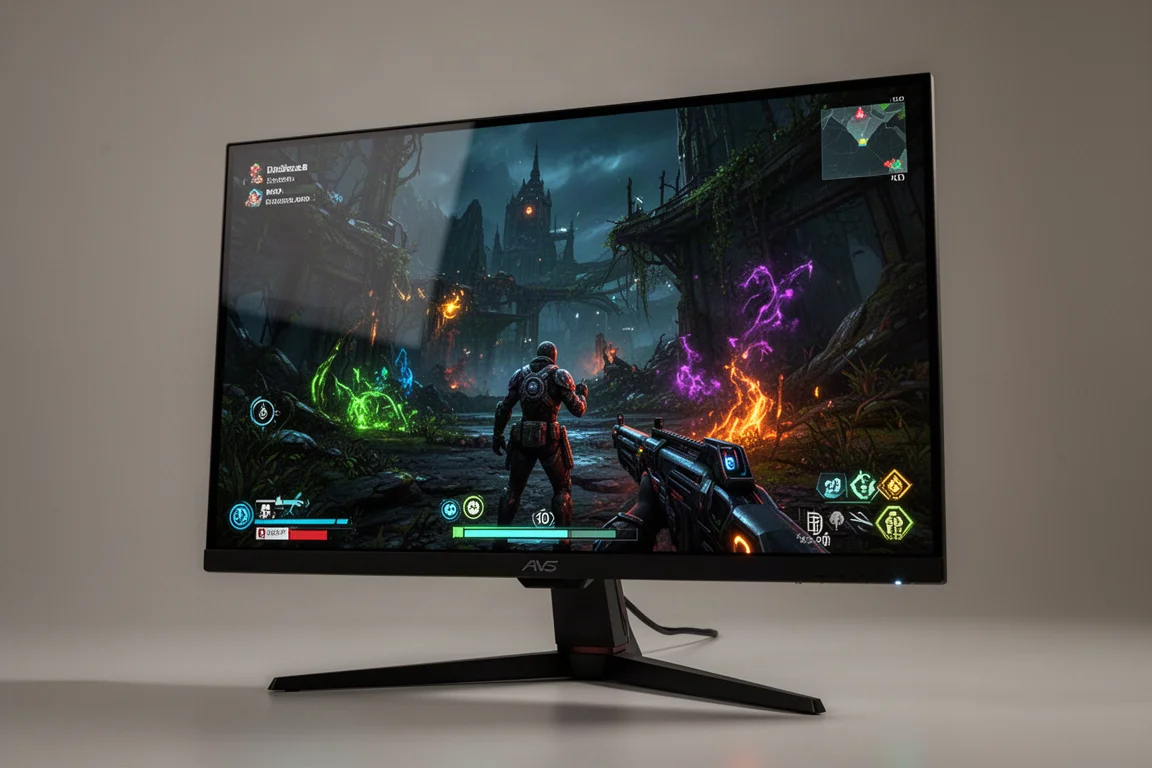
Being an XG line monitor, the stand here is simple and effective compared to the bulkier PG line stands. The flat base has a really small footprint, measuring 9 inches at the widest point and less than 7 inches front to back. This is a welcome change for anyone who has dealt with a large monitor stand eating up desk space.
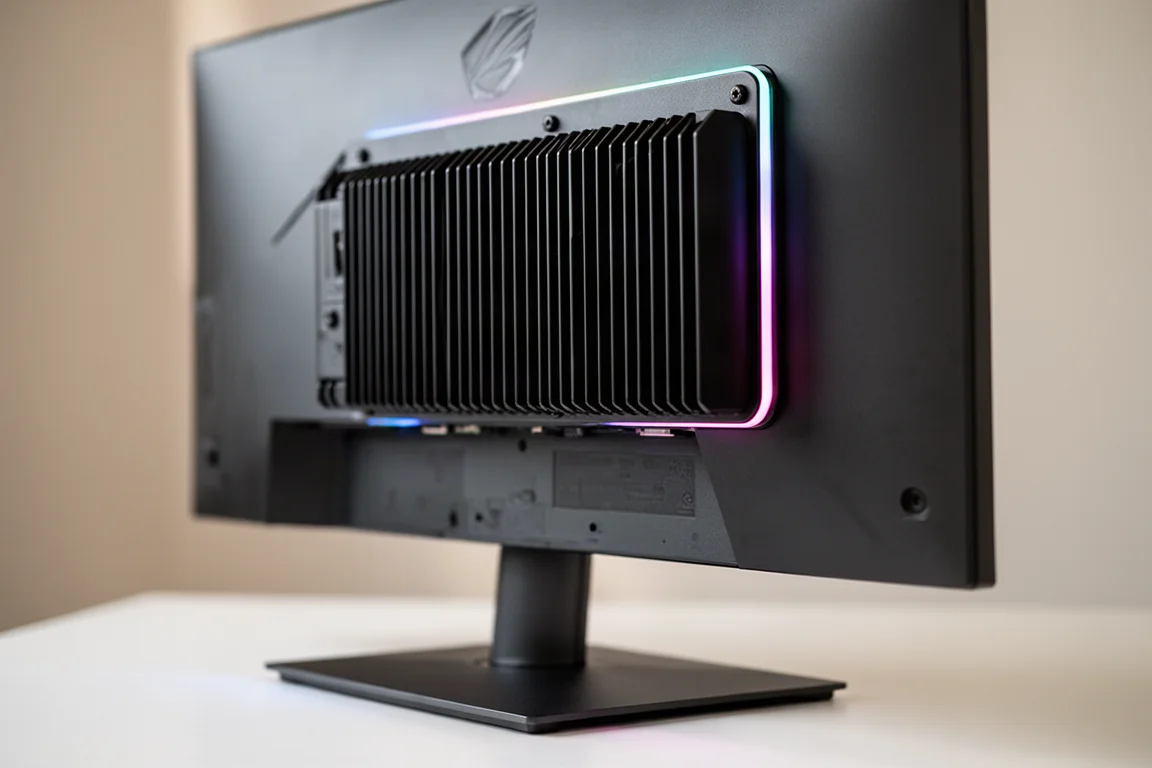
There is still lighting on the rear of the panel, though there is no lighting on the stand itself. You get height, pivot, tilt, and just enough rotation to level out the screen, but there is no full vertical rotation. A threaded accessory mount sits on top of the stand, and an included puck allows you to mount the monitor on an arm if preferred.
The monitor uses an external power brick. All cables come in a zipper pouch, including USB, DisplayPort 1.4, and a small microfiber cloth. For connections, there is USB-C with 15 watt power delivery, two HDMI 2.1 ports, and one DisplayPort 1.4.
The New True Black Glossy Coating
The star of the show is the new true black glossy coating. ASUS previously released a glossy WOLED monitor, the 27-inch 240 Hz 1440p XG27AQDMG, but this new panel looks noticeably better. Being glossy, it does not have the grain associated with matte coatings, and it holds better viewing angles without getting hazy.
Reflections have been reduced compared to previous glossy panels, though reduced is the key word. Direct reflections are still very defined. This is essentially a big black mirror, so you should avoid placing it where a light source, especially a window, shines directly onto the screen. With that caveat in mind, optically this is the best of the best in terms of image quality.
This panel uses LG’s latest MLA Plus technology, so brightness in SDR is very solid. Full screen white measures just under 265 nits. In practice, for OLEDs that get around this bright, running at about 40% brightness in a dim to dark studio environment is typical.
Factory Calibration and Color Performance
The factory calibration here is impressive. For grayscale, the absolute ideal delta ITP variance is three or under, and this panel shows 3.76, which is very strong. Gamma is essentially nailed at the 2.2 average target. White point should be 6500, and this panel measures 6134, showing a touch of red that is not really visible in normal usage.
For factory calibration, the sRGB mode is strong with an average delta ITP color variance of only 5.5. Running wide gamut gives a DCI-P3 color coverage of 98%, which is very impressive. Like most of ASUS’s recent monitors, there are extensive tweaking options, but running in racing mode with wide color gamut mode on is a solid default.
Motion Blur and ELMB
Being OLED, this monitor still has crazy fast gray to gray response time, measuring sub-0.1 millisecond with overshoot at around 0.3%. This is one of the main reasons to go OLED versus other monitor technology.
The monitor also includes ELMB, which helps reduce motion blur further. However, there are important differences in how this works versus backlight strobing on an LCD panel. Because there is no backlight on OLED, ELMB inserts a black frame between frames. This comes with two major drawbacks.
First, you have to run half of the monitor’s max refresh rate. In the 4K 165 Hz example, the max would be 82 Hz. Second, it substantially impacts brightness, dropping from 265 nits down to around 132 nits. When comparing 82 Hz with ELMB to just running 165 Hz, the 165 Hz still looks better to the eye. So ELMB offers no improvement to the 165 Hz mode. You would opt to use this mode when your game cannot reliably hit 165 Hz, which for 4K modern titles with details cranked up is most of them.
The exact same thing holds true when running at 330 Hz 1080p mode. For the best motion blur, you need to figure out what your game can handle starting at 165 Hz and work your way down. ELMB numbers make more sense on the faster 240/480 version, since you would be running either 120 or 240 Hz, both strong frame rates for single-player and competitive multiplayer respectively.
It is also important to know that many things have to be turned off to run ELMB, including HDR and, on this version, 120 Hz output. On the console side, this may be usable with older titles, but for more modern games, the 120 Hz and HDR experience is the way to go.
Input Latency and VRR Flicker
Input latency performance is good here. At 165 Hz, latency measures 3.4 milliseconds against the theoretical perfect of three. At 330 Hz, it measures 2.1 milliseconds against a perfect theoretical of 1.5.
Unfortunately, this monitor does exhibit VRR flicker in both the 165 Hz and 330 Hz modes. This was observed both in testing applications and in games. A firmware update received during the review period did not correct the issue. Despite the monitor having an OLED anti-flicker feature that restricts the variable refresh rate range, neither setting was found to be effective in either mode.
Dual Mode and Aspect Ratio Control
For dual mode operation, there is a hotkey on the back that does not automatically toggle. It brings up a dedicated menu to toggle, which seems like a step that could be removed. Gaming in 1080p 330 Hz is going to be soft at full screen. It is not blurry, but it is a soft focus when displaying 1080p on a native 4K screen at 32 inches.
1080p goes into 4K exactly four times, so theoretically groups of four pixels represent one. There is a lack of pixel density there, but there is still good clean scaling math. Aspect ratio control is available, allowing you to simulate a few different screen sizes. The two most common ways people will use this are in 16:9, running either a simulated 27-inch or 24.5-inch mode for competitive FPS.
These simulated modes work well here. In the 24.5-inch mode, the recommended resolution in Windows is 1496 by 848, and the game itself outputs at that resolution rather than trying to scale 1080p down into a smaller physical pixel area. This approach avoids the eye strain that some other dual mode monitors have caused. The 27-inch mode looks even a little better. If you sit in pixel peep, you will notice things, but if you are locked in, especially with a hectic arena shooter, that all goes away.
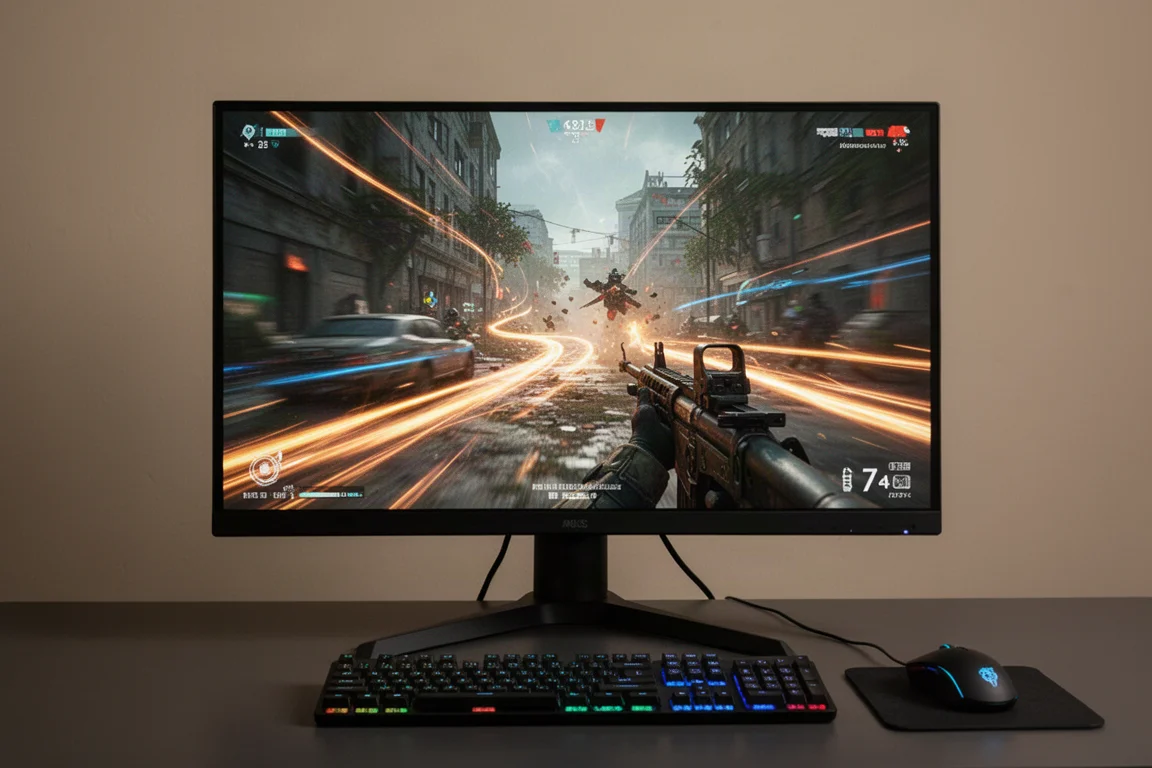
The stand is a champ here because you can really tuck the monitor in close when running one of these aspect modes. Running this panel primarily in 4K, then switching over to one of these modes at 330 Hz for competitive FPS, makes this an easy daily driver. Text clarity, icons, and web browsing at 1080p are not great, but there is no reason to use that mode for those tasks.
HDR Performance
The 4K experience here is absolutely top tier, and HDR is super dialed in. There are two primary modes worth using. Display HDR 400 mode tops out right about 400 nits, and HDR console mode measures peak brightness at a max of 775 nits all the way to a 10% window.
There is a mode called adjustable HDR that provides over 1000 nits peak at 1 and 2% windows, but it is not recommended because the EOTF and luminance tracking is skewed, which the monitor does warn about. The other two modes are both super accurate, so defaulting to console HDR gives higher peak brightness without really sacrificing anything.
While not hitting 1000 nit peak brightness in a well-tuned mode like on the PG32UCDM, this monitor is not super far off, and the experience is still very solid. Coupled with the true black glossy coating, it is hard to overstate how good this monitor looks.
Burn-In Protection and Text Clarity
ASUS continues to stack more burn-in protection into their monitors, and this one has the most seen yet. It includes the full suite of dimming and shifting tech and scheduled pixel cleaning expected from ASUS, plus a new Neo proximity sensor. This sensor can be set to a predetermined range or a custom setting, and when you get up and leave the desk, the monitor automatically goes to black after a preset amount of time.
There is also the usual large heat sink on the back, and it is a fanless design. ASUS leads the league in preventing burn-in, and all their OLED monitors include a three-year warranty with specific protection for burn-in. As time goes on, concern about burn-in continues to decrease.
For text clarity, running this in 4K for productivity is basically a non-issue. This panel uses LG’s latest RGWB pixel layout. An 11-point font at 200% scaling in 4K looks perfectly fine, without the green purple edge shimmer usually seen on QD-OLED. There is a clear edge function for text, but it does not make a noticeable difference either way.
Buying Advice
This coating provides an image that is visually the best seen so far from OLED, and that is not a low bar. 165 Hz is a decent frame rate for 4K, and 330 Hz is more than enough for a decent competitive experience. The high refresh 1080p mode combined with the aspect ratio does not give the same level of clarity or motion blur performance as a dedicated esports TN panel, but as a secondary mode to a banger 4K experience, it is more than usable, especially for someone searching for a single monitor experience.
For as long as people usually keep their monitors, spending the extra $200 for the faster 240/480 version makes a lot of sense, as long as you have the budget and the machine to push it. But because that faster refresh rate is really the only difference, if you cannot stretch that extra $200, you are still getting everything else that makes this monitor so good.
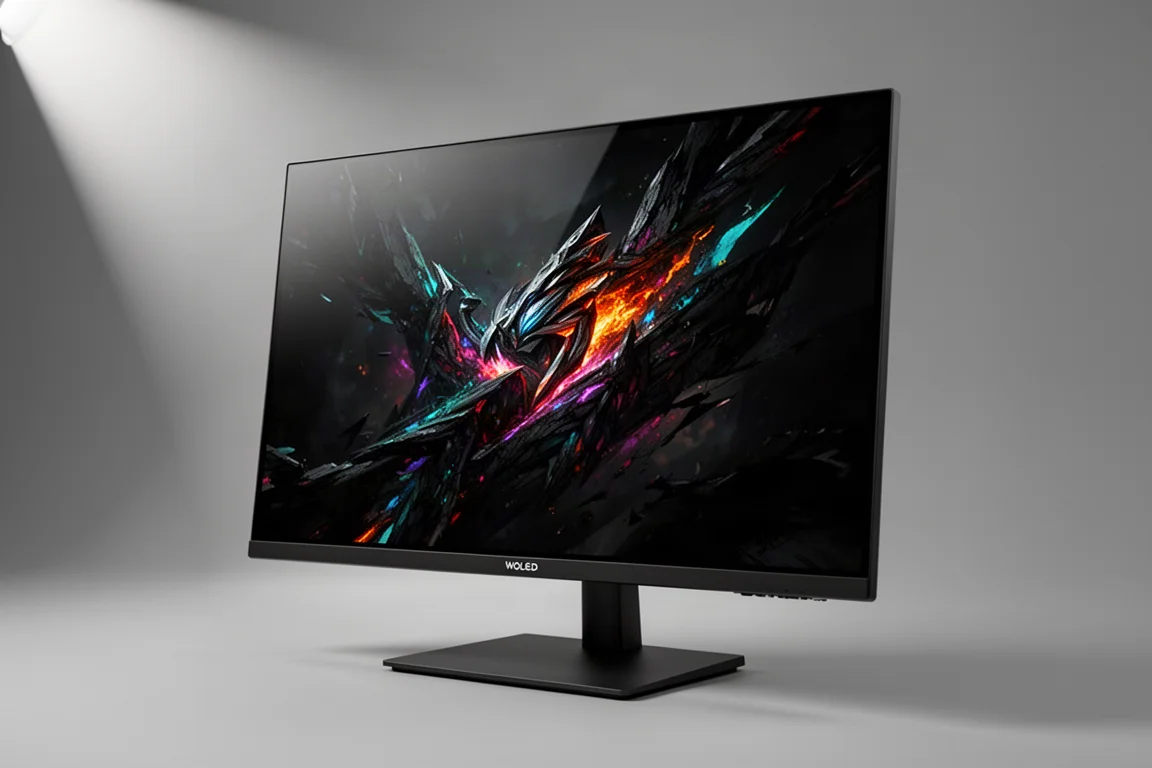
The 165/330 version is still a better pick than the faster PG32UCDP because of the dual mode and the new glossy coating. With the 240/480 version, there are only upsides versus the PG32UCDM. The PG32UCDM has the best HDR tuning seen at 1000 nits peak brightness, but this monitor has finally outmatched it thanks to the combination of the high refresh mode, the aspect ratios, and the insanely good-looking coating.
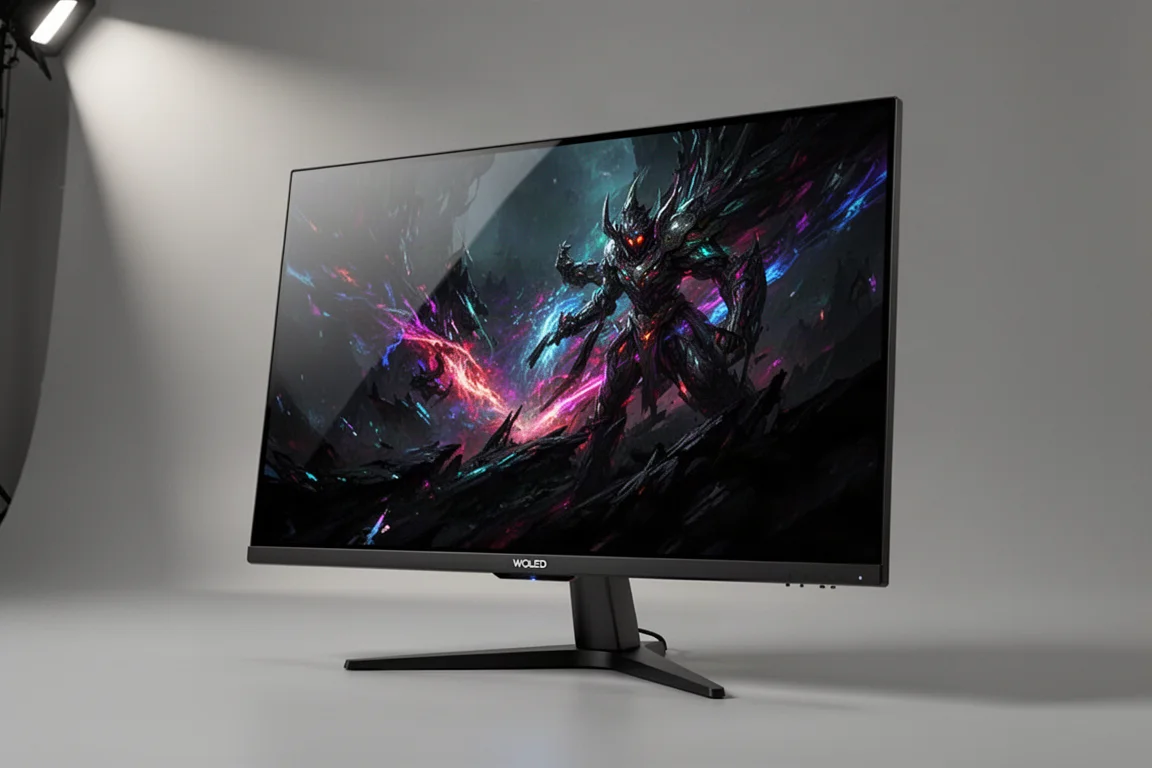
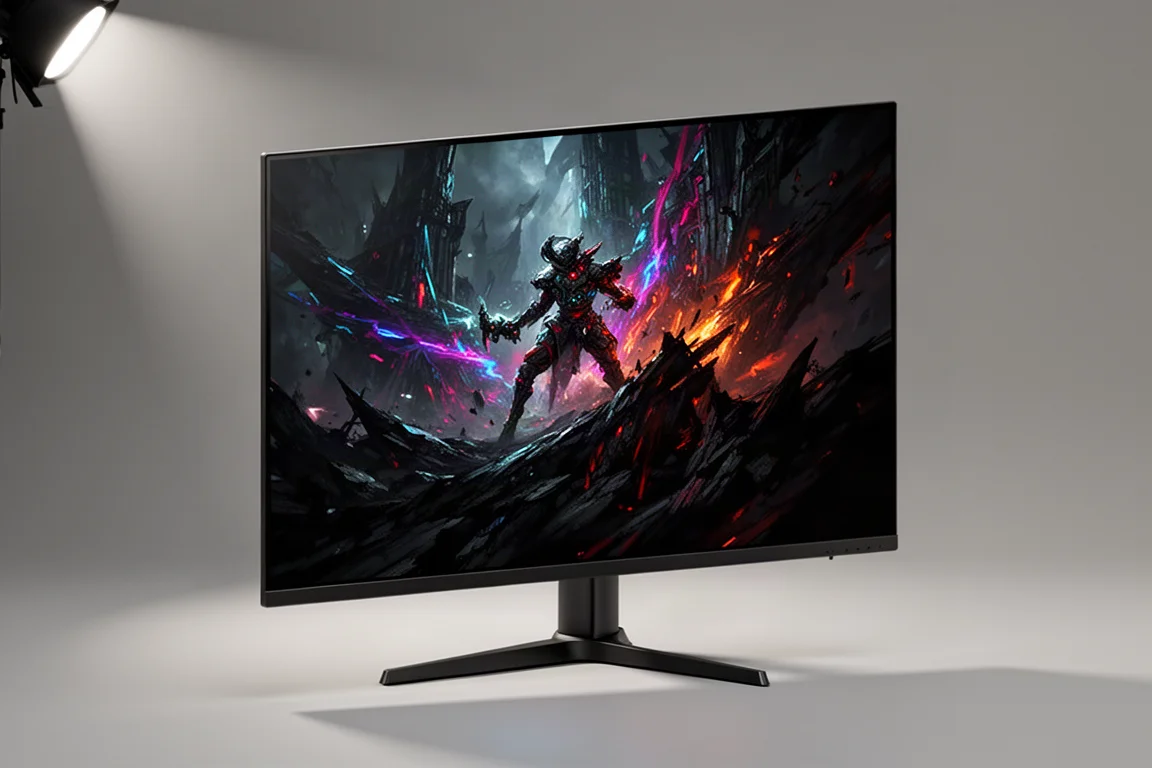
The Gigabyte FO32U2P has been one of the only 32-inch 4K OLEDs consistently recommended, alongside the PG32UCDM. This new ASUS glossy dual mode monitor now takes the top spot for those who want the best image quality combined with flexible high refresh gaming.
Conclusion
The ASUS XG32UCWG delivers the best looking OLED image we have seen yet. The true black glossy coating, combined with excellent factory calibration, strong HDR, and the flexible dual mode design, makes this a standout choice for gamers who want a single monitor that can do it all.
The 165/330 version is a great value at $999, and the 240/480 version at $1099 is worth the extra cost if your system can push it. Either way, you are getting a monitor that looks incredible, handles both 4K single-player and competitive high refresh gaming, and includes the most comprehensive burn-in protection ASUS has offered yet.
Further reading
Related Reviews
Gaming Monitors
AOC Q27G41ZDF vs Asus ROG Swift OLED PG27AQDP: Budget vs Premium OLED Gaming
Two 27-inch 1440p OLED gaming monitors at vastly different price points. We compare brightness, color accuracy, text sharpness, refresh rates, and real-world performance to see what justifies the premium.
Gaming Monitors
ASUS ROG OLED Gaming Monitors 2026: New Panels, Sizes, and Brightness
ASUS announced several new ROG OLED gaming monitors at Computex 2026, including a 24.5-inch esports panel and a 32-inch 4K RGB stripe model.
Gaming Monitors
ASUS ROG Swift PG32UCWM Review: A New Direction for W OLED
The first 32-inch 4K OLED gaming monitor with an RGB stripe subpixel layout brings sharper text and better color brightness, but brightness regressions and a high price hold it back.