Audio
Apple AirPods Pro 2 (USB-C) Review: Still the Best All-Rounder for iPhone Owners
The USB-C AirPods Pro 2 add dust resistance, Vision Pro lossless audio, and iOS 17 features, but how do they hold up for sports and everyday use?
Introduction
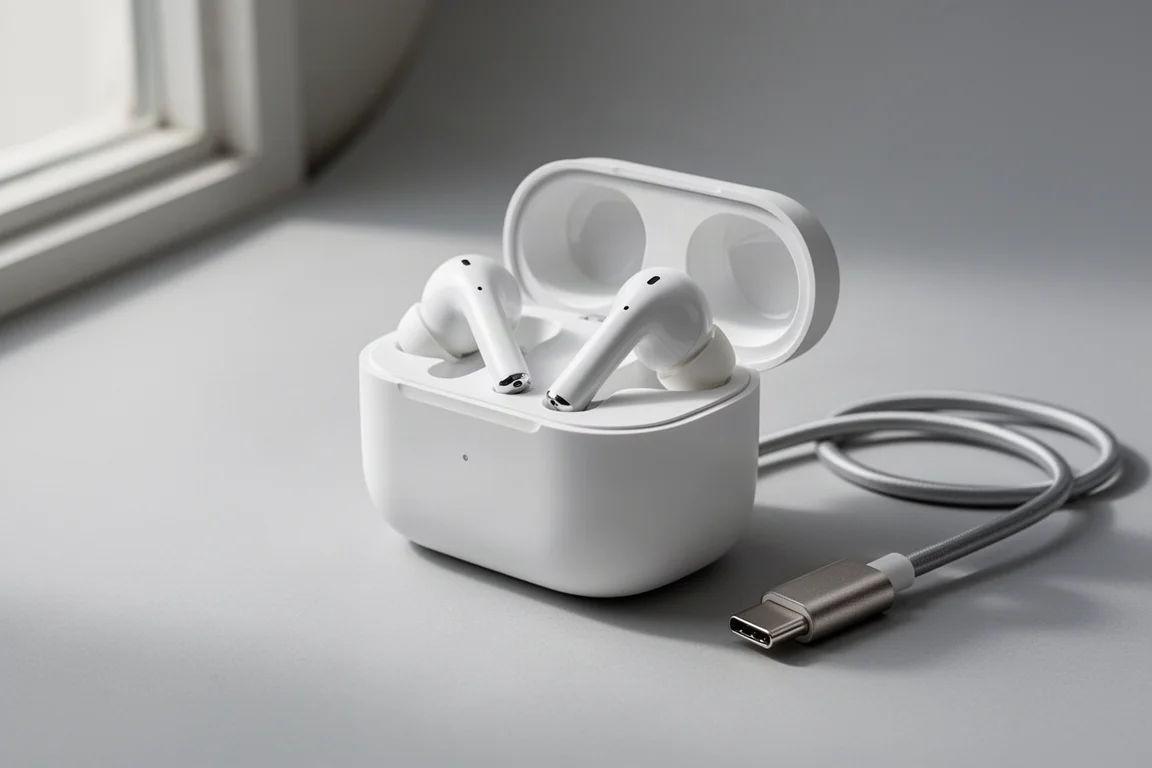
The second generation AirPods Pro with USB-C charging are here, and they finally let you ditch the Lightning cable. Beyond the port change, these earbuds keep the well-rounded feature set that made the previous generation such a strong pick for iPhone owners: very good active noise cancellation, seriously good call quality, tight Apple ecosystem integration, and Find My support. There are also a few new additions, including lossless audio with the Vision Pro headset and an increased dust resistance rating. This review focuses on how all of that holds up in real, everyday and sports scenarios.
What Is New in the USB-C Version
The headline change is USB-C charging, which means you can charge the case with the same cable you use for newer iPhones. The dust resistance rating also improved from IPX4 to IP54, making them a little better suited for sports in that respect. On top of the hardware changes, these earbuds also gained features that arrived with iOS 17 and were pushed to the previous Lightning generation as well: Adaptive Audio, Conversation Awareness, and Personalized Volume.

If you already own the Lightning version of the second generation AirPods Pro, you are probably fine sticking with your current pair unless you specifically want USB-C charging, the increased dust resistance, or you plan on getting a Vision Pro headset.
Fit and Security for Sports
For running, weight training, high-intensity interval training, and road biking, these should stay secure enough for most people. The water resistance rating means they are protected from splashes of water, so do not submerge them, avoid showering with them, and be careful in heavy rain. In practice, sweat has not been a problem even for a heavy sweater.
Where trust drops off is with more rugged activities like mountain biking, sustained steep trail running descents, and rock climbing. They do not have wings or fins like sports-specific earbuds, so while they usually stay put, a crash or a hard fall can pop one out, and constant pounding on steep downhills can slowly dislodge them enough to require readjusting.
Noise Cancellation, Transparency, and Wind Noise
At the gym, active noise cancellation is the clear winner, and these do a very good job filtering out surrounding conversations so you can concentrate. Outside, transparency mode is the better choice for hearing cars and trail users, and this implementation remains some of the best on the market in most situations, as long as there is not a lot of wind.
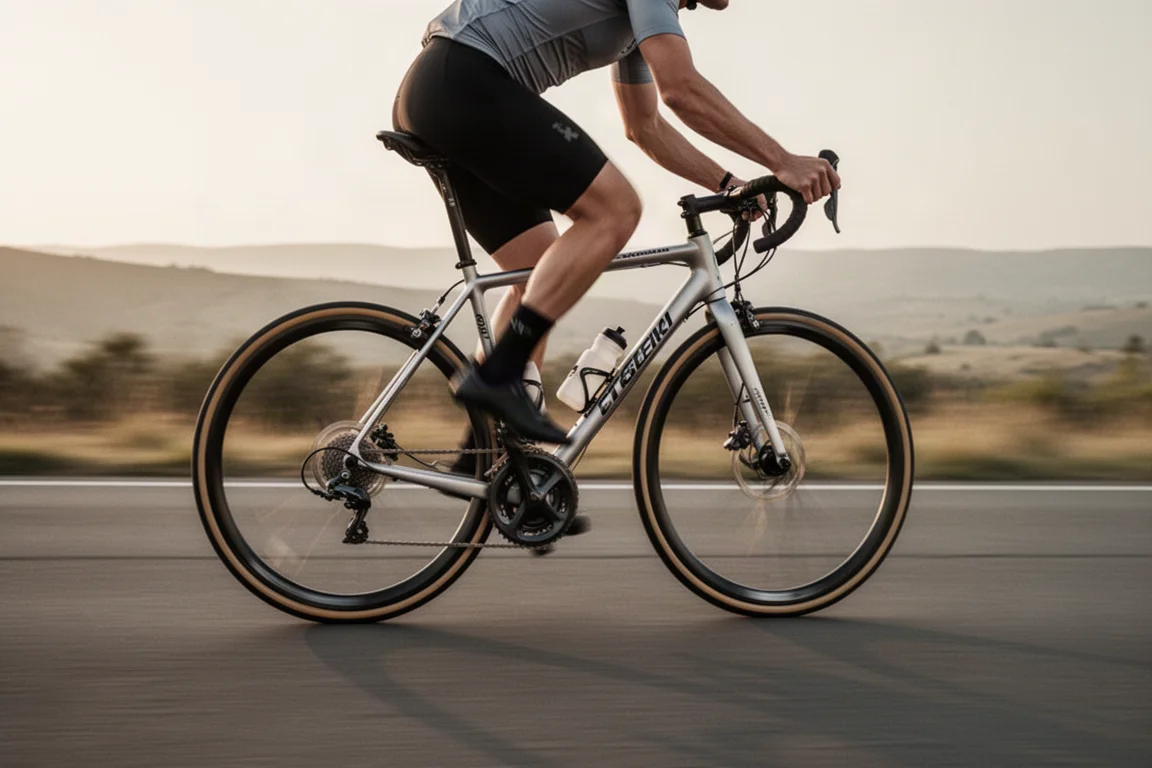
Wind is the weak spot, and it is a familiar one: at speeds above roughly 14 or 15 miles per hour, wind noise gets piped in through transparency mode, and active noise cancellation does not fully handle it either, sometimes producing distortion. The new Adaptive Audio mode actually handles wind noise the best of the three, though it is still not perfect at higher speeds and its automatic switching between modes can be hard to predict.
Adaptive Audio and Personalized Volume
Adaptive Audio works best in everyday situations: in a busy coffee shop it enables noise cancellation fairly consistently, and in quieter surroundings it shifts toward transparency mode. It was likely never intended for high-speed cycling, so it is hard to fault it there.
Personalized Volume adjusts loudness automatically based on your surroundings and preferences. In calm environments the changes are subtle enough that you may not notice them at all, which is arguably how the feature should work. In loud environments like traffic, it more often raises the volume, though not always predictably.

Conversation Awareness is the standout. It lowers your audio within a second or two of you starting to talk, keeps the volume down while the conversation continues, and restores it about five seconds after talking stops. It genuinely recognizes conversation: it does not raise the volume just because you stopped if the other person is still talking. It only triggers when you speak first, and it behaves differently with music, which keeps playing at reduced volume, versus podcasts, which pause after a few seconds and resume once the conversation ends. One quirk: if you like singing along to your music, it will dutifully lower the volume for you too.
Who Should Buy the AirPods Pro 2 (USB-C)
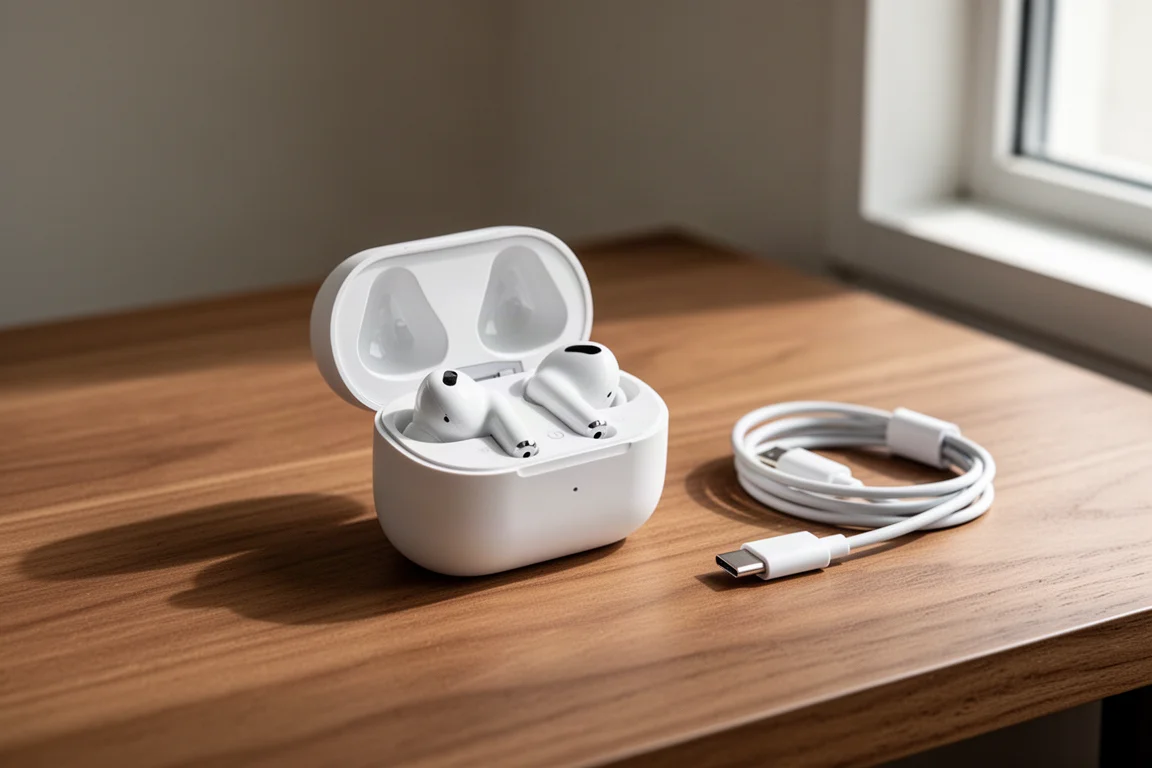
The new features add convenience for everyday use, but they do not make these meaningfully better sports earbuds than the previous generation. They are less secure than sports-focused earbuds and less predictable around wind noise, but they were never marketed for those edge cases.
What keeps them a fantastic pick is that they remain the best all-around earbuds if you own an iPhone: excellent call quality, deep Apple ecosystem integration, strong ANC and transparency modes, Find My support, and now the convenience of USB-C. Anyone deep in the Apple ecosystem will likely reach for these more often than most alternatives.
Conclusion
The AirPods Pro 2 with USB-C are less about chasing new sports features and more about refining an already excellent all-rounder. If you are buying your first pair of premium earbuds for an iPhone, they are hard to beat on overall feature set. If you already own the Lightning generation, only the USB-C port, dust resistance, or Vision Pro lossless audio justify an upgrade.
Product link
View more details for Apple AirPods Pro 2 (USB-C)
This product is mentioned in the review. Check the specifications, options, and compatibility before buying.
View more details for Apple AirPods Pro 2 (USB-C)Further reading
Related Reviews

Audio
Apos x Geshelli Merlin DAC Review: A Natural Match for the Gremlin Amp
The Apos x Geshelli Merlin DAC pairs balanced and single-ended outputs with a smooth, natural sound that complements the Gremlin tube amp.
Audio
Audio Gear That Beats Pricier Rivals: Nine Value Picks for 2026
Nine turntables, streamers, speakers, and amplifiers that deliver far more than their price suggests, plus the trade-offs worth checking before you buy.
Audio
Best Amplifiers Under $200: Four Compact Stereo Amps Worth Considering
Four compact amplifiers under $200, from a class AB design with a headphone section to a DAC-equipped integrated amp and a low-cost pick from a US-based brand.