Creative Tech
Xence Labs Pen Tablet Pro Review: A Well-Equipped Entry Into Digital Art
A sturdy pen tablet with two pens, a generous drawing area, and a bundle that makes starting digital art easy, with a few things to consider first.
Introduction
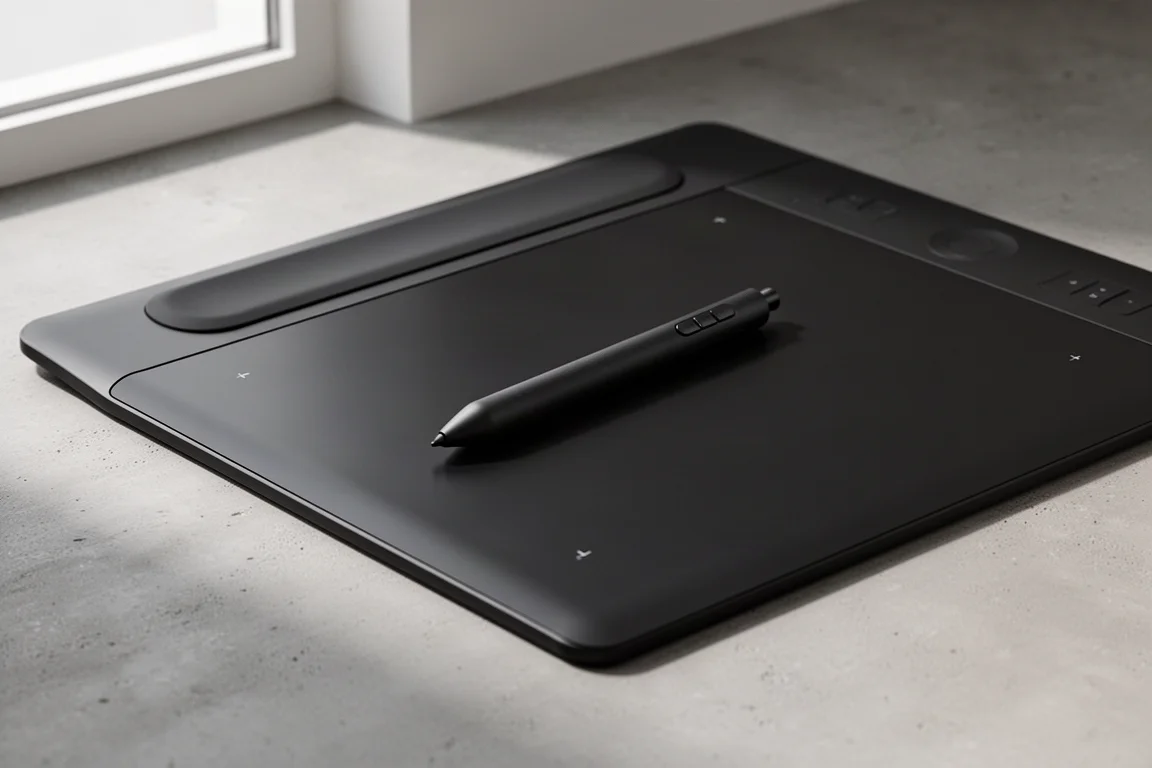
For artists coming from traditional media like graphite, colored pencil, or pastel, moving into digital work often means choosing between an all-in-one tablet and a pen tablet paired with a computer. The Xence Labs Pen Tablet Pro takes the second route, and it is built to feel closer to working with a pencil on paper than most alternatives.
This tablet has been designed with input from professional artists, and that shows in the details: an expansive 16:9 drawing area, a curved seamless palm rest, two pens of different sizes, and a genuinely useful accessory bundle. After extended hands-on time, including layer-based artwork in Photoshop-style software, this is what stood out.
Who This Tablet Is For
If you are a traditional artist who has been curious about digital media, this tablet is a natural bridge. Using a pen on a surface is closer to how a graphite or colored pencil artist already works than drawing on a tablet screen, and the pressure sensitivity gives you real control over light, feathery marks and heavier texturing alike.
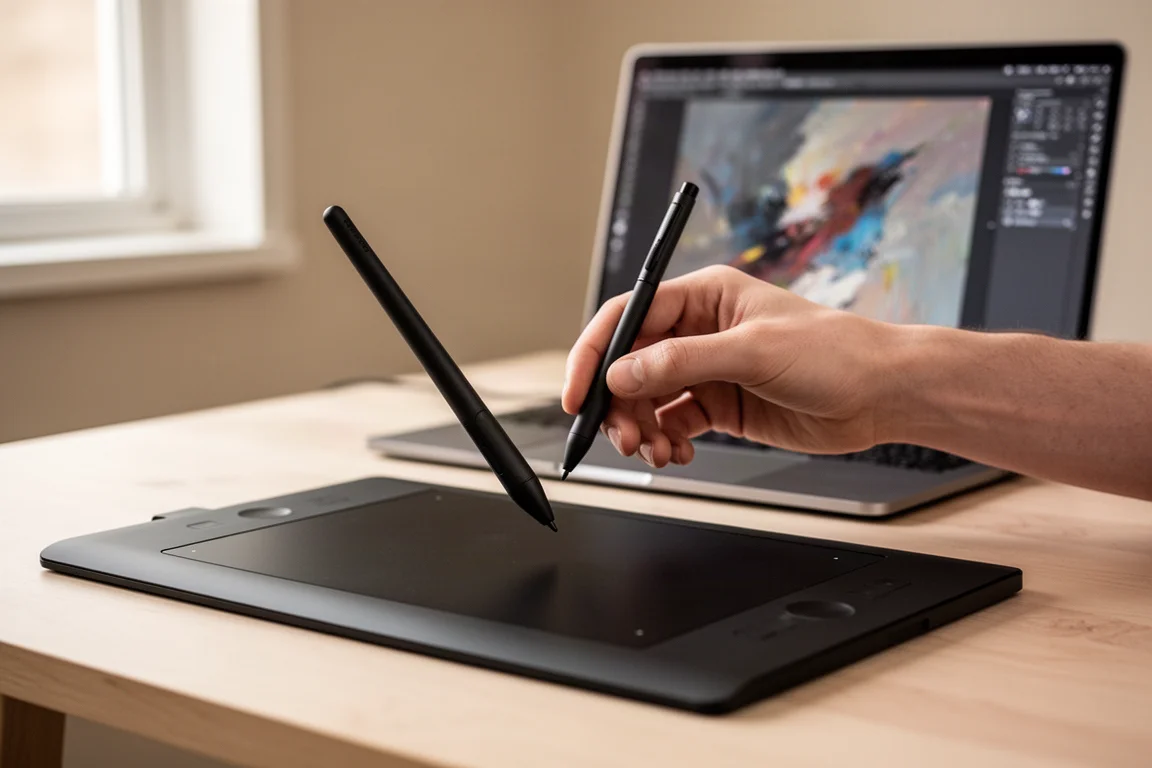
It is also a good fit for illustrators who want a large, comfortable drawing surface without paying for a screen-integrated tablet. Be aware that there is a learning curve: because you look at your monitor rather than your hand, hand-eye coordination takes some adjustment. It took a few separate sessions to feel comfortable, and familiarity kept building from there.
What Comes in the Box
The bundle is one of the strongest reasons to choose this tablet. Many competing packages include only a single pen, but here you get two: a thicker, tapered pen that feels like a conventional pen in the hand and carries three customizable buttons, plus a slimmer pen with two buttons. Both pens have a knurled eraser end that works like flipping a pencil over, and you can remap or disable that eraser entirely in the software.
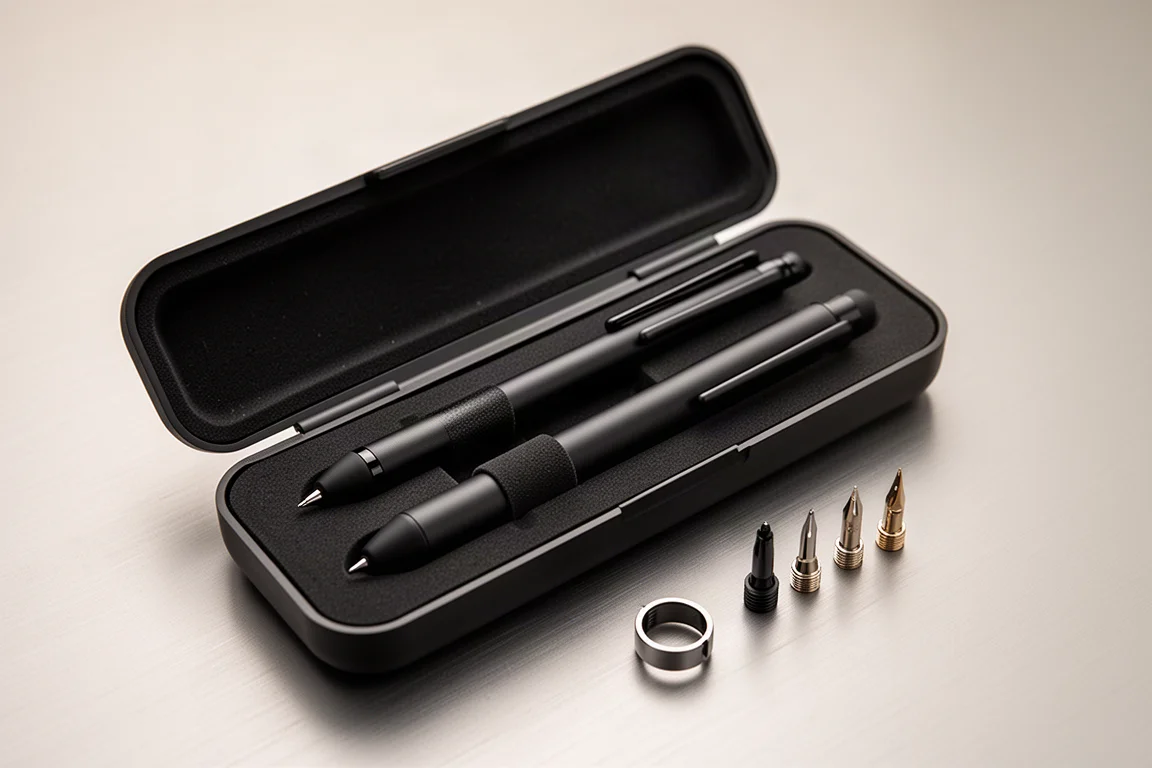
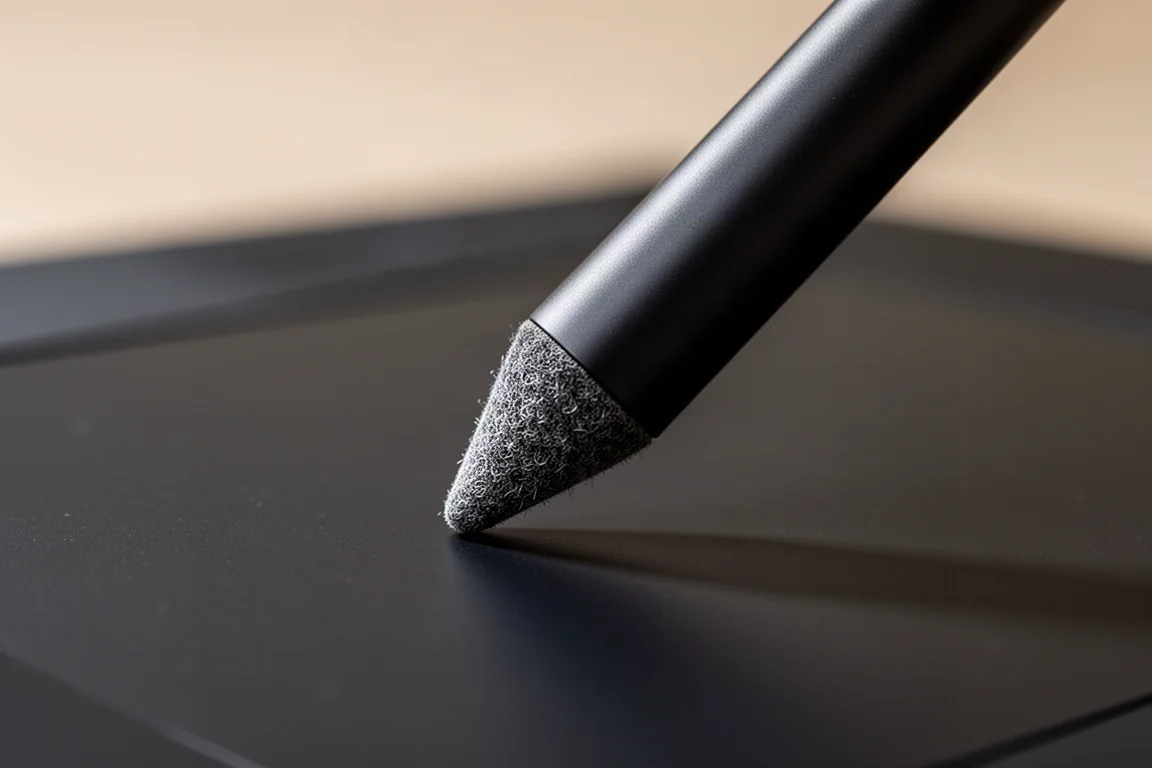
You also get spare nibs in both plastic and felt. The plastic nibs glide quickly with no friction, while the felt nibs add a little drag that feels more natural. A small metal ring works as a nib extractor: squeeze it around the nib like pliers and pull it free, which avoids breaking the nib with ordinary tools.
The accessory kit extends to a fleece-lined, water-resistant canvas carry case with segmented inner pockets, a dedicated pen case, and a drawing glove usable on either hand. The glove keeps skin from smudging the surface, though the surface itself resists marks well and any faint fingerprints disappear quickly. A compact USB-C to USB adapter is included for newer computers, sitting nearly flush so it does not protrude like an old USB stick.
Build Quality and Everyday Use
The tablet measures roughly 32 by 23.5 centimeters, just over 12 by 9.25 inches, with a drawing area of 26.5 by 15 centimeters, about 10.25 by 6 inches in a true 16:9 aspect ratio. That is ample space for illustration work, and the curved palm rest makes long sessions noticeably more comfortable. Rubber pads on the underside keep it steady on the desk, and subtle grooves make it easy to lift.
Customization is deep. Software for Windows, Mac, and Linux is available from the manufacturer’s website, and the configuration hub lets you remap every pen button, the top-edge buttons, the eraser, and pen pressure with a live preview of line variation. The corner area markers can be recolored or dimmed if the lights are distracting, and the software shows the tablet’s battery level at all times. Wireless connection works well, and the battery lasted a long time between charges, topping up over USB whenever the cable is plugged in.
In use, the tablet behaves like your monitor: wherever the pen touches is where the cursor lands, unlike a mouse that stays put. Setting working area, sleep timer, and which monitor serves as your canvas is straightforward. The long supplied USB cable is a welcome touch, since so many devices ship with cables that are too short.
Things to Consider Before Buying
The main adjustment is looking at the screen while drawing on the desk, which affects precision early on. Working in stages, saving and undoing in small steps, is a useful habit until your coordination settles.
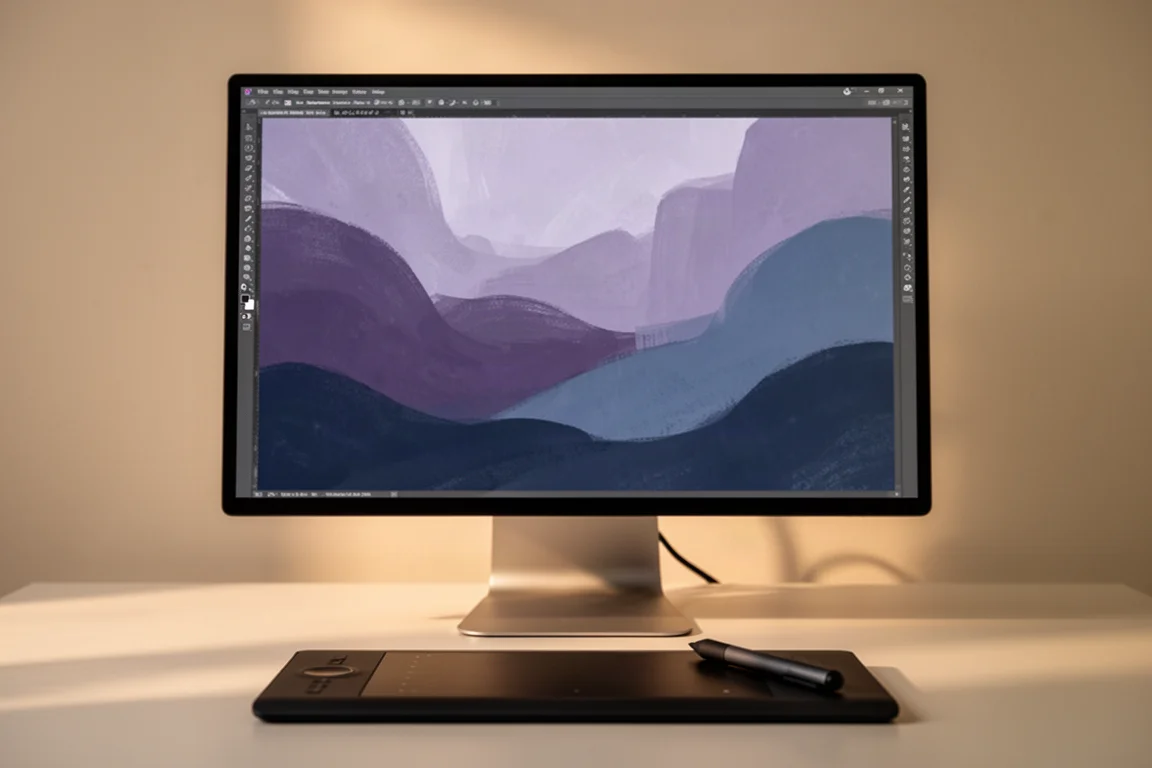
Also budget some thought for software brushes. Free brushes are fine for learning, but paid brushes and textures offer more professional results, such as charcoal, pastel, watercolor, and oil-style brushes. Nibs do wear down eventually, but replacement sets are inexpensive, and replacement pens are also available if one is ever needed.
Buying Advice
Value is where this tablet genuinely earns its place. The build feels sturdy and professional, clearly not a cheap product, yet it is priced well below many comparable tablets on the market. Add the two pens, the felt and plastic nibs, the carry case, the glove, and the included adapter, and the package is hard to match at this level.
If you already own an iPad and its software, this is a different workflow rather than a replacement. But for artists who want a comfortable, well-built pen tablet with an unusually complete bundle and a gentle price, the Xence Labs Pen Tablet Pro is an easy recommendation.
Conclusion
The Xence Labs Pen Tablet Pro combines an ample 16:9 drawing surface, thoughtful ergonomics, and deep customization with a bundle that covers everything you need to start. The learning curve of screen-focused drawing is real but temporary, and what you get for the price makes it one of the more sensible ways into digital art.
Product link
View more details for Xence Labs Pen Tablet Pro
This product is mentioned in the review. Check the specifications, options, and compatibility before buying.
View more details for Xence Labs Pen Tablet ProFurther reading
Related Reviews
Art Supplies
Best Gift Ideas for Artists and Sketchers: Practical Tools Worth Giving
From water-soluble graphite pencils to a classic sketching book, these are thoughtful, practical gifts for the artist on your list.
Art Supplies
Faber-Castell Pitt Matte Graphite Pencils: A Review of the Anti-Shine Graphite
These matte graphite pencils are built to kill the shine that plagues regular graphite drawings. Here is how they sharpen, erase, smudge, and draw in real use.
Art Supplies
Koh-I-Noor Museum Aquarelle Watercolor Pencils: A Hands-On Review
Open-stock Museum Aquarelle pencils in six colors put to the test on paper, checking pigment solubility, vibrancy, and mixing behavior.