Keyboards
Wooting 60HE V2 Review: A Polished Evolution of an Already Top-Tier Keyboard
The Wooting 60HE V2 refines the original formula with better acoustics, lower latency, and a modular design that makes customization easier than ever.
Introduction
The Wooting 60HE V2 is the follow-up to one of the most respected analog keyboards on the market. Rather than fixing what wasn’t broken, this version focuses on refinement: better acoustics, lower latency, a more modular design, and a handful of thoughtful quality-of-life improvements. The result is a keyboard that feels more polished out of the box than its predecessor, while keeping the core experience that made the original so popular.
Who This Keyboard Is For
The 60HE V2 is aimed at gamers and enthusiasts who want a compact 60% layout with analog input features like rapid trigger and dynamic keystrokes. It’s a strong fit for anyone who values a small footprint that leaves more room for mouse movement, and who doesn’t rely heavily on a dedicated function row. The modular design also makes it appealing to people who enjoy experimenting with different cases and sound profiles without needing to rebuild the entire board.
If you need a full-size layout with dedicated arrow keys and a function row for productivity work, the 60% form factor may not suit your workflow. For those who can work within the layout, the V2 offers one of the most refined analog keyboard experiences available.
Design and Build Quality
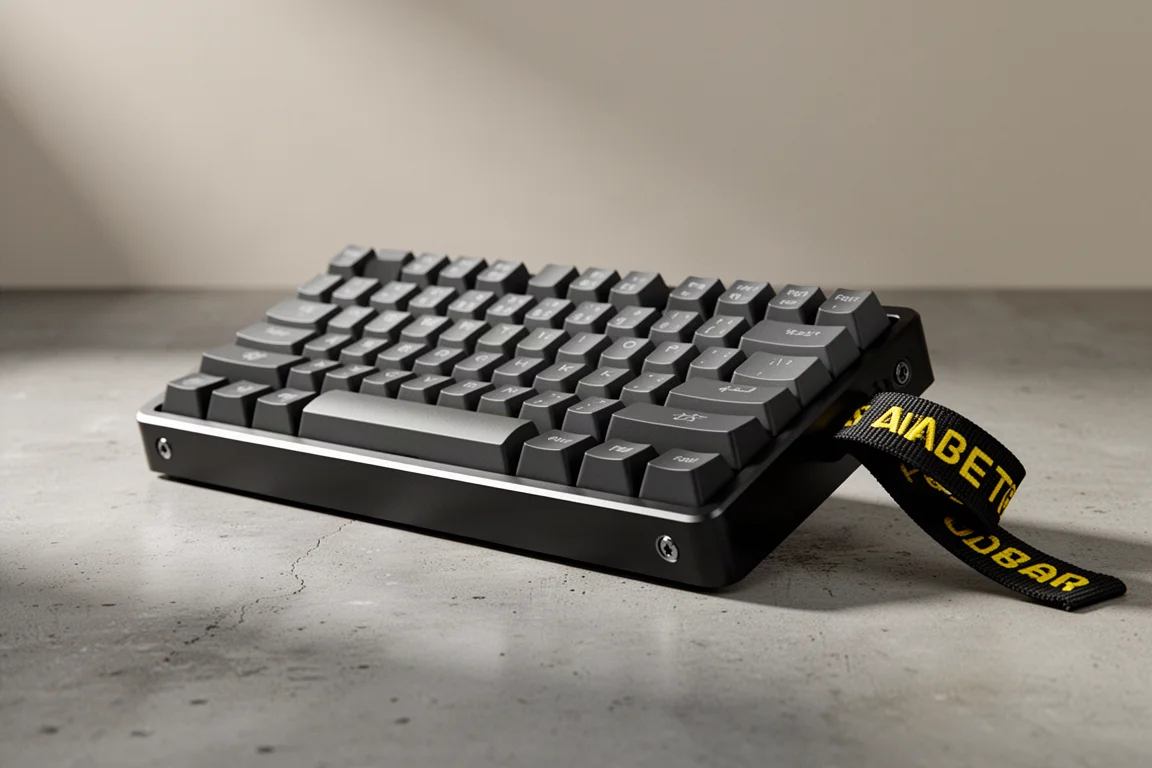
The V2 uses an aluminum case, available in black or silver and white, with a shape and size nearly identical to the original 60HE. The distinctive flight strap remains a polarizing design element, but this time there are options. You can choose a color-matched squared-off holder, a rounded stainless steel holder, or a blank to keep the symmetry clean. The strap can also be moved to either side, giving you flexibility in how the keyboard looks.
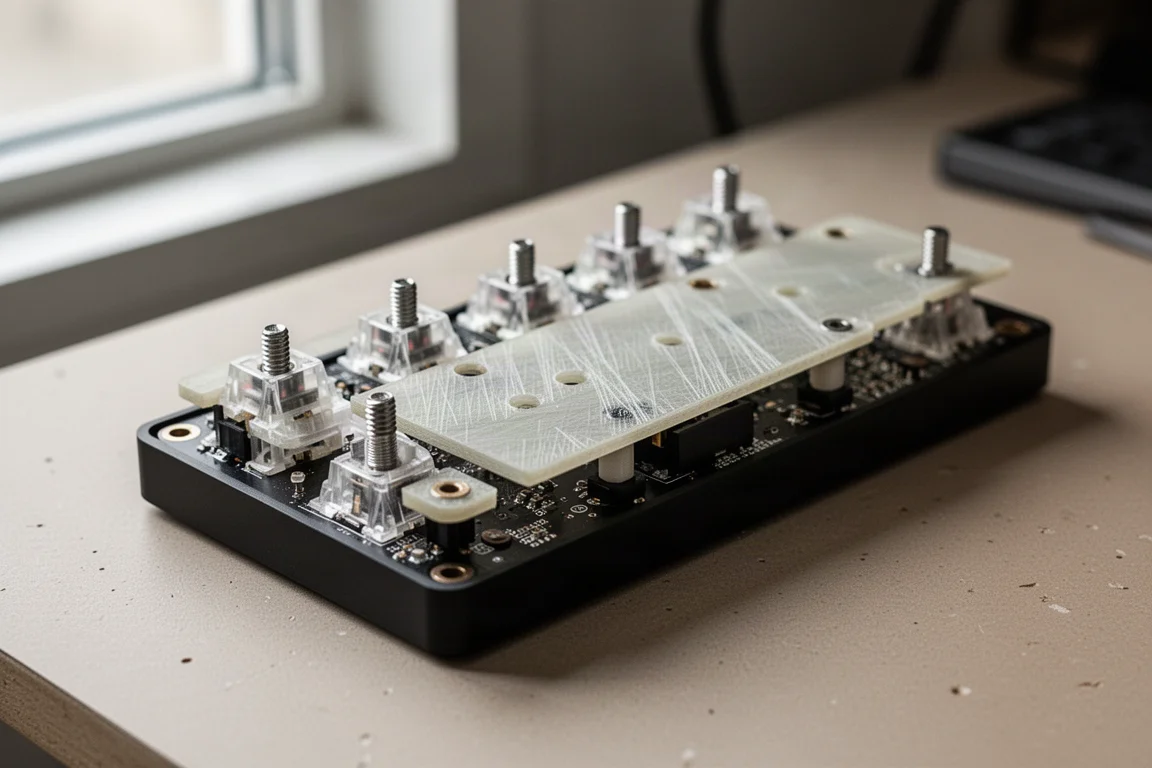
The module is the heart of the experience. It consists of the PCBA, screw-in stabilizers with a generous factory lube job, and an FR4 plate, which is a fiberglass material known for its balanced sound and feel. There’s also a factory tape mod on the back, similar to what was seen in the ADHE, and a 0.05mm thick PET film that keeps switches from making contact with the PCB, further improving the sound.
Instead of screws, the module uses a pressure-fit pad system that debuted with the Optimum case. This version has silicone around the edges and a POM section in the center alphas area. The module can be pushed and pulled in and out of different cases, making swaps incredibly easy. It works with the Optimum case, the Owl Lab case, Wooting Zone cases, and the Tofu Redux.
Performance and Latency
One of the most significant upgrades in the V2 is the move to true 1:1 AK polling, which means the keyboard reports to the system and scans the PCB both at 8K, resulting in a latency of around 0.125 milliseconds. For context, the existing 60HE measures at 1.8 milliseconds for single-key presses and 2.7 milliseconds for multi-key presses. The V2’s latency numbers are expected to be very similar to the ADHE, which measures 0.4 and 0.5 milliseconds respectively. That’s a substantial reduction, though even Wooting’s own CEO notes it’s probably not something you’ll feel in day-to-day use.

The analog input features remain the core selling point. Rapid trigger is supported down to 0.1mm, and Wooting holds the line at 0.1mm switch actuation. Some cheaper clone boards allow actuation down to 0.01mm, but that introduces noise filtering which can add processing latency, and it can cause accidental inputs from sources like speaker bass or magnetic interference. Wooting’s approach prioritizes reliability over chasing lower numbers.
Sound and Feel
The V2 ships with all-new Lekker Teacans switches, which translate from Dutch to “delicious typing.” These switches feature a closed bottom housing, similar to Gateron Jades, which typically has a positive effect on sound quality. The Teacans have a full travel distance of 4mm, giving you the full depth of analog input. They also feature reduced stem wobble compared to the previous Lekker V2s.
The switches use a long 22mm spring, resulting in a heavier initial actuation force of 42g and a total bottom-out force of 54g. This balance makes it tougher to trigger accidental inputs while reducing fatigue during long sessions. The switches feel smooth and solid, and they’re compatible with the old spring design if you want to experiment with spring swapping.
The case offers sound dampening options. It ships with a silicone insert that mutes much of the switch sound, or you can swap in the old-school EPDM foam for a louder, lower-pitched option. You can also run it without either for a raw sound. The friction-fit design makes swapping these out quick and easy, so you can experiment to find your preferred acoustic profile.
One minor observation is that the spacebar can sound slightly different on one side than the other, though there is noise dampening under the spacebar as well.
Customization Options
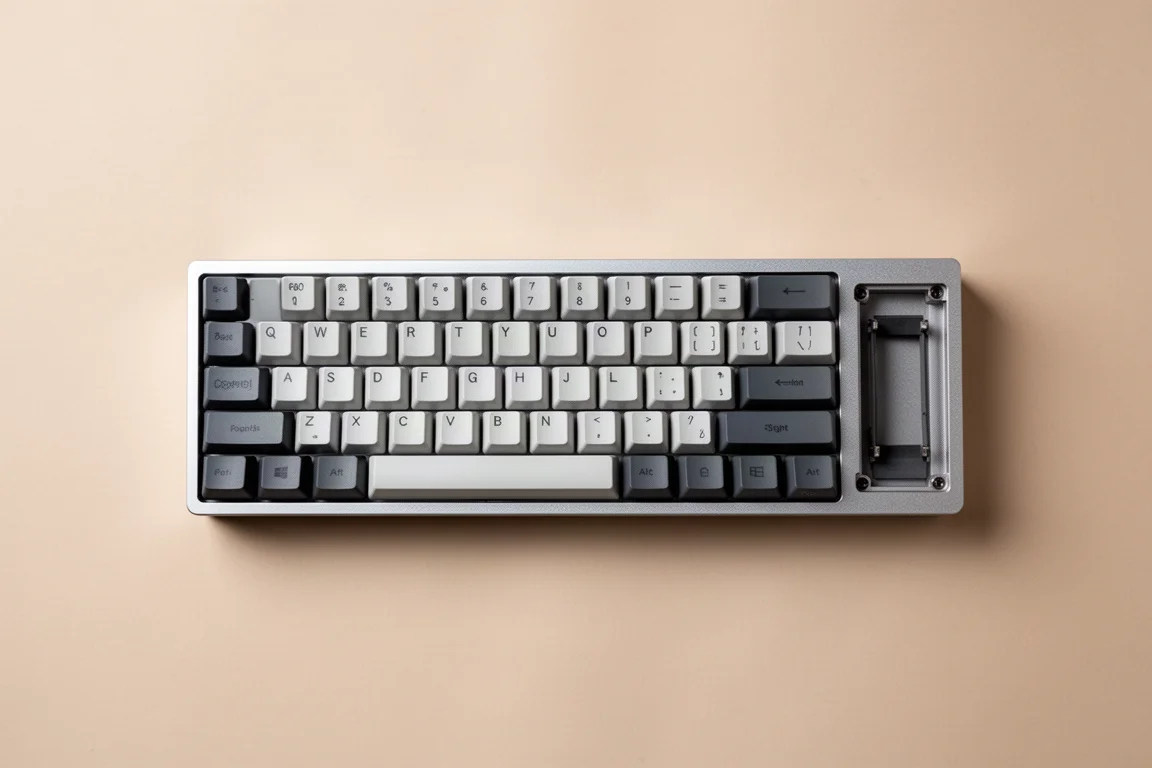
A notable new option is the choice between a standard spacebar or a split spacebar. This is a decision you have to make when ordering, as the PCB is different for each configuration. The split spacebar goes three ways, with the longest segment on the left side, which makes sense ergonomically for gaming. The main consideration with the split configuration is keycap support. Wooting’s own shine-through PBT cap sets include keys for this layout, but their ABS and double-shot PBT sets currently don’t. You can substitute keys from other sets, though the profile and legends may not match perfectly.
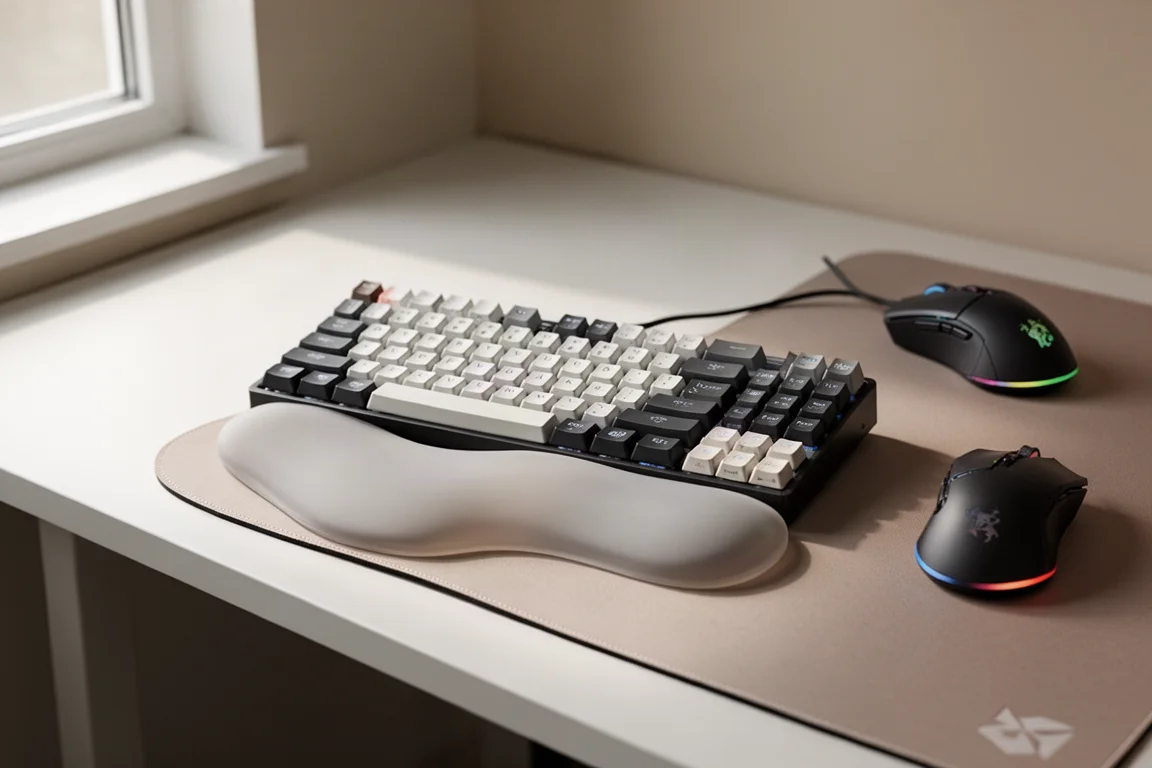
The case also offers a redesigned silicone wrist rest with a separate piece that can hook under the front lip of the case or be removed entirely for a free-floating setup.
Software and Features
Wooting’s software remains top-tier, with every analog feature available, including full analog joystick emulation, Mod Tap, and Dynamic Keystrokes. The V2 adds a switch selector with popular aftermarket choices to ensure everything is calibrated correctly, including the analog curve. There’s also a new onboarding walkthrough to help new users understand the basics of analog input boards.
The software experience is polished and reliable. Everything just works, which is a big part of why Wooting keyboards have such a loyal following.
Pricing and Configurations
The Wooting 60HE V2 is available in several configurations. The module only option is $139.99, which includes the PCBA with the friction mount setup and screw-in stabilizers pre-installed, plus an extra foam pad for older tray mount cases. The aluminum version reviewed here is $239.99. Both of these ship in December.
There’s also a more affordable ABS plastic version planned for release around April of next year, priced at $179.99. This version has an aluminum plate in the bottom and offers an optional silicone wing to fill the empty flight strap holder.
Buying Advice
If you currently own a 60HE or 60HE+, the decision to upgrade depends on a few factors. If you want the split spacebar option, that’s a clear reason to upgrade. The latency improvements are significant on paper, though you may not notice them in practice. The acoustics and feel are also improved, thanks to the new switches and the overall acoustic tuning working together.
For first-time buyers, the V2 is a hyper-polished version of an already top-tier product. Wooting keyboards aren’t cheap, but they’re built to last. The original 60HE PCB has been running strong for over three and a half years of daily use, and Wooting continues to add features to older boards as long as there’s hardware compatibility. The four-year warranty adds further peace of mind.
Conclusion
The Wooting 60HE V2 is a refined evolution of an already excellent keyboard. It addresses feedback from the past three years without breaking what made the original great. The modular design, improved acoustics, lower latency, and thoughtful customization options make it a compelling choice for anyone in the market for a high-end analog keyboard. If you have the budget for a Wooting, the V2 is the version to get.
Product link
View more details for Wooting 60HE V2
This product is mentioned in the review. Check the specifications, options, and compatibility before buying.
View more details for Wooting 60HE V2Further reading
Related Reviews
Keyboards
Ajazz AK820 vs AK820 Pro: Two Budget Keyboards With Very Different Switches
A close look at the Ajazz AK820 and AK820 Pro, two budget keyboards that share a frame but differ sharply in typing feel and value.
Keyboards
Best Budget Keyboards on Amazon 2026: Six Solid Options Under $150
A practical roundup of six budget-friendly mechanical keyboards available on Amazon, each with real strengths and trade-offs worth considering before purchase.
Keyboards
Best Prime Day Keyboard Deals 2026: Top Picks for Every Budget
A curated roundup of the best keyboard deals this Prime Day, from budget-friendly options to premium aluminum builds, with honest trade-offs for each pick.