Keyboards
Unik Mag UQ71 and UQ68 Review: Maglev Switches Explained
Two keyboards with magnetic levitation switches promise a contactless feel. We break down the differences, the typing experience, and the software.
Introduction
Magnetic switches have been around for a while, but magnetic levitation is something else entirely. The Unik Mag UQ71 and UQ68 are two keyboards that use Maglev switches, which replace the traditional spring with magnets. The result is a contactless switch that feels and sounds different from anything else on the market.
Both keyboards were sent for early testing, but the thoughts here are independent. The UQ71 is priced at $199 US, while the UQ68 sits around $230. Prices do shift, so it is worth checking current listings before committing.
What Are Maglev Switches?
The core idea is simple. Take apart a Maglev switch and you will find four magnets: one in the stem, two on the sides, and one on the bottom. There is no spring to bounce the switch back up, and no leaf or pins plugging into the PCB. This makes it a fully contactless switch, which in theory means no interference from a spring and a purely magnetic return.
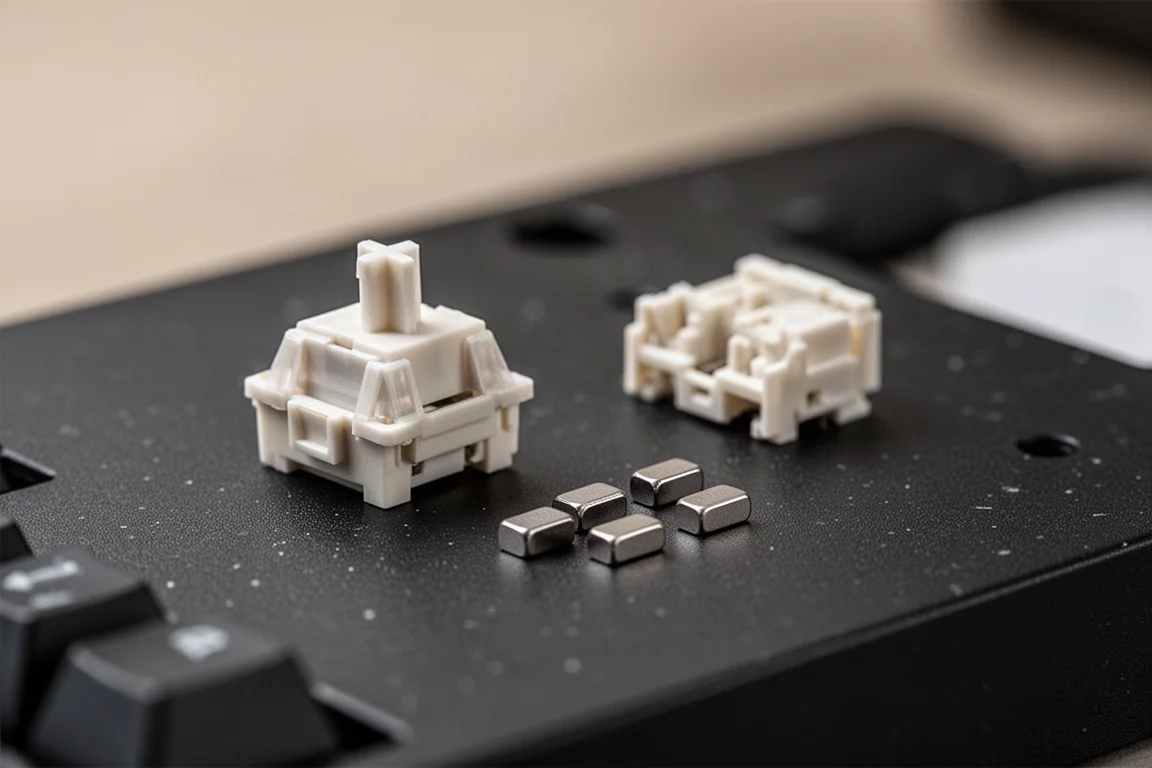
More magnets usually mean more interference, which could make the magnetic input harder to read. That is where the TMR sensors on the PCB come in. The UQ71 uses a basic white switch, while the UQ68 has a more advanced gray one. The newer switches in the UQ68 appear to use nicer materials, sound thockier, and feel noticeably smoother.
Build Quality and Design
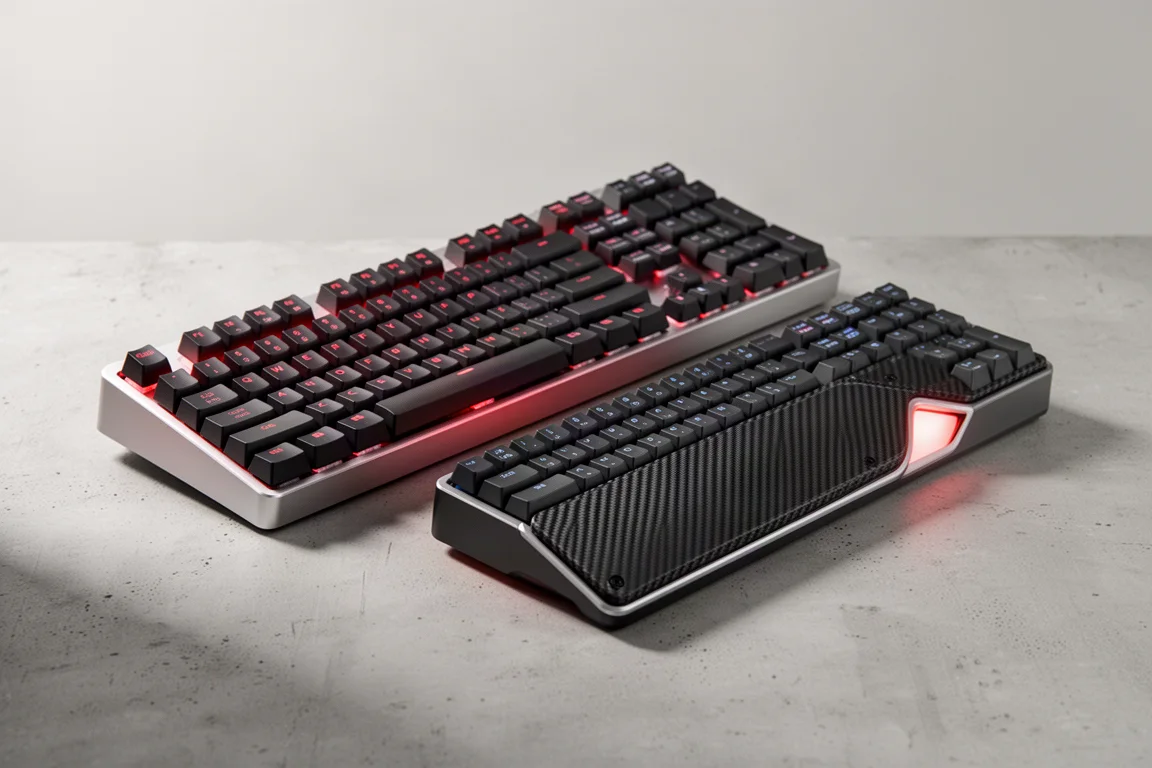
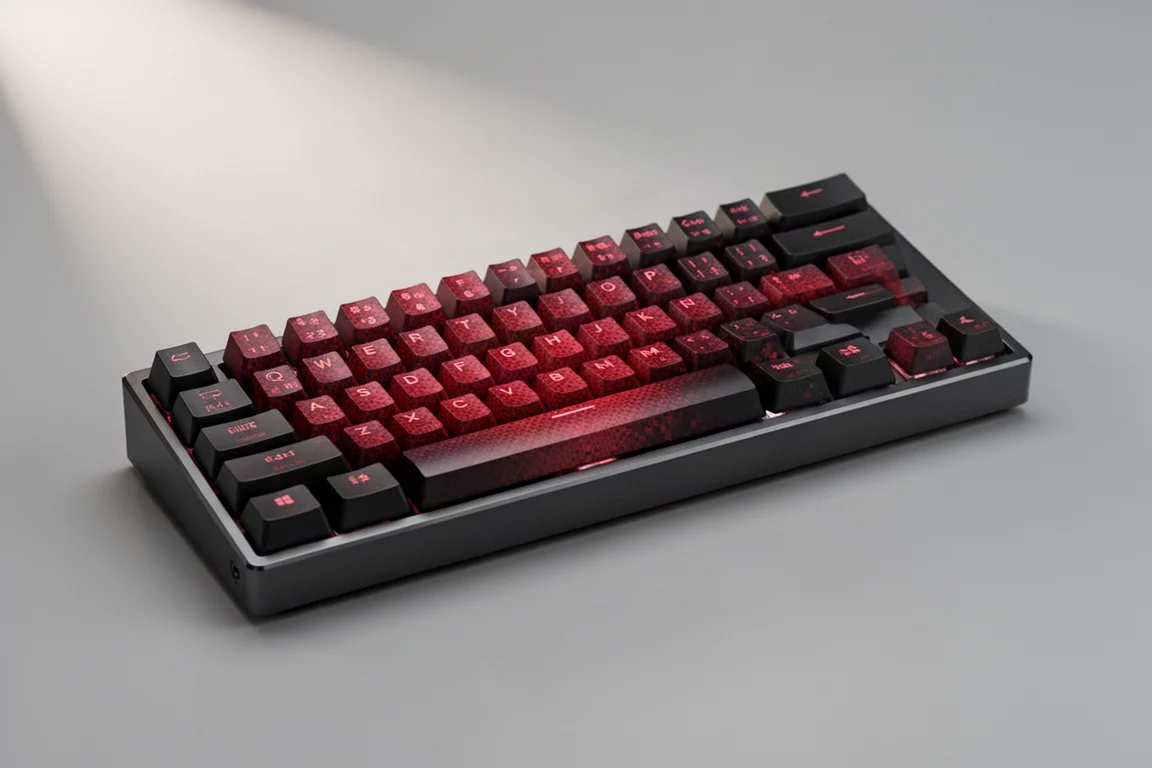
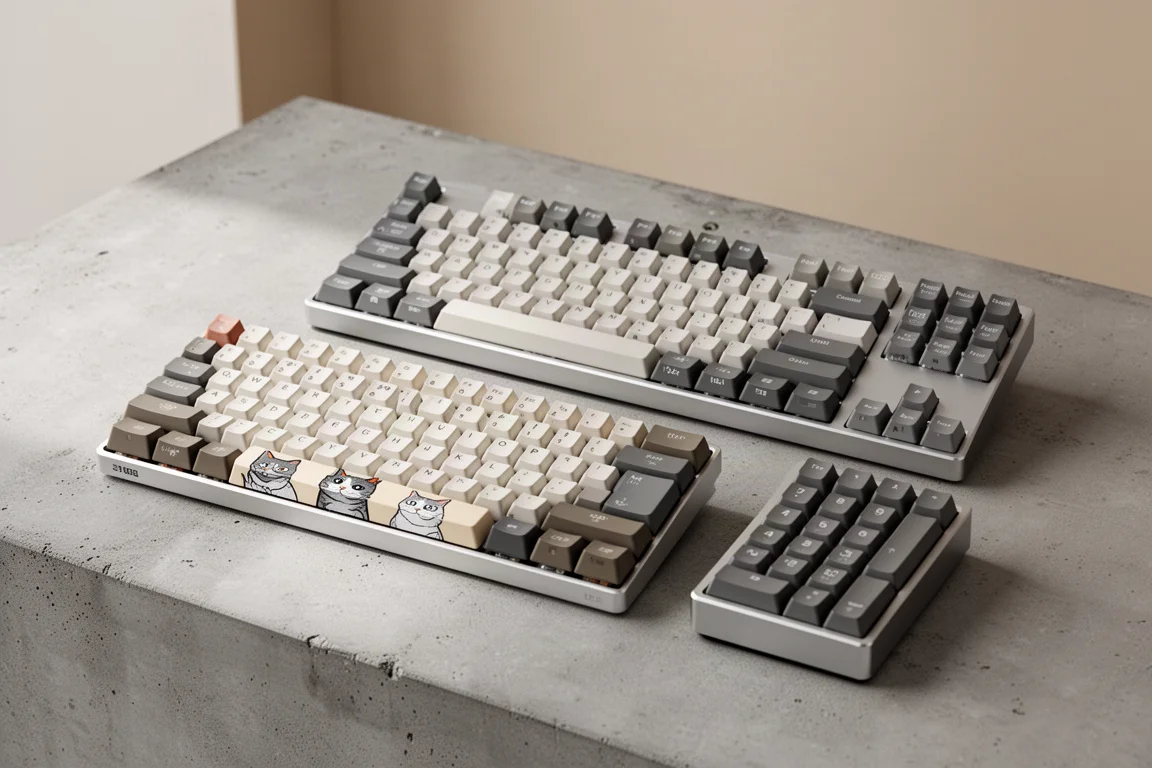
The UQ71 has an interesting layout. It is essentially a 60% keyboard with an extra block on the side, or a TKL with the top row cut off. This layout loses some valuable keys up top while adding extras on the side that you might bump into with your mouse during low-sensitivity gaming. It is a divisive choice.
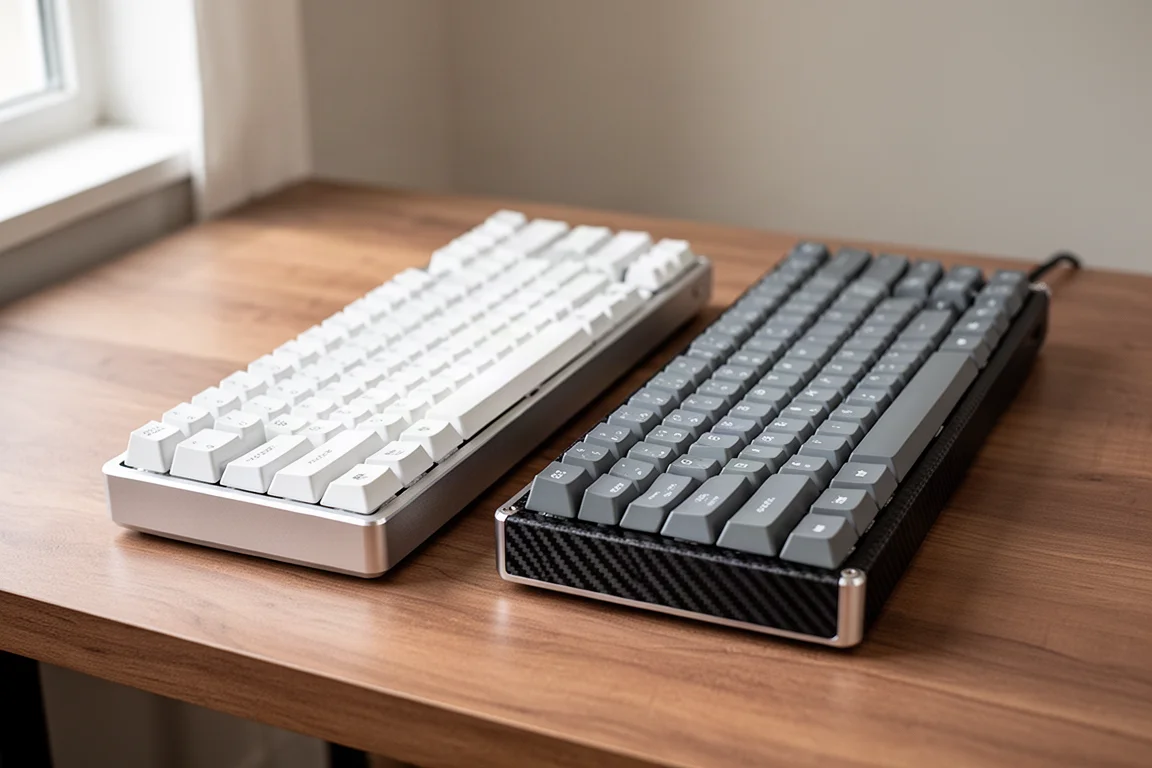
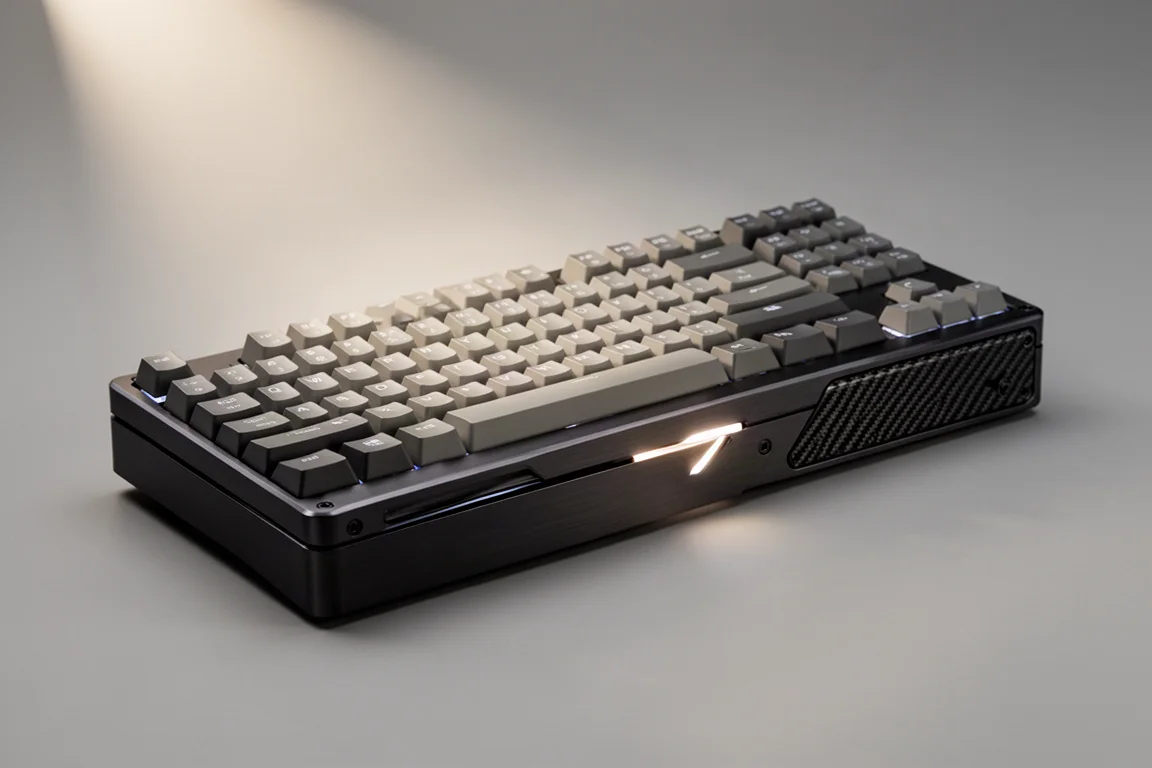
The case itself is gorgeous. Full aluminum construction feels premium, comparable to keyboards that cost $300 in the past. The UQ68 is even more refined, with a seam cutout on the side that turns out to be a small light box. Both keyboards are nicely weighted, with carbon fiber on the back that adds a polished touch.

The keycaps are the weak point. All color schemes come with poorly printed legends that are slightly offset, and the overall quality feels like something you would spend $8 on. The red gradient on the UQ71 could be interesting, but the included spacebar cannot be swapped out. If you buy these expecting a fully premium package, you will likely want to replace the keycaps.
Typing Feel and Sound
The UQ68 feels noticeably better than the UQ71. It is thockier, creamier, and the switches feel more refined. Typing on it is genuinely pleasant, and it stands out more than its cheaper sibling. The UQ71 still feels nice, but the UQ68 is the one that leaves an impression.
Because the switches are magnetic, they also stick to each other, which makes for a fun desk trick. More importantly, the sound profile is better than any other magnetic keyboard tested. If sound and feel matter to you, the UQ68 is the one to watch.
Software and Gaming Features
The software is a web app, which is a big plus. Plug in the keyboard and it is recognized quickly. However, the app is clearly new. Basic features are there, but labeling is poor, and newcomers to magnetic keyboards may need to do some research to understand what each setting does.
There are three presets: standard, firing mode, and super mode. These adjust polling rate, rapid trigger settings, and actuation point. Firing and super modes are terrible for typing, producing double tap presses, so standard mode is the way to go for everyday use. You can remap keys, set individual actuation points, and toggle rapid trigger.
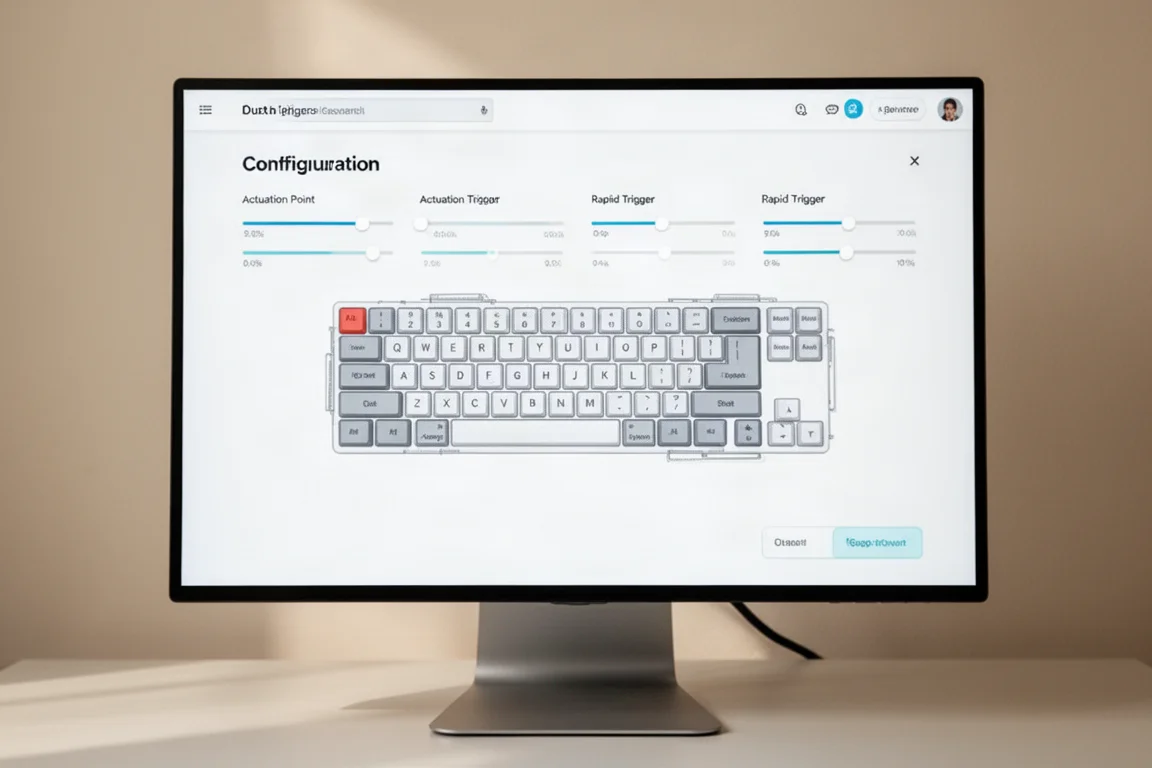
The software is fine, but not the best. There is no hotkey to switch profiles on the keyboard itself, and no feature that truly takes advantage of the Maglev switches. In practice, the switches feel and sound different, but they do not perform substantially better than a standard magnetic switch with a spring.
One caution: a firmware update completely bricked the prototype UQ68, leaving it unusable. If you buy one, updating within the first 90 days is wise, given the generous return policy.
Which One Should You Buy?
The UQ71 is the budget option at $199, but the layout is harder to recommend. The UQ68 costs more, but it feels more refined, sounds better, and has a more practical design. If you care about gaming features, both handle rapid trigger well, though the software has friction.
If you just want rapid trigger and a premium feel, the UQ68 is one of the most polished options available. The Maglev switches are genuinely impressive, especially in the UQ68, and they sound better than any other magnetic keyboard tried. Just be prepared to swap the keycaps and navigate a young software experience.
Conclusion
The Maglev switches are a real step forward in feel and sound. The UQ68 is the standout, offering a smooth, thocky typing experience that rivals much more expensive keyboards. The UQ71 is cheaper, but its layout and less refined switches make it a harder sell.
For gamers who want rapid trigger without the usual compromises, the UQ68 is worth serious consideration. Just update the firmware early and plan to replace the keycaps. The Maglev technology is cool, and these keyboards prove it can work in practice.
Further reading
Related Reviews
Keyboards
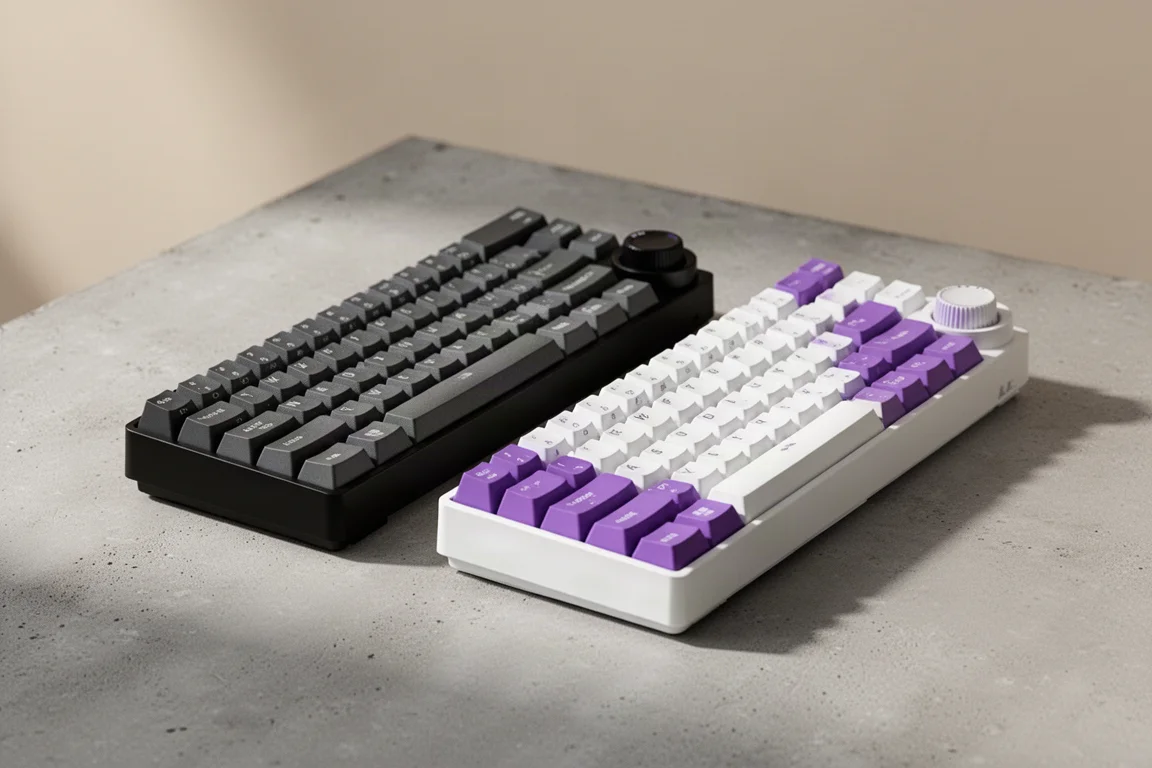
Ajazz AK820 vs AK820 Pro: Two Budget Keyboards With Very Different Switches
A close look at the Ajazz AK820 and AK820 Pro, two budget keyboards that share a frame but differ sharply in typing feel and value.
Keyboards
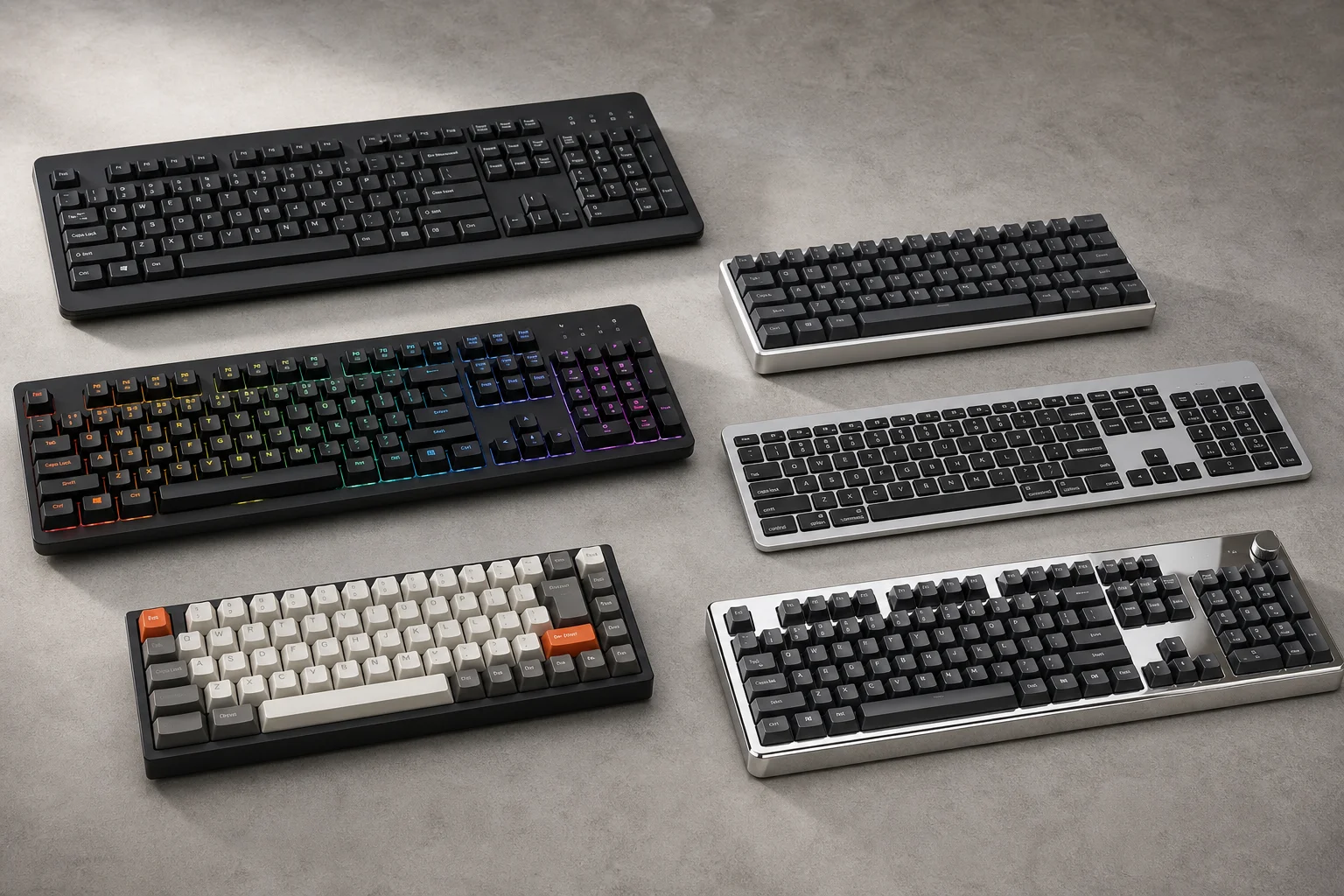
Best Budget Keyboards on Amazon 2026: Six Solid Options Under $150
A practical roundup of six budget-friendly mechanical keyboards available on Amazon, each with real strengths and trade-offs worth considering before purchase.
Keyboards
Best Prime Day Keyboard Deals 2026: Top Picks for Every Budget
A curated roundup of the best keyboard deals this Prime Day, from budget-friendly options to premium aluminum builds, with honest trade-offs for each pick.