Keyboards
Turtle Beach Keyboard Review: A Bold Idea That Falls Short
The Turtle Beach keyboard brings Hall Effect switches, 8K polling, and a touchscreen to the table, but build quality and software issues hold it back.
Introduction
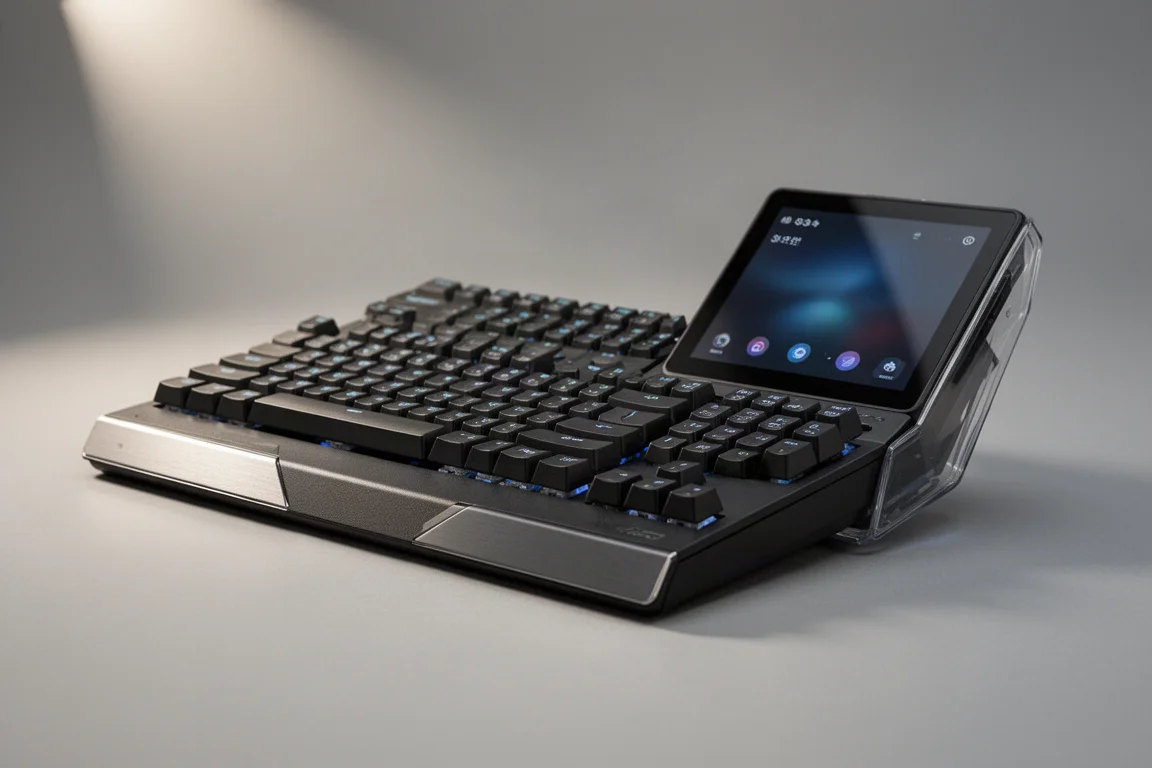
Turtle Beach is a name many gamers recognize from the headset era, and the company has now stepped into the keyboard space with an ambitious low-profile design. The keyboard promises Hall Effect switches, true 8K polling, and a full touchscreen on the side, all for under $200. On paper, that sounds like a compelling package. In practice, the experience tells a different story.
This review takes a closer look at what the Turtle Beach keyboard gets right, where it stumbles, and whether it deserves a place on your desk.
First Impressions and Build Quality
The unboxing experience is bare bones, which feels underwhelming for a keyboard at this price point. The keyboard itself feels dangerously light, almost toy-like when lifted out of the box. A wrist rest is included, but it is floppy and does not inspire confidence.
The front of the keyboard features a material that looks like metal but feels questionable, while the back is entirely plastic with a glossy finish that is easy to smudge. The sides have visible sockets for expansion modules, but they look unfinished and detract from the overall aesthetic.
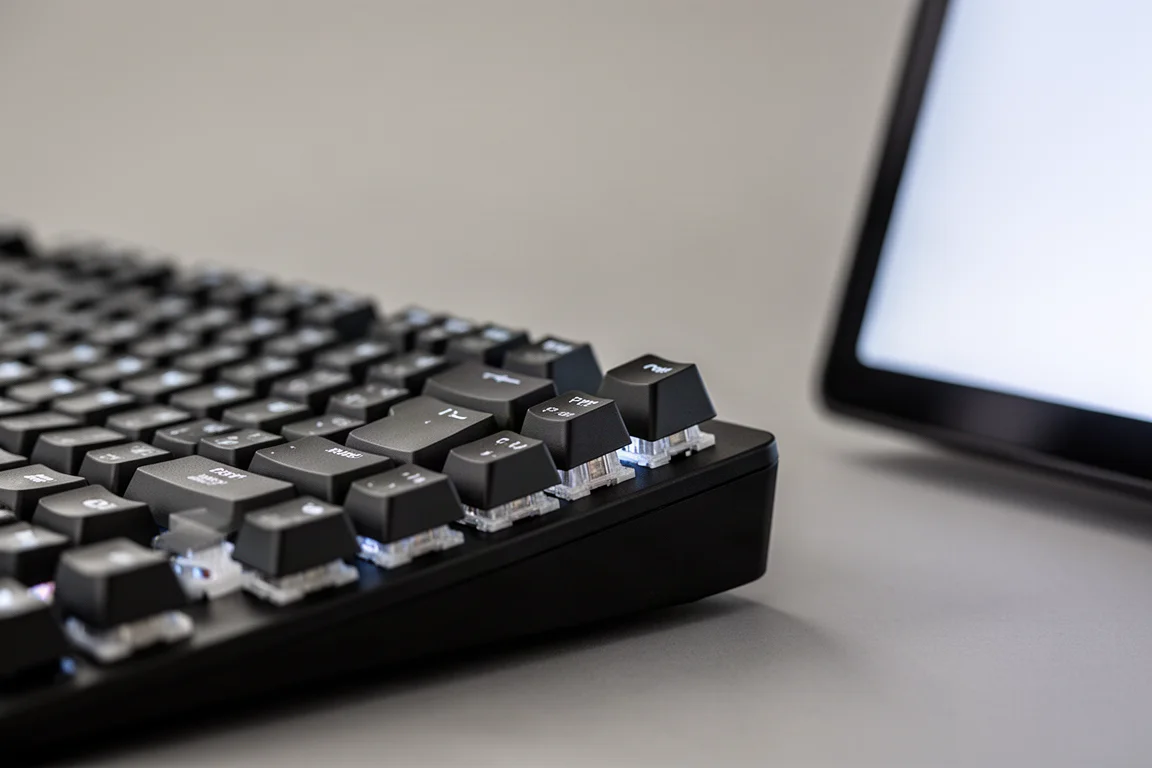
The layout is a tenkeyless design with extra space at the top for macro buttons and a knob. The low-profile form factor is appealing in theory, but the keycaps feel cheap. Despite being marketed as double-shot PBT, they feel miserably low quality. The switches themselves are Hall Effect units that look similar to Gateron low-profile Jade switches, but they feel scratchy in practice.
The Touchscreen Experience
The headline feature is the 4.3-inch touchscreen mounted on the side of the keyboard. When plugged in, the screen lights up, but it flickers noticeably during use. This flickering persisted across different USB ports and even after attempting to troubleshoot. For a keyboard where the screen is a major selling point, this is a significant problem.
The touchscreen requires two USB connections to function, which means laptop users will need to free up two ports. The screen itself can display basic information, but the integration is where things fall apart.
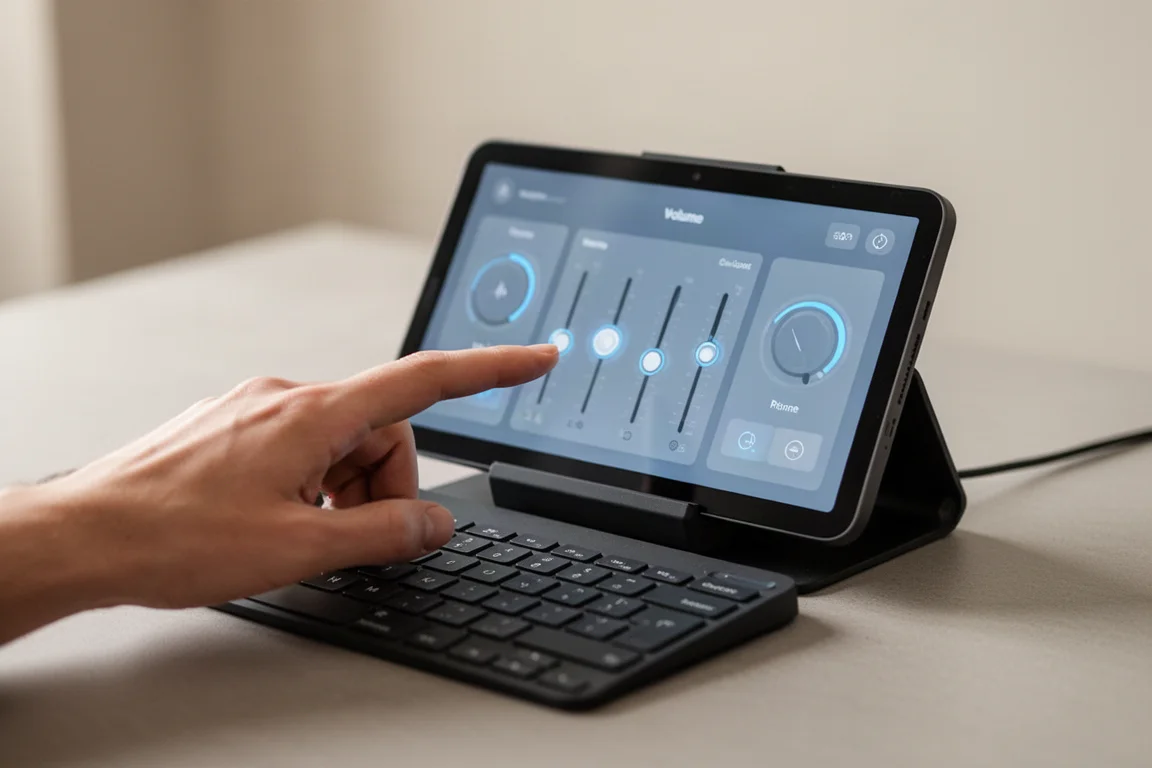
There is a built-in audio mixer accessible by swiping to the left, which allows volume adjustment for individual apps with simple sliders. This is genuinely useful. However, the rest of the screen functionality is limited. Discord and Spotify integrations advertised on the product page do not work as expected. Setting up Discord requires a convoluted series of steps, and Spotify integration is not functional at all.
Software and Configuration
The software experience is where the Turtle Beach keyboard faces its biggest challenges. The software resembles another well-known gaming brand’s utility, but it crashes frequently and struggles to recognize the keyboard consistently.
Upon first boot, the software prompts a firmware update that takes about ten minutes. After the update, the keyboard needs to be unplugged and plugged back in multiple times before it is recognized. This is frustrating and time-consuming.
When the software is not crashing, it does allow adjustment of actuation points and rapid trigger settings for the Hall Effect switches. These features work on paper, but the overall experience is marred by instability. The screen programming interface is particularly problematic, crashing repeatedly during use.
Expansion Slots and Add-Ons
The side sockets visible on the keyboard are designed for add-on modules that Turtle Beach sells separately. These include a spare numpad, but the modules cost around $100 each. The concept is interesting, but it is hard to justify spending more on a keyboard that does not work well on its own.
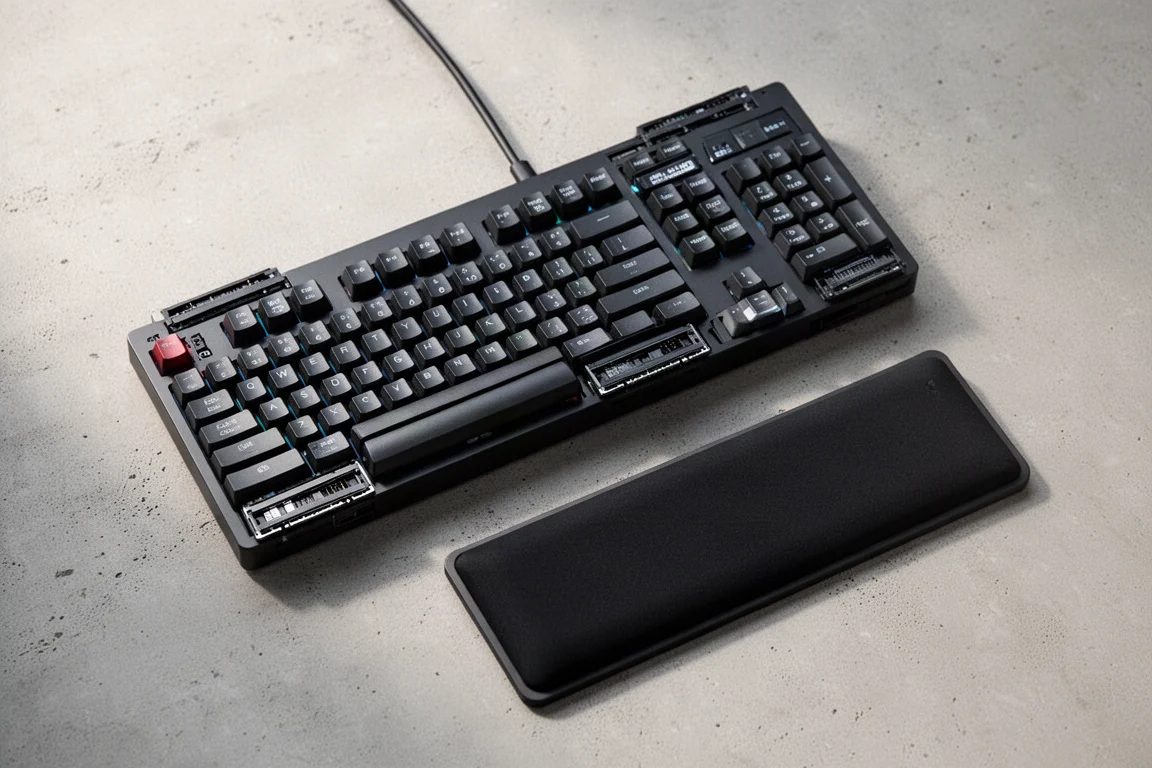
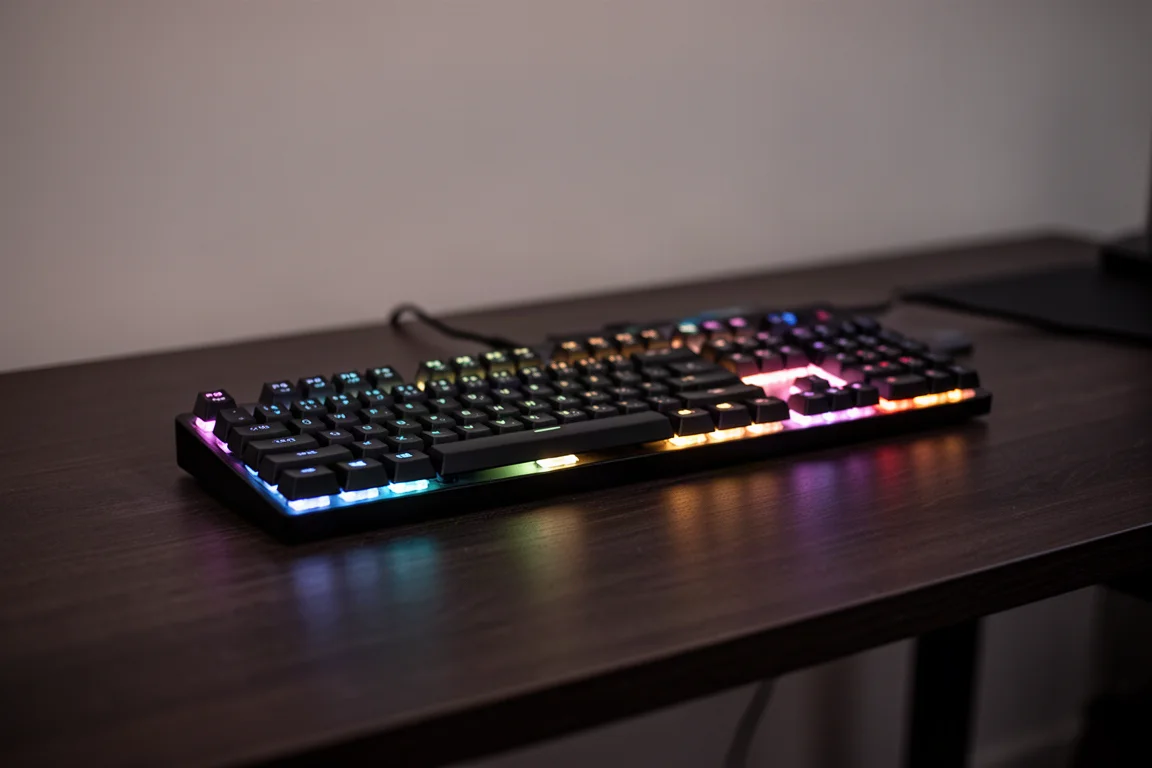
The floppy wrist rest connects to the bottom of the keyboard and displays underglow RGB lighting. While the underglow looks nice, it does not compensate for the other shortcomings.
Buying Advice
The Turtle Beach keyboard is a product with ambitious ideas that are not executed well. The Hall Effect switches and touchscreen are innovative concepts, but the build quality, software instability, and poor integration make it difficult to recommend.
For the price, there are more reliable options available. The keyboard might appeal to enthusiasts who want to experiment with Hall Effect switches or the touchscreen concept, but most users will find the experience frustrating. The expansion modules add further cost without addressing the core issues.
Conclusion
The Turtle Beach keyboard is one of the most disappointing products tested this year. It is not a lack of innovation that holds it back, but rather a lack of execution. The touchscreen integration is the worst seen in a keyboard, the software crashes constantly, and the build quality feels cheap.
For those considering this keyboard, it is best to look elsewhere. The ideas are interesting, but the final product does not deliver on its promises.
Product link
View more details for Turtle Beach Keyboard
This product is mentioned in the review. Check the specifications, options, and compatibility before buying.
View more details for Turtle Beach KeyboardFurther reading
Related Reviews
Keyboards
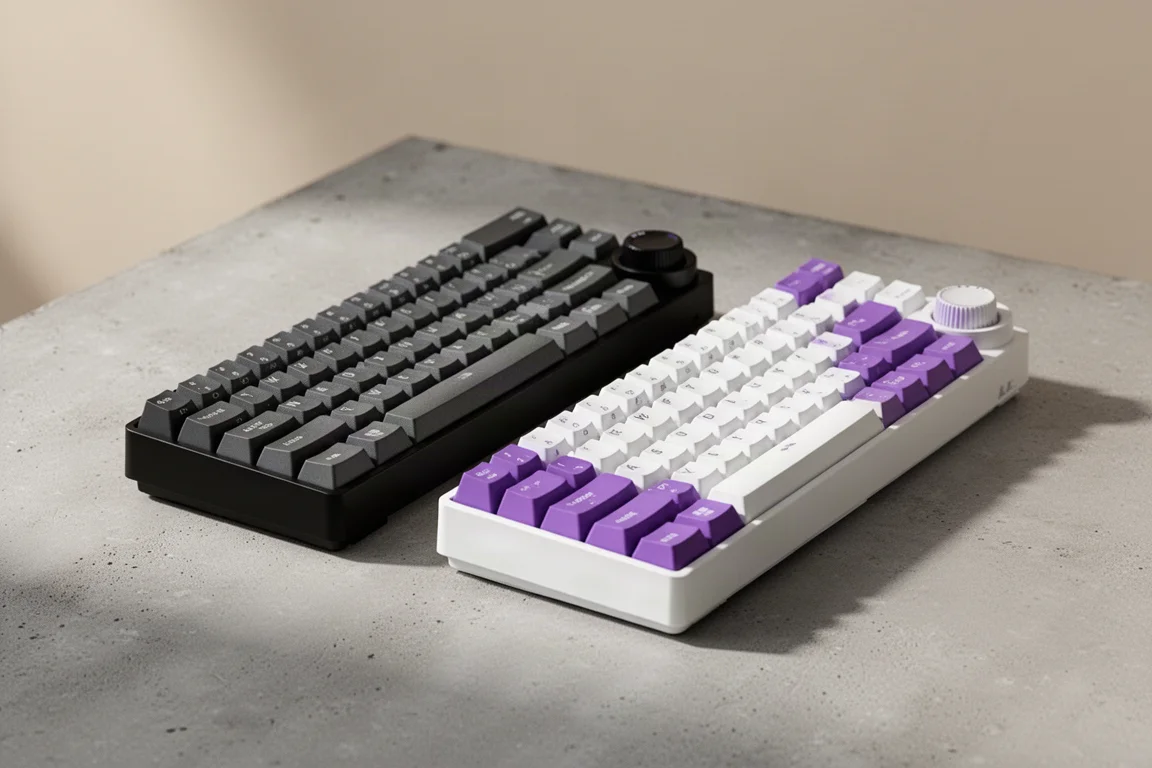
Ajazz AK820 vs AK820 Pro: Two Budget Keyboards With Very Different Switches
A close look at the Ajazz AK820 and AK820 Pro, two budget keyboards that share a frame but differ sharply in typing feel and value.
Keyboards
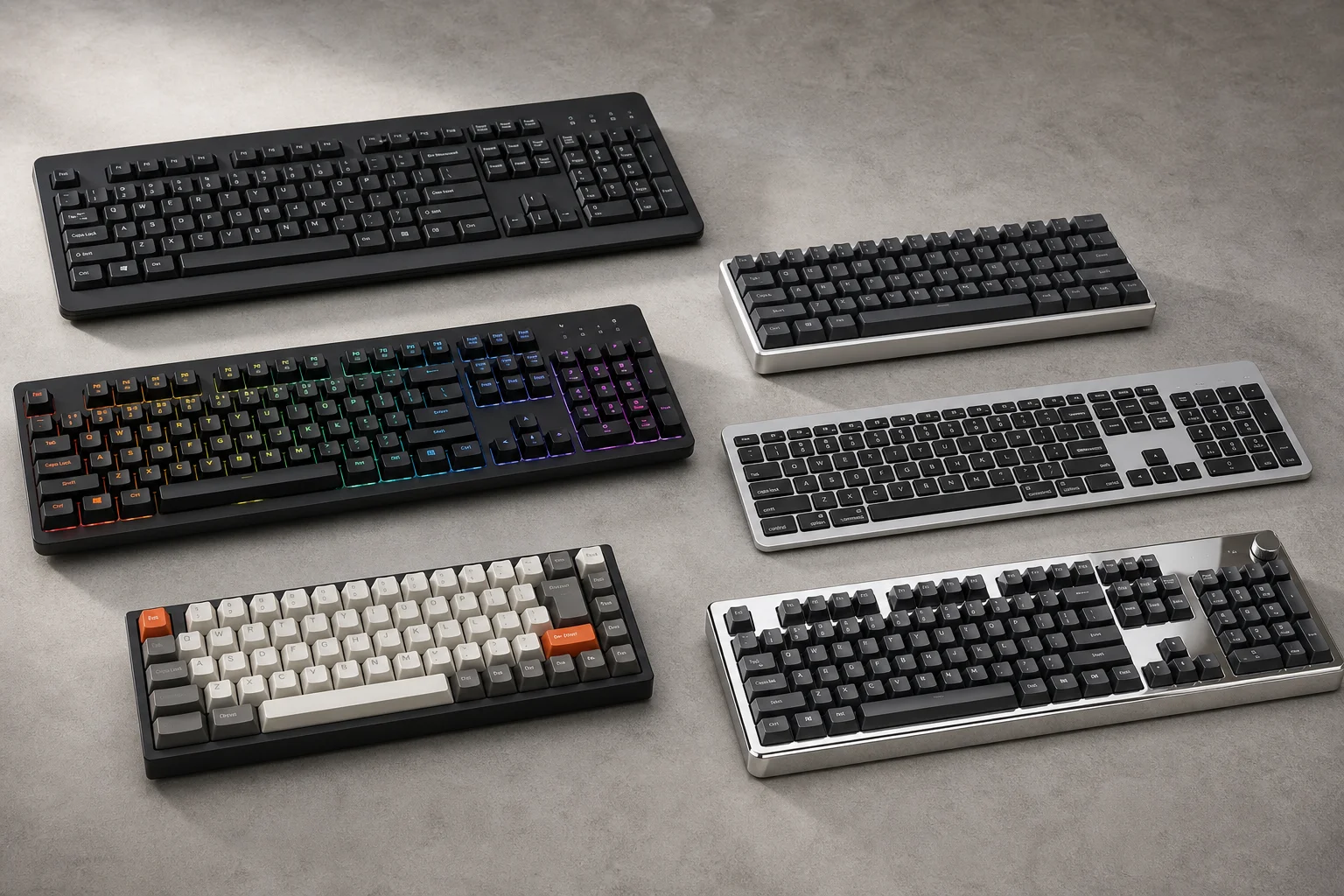
Best Budget Keyboards on Amazon 2026: Six Solid Options Under $150
A practical roundup of six budget-friendly mechanical keyboards available on Amazon, each with real strengths and trade-offs worth considering before purchase.
Keyboards
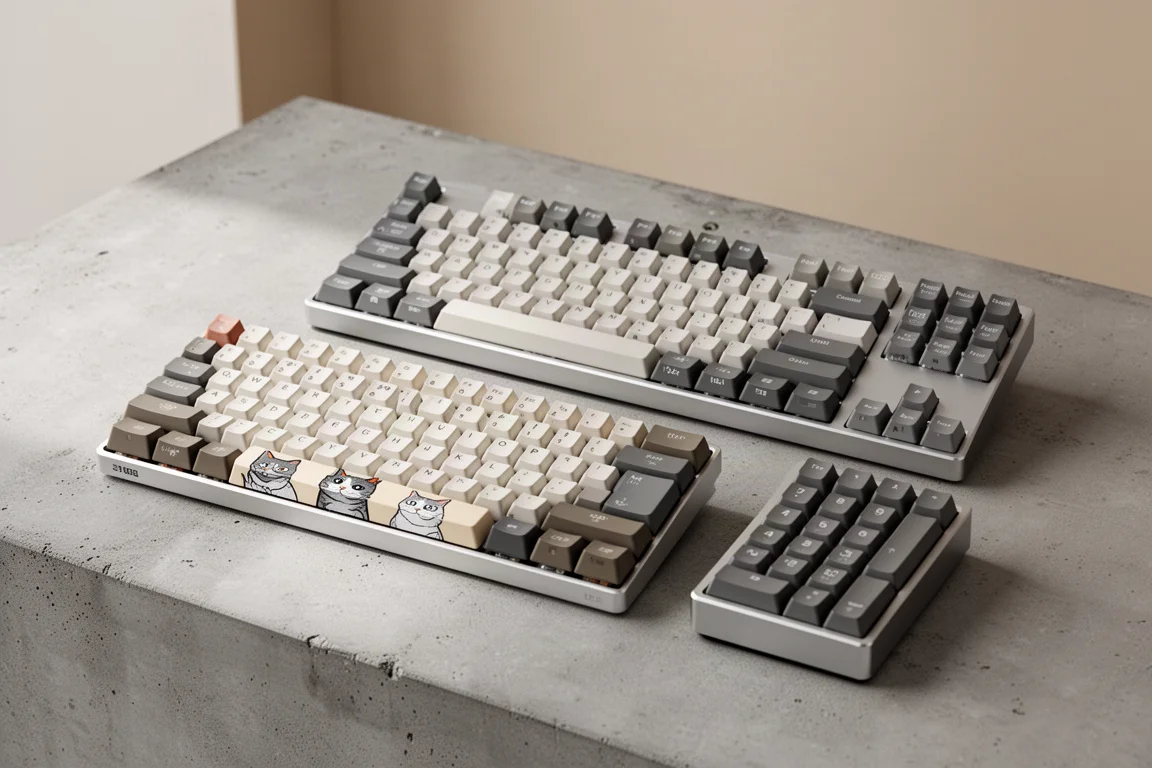
Best Prime Day Keyboard Deals 2026: Top Picks for Every Budget
A curated roundup of the best keyboard deals this Prime Day, from budget-friendly options to premium aluminum builds, with honest trade-offs for each pick.