Networking
TP-Link Deco BE67 Review: A Wi-Fi 7 Mesh Upgrade That Delivers
The TP-Link Deco BE67 tri-band mesh system brings Wi-Fi 7 speeds, 10G wired ports, and seamless whole-home coverage in a clean, minimal design.
Introduction
There is a piece of hardware in almost every connected home that gets ignored for years: the default modem gateway router provided by the internet service provider. It is easy to forget about it and keep using the same device year after year. In one real-world setup, that default router had been in service for at least three and a half years. While a gaming PC might be hardwired, everything else, phones, watches, laptops, tablets, and even a full editing computer, often depends on Wi-Fi from that single little router in the corner of the living room.
For a 2,200 square foot single-floor loft apartment, that default dual-band router simply was not enough. It maxed out at 2.5 gigabits per second and only supported Wi-Fi 6. The TP-Link Deco BE67 tri-band mesh system is a completely different class of hardware. It supports Wi-Fi 7, offers a total Wi-Fi speed of 14 gigabits per second, includes 10G wired connectivity, and can handle over 200 connected devices. That makes it a strong fit not only for small households that want the best speeds available, but also for larger families with many devices running simultaneously, especially in homes with lots of smart home gear.
Why the Default Router Is the Weak Link
The default router from an ISP is often the most overlooked component in a home network. In a loft apartment, hardwired options are limited to the room where the router sits and one additional room. Everything else relies on Wi-Fi, and that puts a lot of pressure on a single dual-band device. Testing from about 8 feet away in the living room, 20 feet away in an editing setup, and in the furthest bedroom showed speeds dropping off in a predictable, linear way based on distance and obstruction.

With a baseline wired internet service of 1 gig down and 300 up, the default router delivered underwhelming results. The signal degraded noticeably as distance increased, and walls made things worse. For anyone with a large space or multiple devices, this is a familiar problem. The Deco BE67 is designed to solve exactly that by spreading multiple units throughout the home to create a seamless mesh network.
Design and What’s in the Box
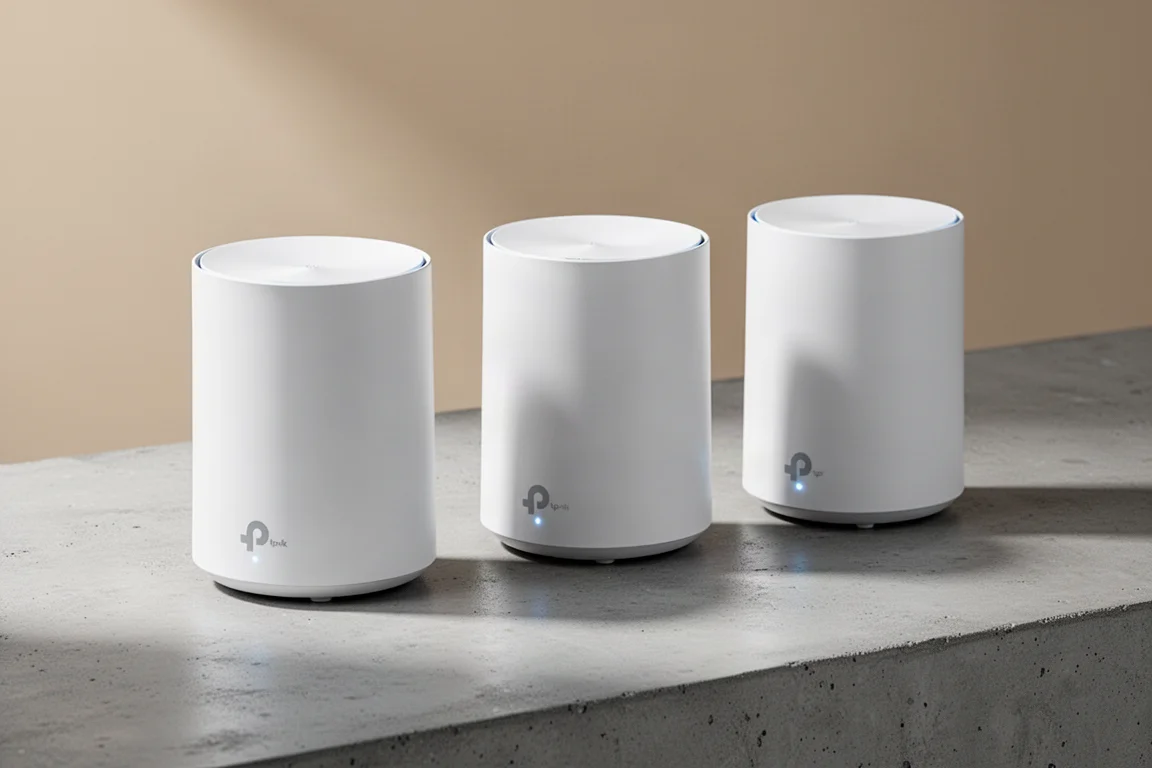
One of the first things that stands out about the Deco BE67 is its appearance. It does not look like a giant robot spider sitting on display. The units have a clean, minimal design that blends into a living space rather than dominating it. Each unit is compact and simple, which makes it easy to tuck them away or leave them visible without ruining the aesthetic of a room.
Inside the box, each unit comes with all the necessary power adapters, one RJ45 ethernet cable, a reset tool, and a quick start guide. The three-pack is priced at $699 US and covers up to 8,100 square feet, which is more than enough for most homes, including larger single-floor layouts.
Setup: Surprisingly Simple
For anyone who is not particularly tech-inclined, setting up a mesh system can sound intimidating. The Deco BE67 makes the process genuinely easy. The first step is downloading the TP-Link Deco app, available for iOS and Android. After creating an account, the app walks through the entire process step by step.
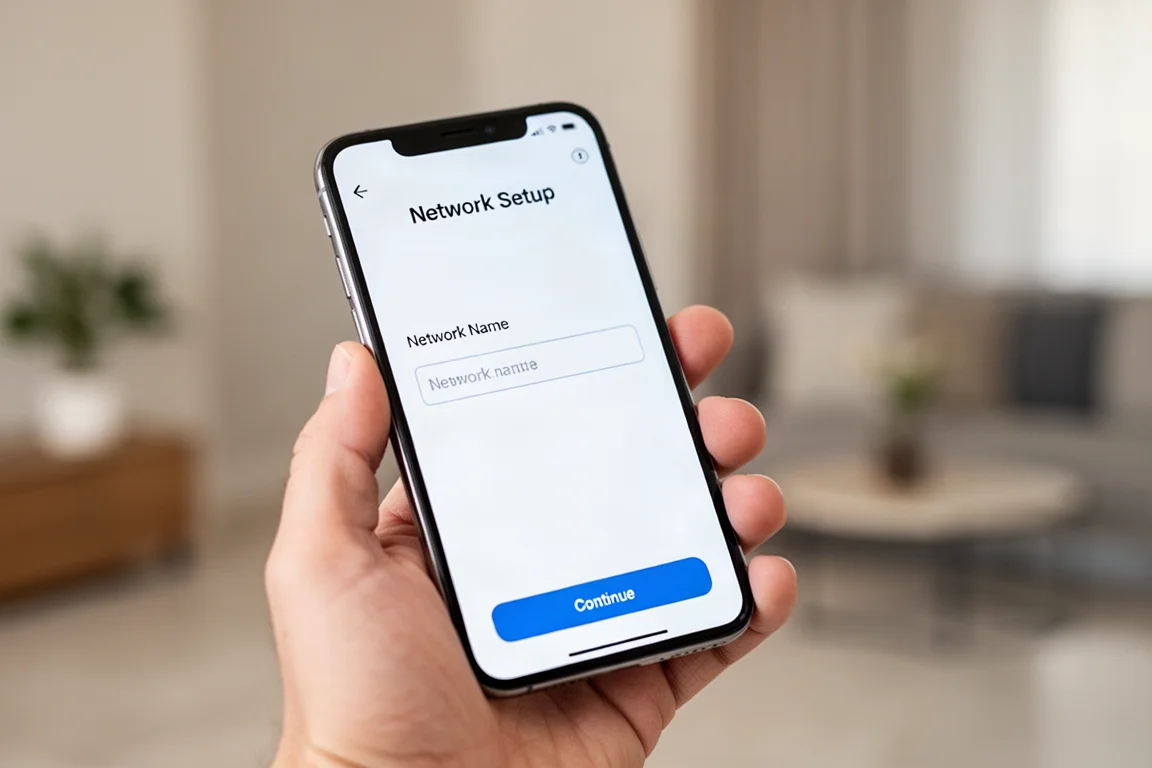
The steps are straightforward: power up the first Deco unit, plug the ethernet cable into the modem or gateway, set the network name and password, then place and plug in the additional units wherever they are needed. The system automatically adds and configures the additional units. In a real-world test, the whole process took about 20 minutes, including time spent documenting the setup along the way. No changes to an existing wired network were required, and the system works with every ISP.
Real-World Performance and Stability
The performance gains from switching to the Deco BE67 are substantial. Testing with a single device on the network, exactly 24 hours apart to minimize variables, showed a major boost in speeds across every area of the home. The Wi-Fi 7 technology is doing real work, and that improvement was measured on the 5 GHz band alone.
Switching to the 6 GHz band opens up a channel with less interference. In a building where 90% of neighbors are on the 5 GHz band, running on 6 GHz delivers even bigger performance gains. The BE67 also supports MLO, which communicates across all bands at the same time, further improving throughput and stability.

While only the latest devices support Wi-Fi 7, the system is backward compatible with previous wireless standards. That means existing devices continue to work, and there is a degree of future-proofing as new Wi-Fi 7 devices come out. Even devices that cannot take advantage of Wi-Fi 7 may see improved performance simply because the signal is stronger in more areas of the home.
Stability is just as important as raw speed. In a test involving competitive gaming over Wi-Fi while a 4K video streamed on a phone in the same office, both running purely wireless, the system held up without issues. The mesh design allows for seamless movement from room to room with no interruptions.
Ports and Backhaul: Built for the Future
Each Deco BE67 unit includes a 1 gigabit, a 2.5 gigabit, and a 10 gigabit port. This allows for both wireless and wired combined backhaul, which means stability should not be a concern even in homes where every room is hardwired. Having 10 gigabits per second on every node is something that sets this system apart from competitors at this price point.
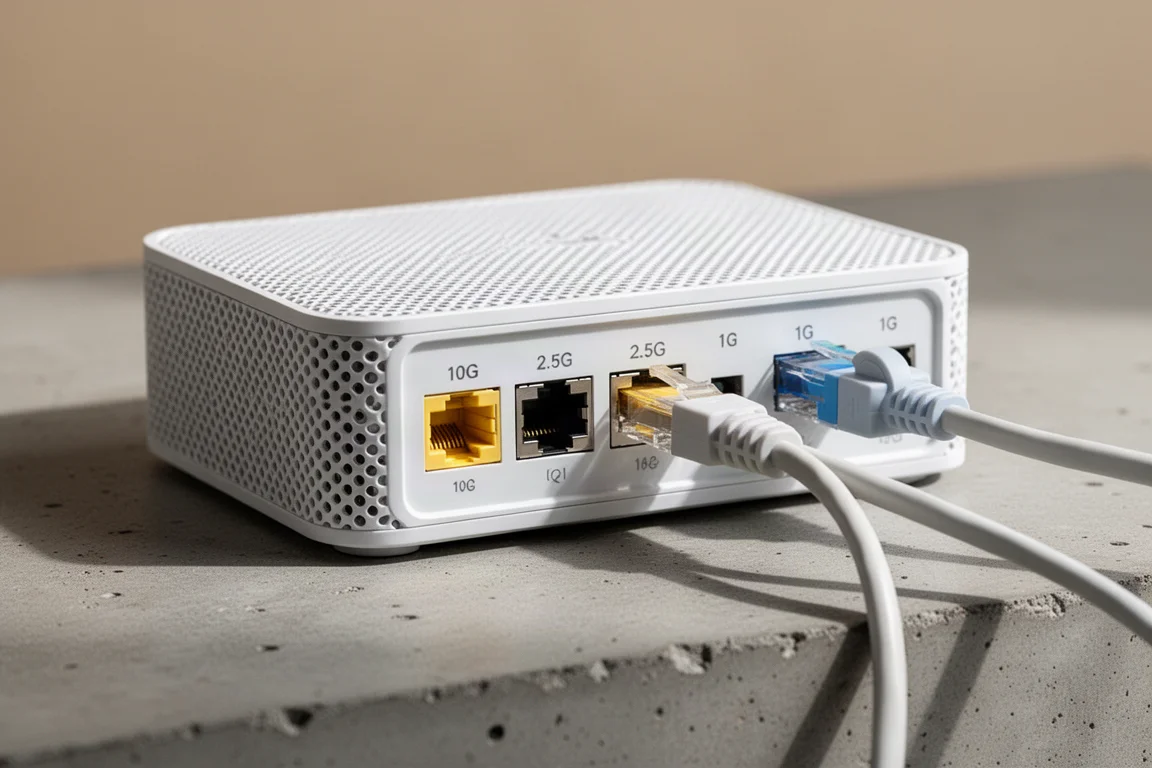
As multi-gig internet becomes more common, having 2.5 gigabit ports is great, but the 10 gigabit ports on every node offer a level of future-proofing that is hard to match. For anyone planning to upgrade their internet service in the coming years, this system is ready for it.
Security and App Controls
Security is a real concern for any home network. The Deco app makes it easy to see exactly what devices are currently connected to the network. Firmware updates can be pushed directly from the app, and there is a full suite of parental controls for managing who gets access to what and when.
A guest network can be set up quickly, and the system even supports loading a VPN at the mesh level. That means all devices connecting to the network can use the VPN without installing anything on each individual device. Having all of this information and control in one app adds a layer of convenience that is genuinely useful.
Buying Advice
The TP-Link Deco BE67 is priced at $699 US for a three-pack, which covers up to 8,100 square feet. That price point includes 10 gigabit ports on every node, which is a differentiator compared to many competitors. For households with multiple devices, smart home gear, or a large living space, the performance gains are immediately noticeable.
The system is also a strong choice for anyone who wants to future-proof their home network. Wi-Fi 7 is still new, but this system supports it fully while remaining compatible with older devices. The easy setup, clean design, and robust app controls make it a practical upgrade for both tech enthusiasts and people who just want their Wi-Fi to work better.
Conclusion
The TP-Link Deco BE67 delivers greatly increased Wi-Fi speeds in every area of the home, with solid coverage and seamless roaming between rooms. The mesh design means additional Deco devices can be added in the future, and they all work together. The units can be tucked away or left visible thanks to their clean, simple design. Setup was ridiculously easy, no changes to an existing wired network were required, and it works with every ISP. For anyone still relying on a default ISP router, this is an upgrade that offers a massive performance boost with minimal effort.
Product link
View more details for TP-Link Deco BE67
This product is mentioned in the review. Check the specifications, options, and compatibility before buying.
View more details for TP-Link Deco BE67Further reading
Related Reviews
Networking
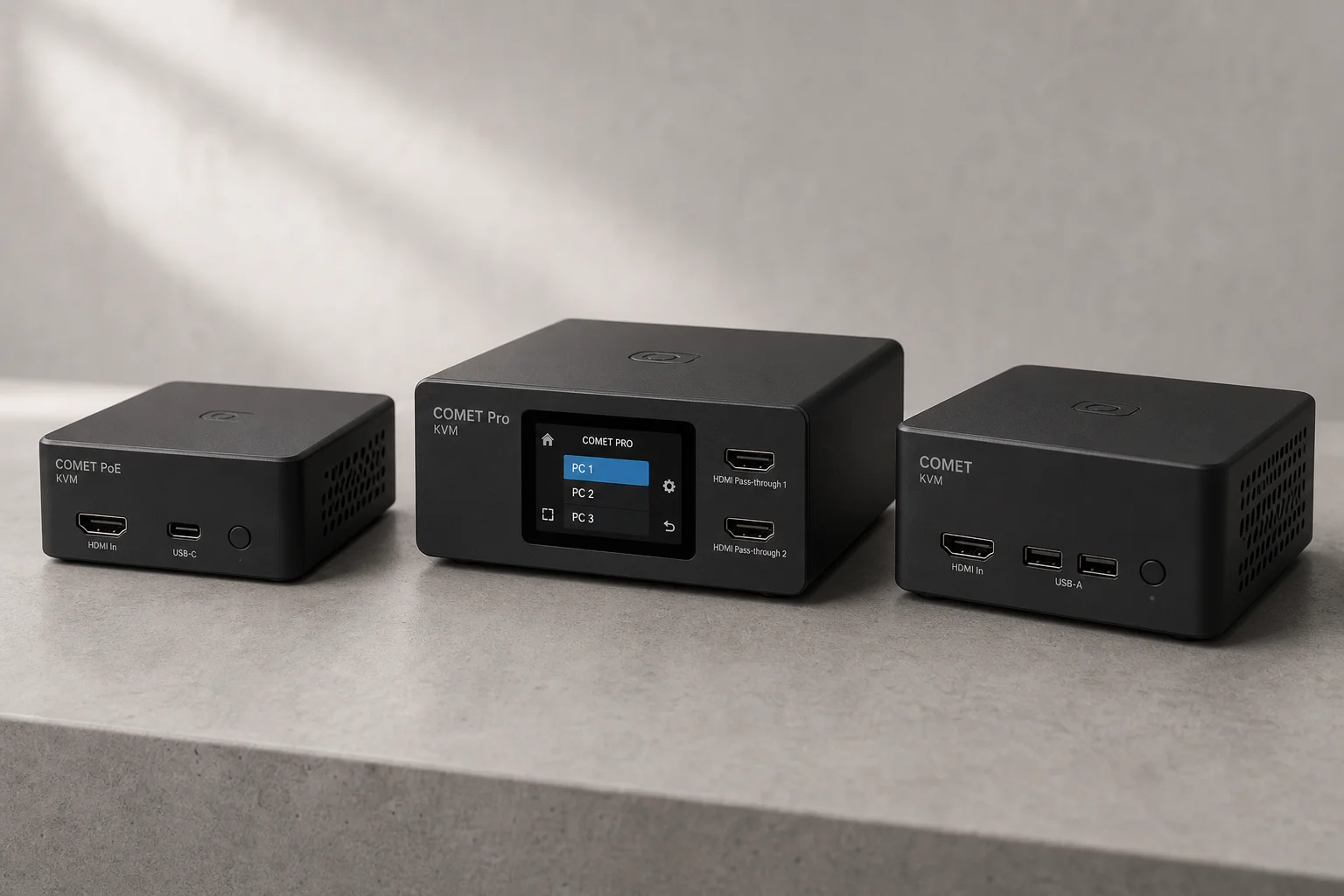
GL.iNet Comet KVM Over IP: Remote Server Control Made Simple
Three affordable KVM over IP devices from GL.iNet that let you manage remote servers and PCs from anywhere, with built-in security, Tailscale integration, and optional hardware accessories.
Networking
GL.iNet Slate 7 Travel Router Review: Wi-Fi 7 and Touchscreen Control
The Slate 7 combines Wi-Fi 7 capability with a functional touchscreen interface, making it a versatile travel router for managing multiple internet sources and VPN profiles on the road.
Networking Equipment
Netgear Nighthawk RS280S Review: A Practical Router for Non-Technical Users
The Netgear Nighthawk RS280S offers solid hardware and effortless setup, but its paywall-locked features and limited advanced networking make it best suited for users who want their internet to simply work.