Smartwatches
TicWatch Pro 3 Ultra Review: A Feature-Packed Rugged Smartwatch Under $300
Six weeks with the TicWatch Pro 3 Ultra: dual-layer display, solid battery life, built-in GPS, and a few quirks worth knowing before you buy.
Introduction
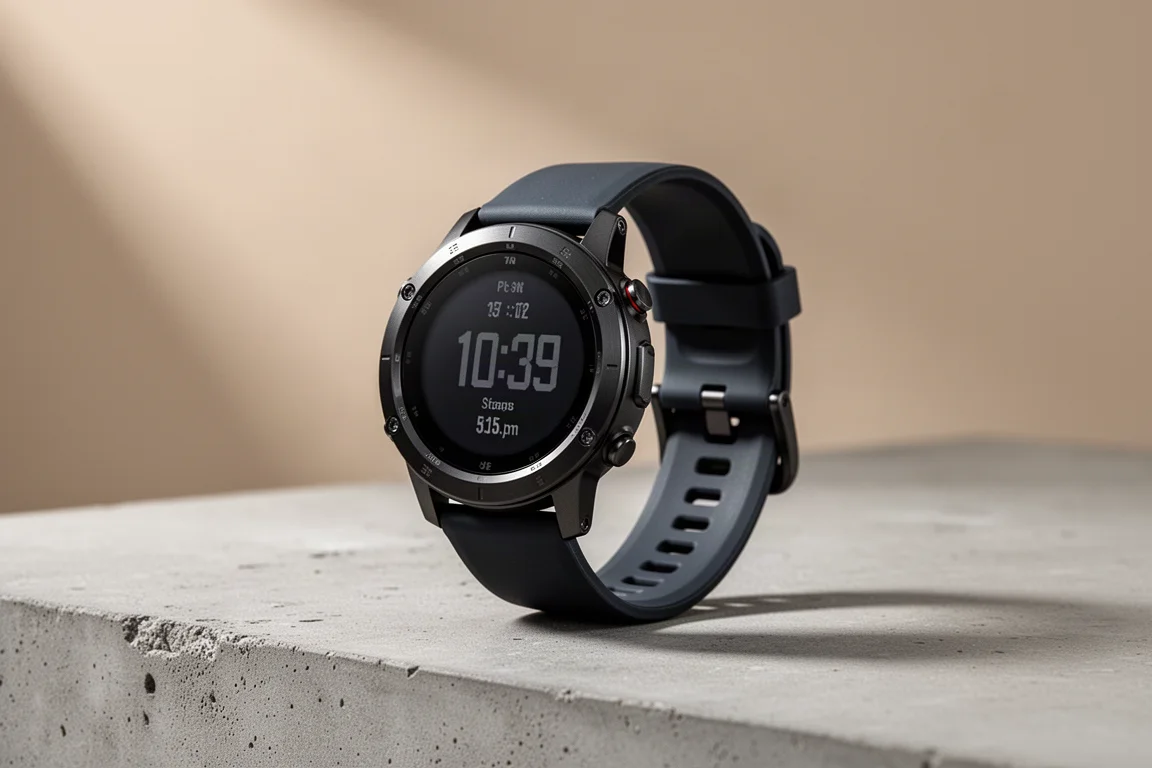
After roughly six weeks of daily use, the TicWatch Pro 3 Ultra has proven itself as a full-featured smartwatch that manages to pack activity tracking, heart rate monitoring, and built-in GPS into a body priced under $300. There is a lot here, more than any single review can fully cover, so this write-up walks through the core features, a few favorite apps, and the honest pros and cons.
The headline spec is a 1.4-inch AMOLED screen with a 454 resolution, among the highest you will find on a smartwatch. It runs Google’s Wear OS, which pairs with both Android and Apple devices, and it is one of the few watches eligible for the Wear OS 3 update, though that was not available at the time of testing.
Who This Watch Is For
The TicWatch Pro 3 Ultra suits anyone who wants a rugged, do-everything smartwatch without paying flagship prices. It tracks activities, exercise, sleep, heart rate, blood oxygen, noise, and stress levels, and it includes a full-function activity tracker with GPS plus a barometer for monitoring altitude.
If you swim, hike, run, or simply want a watch that can take a knock, this is a sensible pick. It is also a large watch, which is either a plus or a minus depending on your wrist and style preferences.
Design and Durability
The watch has held up very well during testing. Beyond the metal casing, the screen is protected by Gorilla Glass, and the watch carries an IP68 rating, the highest you can get on a smartwatch. It is completely waterproof up to three meters, which means you can comfortably use it for swimming.
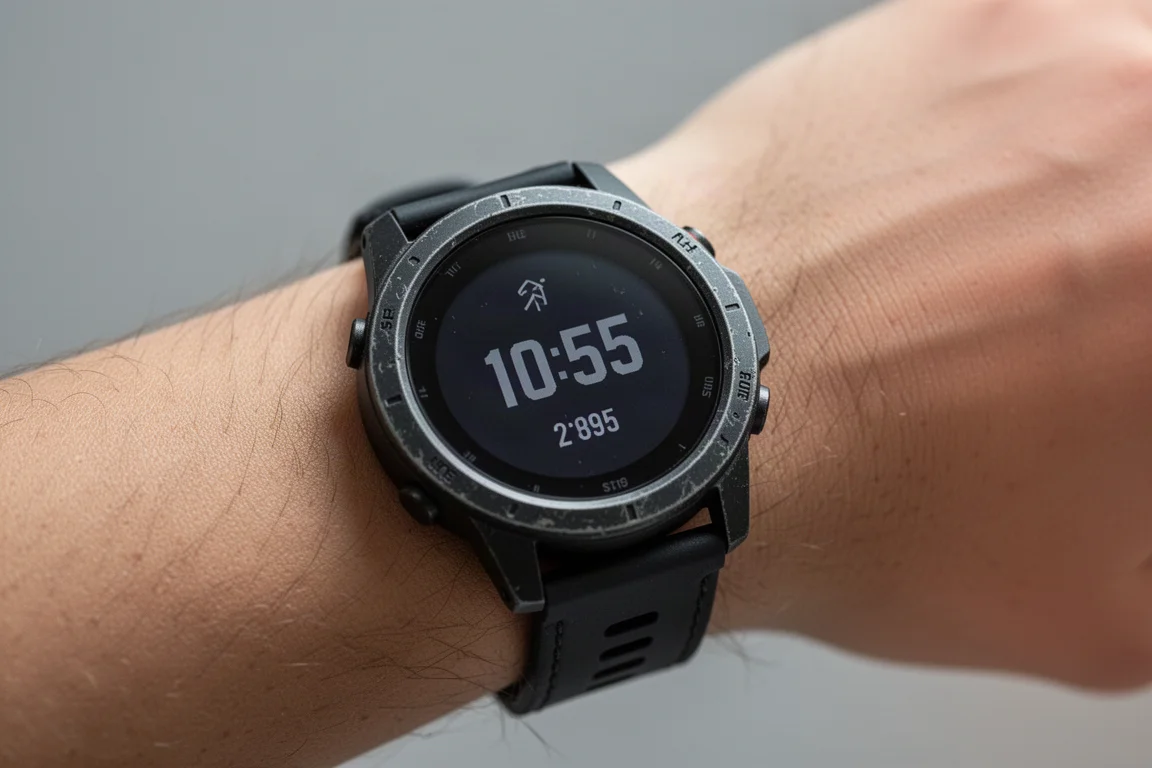
One clever touch addresses a common annoyance: when smartphone speakers get wet, water fills the speaker holes and muffles sound until it dries out. The TicWatch emits a high-pitched frequency that shoots the water right out of the speakers. It sounds too good to work, but the water visibly sprays out when you zoom in.
The display is another standout. When the touchscreen times out, the watch switches to a basic low-power LCD layer that still shows the date, time, and steps while saving battery. To keep that readable, a customizable color backlight turns on when you lift your wrist.
Battery Life and Charging
Battery life is genuinely good. Expect to charge once every two to four days depending on usage. The dual-screen design helps a lot here, since the LCD layer uses far less power than the AMOLED touchscreen.
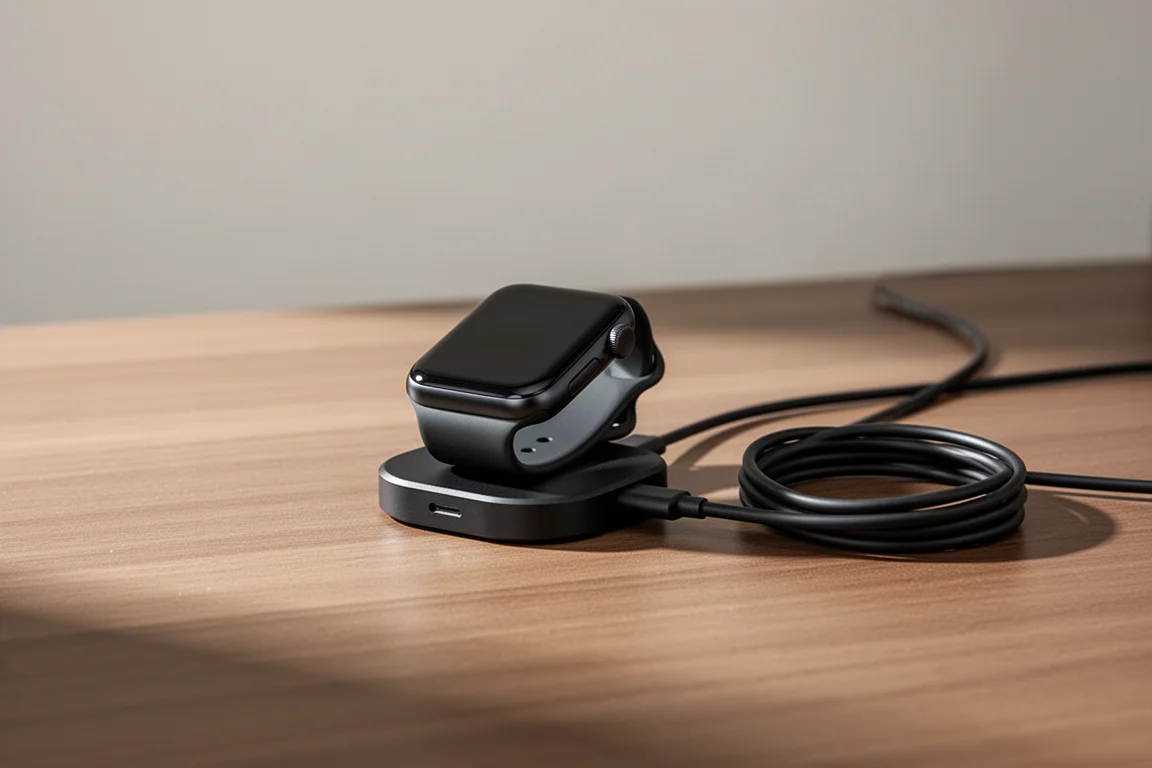
With heavy use, meaning constant screen interaction, GPS tracking, and daily activity recording, plan on charging every two to three days. If you mostly use the watch for the time, steps, and heart rate, you can stretch it to once every three to four days.
For maximum runtime there is an Essential Mode that limits the watch to the LCD screen only. It disables swiping, activity tracking, and just about everything else until turned off, but the manufacturer claims up to about 45 days on that LCD screen.
Charging is relatively fast. Plugging in at 55 percent, the watch reached 75 percent after twenty minutes, enough for about a day of light use. The catch is the proprietary two-pin magnetic charger. It is annoying to carry the exact charger with you and difficult to replace if you lose it on the road, though nearly every manufacturer, from Samsung to Apple to Fitbit, uses its own charger design.
Everyday Apps Worth Using
The TicWatch ships with a solid set of apps, and many more are available to download. A few stand out as genuinely useful day to day.
Google Maps on the wrist is a great feature, especially when walking or riding a bike. You enter the address on your phone, and the directions display on the watch as you go. Google Translate is another quiet favorite; it is a simple thing, but having translation available on your wrist makes it a great option for travelers.
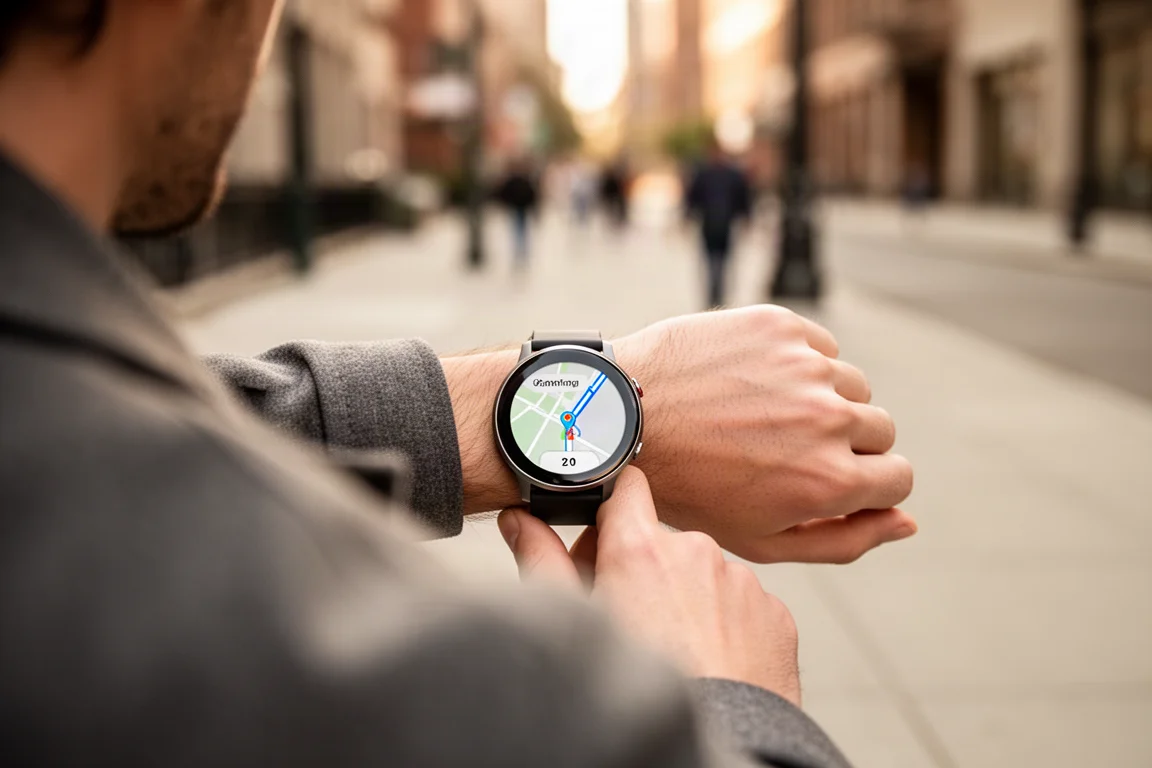
The built-in fitness tracker app also works well. It supports something like 200 activities, and you can set defaults to appear right on the screen. Open the app, select the activity, let it find the GPS, hit go, and it tracks mileage, heart rate, altitude, and your route on a map.
A surprise favorite is the camera remote. From the watch you can open your phone’s camera, zoom in and out, take pictures, set a timer, and flip between front and rear cameras. It makes taking selfies on the road remarkably easy.
Things to Consider Before Buying
The heart rate monitor display is a minor frustration. The feature works, but the reading does not show on the LCD screen unless you are in Essential Mode or actively tracking an activity.
The LCD screen is great for saving battery, but customization is limited. You can change the background color and the date and time format, but you cannot choose which features appear, which stay limited to the time, date, and steps by default.
The automatic activity detection also needs work. It does detect activities, but during testing it repeatedly logged brief one to two minute “runs” while the wearer was merely walking, adding up to a dozen phantom runs in a normal day. The simplest fix is to turn activity detection off and track workouts manually.
Buying Advice
At a price under $300, the TicWatch Pro 3 Ultra offers an unusually complete package: rugged build, real waterproofing, GPS, altitude tracking, sleep, heart rate, blood oxygen, noise, and stress monitoring in one watch. If automatic activity detection accuracy or deep LCD customization is a priority, look carefully at those trade-offs first.
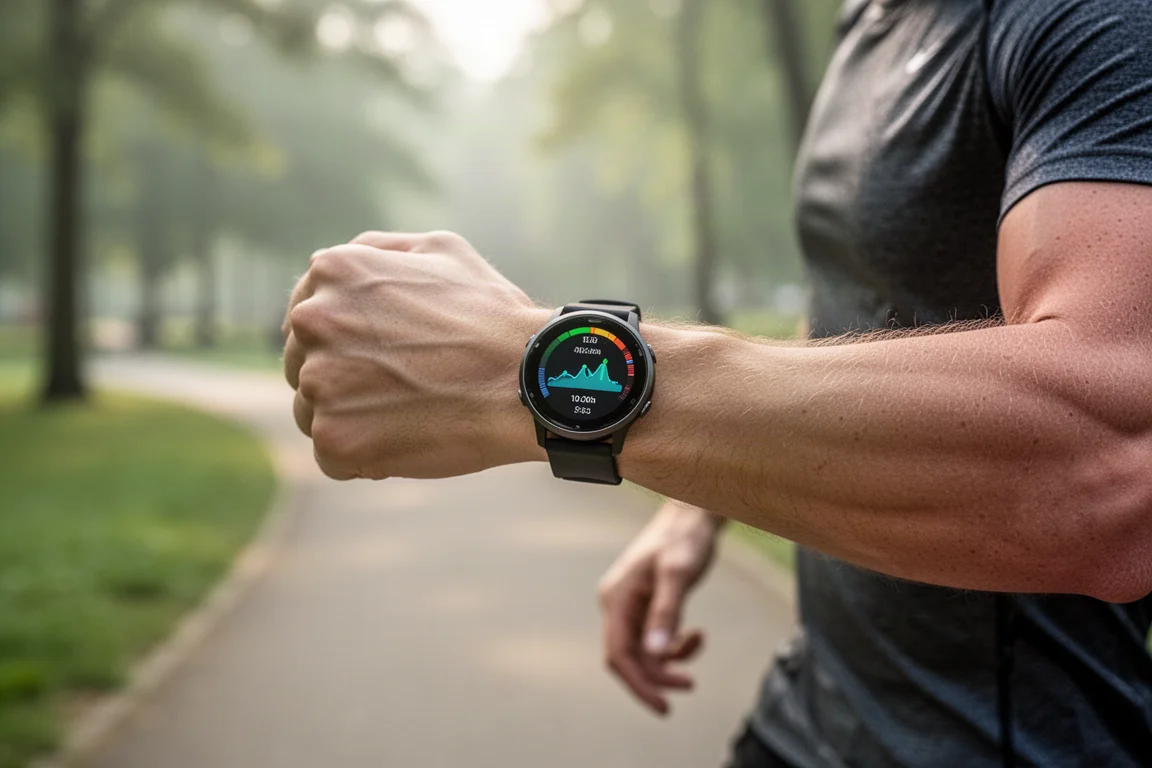
For everyone else, especially travelers, swimmers, and all-day wearers who value battery life, this is one of the stronger mid-range smartwatch options available.
Conclusion
The TicWatch Pro 3 Ultra delivers a ton of features for the money, with a clever dual-layer display, strong battery flexibility, and a rugged, waterproof build. The automatic activity tracker and limited LCD customization are the main kinks to work out, but as an all-rounder under $300, it is easy to recommend.
Product link
View more details for TicWatch Pro 3 Ultra
This product is mentioned in the review. Check the specifications, options, and compatibility before buying.
View more details for TicWatch Pro 3 UltraFurther reading
Related Reviews
Smartwatches
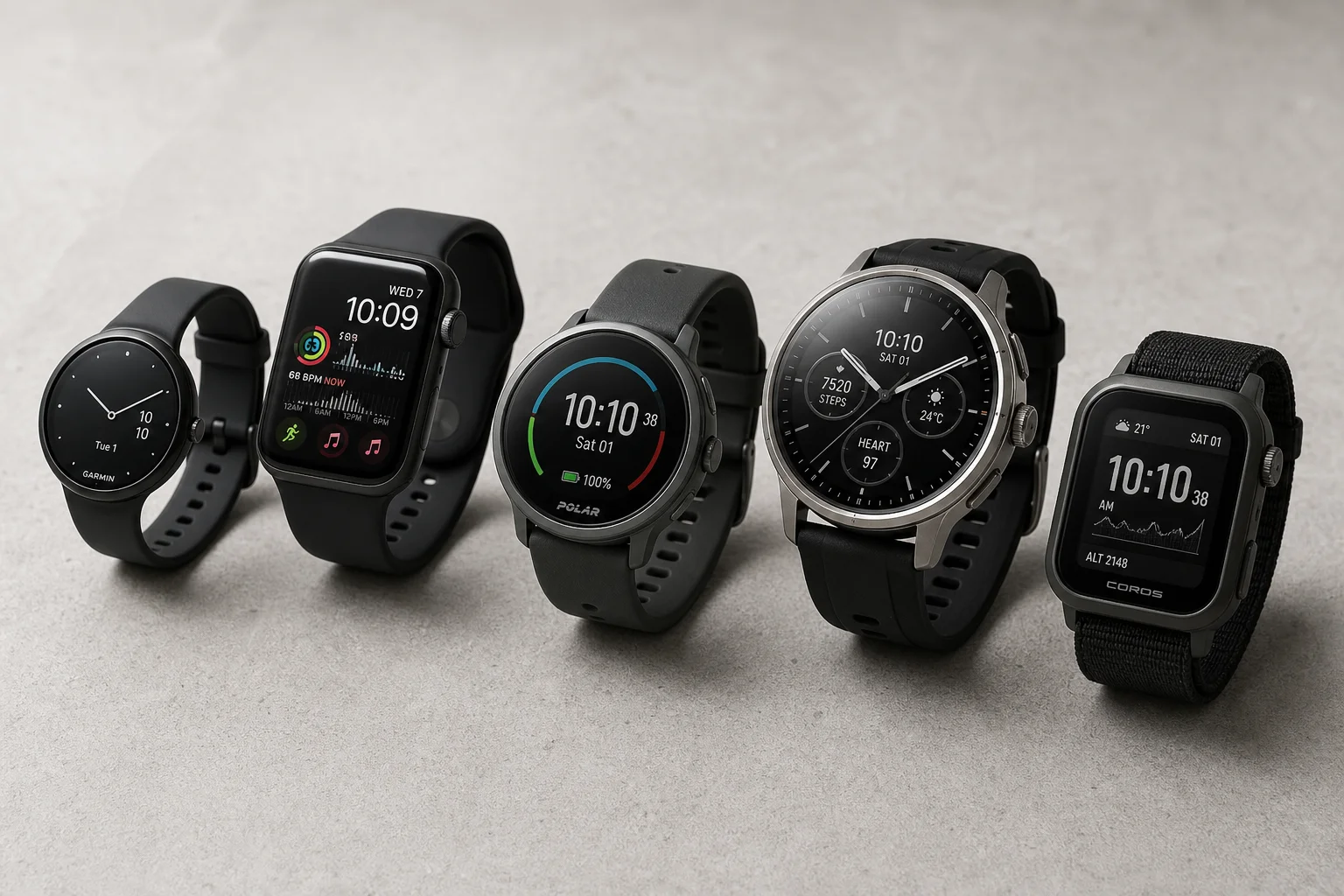
Best Budget Smartwatches 2026: Five Affordable Options That Actually Work
Five budget smartwatches tested for real daily use. From entry-level options to premium features at fraction of the cost, here's what actually delivers.
Smartwatches
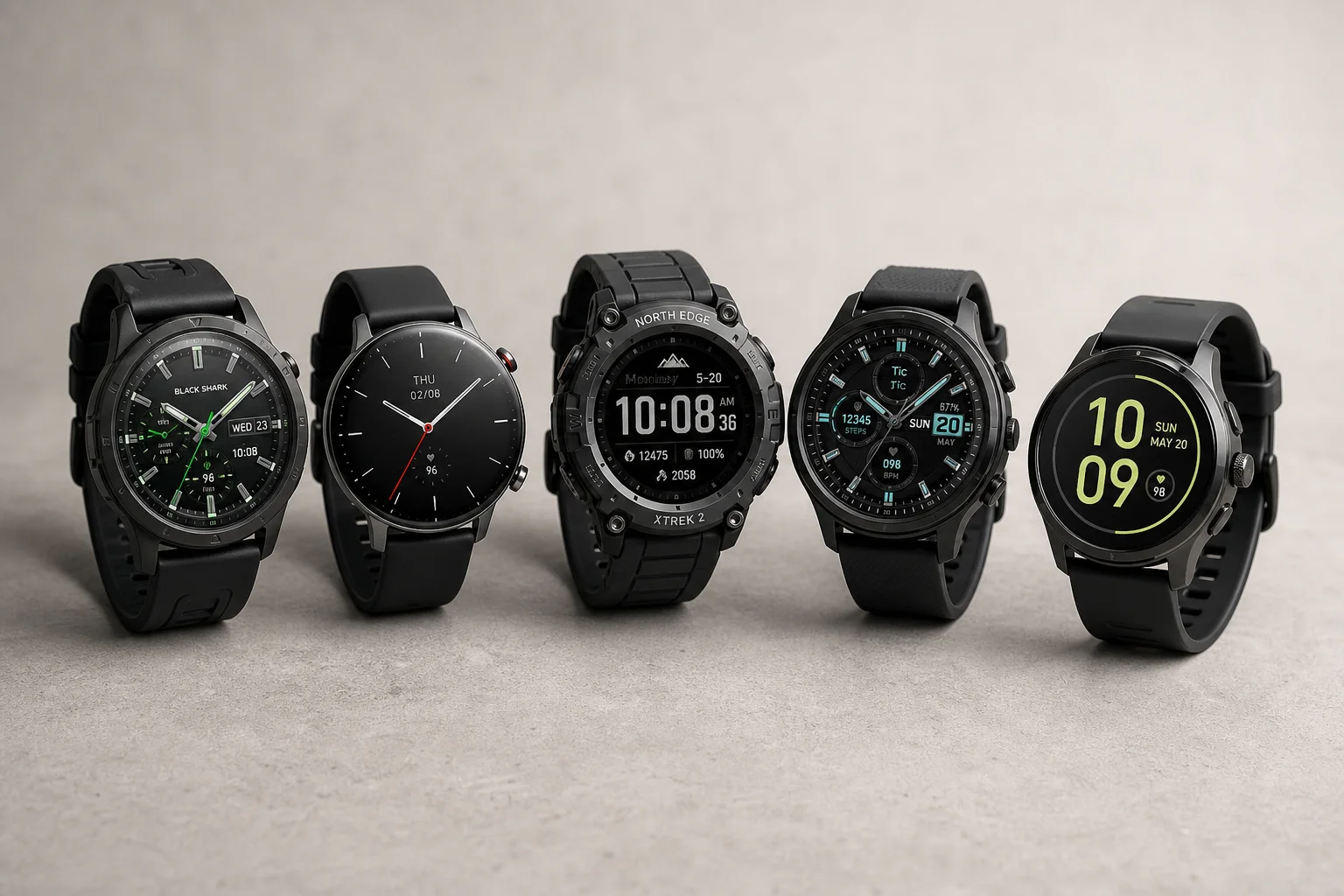
Best Smartwatches on AliExpress 2026: Five Practical Options for Different Needs
Five smartwatches with strong customer feedback and competitive pricing, each suited to different priorities: premium design, battery life, outdoor durability, advanced health tracking, and sports versatility.
Smartwatches
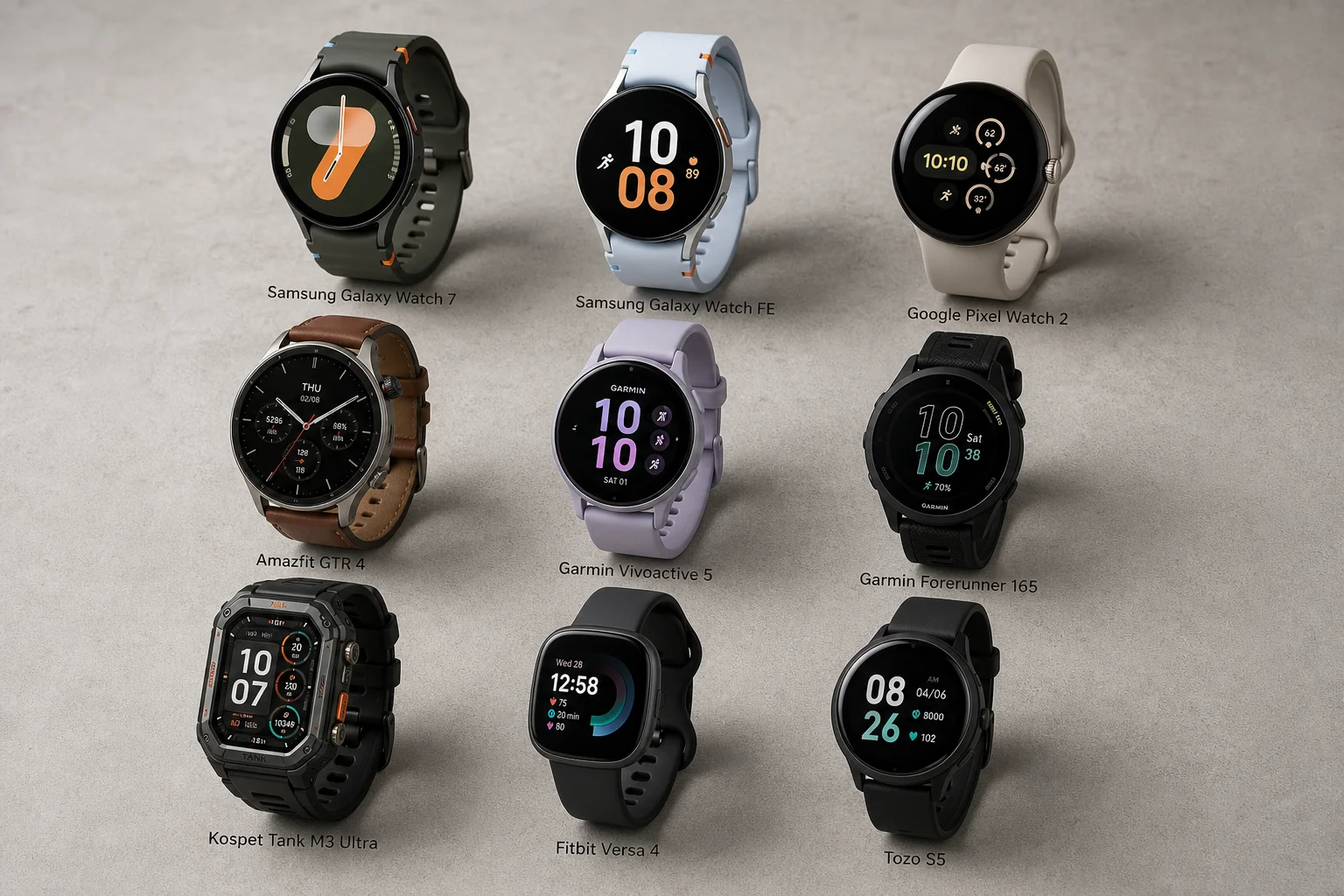
Best Smartwatches Under $300: 9 Practical Options for Every Need
A curated selection of nine smartwatches under $300, each excelling in health tracking, durability, battery life, or fitness features. Find the right match for your lifestyle.