Desk Accessories
TickTime Cube Review: A Pomodoro Timer That Makes Focus Feel Fun
A compact, flip-to-start cube timer with built-in Pomodoro mode, long battery life, and refreshingly intuitive controls.
Introduction
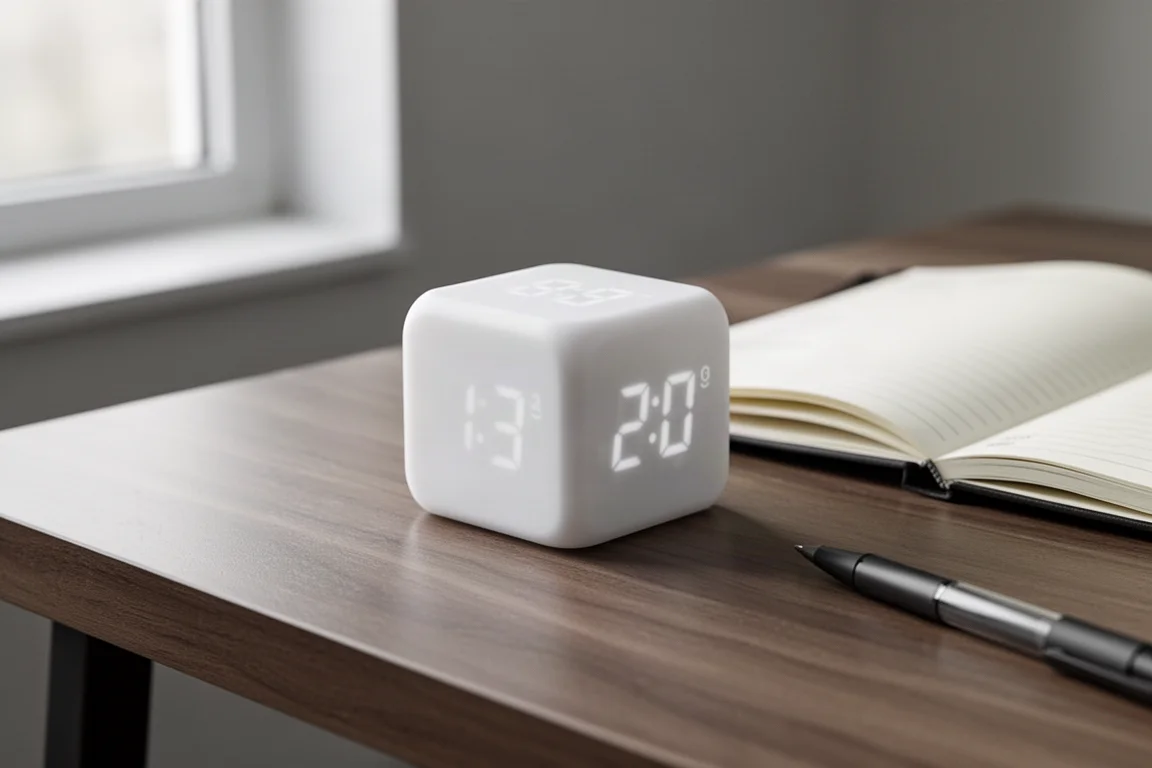
If you have ever tried to manage your focus with a smartphone timer, you probably know how easily the tool becomes the distraction. The TickTime Cube is a small, rechargeable timer built around a different idea: you flip it, and time starts counting. Priced at 6,290 yen including tax, it is an updated take on the Pomodoro timers the brand has released before, and it packs a surprising number of functions into a 43mm square, 55g body.
Who This Product Is For
The Pomodoro Technique dates back to the 1980s: 25 minutes of work followed by a 5-minute break, repeated in cycles to sustain motivation and productivity. The name comes from the Italian word for tomato, after the tomato-shaped kitchen timer originally used.
This kind of timer works well beyond studying. Cooking, work sessions, cleaning, anything with a defined burst of effort can benefit. It is especially useful if you struggle to stay concentrated or simply want a productivity boost without opening another app. If your reaction is “my phone already does this,” the Cube’s physical controls are what make the case.
First Impressions and Design
The Cube arrives in packaging shaped like the product itself, with a USB Type-C cable and a small carrying pouch included. Available in six colors: black, white, yellow, blue, purple, and pink, the white version reviewed here has a smooth, matte finish that feels pleasant to the touch and resists looking messy on a desk.
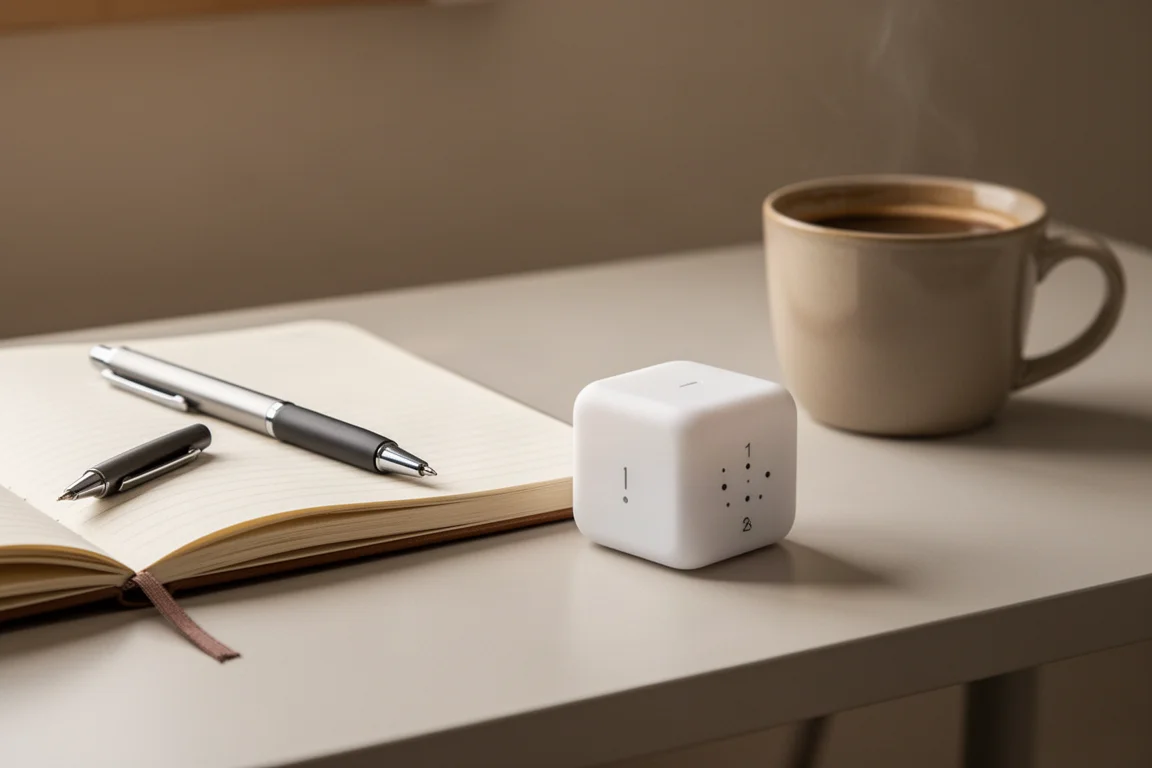
Every face carries a display or printed number, which makes the Cube look complicated at first glance. In practice, it is far more intuitive than it appears.
How It Works: Flip, Touch, Done
The core trick is simplicity. Set the face with a number printed on it facing up, and a timer for that duration starts immediately: 1 for one minute, 3 for three minutes, and so on. The display even rotates its digits so the time is always readable from where you are sitting.
The fingerprint-textured section on one face is a touch sensor. Tap it repeatedly to add multiples of the face’s number (3, 6, 9 minutes on the 3-minute face), or long-press to cancel the current timer and start a smaller one. To pause, press the power button or simply turn the display face down; flipping it back up or pressing the power button resumes. Leave it forgotten on the desk and it powers itself off after about ten minutes, which removes any worry about drained batteries.
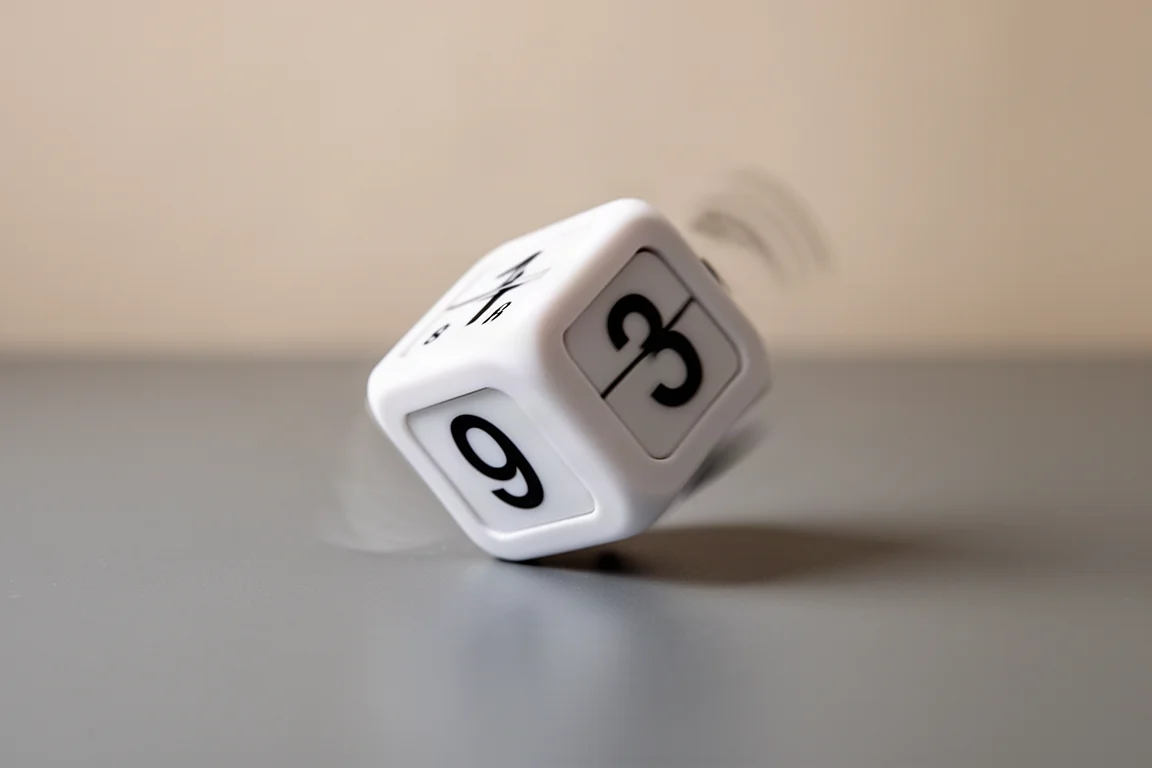
Other controls are straightforward: the top-left button powers the device, the top-right cycles volume through small, medium, and large, then silent mode, then vibration. Lower buttons add one minute or one second as needed.
Battery and Everyday Practicality
Battery life is one of the Cube’s strongest points. A full four-hour charge delivers around 30 days of standby use or roughly 20 hours of continuous operation. One caveat: the timer cannot be used while charging, so plan top-ups around your schedule rather than during a session.
The 4-in-1 feature set covers fixed quick timers (1, 3, 5, 10 minutes), the Pomodoro mode, a stopwatch on the rear display, and a custom timer. A memory function stores your last custom setting, so recalling it later takes a single press of the M button. A magnet on the rear also lets you stick the Cube to a fridge, making it a genuine kitchen timer option.
Pomodoro Mode
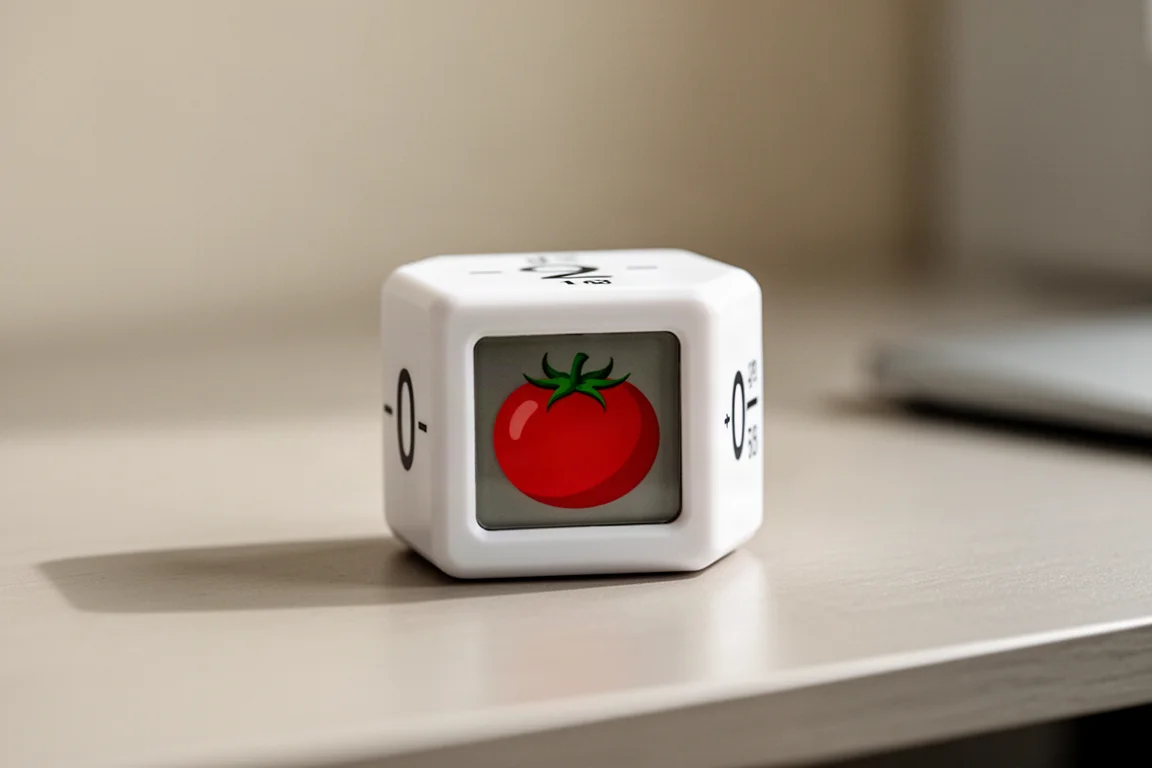
The red-numbered 5 face is the dedicated Pomodoro face. Flip it face up and long-press the touch sensor to start a cycle of 25 minutes of work and 5 minutes of rest, repeated four times. While it runs, a small tomato icon appears on the display, a charming touch that makes the mode easy to recognize at a glance.
Things to Consider Before Buying
Two small complaints emerged from extended use. First, the volume adjustment feels imprecise; the loudest setting is fine, but the quietest setting could go even lower for shared or quiet spaces. Second, the Type-C charging port sits on the front rather than the back. A cable plugged into the face you look at every time you use it is not the most elegant look, and the visible port opening on the display face is a minor aesthetic gripe.
Neither issue affects function, and they were the only real criticisms worth noting.
Buying Advice
At 6,290 yen including tax, the TickTime Cube sits at a fair price for something this charming and genuinely useful. The strengths add up nicely: cute design, a comfortable palm-sized form factor, intuitive operation, an enjoyable day-to-day experience, and versatility across studying, work, cooking, and more.

If you tend to lose track of time during focused work, the physical act of flipping a cube to commit to a session is a surprisingly effective habit builder. Anyone who prefers everything on their phone may not be converted, but many people will find the tactile, screen-light approach makes focusing easier rather than harder.
Conclusion
The TickTime Cube succeeds because it takes a digital product and gives it a deliberately analog soul. Flip to start, flip to pause, tap to extend. With long battery life, a proper Pomodoro mode, stopwatch and custom timers, and even a magnet for the kitchen, it covers a lot of ground for its size. For anyone looking to strengthen focus and productivity with minimal friction, it is easy to recommend.
Product link
View more details for TickTime Cube
This product is mentioned in the review. Check the specifications, options, and compatibility before buying.
View more details for TickTime CubeFurther reading
Related Reviews

Desk Accessories
Best Cable Management Products 2026: Five Practical Picks for a Cleaner Desk
A practical look at five popular cable management products, from monitor stands and felt trays to magnetic clips and cables that reduce clutter.

Desk Accessories
Best Monitor Arms 2026: A Tier List of 20 Tested Models
We ranked 20 popular monitor arms across budget, heavy-duty, and premium categories to help you find the right fit for your desk setup.

Desk Accessories
Best Monitor Light Bars 2026: Five Top-Rated Options Compared
We compared five top-rated monitor light bars to find the best fit for 2026, covering brightness, build quality, and glare reduction.