Desk Accessories
Suptek MD8SP Dual Monitor Arm Review: Reclaim Your Desk Space
A practical dual monitor arm that lifts both screens off your desk, improves ergonomics, and creates usable workspace underneath. Easy setup, solid build, and smooth adjustments make it worth considering if you're running dual monitors.
Introduction
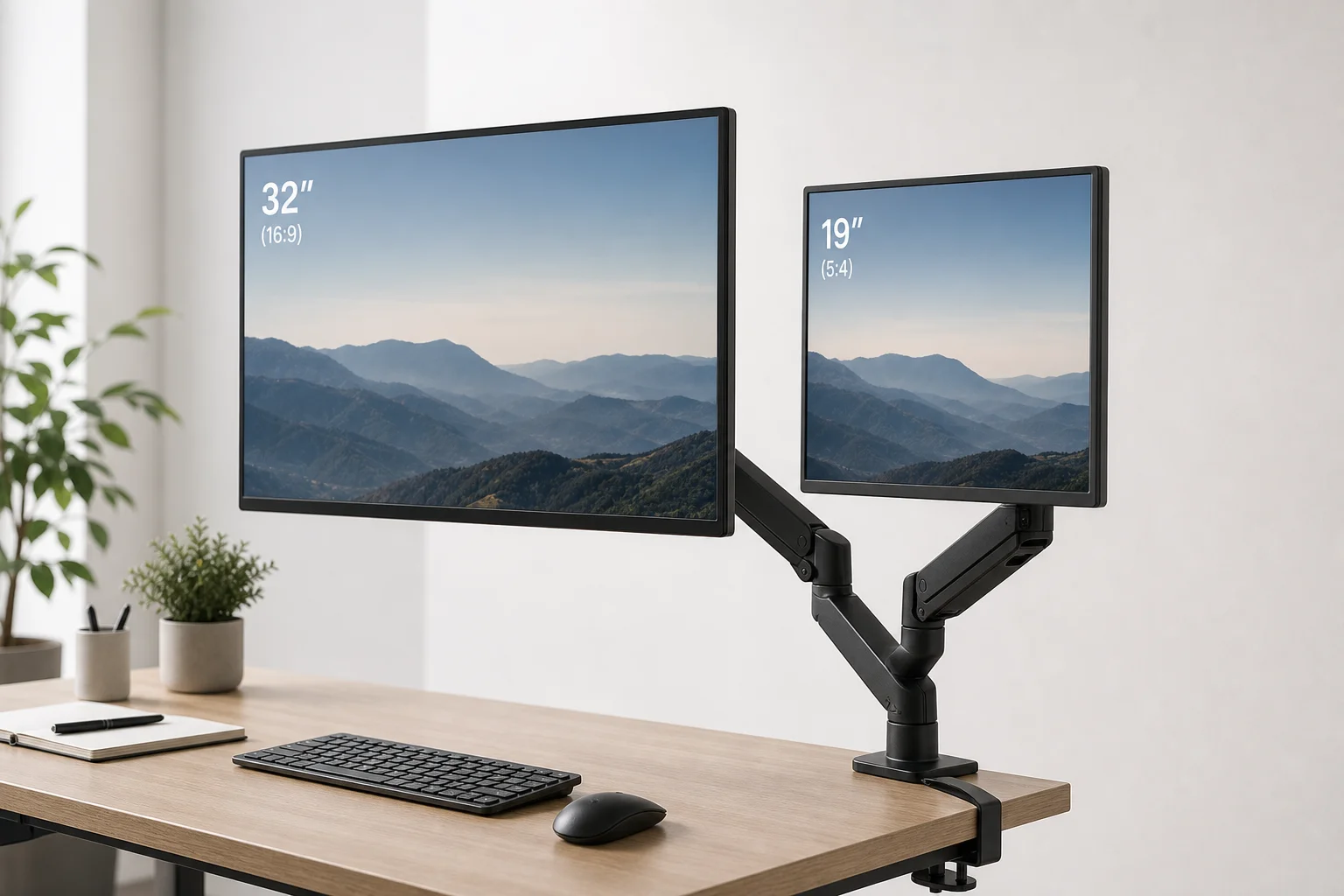
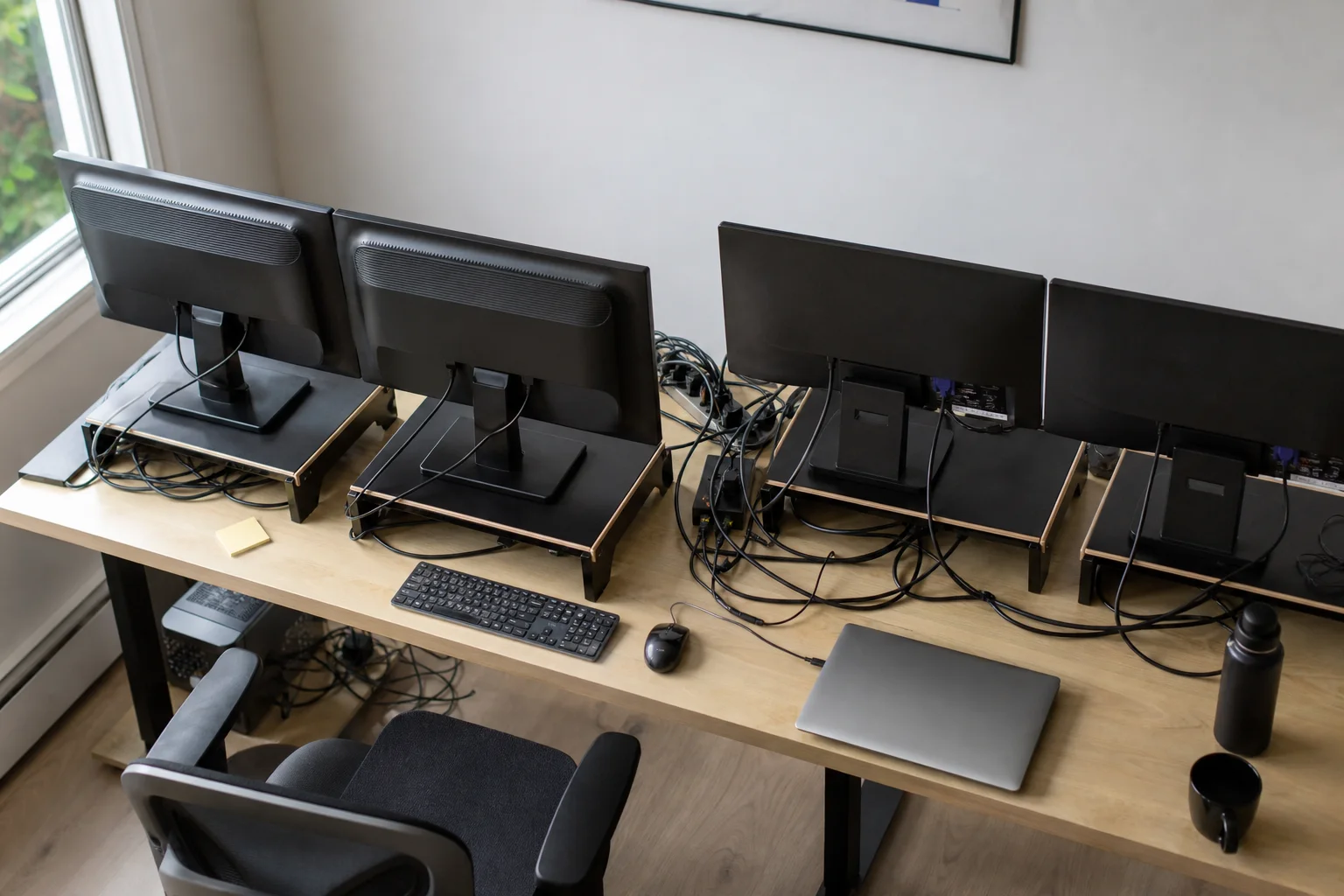
If your desk feels crowded no matter how much you organize, the problem is likely your monitor stands. Traditional stands consume valuable desk real estate and force your screens into fixed positions. The Suptek MD8SP dual monitor arm solves this by lifting both monitors off the desk and positioning them at eye level, freeing up space underneath for the things you actually use daily.
Who This Product Is For
This monitor arm works best if you’re running two monitors of different sizes and want to reclaim desk space. The typical use case is a larger primary monitor for focused work paired with a smaller secondary screen for email, music, or reference material. If you’re still using individual monitor stands and have limited desk depth, upgrading to a dual arm makes an immediate difference in how functional your workspace becomes.
The arm supports monitors from 17 to 32 inches, with a weight limit of 22 pounds per arm. It accommodates both 75x75mm and 100x100mm VESA mounts, which covers most modern monitors whether curved or flat.
Setup and Adjustment
Installation is straightforward and requires only the two Allen keys included in the box. The base mounts to your desk using either a C-clamp (which fits desks up to 3.85 inches thick) or a grommet mount if your desk has a cutout. Once the base is secured, you slide the two monitor arms onto the center pole and lock them in place with the original screws.
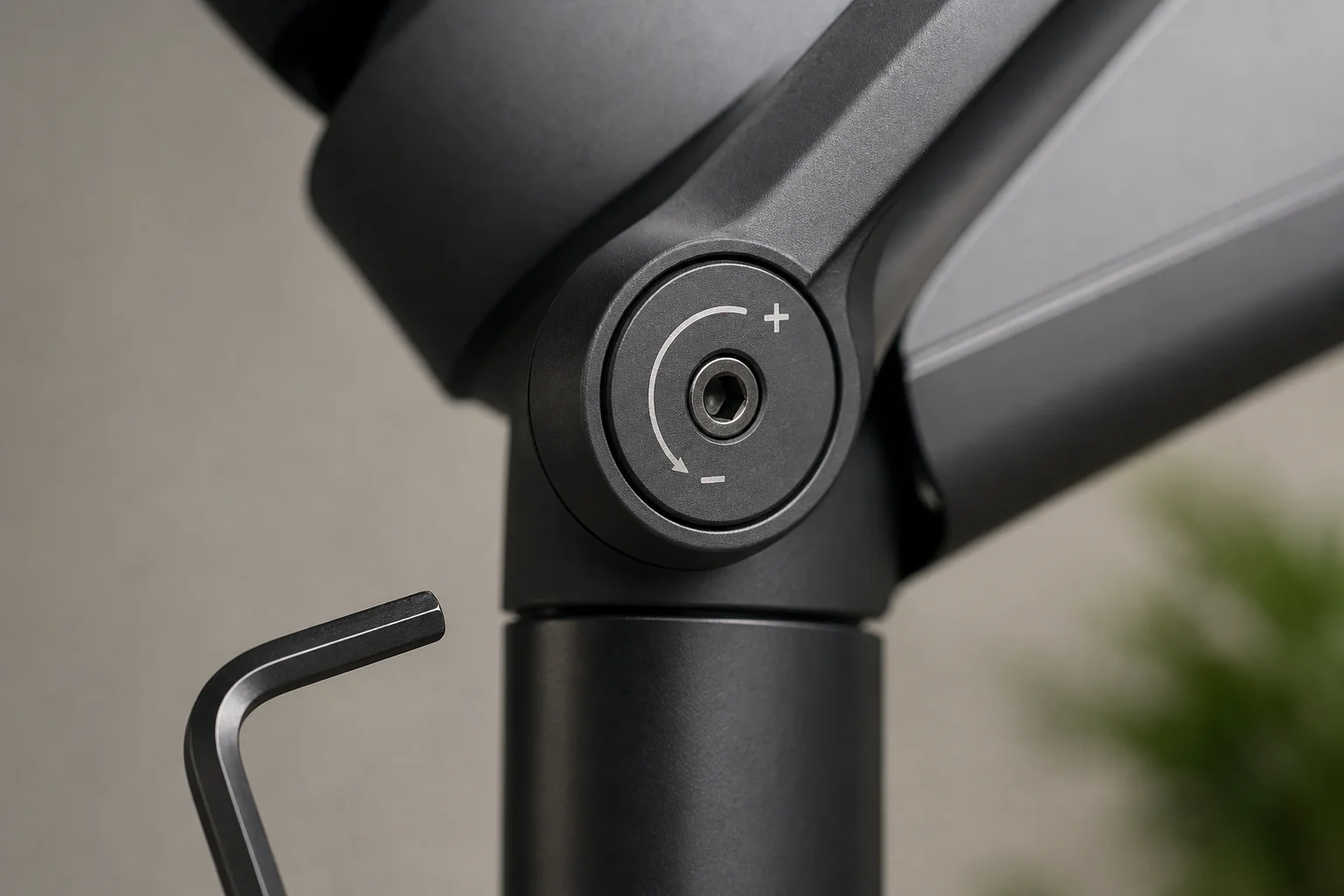
Attaching monitors involves screwing VESA plates to the back of each screen, then carefully sliding each monitor onto its arm. The gas spring tension adjustment is the key to smooth operation. Each arm has a plus and minus dial: turn toward plus if the monitor drops, or toward minus if it floats upward. Small adjustments with the Allen key and testing as you go ensures each screen stays exactly where you position it.
The arm offers smooth height adjustment, 360-degree rotation, plus or minus 80 degrees of tilt, and plus or minus 180 degrees of swivel. It supports side-by-side horizontal layouts, mixed horizontal and vertical orientations, and dual vertical layouts. Stacked monitors are not supported.
Cable Management and Build Quality
The build feels solid throughout. Everything is mostly metal with no flimsy components, and the included hardware is organized and complete. Each arm has built-in cable clips that let you route power and display cables cleanly through the structure, keeping your desk tidy.
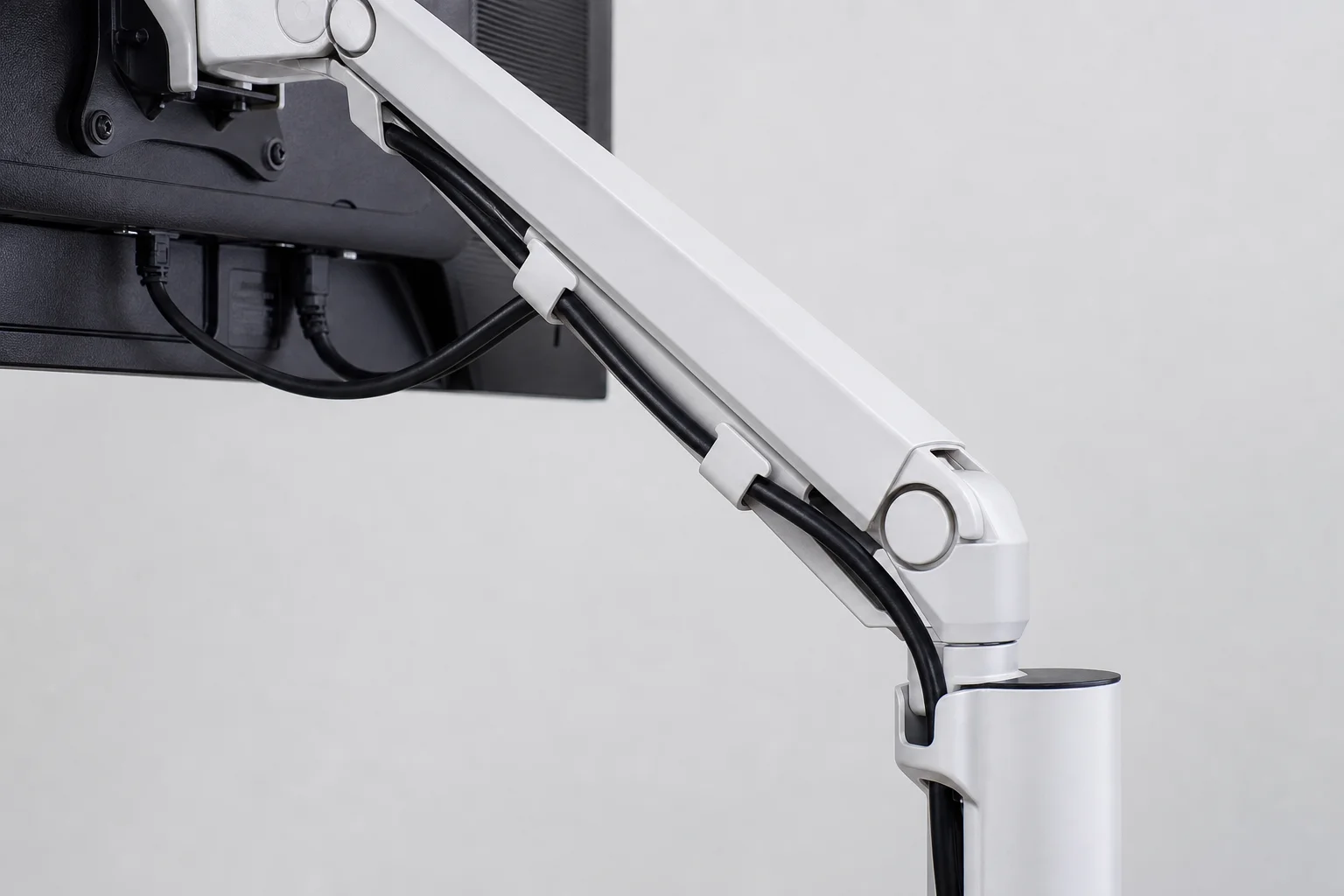
One practical tip: use longer display port, HDMI, or power cables than you think you need. The extra length gives you freedom to move your monitors without straining the ports. The included cable management cases also help organize wires and keep them out of sight.
Real-World Performance
Some wobble is inevitable with any monitor arm setup. The MD8SP does have a slight wobble, but it’s minimal and not noticeable during normal use. Once everything is tightened down and the gas springs are dialed in, the setup feels sturdy and secure. It’s the kind of installation you complete, adjust, and then forget about, which is exactly what you want from a monitor arm.
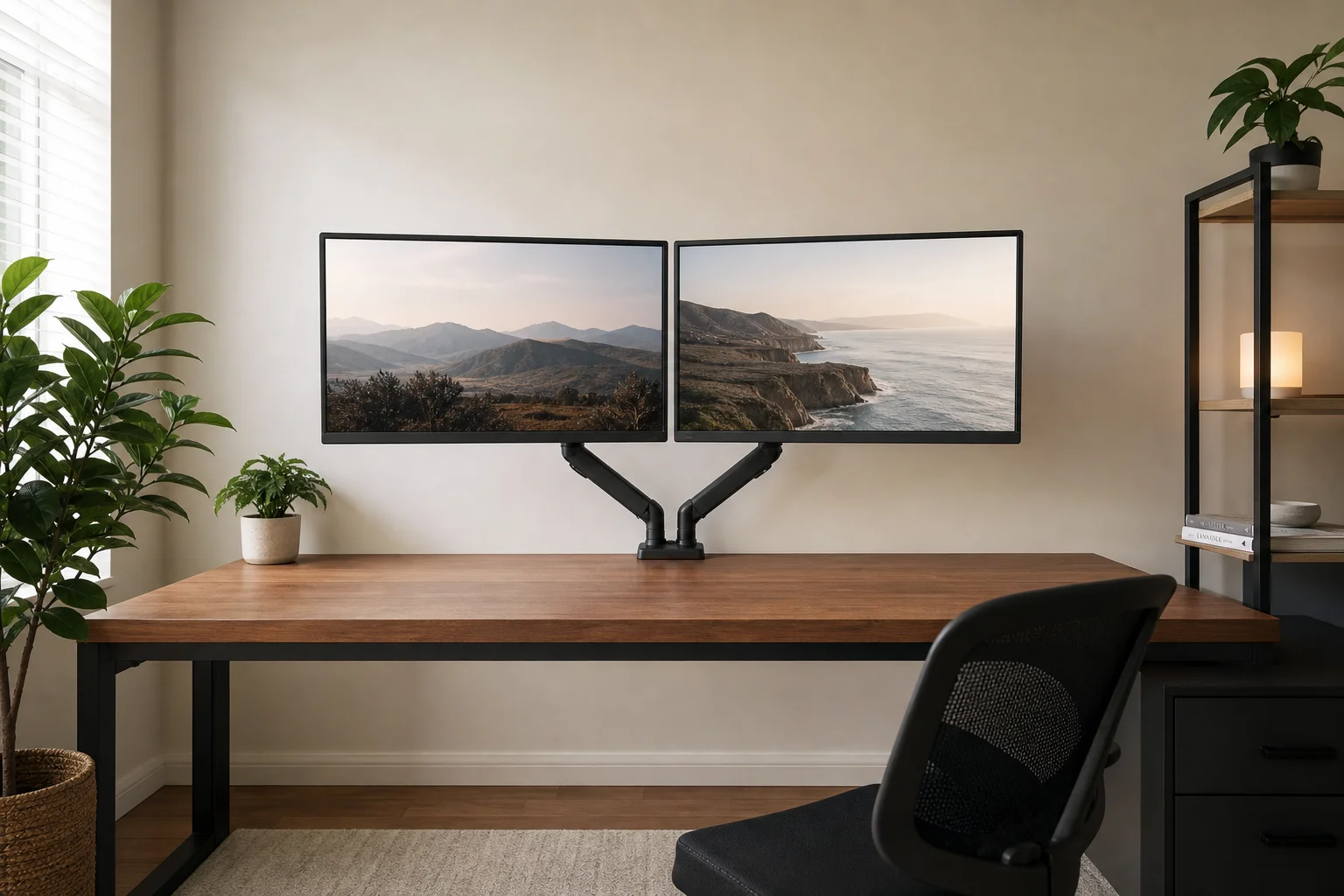
The real benefit is how this changes your desk workflow. With both monitors floating at eye level and clear space underneath, you can position your phone charger, game pad, or future speakers exactly where you need them. The desk feels less cluttered and more intentional.
Conclusion
If you’re running dual monitors of different sizes and still using individual stands, the Suptek MD8SP is worth upgrading. It delivers easy installation, solid build quality, smooth adjustments, and a noticeably cleaner and more functional desk. The improved ergonomics and reclaimed workspace make it a practical choice for anyone looking to optimize their setup.
Product link
View more details for Suptek MD8SP Dual Monitor Arm
This product is mentioned in the review. Check the specifications, options, and compatibility before buying.
View more details for Suptek MD8SP Dual Monitor ArmFurther reading
Related Reviews

Desk Accessories
Best Cable Management Products 2026: Five Practical Picks for a Cleaner Desk
A practical look at five popular cable management products, from monitor stands and felt trays to magnetic clips and cables that reduce clutter.

Desk Accessories
Best Monitor Arms 2026: A Tier List of 20 Tested Models
We ranked 20 popular monitor arms across budget, heavy-duty, and premium categories to help you find the right fit for your desk setup.

Desk Accessories
Best Monitor Light Bars 2026: Five Top-Rated Options Compared
We compared five top-rated monitor light bars to find the best fit for 2026, covering brightness, build quality, and glare reduction.