Gaming Hardware
Steam Machine Emulation Showcase: A Living Room Retro Powerhouse
A deep look at how the Steam Machine handles retro emulation, from Game Boy classics to modern Nintendo Switch titles, all from the comfort of your living room.
Introduction
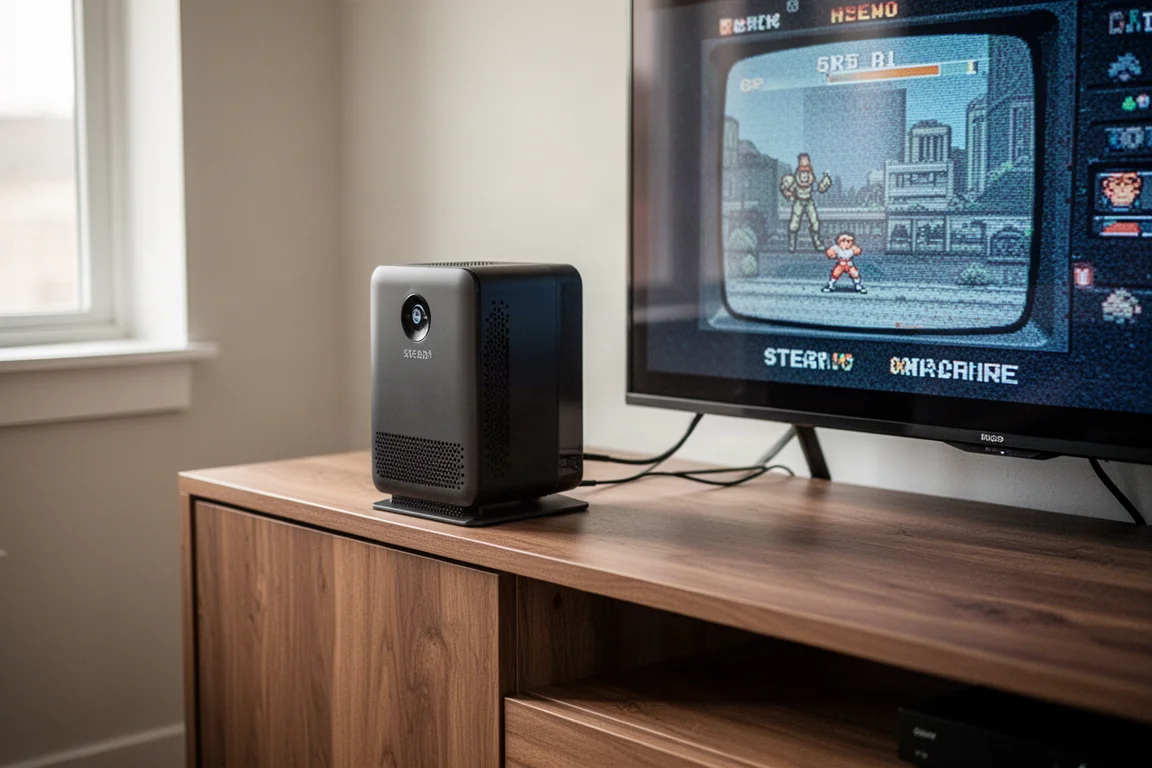
The Steam Machine has carved out a unique space in the gaming world, and one of its most compelling uses is retro emulation. This compact living room console handles everything from classic Game Boy titles to modern Nintendo Switch games with impressive ease. The ability to combine emulation with a living room setup creates something genuinely special: a single box that lets you play through generations of gaming history on your big screen TV.
For those who love retro gaming, the appeal is immediate. You can apply beautiful 4K shaders to 2D classics and upscale 3D polygons to crisp 4K resolution for just about every system available on the platform. The result is a magical experience that brings old favorites to life in a way that feels fresh and modern.
This showcase focuses on performance rather than setup. While getting emulation running on the Steam Machine currently requires some effort, the payoff is substantial. The emulation frontend used for this setup is being updated to work more seamlessly with the Steam Machine, which should simplify the process significantly in the near future.
Accessories That Complete the Setup
Before diving into performance, it’s worth highlighting a few accessories that enhance the Steam Machine experience. A custom face plate, available from various makers, can give your console a unique personality. One particularly charming option transforms the Steam Machine into a question mark block from a certain iconic platformer series. These face plates typically use magnets for attachment and offer solid build quality, though they are a niche purchase for those who want to embrace a retro gaming aesthetic.
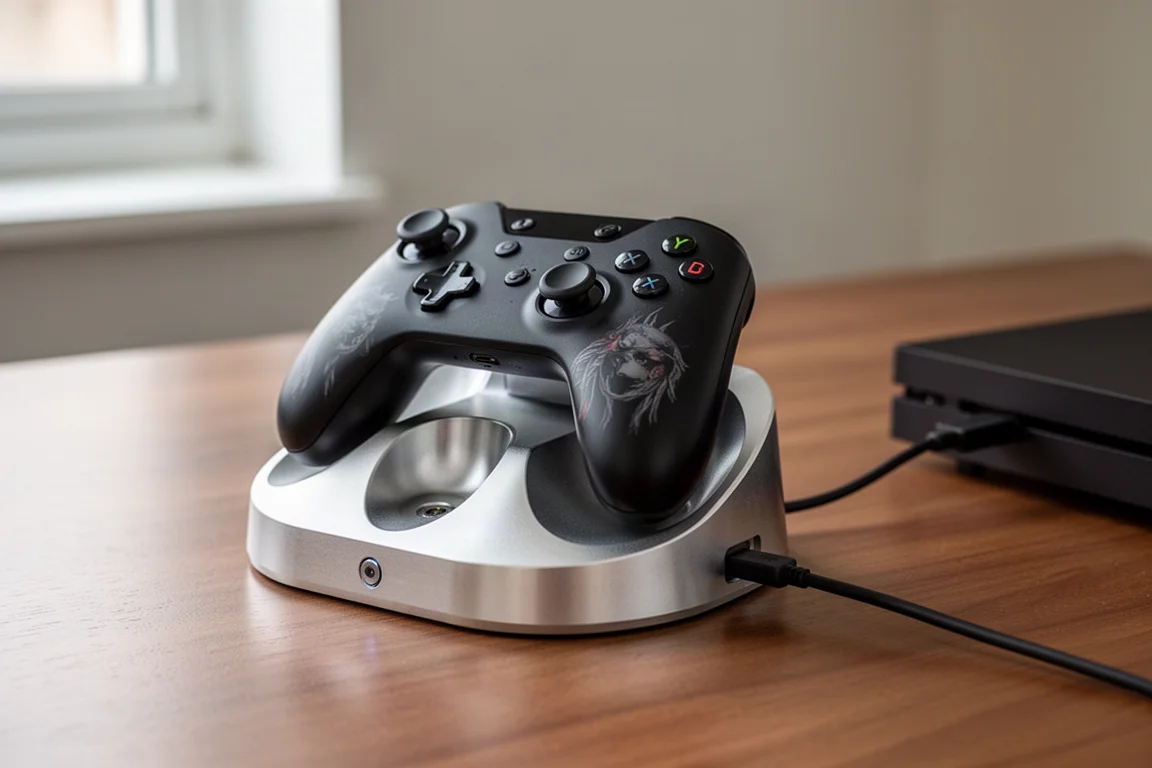
For the Steam Controller, skin options from companies like Dbrand offer protection and a fresh look. However, applying these skins can be challenging due to the controller’s curved design. A hair dryer or heater is essential for getting a smooth application, and even then, some creases may persist. If you’re bothered by imperfections, you might want to skip the controller skin and consider other customization options instead.
A more practical accessory is a charging dock from Mechanism. Made from aluminum with a weighted base and rubber padding, this dock provides a sturdy home for your Steam Controller. The magnetic connection makes it easy to snap the controller in place, and the dock routes a USB cable to your Steam Machine for charging. One notable advantage: the Steam Machine charges the controller even when the console is off, something many PCs won’t do. While the dock is somewhat redundant since the Steam Machine has an internal receiver, the magnetic charging aspect makes it a genuinely useful addition.
Retro 2D Systems: Game Boy to Super Nintendo
Starting with the simplest systems, Game Boy, Game Boy Color, and Game Boy Advance all run flawlessly on the Steam Machine. For these handheld titles, an LCD 3X shader works well, though a simple text shader with white grid lines can make games look lighter overall. Color correction is also recommended for Game Boy Advance games, as many developers oversaturated colors to compensate for the original undersaturated display.
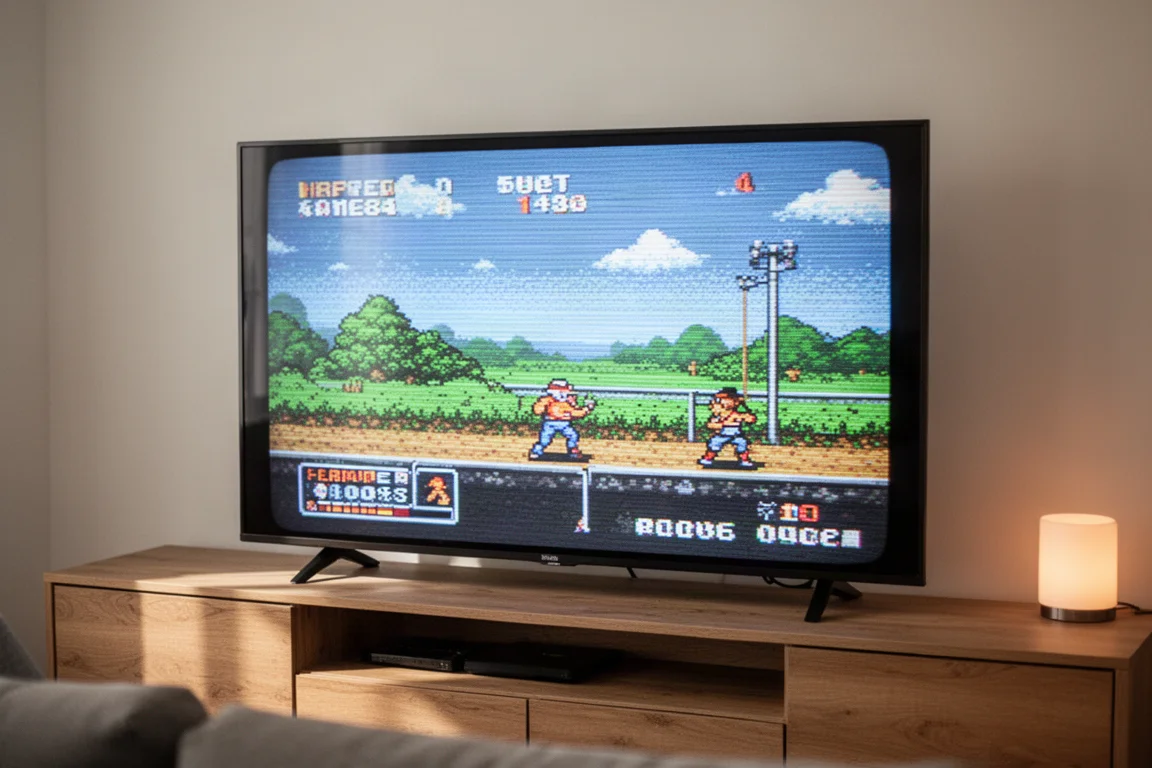
For classic home consoles like NES, Genesis, and Super Nintendo, a CRT shader called GDV Mini Ultra delivers excellent results on a 4K TV. This Trinitron-style shader softens edges and adds a phosphorescent glow with subtle vignetting, recreating the look of an old CRT television. The visual effect is striking, and the performance cost is minimal. Even with the heaviest shaders available in RetroArch, CPU utilization hovers around 2-3% for Super Nintendo games.
The most demanding 2D system tested was Sega Saturn using the Beetle Saturn core, which is known for being both accurate and resource-intensive. Even with the demanding CRT Royale shader applied, the Steam Machine only reached about 8% CPU utilization. These retro games play without any issues whatsoever, making the Steam Machine an excellent choice for 2D emulation.
Upscaled 3D Classics: PS1, N64, Dreamcast, and PSP
Moving into the early 3D era, systems like PS1, Nintendo 64, and Dreamcast can be upscaled all the way to 4K resolution with ease. The DuckStation standalone emulator handles PS1 games beautifully at 4K with post-processing effects applied, running absolutely fine. These Gen 5 systems present no challenge to the Steam Machine.
PSP emulation deserves special attention. While it’s a handheld system, most PSP games use 3D polygons that upscale wonderfully. You can play PSP games at an 8x resolution upscale, which matches a 4K TV perfectly. The results are almost like playing remastered versions of these games. Performance is light, using about 4% CPU and 20% GPU. Since PSP games are natively 16:9, they fit modern TVs perfectly without any aspect ratio issues.
Gen 6 Systems: GameCube, PS2, and Original Xbox
The Gen 6 era brings some of the most exciting emulation possibilities. GameCube games running on the Dolphin emulator look spectacular at 4K upscale, which translates to a 6 or 7x resolution increase. Many GameCube games have built-in 16:9 support that can be toggled in game options, while others may require widescreen hacks that can occasionally cause visual pop-in at the edges. For games without native widescreen support, playing in 4:3 is often the better choice.
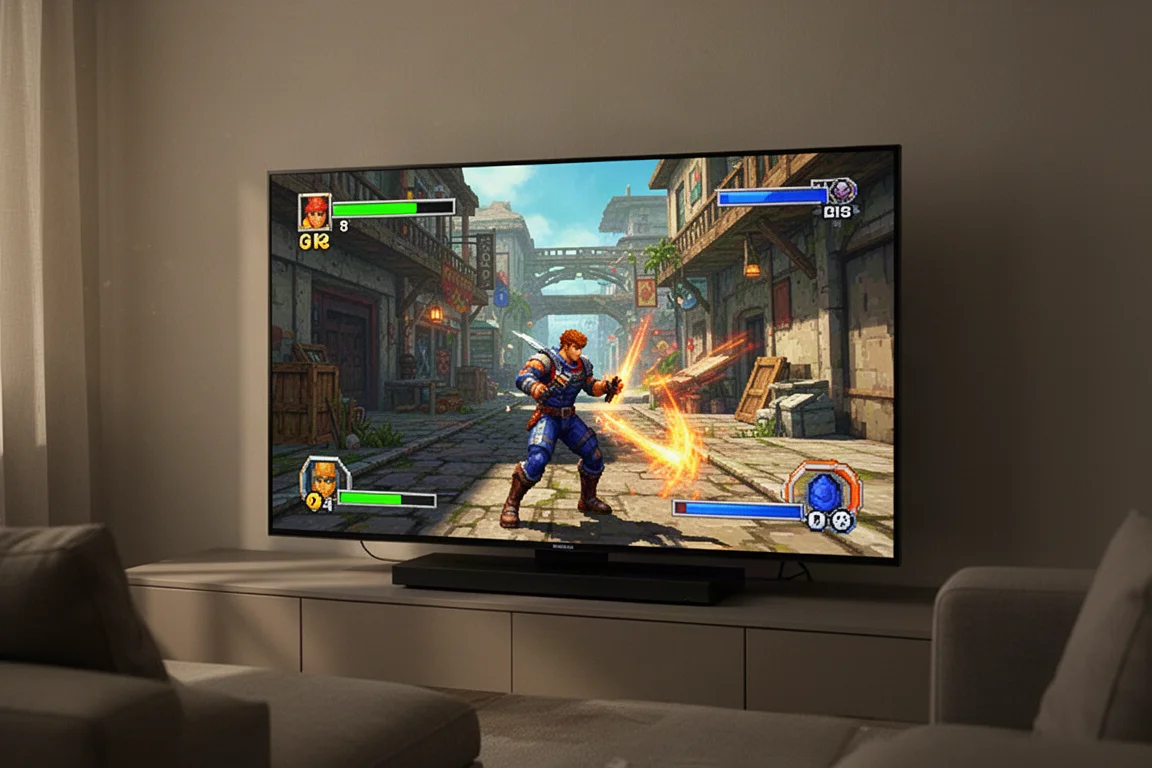
PlayStation 2 emulation through PCSX2 is equally impressive. With over 4,000 games in the PS2 library, there’s a deep and wide catalog to explore. Most games can be upscaled to 4K, effectively creating HD remasters of classic titles. However, some games are more demanding than others. God of War II runs at a stable 60 frames per second but utilizes about 70% of the GPU. Jak 3 occasionally dips below 60 frames per second, especially with full blending accuracy enabled for screen effects. Dropping the upscale to 1440p helps maintain a stable frame rate while still looking great on a 4K TV.
Original Xbox emulation is the most demanding of the Gen 6 systems, primarily because the emulator is still a work in progress. Instead of the typical 6 or 7x upscale, a 3x upscale (1440p) is recommended. Surprisingly, all tested games played at full frame rate. Halo 2, one of the most challenging titles, hovered around 30 frames per second during its demanding opening scene, occasionally dipping to 28-29 frames per second for brief moments. The main drawback is compatibility, as some games may not run correctly or at all. Microsoft has also recently introduced official original Xbox emulation on PC with a handful of titles available, offering another avenue for playing these classics.
Gen 7 Systems: Xbox 360 and PS3
Xbox 360 emulation via Xenia Canary has a notable limitation: it only upscales to 1080p. While this means you can’t achieve 4K resolution, the emulator runs surprisingly well. All 10 games tested played smoothly, with the worst frame rate dips occurring in demanding titles like Crackdown, which occasionally dropped from 30 to 28 frames per second. The 1080p limitation is noticeable but doesn’t detract from the overall experience.
PS3 emulation through RPCS3 is more mature, with better compatibility and more features. Most games can be upscaled to 4K, and many have built-in patches to unlock frame rates. Games like Demon’s Souls and Ratchet and Clank: Quest for Booty can be played at 60 frames per second with the right settings. PS3 exclusives that remain stuck on the platform, like Metal Gear Solid 4, are a major draw for emulation enthusiasts.
Metal Gear Solid 4 is particularly demanding and required dropping to 1440p, where it struggled to maintain 30 frames per second, averaging closer to 26-28. It’s playable but sluggish, and the game remains somewhat buggy due to its complexity. God of War II also required 1440p and averaged 40-45 frames per second, which is fully playable since anything above 30 runs at full speed. Despite these caveats, PS3 emulation on the Steam Machine is quite good overall.
Modern Systems: Wii U and Nintendo Switch
Wii U emulation through Cemu works exceptionally well, with graphics packs allowing 4K upscaling without breaking a sweat. Many Wii U games have been ported to Switch, but a few gems remain exclusive to the platform. One interesting observation: The Legend of Zelda: Wind Waker HD pushed the CPU temperature to 82°C, the hottest the Steam Machine has ever run. Most games cap out around 75-76°C for both CPU and GPU. While this is worth noting, it’s not a cause for concern, as temperatures would need to reach about 90°C before becoming worrying. The testing was done with the console in an enclosed entertainment center, so open-air placement may yield lower temperatures.
The Legend of Zelda: Breath of the Wild, one of the most demanding Wii U games, ran at 4K with a 60 frames per second cap, averaging around 55 frames per second. The experience felt smooth, and the emulator’s graphics packs make it easy to enable quality-of-life adjustments like disabling weapon durability.
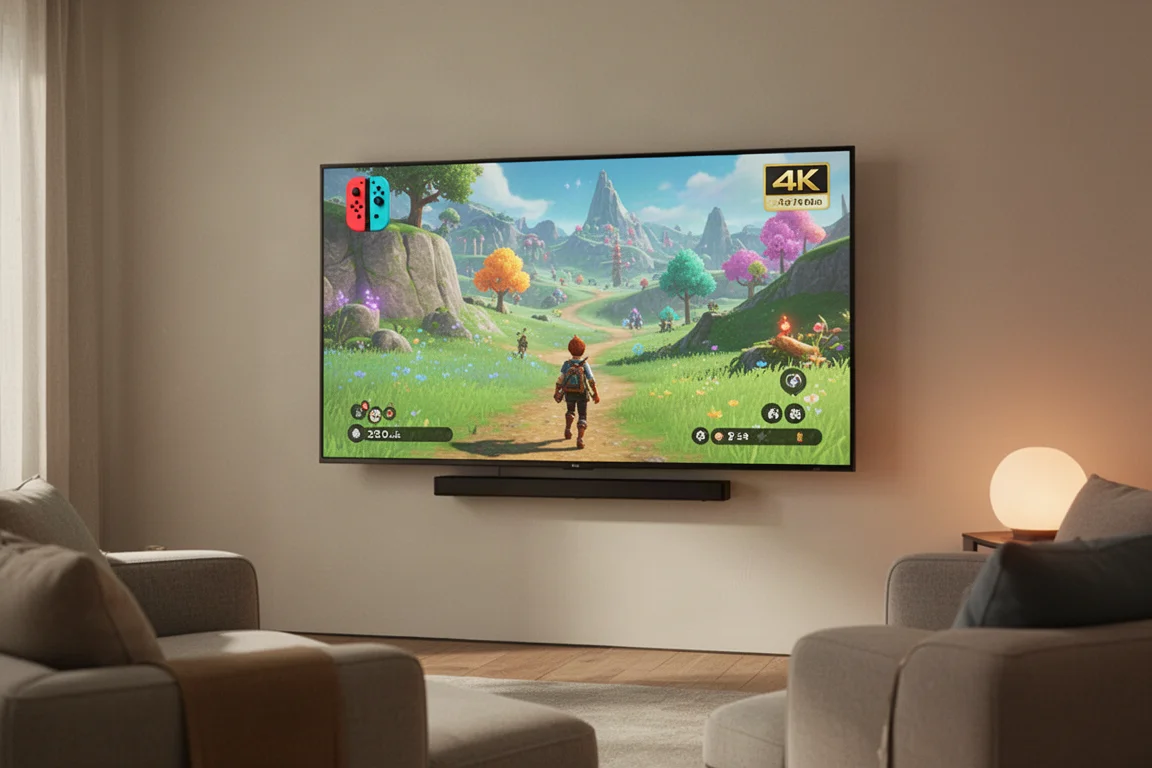
Nintendo Switch emulation through Yuzu is the most modern option, offering 2x resolution upscaling that translates to 4K in docked mode. Once set up, everything runs like a dream with a stable 60 frames per second. Some shader compilation stutters may occur early in levels, but overall the experience is fluid and smooth. Having the ability to play Switch games on the Steam Machine in the living room, alongside all the other systems, is a remarkable convenience.
Overall Performance Assessment
The Steam Machine delivers exactly the performance you’d expect from a mid-range PC, which is to say it handles emulation admirably. The real magic comes from the living room focus. While you could achieve similar results with a desktop PC, having all these systems available in a living room-friendly setup is what sets the Steam Machine apart.
The performance profile is impressive across the board. 2D systems run with minimal resource usage, early 3D systems upscale to 4K effortlessly, and even demanding modern systems like Wii U and Switch run smoothly with appropriate settings. The only real limitations come from emulator maturity rather than hardware capability, particularly with original Xbox and Xbox 360 emulation.
Buying Advice
If you’re considering a Steam Machine primarily for emulation, it’s an excellent choice. The hardware handles everything from 8-bit classics to modern Switch titles with aplomb. The living room form factor is ideal for those who want to enjoy retro gaming on a big screen without dedicating a full desktop PC to the task.
For the best experience, plan to invest in a few accessories. A charging dock for the Steam Controller is a practical addition that most owners will appreciate. Custom face plates offer a fun way to personalize your console, though they’re more of a niche purchase. If you’re considering a skin for the Steam Controller, be prepared for a challenging installation process that requires a hair dryer or similar heat source.
The emulation software landscape is evolving, with updates in development that will make setup easier and add features like transferring games and saves from a Steam Deck via SD card. For now, the performance is already impressive, and the future looks even brighter.
Conclusion
The Steam Machine proves itself as a remarkable emulation powerhouse. From Game Boy classics to modern Nintendo Switch titles, it handles an incredible range of systems with ease. The ability to upscale games to 4K, apply beautiful shaders, and play everything from a comfortable living room setup creates an experience that’s genuinely special.
While some emulators are still works in progress and a few demanding games require compromises, the overall package is impressive. The Steam Machine delivers exactly what you’d expect from a mid-range PC, wrapped in a living room-friendly form factor that makes retro gaming feel fresh and exciting. For anyone who loves gaming history and wants to experience it in the best possible way, the Steam Machine is a compelling choice.
Product link
View more details for Steam Machine
This product is mentioned in the review. Check the specifications, options, and compatibility before buying.
View more details for Steam MachineFurther reading
Related Reviews
Handheld Gaming
Anbernic RG Rotate Review: A Unique and Powerful Pocket Handheld
The Anbernic RG Rotate brings a clever rotating design, a square 720x720 screen, and solid Android performance to a truly pocketable form factor.

Retro Handhelds
Anbernic RG SP Review: A Faithful Clamshell Tribute to the GBA SP
The Anbernic RG SP brings back the classic clamshell form factor with a modern 3.4-inch IPS display and dependable retro performance.

Retro Handhelds
Anbernic RG477M Review: A Year Later, Still One of the Best Retro Handhelds
After a year of use, the Anbernic RG477M remains a standout 4:3 retro handheld thanks to its screen, controls, and third-party software. We break down what still holds up and what to consider.