Office Chairs
Secretlab Atlas Review: A Gaming Chair That Tries to Be Ergonomic
The Secretlab Atlas brings a synchro tilt, softer seat, and seat depth adjustment to the gaming chair world, but its fixed backrest and $700 price raise real questions.
Introduction
The Secretlab Atlas arrives with a bold claim: it is an office chair designed for all-day focus, built by the biggest name in gaming chairs. That promise raises an immediate question. Did Secretlab actually build an ergonomic office chair here, or did they bring along a lot of what their gaming chairs already are? The market is full of office chairs reskinned to look like gaming chairs. The Atlas makes you wonder if this is the reverse, a gaming chair reskinned to look like an office chair.
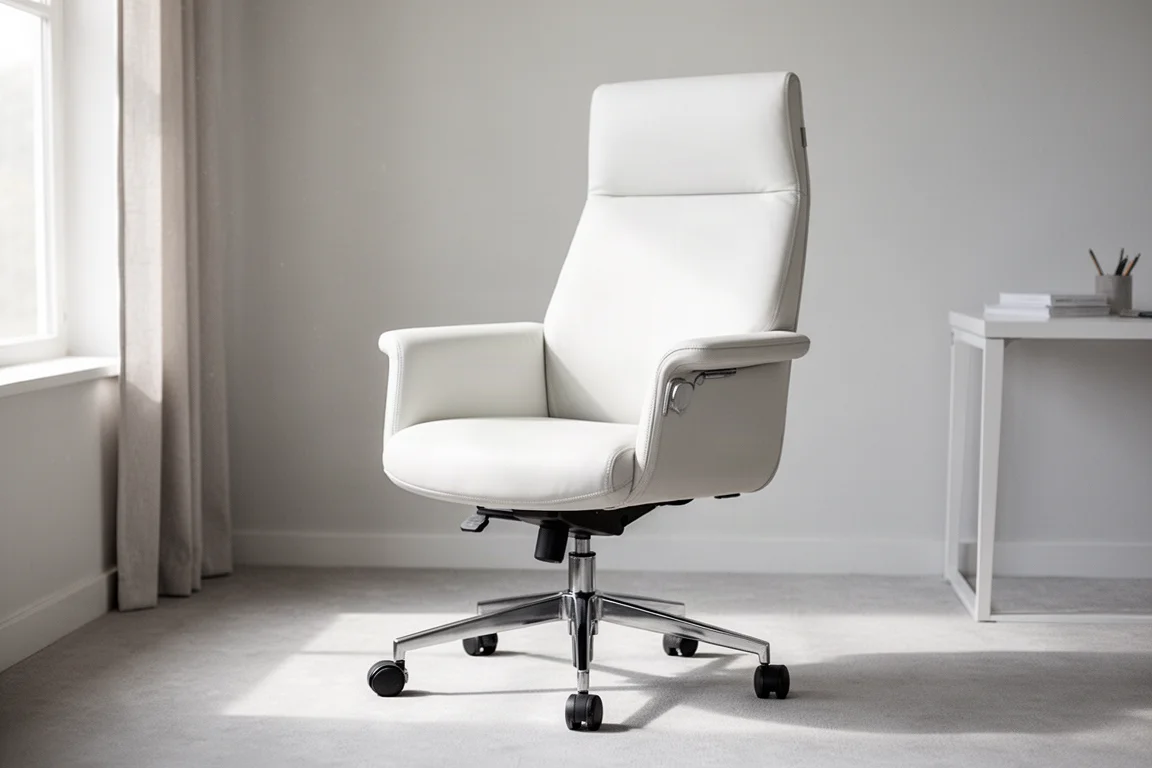
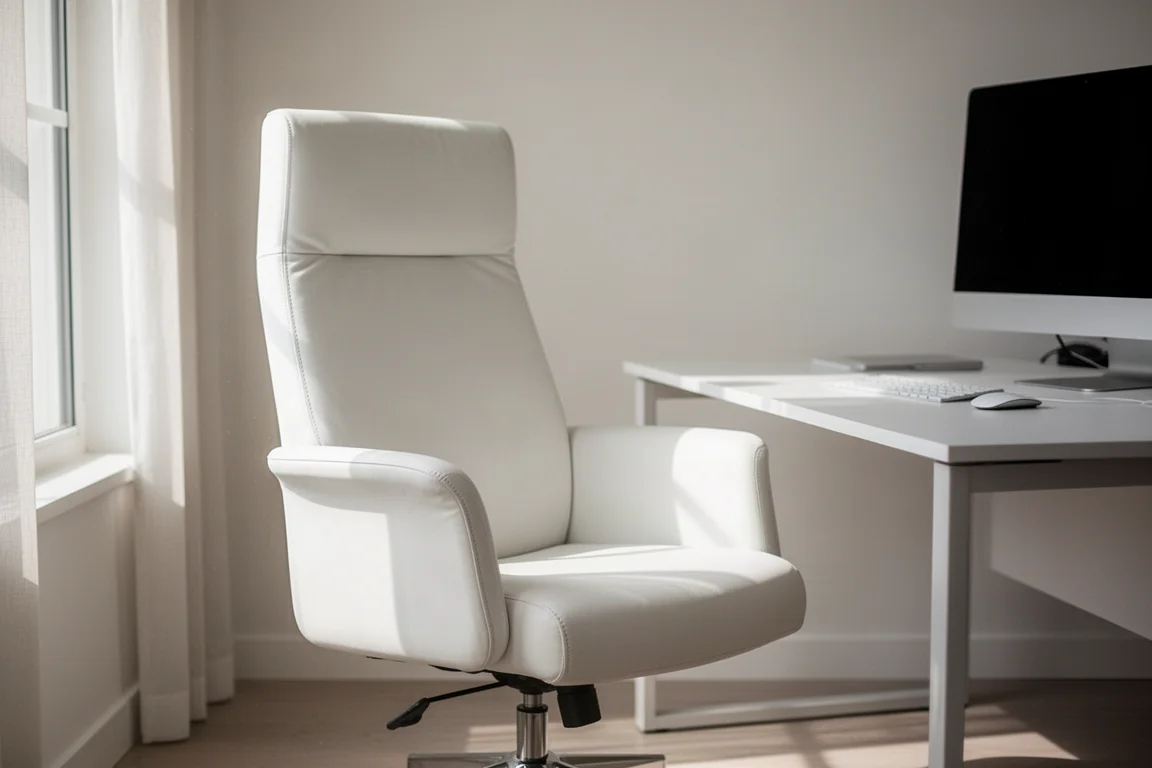
On looks alone, this is one of the nicer chairs out there. The all-white leatherette version is a single, solid, continuous matching color. Not many chairs can pull that off, and it matters a lot when you are building out a clean setup. The Atlas nails that aesthetic.
Build Quality and First Impressions
The build quality is solid. It would not be called high-end, but it is not cheap either. It sits right in line with the Secretlab Titan. The materials feel solid, nothing rattles or wiggles, and the base, casters, and armrests are all good. None of the components feel super high-end, and it is leatherette rather than genuine leather. That is the theme of the whole chair: nice and well-made, but not premium.
Recline and Tilt Mechanism
Almost every gaming chair, including the Titan, uses a knee tilt or center tilt mechanism. The Atlas does not. It has a synchro tilt. This keeps your feet flat on the floor through the entire recline, so you stay more ergonomic from start to finish. That is a genuine improvement.
The recline is limited in two ways, though. The range is not as big, so you do not drop as far back as the Titan. There is also no independent back angle adjustment, so you cannot lay it almost flat for a nap. For most people, that trade is worth it. A better mechanism for the 99% of the time you are actually sitting and working matters more than napping flat, which was never really practical on a gaming chair anyway.
The tension adjustment is unique. Instead of an infinite knob, you get four set positions, and they are genuinely different. The loosest setting is very, very loose. At 190 lb, it is unusable, but it does let a really light person finally get the leverage they need to recline fully. The firmest setting holds heavier people up through the full range. You can also lock the chair in four separate positions.
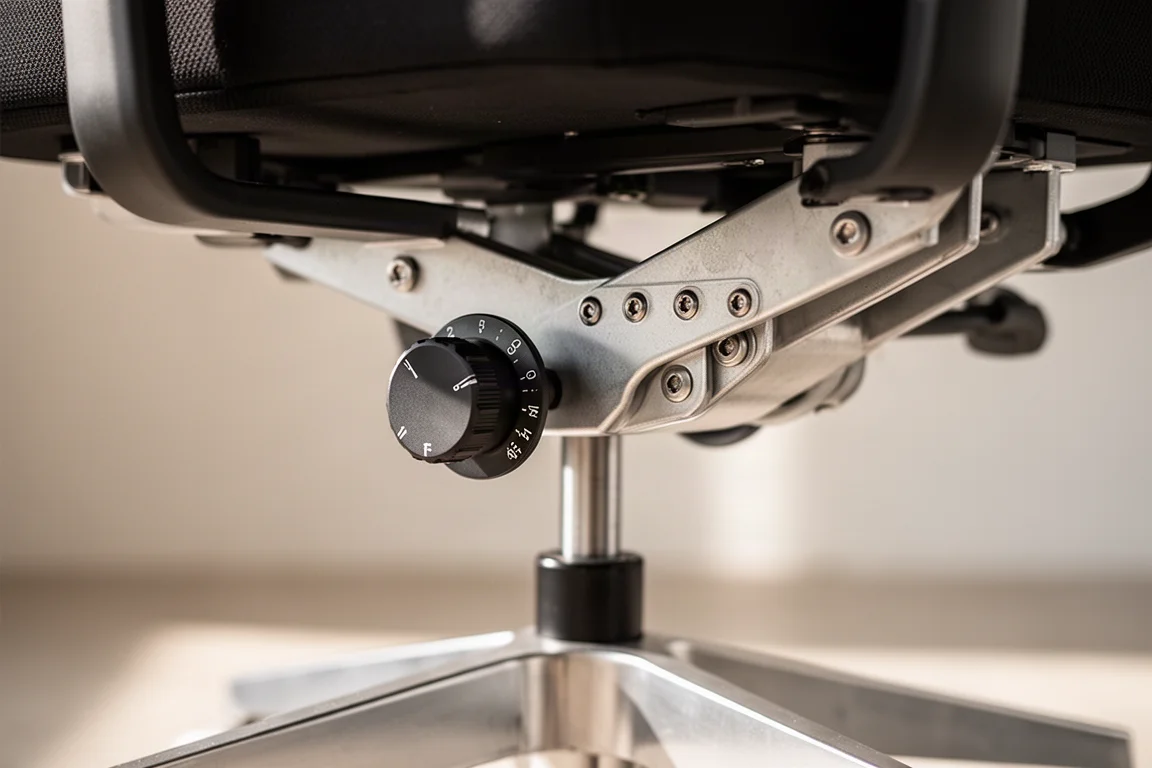
The locking feature is the biggest gripe. This chair will not really let you work upright unless you lock it, and that can be a deal breaker. Put any weight into the backrest and it reclines you just enough that you cannot sit fully upright to game or work. The only fix is to lock it, and many people prefer their chair to be free floating all the time. Locking and unlocking the chair does not feel natural. If you like sitting halfway reclined while you work, you will probably love this chair. For the way many people sit, it is just not the one.
Seat Comfort and Adjustment
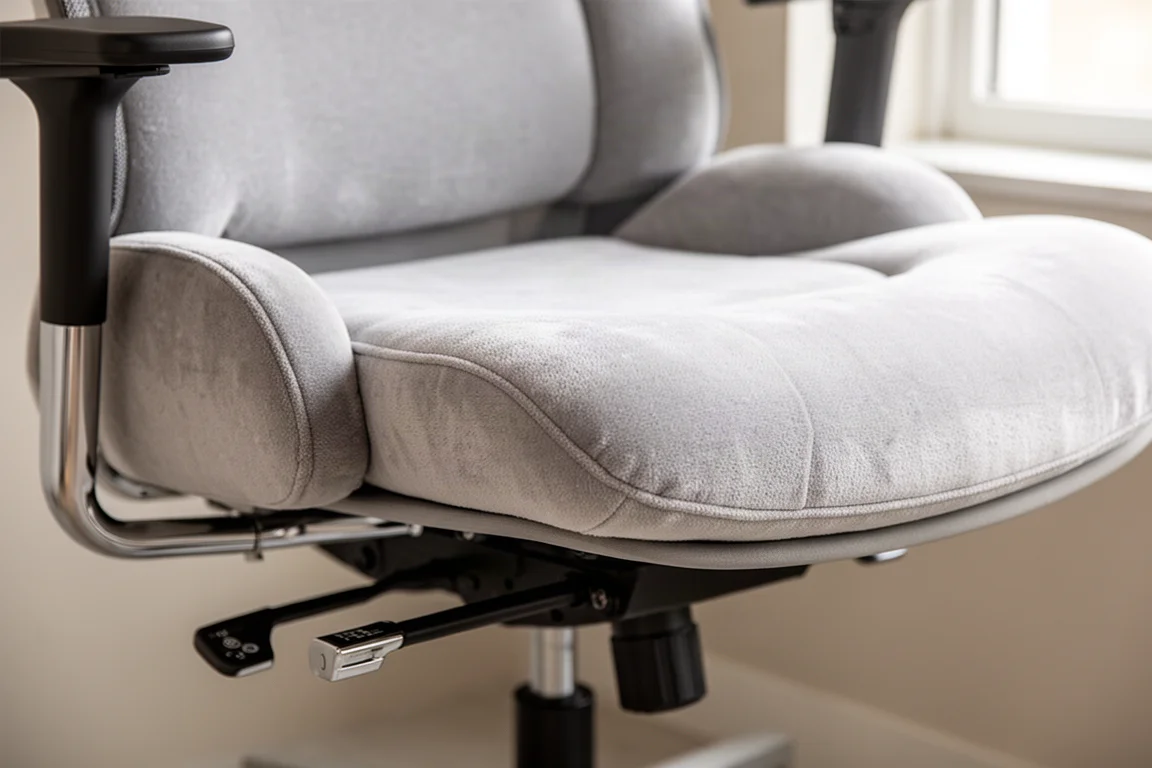
The seat is one of the real bright spots. Most gaming chairs give you hard side bolsters. These are soft, just padding, not metal, so you can actually use the outside of the seat and cross your legs without it digging in. It is still firm, but not as firm as the Titan, which has one of the firmest seats around. That is a real improvement.
The foam is softer, but there is less of it, so you do tend to bottom out a little bit quicker. For the first hour or two, it is really comfortable. The big feature is the seat slider. You can set your depth to about 1 to 2 inches behind your knees, which is huge for ergonomics. The synchro tilt plus the seat depth adjustment means the Atlas will fit you instead of you having to fit the chair, well ahead of the Titan.
One caveat on sizing: the chair sits low, so you really need a height-adjustable or a shorter desk. The regular-size chair is good for people up to about 5’10”, but at a standard 29-inch or 30-inch desk, it does not go high enough to put you in a good ergonomic position. The large chair sits taller, so you can raise the seat and use a footrest underneath. You cannot do that on the regular. If you do not have a height-adjustable desk or a shorter desk in general, think hard about which size to go with. You might want the taller one.
Armrests
The arms are good. The pads are super soft, with no hard edges and no weird shape. You can rest them in just about any position and be comfortable. The depth adjustment is also great, and the height is pretty good. The one real gripe is that there is no width adjustment. The swivel is okay, but it does not fix the arms sitting a little bit too wide. Many people would like them closer to the body, and a bit lower, especially when using a keyboard tray. At this price, you rarely get that adjustment range found on high-end chairs, so that one is understandable.
Backrest and Lumbar Support
The backrest is where the ergonomic story falls apart a bit. Secretlab tried to move away from the typical racing-style back, but the execution is questionable. They kept the hard side bolsters instead of going with soft like the seat, so the back is narrow and locks you into one specific position.
Almost every ergonomic chair now uses an open back with some flex. This allows you to shift and change postures, ultimately allowing you to be in the chair longer throughout the day and stay comfortable. The Atlas keeps you static, with no real movement and no airflow, so it does run warm.
They also tried to build in an S curve, but it is barely there. The lumbar has a slight curve, then it goes straight up to the headrest, which curves forward and pushes your head out a little. Support up top is limited, and the lumbar is fixed. They removed the adjustable system that the Titan has.
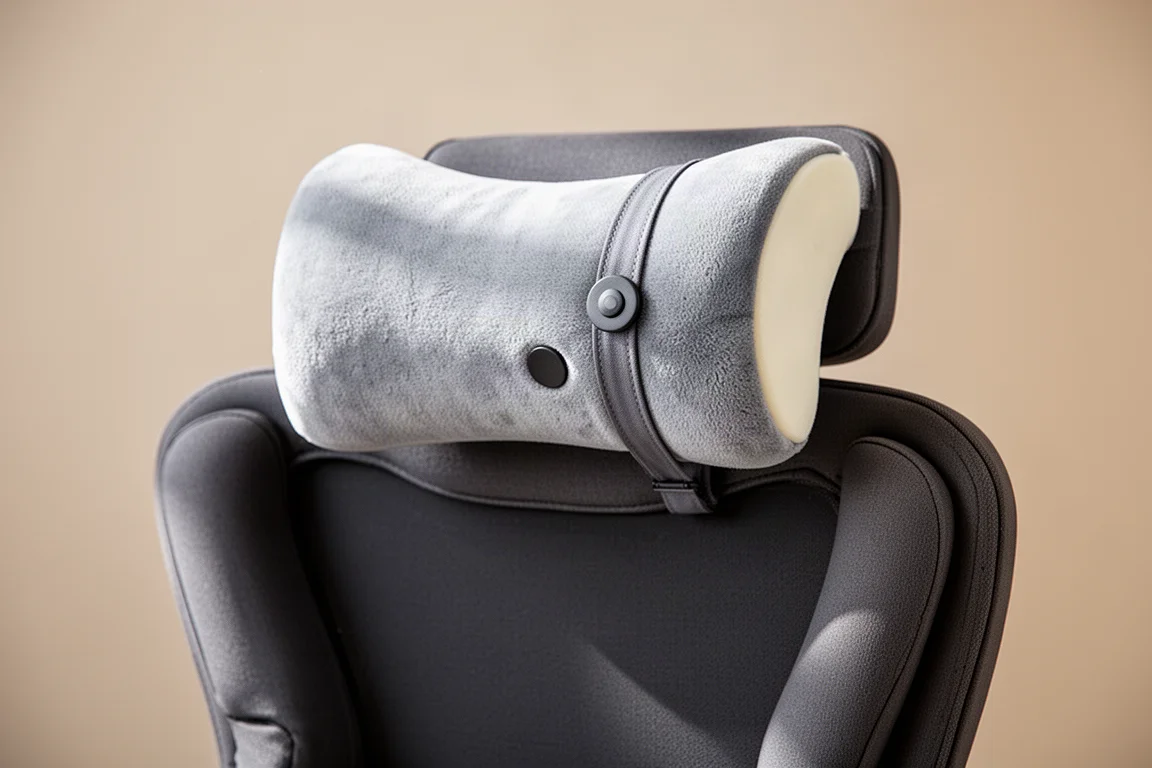
Here is what sums up the whole chair. The best part of the backrest is the headrest pillow. It is memory foam, the cover is incredibly soft, and you sink right in. But it snaps on with a magnet. When the best feature of your backrest on a $700 ergonomic gaming chair is a pillow, that kind of tells you something. The seat is ergonomic, the arms are ergonomic, but the backrest is hard to call ergonomic.
Who This Chair Is For
The Atlas is a well-made, great-looking gaming chair. Secretlab deserves credit for pushing towards ergonomics with the synchro tilt, the softer seat, and the seat depth adjustment. No chair is perfect, but the honest hang-up is the price you are paying for what you ultimately get.
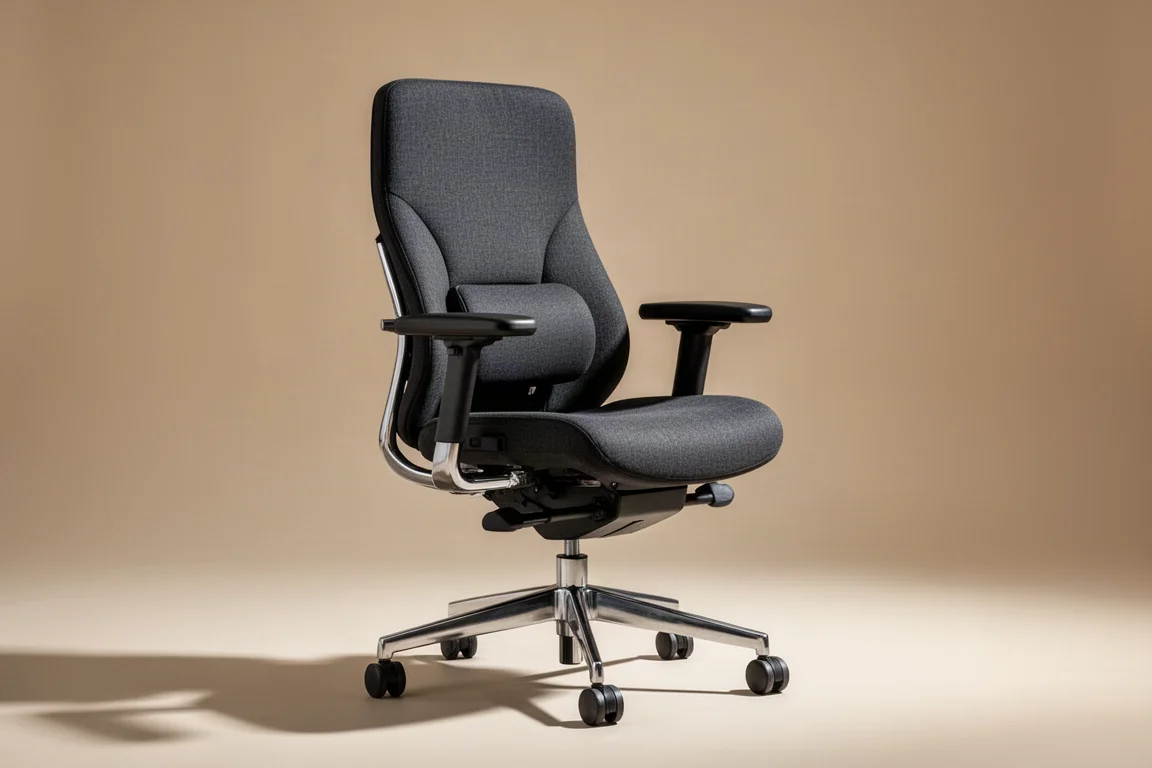
At $700 on an ergonomic chair, you are in a different league. You are looking at something like the Haworth Soji or a refurbished Steelcase Leap for a fraction of what it costs new, with a warranty and free returns. You could get the Eurotech Vera for a couple hundred less than the Atlas, and it is much more comfortable in many opinions.
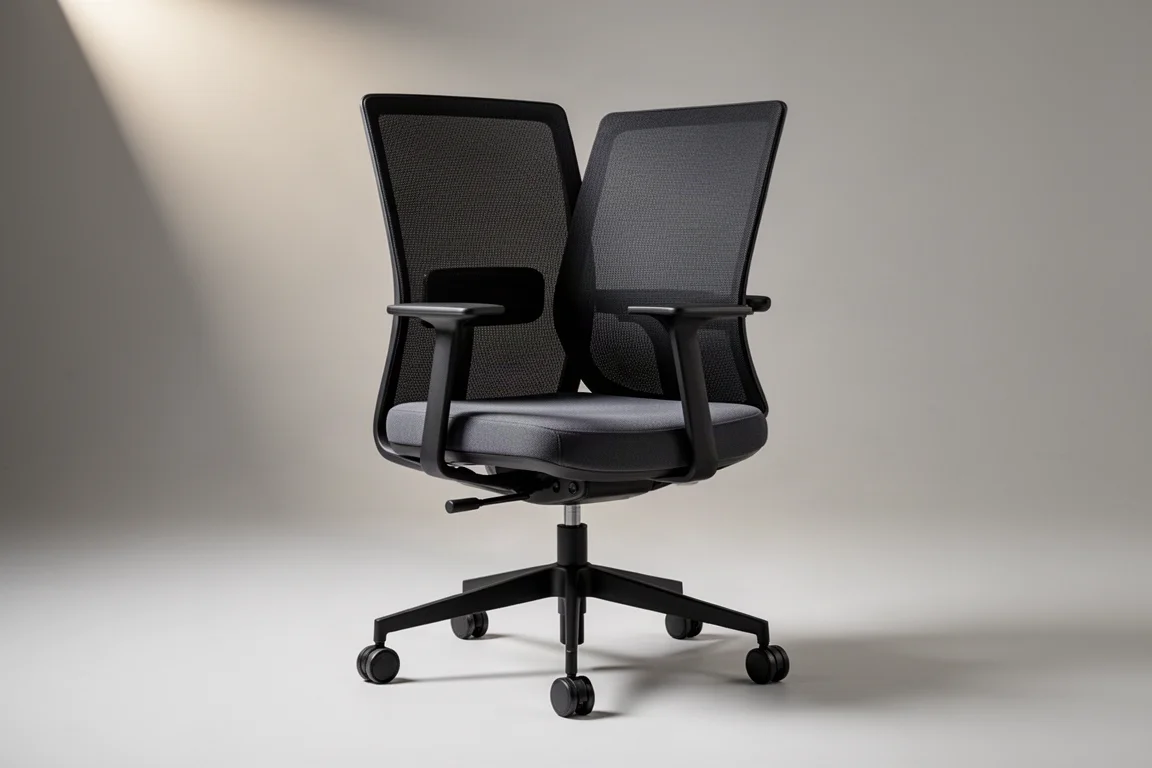
A lot of what you are paying for here is the gaming chair tax. The looks, the packaging, the unboxing experience, the pillow, none of which adds actual functionality to the chair. Put that money into a true ergonomic chair and you get more support, more adjustments, and more value where it counts.

Buying Advice
If you want this gaming chair style, the Atlas is one of the better options out there. The tilt is right, the arms are good, and the seat beats the field. It is just not close to a real ergonomic chair at this price. For most people at $700, putting that money towards ergonomics instead makes more sense.
Conclusion
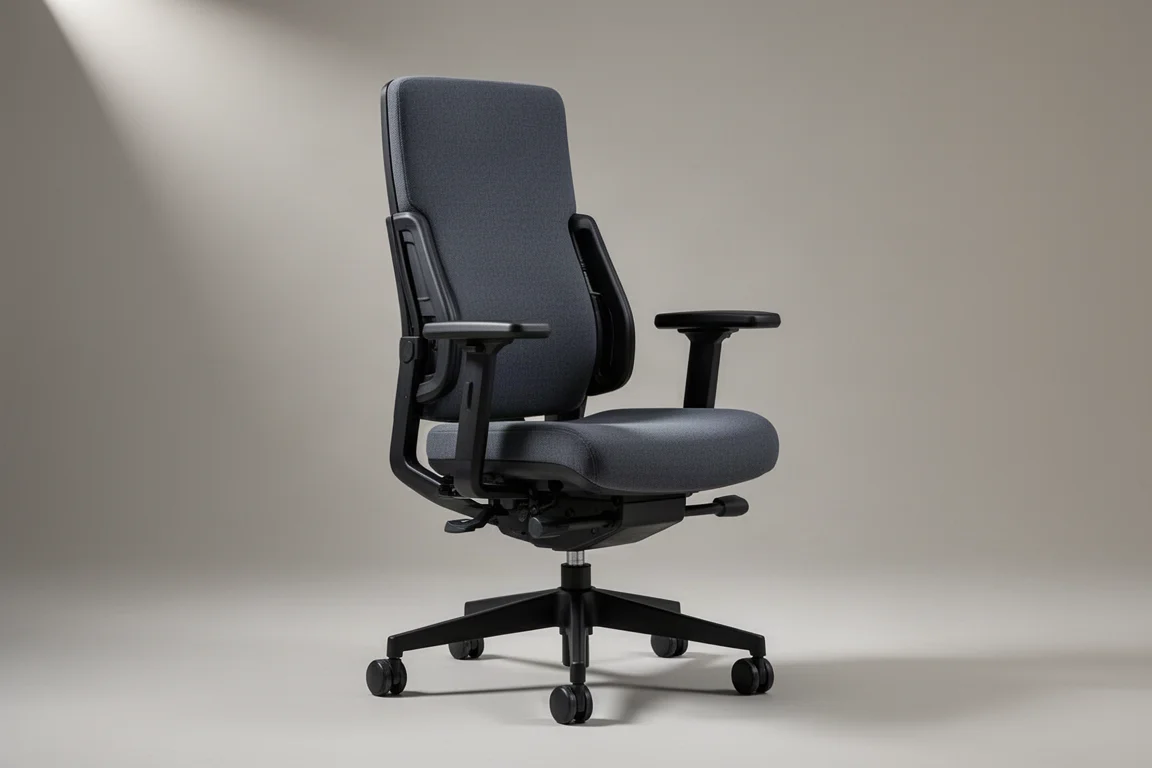
The Secretlab Atlas is a genuine step forward for gaming chairs, with a synchro tilt, a softer seat, and seat depth adjustment that make it fit better than most of its peers. But the fixed backrest, the lack of airflow, and the $700 price tag hold it back from true ergonomic status. If you want a gaming chair that looks great and sits better than the rest, the Atlas is a strong choice. If you want all-day ergonomic support, a dedicated ergonomic chair will give you more for your money.
Further reading
Related Reviews

Office Chairs
Best Ergonomic Office Chairs 2026: Eight Picks for Long Sitting Sessions
A practical guide to eight ergonomic office chairs that hold up for eight or more hours a day, from budget-friendly options to premium picks.

Office Chairs
Best Office Chairs for Back Pain: Seven Picks Put to the Test
We examine seven popular office chair recommendations for back pain, separating the genuinely supportive options from the overhyped ones.

Office Chairs
Big and Tall Ergonomic Chairs: Secretlab Titan Evo, Atlas, and Libre Novo Maxis Compared
A practical comparison of three big and tall chair options, focusing on real fit, comfort, and long-term support for larger users.