Smartwatches
Samsung Galaxy Watch Ultra Review: A Wear OS Watch That Hikes Well
A long-term look at the Samsung Galaxy Watch Ultra as a hiking watch, covering GPS behaviour, Samsung Health route syncing, battery endurance and the trade-offs worth knowing.
Introduction
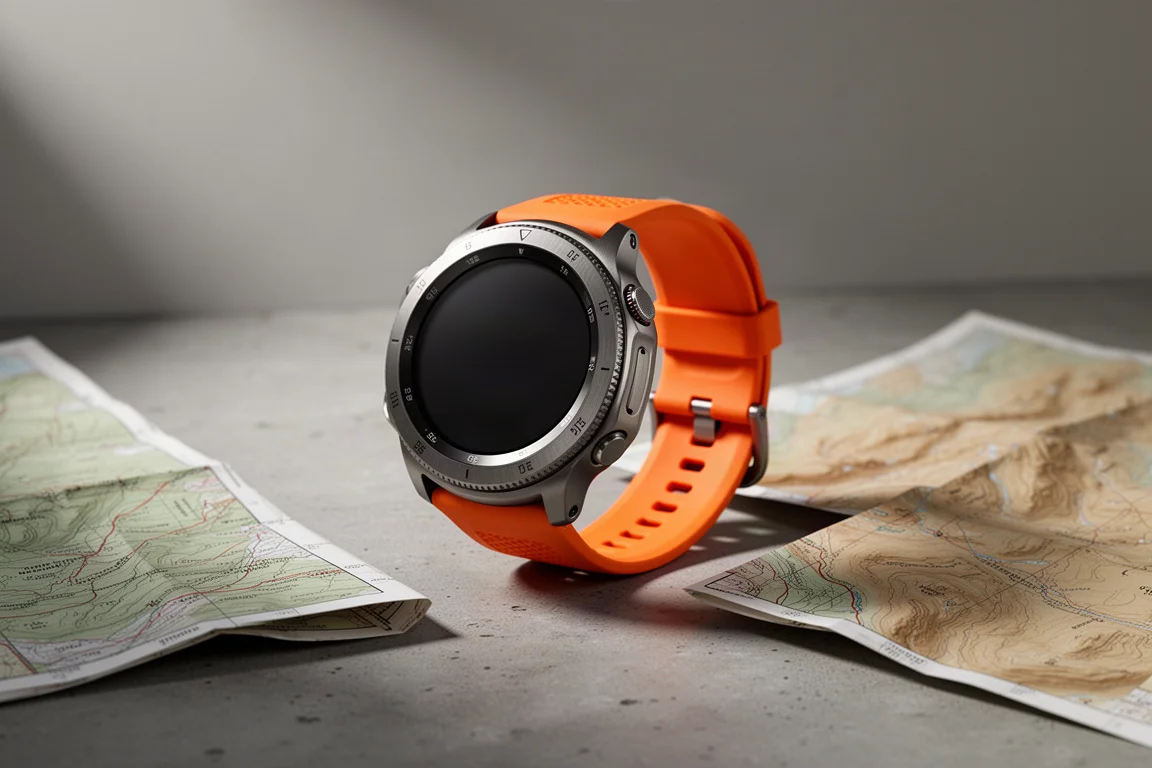
The Samsung Galaxy Watch Ultra is Samsung’s flagship Wear OS smartwatch, and on paper it sits in the same broad capability class as the Apple Watch Ultra 2 and the Garmin Epix Pro when it comes to positioning hardware. Multi-GNSS and multi-band reception are both on board.
The more useful question is not how it compares on a specification sheet, but whether it holds up over months of real hiking. That is where the experience becomes more nuanced. Used consistently on trails, the Galaxy Watch Ultra proves to be a genuinely capable outdoor companion with a small number of specific weak points that matter most in difficult terrain.
This review covers what works well, what does not, and who should actually buy it.
Who this product is for
The Galaxy Watch Ultra makes the most sense for someone who wants a Wear OS watch first and a hiking tool second. If you value smartwatch features, app access and Samsung Health integration on your wrist, and you also want to record long hikes with mapping and navigation, this is a natural fit.
It is also a good match for Android users who are not locked into Samsung phones. The companion health app runs on any Android device, so the hiking workflow is not restricted to Samsung hardware.

It is a less obvious choice for someone whose only goal is the most dependable outdoor navigation possible. Hikers who spend most of their time in slot canyons, dense tree cover or steep switchbacks will find that dedicated outdoor watches handle those conditions more consistently.
Main strengths
Seamless offline route syncing through Samsung Health
The bundled Samsung Health app turned out to be the most pleasant surprise on this watch. You do need your phone to set a route up, but from that point the process is largely automatic. Import a GPX file, and the route is mapped, synced to the watch and paired with the relevant offline maps without any manual steps on the watch itself.
That is a meaningful difference from watches where offline maps have to be managed by hand, and it makes planning a hike far less fiddly.
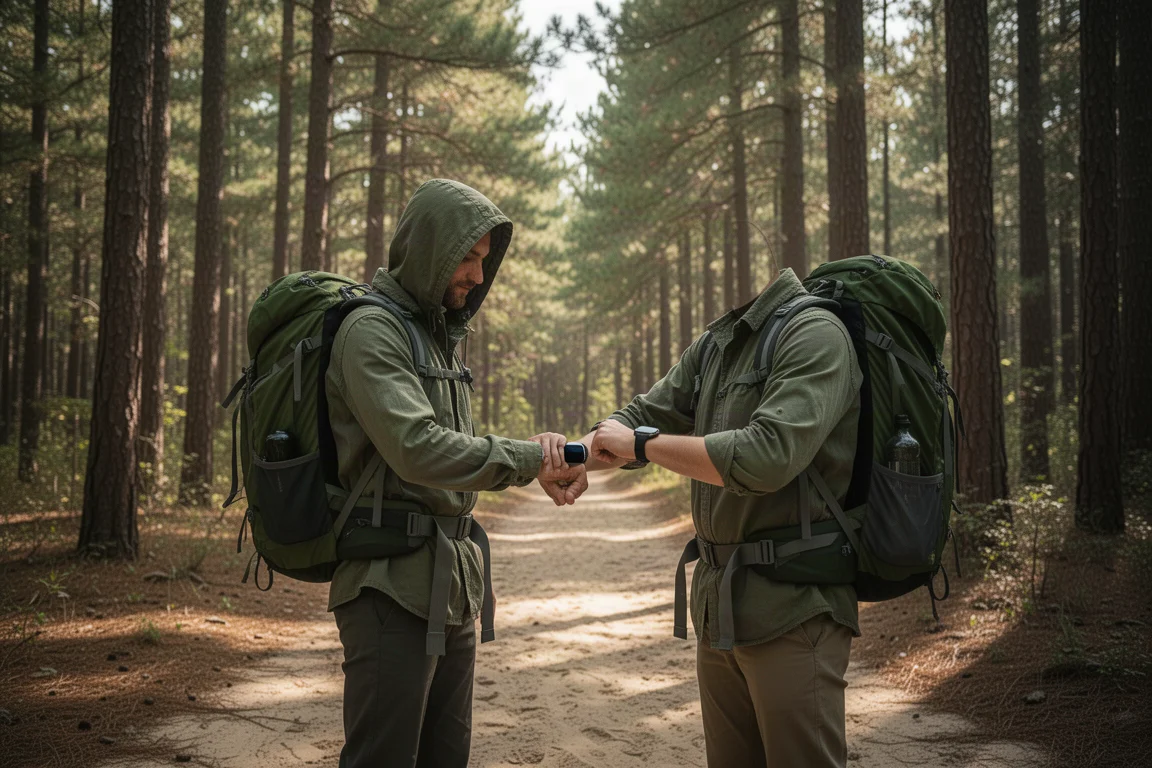
On the trail, Samsung Health delivers on-screen turn prompts, optional voice prompts that can be switched off, and off-course alerts if you drift away from the route. The maps themselves are basic. There are no contour lines and only a handful of trail names, but there is enough detail to tell whether you are still on the intended path. Activity screens offer customizable data fields, though far less extensively than a Garmin. Everything lives inside a single app rather than being split across separate workout and map apps. When the hike is over, the watch syncs back to the phone automatically and the activity can be exported as a GPX file.
Bright display, solid build, and reliable heart rate
Hardware behaviour was consistently good. The watch ran without reboots or glitches, and the processor felt quick and responsive throughout. The display reaches 3,000 nits and stayed readable in every lighting condition encountered on the trail.
The physical buttons worked well, and the guard around them prevented accidental presses. The middle action button is customizable and can be assigned to things like the flashlight, or held down to trigger a siren. That flashlight is not in the same league as the dedicated LED light on newer Garmin models, but it is useful in a pinch.
Heart rate tracking stayed within a beat or two of the Apple Watch Ultra 2 and the Garmin Epix Pro, which is close enough for hiking use.
Battery life that covers long day hikes
In everyday wear, the watch lasted roughly two to three days between charges. On the trail, results varied. Running navigation with the map open drains the battery faster than hiking without it, and activity time generally landed somewhere between 10 and 14 hours.
For most day hikers that is enough, including very long outings such as a Grand Canyon rim-to-rim crossing. Low power mode is available if you need to stretch it further.
Things to consider before buying
GPS accuracy in demanding terrain
Positioning is the area where the Galaxy Watch Ultra is most inconsistent. In open conditions, recorded track lengths were generally in the same ballpark as other watches, and at times matched the Apple Watch Ultra 2 exactly.
Difficult terrain tells a different story. Through tight switchbacks the track wandered, and it only came back together once the sky opened up. In a slot canyon, the watch effectively dropped the route and resumed tracking only after returning to open ground, while the Apple Watch and the Garmin held on better.

It is fair to note that a slot canyon is a genuinely hard environment, and plenty of GPS devices struggle there. Even so, if you regularly hike in canyons or under dense cover, this is the clearest trade-off to weigh before buying.
Altitude readings followed the same pattern as other watches in this class. Sometimes they were spot on, sometimes a few hundred feet out, and other times within 5 to 10 feet. Unlike Garmin watches, there is no way to calibrate the altimeter, and no way to adjust positioning settings to trade a little accuracy for battery life.
A limited Wear OS mapping app ecosystem
The Wear OS app ecosystem for outdoor mapping is not as mature as what is available on Apple’s platform. There are fewer options, and the available apps are not always as polished. Several well-known route apps still require the phone to be part of the offline mapping workflow, which undercuts the point of carrying a watch in the first place.
Google Maps offline support is available. You download an area on the phone and then download it to the watch. The maps look good, zoom smoothly and remain visible offline. Offline walking directions routing did not work during testing, so you end up following the blue dot rather than getting turn-by-turn guidance.
Other options exist, such as Outdooractive, which requires a paid tier and offers good maps and downloadable routes. GPX import works there too, though transfers to the watch were sometimes finicky and occasionally stalled. On the trail it performed acceptably, with a turn arrow, hike statistics and a map page, but map tiles occasionally failed to render. Between all the options, Samsung Health remained the most reliable.
The stock band and the rotating bezel
The included band was the least enjoyable part of the hardware. It felt stiff and uncomfortable, and adjusting it meant popping pins out and repositioning them. Swapping it for an inexpensive third-party band made a noticeable difference to comfort on longer days.
The rotating bezel is a useful navigation aid, though it occasionally caused the quick settings tray to pull down from the top when scrolling around the edge, particularly when tired.
Buying advice
If you want a Wear OS watch that can also handle long hikes, the Galaxy Watch Ultra is the strongest option in that space. The combination of a bright 3,000-nit display, dependable hardware, solid heart rate accuracy, automatic route and offline map syncing through Samsung Health, and enough battery for a full day on the trail makes it a genuinely good buy for that specific use case.

If your priority is purely outdoor capability and you use an Android phone, dedicated sports watches from Garmin, Coros, Polar and similar brands remain the better tool. They generally offer longer battery life and more complete offline navigation, maps and routing for the outdoors. What they do not offer is the connected smartwatch experience that Wear OS provides.
The decision comes down to which half of that equation matters more to you.
Conclusion
The Samsung Galaxy Watch Ultra does what it sets out to do well. It brings capable multi-band positioning, reliable hardware, strong battery endurance for day hiking and a surprisingly effective route-syncing experience through Samsung Health, all while remaining a full Wear OS smartwatch.
Its limits are specific rather than general. Demanding terrain can confuse the GPS, the mapping app ecosystem is thinner than on competing platforms, and the altimeter cannot be calibrated. If those constraints do not affect the hiking you actually do, this is an easy watch to recommend.
Product link
View more details for Samsung Galaxy Watch Ultra
This product is mentioned in the review. Check the specifications, options, and compatibility before buying.
View more details for Samsung Galaxy Watch UltraFurther reading
Related Reviews
Smartwatches
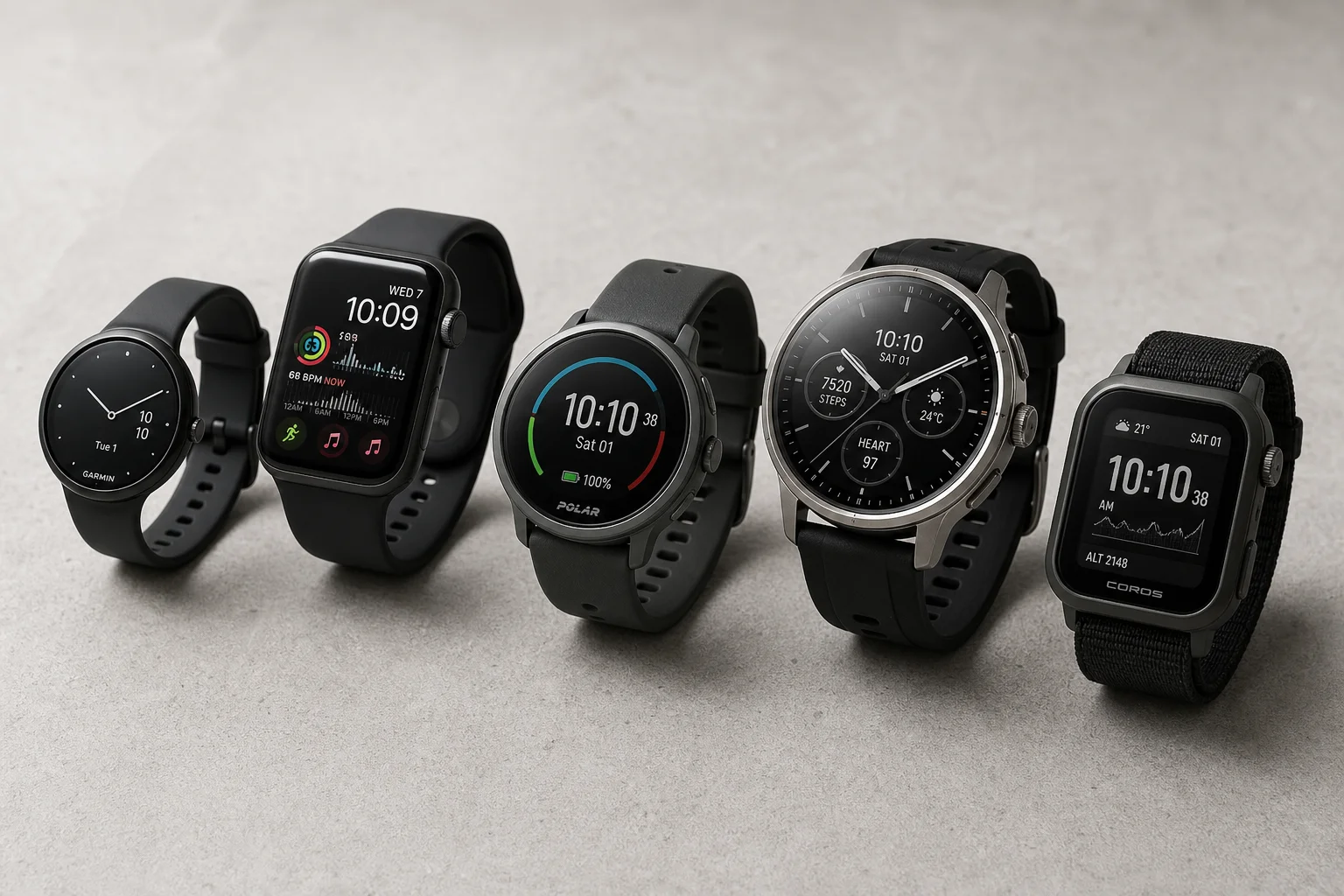
Best Budget Smartwatches 2026: Five Affordable Options That Actually Work
Five budget smartwatches tested for real daily use. From entry-level options to premium features at fraction of the cost, here's what actually delivers.
Smartwatches
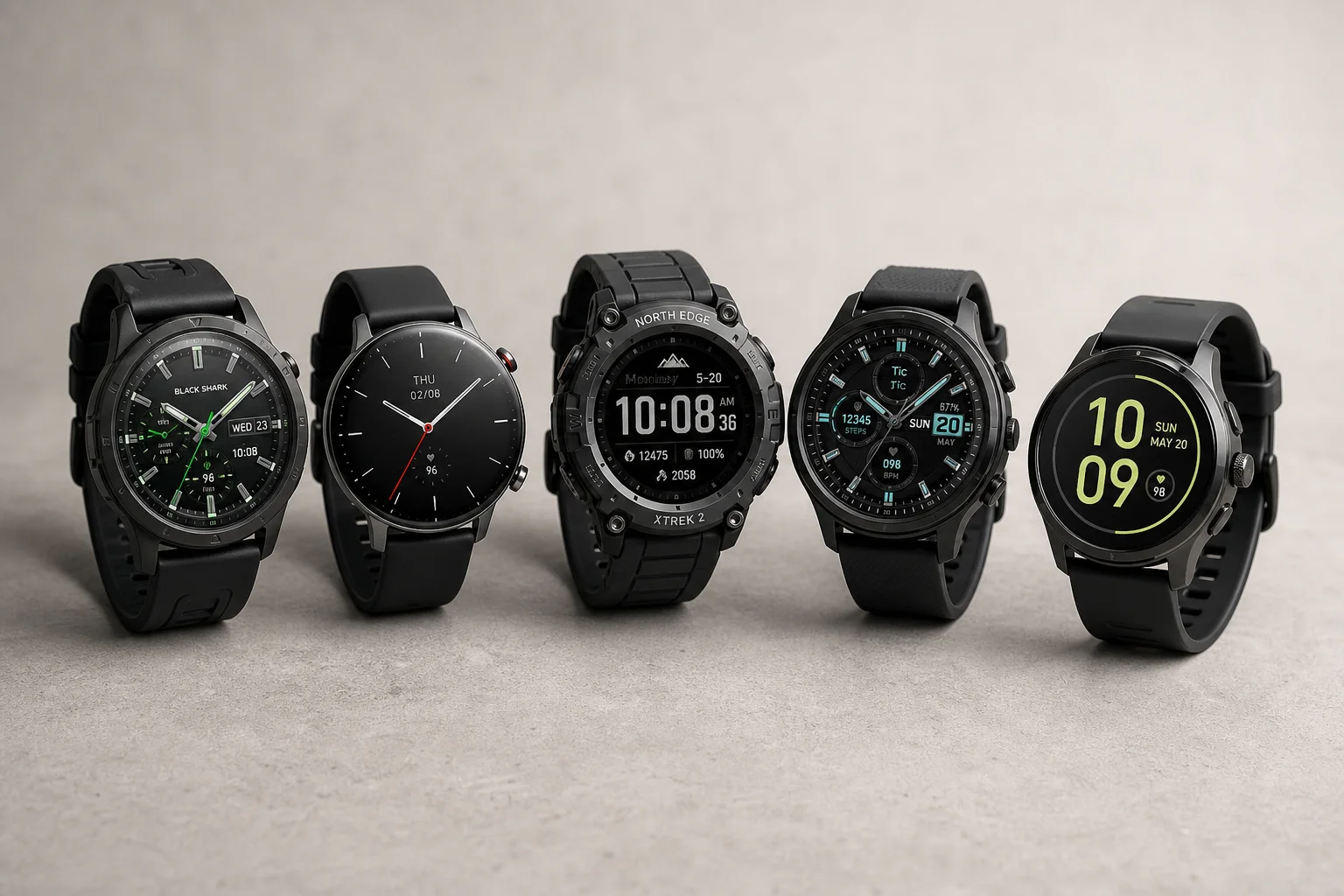
Best Smartwatches on AliExpress 2026: Five Practical Options for Different Needs
Five smartwatches with strong customer feedback and competitive pricing, each suited to different priorities: premium design, battery life, outdoor durability, advanced health tracking, and sports versatility.
Smartwatches
Best Smartwatches Under $300: 9 Practical Options for Every Need
A curated selection of nine smartwatches under $300, each excelling in health tracking, durability, battery life, or fitness features. Find the right match for your lifestyle.