Mini PC
ROG NUC 16 Review: A Compact Gaming Mini PC With Serious Power
The ROG NUC 16 packs an Intel Core Ultra 9 290HX and RTX 5080 into a 3L chassis with a striking white design and strong cooling.
Introduction
Mini PCs have become increasingly popular, and they now come in a range of types. Some focus on compact size for everyday office work, while gaming mini PCs aim to balance dimensions with serious hardware. The ROG NUC 16 sits firmly in the gaming category, and it makes a strong first impression.
It is not an inexpensive machine, but the design is genuinely striking. The white chassis, RGB lighting, and semi-transparent dark side panel give it a polished, premium look. For anyone who appreciates clean white hardware, this is a very attractive unit. The previous generation ROG NUC 970 was already impressive, and this new model brings several meaningful updates worth exploring.
Design and Build Quality
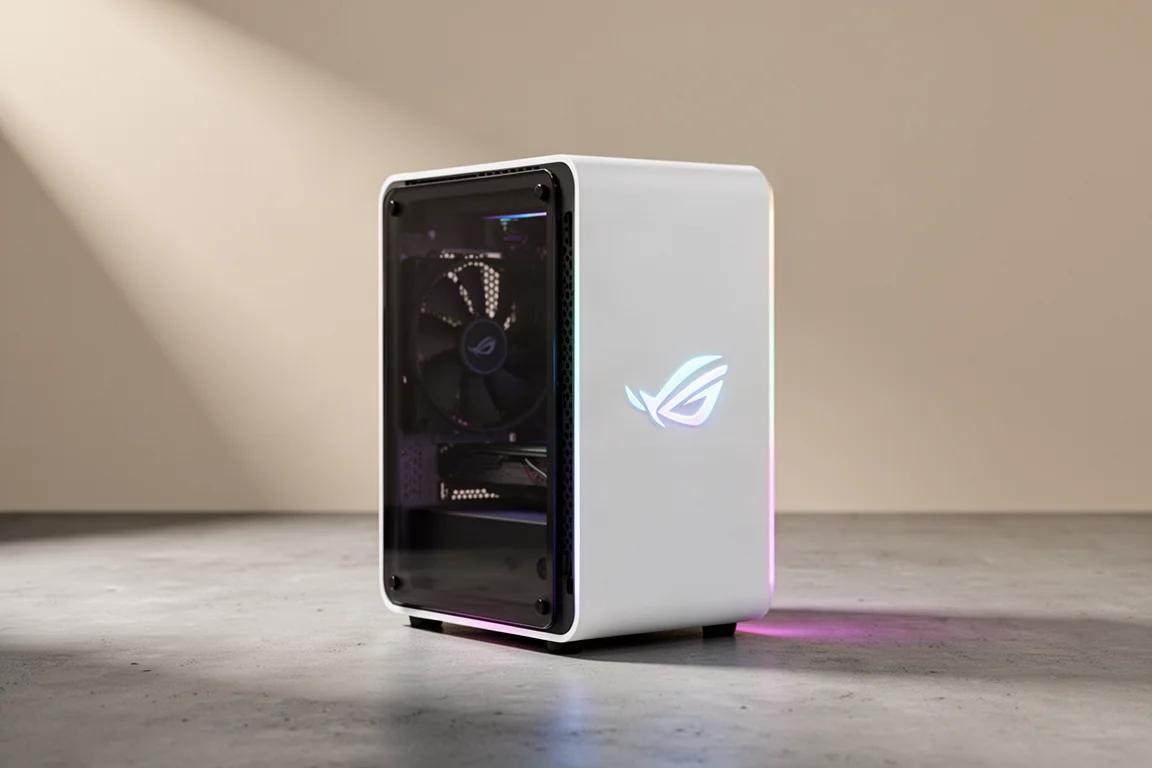
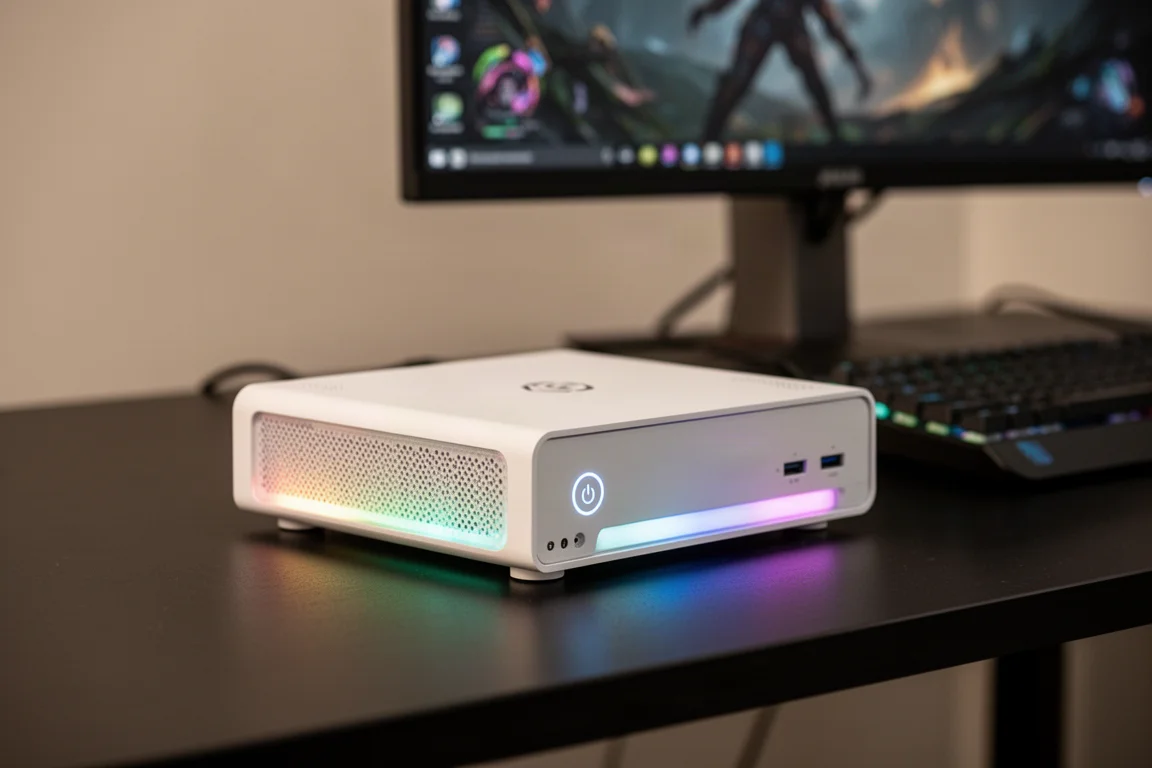
The ROG NUC 16 is available in black and white. The white version stands out immediately with its overall white finish combined with a semi-transparent dark chassis panel. The ROG emblem appears on both the front and side of the unit, reinforcing the brand identity.
Looking closely at the semi-transparent section reveals thoughtful detailing. A chip design sits in the upper middle area, accompanied by lines that mimic PCB traces. It is a small touch, but it shows real attention to design.
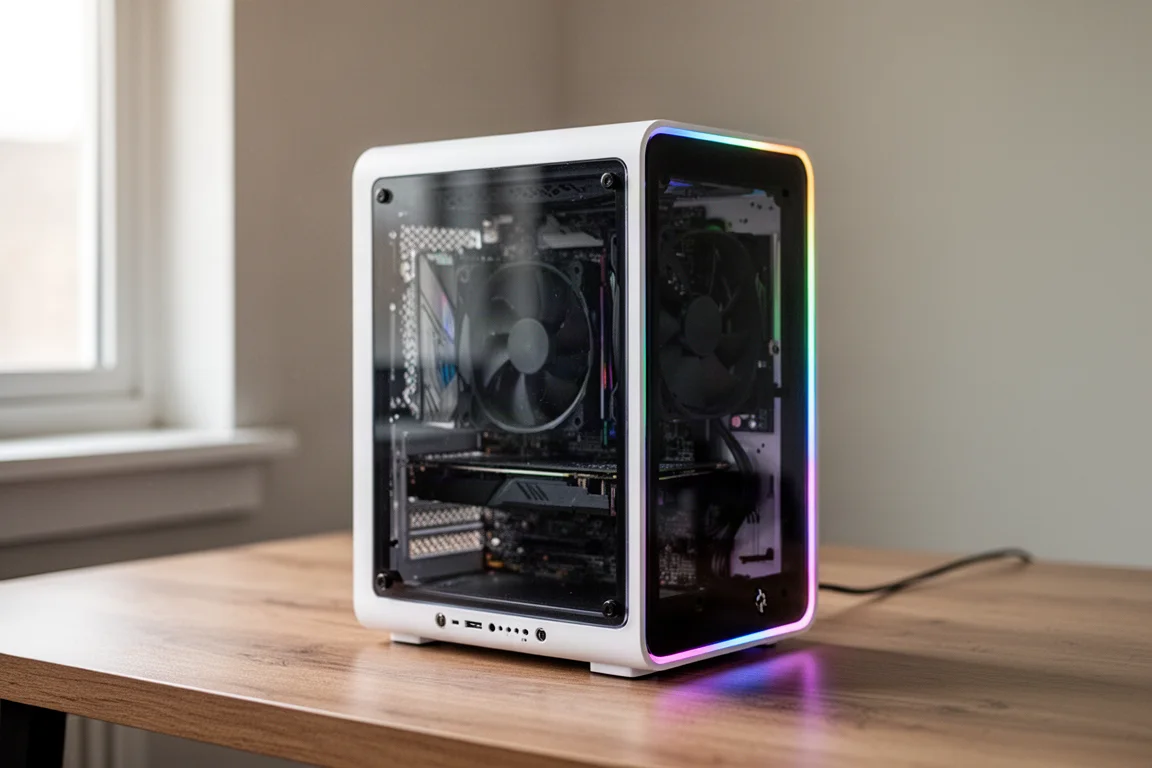
The chassis itself is compact at just 3 liters in volume, which makes it naturally well suited to smaller living spaces. Despite the small footprint, the build feels solid and well put together.
Ports and Connectivity
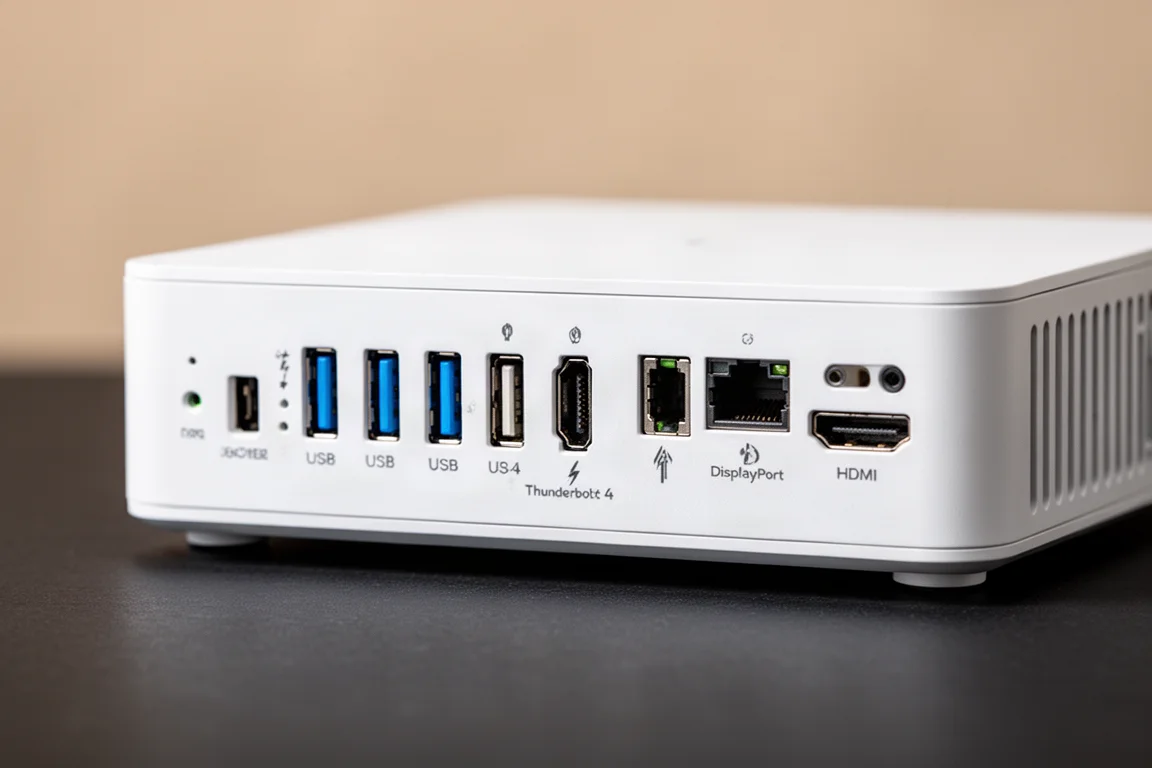
The front of the ROG NUC 16 offers a power button, a 3.5mm audio output, one USB-C port, and two USB-A ports. Around the back, the connectivity expands considerably.
The rear panel includes four USB-A ports, a 2.5GB LAN port, Thunderbolt 4, two DisplayPort 2.1 outputs, and two HDMI 2.1 outputs. This arrangement allows the system to drive up to five 4K displays simultaneously, which is impressive for a machine of this size.
Power comes from a 380W adapter with a square plug design. As with most mini PCs of this type, the power brick is fairly large, but it provides enough headroom for the components under full load.
Stand and Orientation Options
One notable upgrade this generation is the stand. Like the previous model, the ROG NUC 16 can stand vertically. However, the new stand can be easily split into two pieces, allowing the unit to be placed horizontally instead.
To switch orientations, the stand comes apart into two sections. The unit then rests on top of these pieces, leaving space underneath for airflow. Horizontal placement should improve overall cooling performance, since the chassis has more room to breathe in that orientation.
Inside the Chassis
The ROG NUC 16 features a tool-less design, which makes opening the unit straightforward. A simple twist of the rear screws allows the side panel to slide off without any additional tools.
Inside, the system houses two DDR5 16GB 6400 RAM modules. An Intel Killer wireless card sits nearby, with an NVMe PCIe 5.0 x4 SSD slot above it. The right side of the board has an empty NVMe PCIe 4.0 x4 slot, while the left side already contains the installed 1TB SSD. This gives owners room to add a second drive later.
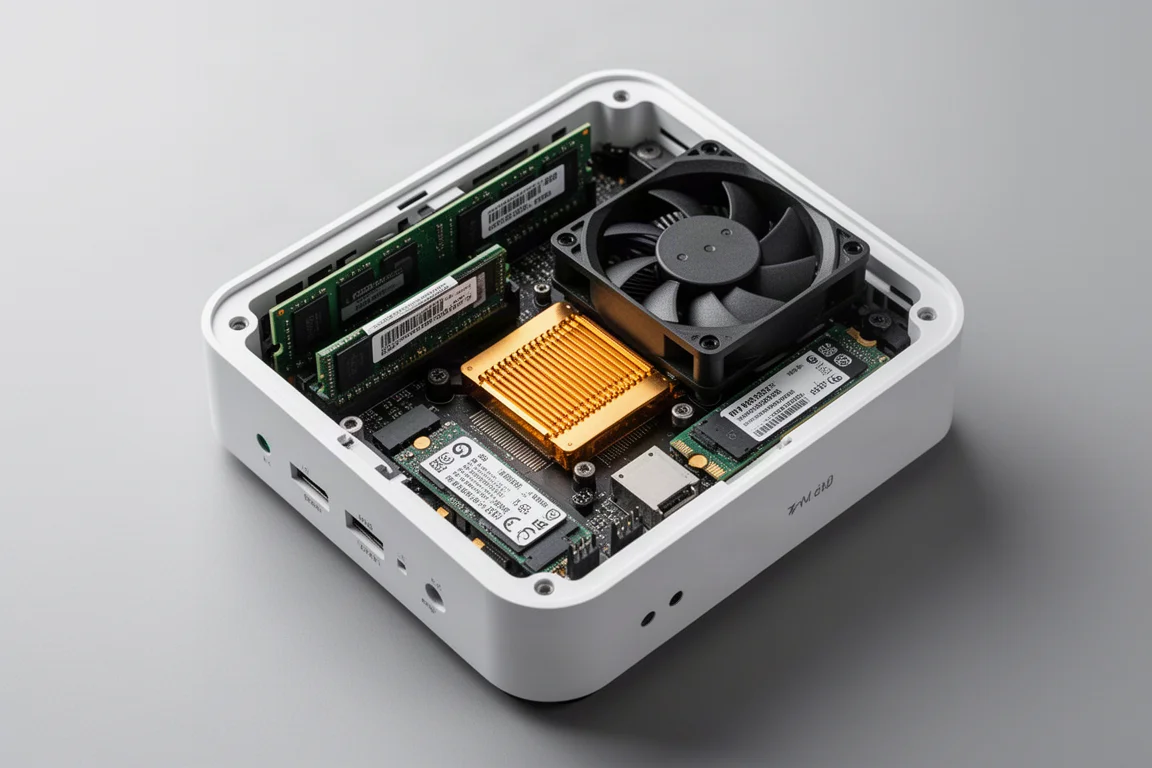
Cooling is handled by a large fan positioned behind the CPU. This generation also includes a substantial vapor chamber plate, visible as the gold layer in the middle of the unit. It sits directly over the CPU and GPU, helping to direct heat toward the heatsink for improved thermal performance. In addition to the main fan, two more fans sit at the front of the chassis.
Performance Testing
Real-world gaming performance on the ROG NUC 16 is strong. Testing with a recent racing title on a 2K ROG display showed solid results. With extreme graphics settings and ray tracing enabled, the game ran at 68fps. Turning ray tracing off pushed that figure to 105fps. Both modes delivered smooth, visually impressive gameplay.
In Furmark testing with both CPU and GPU pushed to their maximum settings, the CPU reached approximately 120W while the GPU hit around 170W, for a combined 300W draw. Total system power reached roughly 360W. The new 380W power supply handles this full-load scenario without issue.
Cinebench results were also recorded in both performance and manual modes. Single-core scores came in at 2297 and 2300, while multi-core scores reached 35132 and 38482 respectively. These numbers provide a useful reference point for anyone comparing performance.
Buying Advice
The ROG NUC 16 is best suited to people who want a compact gaming machine without the hassle of building their own PC. Its 3-liter chassis fits easily into smaller homes, and the hardware delivers genuine gaming performance. The tool-less design makes upgrades simple, and the option to place the unit horizontally adds flexibility for different desk setups.
The main consideration is price. This is not a budget machine, and the premium design and components are reflected in the cost. Anyone who values a striking white aesthetic, strong 2K gaming performance, and a compact footprint will find a lot to like here. Those who prefer to build their own systems or who need maximum upgrade flexibility may want to weigh those factors carefully.
Conclusion
The ROG NUC 16 combines a compact 3-liter chassis with serious gaming hardware, including an Intel Core Ultra 9 290HX processor and an RTX 5080 laptop GPU. The white design with semi-transparent panels and RGB lighting makes it one of the more visually distinctive mini PCs available. Cooling has been improved with a vapor chamber and multiple fans, and the tool-less chassis makes internal access easy.
For anyone who wants a small, powerful, and good-looking gaming machine without the effort of assembling one themselves, the ROG NUC 16 is a compelling option. It delivers smooth 2K gaming performance, plenty of connectivity, and a design that stands out on any desk.
Product link
View more details for ROG NUC 16
This product is mentioned in the review. Check the specifications, options, and compatibility before buying.
View more details for ROG NUC 16Further reading
Related Reviews
Mini PC
AMD Ryzen AI Max Plus 395 Mini PC Review: Steam OS Performance That Surprises
A compact workstation-class mini PC that runs Steam OS surprisingly well, beating Valve's own Steam Machine in gaming benchmarks.
Mini PC
AtomMan G7PT Review: A Faster Steam Machine Built From a Mini PC
The AtomMan G7PT pairs a Ryzen 9 7945HX with a Radeon RX 7600M XT, and with Steam OS installed it becomes a compact gaming PC that outperforms Valve's Steam Machine.
Mini PC
BLink EQI Mini PC Review: A Budget Intel Core 3 304 System With Surprising IO
The BLink EQI mini PC brings Intel's new Core 3 304 chip, dual Thunderbolt 4 ports, and a built-in power supply to the budget desktop segment.