Keyboards
Razer Huntsman V3 Hall Effect Review: 65% and TKL Compared
Razer's first hall effect keyboards bring magnetic switches, adjustable actuation, and Snap Tap to a more accessible price point.
Introduction
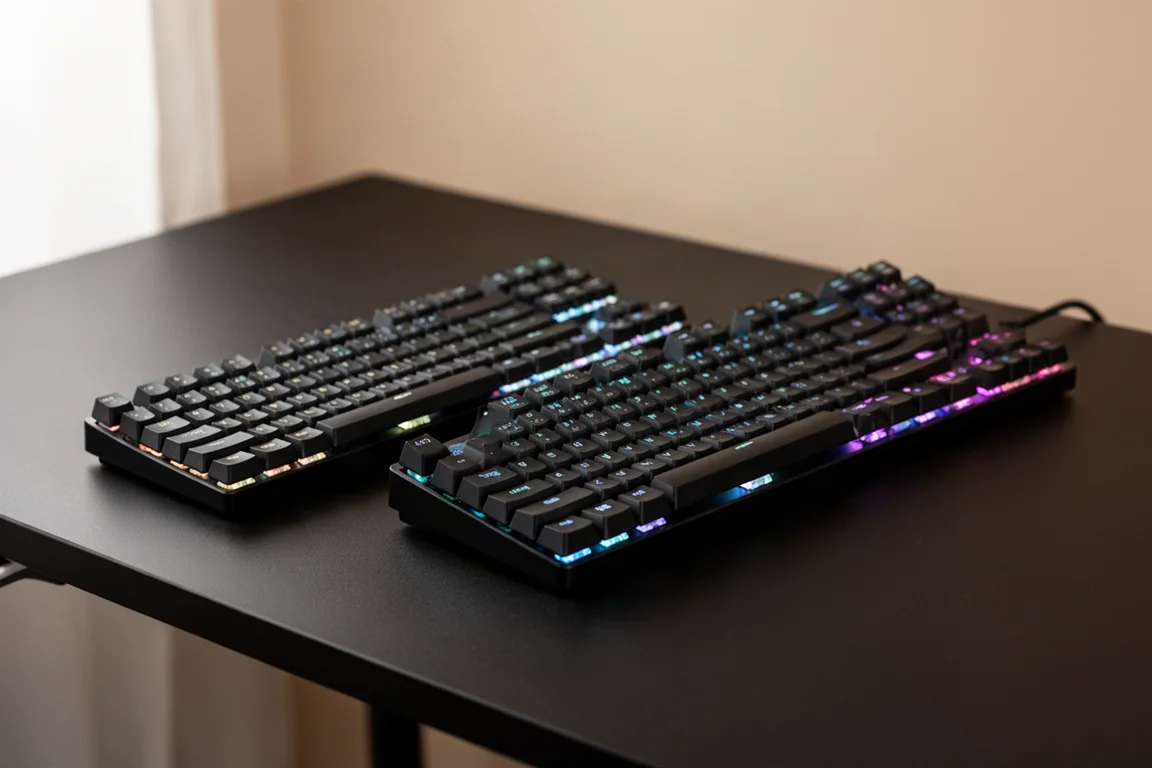
Razer has finally entered the hall effect keyboard space with the Huntsman V3 series. After years of building its reputation on optical switches, the company now offers magnetic switch options in both 65% and tenkeyless (TKL) form factors. These keyboards bring adjustable actuation, Snap Tap, and other competitive features that have become popular in the gaming peripheral market.
The Huntsman V3 Hall Effect series aims to deliver the performance and features found in higher-end keyboards at a more accessible price. This review covers both the 65% and TKL versions, looking at build quality, software, performance, and overall value.
Design and Build Quality
The Huntsman V3 Hall Effect keyboards feature an aluminum top plate that provides a solid foundation. The keycaps use a floating design, which means they sit raised above the keyboard frame rather than being enclosed by it. This is a departure from some other Razer keyboards like the Black Widow, where the shell comes up over the keycaps.
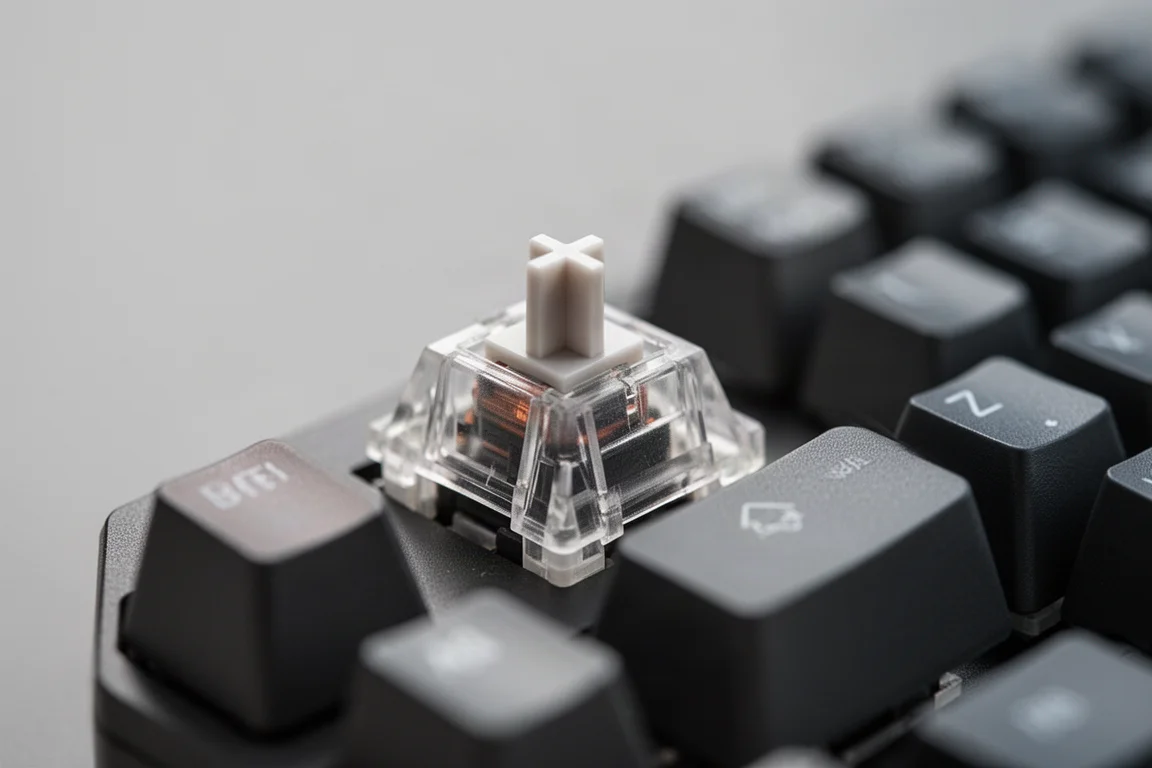
Internally, the keyboards include a layer of foam underneath the switches and additional padding on the PCB. This helps dampen sound and reduce hollow resonance. There is also foam in the space bar area, similar to the tape mod that enthusiasts often apply to their boards. The bottom housing is plastic with two levels of pop-out feet for adjusting the typing angle.
One thing to note is that accessing the stabilizers requires removing the entire board. The switches themselves are hot-swappable, so they can be pulled out easily, but the stabilizers sit underneath and are not accessible without disassembly. This is worth keeping in mind if you plan to customize or maintain the keyboard.
The sound profile of the hall effect switches is noticeably different from Razer’s optical switches. The hall effect switches have a more traditional, enclosed design that produces a fuller, deeper sound. The optical switches, by contrast, sound a bit more open and plasticky. In a direct comparison, the hall effect version sounds significantly better.
Software and Customization
The Huntsman V3 Hall Effect keyboards work with Razer Synapse, and the same settings are also available through the newer Razer webHub software. Both options save profiles directly to the keyboard, so your settings carry over even if you switch between the two applications.
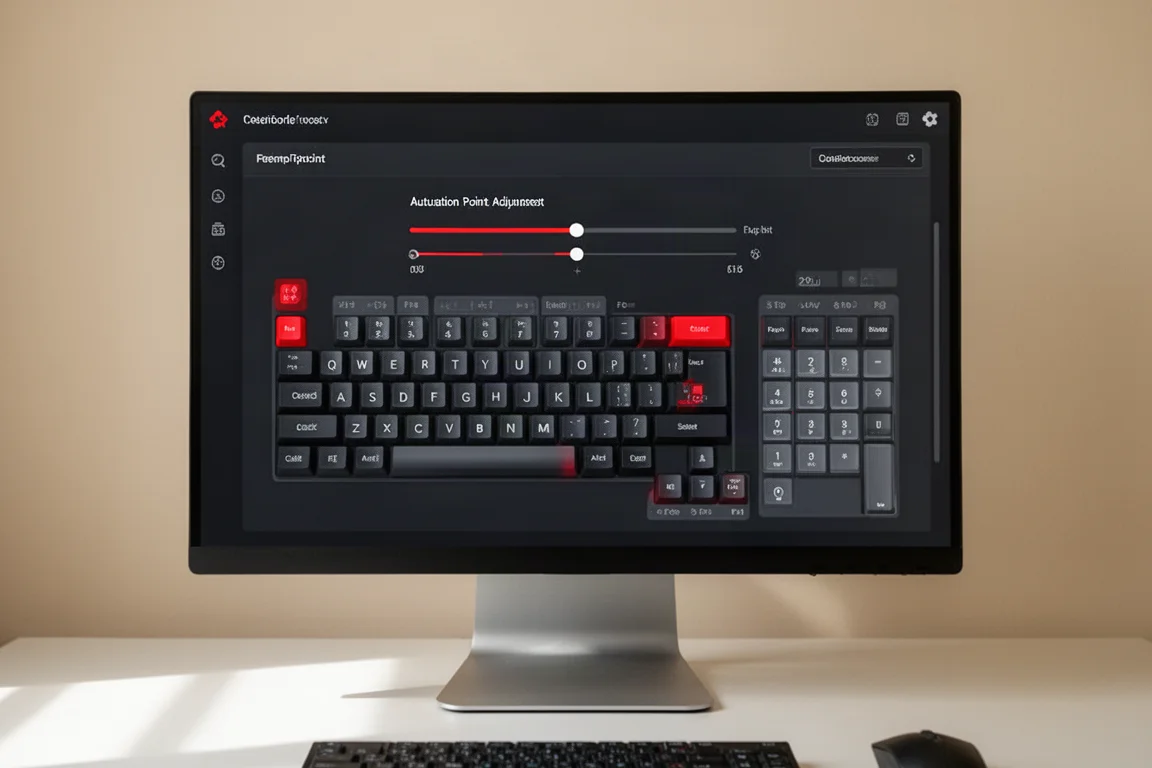
The software includes the standard gaming keyboard settings: game mode, polling rate, and switch dead zone. The polling rate can be set up to 8,000 Hz, though many users will find 4,000 Hz to be the sweet spot for stability. The switch dead zone can be adjusted, with the medium setting working well out of the box.
The actuation point is fully adjustable. You can set it anywhere from 0.5 mm to 7 mm, either for all keys at once or on a per-key basis. This allows for very fast response times if you prefer a light touch, or a more deliberate press if you want to avoid accidental key presses.
Snap Tap is included, which is a feature that prioritizes the most recent key pressed when two opposing movement keys are held simultaneously. This is useful for games where you need to strafe quickly while changing direction. There is also a dual key press priority setting that works similarly but lets you select specific key pairs.
Rapid trigger is available as well, allowing separate actuation points for pressing down and releasing a key. This can be useful for games that require rapid repeated inputs. Snap Flex is another feature that provides different actuation levels depending on how far the key is pressed.
Performance and Gaming Experience
In testing, the Huntsman V3 Hall Effect keyboards performed flawlessly. Running at 4,000 Hz polling with 0.5 mm actuation, there were no stutters, delays, or disconnects. The keyboards felt responsive and stable during extended gaming sessions.
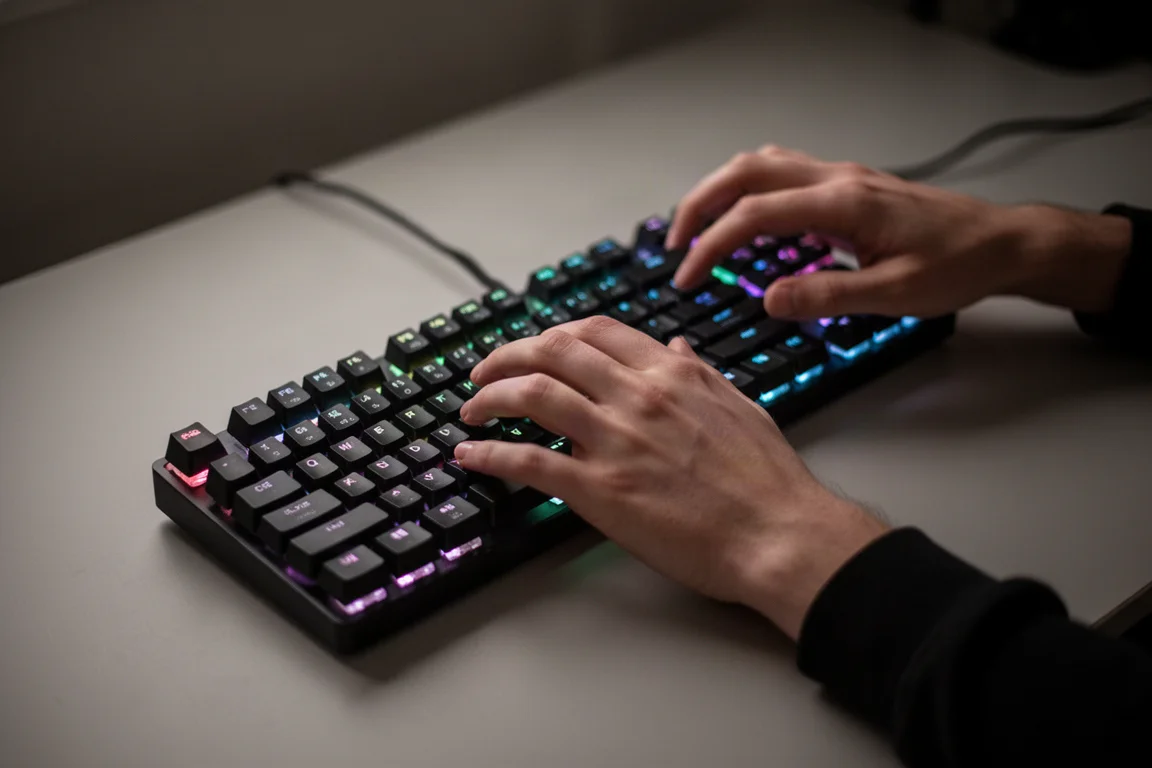
The 65% version is compact and saves desk space, but it does have a practical drawback: the function row is missing. In games that use F keys for vehicle controls or other actions, you have to press a function key combination instead of hitting the F key directly. This can be inconvenient in fast-paced situations.
The TKL version is the better choice for gamers who need the function row. It still saves desk space compared to a full-size keyboard, but keeps the essential keys within easy reach. For many players, a TKL is the minimum layout that works well for gaming.
One thing that is missing from both versions is media controls. There is no volume wheel or dedicated media keys. A simple volume wheel would have been a welcome addition, even if it meant a slightly higher price.
In terms of raw performance, the hall effect switches did not feel noticeably faster than Razer’s optical switches in everyday gaming. The optical switches still feel very consistent and responsive. However, the hall effect switches offer more customization options and a better sound profile.
Price and Value
The pricing is where the Huntsman V3 Hall Effect series really stands out. The TKL version comes in at $140, and the 65% version at $120. This puts these keyboards in a very competitive position, especially considering the features they pack.
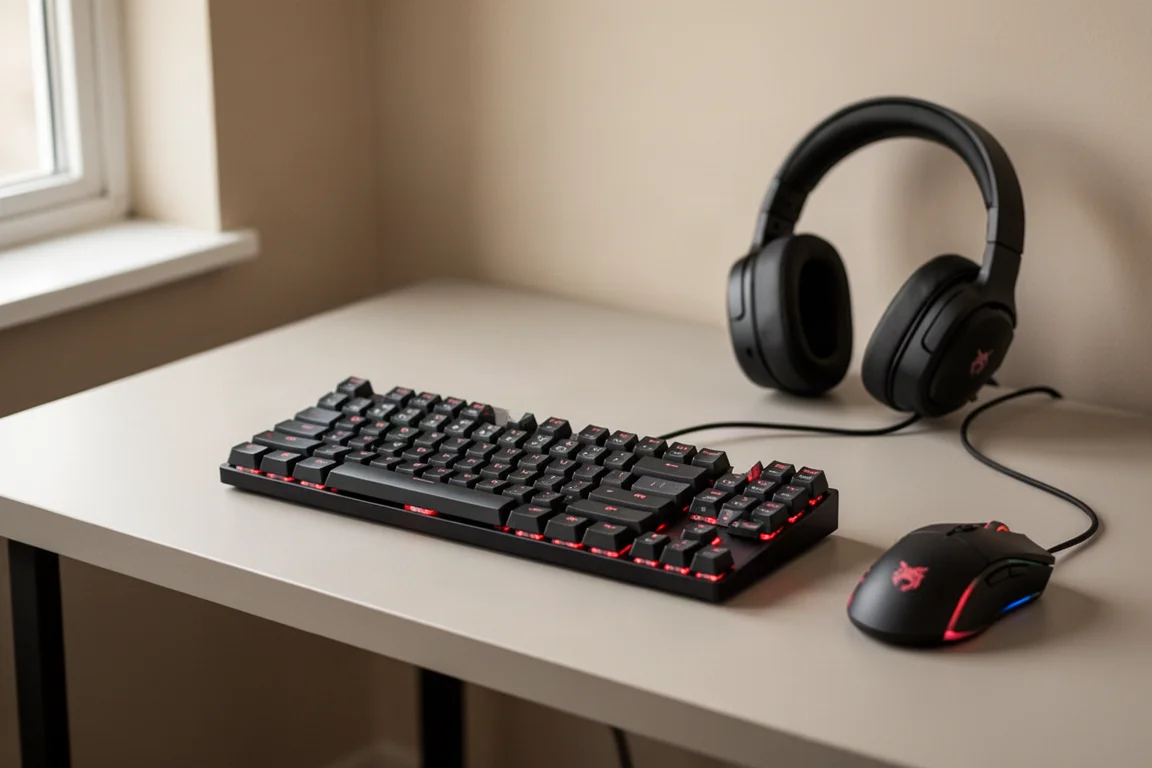
These keyboards include adjustable actuation, Snap Tap, rapid trigger, and other features that are typically found on much more expensive boards. In the past, getting this level of functionality often meant spending $300 or more. Razer has managed to deliver these features at a budget-friendly price point without sacrificing build quality or performance.
The value proposition is strong. You are getting hall effect switches, a solid aluminum top plate, good internal dampening, and a full suite of competitive gaming features. The main trade-offs are the lack of media controls and the floating keycap design, which some users may find less refined than a fully enclosed frame.
Overall Buying Advice
The Razer Huntsman V3 Hall Effect series is an excellent entry point into hall effect keyboards. The 65% version is ideal for players who want maximum desk space and do not rely heavily on the function row. The TKL version is the safer choice for most gamers, as it keeps the function keys accessible while still being compact.
If you are coming from an older mechanical keyboard and want the benefits of adjustable actuation and Snap Tap, these keyboards deliver all of that at a very reasonable price. If you already own a high-end hall effect keyboard, there may not be a compelling reason to switch, but the sound quality and feature set make this a strong option.
For players who prioritize competitive features and want a fast, reliable keyboard without spending a fortune, the Huntsman V3 Hall Effect series is well worth considering.
Conclusion
Razer’s first hall effect keyboards are a success. They combine the customization and performance features that competitive gamers want with a price point that is much more accessible than many rivals. The sound quality is a notable improvement over the optical switches, and the build quality feels solid.
The main compromises are the lack of media controls and the floating keycap design. But for the price, these keyboards offer exceptional value. Whether you choose the 65% or the TKL, you are getting a fast, feature-rich keyboard that can hold its own against much more expensive options.
Product link
View more details for Razer Huntsman V3 Hall Effect 65%
This product is mentioned in the review. Check the specifications, options, and compatibility before buying.
View more details for Razer Huntsman V3 Hall Effect 65%Further reading
Related Reviews
Keyboards
Ajazz AK820 vs AK820 Pro: Two Budget Keyboards With Very Different Switches
A close look at the Ajazz AK820 and AK820 Pro, two budget keyboards that share a frame but differ sharply in typing feel and value.
Keyboards
Best Budget Keyboards on Amazon 2026: Six Solid Options Under $150
A practical roundup of six budget-friendly mechanical keyboards available on Amazon, each with real strengths and trade-offs worth considering before purchase.
Keyboards
Best Prime Day Keyboard Deals 2026: Top Picks for Every Budget
A curated roundup of the best keyboard deals this Prime Day, from budget-friendly options to premium aluminum builds, with honest trade-offs for each pick.