Wearables & Audio
Powerbeats Pro 2 Review: Great Earbuds, Frustrating Heart Rate Sensor
The Powerbeats Pro 2 pack an optical heart rate sensor on each side, but real-world testing revealed connection quirks and accuracy issues worth knowing about before you buy.
Introduction
The Powerbeats Pro 2 looked like an easy review to write. These are fitness-focused earbuds with a headline feature aimed squarely at athletes: an optical heart rate sensor built into each earbud. Apple says the sensor went through over 1,500 hours of testing against 1,000 athletes and describes the accuracy as incredibly good. The question is whether that holds up in real workouts, and the answer turned out to be more complicated than expected.
Who This Product Is For
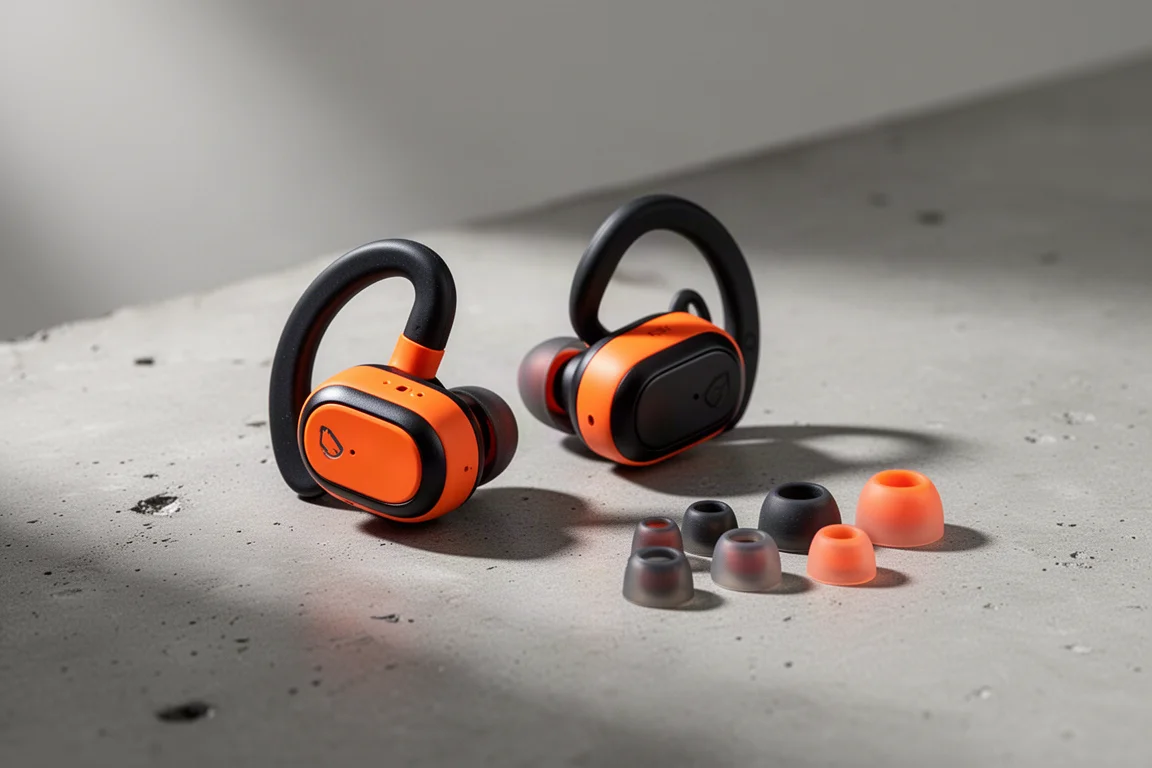
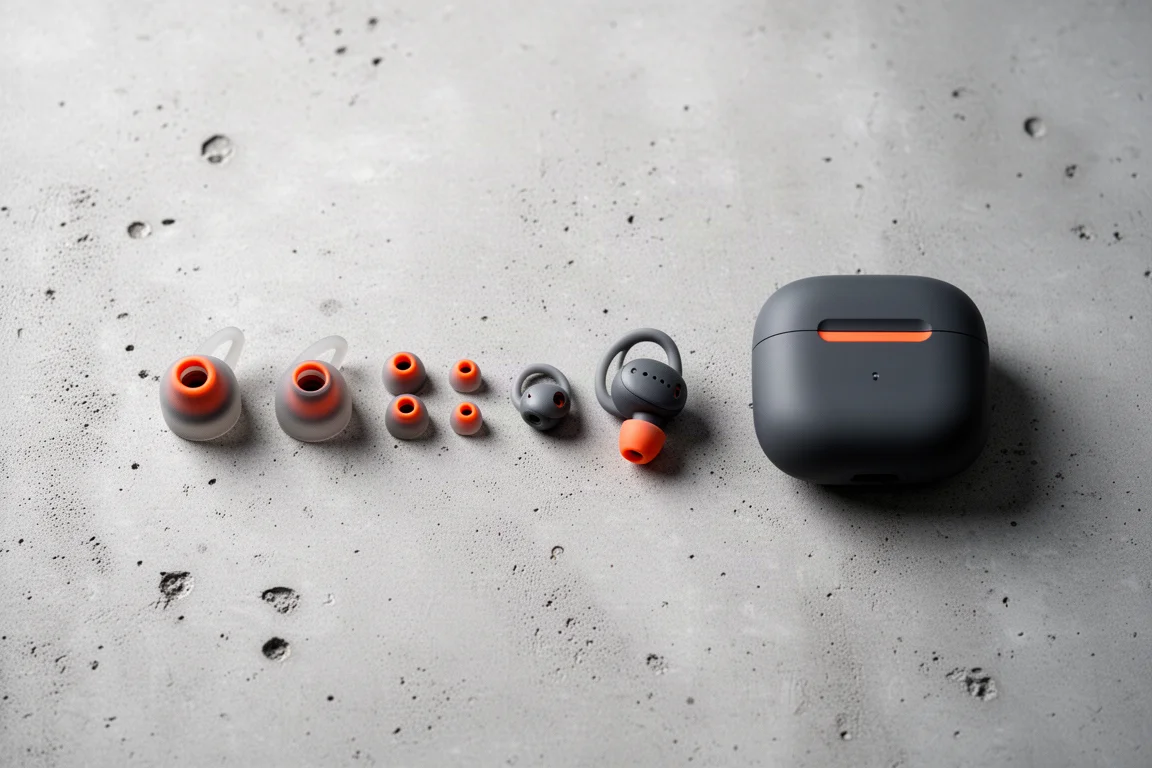
The Powerbeats Pro 2 are aimed at people who train regularly and want their earbuds to double as a heart rate tracker. Like all Beats products, they are fully compatible with both Apple and Android devices. On iPhone, pairing happens automatically when you open the case near your phone. On Android, you can either install the Beats app for extra settings and controls, or simply pair through the standard Bluetooth menu like any other audio device. The box includes a generous set of silicone ear tips: medium is fitted by default, with extra small, small, large, and extra large in the package, so most people should be able to get a secure fit.
What the Heart Rate Feature Is Supposed to Do
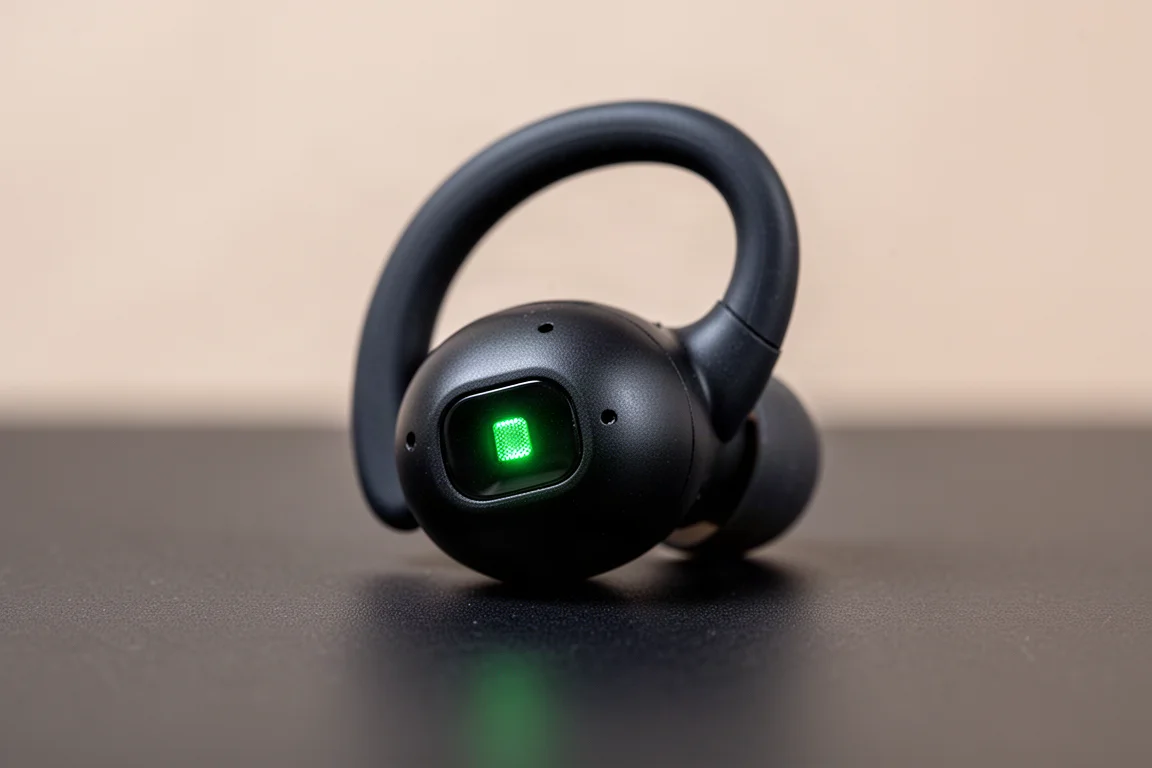
Each earbud contains an optical heart rate sensor with green LED lights and a photodiode, the same basic approach used by most optical heart rate sensors on the market. The goal is to broadcast a heart rate profile, the same standard that heart rate straps have used for roughly 15 years, to anything that supports it: fitness apps, watches, bike computers, or gym equipment.
The sensor is enabled by default on both iOS and Android but only actively broadcasts after you turn it on. You do this by double tapping the earbud: a single tap followed by a long tap, confirmed by a chime. The green lights become visible in both ears when it is active, bright enough at night though hard to spot in daylight. Both earbuds must be worn for it to work, since the system combines readings from both sides to determine the correct value.
Connection Troubles on iPhone
This is where things get messy. On iPhone, none of the standard fitness apps would pick up the heart rate signal in testing: Strava, Peloton, Wahoo Fitness, Nike Run Club, and others all failed, plus an indoor cycling app on Mac. Even after extended troubleshooting with the latest firmware, the sensor simply would not broadcast heart rate to Apple devices.
Switching to Android changed everything. Paired to a Pixel, heart rate worked instantly and flawlessly across Wahoo, Strava, and Peloton, with music playback running fine at the same time. The strange part came when returning to the iPhone: the moment the iPhone was unlocked, it would cut off the heart rate connection working on the Android side.
There is also a significant limitation worth knowing about. Apple’s setup screens highlight pairing with gym equipment to show your heart rate on treadmills and other machines, but only a single connection is allowed between the earbuds and another device. The two channels, heart rate and audio, must go to the same device. That means if a treadmill is paired for heart rate, you cannot listen to music from your phone at the same time, which undercuts the basic purpose of wearing earbuds at the gym. This behavior was confirmed with Apple directly.
Accuracy: The Results Do Not Improve Outdoors
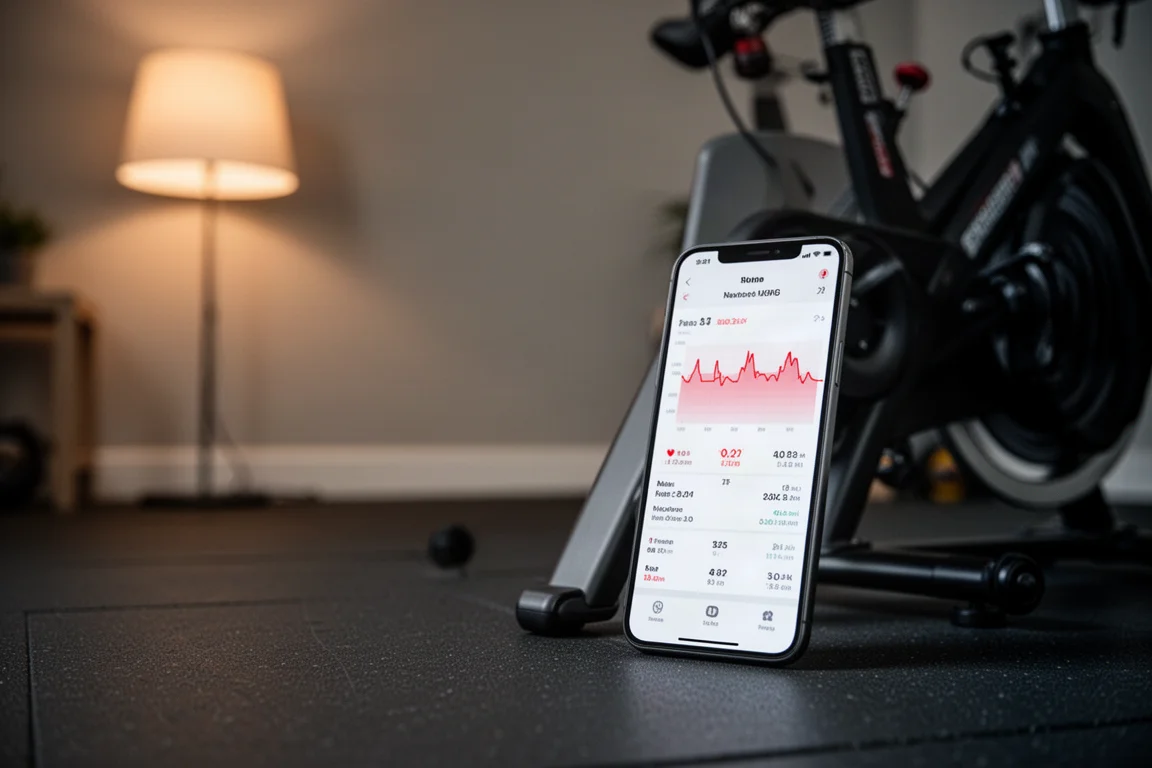
Indoor trainer sessions started reasonably well. During an hour-long interval workout, compared against a Polar H10 chest strap, an Apple Watch Ultra 2, and a Garmin watch, the readings held up for most of the session. The problem showed up in the hardest final intervals: the heart rate stream would drop out, displaying null values in the recording app, even while music kept playing without issue.
Outdoor running told a much worse story. On a night interval run, it took many minutes of standing around in the cold just to get a heart rate lock. Once running started, the sensor spent large stretches of time dropping the signal entirely. Apple appears to strongly prefer dropping the heart rate altogether rather than displaying an incorrect value, and the software draws a perfectly flat line across these gaps. But the readings that did appear were wrong roughly 40 percent of the time in that first run.

A second run the next morning, after confirming everything was up to date, was worse: inaccurate readings for around 80 percent of the time, with frequent dropouts. Stopping, walking, or pausing briefly to give the sensor its best chance to re-lock did not help; it lost the signal again almost immediately. Adjusting the fit, repositioning the earbuds, and running the fit test in the Beats app made no meaningful difference.
One more detail: if an Apple Watch and the Powerbeats Pro 2 are paired to the same Apple account, the iPhone will always defer to the Apple Watch’s optical sensor instead. Given the watch’s strong accuracy record, that prioritization is telling.
Things to Consider Before Buying
As heart rate sensors, the Powerbeats Pro 2 underdeliver badly. Whether the data is missing or wrong, the result is the same: useless heart rate tracking during the runs that matter most. And the single-connection limit means the gym equipment pairing feature can coexist with music playback only if both come from the same device, which competitors in this space handle without issue.
None of this changes the music experience, which worked fine across both platforms and seemed reasonable for the price point. But if the heart rate feature is your main reason for buying, temper your expectations significantly, and be aware that the setup may work far more smoothly on Android than on iPhone.
Buying Advice
Buy the Powerbeats Pro 2 as sports earbuds first and foremost. The fit options are generous, the audio side holds up for the price, and the dual-platform support is genuinely convenient. Do not buy them primarily as a heart rate tracker. If accurate workout data is the priority, a dedicated chest strap or a proven watch sensor remains the safer choice.
Conclusion
The Powerbeats Pro 2 arrive with impressive claims and a genuinely interesting feature set, but the heart rate experience in real training fell short in both connectivity and accuracy. They can be a solid pair of workout earbuds, especially on Android, but treat the built-in heart rate sensor as a bonus rather than a reason to buy.
Product link
View more details for Powerbeats Pro 2
This product is mentioned in the review. Check the specifications, options, and compatibility before buying.
View more details for Powerbeats Pro 2Further reading
Related Reviews
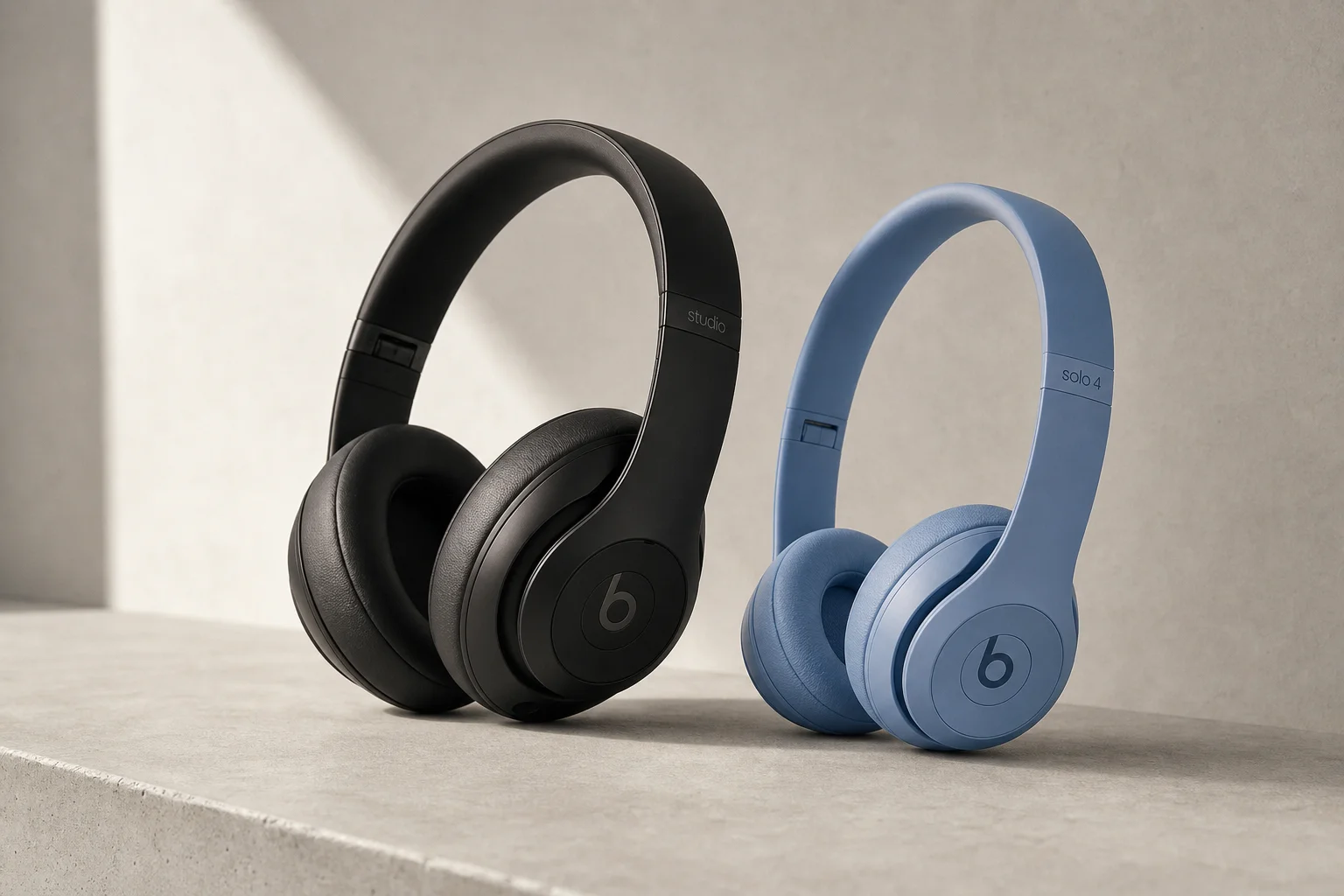
Headphones
Beats Studio Pro vs Beats Solo 4: Which Headphones Should You Choose?
A detailed comparison of two Beats headphones models: the premium Studio Pro with active noise cancellation versus the more affordable on-ear Solo 4.
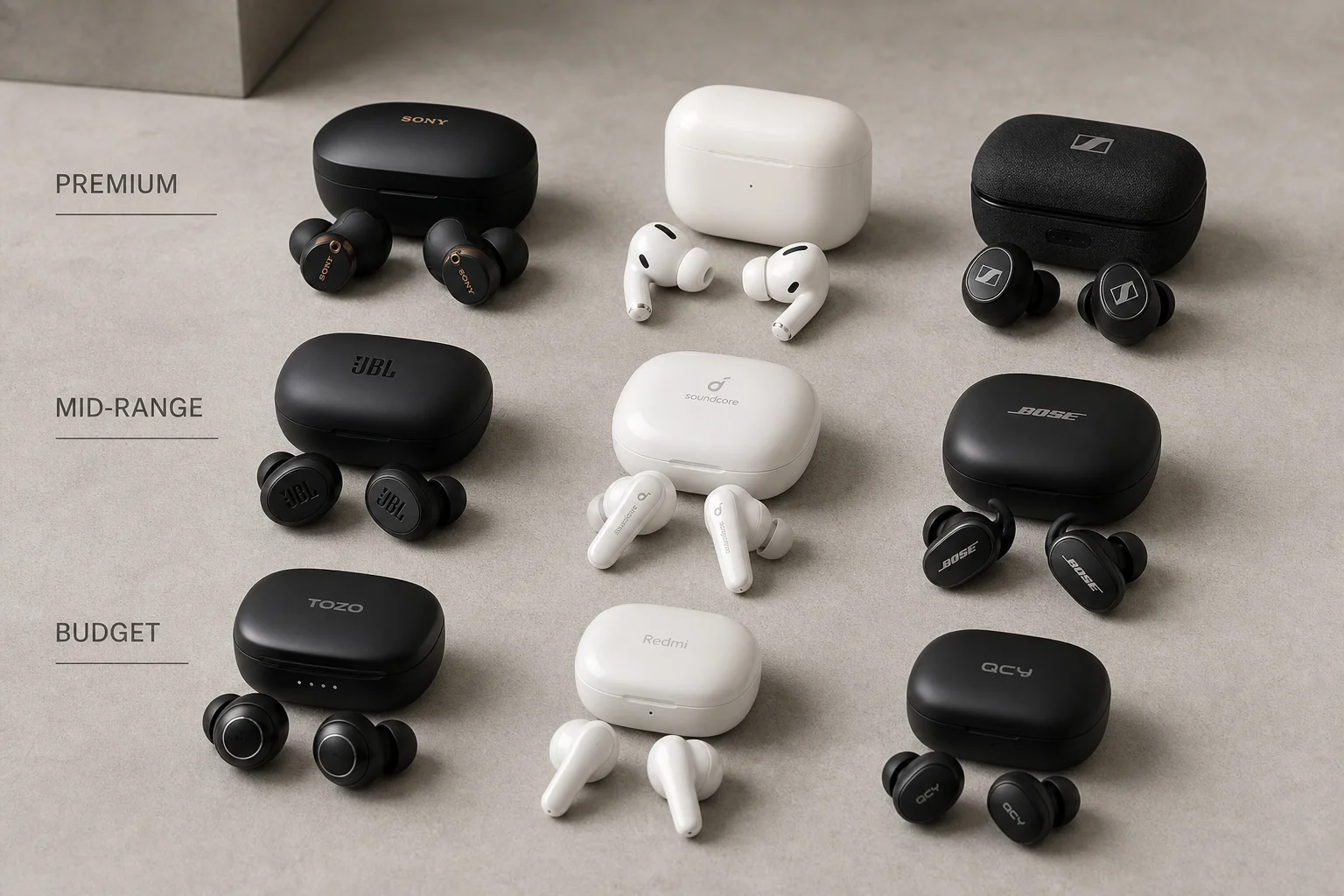
Audio
Best Earbuds 2026: Premium, Mid-Range, and Budget Picks
Nine standout earbuds across three price tiers, selected for sound quality, microphone performance, comfort, and real-world usability.
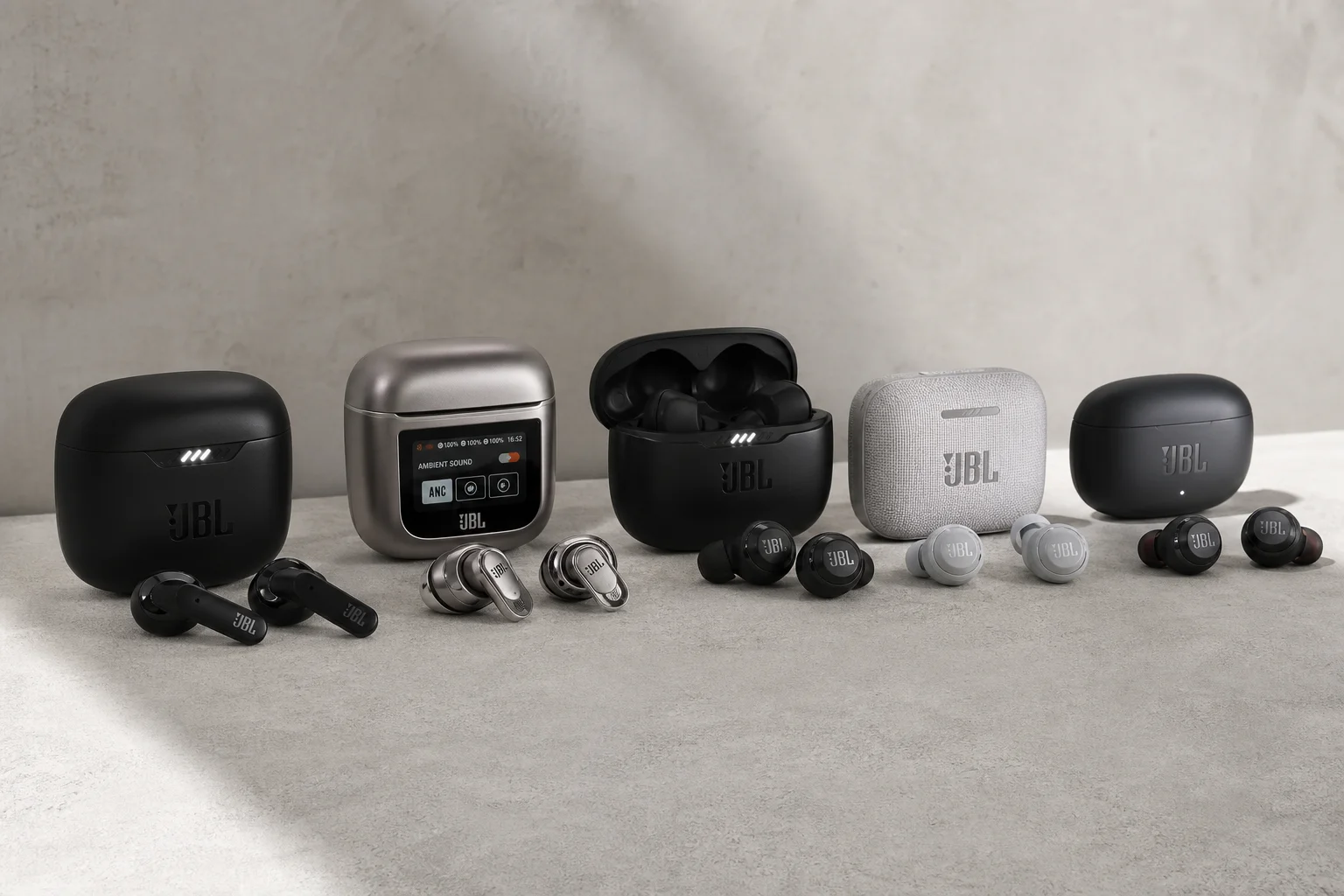
Audio & Headphones
Best JBL Earbuds 2025: Five Models for Different Listening Needs
A practical breakdown of five JBL earbud models, each designed for specific use cases: deep bass, noise cancellation, battery life, durability, and premium sound.