Mac Accessories
Plugable TBT4-UDZ Thunderbolt 4 Docking Station: Unlocking M4 MacBook Air Productivity
The Plugable TBT4-UDZ transforms the M4 MacBook Air into a dual-monitor workstation with native Thunderbolt 4 support, extensive connectivity, and no driver installation required.
Introduction
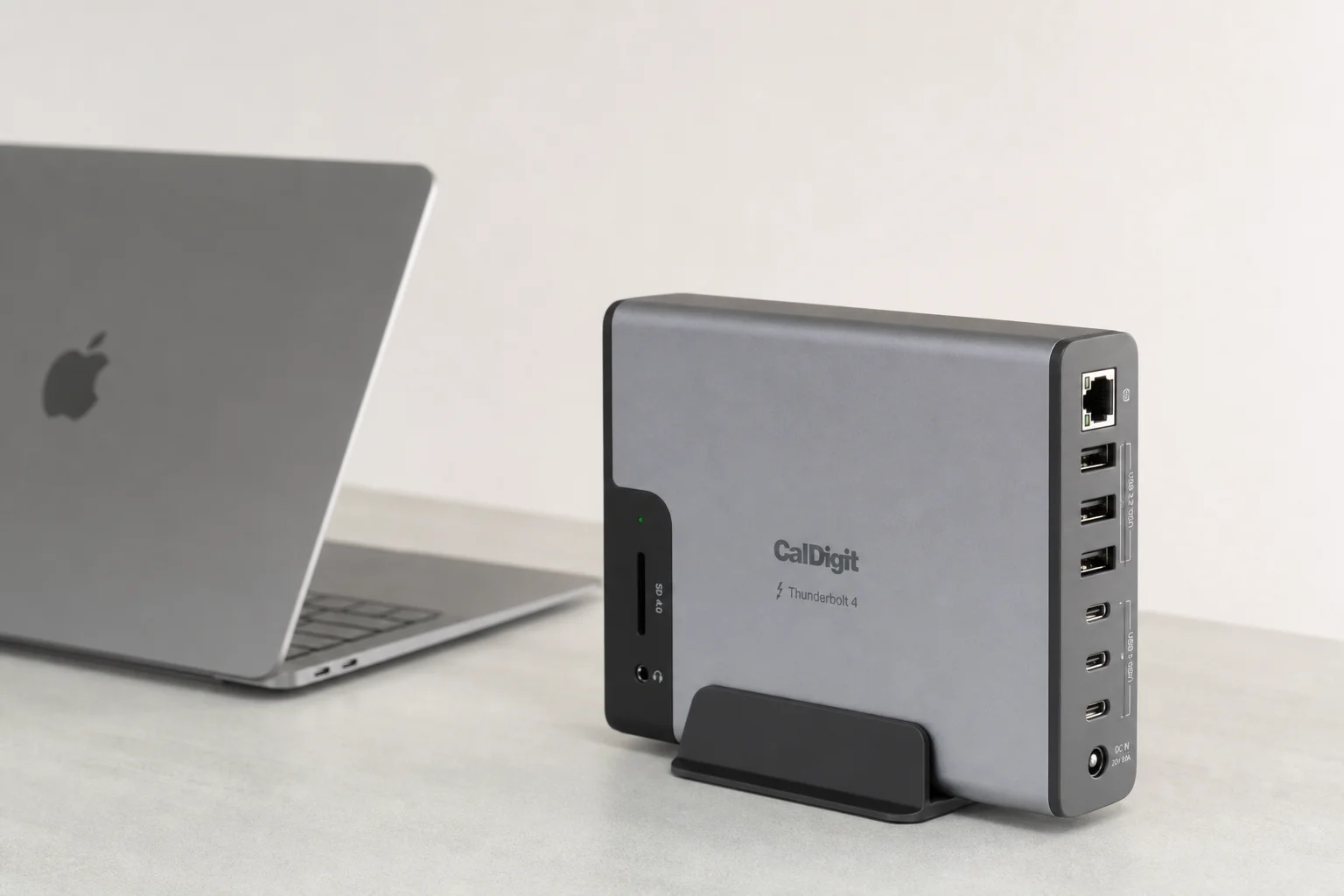
The M4 MacBook Air brings impressive performance and a meaningful upgrade: native Thunderbolt 4 ports that finally enable dual external monitors without workarounds or closing the lid. But with only two ports, maximizing that potential requires the right docking solution. The Plugable TBT4-UDZ is built specifically for this moment, transforming your M4 Air into a full productivity workstation.
Dual Monitor Support Without Workarounds
For the first time, MacBook Air users can connect two external 4K displays at 60Hz natively through Thunderbolt 4, without needing to keep the laptop open or rely on alternative graphics solutions. The TBT4-UDZ supports this configuration through dual HDMI and dual DisplayPort outputs, giving you compatibility with the widest range of mainstream and business-class monitors.
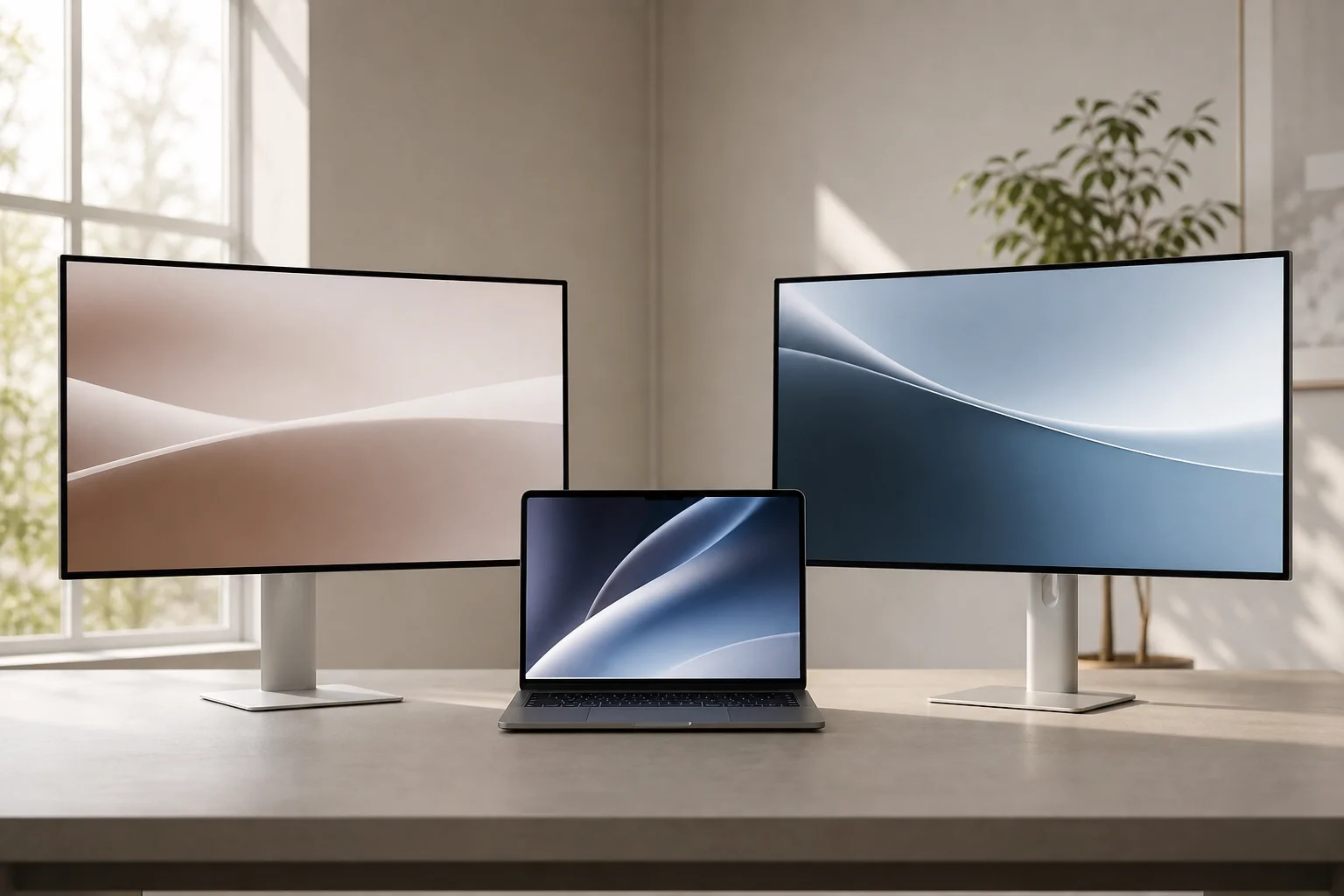
You can use one of each connection type or mix and match depending on your monitor setup. The displays operate at full native performance of your system’s graphics processor, and no driver installation is required. This is a genuine shift from previous MacBook Air limitations.
Connectivity and Power Delivery
The dock connects via a single Thunderbolt 4 cable, delivering 40 gigabits per second of bandwidth to your laptop. Power delivery reaches up to 100 watts, sufficient for charging the M4 MacBook Air while running external displays and peripherals. A 2.5 gigabit per second ethernet port is included for wired network connectivity when you need stable, fast internet.
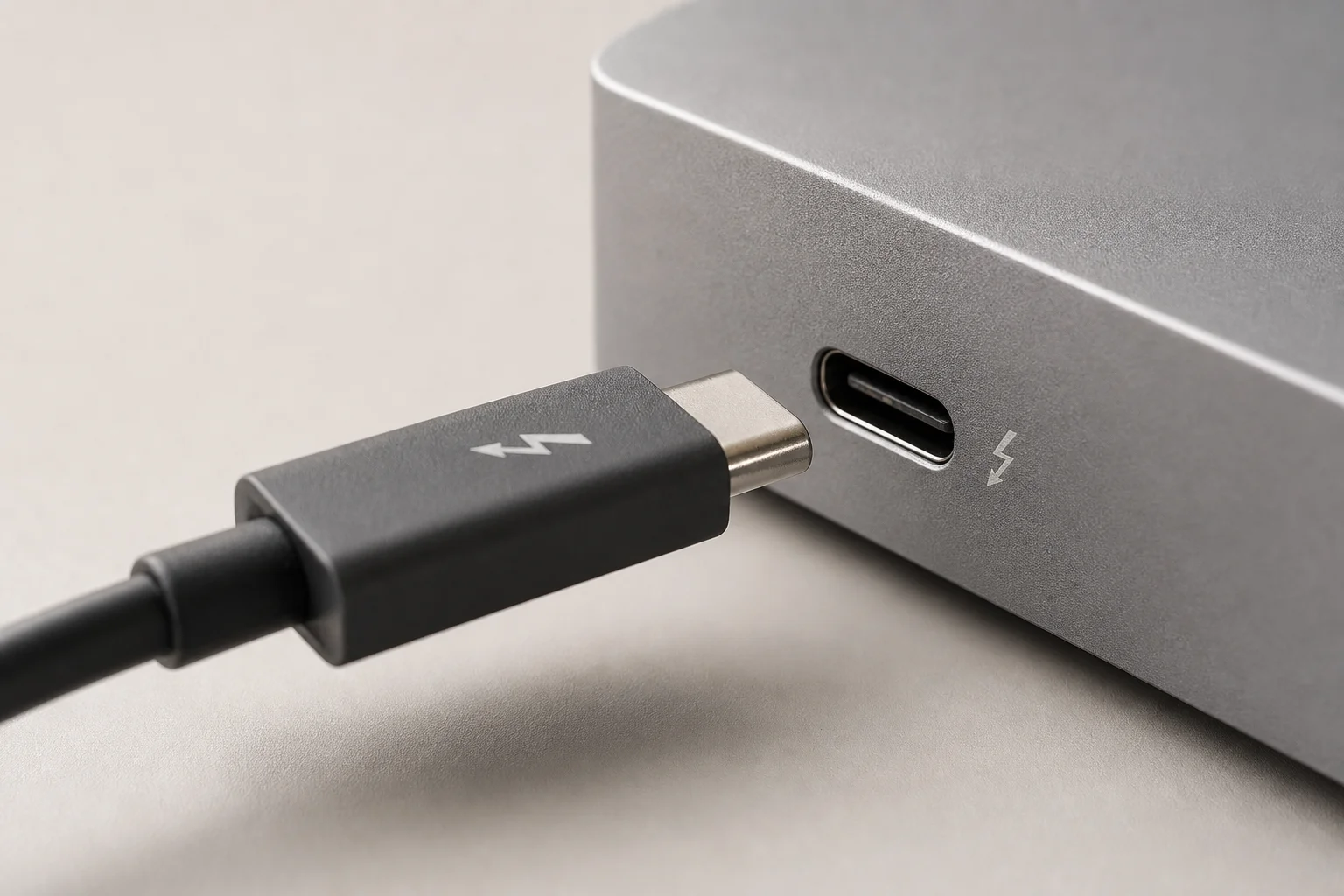
This combination of bandwidth, power, and networking makes the dock a genuine hub rather than a simple pass-through device.
Extensive Port Selection
Beyond the display outputs, the TBT4-UDZ offers multiple USB ports on both the rear and front of the unit. This lets you connect keyboards, mice, webcams, ring lights, phones, iPads, AirPods, watches, and external storage without constantly swapping cables. SD and micro-SD card slots are built in, along with audio input and output jacks for headphones or external speakers.
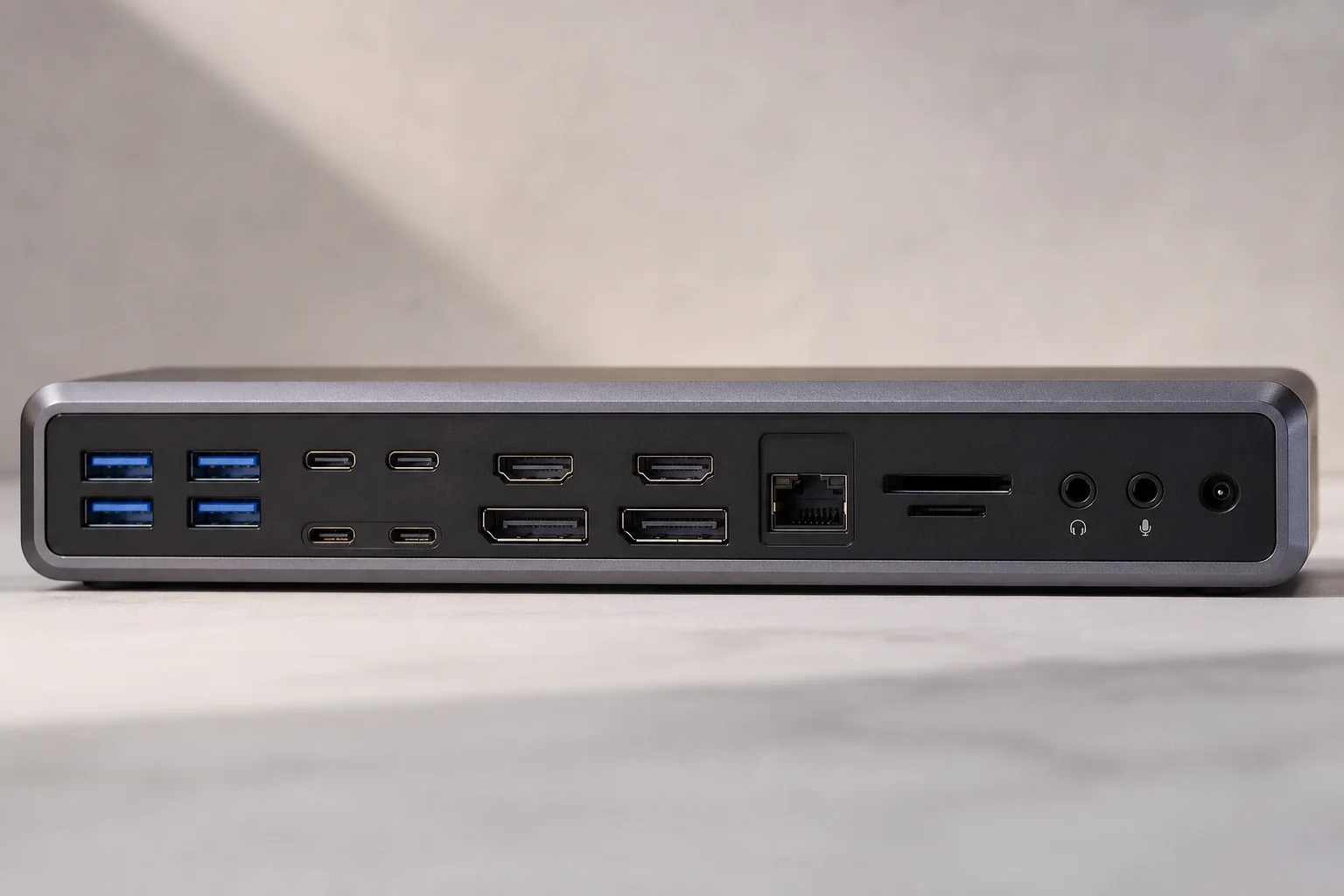
The removable stand allows vertical or horizontal orientation, adapting to your desk layout and workflow preferences.
The Complete Productivity Solution
The dock carries full Thunderbolt certification, ensuring high-quality safety standards and verified compatibility with your Mac. Whether your work involves content creation, design, gaming, or streaming, the TBT4-UDZ provides the connectivity foundation to support it all without compromise.
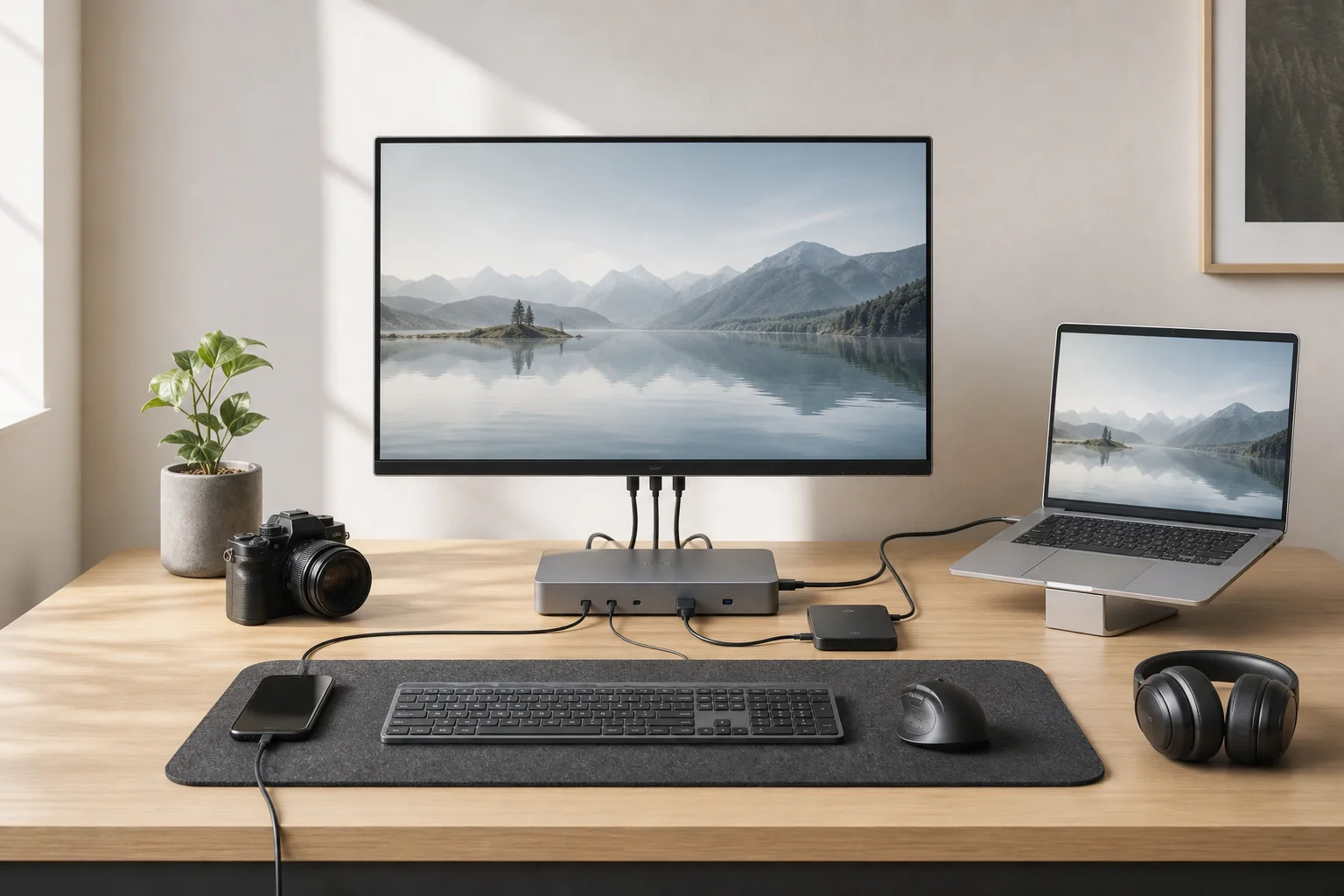
For M4 MacBook Air owners ready to build a dual-monitor workstation, this dock eliminates the friction that plagued previous generations and delivers the seamless multi-display experience that Thunderbolt 4 was designed to enable.
Conclusion
The Plugable TBT4-UDZ is the natural accessory for the M4 MacBook Air’s new Thunderbolt 4 capability. It transforms a portable laptop into a stationary powerhouse without requiring workarounds, driver installations, or compromises on display performance. If dual monitors and extensive connectivity are part of your workflow, this dock delivers on both fronts.
Product link
View more details for Plugable TBT4-UDZ
This product is mentioned in the review. Check the specifications, options, and compatibility before buying.
View more details for Plugable TBT4-UDZFurther reading
Related Reviews
Mac Accessories
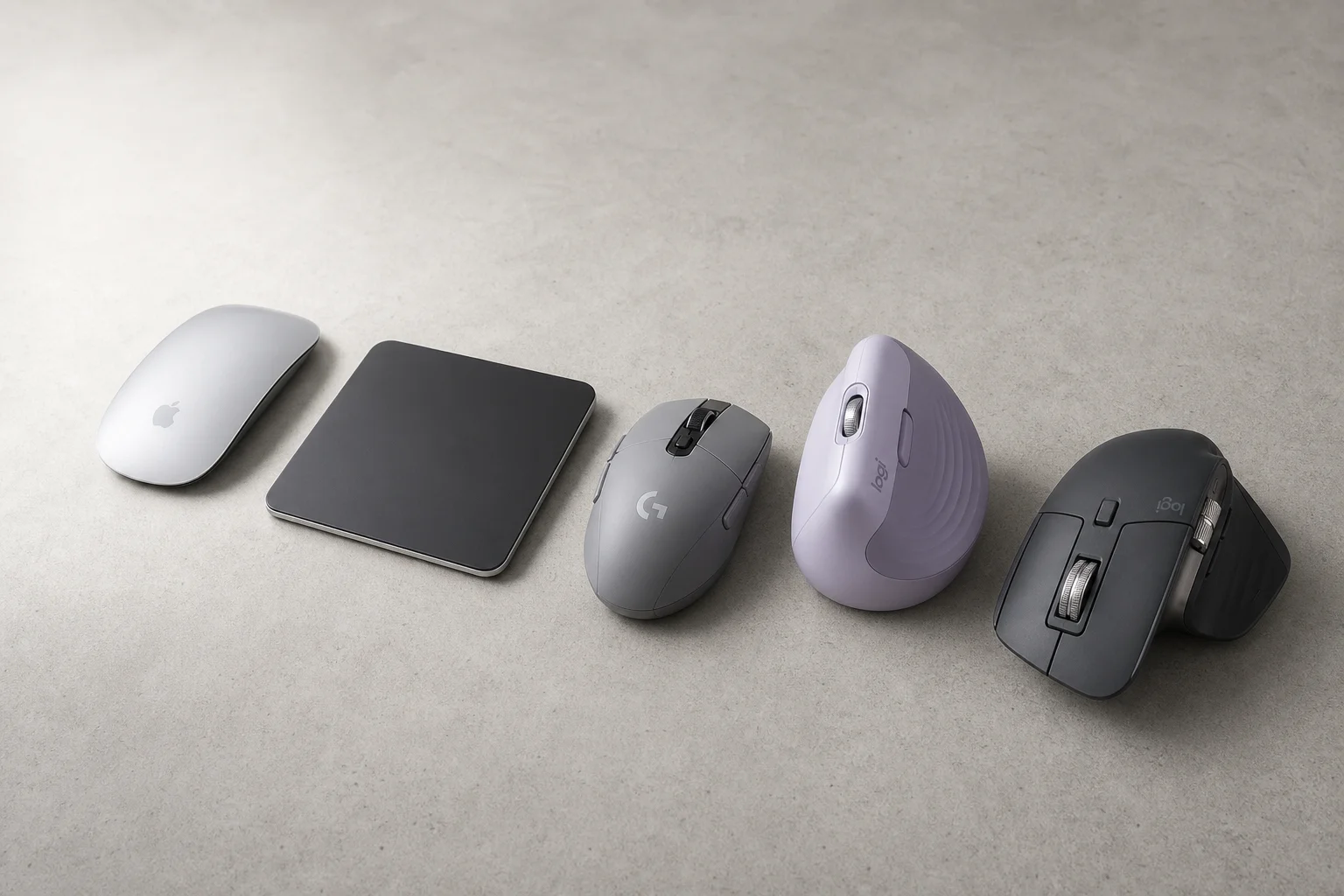
Best Mice for Mac Users: Five Practical Alternatives to the Magic Mouse
The Magic Mouse remains divisive. Here are five alternatives, from budget gaming mice to premium productivity options, each with clear strengths and trade-offs.
Workspace Setup
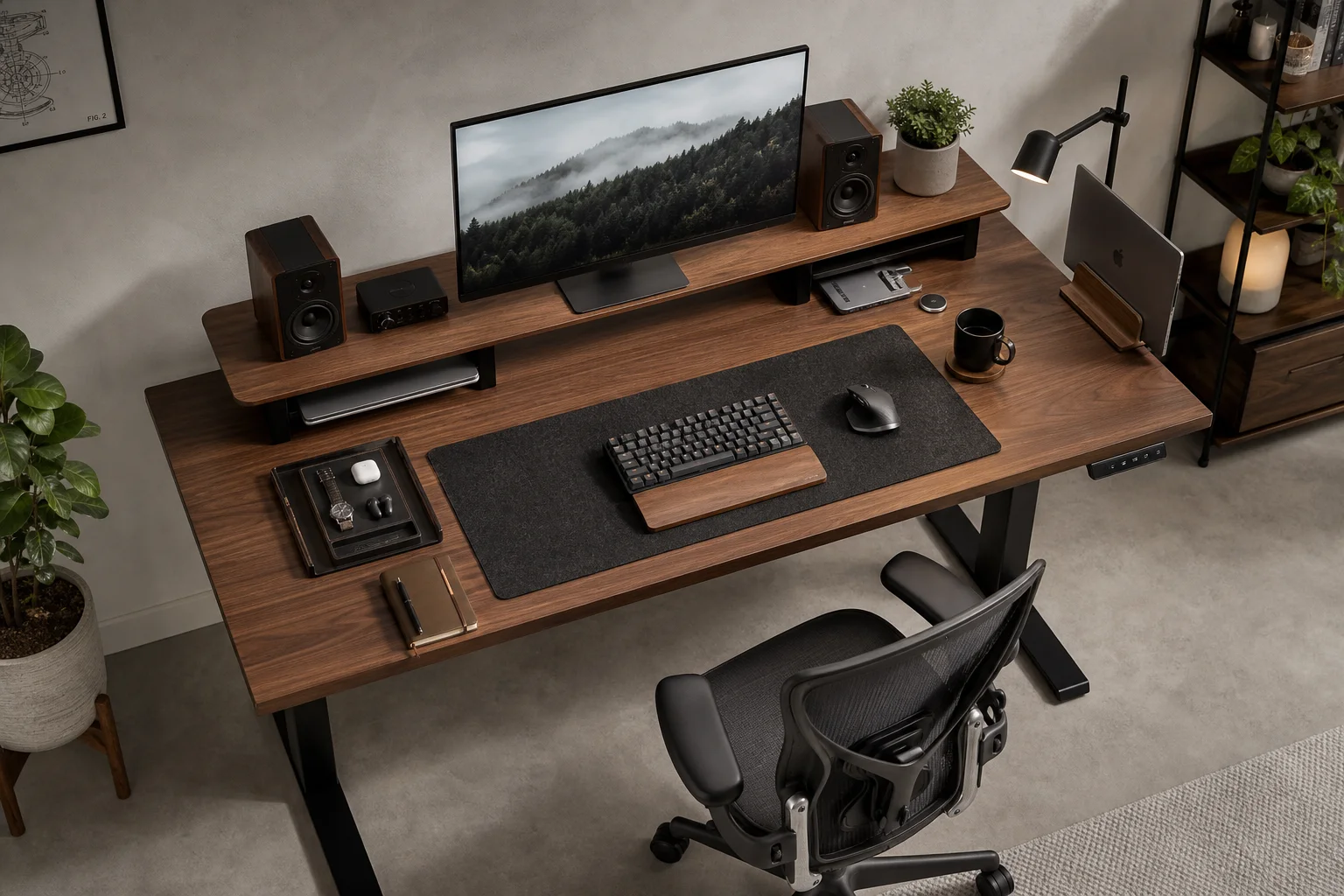
Best Desk Setup Upgrades: A Practical Guide to Ergonomic Workspace Design
Essential desk upgrades for comfort and productivity, from standing desks and ergonomic chairs to monitors, lighting, and accessories that make long work sessions sustainable.
Workspace Setup
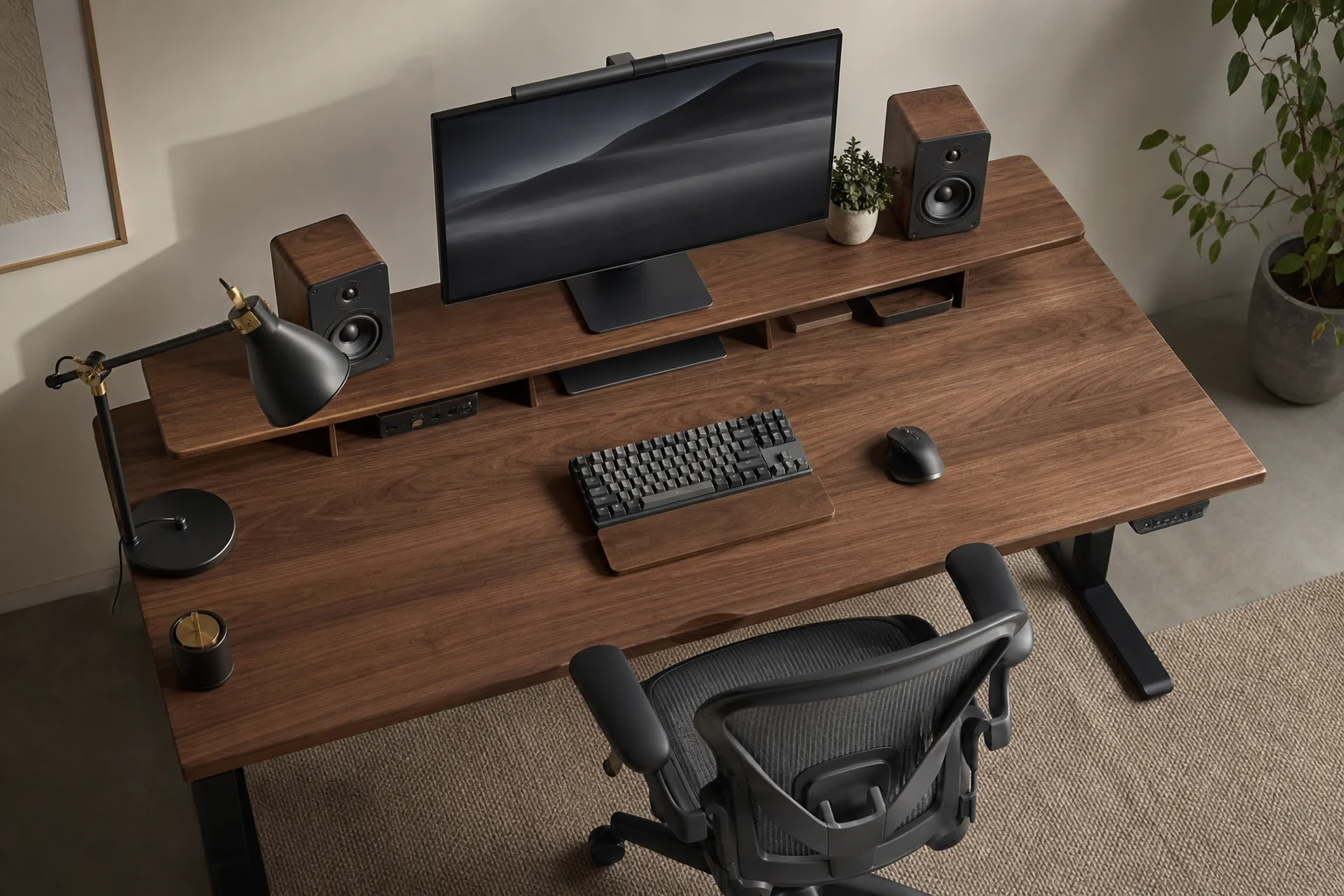
Desk Setup Upgrades: A Practical Guide to Creating a Comfortable Workspace
Essential desk setup improvements for long working hours, from ergonomic chairs and monitor positioning to speakers and webcams that make a real difference.