Keyboards
NuPhy WH80 Review: A Magnetic Switch Keyboard That Feels Exceptional
The NuPhy WH80 combines Hall effect switches, an 8,000 Hz wireless polling rate, and a premium build in a package that is hard to put down.

Introduction
The gaming peripheral space has evolved dramatically, and keyboards are no exception. With so many options available, it takes something special to stand out. The NuPhy WH80 wireless magnetic switch keyboard manages to do exactly that. It combines Hall effect switches, a robust build, and an 8,000 Hz wireless polling rate into a package that feels premium from the moment you unbox it.
This keyboard is designed for gamers and enthusiasts who want fast, reliable performance without sacrificing comfort or aesthetics. It offers multiple connection options, extensive customization through web-based software, and a typing experience that is genuinely enjoyable. Whether you are upgrading from an older mechanical board or adding a second keyboard to your setup, the WH80 makes a strong case for itself.
What Comes in the Box
The unboxing experience sets the tone for the WH80. NuPhy includes a hard-shell carrying case with a rubber handle and felt padding inside. The case has a velcro strap to secure the keyboard and dampening on the sides for extra protection. It is a thoughtful inclusion that makes transporting the board easy and safe.
Inside the case, you will find a zipper pouch containing a key cap and switch puller, a USB-C to USB-C cable, a dongle extender, and a quick start guide. The puller is essential because the WH80 supports hot-swappable magnetic switches. There are also alternate knob replacements in pink, while the board ships with red ones.

The included key caps are solid and smooth on top. NuPhy also includes clear dot key caps as part of a current promotion, and these are what the board ships with for this review. Both sets feel similar, with a very smooth finish that some users will love and others may find too slick.
The final accessory is a cube-shaped dongle. This compact receiver connects via USB-C and features a button on top to cycle through polling rates. The LED on the front changes to indicate the selected rate. The dongle has a rubber texture on the bottom to keep it from sliding around on your desk.
Design and Build Quality
The WH80 has a striking design with sharp angles and a hefty feel. It is noticeably heavy, which contributes to its stability during intense gaming sessions. Rubber feet run across the top and bottom of the board, so there is no give or wobble when you type or game.
The top of the keyboard features a volume dial that can be pressed down to mute. There are also three profile mode switches and a connection selector for cable, Bluetooth, and 2.4 GHz wireless. The USB-C port sits on the back, and plugging in the cable charges the battery.
The board uses north-facing LEDs with the clear key caps. While the RGB lighting is present, it does not radiate fully through the clear caps, so the effect is more subtle and tucked toward the top of each key. For this reason, the RGB is often left off, which gives the board a cleaner, more streamlined look.
A customizable light bar runs along the bottom front edge of the keyboard. It can be adjusted through the software, and it also serves as a notification indicator. For example, when caps lock is enabled, the light bar turns blue. This is a nice touch for users who want visual feedback without looking at the screen.
Build Quality and Switches
The WH80 is gasket mounted, but the give typically associated with gasket-mounted boards is not present here. The board feels solid and responsive, which is important for gaming where every millisecond counts. The lack of bounce means switches return quickly, and there is no extra delay introduced by the mounting system.
The stabilizers are clip-in and generously lubricated. They feel balanced across all keys, with no rattling or unevenness. The space bar is the one area that could use improvement, and additional foam underneath would likely reduce the resonance that travels through the larger key cap. That said, it is a minor issue and not something most users will notice during normal use.

The magnetic switches are two-pin and can be swapped out for other compatible magnetic switches. The PCB has a layer of dampening foam beneath it, which contributes to the board’s solid sound profile. Multiple layers of foam and dampening materials make the WH80 sound and feel premium.
The included switches are called Jade Dragons, and they are excellent. They offer a satisfying feel with a smooth actuation. The keyboard supports hot-swapping, so users can experiment with different magnetic switches if they choose.
Software and Customization
NuPhy uses a web-based software called NuPhy 2.0 for the WH80. The initial setup was a bit finicky, and the board needed to be reset a couple of times before it would sync properly. This may have been due to pre-release firmware, and after that initial hurdle, the software worked smoothly.
The software interface is fairly standard but offers deep customization. The trigger settings allow you to adjust actuation from 3.2 down to 0.1. The default setting used in testing was 0.7, which felt comfortable. There is also a rapid trigger option, though it can be left disabled if you prefer a consistent actuation point.
Key bindings are straightforward, with three layers available for customization. Advanced functions include mod tap, dynamic keystroke, and SOCD options like snappy tap or rapid tap. These features can be confusing at first, but the software includes helpful question marks that explain what each setting does.
Lighting effects can be controlled separately for the backlighting and the front light bar. There are numerous color options and effects to choose from. Macro recording is also available for users who want to automate complex sequences.
The software saves all settings directly to the board, so you can close it after customization. A firmware update is available that adds gamepad simulation, and NuPhy has been consistent with updates. The only missing feature is the ability to customize the caps lock notification color, which is a minor omission.

Performance and Daily Use
The WH80 supports polling rates of 1,000, 2,000, 4,000, and 8,000 Hz in wired mode. In wireless mode, the options are 1,000 and 8,000 Hz. The 8,000 Hz wireless polling rate is impressive, and testing used it exclusively without any issues. The connection remained stable with no hiccups, delays, or disconnects.
Battery life was not a concern during testing. With the RGB off and the front light bar on at 100%, the board lasted through extended sessions without needing frequent charges. Plugging it in overnight was enough to keep it ready for the next day.
The typing and gaming experience is where the WH80 truly shines. The board feels responsive and satisfying, and it was easy to keep using it over other keyboards. The smooth key caps are the only drawback. They can feel slippery, especially during intense gaming sessions or in warmer conditions. Users with sweaty hands may find themselves wishing for a bit more texture.

Despite the smooth key caps, the overall performance is excellent. The board was used primarily in wireless mode at 8,000 Hz polling rate with other software running in the background, and it never missed a beat. The feel of the board is what makes it memorable, and it is one of the best Hall effect keyboards available.
Buying Advice
The NuPhy WH80 is priced at $250, which places it on the upper end of the keyboard market. For that price, you get a premium build, excellent performance, and a complete package with the carrying case and accessories. A 15% off coupon may be available, and the current promotion includes the clear key caps.
There is also a silver version of the board that looks striking with the clear key caps. Shipping may be delayed by about seven days due to high order volume during the promotion period, so factor that into your decision if you need the keyboard quickly.
Conclusion
The NuPhy WH80 is a standout magnetic switch keyboard. It combines a robust build, fast wireless performance, and deep customization options in a way that few competitors match. The smooth key caps may not suit everyone, but the overall experience is exceptional. For gamers and enthusiasts looking for a premium keyboard that feels great to use, the WH80 is an easy recommendation.
Product link
View more details for NuPhy WH80
This product is mentioned in the review. Check the specifications, options, and compatibility before buying.
View more details for NuPhy WH80Further reading
Related Reviews
Keyboards
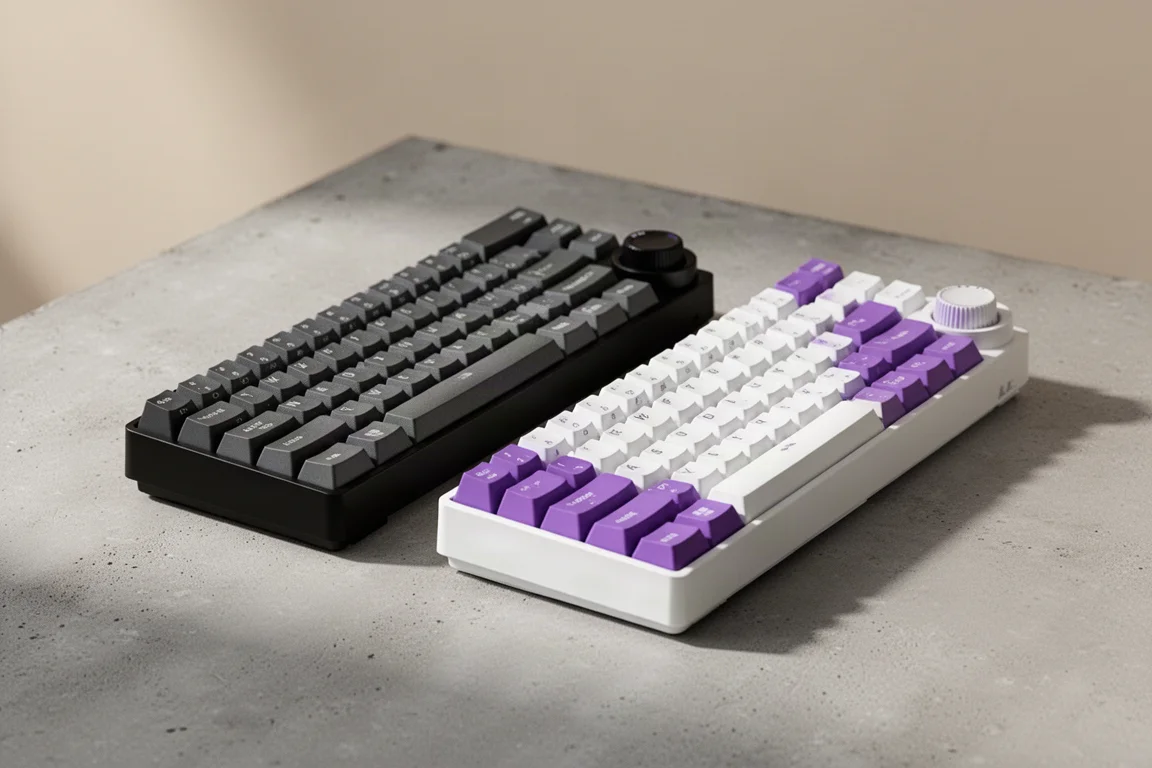
Ajazz AK820 vs AK820 Pro: Two Budget Keyboards With Very Different Switches
A close look at the Ajazz AK820 and AK820 Pro, two budget keyboards that share a frame but differ sharply in typing feel and value.
Keyboards
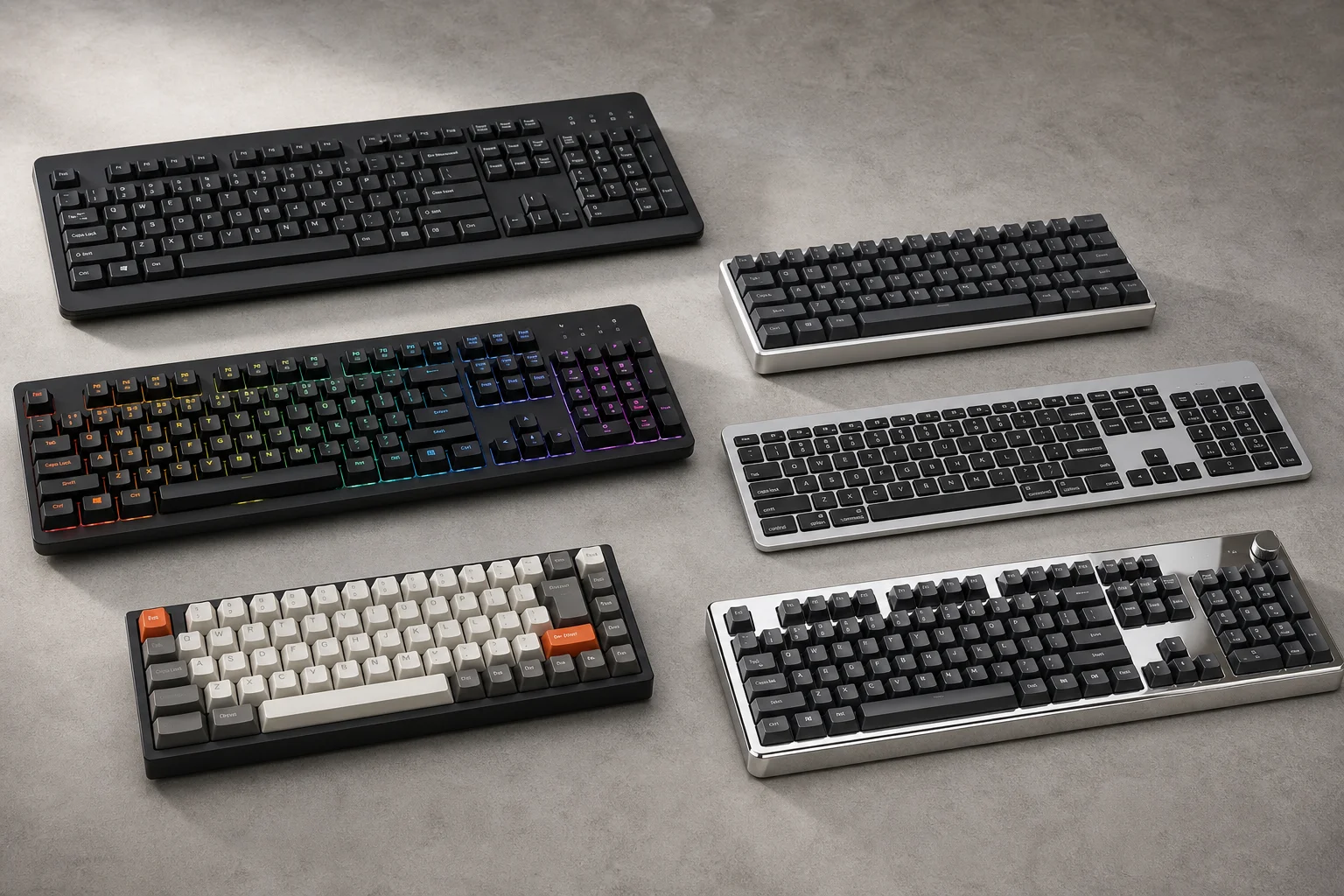
Best Budget Keyboards on Amazon 2026: Six Solid Options Under $150
A practical roundup of six budget-friendly mechanical keyboards available on Amazon, each with real strengths and trade-offs worth considering before purchase.
Keyboards
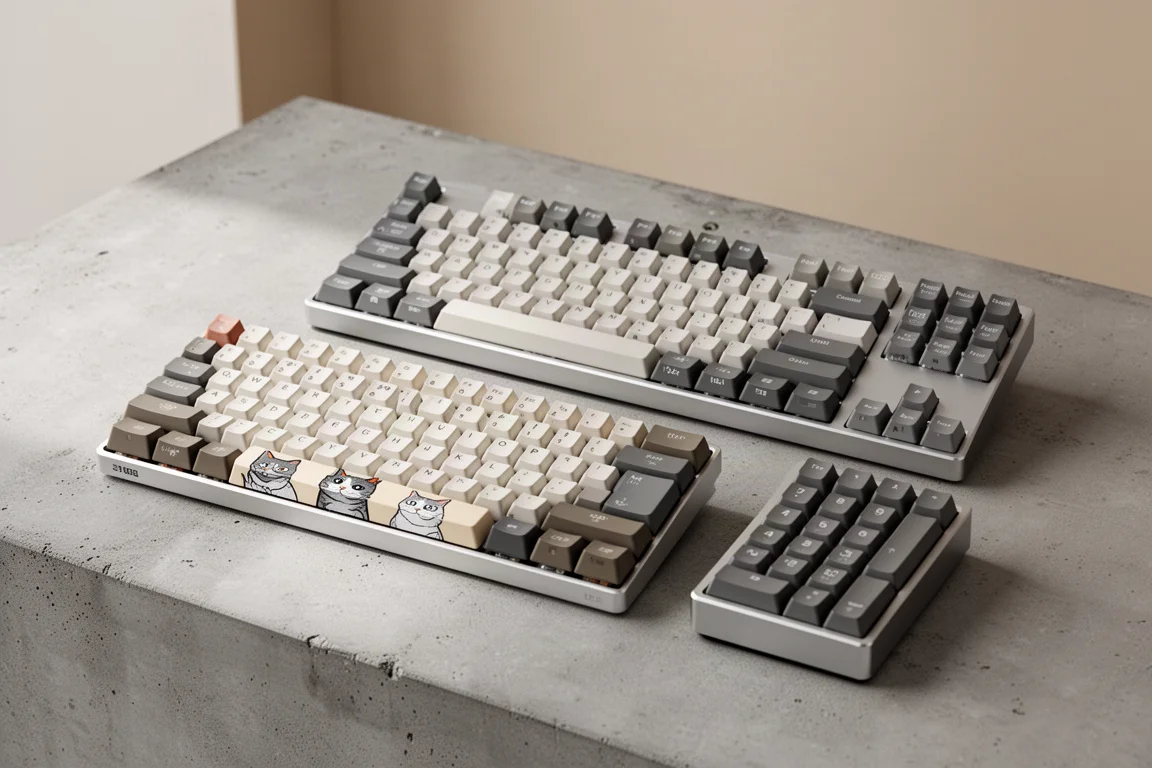
Best Prime Day Keyboard Deals 2026: Top Picks for Every Budget
A curated roundup of the best keyboard deals this Prime Day, from budget-friendly options to premium aluminum builds, with honest trade-offs for each pick.