Power Tools
Milwaukee Rear Handle Circular Saw with Auto Stop: A Safety Upgrade Worth the Extra Money
Milwaukee's updated rear handle circular saw adds Auto Stop, Vac Link, and One-Key tracking for roughly $50 more. We look at whether the safety features interfere with real cutting work.
Introduction
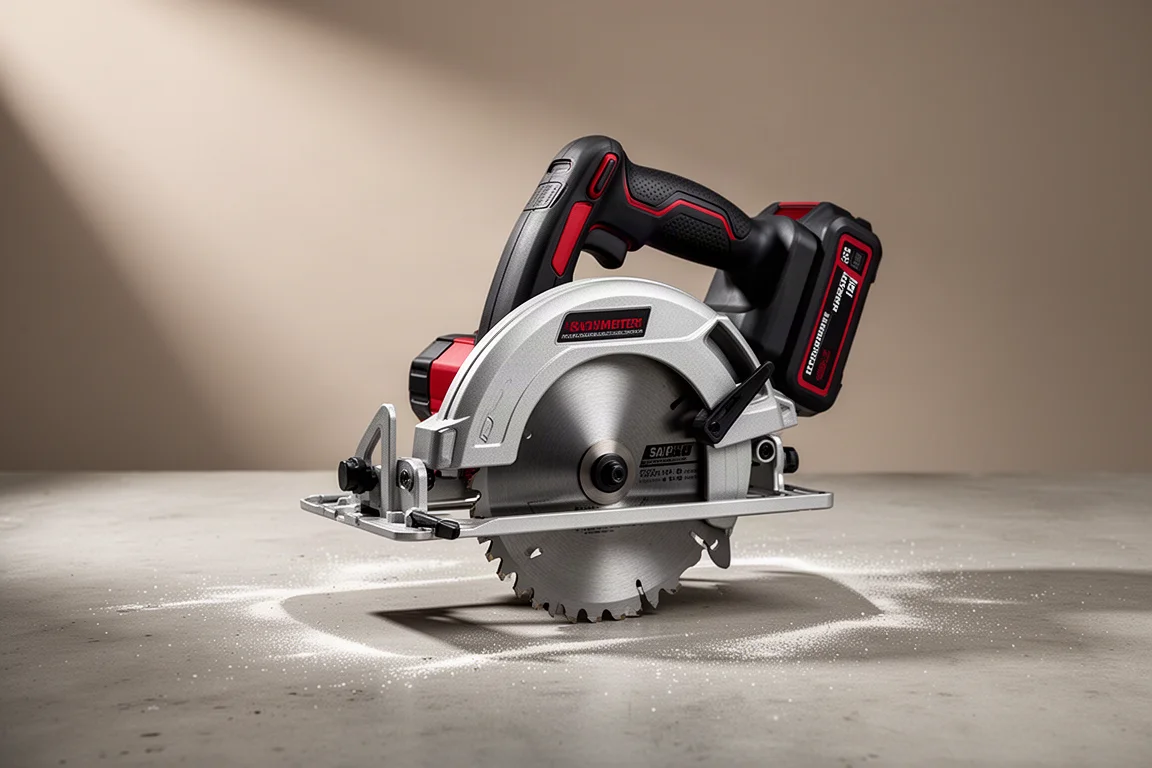
Milwaukee Tool has upgraded its rear handle circular saw, and the changes are not about more power. Instead, this new version adds three jobsite-focused features: Vac Link, Auto Stop, and One-Key tool tracking. It costs about $50 more than the standard rear handle saw, which has been seen anywhere from $249 to $299, while this updated version lands around $349 when new.
The big question for anyone considering the upgrade is simple: do the new safety and connectivity features actually help, or do they get in the way of normal cutting? After putting the saw through rip cuts, 45-degree bevels, screw-studded lumber, and long continuous cutting sessions, the answer leans firmly toward helpful.
What the Auto Stop Feature Actually Does
Auto Stop is the headline feature, and it is aimed squarely at contractors. Milwaukee’s demonstration involves cutting through a board that is unsupported in the middle. When the cut binds, the saw stops itself almost instantly. It is not a recommended cutting technique, but it shows exactly what the system is designed to catch.
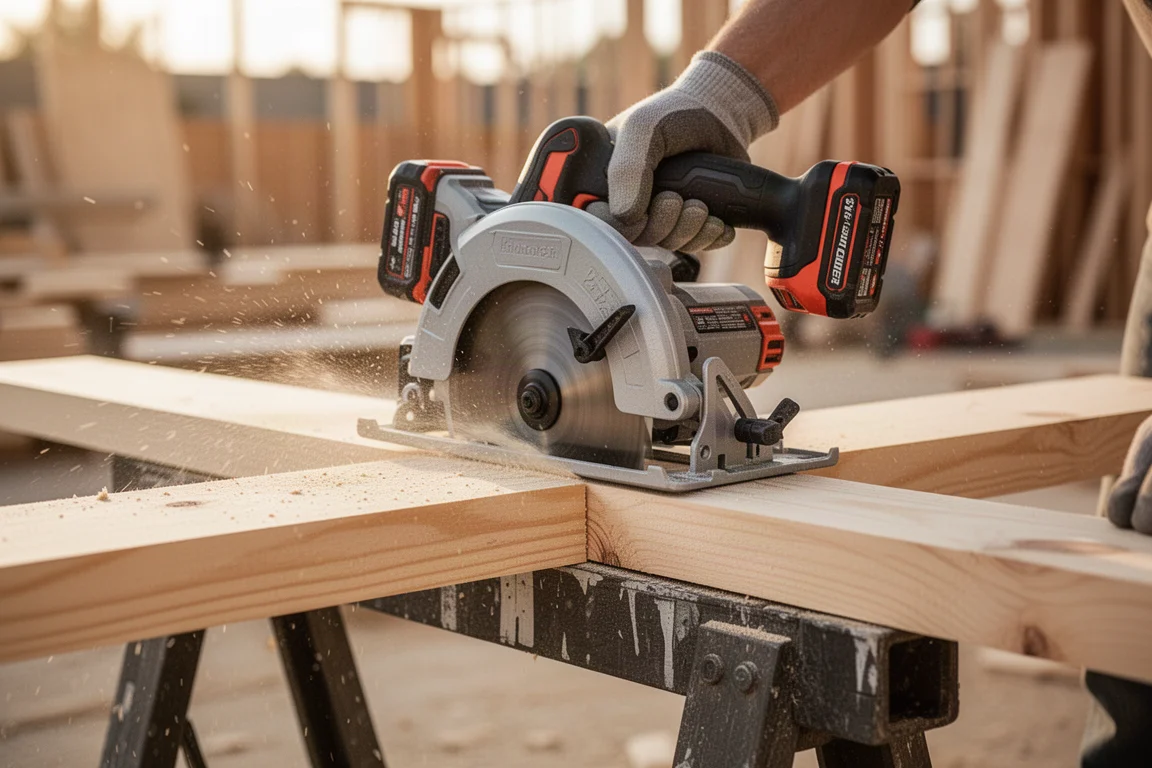
For a crew where the saw gets handed around, that matters. If someone who is hot, tired, or simply inexperienced makes a bad cut on a 90-degree day, the saw takes care of the mistake in an instant. A bind that would otherwise mean a lost work day, or worse, becomes a simple cutout: restart the saw and keep going.
Vac Link and One-Key Tracking
The second feature, Vac Link, lets the saw connect to any Milwaukee Bluetooth vacuum. The vacuum turns on at the same time the saw does, so dust extraction happens without a second thought. A small blue indicator light on the top of the saw handles pairing: press and hold to connect to a vacuum, or press to turn it on and off.
Third is One-Key tool tracking. For contractors whose tools move around a job site constantly, this means you always know exactly where the saw is. Neither feature changes how the saw cuts, but both reduce everyday friction on a busy site.
Does the Safety Get in the Way of Productivity?
The real concern with any safety system is whether blips in the wood, knots, or a stray screw trigger a false shutdown mid-cut. Testing covered the basics first: a standard rip cut through 2x lumber went right through, and the same cut at 45 degrees did as well.
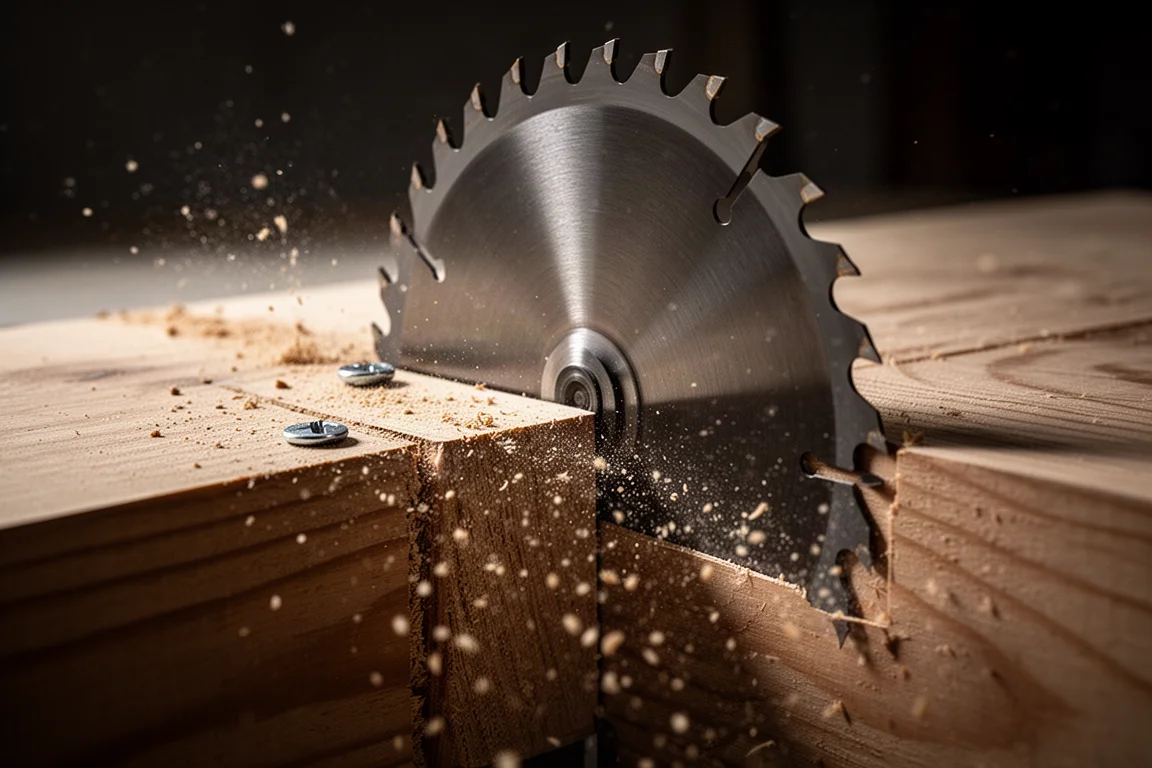
To stress the kickback detection, four deck screws were set into the lumber, then clustered even tighter, three screws in one spot. The saw, fitted with Milwaukee’s Nitro Carbide demo blade, cut through every one of them without tripping the safety system. No shutdowns, no hesitation, just continued cutting.
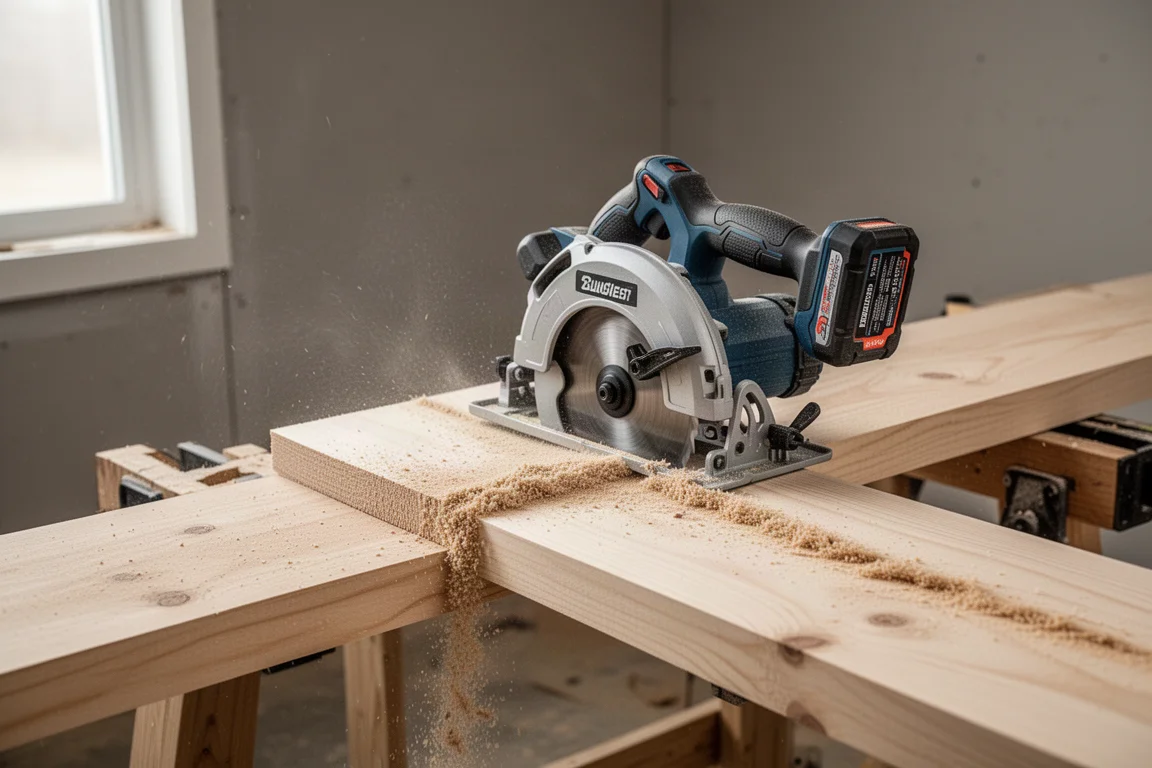
That is the strongest argument for the upgrade: the Auto Stop system stayed out of the way through every normal and abnormal test, yet it still catches a genuine bind when it counts. If it ever does trigger, recovery is a simple cutout and you start cutting again.
Battery Demands: Why Forge Batteries Matter
One clear takeaway from extended testing: this saw really wants a Forge battery, and an 8 amp-hour or 12 amp-hour pack is highly recommended for repeated long rip cuts. In a continuous-cut stress test, the saw ran cut after cut for roughly four minutes straight on a fresh battery before it was drained, which is the kind of sustained work that used to demand a corded saw.
There is a catch worth noting. During one long session, with the battery already down to its last bar, it overheated. The likely culprit was running a nearly depleted pack through heavy cutting. The other maintenance issue is dust: the saw and its battery compartment collect a lot of debris, so keep a blower handy and clean out the battery vents regularly so air can move through them.
The broader point applies across brands: newer tools rely on high-output batteries to deliver their full advertised power and manage heat. The common 5 amp-hour packs simply do not cut it anymore for tools like this.
Blade and Durability Notes
All of the testing was done with Milwaukee’s Nitro Carbide blade, and it held up remarkably well. After repeatedly cutting through deck screws, not a single carbide tip was missing, even though the blade was visibly dull by the end and the saw needed to be pushed through the final cuts. That dullness, not the safety system, is what drained the batteries so quickly during the stress test.
Other Changes and Buying Advice
Beyond the button on top, there are essentially no changes compared to the previous rear handle saw. The cutting performance matched the standard model throughout testing, so the $50 premium buys safety and convenience, not power. Milwaukee also deserves credit for keeping the older, feature-free version available, which gives buyers a genuine option.
For contractors, or anyone who hands a saw to less experienced workers, the upgrade is easy to recommend. One mistake on a hot day can cost downtime or far worse, and this saw intervenes instantly. If none of that applies to you, saving the $50 on the standard version is a perfectly sensible choice. Just budget for a Forge 12 amp-hour battery either way; it is the difference that lets this saw perform the way it should.
Conclusion
The Milwaukee rear handle circular saw with Auto Stop, Vac Link, and One-Key tracking performed well in every test thrown at it. The safety system caught a real bind, ignored screws and knots, and never interrupted routine cutting. At around $349 versus $249 to $299 for the standard model, it is a meaningful but justifiable premium for anyone whose saw sees shared or high-risk use on the job site.
Product link
View more details for Milwaukee Rear Handle Circular Saw (Auto Stop / Vac Link / One-Key)
This product is mentioned in the review. Check the specifications, options, and compatibility before buying.
View more details for Milwaukee Rear Handle Circular Saw (Auto Stop / Vac Link / One-Key)Further reading
Related Reviews
Power Tools
Best 1-Inch Pistol Impact Wrenches: Three Heavy-Duty Options Compared
We compare three 1-inch pistol impact wrenches, from a budget-friendly Harbor Freight model to a premium Caterpillar unit, to help you choose the right one.
Power Tools
Best 3/4-Inch Impact Wrenches 2026: Five Contenders Compared
We compare five 3/4-inch impact wrenches across price and performance, from a budget Amazon option to Snap-on's most powerful model yet.
Power Tools
Best Budget Cordless Tools 2026: Walmart Finds That Punch Above Their Price
We tested five cordless tools from Walmart, including a high-torque impact wrench that trades blows with Milwaukee and a $35 duster that outperforms its price class.