Power Tools
Milwaukee M18 Gen 4 vs Gen 3: Should You Upgrade Your Impact Driver and Hammer Drill?
A hands-on comparison of the new Milwaukee M18 Gen 4 impact driver and hammer drill against the Gen 3 versions, covering power, ergonomics, and whether the upgrade makes sense.
Introduction
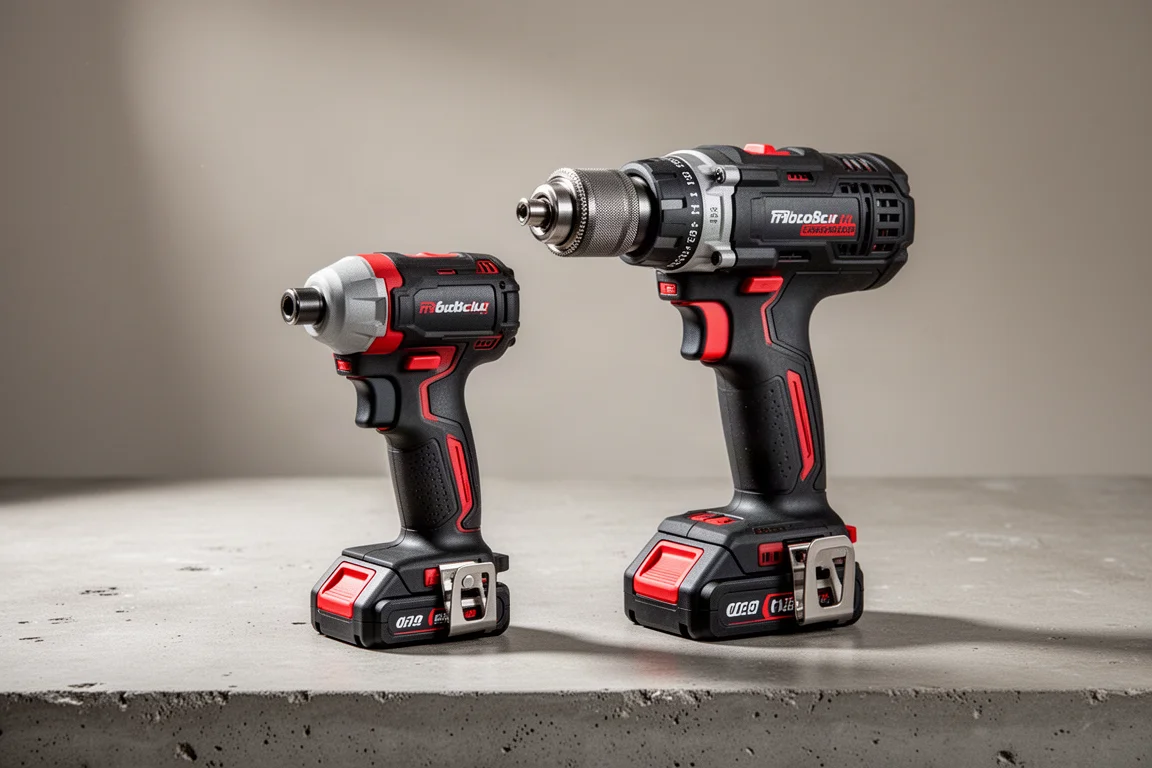
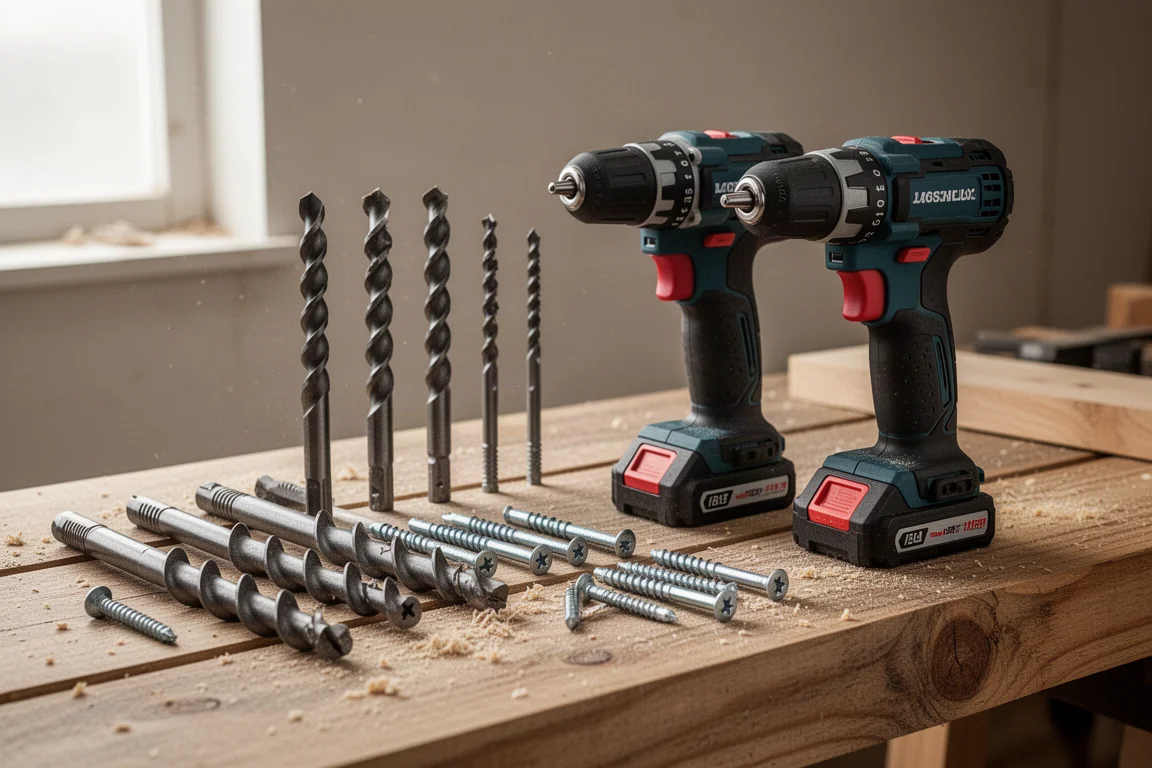
Milwaukee’s Gen 4 M18 impact driver and hammer drill have landed, and the obvious question for anyone already running a Gen 3 kit is simple: is it worth paying for the newer versions? To find out, both generations were put through side-by-side tests with one-inch auger bits, a 2-9/16 switchblade bit, and half-inch lag screws, all driven with no pilot holes and fully charged 5Ah batteries.
The short version: the Gen 4 tools bring meaningful usability improvements, but raw power is not dramatically ahead of the Gen 3 lineup. Whether you should upgrade depends mostly on how much the Gen 3’s chuck and clutch behavior bothers you.
Gen 4 vs Gen 3 Impact Driver: What Changed
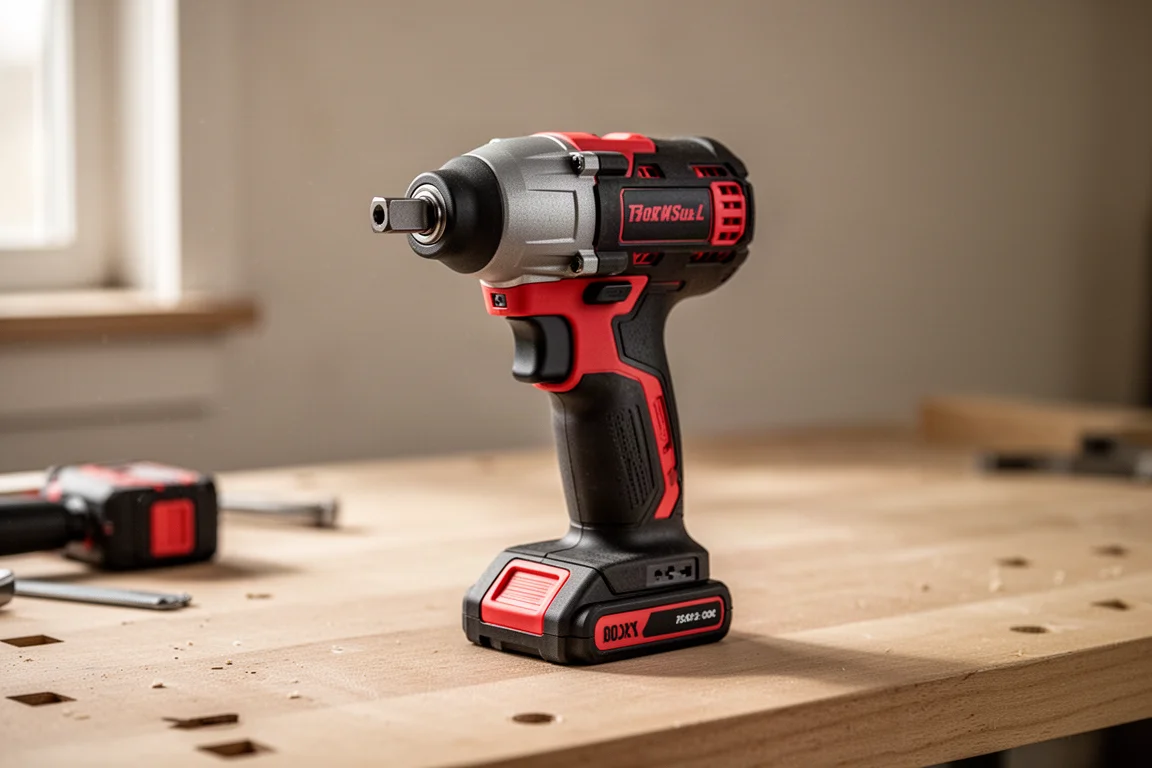
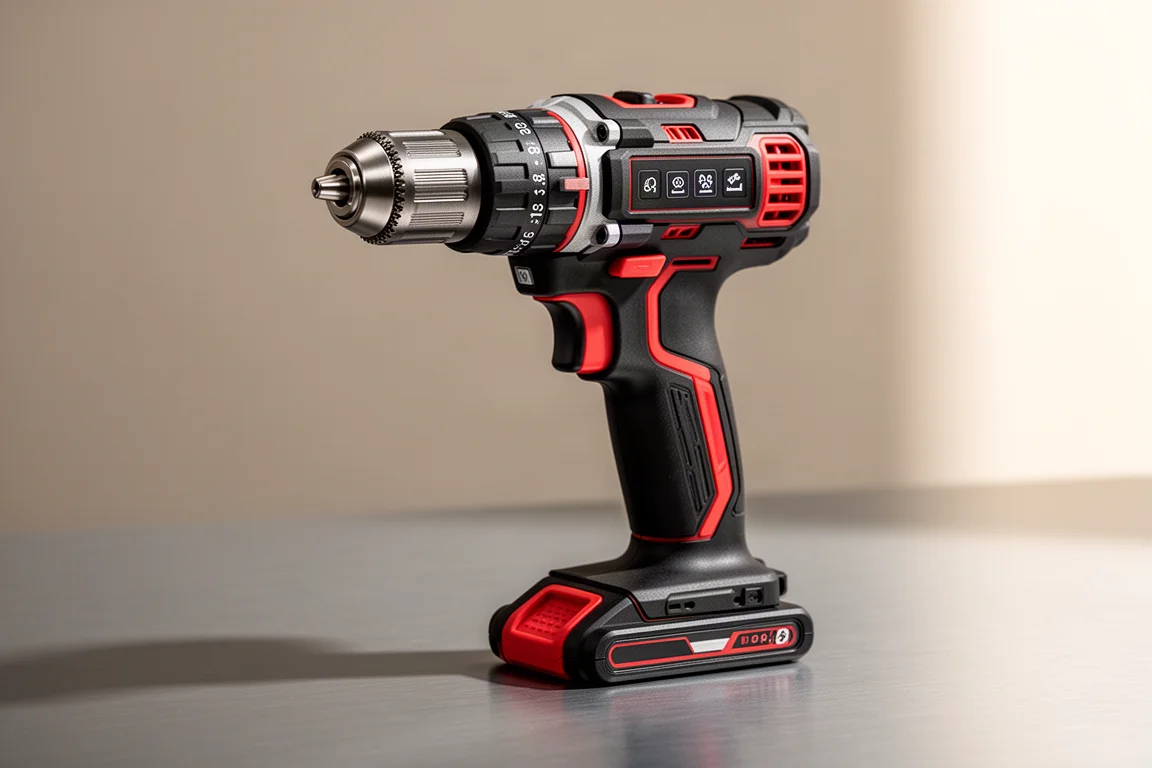
At first glance the Gen 4 impact driver looks nearly identical to the Gen 3, but several differences add up. The biggest visible change is the lighting: the Gen 3 has a single LED under the body, while the Gen 4 moves to three LEDs mounted up top, which illuminates the work area noticeably better.
Weight is a non-story. With a 5Ah battery attached, both generations weigh exactly the same at 13.12 ounces, so there is no penalty or advantage to carry.
The mode selector looks similar but works differently. The Gen 3 offers four speed settings, while the Gen 4 gives you three speed selectors plus an automatic mode. That automatic shut-off is genuinely useful for anyone who is not a daily impact driver user, because it helps prevent stripping out screws or snapping off bolts.
One spec note for connected-tool fans: the tested Gen 3 unit was a One-Key model, while the Gen 4 shown here is not, though a One-Key Gen 4 version is expected to arrive.
Gen 4 Impact Driver: Collet and Bit Retention
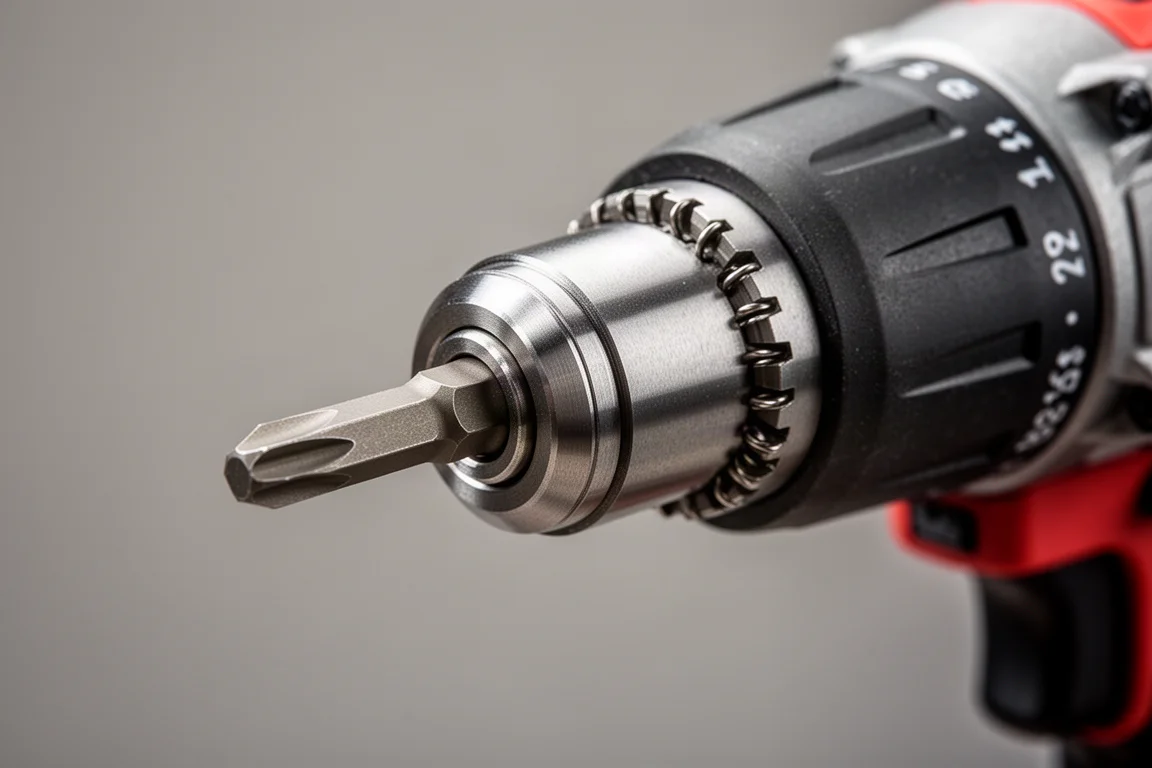
The collet is a quietly excellent upgrade. The Gen 3 holds bits with a single ball bearing inside the collet, while the Gen 4 uses two. That alone can make bit retention noticeably more secure, and it may be reason enough to consider the new tool if you swap bits frequently.
In the lag screw race tests, the results were honestly surprising. Driving two half-inch lags into a six-by-six with no pilot holes on the highest settings, the Gen 3 actually beat the Gen 4 on speed. In follow-up tests with a high-output setup and repeated battery swaps, the results flip-flopped: sometimes the Gen 4 pulled ahead, sometimes the Gen 3 did. Neither generation smoked the other, and further testing is needed before calling a clear power winner.
The practical takeaway on price: if the Gen 3 is being phased out to make room for the Gen 4, discounted Gen 3 stock could be a smart buy for budget-focused shoppers.
Gen 3 Impact Driver: Still a Strong Choice
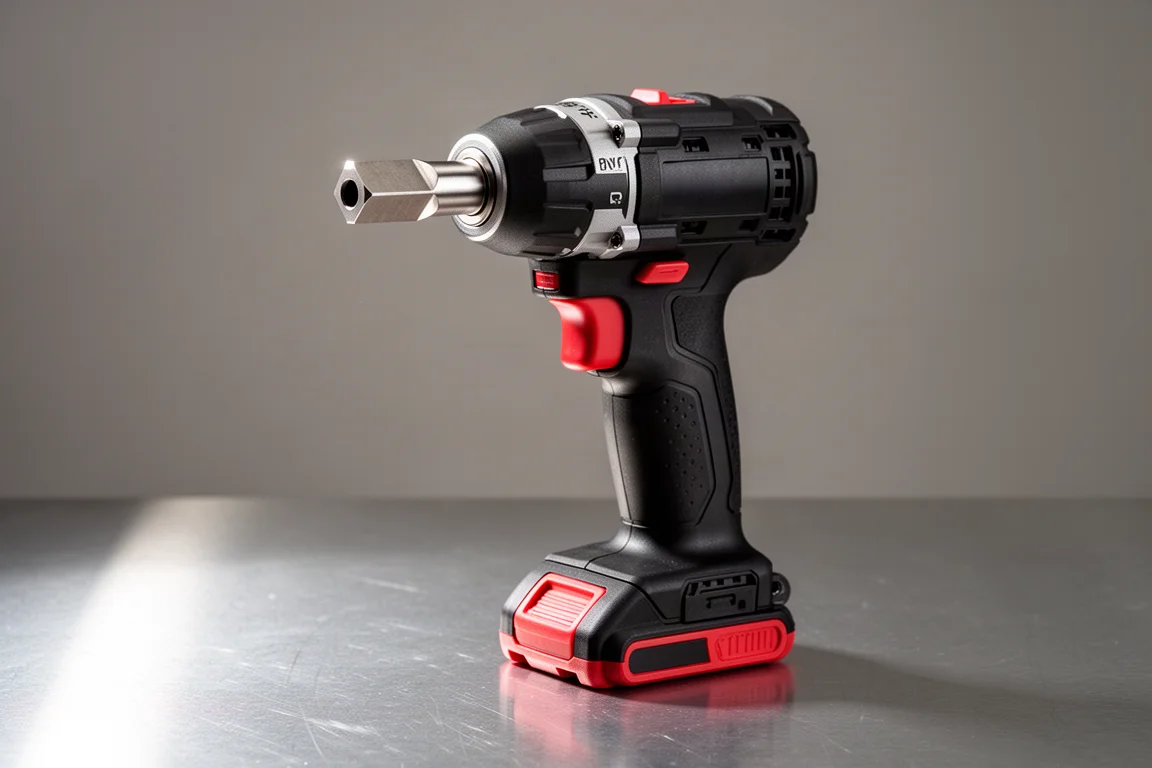
The Gen 3 impact driver remains a capable tool with a few things the Gen 4 currently offers in different forms. It has four speed settings, which gives more granular control than the Gen 4’s three, and the tested configuration included One-Key connectivity.
Its weaknesses are specific rather than fundamental: the single-LED under-body light is dimmer than the Gen 4’s triple-LED setup, and the single ball bearing in the collet is less secure for bit retention. If power on the highest setting is your priority, the Gen 3 held its own in these tests.
Gen 4 vs Gen 3 Hammer Drill: Real-World Drilling
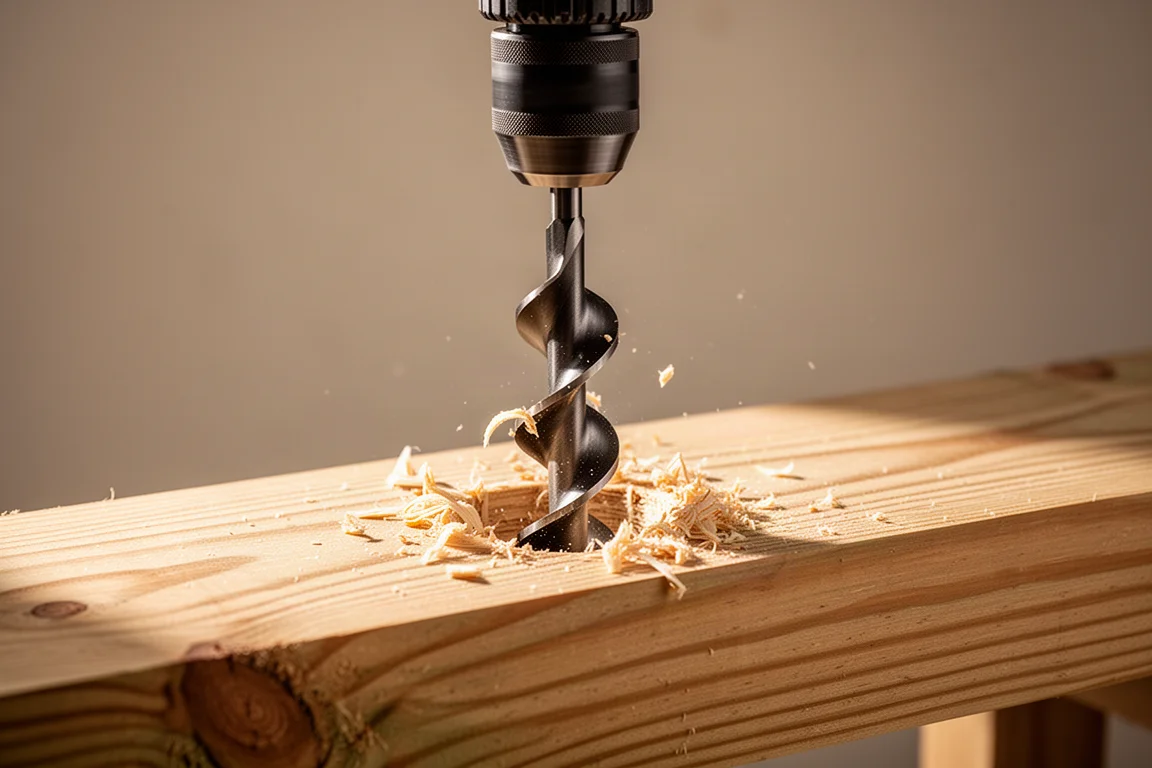
The hammer drill tests used a large 2-9/16 switchblade auger bit and a one-inch auger bit driven through treated two-by-eight lumber with no pilot holes, alternating between the mode 1 and mode 2 settings. Again, neither generation ran away with it: the Gen 4 seems a little more powerful, but the difference is not mind-blowing.
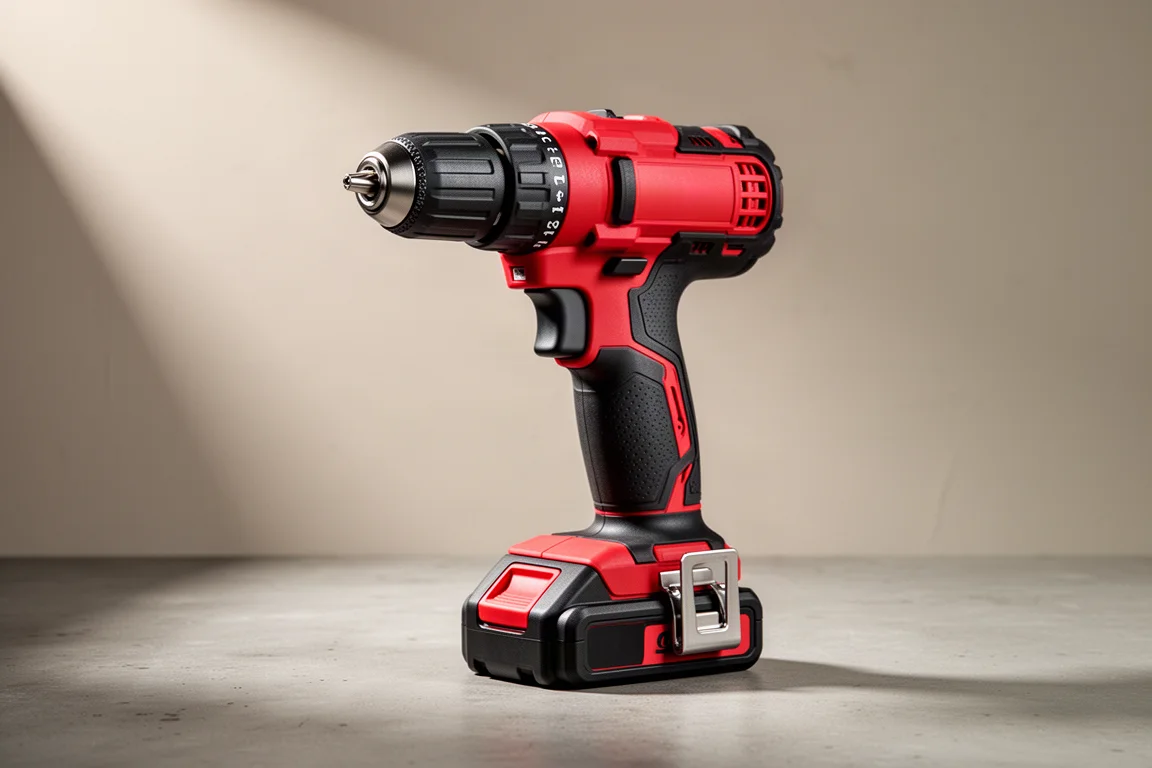
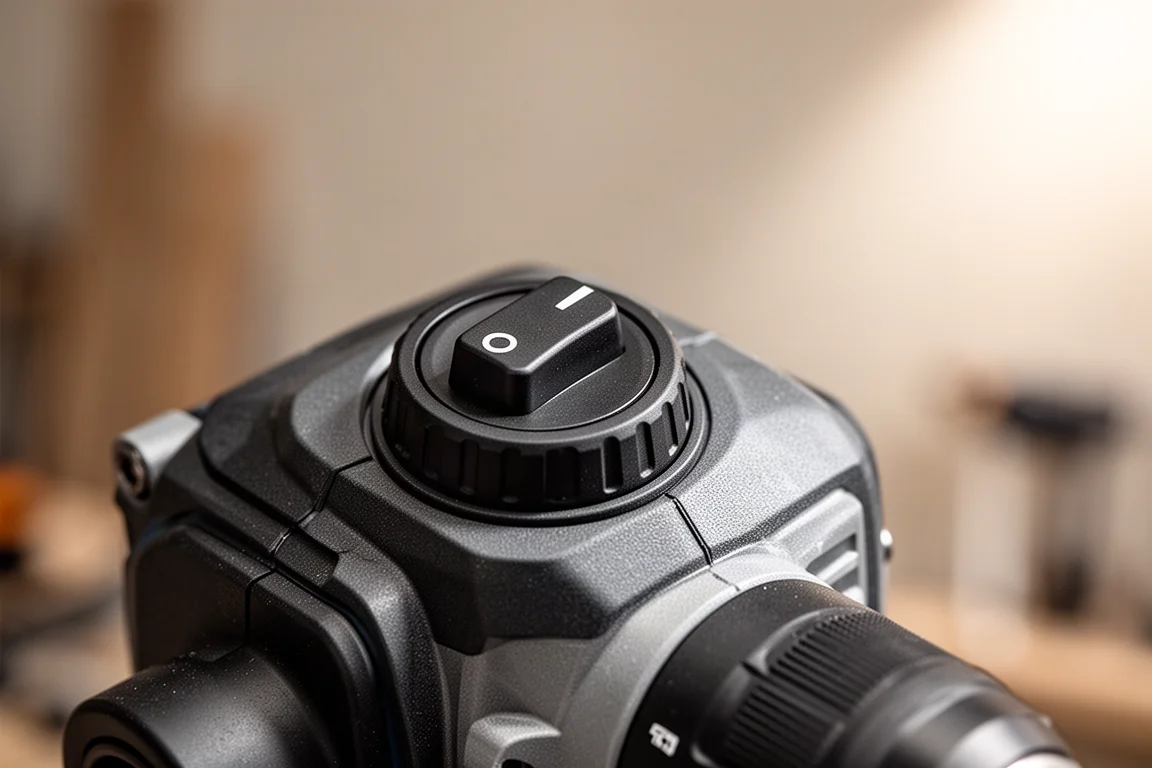
The control layout is where the two diverge most. The Gen 3 has an analog switch plus digital buttons for multiple mode settings, while Milwaukee removed the buttons on the Gen 4 entirely, leaving just the analog one and two modes. That simplification looked like a step backward out of the box, but in use it works well: you still get variable speed on both, and the streamlined interface is easy to live with.
Gen 4 Hammer Drill: Simpler Controls, Better Behavior
Three specific Gen 4 improvements stand out from actual use. First, the automatic shut-off prevents the tool from yanking your wrist around if a bit suddenly binds, which is the main reason to keep a firm two-handed grip on the older drill.
Second, chuck behavior is dramatically better. On the Gen 3, releasing the trigger on high speed lets the chuck keep spinning, which gradually loosens it and can drop bits mid-job. The Gen 4 does not exhibit that behavior, and the chuck held tight throughout testing.
Third, the clutch itself stays put. On the Gen 3, the clutch ring can drift into hammer mode on its own during use. The Gen 4 stays exactly where you set it, which is a big deal for anyone who has fought a wandering mode ring.
Should You Upgrade?
Power alone is not a compelling reason to move from Gen 3 to Gen 4. The tests showed the Gen 4 performing slightly better overall in the hammer drill tests and roughly even against the Gen 3 impact driver, with neither generation decisively dominating.
The upgrade case rests on usability. If the Gen 3’s loosening chuck, drifting clutch, or wrist-jarring bind-ups drive you crazy, the Gen 4 hammer drill in particular is a clear improvement. If your Gen 3 works fine and none of those quirks bother you, sticking with it is a reasonable call, especially if Gen 3 units start going on sale as stock clears.
For new buyers, the Gen 4 is the safer starting point: better lighting on the impact driver, the two-ball-bearing collet, automatic shut-off, and the improved chuck and clutch behavior make it the more refined set.
Conclusion
The Gen 4 impact driver and hammer drill are thoughtful updates rather than a power revolution. Better LEDs, a stronger collet, automatic shut-off, and much better chuck and clutch behavior make the Gen 4 hammer drill the standout of the pair. Gen 3 owners with no complaints can wait, while anyone buying fresh or fighting Gen 3 frustration will appreciate what the Gen 4 brings.
Further reading
Related Reviews
Power Tools
Best 1-Inch Pistol Impact Wrenches: Three Heavy-Duty Options Compared
We compare three 1-inch pistol impact wrenches, from a budget-friendly Harbor Freight model to a premium Caterpillar unit, to help you choose the right one.
Power Tools
Best 3/4-Inch Impact Wrenches 2026: Five Contenders Compared
We compare five 3/4-inch impact wrenches across price and performance, from a budget Amazon option to Snap-on's most powerful model yet.
Power Tools
Best Budget Cordless Tools 2026: Walmart Finds That Punch Above Their Price
We tested five cordless tools from Walmart, including a high-torque impact wrench that trades blows with Milwaukee and a $35 duster that outperforms its price class.