Power Tools
Milwaukee M18 Gen 4 vs Gen 3 Impact Driver: Is the Upgrade Worth It?
We compare the Milwaukee M18 Gen 4 and Gen 3 impact drivers across drywall screws, self-tapping steel fasteners, structural bolts, and heat build-up to see whether the newest generation justifies the switch.
Introduction
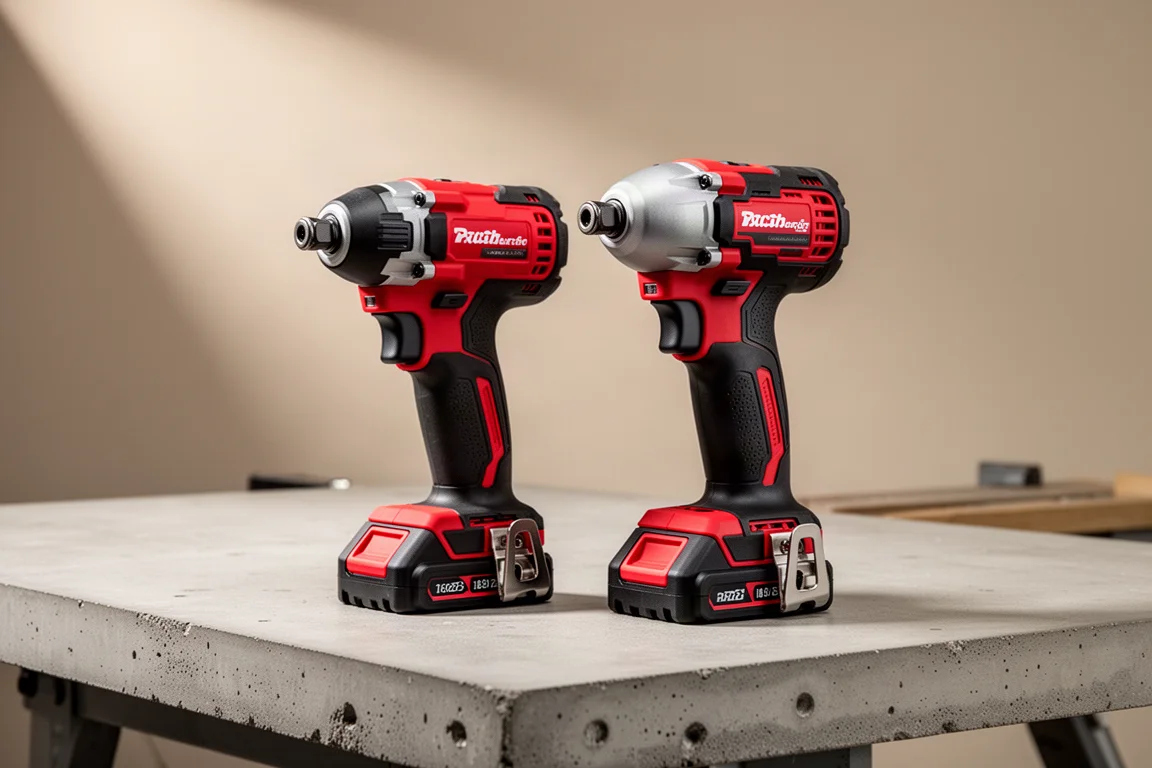
Milwaukee’s M18 Gen 4 impact driver is the newest driver in the company’s flagship 18V line, and the obvious question for anyone already holding a Gen 3 is simple: is the upgrade actually worth it? We put both tools side by side in a series of real fastening tests, from long drywall screws to self-tapping steel and heavy structural fasteners, using fully charged 5 amp-hour batteries on each tool.
The short version: in most day-to-day fastening, the two are remarkably close. Where the differences do show up, they are subtle, and one of them may surprise you.
How We Tested
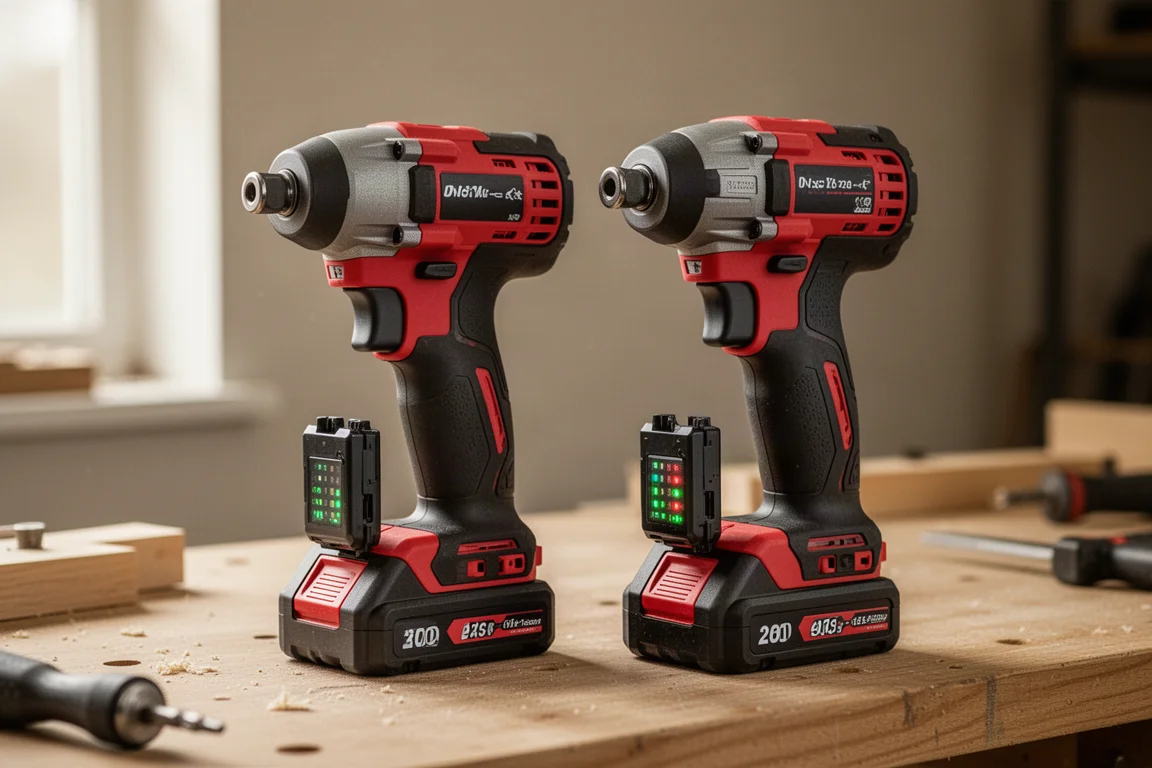
Both tools ran through the same tasks with fresh, fully charged 5Ah batteries, alternating between the Gen 3 and Gen 4 so neither got an advantage from order or fatigue. The workloads covered three common scenarios: three-inch drywall screws in wood, self-tapping screws through doubled sheet steel, quarter-inch structural fasteners, and hole-boring bits. Speed settings were switched throughout, from speed one up to speed three.
Drywall Screws in Wood
Driving three-inch drywall fasteners through wood was the first test, and it is a tougher job than many people expect. Three inches of screw in solid wood takes a serious amount of torque, so we skipped speed one for the longer screws and went straight to higher settings.
On the shorter drywall screws at speed one and two, both tools felt smooth and effectively identical. At speed three, the differences were still hard to pin down. One driver occasionally cammed out at the start of a drive, but the overall feel was the same, and if anything the Gen 3 felt a touch more comfortable with the longer screws. Running both back to back, neither tester noticed a meaningful difference in this test.
Self-Tapping Screws in Steel
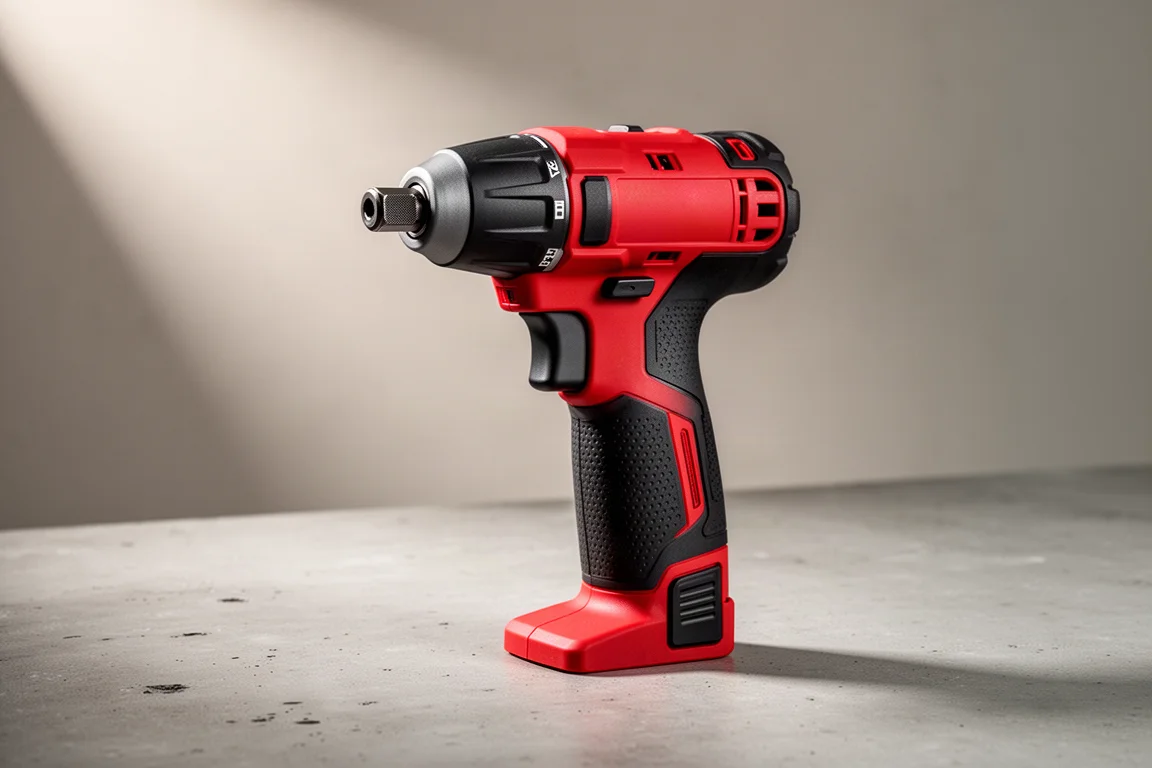
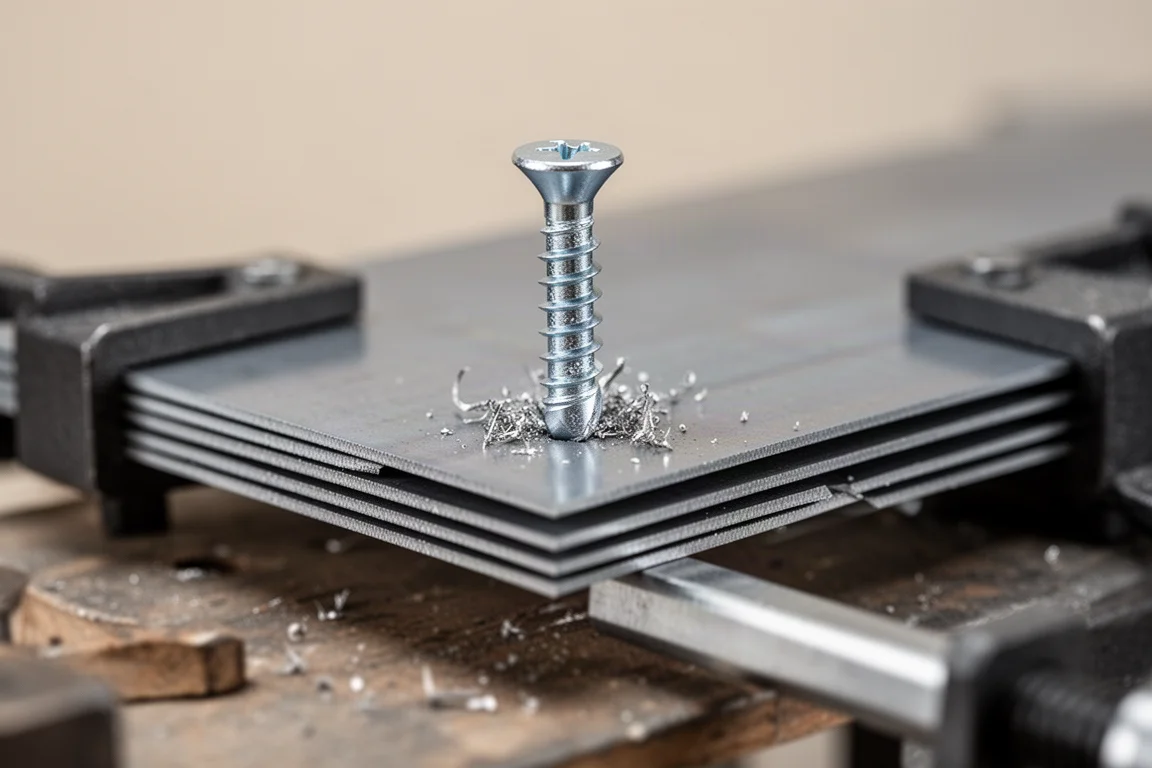
Next up was a test that separates good impact drivers from great ones: self-tapping screws through stacked sheet metal simulating roughly 14-gauge steel. Thinner metal punishes over-tightening, because a blown-out fastener in thin steel is useless.
Starting at speed one, the two tools were so close that a blindfolded tester genuinely could not tell them apart. Moving to speed two and then speed three, the results stayed tight, with both drivers finishing the fasteners in nearly the same time.
Tightening Mode
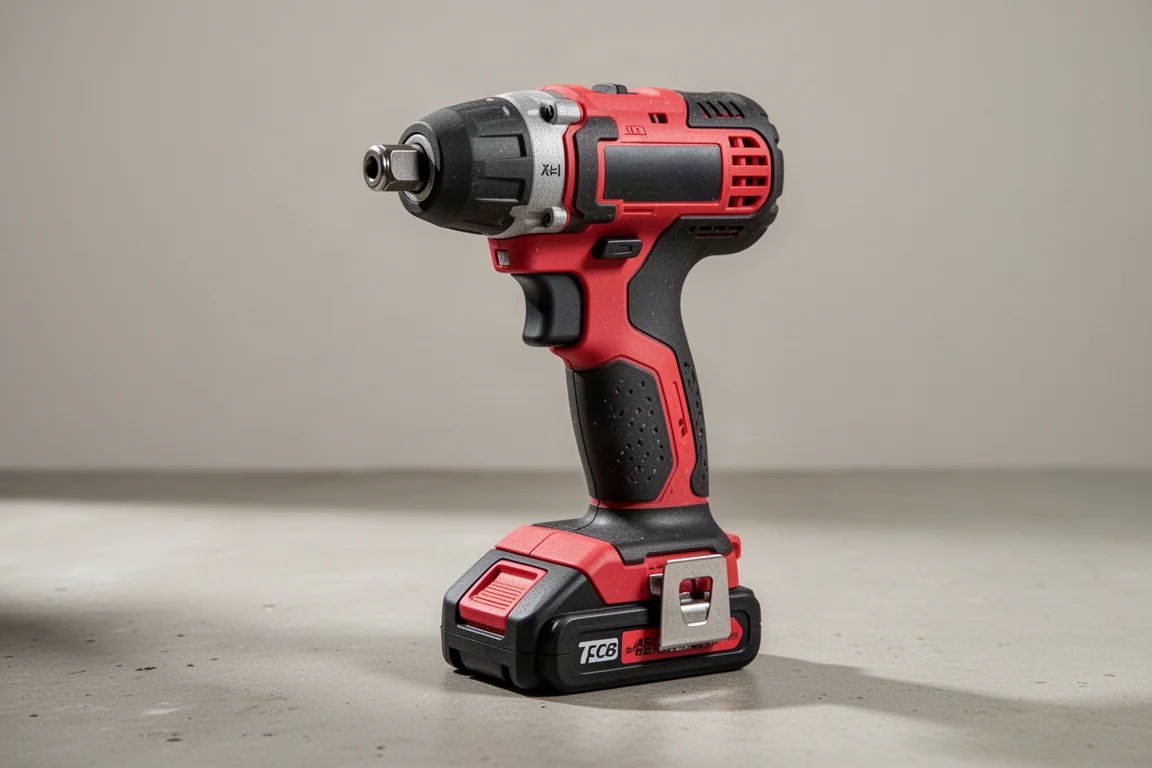
The Gen 4’s precision tightening mode was the most interesting new feature to try. Hold the trigger down and the tool takes over, managing the final tighten with its own control logic so you do not over-torque the fastener. On thin self-tapping metal work this matters: over-tightening can blow out the fastener and ruin the connection.
In practice, the mode worked as advertised, stopping cleanly on the fastener. For anyone who regularly works in thin gauge metal, it is a genuinely useful feature that the Gen 3 does not match. The Gen 4’s improved three-LED work light layout also gives better trigger-area control and illumination, though in a well-lit space the difference is easy to overlook.
Structural Fasteners and Vibration
The quarter-inch structural fastener test is where the differences started to show. On the first runs, one tester felt a noticeable vibration transmitting from the Gen 4 into the arm during impacting, describing it as feeling like something was not right. On repeated runs, the effect was less dramatic but still detectable when looking for it, particularly with only a thumb on the rear casing.
The Gen 3 did not produce the same sensation, and in raw speed the two remained a horse race. Slower-motion review suggested near-identical driving times, with runs in both speed two and speed three effectively tying. If you drive structural fasteners all day, this is the category where we would recommend trying both tools in person before buying.
Speed Demons: Boring Bits
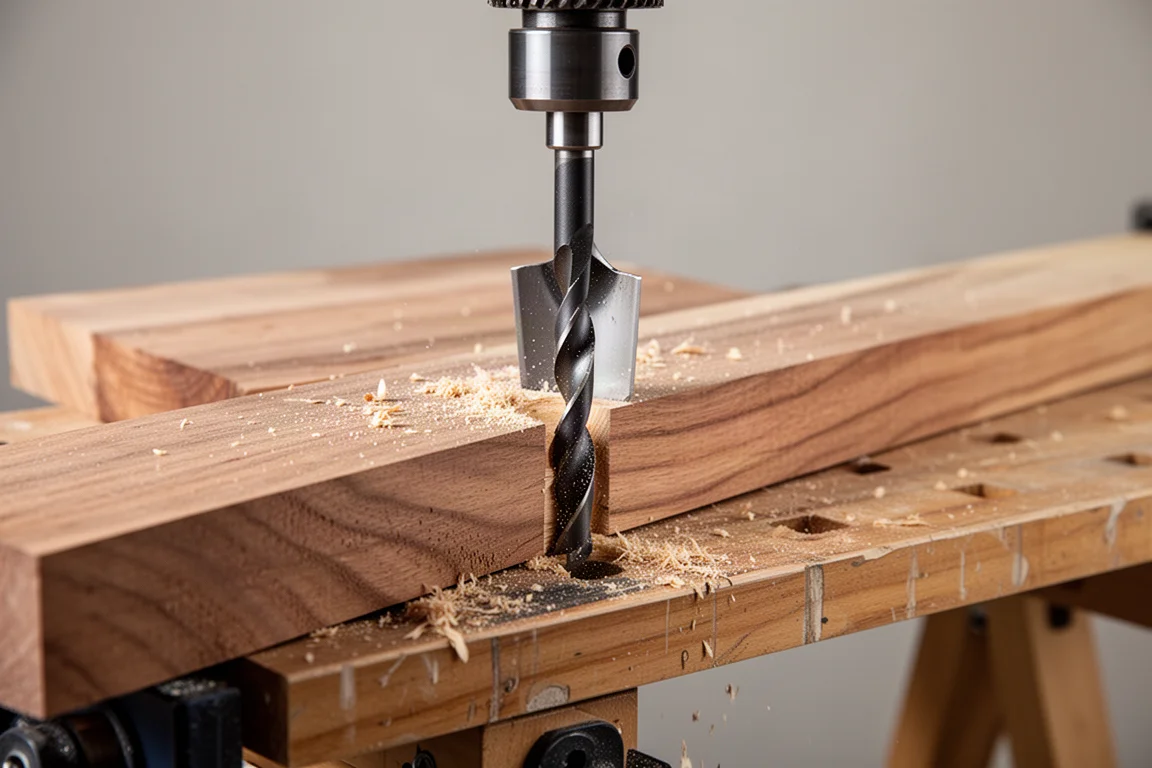
With self-feed boring bits through wood, both tools ran best at higher speed settings, and the results were very close throughout. Minimal feed pressure was applied and both drivers self-fed cleanly. At speed two the finish times were nearly tied, and at speed three the Gen 4 seemed to hold a slight edge in speed.
The Heat Test
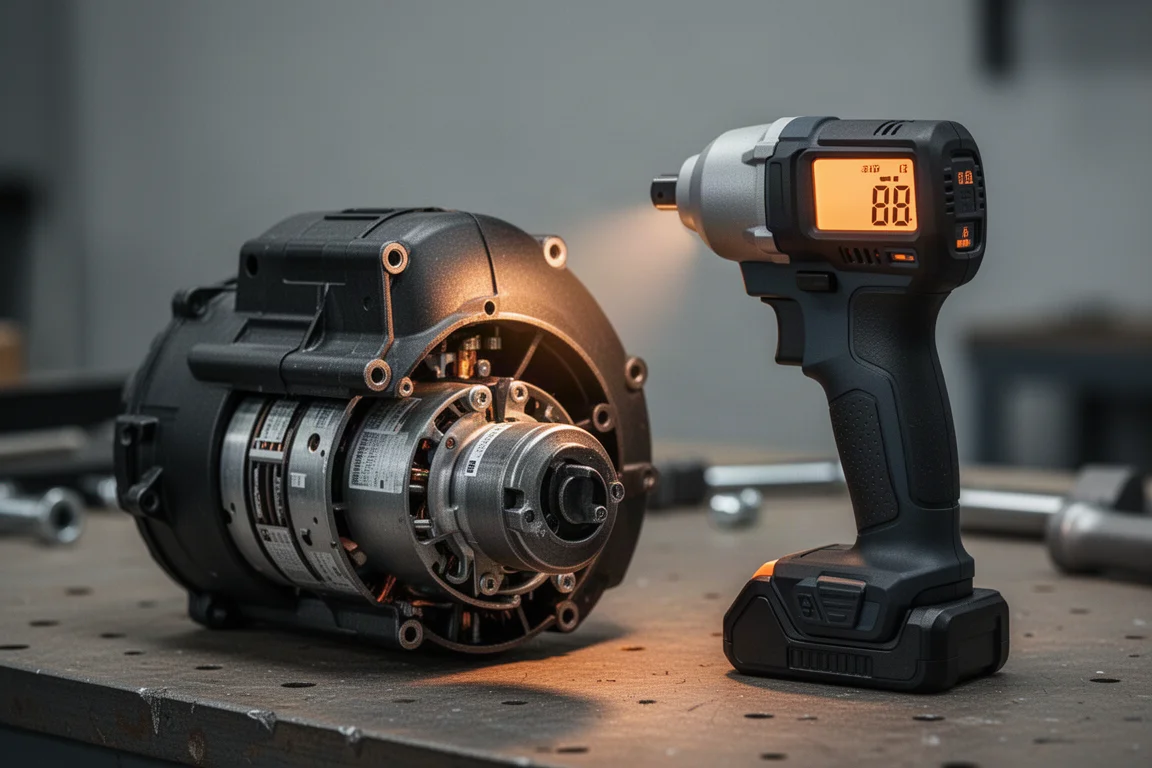
The most measurable difference came from temperature. With an infrared thermometer swept across each tool after running, the Gen 3 read around 105 degrees at the motor and cooler near the hammer and anvil. The Gen 4 ran hotter across the board: roughly 108 degrees at the anvil area and 113 to 115 degrees at the motor.
The Gen 4 was definitively hotter after the same workload. Whether that matters over the long life of the tool is hard to say from a short test session, but it is a real, repeatable difference worth knowing about.
Which One Should You Buy?
If you already own the Gen 3 and it is working well, the Gen 4 does not offer a compelling reason to upgrade based on pure fastening performance. The tests showed no meaningful difference in driving speed or feel for everyday screws, and the Gen 3 even edged out the newer tool in comfort with long fasteners and in heat build-up.
The Gen 4 makes the most sense for new buyers who want the latest platform, plus the precision tightening mode and improved tri-LED lighting. Those two features are the genuine differentiators. Otherwise, skipping this generation is a perfectly reasonable call.
Conclusion
Milwaukee’s Gen 4 impact driver is a solid, modern tool, but the side-by-side testing showed it is not a leap over the Gen 3 in raw performance. Speed results were a dead heat across drywall screws, steel fasteners, structural bolts, and boring bits. The Gen 4 brings tightening mode, better lighting, and a fresher platform, while the Gen 3 counters with slightly cooler running and, for some testers, a more comfortable feel under heavy loads. Choose based on the features you will actually use, not the generation number on the box.
Further reading
Related Reviews
Power Tools
Best 1-Inch Pistol Impact Wrenches: Three Heavy-Duty Options Compared
We compare three 1-inch pistol impact wrenches, from a budget-friendly Harbor Freight model to a premium Caterpillar unit, to help you choose the right one.
Power Tools
Best 3/4-Inch Impact Wrenches 2026: Five Contenders Compared
We compare five 3/4-inch impact wrenches across price and performance, from a budget Amazon option to Snap-on's most powerful model yet.
Power Tools
Best Budget Cordless Tools 2026: Walmart Finds That Punch Above Their Price
We tested five cordless tools from Walmart, including a high-torque impact wrench that trades blows with Milwaukee and a $35 duster that outperforms its price class.