Mini PC
Menace Forum MS02 Ultra Review: A Compact Powerhouse for DIY Builders
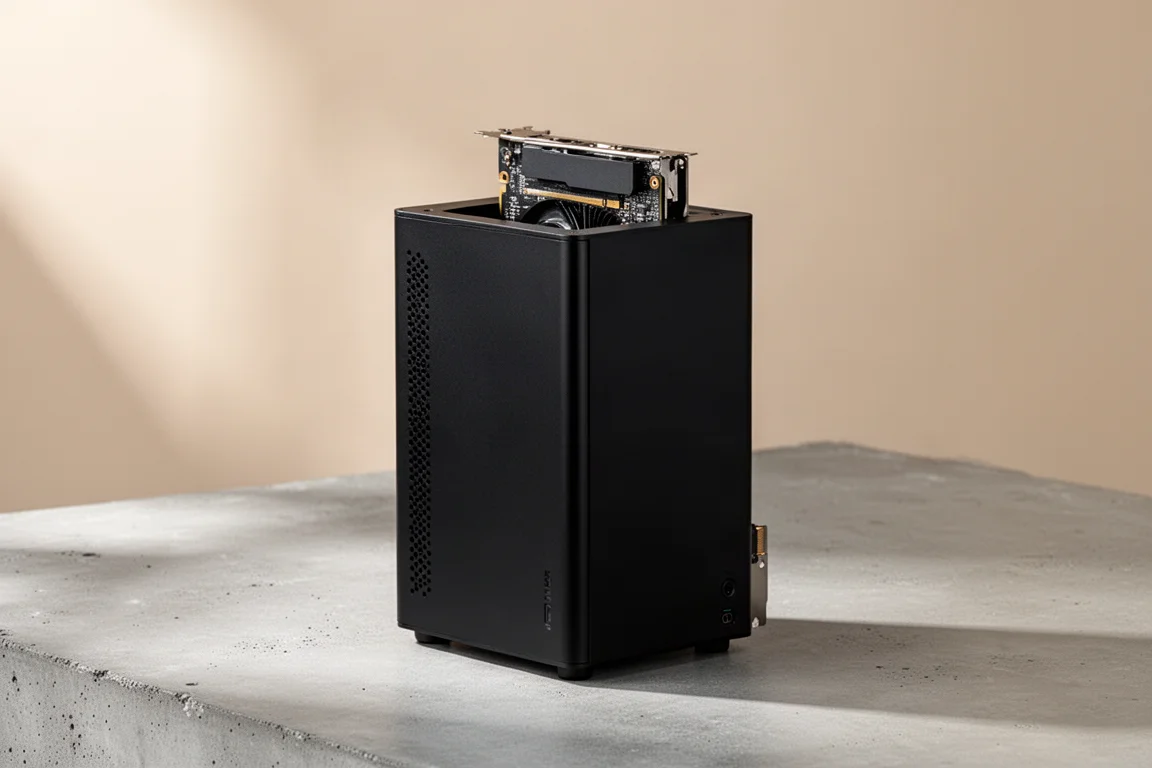
The Menace Forum MS02 Ultra is a 4.8-liter mini PC that accepts a low-profile dual-slot GPU, making it a compelling option for compact gaming builds.
Introduction
The Menace Forum MS02 Ultra is a 4.8-liter mini PC that packs more performance than most full-size desktops. What makes it stand out is the ability to add a low-profile dual-slot GPU, turning a compact office machine into a capable gaming rig. This review covers what it takes to get one up and running, from sourcing components to real-world gaming performance.
Who This Is For
This mini PC is aimed at DIY builders who are comfortable sourcing their own RAM, storage, and graphics card. The barebones configuration means you supply the essentials, but that also gives you flexibility in choosing components that fit your budget and performance needs. It is an especially good fit for anyone who wants a small form factor machine that can handle modern games at 1440p without taking up much space.
Design and Build
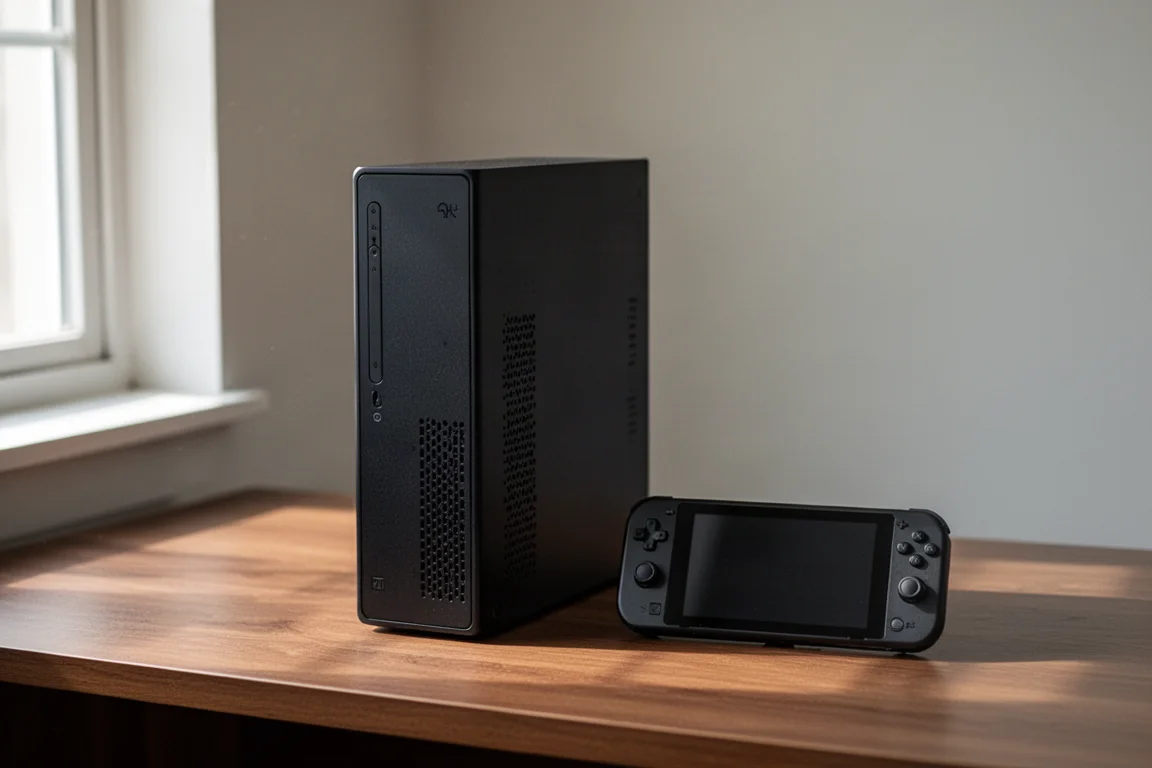
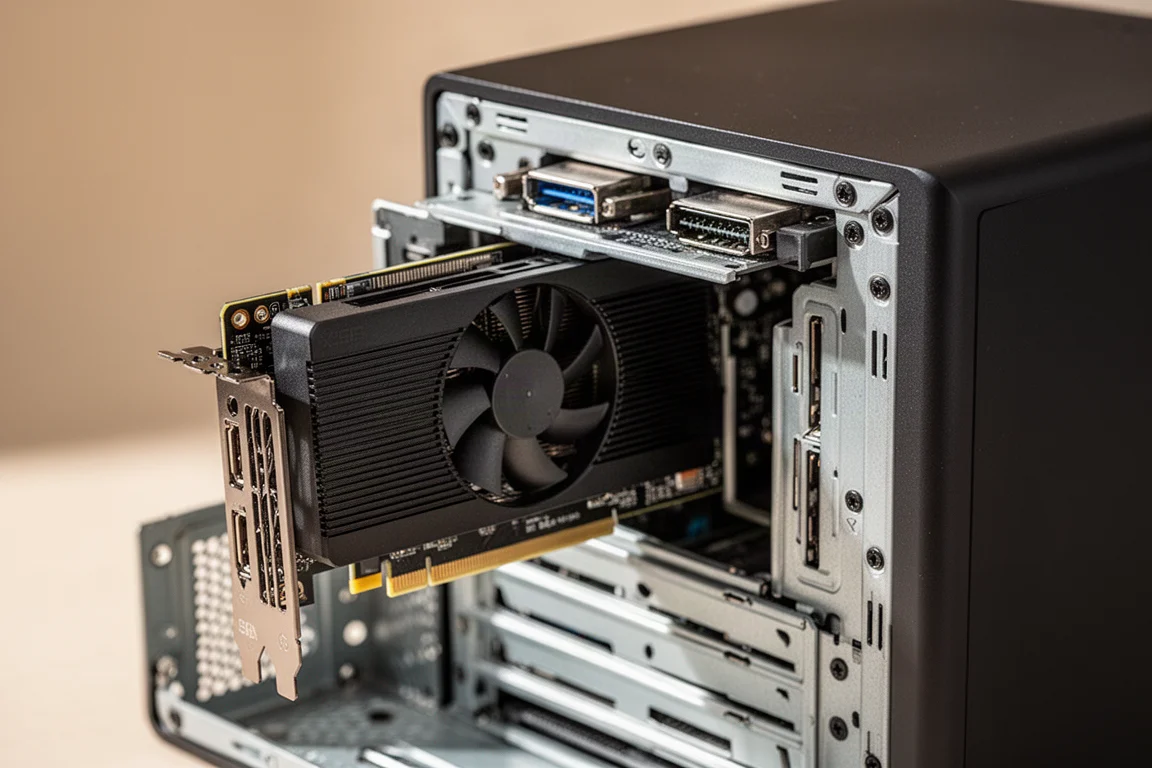
The MS02 Ultra uses a compact vertical chassis that slides out of its outer shell for easy access to the internals. The unit can be set up vertically or on its side, and airflow remains adequate in either orientation. The top of the unit is where the GPU sits when configured vertically, which keeps the graphics card well ventilated.
The build quality feels solid for a machine in this class. The sliding shell design makes upgrades straightforward, and the internal layout is well organized. A small air shroud helps funnel air directly over the CPU cooler, and it is worth reinstalling after any maintenance.
Internals and Upgrade Path
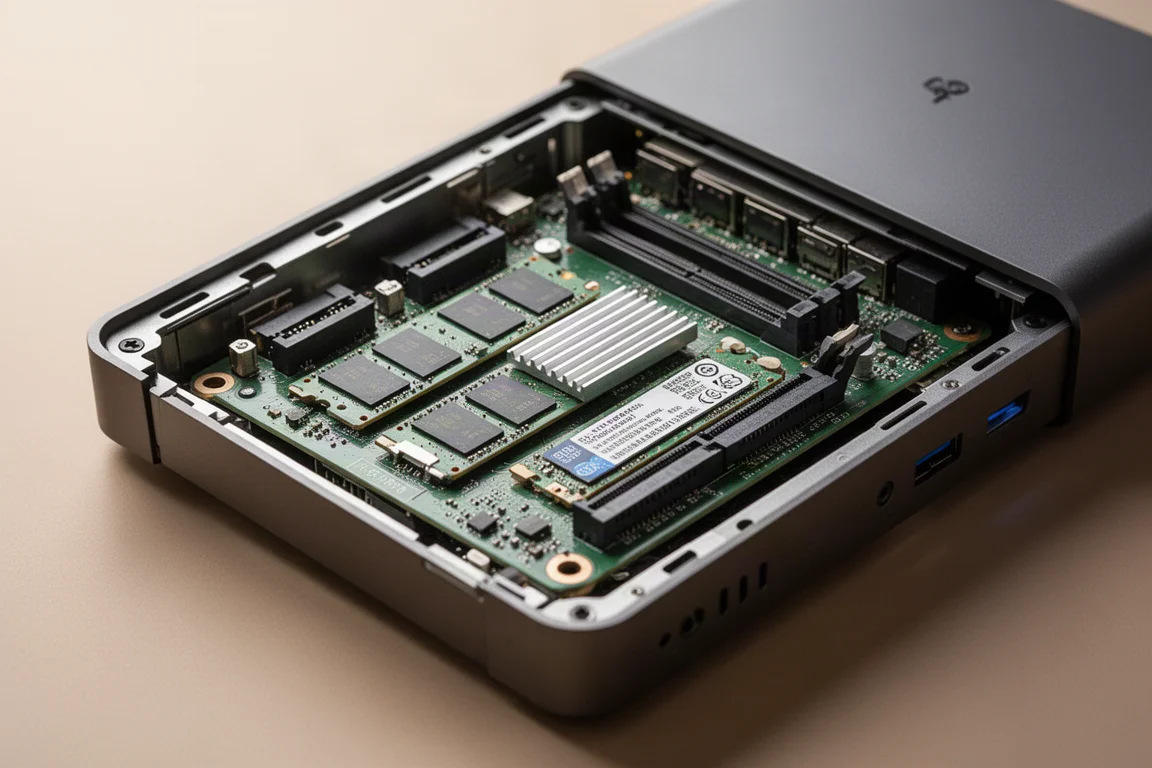
Getting inside the MS02 Ultra is simple: slide the whole unit out of the shell. Inside, you will find two PCIe slots. The top slot is a full-size PCIe x16 that runs at Gen 5 x4 speed, which is where the GPU goes. There is also an 8-pin PCIe power connector for the graphics card.
Storage and memory options are generous for a machine this size. It supports two 2280 M.2 drives and four SODIMM memory slots, two at the rear and two up front. Total memory capacity goes up to 256 GB running at 6400 MT/s. For this build, 32 GB of DDR5 at 4800 MT/s was installed, pulled from another mini PC to keep costs down.
GPU Options and Performance
The best feature of the MS02 Ultra is the ability to install a low-profile dual-slot GPU. For gaming, the RTX 5060 is a strong choice. A used model was picked up for under $300, and after a minor repair to a bent power connector, it worked perfectly. The RTX 5060 supports DLSS multi-frame generation out of the box, which is a significant advantage for a lower-end GPU.
The CPU in this unit is the Intel Core Ultra 235HX with 14 cores and 14 threads, boosting up to 5.1 GHz on the performance cores. This extra CPU power, combined with the PCIe Gen 5 slot, noticeably improves GPU performance compared to older platforms.
In Cyberpunk 2077 at 1440p with high settings and DLSS quality, the system averaged over 90 FPS. With DLSS multi-frame generation set to x4 at 1440p ultra, performance was even higher. Mortal Kombat 1 ran at a constant 60 FPS at 1440p very high settings with no DLSS. Horizon Zero Dawn Remastered at 1440p very high with DLSS quality performed well above expectations.
The new Halo game, which suffers from poor optimization, averaged around 71 FPS at 1440p high with DLSS balanced. Doom: The Dark Ages required medium settings with DLSS quality at 1440p due to the 8 GB VRAM limit on the RTX 5060. Forza Horizon 6 at 1440p ultra with no scaling averaged over 70 FPS, and even at 4K high settings it held around 64 FPS.
Software and Couch Gaming
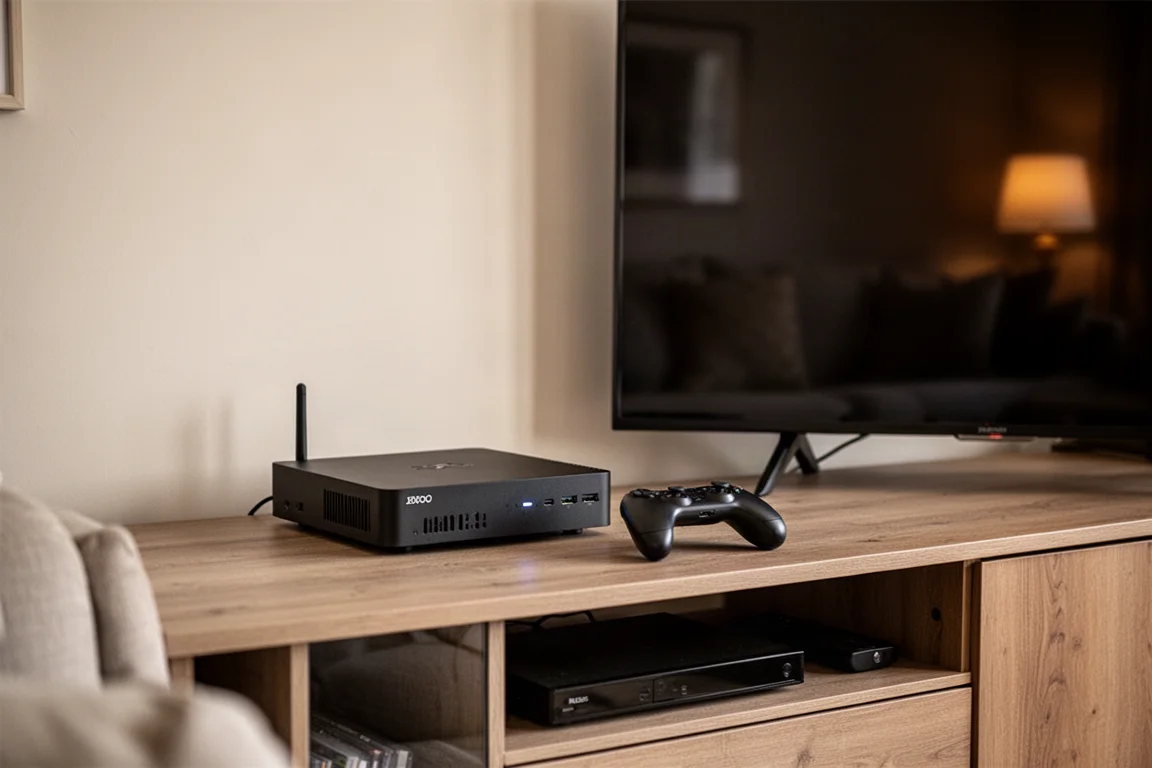
Since this build uses an Nvidia card, Windows 11 is the operating system of choice. For living room gaming on a big screen, there are several interface options. Steam Big Picture Mode provides a familiar console-like experience that works with any controller. Xbox full screen experience mode is another built-in option.
For a more polished experience, WinHandstyle offers a sleek interface that can launch automatically when Windows starts. It includes a game bar widget for adjusting resolution, refresh rate, and custom profiles, and it integrates lossless scaling if desired. It is free to use and works well on both handhelds and desktop PCs.
Buying Advice
The MS02 Ultra is best suited for builders who already have or can source RAM, storage, and a GPU at reasonable prices. The barebones unit with the 14-core CPU, power supply, case, and motherboard is available for around $560. Adding a used RTX 5060 for under $300, plus 32 GB of RAM and a 1 TB SSD, creates a capable 1440p gaming machine for a reasonable total cost.
One limitation is the lack of AMD GPU options that fit inside the chassis. A low-profile single-slot Radeon card would be ideal for Steam OS users, but such cards are not currently available in the US market. For now, Windows with an Nvidia card is the most practical path for this form factor.
Conclusion
The Menace Forum MS02 Ultra delivers impressive performance in a compact package. With a 14-core CPU, support for up to 256 GB of RAM, and the ability to install a low-profile dual-slot GPU, it is a versatile machine for DIY builders. Gaming performance at 1440p is strong, especially with DLSS multi-frame generation on the RTX 5060. If you are comfortable building your own mini PC, this is a compelling option that proves small form factor does not mean small performance.
Product link
View more details for Menace Forum MS02 Ultra
This product is mentioned in the review. Check the specifications, options, and compatibility before buying.
View more details for Menace Forum MS02 UltraFurther reading
Related Reviews
Mini PC
AMD Ryzen AI Max Plus 395 Mini PC Review: Steam OS Performance That Surprises
A compact workstation-class mini PC that runs Steam OS surprisingly well, beating Valve's own Steam Machine in gaming benchmarks.
Mini PC
AtomMan G7PT Review: A Faster Steam Machine Built From a Mini PC
The AtomMan G7PT pairs a Ryzen 9 7945HX with a Radeon RX 7600M XT, and with Steam OS installed it becomes a compact gaming PC that outperforms Valve's Steam Machine.
Mini PC
BLink EQI Mini PC Review: A Budget Intel Core 3 304 System With Surprising IO
The BLink EQI mini PC brings Intel's new Core 3 304 chip, dual Thunderbolt 4 ports, and a built-in power supply to the budget desktop segment.