Power Tool Accessories
Makita Battery Checkers Explained: BTC04, BTC05 and BTC06
What Makita's 18V and 40V battery checkers can tell you about charge count, cell health, and whether that tired pack is really dead.
Introduction
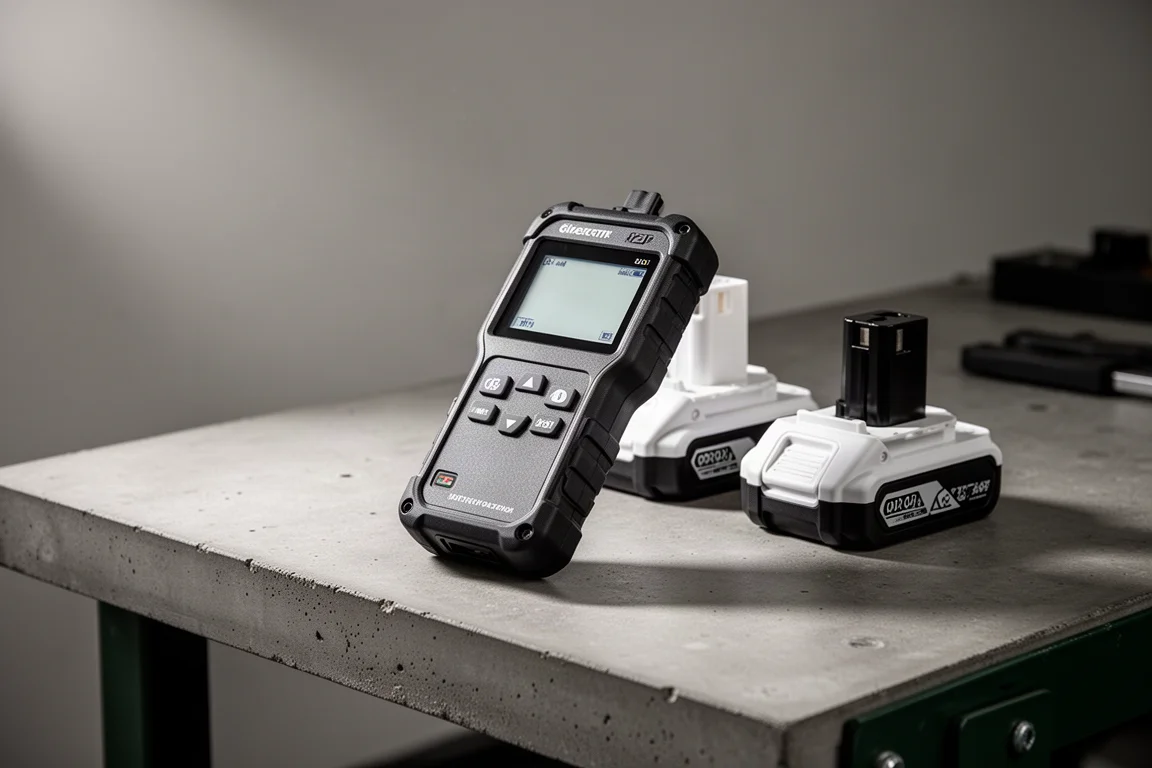
If you own more than a couple of Makita 18V or 40V battery packs, a dedicated battery checker is one of those quietly useful workshop tools: plug a battery in, press a button, and get a readout on charge count, internal temperature history, voltage, and per-cell health. This guide walks through what the three checker models do, what real-world testing revealed about how they behave, and a few practical findings worth knowing before you buy.
What the Checker Actually Reads
The core checker reads Makita 18V batteries and reports total charge count, voltage, internal temperature, whether the pack has ever been overheated or overloaded, and a battery health indicator. With the separate adapter, it can also read 40V batteries, showing voltage (for example, a 40V max pack reading 31.4V when partially drained), interior temperature, and per-cell status bars.
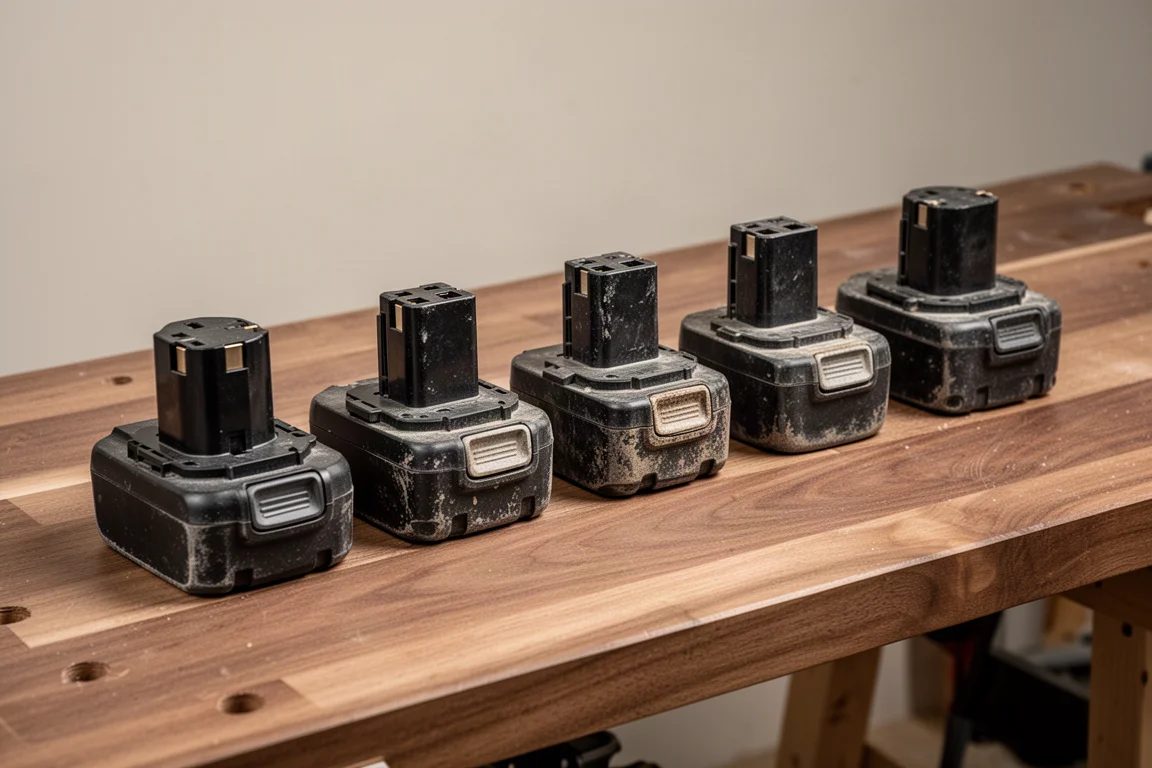
One of the most useful discoveries: the first two digits of the number printed on Makita batteries indicate the year of manufacture, a convention seen on 12V, 18V and 40V packs alike. Some newer packs also carry a QR code. That makes it easy to work out how old each of your batteries really is, which matters because even lightly used packs degrade over time.
Charge Counts, Charging Habits and quirks
Testing showed the charge counter is more nuanced than it first appears. A pack taken off the charger once the light turns green (roughly the 80% “charged enough to use” point) registered one count. Returning it to full charge counted again. In fact, the counter seemed to trigger at multiple points from 80% upward, including once when the pack first hit 80% and again at full charge. Simply placing a battery on the charger, however, did not by itself add a count.
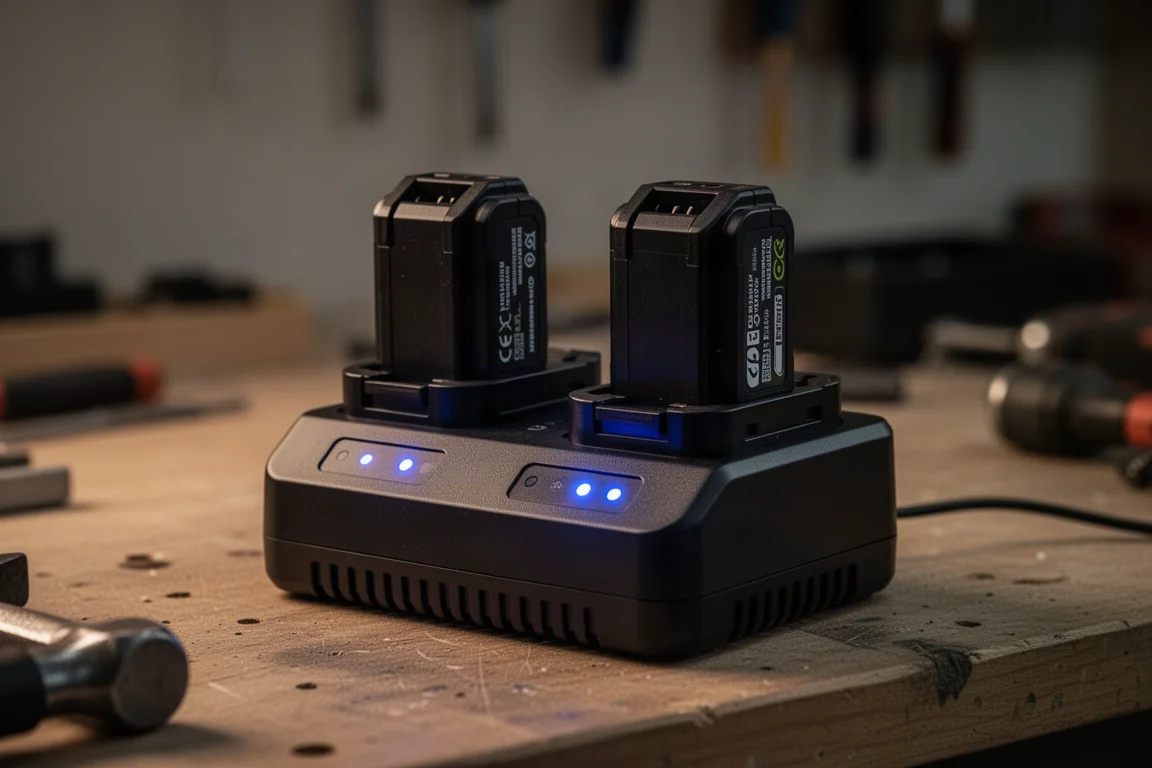
There are inconsistencies worth knowing about. Some packs, particularly 5 and 6 amp hour models, would “top up” for half an hour despite showing as essentially full, while others kicked straight to green. The fuel gauge bars on the batteries themselves are also not always accurate: during one test, a battery displayed four bars (fully charged) while its charger indicated it had not yet reached 80%.
Testing a Six Amp Hour Pair
Two 6Ah 18V packs were compared head to head: one with 198 charges on the counter and three-quarters battery health, and a newer one with only 23 charges and full health. After charging both, the older pack read 20.2V and the newer one 20V, then both were run on an 18V blower until depletion. The older pack actually held up well, showing full health after the run and two bars per cell, while the newer one drained slightly lower before cutting out.
An interesting side finding: the older 6Ah pack lost about a volt of resting voltage within 24 to 48 hours of being charged, and its health reading that had previously shown below full returned to full after deep depletion and recharge cycles. That suggests health readings on some packs can recover after a few full cycles, though behavior across 6Ah packs is inconsistent.
Diagnosing a Worn Out Battery
The most telling test was a heavily used 3Ah pack, sent in for diagnosis. The checker read 396 charges, zero battery health, flagged it as over-discharged roughly half its life, and showed dead voltage of 14.8V with the third cell pair reading nothing. Because each displayed cell position represents two paralleled cells, a dead reading in one slot means at least one of that pair is likely damaged.
Attempts to revive it on a rapid charger produced flashing red and green warning lights and beeping. Charging it slowly via a lower-voltage car charger raised the voltage gradually to around 17.4V, but it never recovered enough to run most tools, though it did manage to power a torch. The verdict: a genuinely worn pack with damaged cells in the middle of the stack, and a good demonstration that a charger refusing to charge is often accurate. Worth noting: older packs that carry the star mark on the terminal end still have over-discharge and heat protection when used with star-marked tools.
Choosing Between the Models
The three models split cleanly by battery platform. The BTC04 is the original 18V checker. The BTC05 adds 40V battery support via the adapter and displays internal battery temperature on those packs, a genuinely handy detail since one 40V pack doubled in temperature to 29 degrees Celsius while charging even on a cold day. The BTC06 is the separate unit for 12V batteries, which the other units do not cover.
If your collection is mostly 18V with a few 40V tools, the BTC05 covers the broadest range. If you run 12V tools as well, the BTC06 is a separate purchase, not a replacement.
Powering the Checker Itself
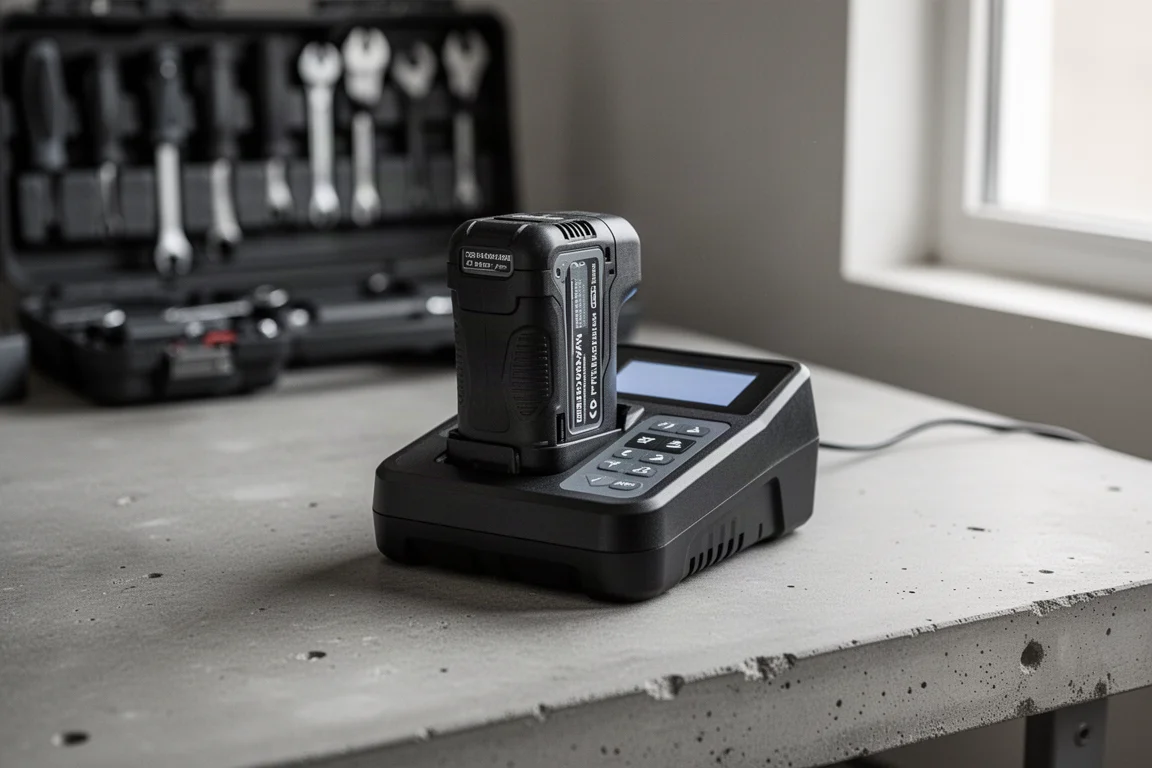
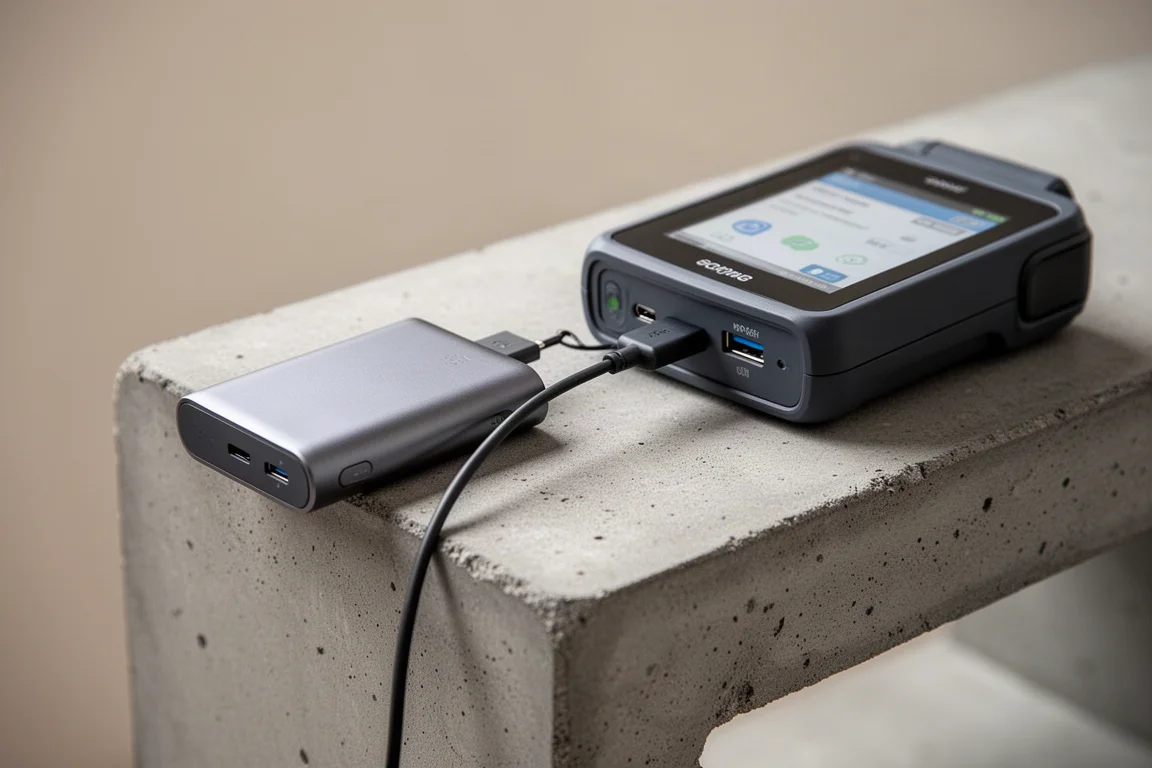
The checker has a micro USB port on the back, and testing confirmed it runs fine from a power bank, though a loose connection can cause it to power off intermittently. More satisfyingly, it can also be powered directly from a Makita battery, which is about as tidy a solution as you could ask for.
Conclusion
For anyone with a growing Makita battery collection, the checker line turns guesswork into data: how many charges a pack has really had, whether cells are damaged or circuitry has failed, how hot a pack runs, and how old it actually is. The BTC05 is the most versatile of the three thanks to 40V support and temperature readouts, the BTC04 remains a solid choice for 18V-only collections, and the BTC06 handles the 12V platform. Just be aware that fuel gauge bars, charge counts near the 80% mark, and health readings can all behave a little inconsistently, so treat any single reading as one data point rather than the whole story.
Product link
View more details for Makita BTC05 Battery Checker
This product is mentioned in the review. Check the specifications, options, and compatibility before buying.
View more details for Makita BTC05 Battery CheckerFurther reading
Related Reviews

Power Tool Accessories
Best Drill Attachments 2026: Three DeWalt Tools Worth Buying
A practical look at three DeWalt drill attachments that deliver real value, plus the sketchy options you should skip.

Power Tool Accessories
Best Drill Bits 2026: 14 Sets Tested on Mild Steel, Spring Steel, and AR500 Armor
We tested 14 drill bit sets across mild steel, spring steel, and AR500 armor plating to find the best value, speed, and durability.

Power Tool Accessories
Best Right Angle Impact Adapters 2026: Five Options Tested for Speed, Torque, and Durability
We tested five right angle impact adapters from DeWalt, Milwaukee, Warrior, Titan, and Milescraft to see which ones deliver real performance without failing early.