Power Tool Accessories
Makita ADP12 vs ADP13: The Communication Adapter That Unlocks Battery and Tool Data
A small Bluetooth adapter that reveals battery health, tool history, and even lets you lock your Makita tools and batteries with a PIN and timer.
Introduction
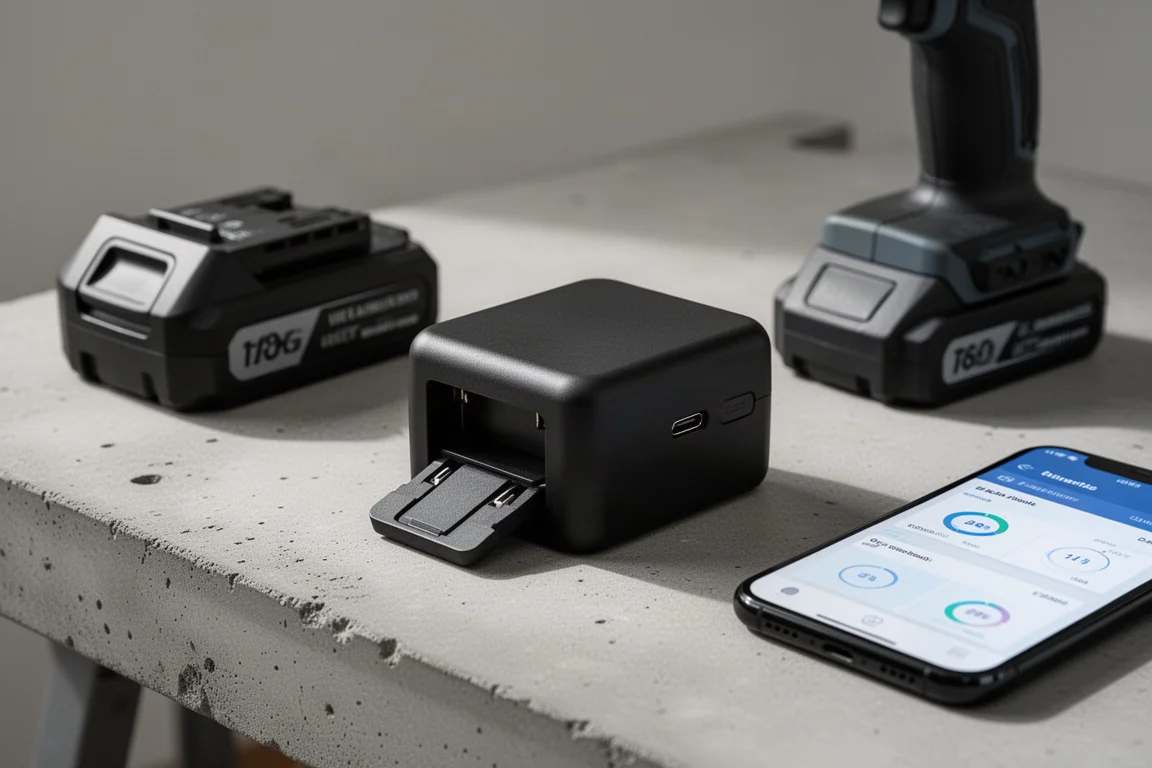
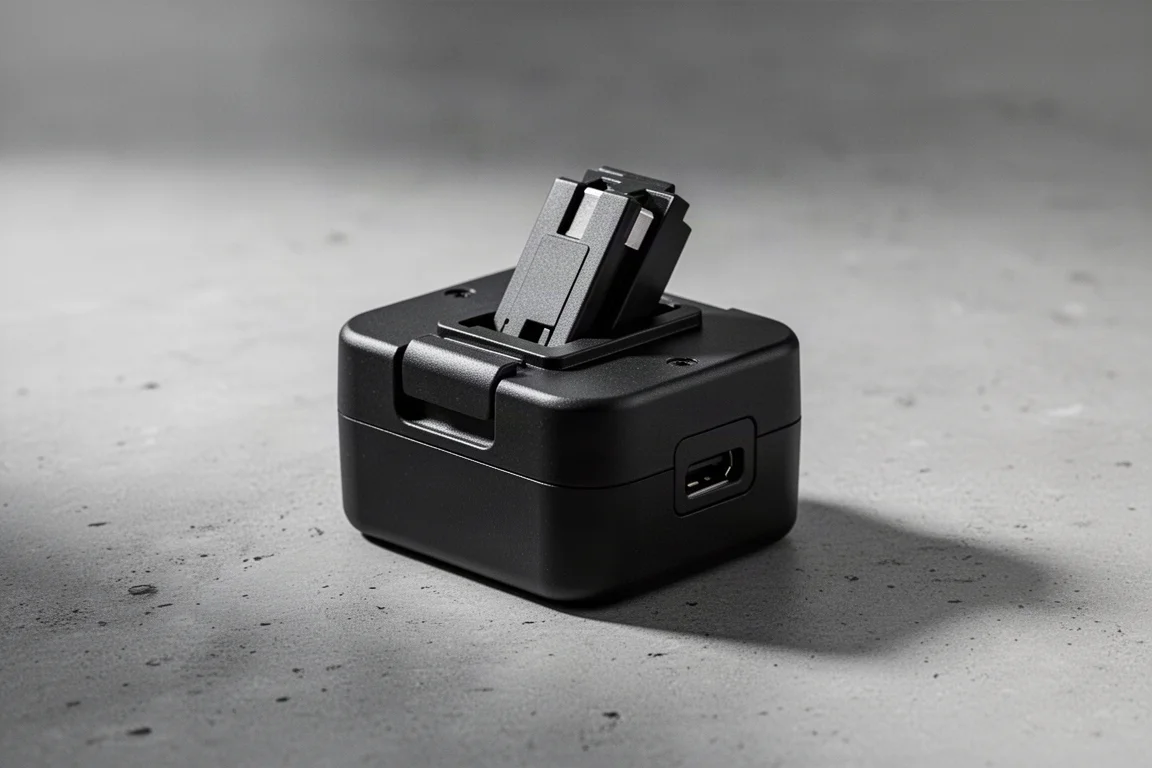
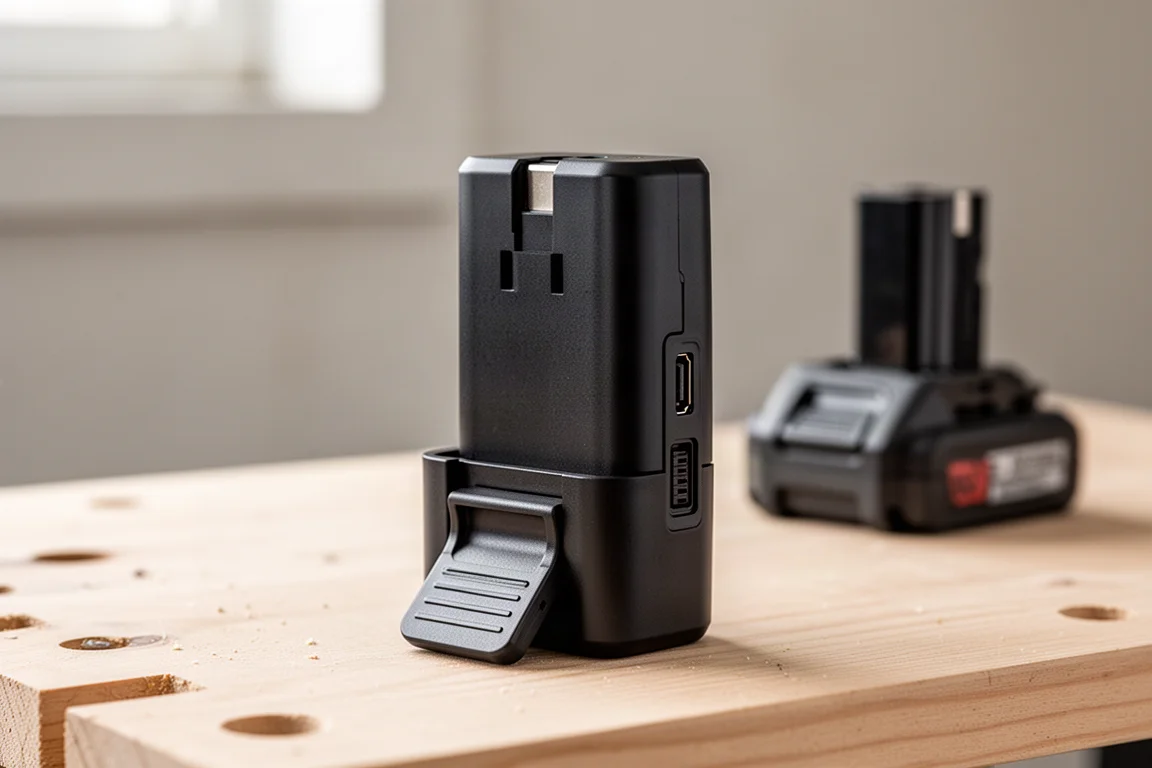
Most of us treat cordless tool batteries as sealed black boxes: you charge them, you drain them, and you hope they last. Makita’s communication adapter changes that. Slotted between the tool and the battery, this small pod connects to your phone over Bluetooth or to a laptop over USB-C and reveals a surprising amount of hidden data, from charge counts and cell condition to how many times you have actually pulled the trigger on a tool.
There are two model numbers to know. The ADP12 is the version sold in Europe and much of the rest of the world, while the ADP13 is the US equivalent. Functionally they are the same device; the model numbers differ because of regional naming conventions. Availability is the bigger issue: they are easy to find in Europe, but in some regions, such as New Zealand, Makita does not sell them at all, so buyers there typically need to import one. In the US, the ADP13 is not a stock item everywhere, so a Makita retailer may need to order it for you.
What the Adapter Actually Does
At its core, the adapter is a diagnostic and management bridge. It sits between the tool and the battery, reads data from both, and relays it to the Makita app on your phone or to a computer utility via USB-C. The phone experience covers the essentials, while the laptop connection unlocks a slightly deeper set of readings, so it is worth having both options available.
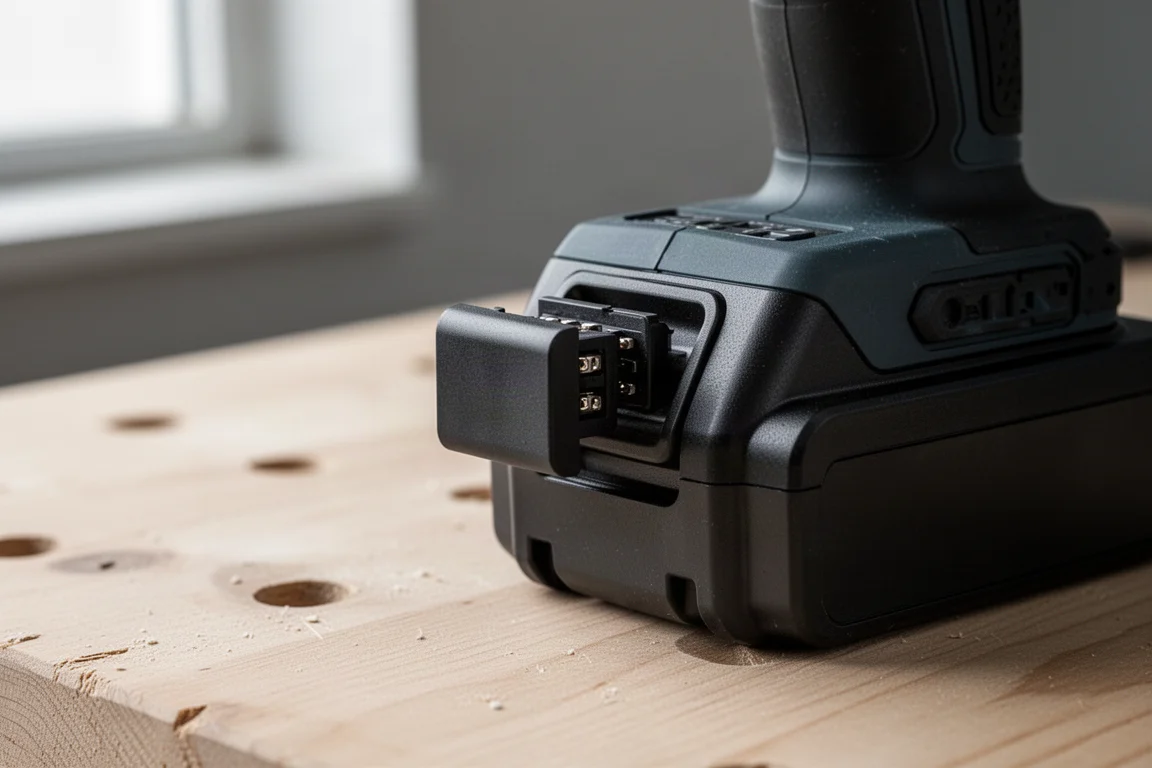
One practical detail: when you swap batteries or tools, you need to disconnect and reconnect the adapter in the app so it picks up the new hardware. Tools with a power button also need to be switched on for the app to find them. It is a small extra step, but it keeps the readings accurate.
Battery and Tool History at a Glance
The battery information is where this adapter earns its keep. You can see the number of charges a pack has taken, a deterioration level, current capacity, live temperature, present voltage, cell balance, and whether the pack has ever been over-discharged or overheated. There are also failure warnings that flag broken cells or a damaged board, which is genuinely useful for deciding whether an older battery is worth keeping in rotation.
One caveat worth knowing: the deterioration figure fluctuates as you charge and discharge the pack, sometimes dropping to nothing after a couple of cycles. Do not panic over a single reading.
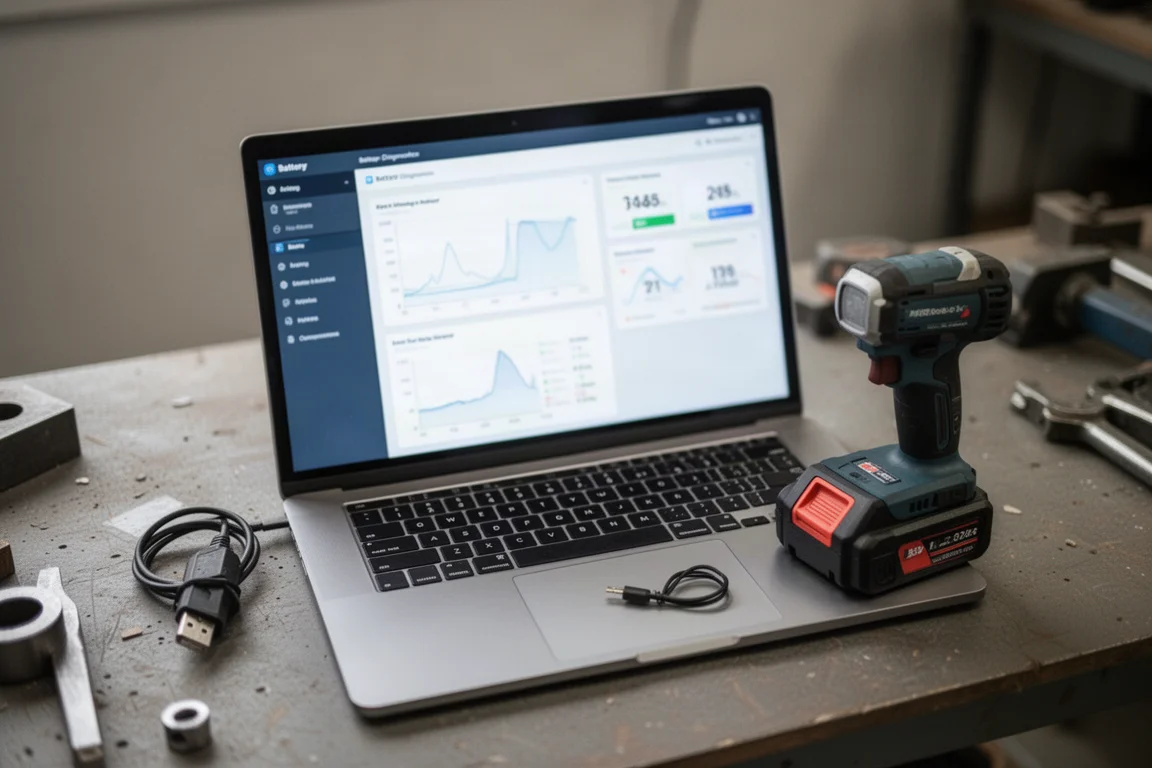
Tool history is the bonus layer, and it depends on whether the tool supports AFT, Makita’s Active Feedback Technology. On AFT-equipped tools, the adapter shows how many times AFT has activated and how many times overload protection has triggered. Tools without AFT, such as sanders in the current range, simply show less data. The laptop view adds deeper counters, including total tool operation time in seconds and the number of trigger pulls, which can be eye-opening: one tested drill had over 11,000 trigger pulls but very little accumulated run time, since most uses last only a few seconds.
Locking, PINs, and Battery Timers
Beyond diagnostics, the adapter has a management side aimed squarely at tradesites and fleets. In standalone mode, you program the adapter itself, then click it onto each tool or battery to transfer those settings. That means you can set a lockout once and apply it across an entire fleet without reconfiguring every unit individually.
The lock feature lets you protect a tool or battery with a four-digit PIN, so nobody else can use them without it. There is also an owner name and product/battery matching option, which prevents a battery from working on a tool registered to someone else, handy for theft recovery or for keeping gear assigned to the right crew, though potentially annoying if you borrow a colleague’s pack.
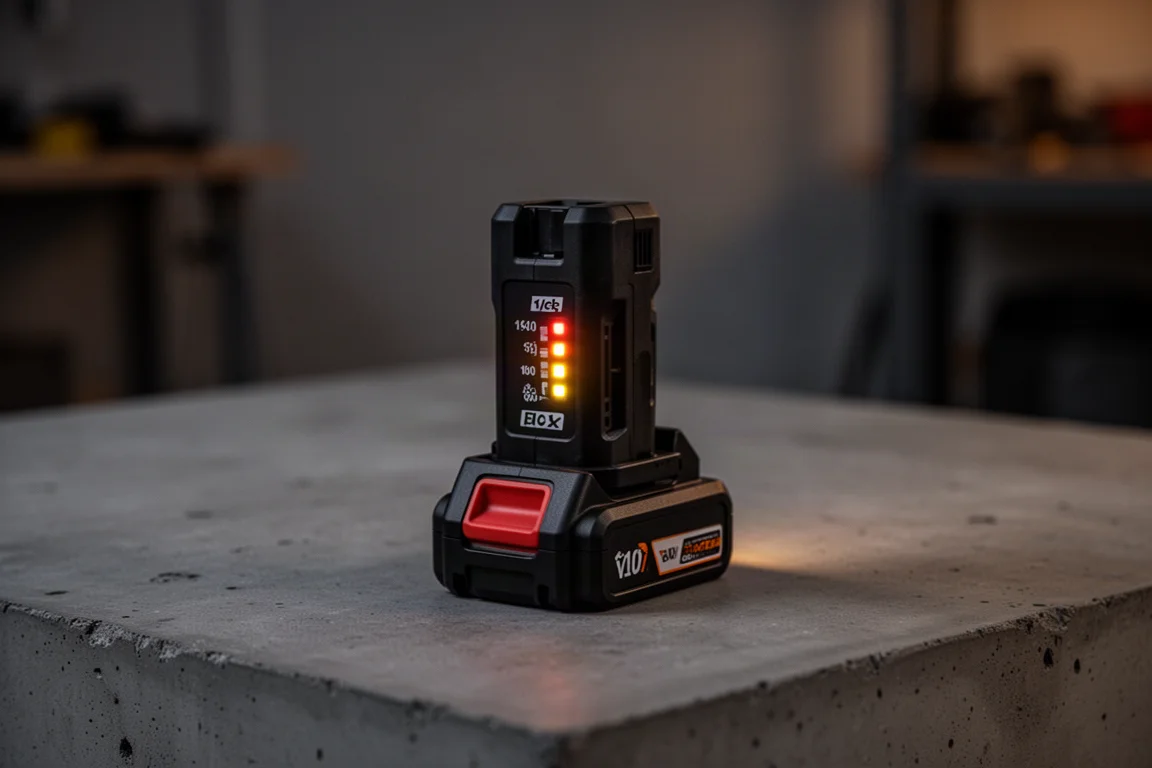
The timer function is the standout for fleet managers. You can set a battery to stop working at a specific time each day, say 5 pm, so batteries brought home by staff become useless until they are returned to the yard and unlocked. In testing, a battery locked by a one-hour timer genuinely refused to power a tool after the timer expired, flashing warning lights instead, and was restored to normal operation once the timer was disabled through the app with the correct PIN.
One frustration worth mentioning: writing custom notes to a battery or tool occasionally failed with communication errors, and the note field rejects special characters and pictograms. It works after retrying, but not always on the first attempt.
Phone vs Laptop: Which Connection Is Better?
The Bluetooth phone connection covers the main battery readings and basic tool data, which makes it the convenient option for quick checks on the go. Plug the adapter into a laptop over USB-C and you gain extra counters, such as total operation seconds, trigger pull counts, and a list of every tool type the battery has been used with, from stick vacs to impact drivers to right-angle drills.
For most owners, the phone app will be enough day to day, with the laptop connection reserved for deeper audits of a battery’s working life. The laptop utility also shows richer context around which tools a pack has served, which is useful when trying to figure out why one battery seems worn faster than another.
Who Should Actually Buy One
If you manage a crew, the locking, PIN, and timer features alone can justify the purchase, because they give you real control over where your batteries end up at the end of the day. The ability to program one adapter and roll the settings out across a fleet makes this far more practical than it first sounds.
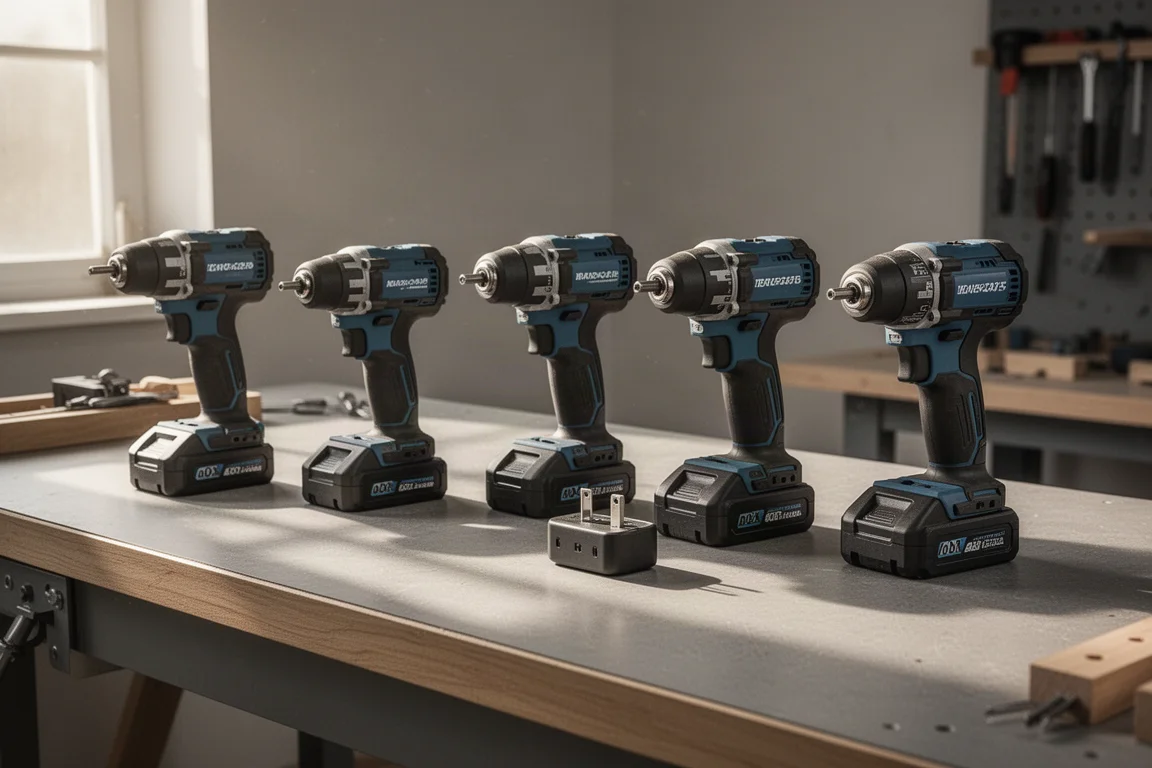
For solo users, the value is in diagnostics: knowing how many cycles a battery has left, spotting overheating or over-discharge history, and confirming whether a failing pack has broken cells or a damaged board before you blame the tool. That is a genuine confidence boost when you are deciding whether to retire or keep a battery.
The main buying friction is availability. European buyers should have little trouble, US buyers should go through a reputable Makita retailer and ask for the ADP13 to be ordered in, and buyers in regions where Makita does not list the adapter will need to look at import options.
Conclusion
The Makita ADP12 and ADP13 turn an ordinary battery connection into a data-rich diagnostic and management tool. Battery health readings, tool history, PIN locks, and timed lockouts are all features that no ordinary battery checker offers in one package. If you run a fleet, the timer and lock features make it an easy recommendation; if you are a solo user who wants to know exactly what state your batteries are in, it is a niche but genuinely useful accessory, provided you can actually get one in your region.
Further reading
Related Reviews

Power Tool Accessories
Best Drill Attachments 2026: Three DeWalt Tools Worth Buying
A practical look at three DeWalt drill attachments that deliver real value, plus the sketchy options you should skip.

Power Tool Accessories
Best Drill Bits 2026: 14 Sets Tested on Mild Steel, Spring Steel, and AR500 Armor
We tested 14 drill bit sets across mild steel, spring steel, and AR500 armor plating to find the best value, speed, and durability.

Power Tool Accessories
Best Right Angle Impact Adapters 2026: Five Options Tested for Speed, Torque, and Durability
We tested five right angle impact adapters from DeWalt, Milwaukee, Warrior, Titan, and Milescraft to see which ones deliver real performance without failing early.