Printers
Liene PixCut S1 Review: Sticker and Photo Printing That Actually Makes Business Sense
A 300 DPI thermal dye-sublimation printer that prints, laminates, and cuts stickers in one pass. Here is how it performs, what it costs, and who it makes sense for.
Introduction
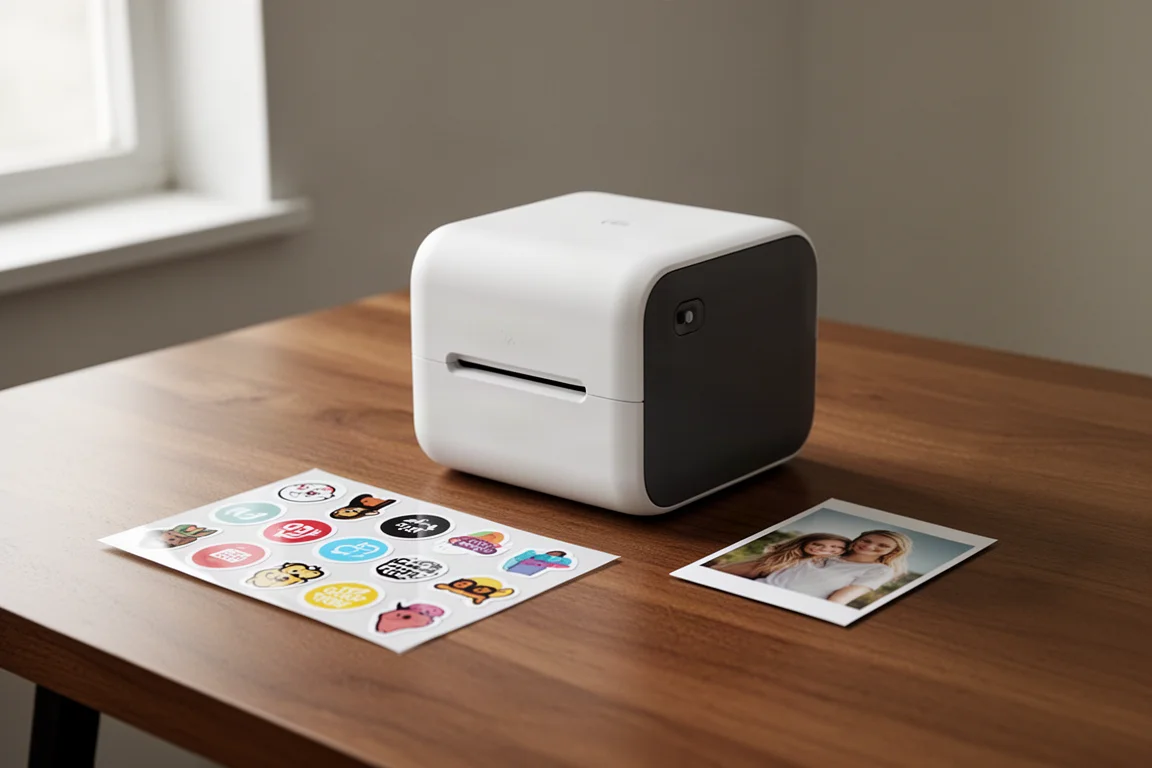
The Liene PixCut S1 is an all-in-one thermal dye-sublimation printer that handles the full sticker workflow in a single pass: it prints, laminates, and cuts, then hands you a finished sheet ready to peel. It also doubles as a photo printer, which makes it one of the more versatile desktop devices in its class.
The promise is simple. Instead of ordering rolls of stickers from a bulk supplier and committing to hundreds of identical units, you can design, print, and cut custom stickers at home on demand. The big question is whether the math actually works. Spoiler: it works better than expected.
Who This Product Is For
This printer is aimed at small businesses, Etsy sellers, craft fair vendors, and anyone who ships products and wants branded packaging without bulk-order commitment. It is also genuinely fun for families, scrapbookers, and anyone who wants to turn pet photos into stickers.
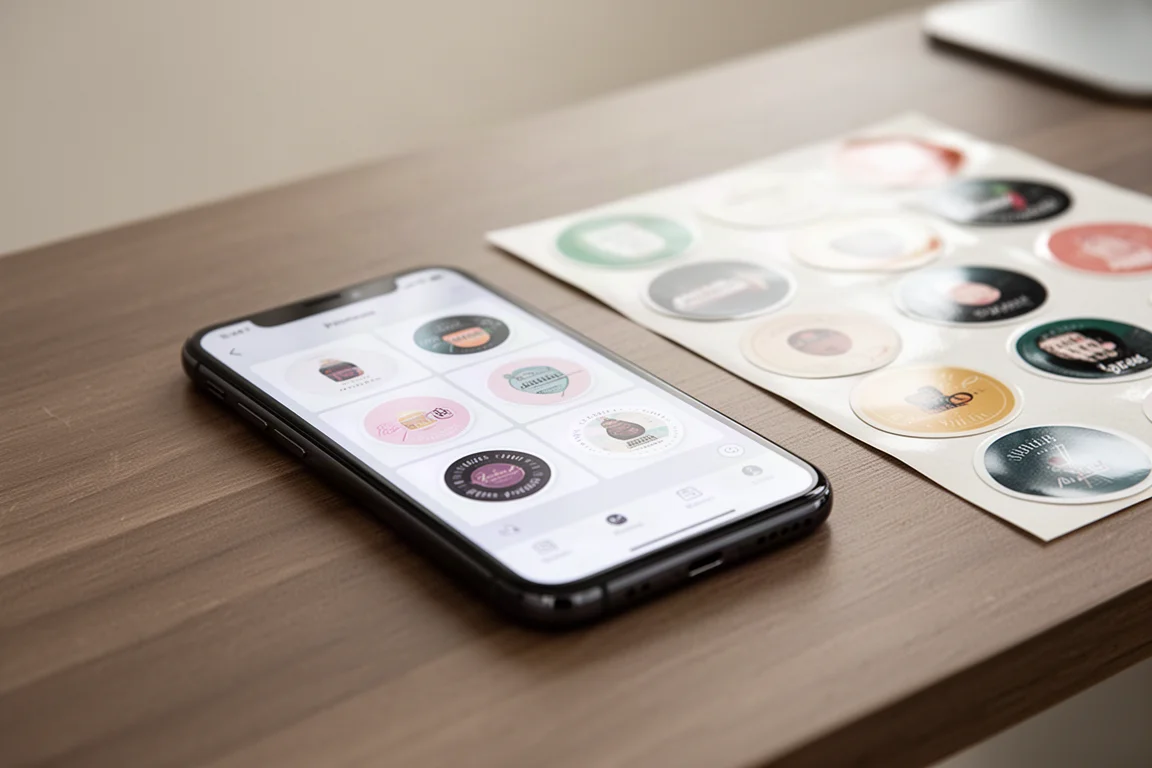
The app-first workflow means most operation happens on your phone. Importing a design, scaling it, and arranging a sheet took only minutes to learn, and every tool was findable without reading the instructions. That said, the first sheet is rarely your best one. Expect to spend some time figuring out how to optimize layouts, such as rotating designs to fit more per sheet.
Main Strengths
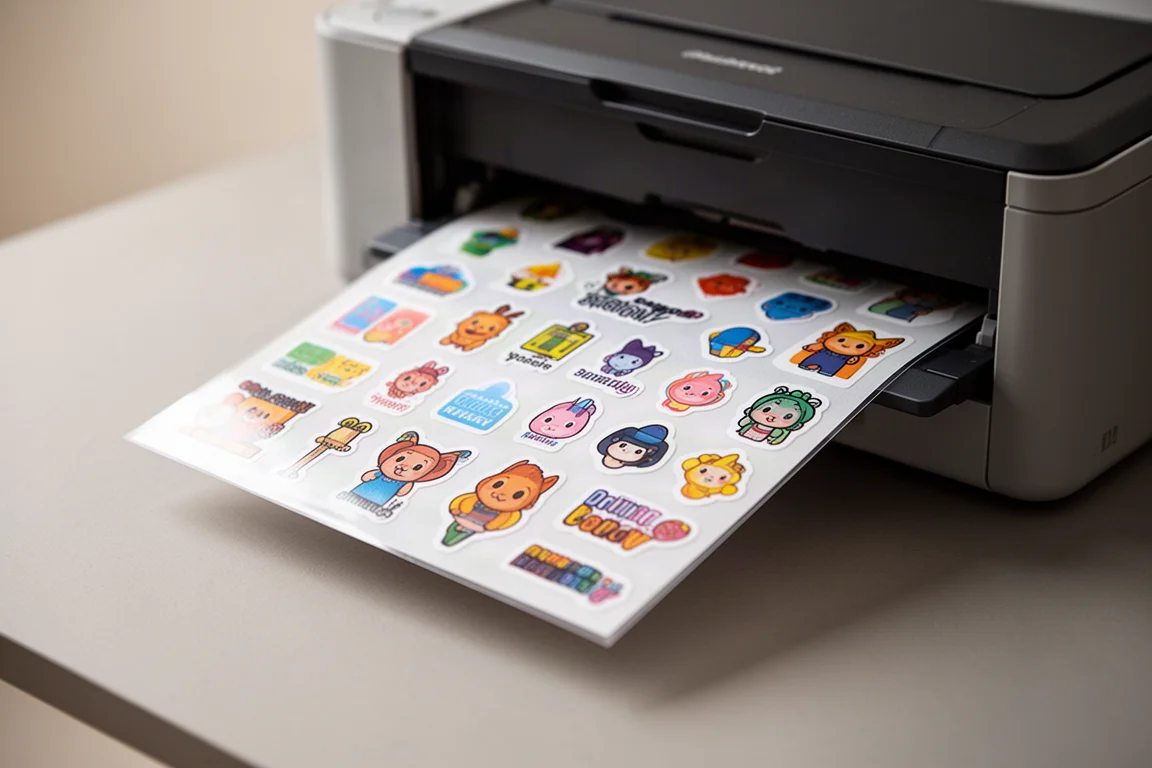
The headline feature is the all-in-one print, laminate, and cut cycle. The machine works through its dye sheets sequentially, applies a protective laminate, and cuts clean boundaries, all automatically. The AI-powered boundary detection in the app did an excellent job of outlining subjects, and the cut lines are adjustable if you want finer control.
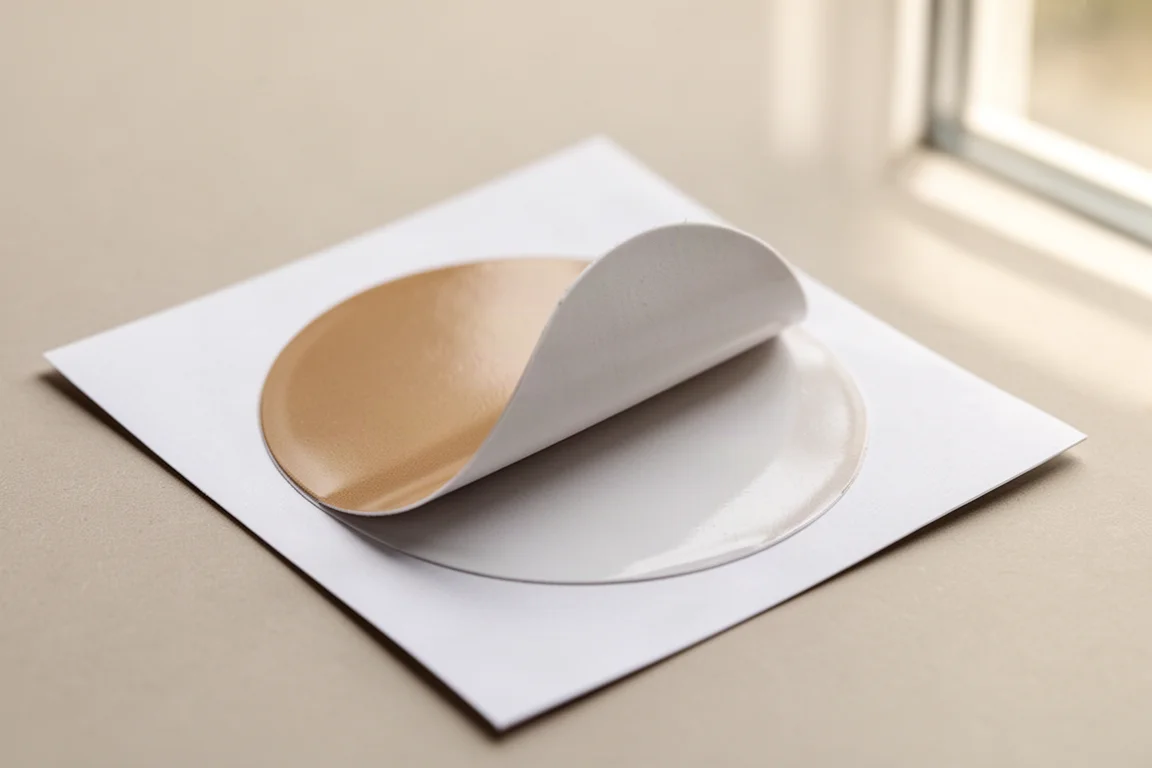
Sticker quality is more than good enough for packaging and shipping use. The finish is glossy thanks to the lamination, the cuts are precise with no need for second-hand trimming, and the printed stickers are waterproof, UV resistant, and scratch resistant. Finished sheets can be sold as-is, which is exactly how a market or craft fair vendor would want it.
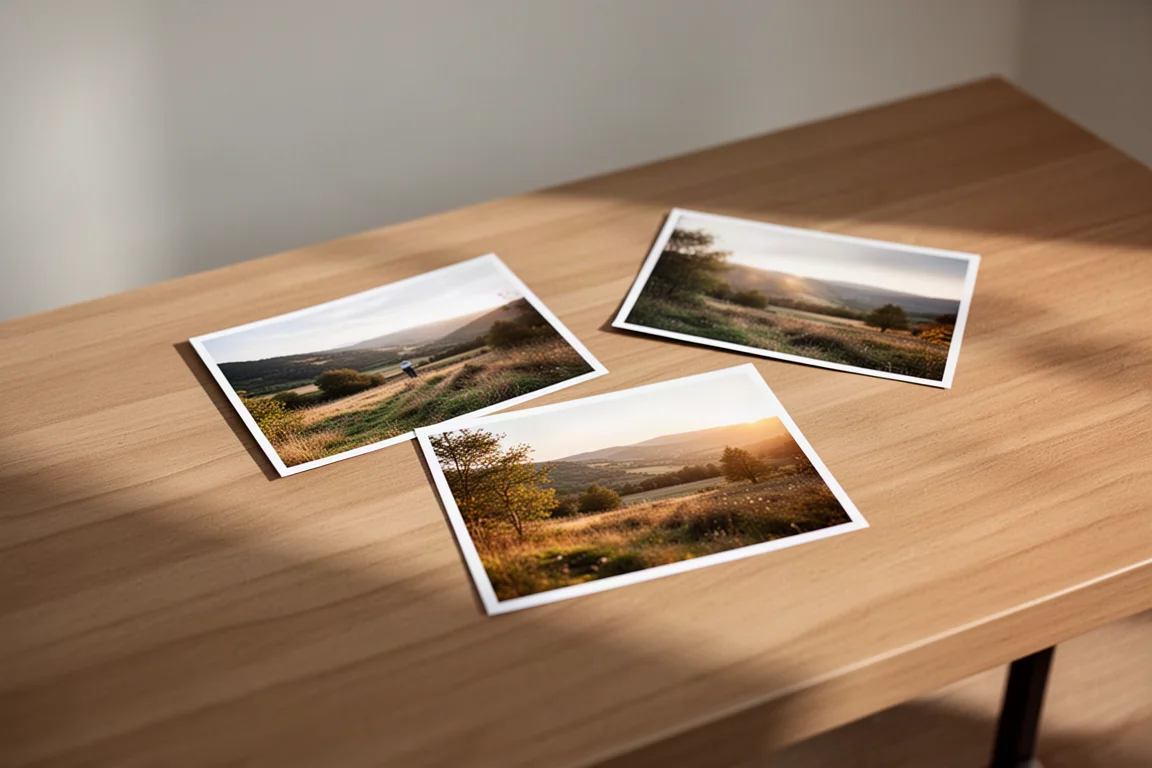
The photo printing half holds up too. Prints come out sharp at 300 DPI with a nice laminated gloss, though you should handle fresh prints by the perforated edges only, as fingerprints on the film before it sets are a real risk.
Things to Consider Before Buying
There are a few trade-offs worth understanding before you buy. First, it is not fast. This is a consumer-priced device, not a production press, so high-volume operations should adjust expectations.
Second, the dye mechanism means you should fill the entire sheet every time. The printer consumes a full sheet of dye material per print cycle, so printing a single small sticker wastes the rest. Batch your designs and hit print once per full sheet.
Third, the app’s layout optimization is not perfect. Some designs could not easily be scaled down in the first session, and rotating them sideways to fit more per sheet was the better move. It works, but there is a small learning curve.
Finally, the machine itself is not cheap. It sits around $300 depending on promotions, which puts it firmly in the considered-purchase category rather than impulse-buy territory.
The Business Math
Here is where things get interesting. The ongoing consumable cost works out to roughly $43 for 72 sheets, or about 60 cents per sheet. With eight large stickers per sheet, that lands at around 7.5 cents per sticker.
Compare that to ordering bulk stickers from a supplier, where custom sizes often cost more and you are locked into hundreds of units per design. In practice, the per-unit price is close, but the flexibility is completely different. You can print one sheet each of five different designs, name printers individually for shop organization, or run limited-edition sticker drops for catchphrases and seasonal designs without any bulk commitment.
The ink is bundled with the paper cartridges, so there is no separate ink cost to budget for. The cutting cartridge is a consumable but only needs replacing every few hundred sheets or more.
For anyone shipping products, running an Etsy store, or selling at markets, this is a tool that can genuinely pay for itself through faster turnaround, seasonal designs, and in-house customization that you would otherwise outsource.
Buying Advice
At a list price of $400, frequently discounted to around $280 on Amazon, the value proposition is strongest for people who need variety over volume. If you order the same sticker design by the thousands, a bulk supplier still wins. If you need small runs, rapid changes, custom names, or personalized one-off designs, this is the better tool.
The double duty as a photo printer is a legitimate bonus. Family photos, graduation shots, and travel memories all printed well, and the laminated prints hold up on a wall. Just be careful handling them before they fully finish.
Conclusion
The Liene PixCut S1 surprised us. The expectation going in was that bulk sticker suppliers would always beat the math, but at roughly 7.5 cents per sticker with no minimum order, full lamination, and automatic cutting, this machine earns its place on the desk. It is the right tool for small businesses that value flexibility, fast turnaround, and customization, and a genuinely fun addition for anyone who loves stickers and photos. If that describes you, it deserves a serious look.
Product link
View more details for Liene PixCut S1
This product is mentioned in the review. Check the specifications, options, and compatibility before buying.
View more details for Liene PixCut S1Further reading
Related Reviews
Coffee Equipment
Budget Espresso Machines for Small Cafes: Three Solid Two-Group Options
A practical guide to choosing an affordable espresso machine for a coffee trailer, small cafe, or office space, with detailed comparisons of three reliable two-group models.
Network Equipment
Dream Router 5G Max Review: Integrated Cellular Gateway for Small Business Networks
A practical look at Ubiquiti's integrated 5G cellular router, including setup, performance, and real-world use cases for small business and backup internet scenarios.
Gift Guide
Nature-Inspired Christmas Gift Guide: Irish Makers, Books and Outdoor Gifts
A nature-inspired gift guide built around Irish makers, small-batch craft, independent books and one trail running camp, with notes on what suits whom.