Desk Accessories
Huanuo HNDS Dual Monitor Arm Review: Heavy-Duty Setup for Productivity
A sturdy dual monitor arm that holds up to 35-inch displays with built-in USB ports, cable management, and full adjustability for around $139.
Introduction
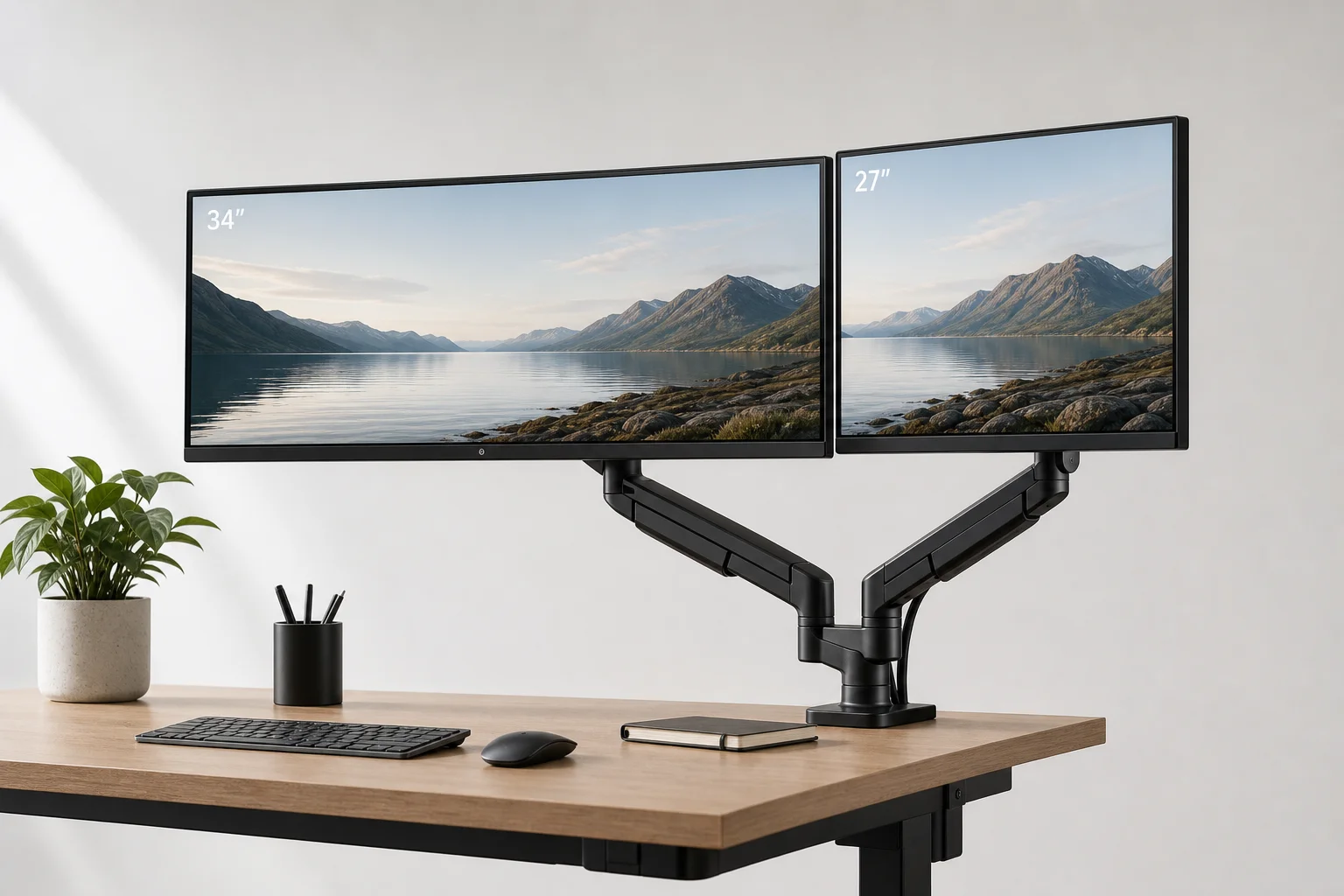
The Huanuo HNDS dual monitor arm is a heavy-duty mounting solution designed to free up desk space and improve workspace flexibility. Priced around $139, this system can support up to two 35-inch monitors with a weight capacity of 26 pounds per arm. The setup includes built-in USB 3.0 ports, integrated cable management, and extensive adjustability for both productivity and gaming setups.
Who This Product Is For
This dual monitor arm suits desk workers, content creators, and gamers who want to maximize screen real estate without sacrificing desk surface area. It works well for anyone transitioning from a single monitor to a dual-monitor workflow, or those looking to upgrade from basic monitor stands.
The system is particularly valuable for professionals who need multiple displays for multitasking, such as video editors, traders, or software developers. It also appeals to anyone with a standing desk who wants to maintain clean aesthetics while supporting heavier ultrawide or curved monitors.
Main Strengths
The construction quality stands out immediately. The dual arm system uses robust materials and heavy-duty components that feel solid during assembly and use. The base unit includes two integrated USB 3.0 ports, which provide convenient charging and data transfer without adding external clutter to the desk.
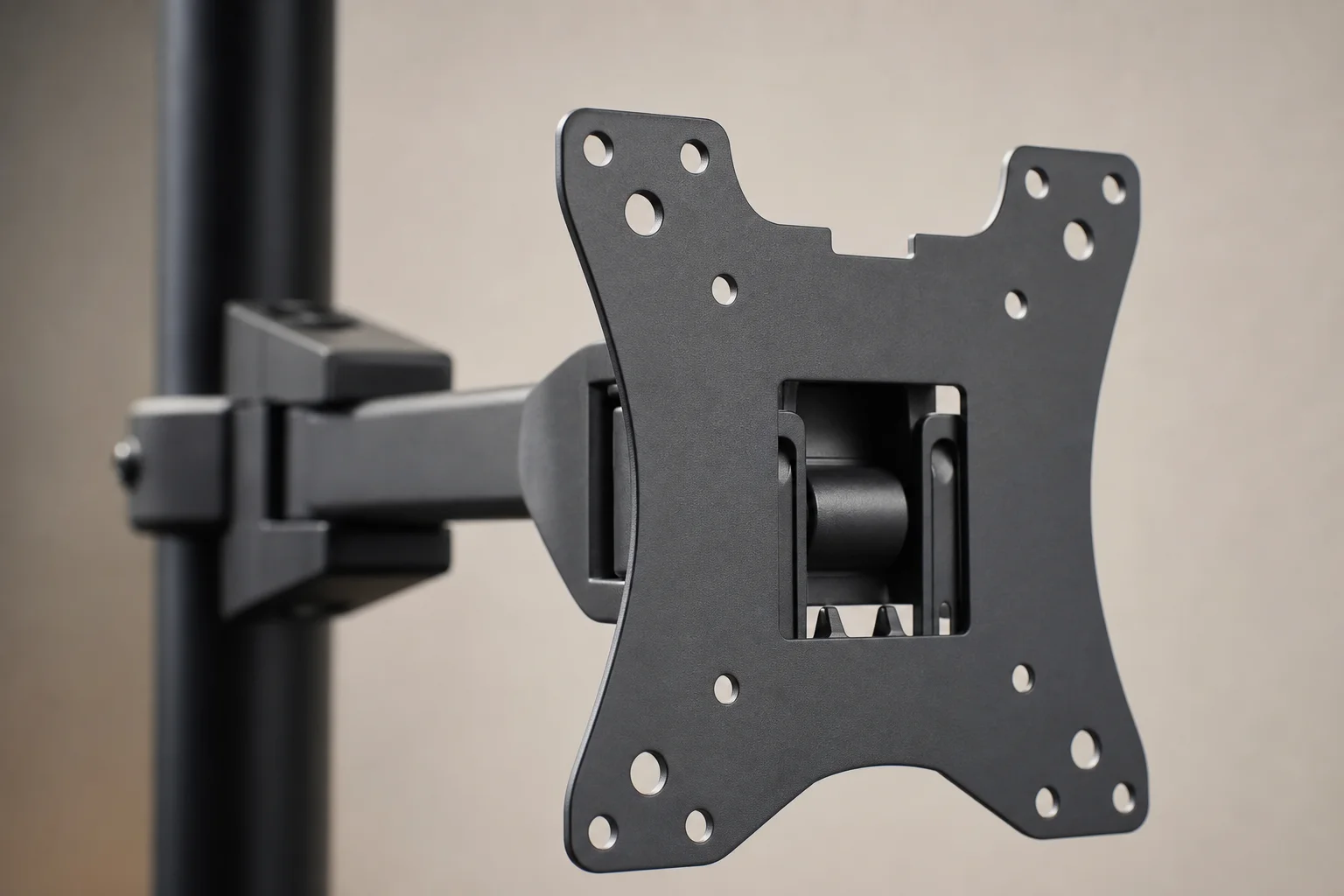
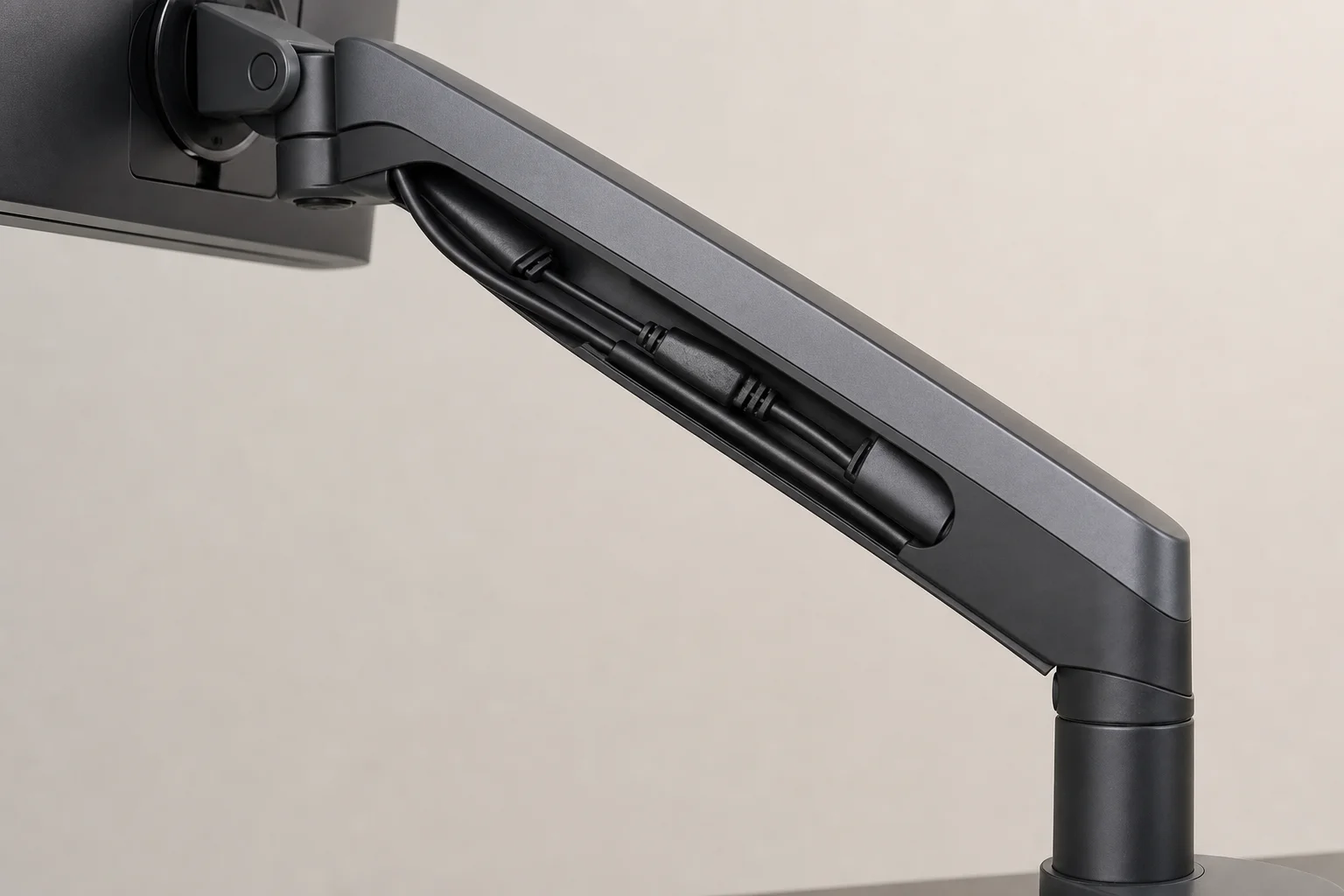
Cable management is handled through built-in raceways that run along the length of each arm. These channels accept display port and power cables, keeping the setup clean and organized. The system accommodates both 100x100mm and 75x75mm VESA mounting patterns, making it compatible with most modern monitors.
Adjustability is comprehensive. The gas springs allow vertical adjustment of up to 20 inches above the desk, and monitors can extend forward by up to 20 inches for ergonomic positioning. Both landscape and portrait orientation modes are supported, along with full tilt and swivel capabilities. The included Allen keys make all adjustments straightforward, though some fine-tuning may be needed to balance heavier displays.
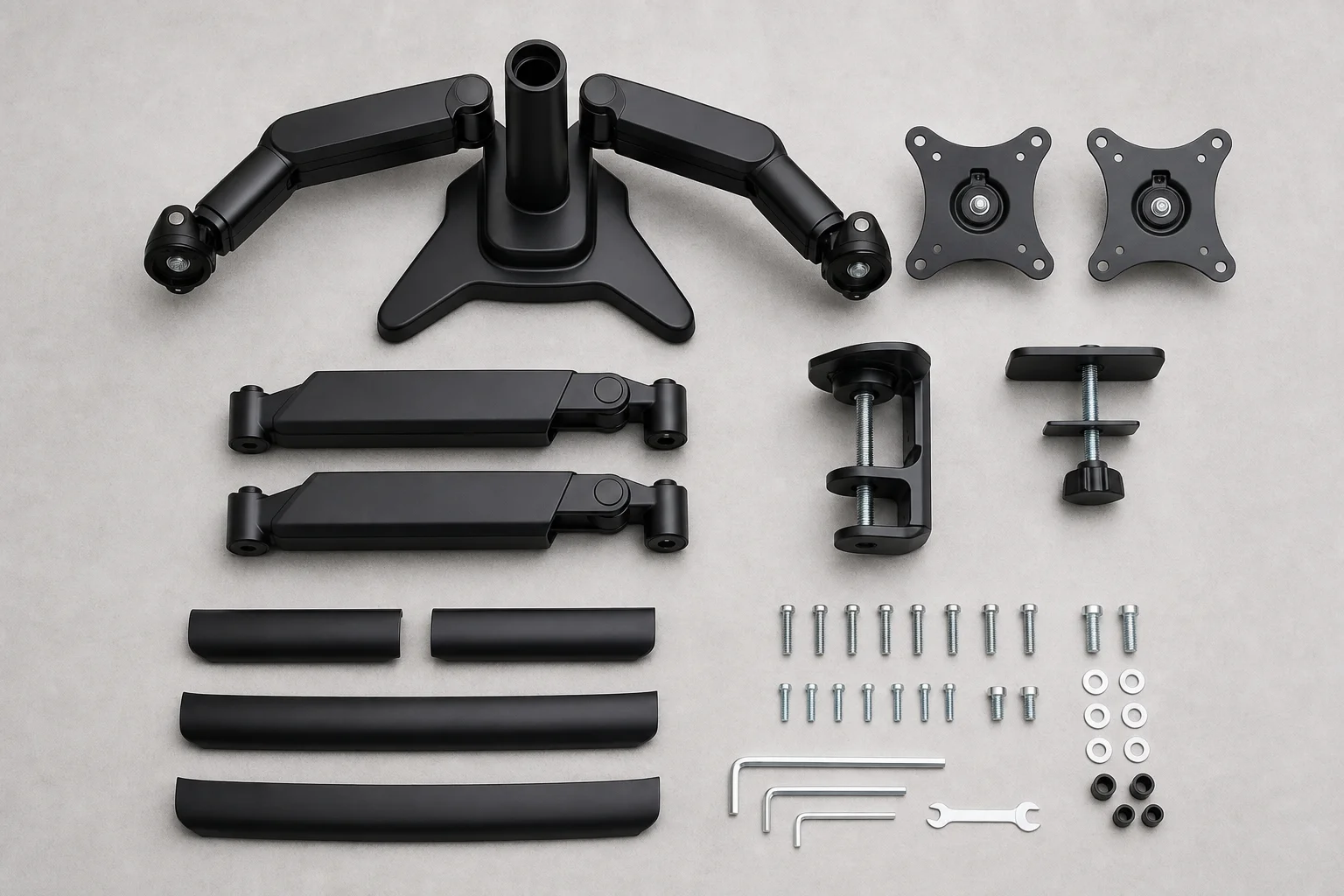
Assembly is manageable despite the number of components. The kit includes all necessary tools and hardware. The C-clamp mounting system works well for most desk thicknesses, though thinner or flimsy desktops benefit from a reinforcement board placed between the clamp and desk surface.
Things to Consider Before Buying
The assembly process requires attention to detail and patience. While not overly complex, following the step-by-step instructions carefully is important, particularly when installing the arm extenders in the correct orientation. Some components fit snugly and may require gentle wiggling to seat properly.
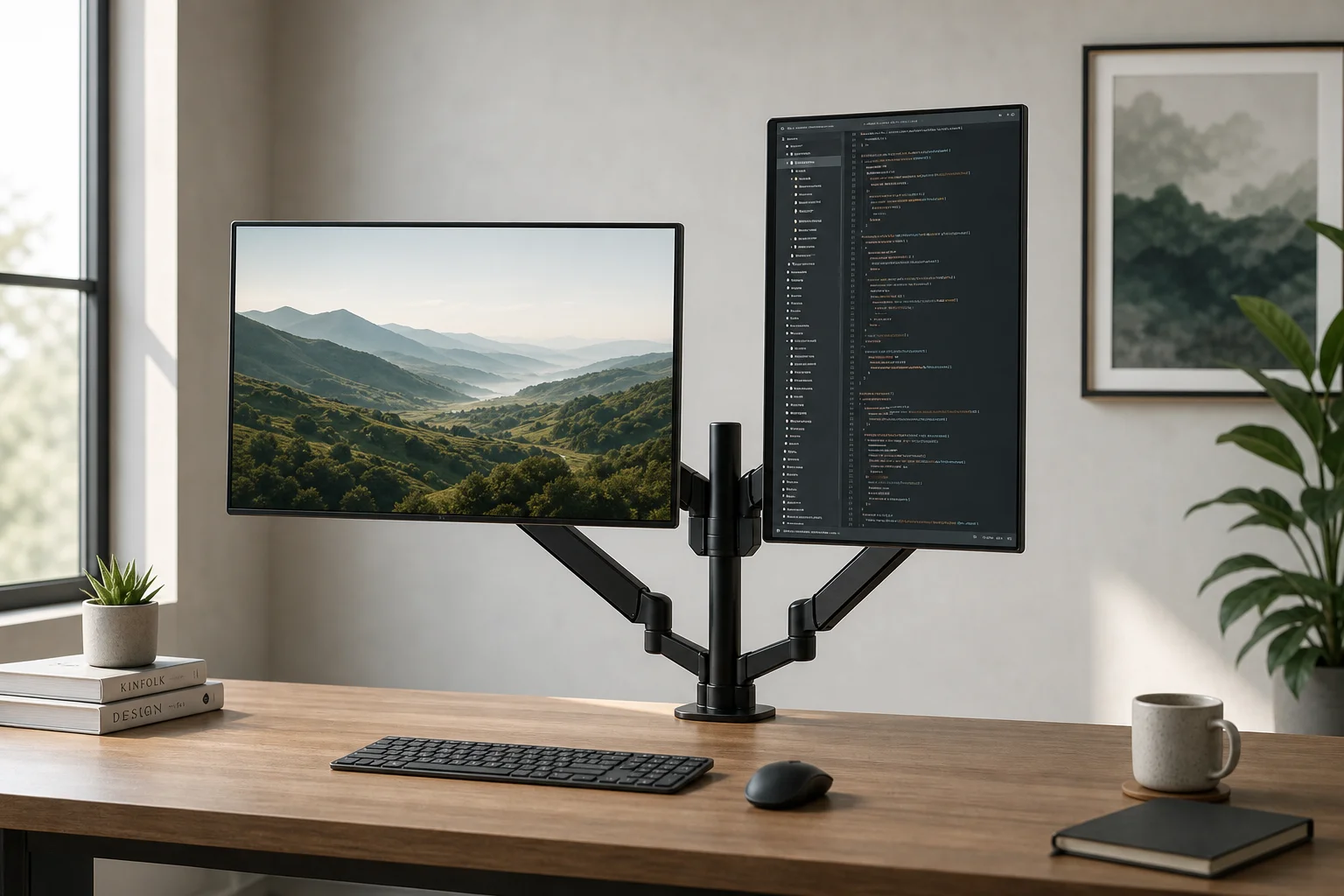
Desk compatibility matters. The C-clamp system works best with desks made of solid, thick wood. Thinner or particle-board desktops may require reinforcement to ensure stability and prevent damage. Grommet mounting is an alternative for desks with pre-drilled holes, though this requires a drill and additional hardware.
Cable length can be limiting. The system includes cables for the USB ports, but monitor cables (display port, HDMI, power) are not included. Standard monitor cables may not be long enough to take full advantage of the arm’s range of motion, so longer cables are recommended for maximum flexibility.
Weight distribution and balance require adjustment. Heavier monitors, particularly 34-inch ultrawide displays, need careful gas spring tuning to prevent sagging or excessive tension. This is achievable with the included tools but takes some trial and error.
Buying Advice
The Huanuo HNDS dual monitor arm delivers strong value for the price. It excels at supporting large, heavy monitors while maintaining a clean desk aesthetic. The built-in USB ports and cable management system add practical functionality beyond basic mounting.
This is a solid choice for anyone upgrading to a dual-monitor setup who values sturdiness and adjustability. The heavy-duty construction justifies the investment, especially as monitor sizes continue to grow. For optimal results, ensure your desk is compatible with the C-clamp system, plan for longer monitor cables, and allow time for proper assembly and adjustment.
Conclusion
The Huanuo HNDS dual monitor arm is a practical upgrade for productivity-focused desk setups. Its robust construction, comprehensive adjustability, and integrated features make it a reliable choice for supporting multiple large displays without compromising desk space or aesthetics.
Product link
View more details for Huanuo HNDS Dual Monitor Arm
This product is mentioned in the review. Check the specifications, options, and compatibility before buying.
View more details for Huanuo HNDS Dual Monitor ArmFurther reading
Related Reviews
Desk Accessories
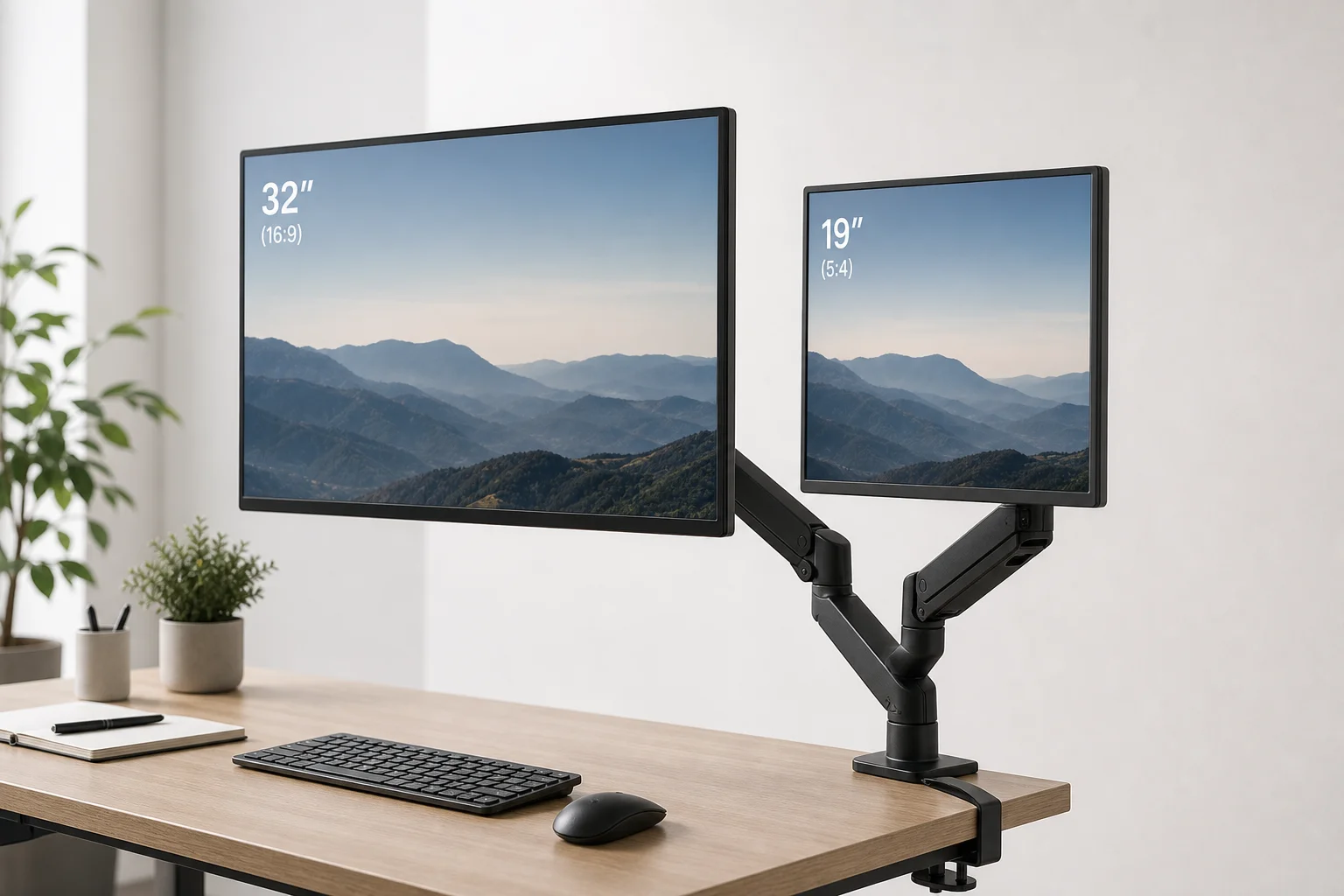
Suptek MD8SP Dual Monitor Arm Review: Reclaim Your Desk Space
A practical dual monitor arm that lifts both screens off your desk, improves ergonomics, and creates usable workspace underneath. Easy setup, solid build, and smooth adjustments make it worth considering if you're running dual monitors.
Workspace Setup
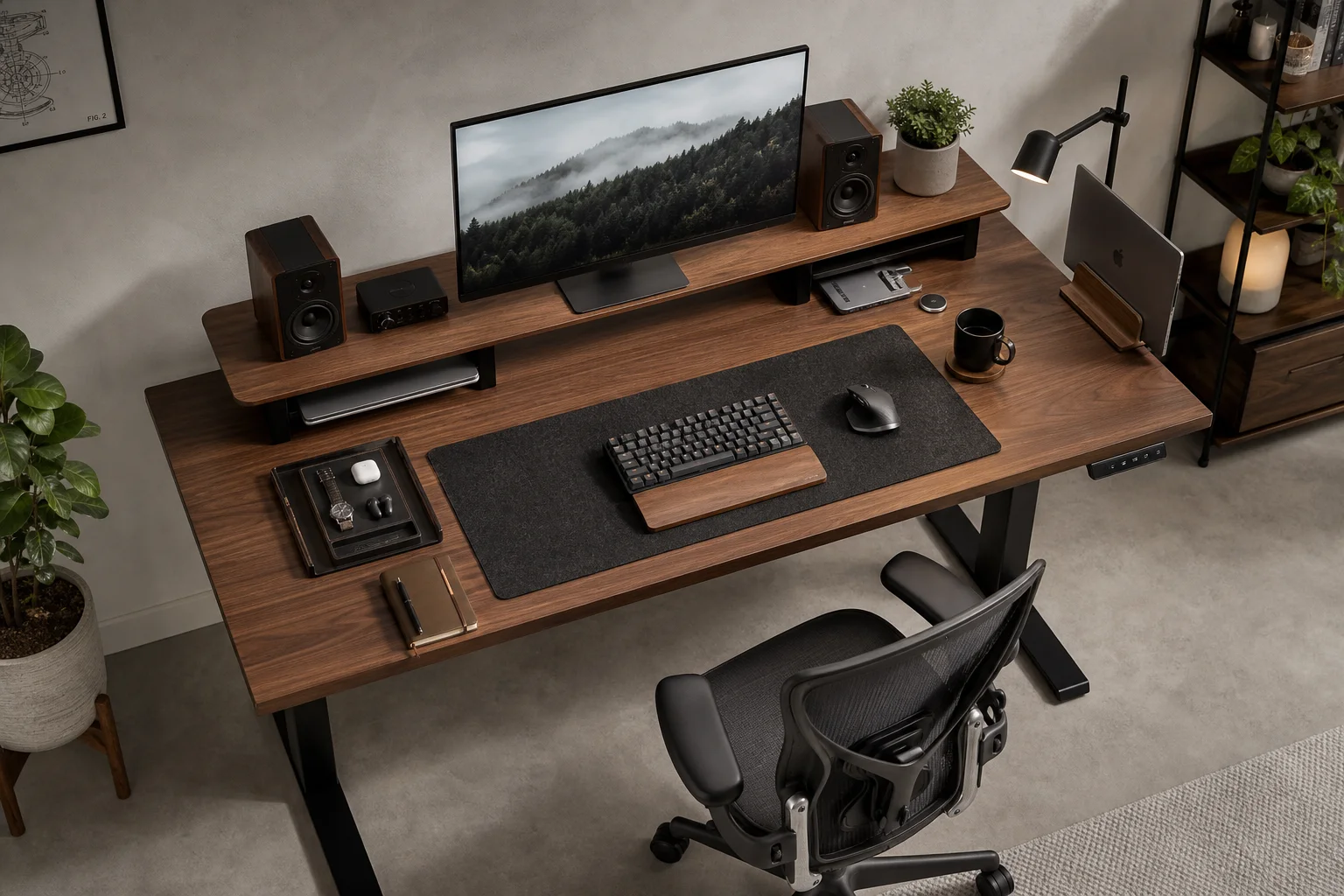
Best Desk Setup Upgrades: A Practical Guide to Ergonomic Workspace Design
Essential desk upgrades for comfort and productivity, from standing desks and ergonomic chairs to monitors, lighting, and accessories that make long work sessions sustainable.
Mac Accessories
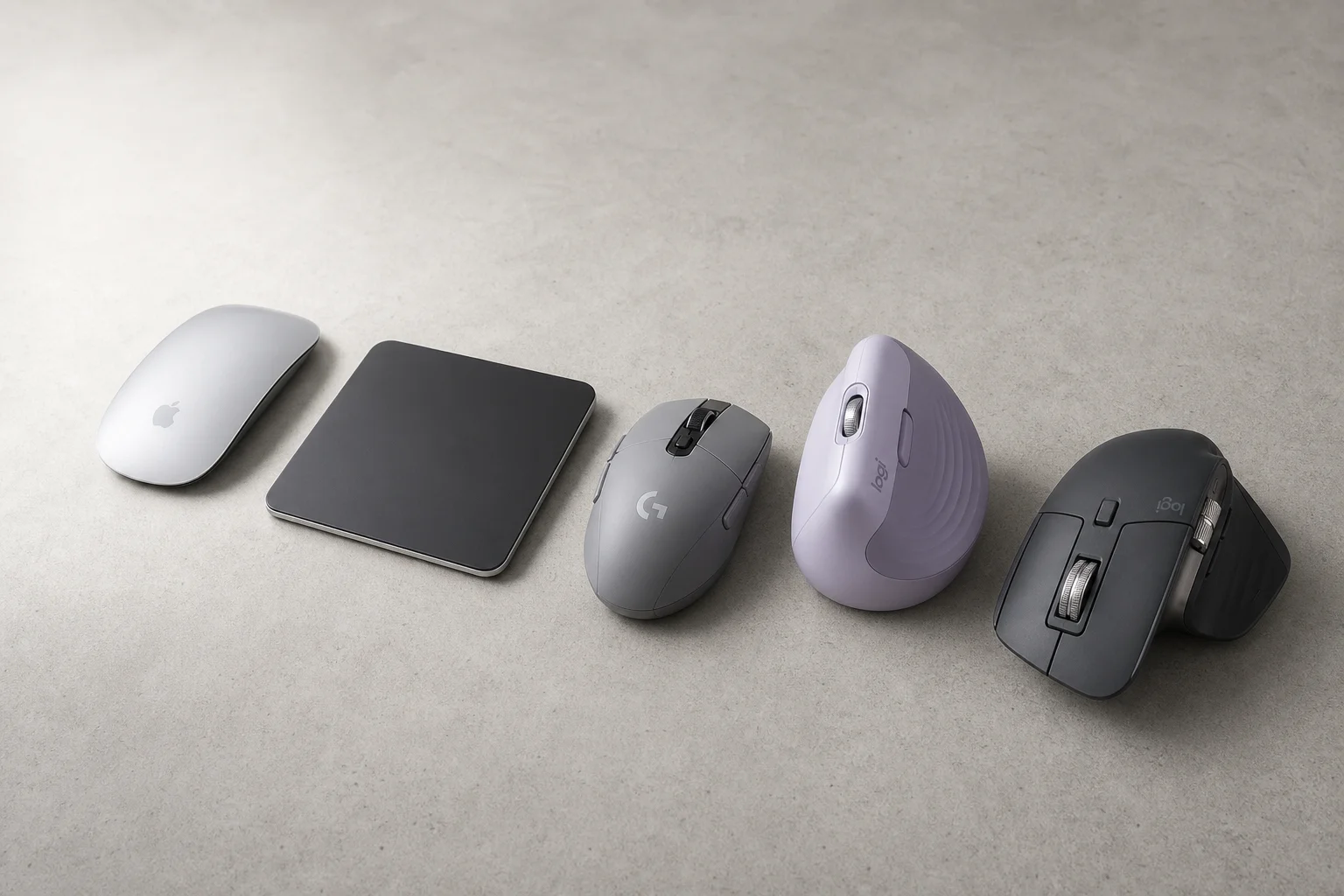
Best Mice for Mac Users: Five Practical Alternatives to the Magic Mouse
The Magic Mouse remains divisive. Here are five alternatives, from budget gaming mice to premium productivity options, each with clear strengths and trade-offs.