Security Cameras
Helix HLX-NV3808E Review: A 4K PoE Security Camera System That Records 24/7
A detailed look at the Helix HLX-NV3808E 4K PoE security camera system, covering installation, features, and performance for continuous home monitoring.
Introduction
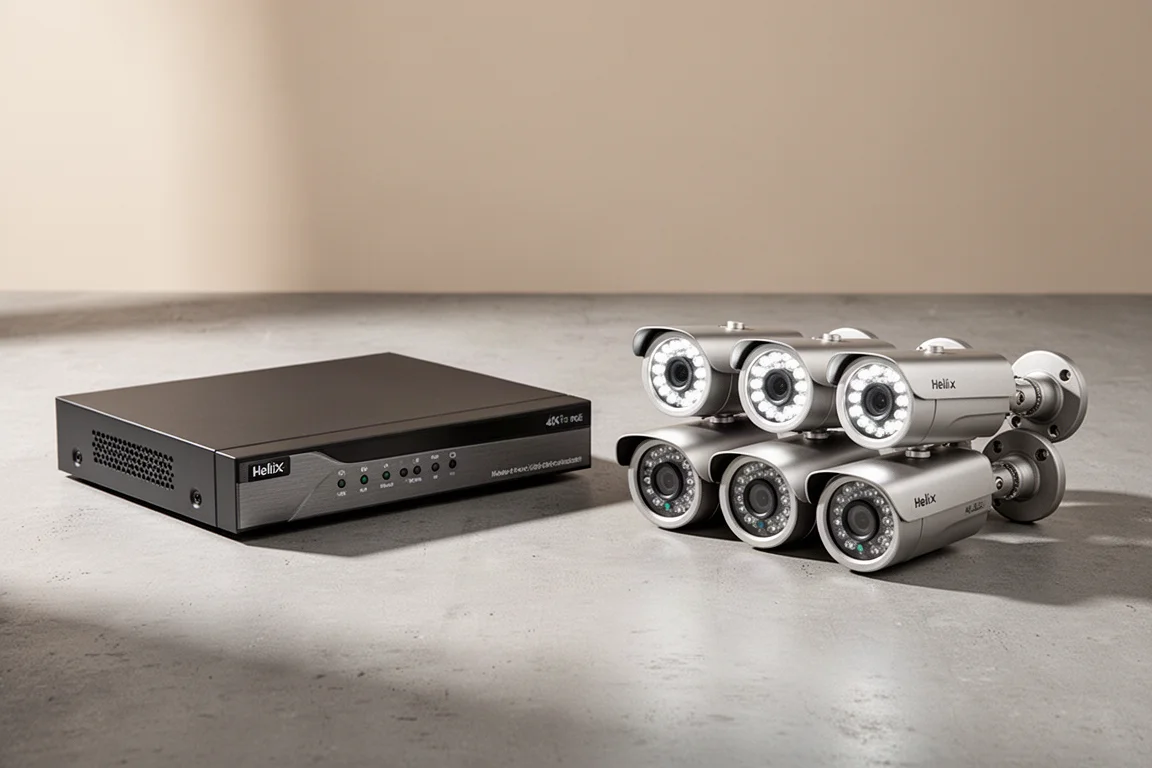
For homeowners who want continuous, around-the-clock surveillance, a security camera system that records 24/7 without interruption is a significant advantage. The Helix HLX-NV3808E is an eight-channel network video recorder (NVR) system designed to do exactly that, with an internal hard drive for local storage and support for up to eight Power over Ethernet (PoE) 4K cameras.
This system stands out because it eliminates recurring costs. Once installed, there are no monthly or yearly fees. Remote access to live and recorded video is available through the Helix mobile app from anywhere with an internet connection. This review covers the unboxing, installation process, key features, and real-world performance of the Helix HLX-NV3808E.
What Comes in the Box
The Helix HLX-NV3808E kit includes the eight-channel NVR, model number HLX-NV3808E, along with four 5-megapixel Ultra HD PoE bullet security cameras. The package also includes four 60-foot Ethernet cables, a quick start guide for the NVR, and installation templates for the cameras.
The cameras come with plastic covers designed to fit over the Ethernet connector, helping to keep water out when installed outdoors. Each camera also includes a bag of installation hardware, which contains a weather shield for the Ethernet connection.
NVR Design and Storage
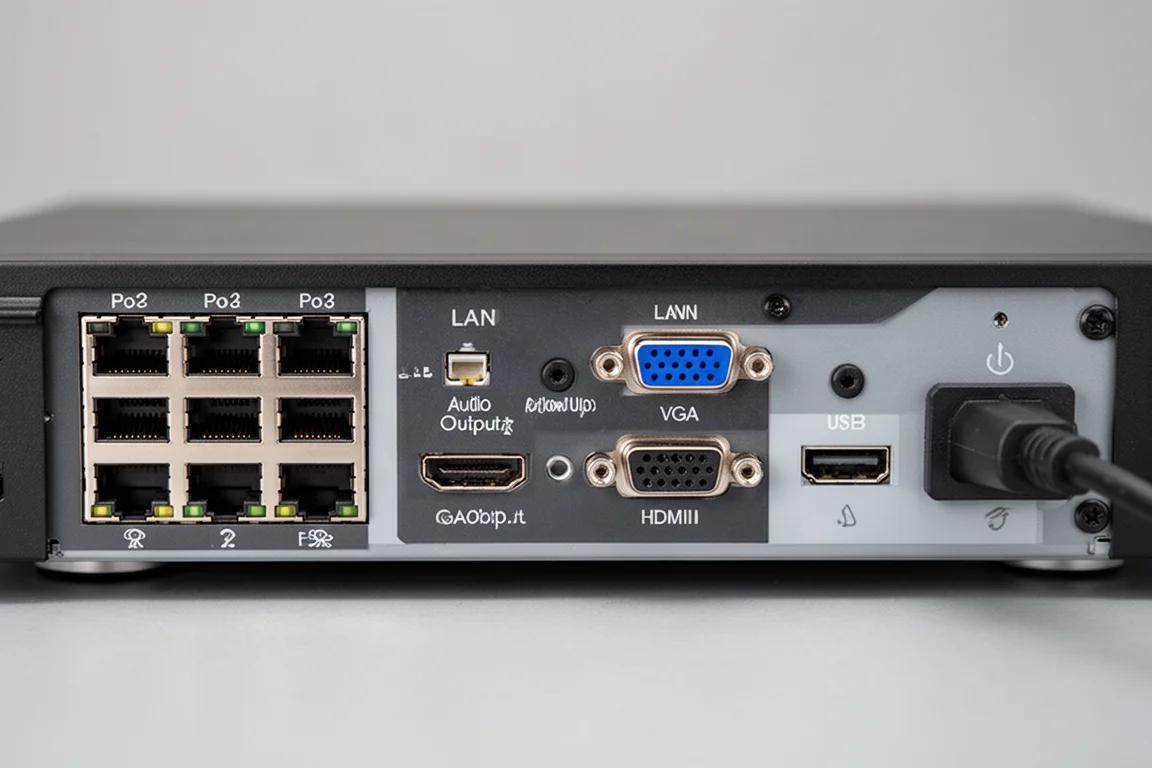
The NVR itself has a straightforward design. On the front, there is a power and hard drive LED status light. On the right side, two USB ports allow connection of a mouse or an external flash drive. The back panel houses eight PoE ports for connecting the cameras, a LAN port for the home router, an audio output port, VGA output, HDMI output, a USB port, the power plug, and an on-off switch.
The NVR supports an internal hard drive of up to 8 TB. In this setup, a 2 TB hard drive was installed. Installation of the drive is simple: secure it with screws from underneath, connect the SATA and power cables, then replace the cover.
Camera Design and Features
The bullet-style cameras in this system are 5 MP units with a resolution of 2592 by 1944 at 30 frames per second, a specification also referred to as Quad HD. The lens aperture is F2.0, allowing a large amount of light in, which is beneficial for nighttime vision. The camera’s view angle is 93.2 degrees.
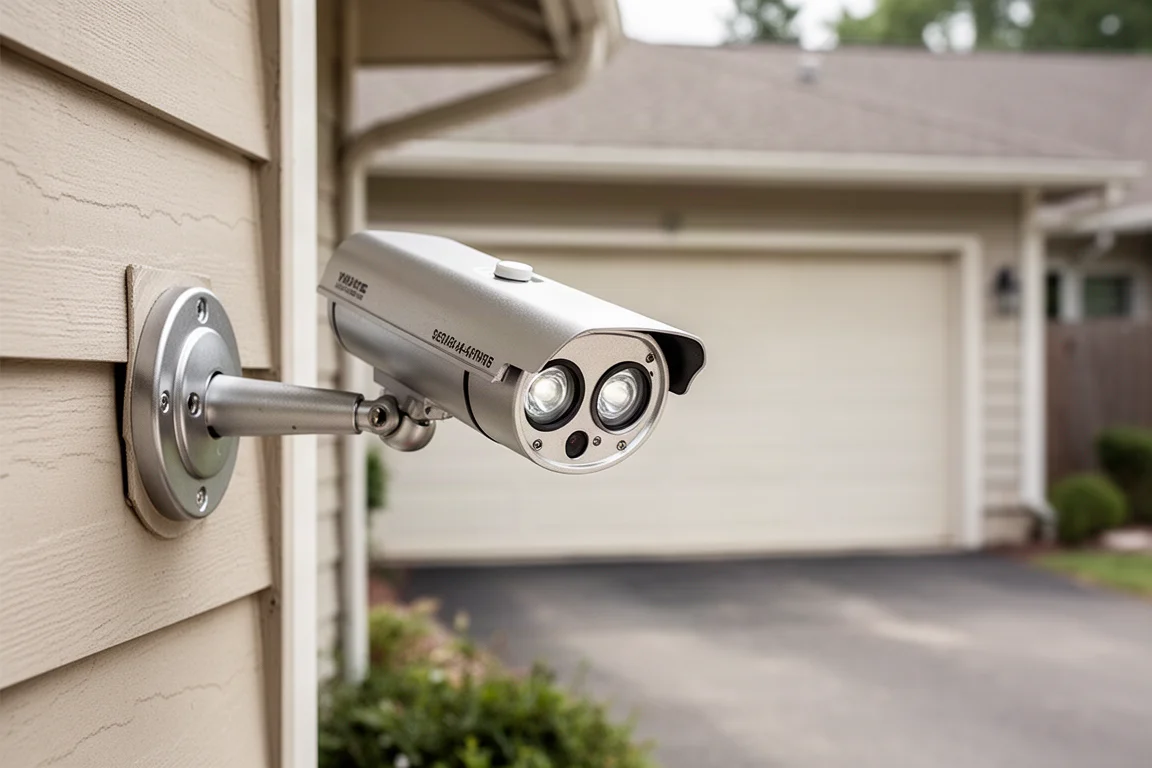
A notable feature is dual illumination. Each camera has two white LED spotlights at the top and two infrared LEDs at the bottom. When the spotlight is active, nighttime images appear in color. When the infrared LEDs are used, the camera produces a clear black and white image. The camera body is metal and IP66 rated, making it waterproof.
The mounting base allows for angle adjustment. Loosening the collar lets you adjust the camera angle, and tightening it locks the position in place. The included screws mount the base to a wall surface. The camera connects to the NVR via an Ethernet cable, which also provides power through PoE.
Built-in AI features include tripwire detection, human and vehicle detection, and perimeter protection.
Installation Process
Installation requires running a physical Ethernet cable from each camera back to the NVR. The system includes four 60-foot cables. If longer runs are needed, you must supply your own cable and terminate it with an RJ45 connector. For this installation, existing Ethernet cables were already run to the outside of the house.
A monitor is needed to connect to the VGA or HDMI output for initial setup. The weather shield for the Ethernet connector is an important step for outdoor installations. The process involves placing a piece over the connector, slipping a rubber bushing over the cable, fitting a gasket over the female side of the RJ45 connector, feeding the connector through the shield, and connecting it to the camera. The shield then twists and locks in place, with the rubber bushing sliding inside the tube before closing the cap. This keeps water out of the connector in rainy conditions.
Initial Setup and Configuration
After powering on the NVR, the activation screen appears. You select the language, enter a new password, set a pattern lock, enter an email address, and set up a security question. The setup wizard guides you through the remaining steps, including IP address configuration (set to DHCP for automatic assignment), date and time format, and enabling NTP for automatic time synchronization.
The hard drive status is displayed, and you can format the drive from this menu. If formatting issues occur, the recommended step is to visit helixsecurity.com to download the latest firmware and update the NVR, with support available from their team.
The mobile app, called Helix Pro, is available on the Apple App Store and Google Play Store. After installing the app, you scan the QR code displayed on the NVR screen to connect.
Using the Helix Pro Mobile App
The Helix Pro app provides full remote access to the NVR. After adding the device by scanning the QR code and entering the NVR password, you can view live feeds from all cameras. Double-tapping a camera opens it in full screen. The app offers SD and HD stream options, with HD providing clearer video.
The app includes a snapshot button to capture still images and a record button to save live video directly to your phone. A speaker icon enables listening to audio from the camera’s built-in microphone. Swiping across the live view switches between cameras.
Push notifications are enabled by default, alerting you to events. The night vision mode is set to smart illumination by default, which turns on the white LED when an event is recorded and uses infrared LED otherwise. You can also choose to use only the white LED or only the infrared LED for nighttime illumination.

Event Detection and Playback
The configuration center in the app allows you to set up motion detection, intrusion detection, and tripwire. Motion detection is best left disabled, as it can trigger false alerts from moving leaves or twigs. Intrusion detection uses built-in AI to detect humans and vehicles. You can define the detection area by tapping on the camera view, and the system will notify you when someone enters the zone.
Tripwire detection monitors for entry into a detection zone in a specific direction. You draw a line on the camera view to set the tripwire, and the system triggers event recording and sends a notification when someone crosses it in the designated direction.
Playback of recorded videos is available through the app. You can select a specific date using the calendar, and a timeline shows recordings for that day. You can expand the timeline and scroll through different times. Swiping to another camera during playback jumps to the same time frame from a different camera view. Videos can be downloaded by selecting SD or HD quality and choosing start and end times.
The events tab lists all event recordings, with filters for motion detection, human vehicle detection, intrusion, and tripwire. Push notifications include a link to the event list for quick access to recordings.
Night Vision Performance
The Helix system records 24/7 non-stop, even outside triggered events, so no footage is missed. Playback is available for any time frame. The video quality is clear and captures details effectively.
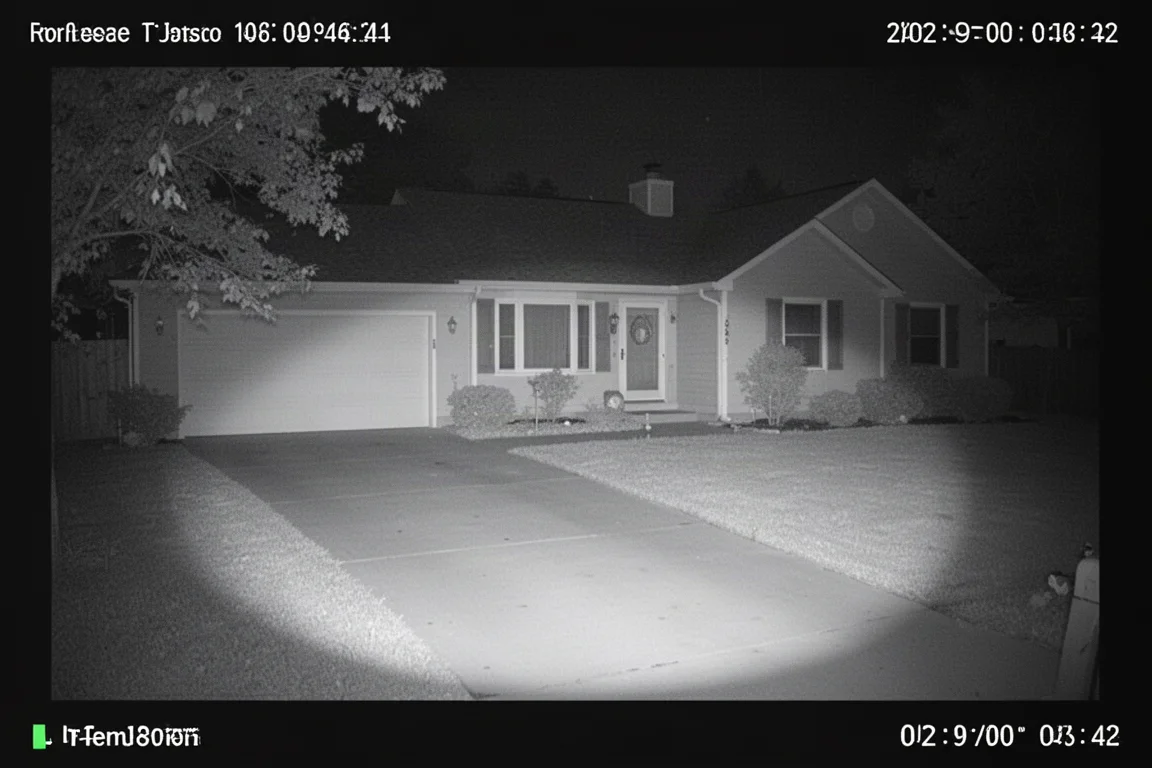
Nighttime recordings perform well whether using the infrared LED or the spotlight. The infrared LED has a long range, allowing you to see everything happening in front of your home or business.
Buying Advice
The Helix HLX-NV3808E is a solid choice for anyone seeking a security camera system that records continuously without subscription fees. The 24/7 recording capability, combined with local storage on an internal hard drive, ensures you always have access to footage. The AI-powered detection features, including human and vehicle detection, add a layer of intelligent monitoring.
Before purchasing, consider the installation requirements. PoE camera systems need an Ethernet cable run to each camera. Planning cable routes beforehand will make the installation smoother. If you need longer cables than the included 60-foot lengths, you will need to supply and terminate your own.
The system is well-suited for homeowners and small business owners who want reliable, continuous surveillance with remote access and no ongoing costs.
Conclusion
The Helix HLX-NV3808E delivers on its promise of 24/7 recording with clear video quality, both day and night. The dual illumination system provides flexibility between color and black and white night vision. The mobile app offers comprehensive remote access, event detection, and playback features. With no monthly fees and support for up to eight cameras, this system represents a practical, cost-effective solution for continuous home or business security.
Product link
View more details for Helix HLX-NV3808E
This product is mentioned in the review. Check the specifications, options, and compatibility before buying.
View more details for Helix HLX-NV3808EFurther reading
Related Reviews

Security Cameras
ANNKE FCD800P Review: A Metal-Bodied Ultra-Wide Security Camera Upgrade
The ANNKE FCD800P brings a metal housing, smarter motion detection, and external alarm support to an already capable 180-degree security camera.

Security Cameras
ANNKE FDH800 8 Channel PoE Security Camera System Review
A full review of the ANNKE FDH800 8 channel PoE security camera system, covering installation, camera quality, and the mobile app experience.

Security Cameras
aosu SolarCam D1 Max Review: A Wireless 4K Security System With No Subscription
A wireless solar-powered security camera system with two 4K pan-tilt cameras, AI detection, and no monthly fees.