Smartwatches
Google Pixel Watch Review: First Impressions for Runners
Google's debut smartwatch looks and feels great on the wrist, but early testing reveals familiar tracking quirks runners should know about before buying.
Introduction
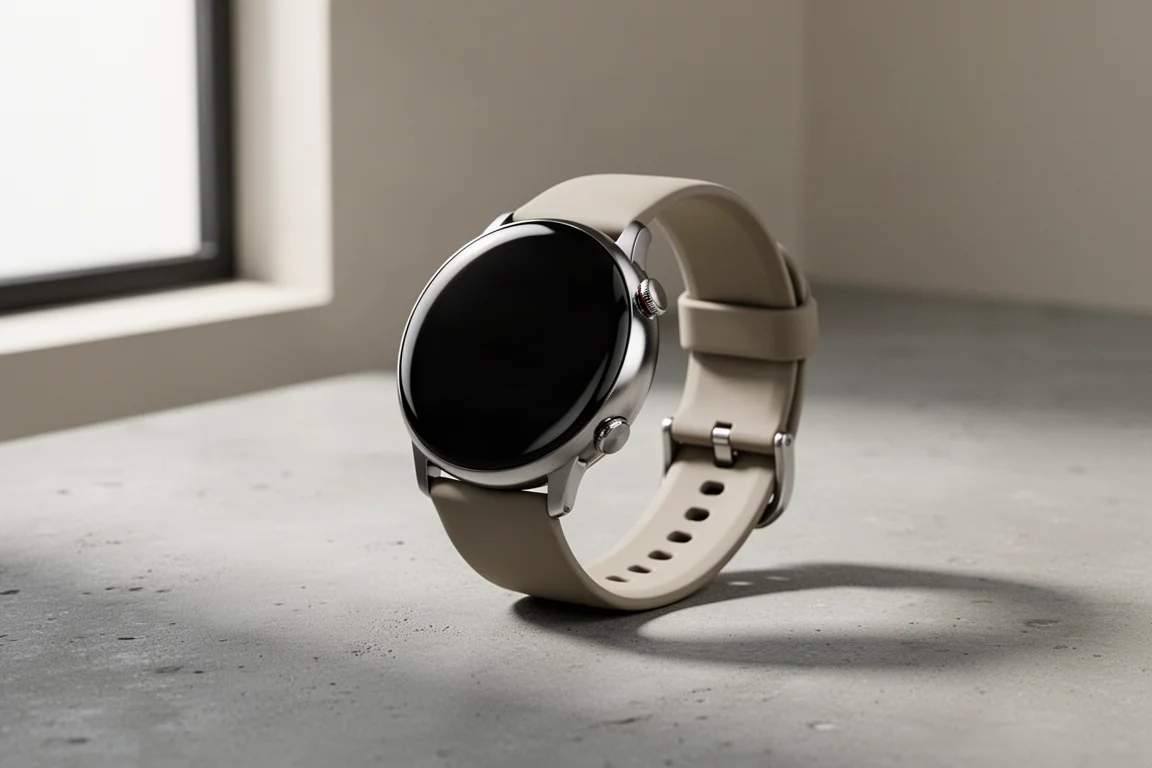
The Google Pixel Watch is the company’s first entry into smartwatches, and after a couple of runs with it, the picture is mixed: there’s real promise in the hardware and software, but the fitness tracking shows familiar weaknesses that give some buyers pause.
Who This Product Is For
This is a smartwatch for Android users who want a polished, wearable-first device that can also track runs. It is not compatible with iPhones, so it only makes sense if your phone runs Android. It goes up against Android-friendly options like the Samsung Galaxy Watch 5 and the Garmin Venu 2 in both price and positioning.
If your priority is a clean Wear OS experience with solid everyday smartwatch features, the Pixel Watch makes a strong first impression. If precise run tracking is your main reason for buying, you’ll want to read the performance section below first.
Key Specs at a Glance
The Pixel Watch has a 41mm recycled stainless steel case with removable bands and an AMOLED display that can stay always on. There’s a side button, a haptic crown, and an onboard microphone and speaker. Running on Wear OS means access to third-party apps, including running apps like Strava that work natively on the watch.
Native run tracking is powered by Fitbit, which means downloading the Fitbit companion app to review your data and stats. For positioning, there’s GPS plus support for Glonass, Beidou, and Galileo satellite systems. Inside the Fitbit exercise menu you can customize data fields, choosing from distance, pace, heart rate, elapsed time, elevation, calories burned, and Fitbit Active Zone Minutes among other options.
First Impressions: Fit, Comfort, and Screen
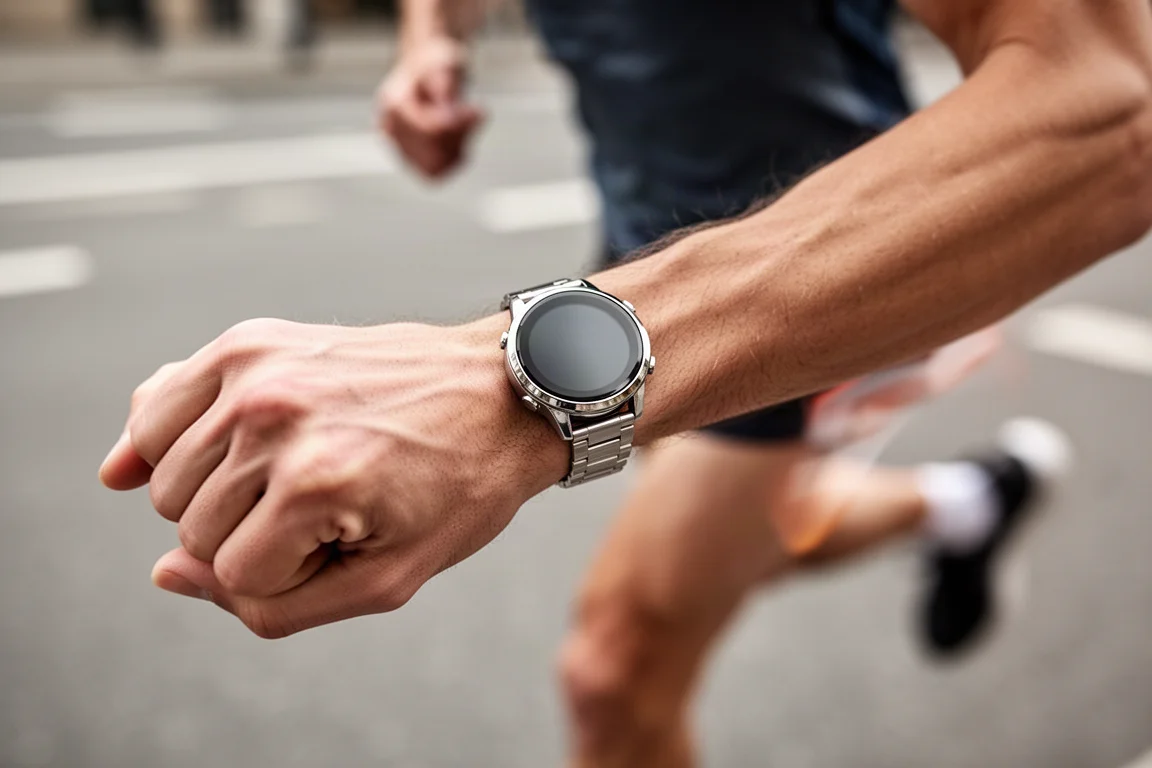
The strap is the same type used on the Fitbit Versa 4 and Sense 2. The clasp mechanism takes some fiddling to get a fit that feels snug without being too tight, and swapping straps is genuinely tricky: the reviewer needed to move from the large to the small strap from the box, and getting the bands off the case took real time and effort. It’s noticeably less straightforward than on recent Fitbit watches.
The screen is definitely on the small side. On a slim wrist it works well and outdoor visibility was fine, though during a trail run in brighter, mixed light it was a bit more challenging to read. Only a few simple metrics fit on the display at once, but legibility day to day was fine.
On the plus side, the raise-to-wake gesture is more sensitive than on Fitbit’s watches, which is a genuine positive. You can also switch to an always-on display, though that eats into an already limited battery.
How It Performs on the Run
The first test run was a track session: 4x800m plus one 1600m, worn alongside a Garmin Epix Gen 2. Distance tracking looked good, pretty much matching the Garmin. Pacing was about right too, though the split points appeared to differ between the two watches. Digging into the Fitbit app, the GPS-tracked routes showed noticeably more squiggly lines compared to the Garmin’s cleaner trace.

The second run, an easygoing trail session of just over an hour, surfaced familiar problems. Distance tracking drifted badly off-road, in line with issues seen on previous Fitbit watches. Pacing read considerably faster than actual effort on an easy run, and the disparity became clear over the final couple of miles, with a big gap appearing once back on the roads.
Heart rate told a similar story. Run with a chest strap, the Pixel Watch’s average readings were close to the strap, but maximum readings were clearly higher than the reference, another trait consistent with Fitbit’s optical sensors.
Battery Life and Charging
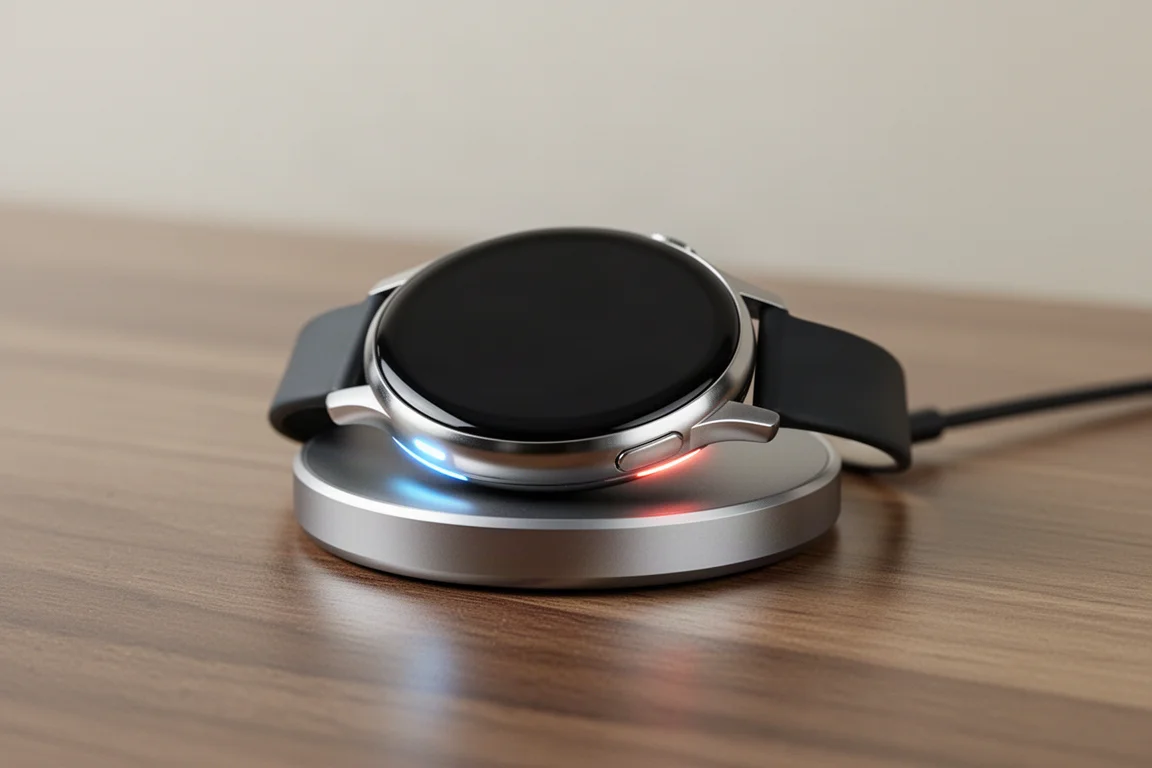
Google quotes up to 24 hours of battery life, and early use matched that. The watch needed charging a couple of times and drains noticeably overnight, with drops of around 15 to 20 percent while sleeping.
GPS performance is the bigger concern. A short 15-minute GPS run cost about 7 percent of battery, and the following day’s 70-minute run used just under 20 percent. That works out to roughly five hours of GPS battery life, which isn’t great and clearly trails what other smartwatches can manage. On the bright side, a full charge from zero to 100 takes around 18 minutes, which is genuinely quick.
Life as a Smartwatch
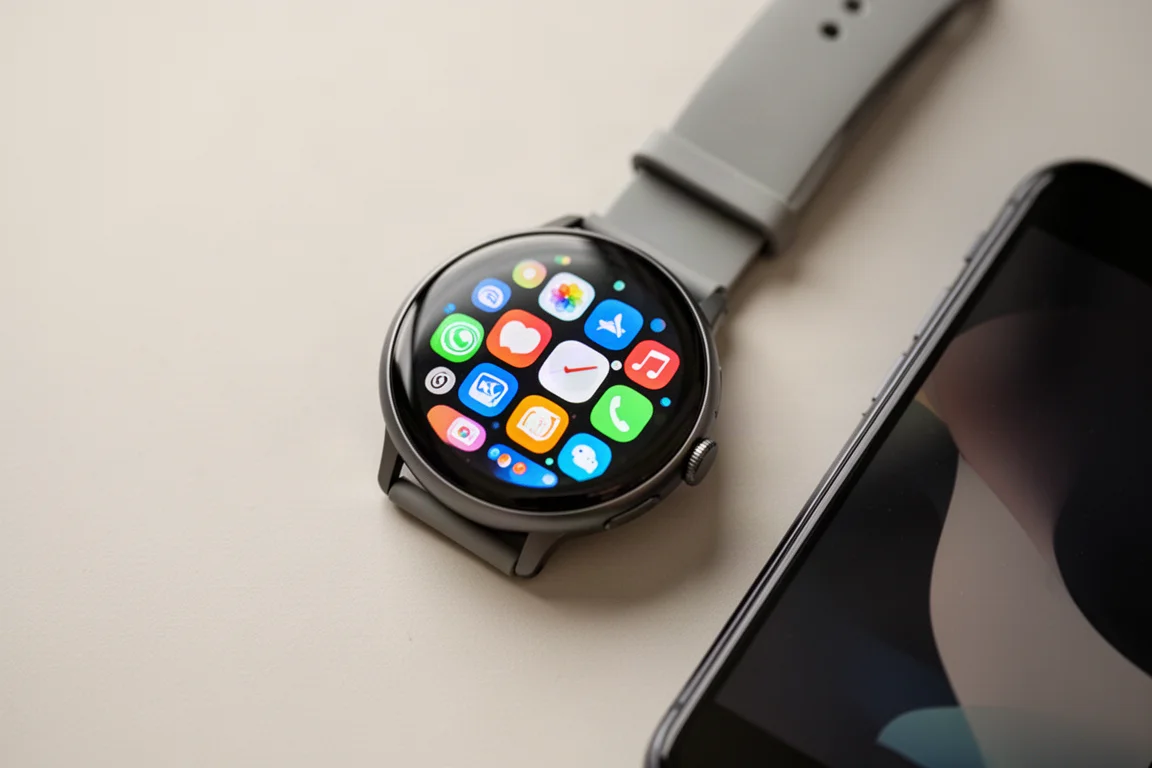
The watch runs the latest versions of Wear OS, and the experience feels like a cleaner, more vanilla version of what Samsung offers on the Galaxy Watch 5, in the same way a Pixel phone feels purer than a Samsung one. Menus feel slick, downloading apps from the Google Play Store works well, and notifications have been fine in use.
You get a dedicated watch app plus the separate Fitbit app for fitness features, which is worth knowing upfront. As a piece of everyday wearable software, it’s a strong start for Google’s debut, and arguably the nicest implementation of Wear OS yet.
Buying Advice
If you’re considering the Pixel Watch as a running watch, temper expectations. The first run showed promise, but the second revealed distance tracking, pacing, and heart rate traits consistent with Fitbit’s past shortcomings. Third-party apps like Strava may change the experience, and that’s worth exploring, but it’s unclear whether they resolve the core tracking issues.
Compared to the Samsung Galaxy Watch 5 at a similar price, the Pixel Watch offers a cleaner software experience. But for runners, the Garmin Venu 2, which sits around the same price, still looks like the better smartwatch option for Android users thanks to its larger AMOLED screen, better tracking, and broader sensor and accessory support. Early impressions suggest the Pixel Watch suits buyers who want a stylish everyday smartwatch first and a run tracker second.
Conclusion
Google’s first smartwatch gets a lot right: an attractive 41mm stainless steel design, the cleanest Wear OS experience around, quick charging, and a sensitive raise-to-wake display. But as a running watch, early testing exposed GPS drift off-road, optimistic pacing, and inflated max heart rate readings, alongside modest overall battery life. If you’re an Android user who wants a beautiful everyday smartwatch, the Pixel Watch is a promising start. If accurate run tracking is the priority, options like the Garmin Venu 2 remain the safer pick.
Product link
View more details for Google Pixel Watch
This product is mentioned in the review. Check the specifications, options, and compatibility before buying.
View more details for Google Pixel WatchFurther reading
Related Reviews
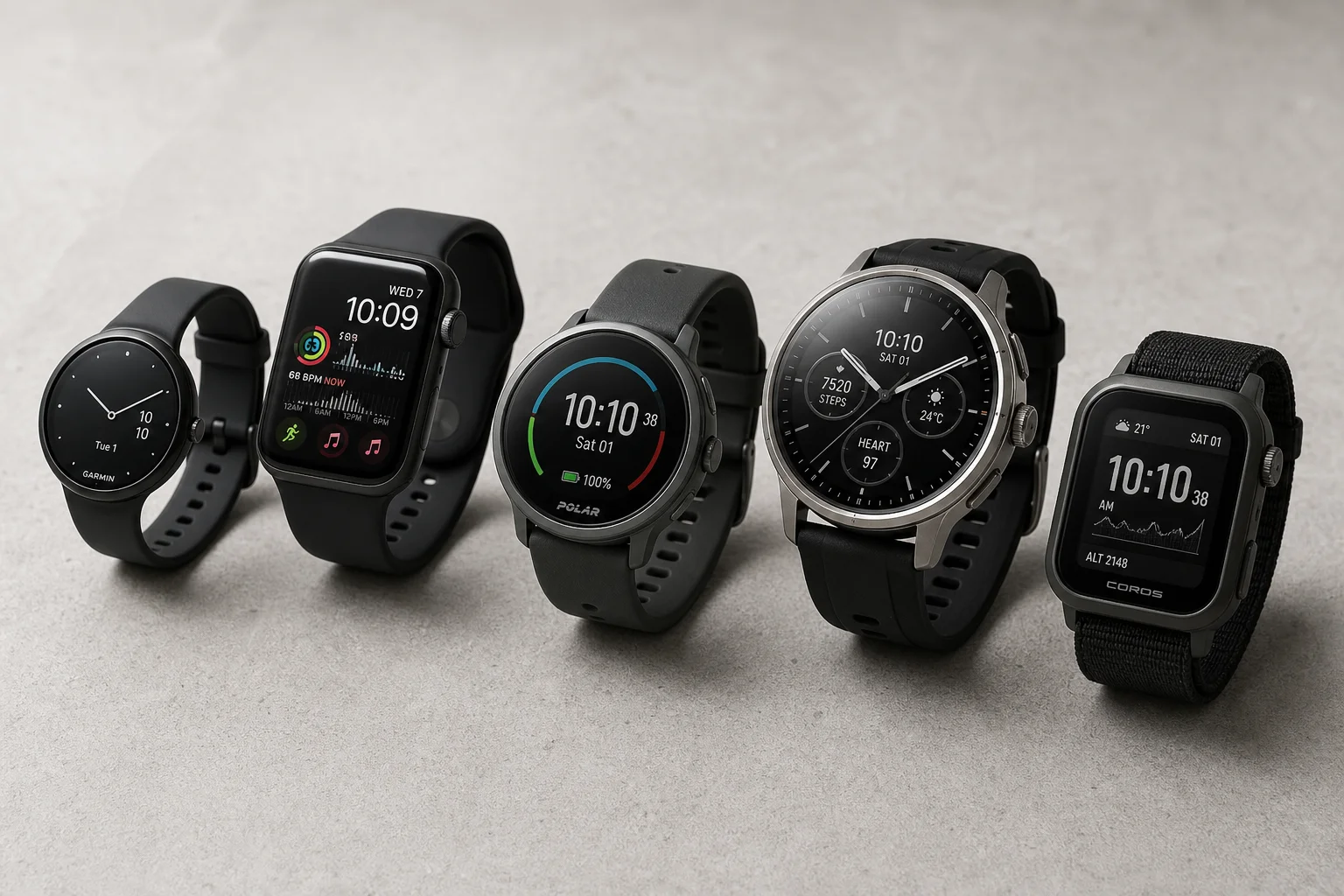
Smartwatches
Best Budget Smartwatches 2026: Five Affordable Options That Actually Work
Five budget smartwatches tested for real daily use. From entry-level options to premium features at fraction of the cost, here's what actually delivers.
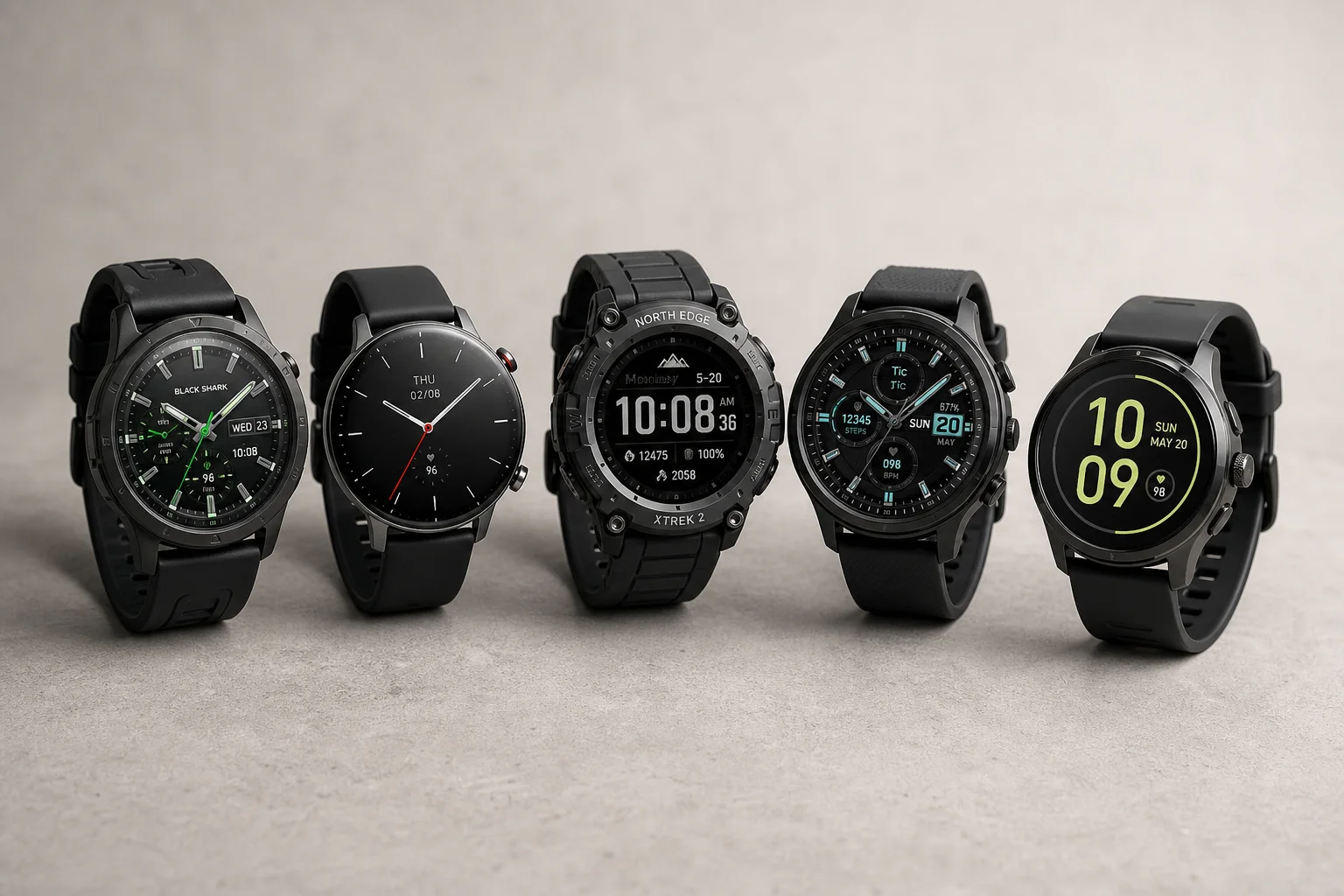
Smartwatches
Best Smartwatches on AliExpress 2026: Five Practical Options for Different Needs
Five smartwatches with strong customer feedback and competitive pricing, each suited to different priorities: premium design, battery life, outdoor durability, advanced health tracking, and sports versatility.
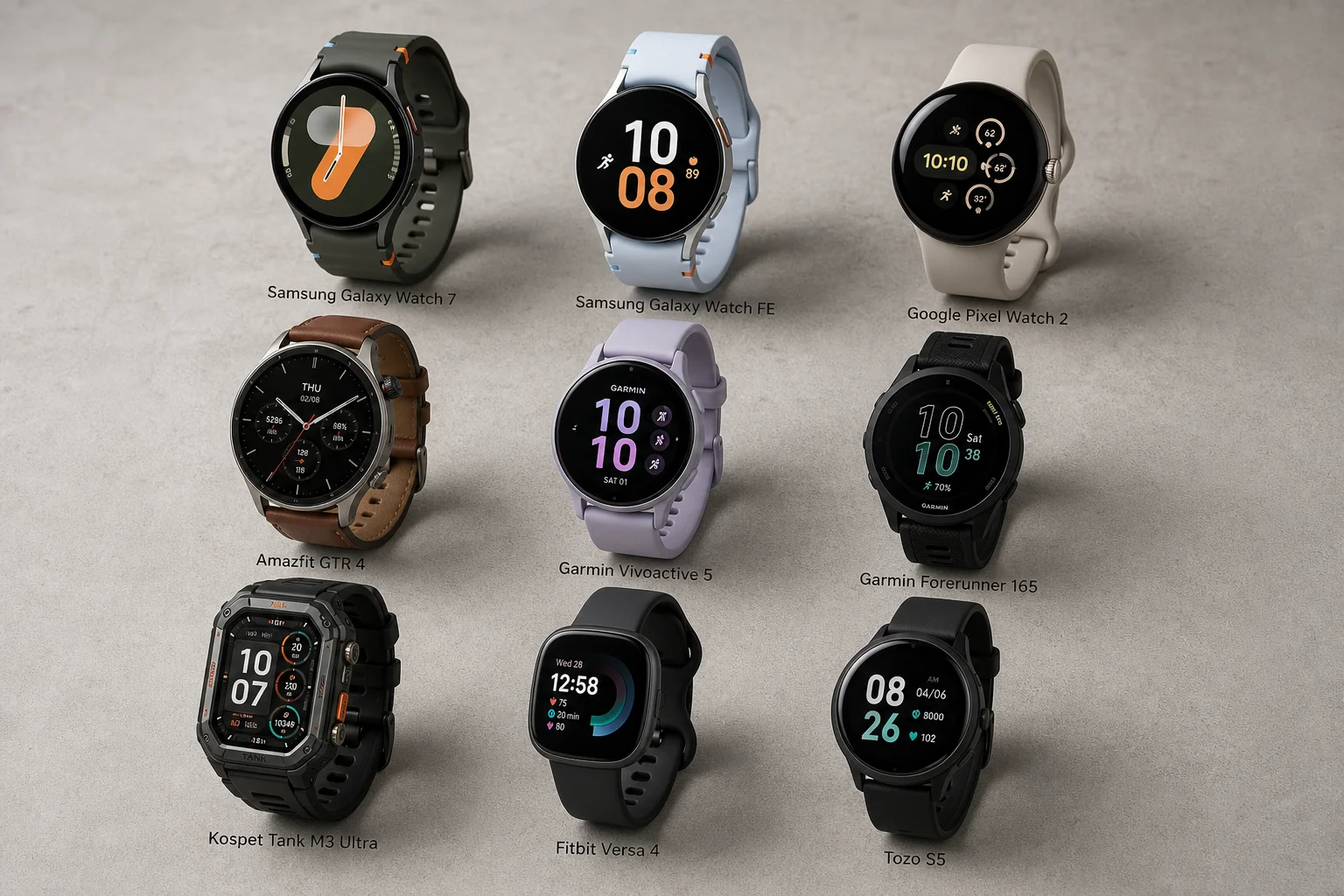
Smartwatches
Best Smartwatches Under $300: 9 Practical Options for Every Need
A curated selection of nine smartwatches under $300, each excelling in health tracking, durability, battery life, or fitness features. Find the right match for your lifestyle.