Smartwatches
Google Pixel Watch First Look: 13 Things to Know Before You Buy
Google's long-rumored Pixel Watch has arrived. Here's what to know about price, design, battery life, Fitbit integration, and who it actually makes sense for.
Introduction
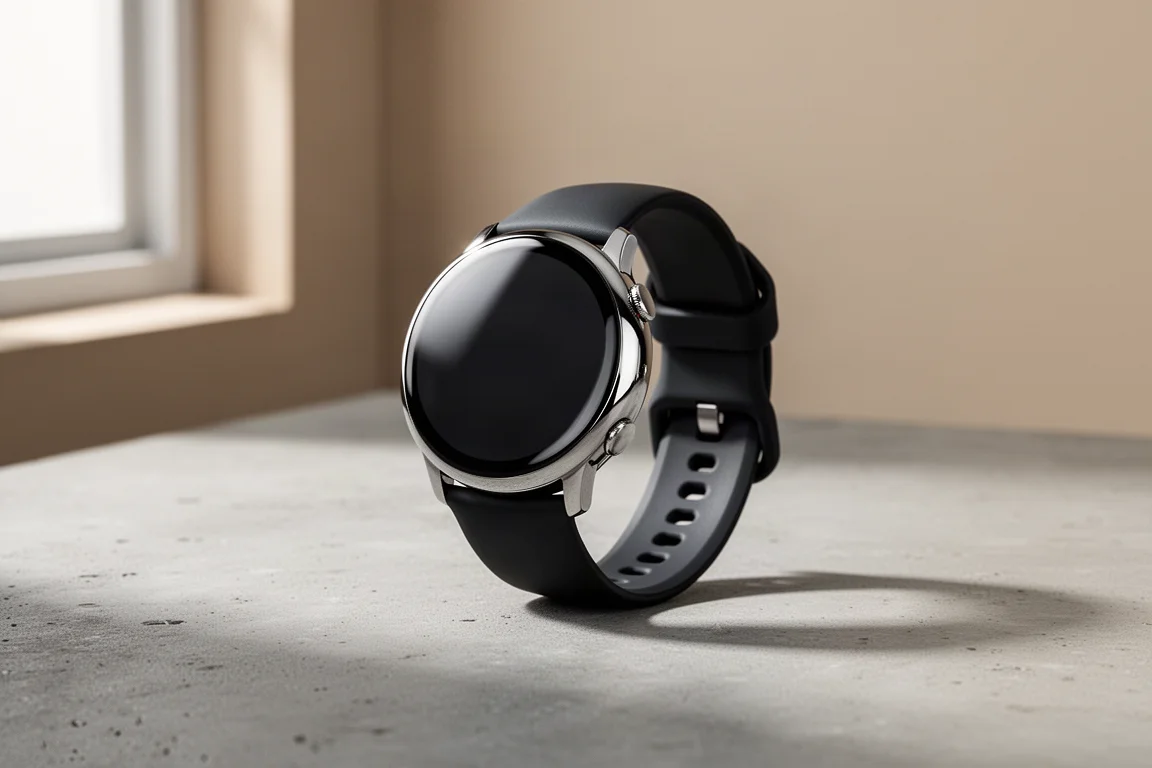
Rumored for years, the Google Pixel Watch is finally here. It is Google’s first own-brand smartwatch, and it arrives with a clear identity: a premium-feeling single-size wearable running Wear OS, with Fitbit’s health ecosystem built directly into the core experience. This is a first look rather than a full review, covering the key details worth knowing before deciding whether to order one.
Price and Model Options
The Pixel Watch is priced at $349, with the LTE cellular version at $399. There is only one case size, roughly 41mm (40.8mm to be precise), so there is no larger or smaller variant to choose between. That simplicity keeps the buying decision focused on connectivity: Bluetooth-only or cellular.
Design and Controls
Despite the single case size, the watch can feel quite different depending on the band. Google offers dozens of combinations across leather, metal, and active sport band types, in multiple colors. Metal bands are not available at launch and arrive next year; everything else ships from day one. Bands snap back into place easily on the side mount.
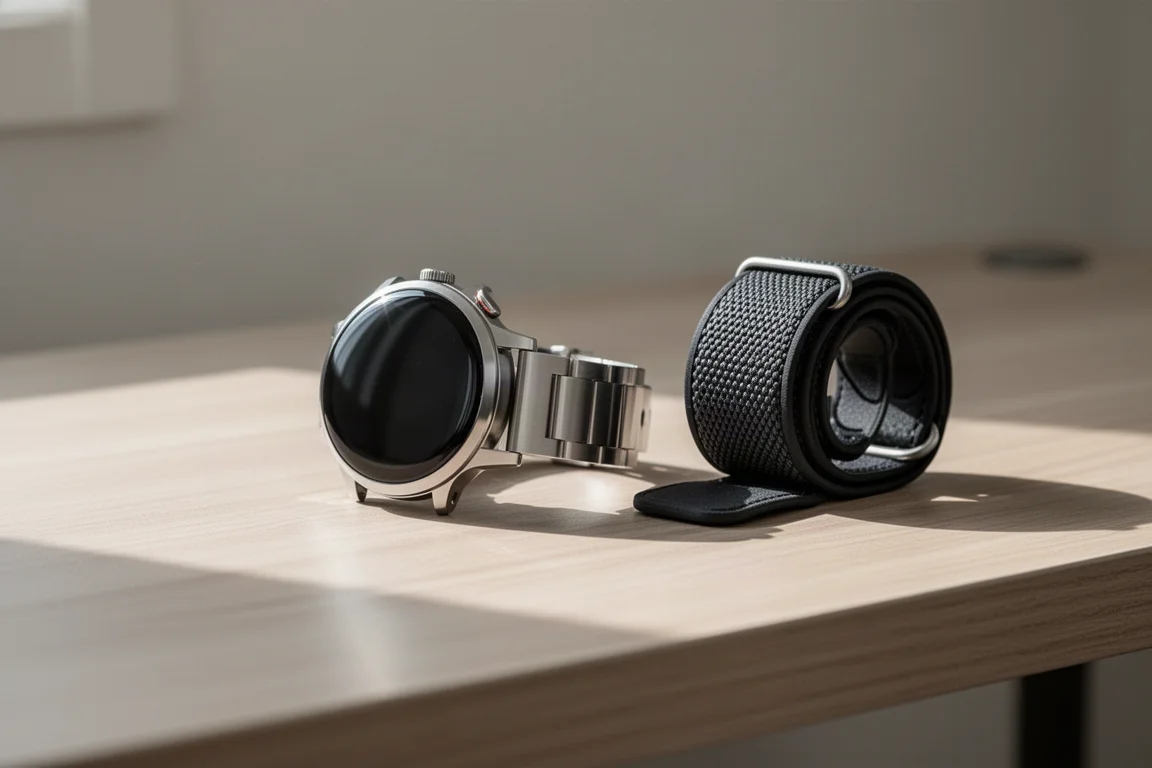
On the right side, there is a digital crown for scrolling menus up and down, with a secondary button just above it that jumps to your most recently accessed apps. The touchscreen handles the rest: swipe down from the top for settings and swipe up for your apps.
Display and Battery
The AMOLED panel is an always-on display, and Google claims around 24 hours of battery life. That is fine for daily wear, though it means charging every day for most users. Charging times and GPS timing details were not fully clarified at launch.
Wear OS and the Android-Only Trade-Off
The Pixel Watch runs Wear OS, the same platform version found on recent Samsung Galaxy Watches. One important change with Wear OS 3: there is no iPhone compatibility. You will need an Android device. Google’s reasoning centers on limitations Apple places on third-party hardware, which prevents watches from sending text messages on behalf of an iPhone. That limitation also affects Garmin, Suunto, and other manufacturers.
Fitness Tracking and Heart Rate
Built-in GPS handles runs and outdoor workouts, usable within the Fitbit exercise app as well as third-party options like Strava and Adidas through the Wear OS platform. Note that this is not multi-band GPS, which is reasonable at this price point; a future generation would likely add it.
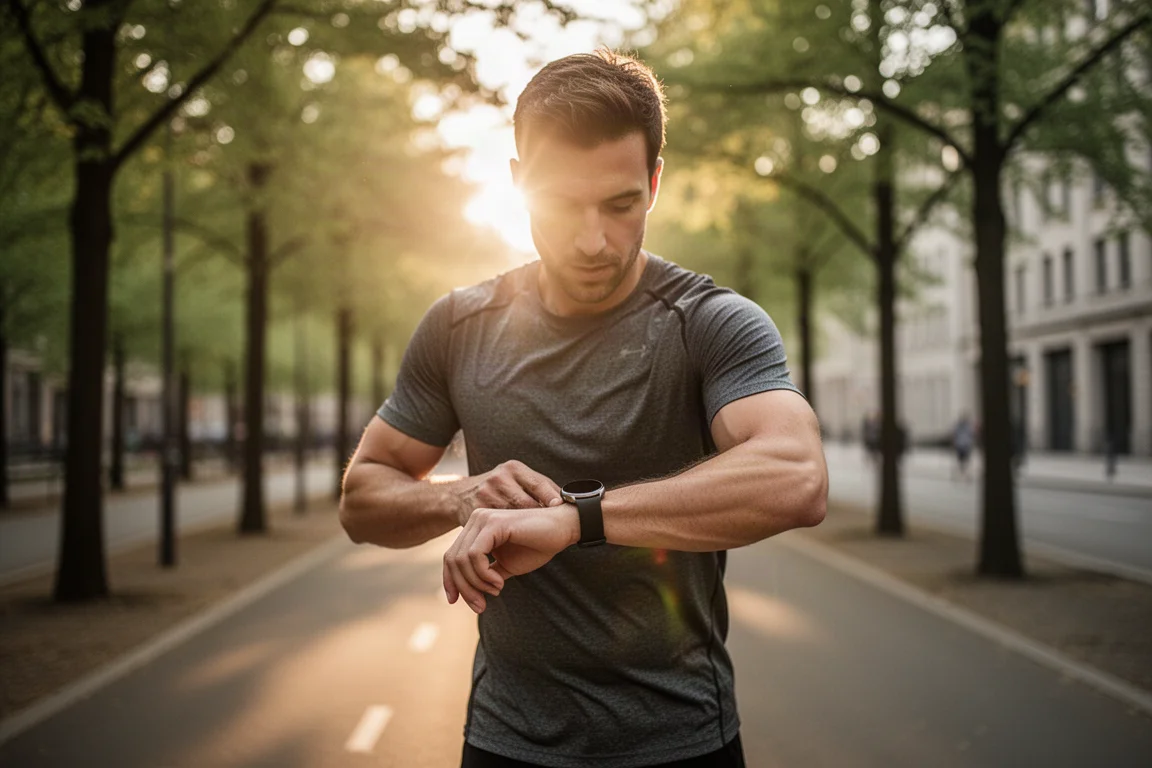
The optical heart rate sensor is a new design, different from the one in the Fitbit Sense 2. Google and Fitbit describe this as their most accurate heart rate sensor suite, combining hardware with real-time machine learning that processes heart rate data during workouts rather than post-processing afterward. It is one of the more interesting claims here and worth watching as real-world testing develops.
Durability
The watch is water resistant to 50 meters and uses Gorilla Glass for the display, giving it reasonable durability for everyday sport activity.
Google Services and Apps
Because it runs Wear OS, the watch gets the full Google services suite: Google Wallet, Google Maps with turn-by-turn city navigation, Google Home integration for adjusting thermostats and other smart devices, and Google Assistant, accessible by long-pressing the upper button.
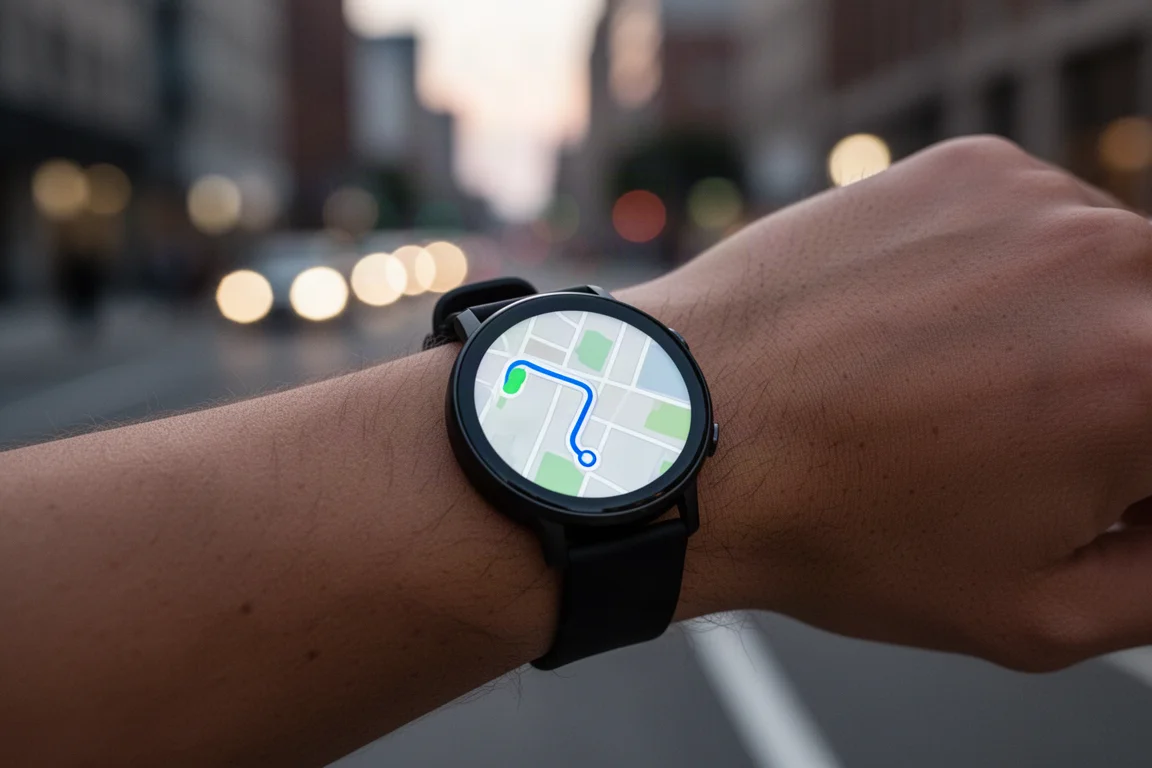
The full Wear OS app store is available too, and the app catalog has grown considerably since Samsung joined the platform. With Google now making its own watch, that ecosystem should keep expanding.
Fitbit Integration
The headline feature is native Fitbit integration. The watch was introduced on stage by Fitbit’s founder and former CEO James Park, and Fitbit runs throughout the experience. You sign in with your Fitbit account and see the same kind of layout as the Fitbit Sense and Sense 2: steps, heart rate, and Active Zone Minutes on the default watch faces.
ECG functionality and afib alerts are built in from day one. Fall detection, which notifies first responders if you fall and cannot respond, is coming in 2023. Fitbit Premium is not required; you get the core Fitbit data without it.
Subscriptions and Availability
The watch includes six months of Fitbit Premium, which adds workouts, exercises, and deeper data metrics like Daily Readiness. After the trial, it becomes a paid subscription. Three months of YouTube Music are also included, again paid after the trial period.
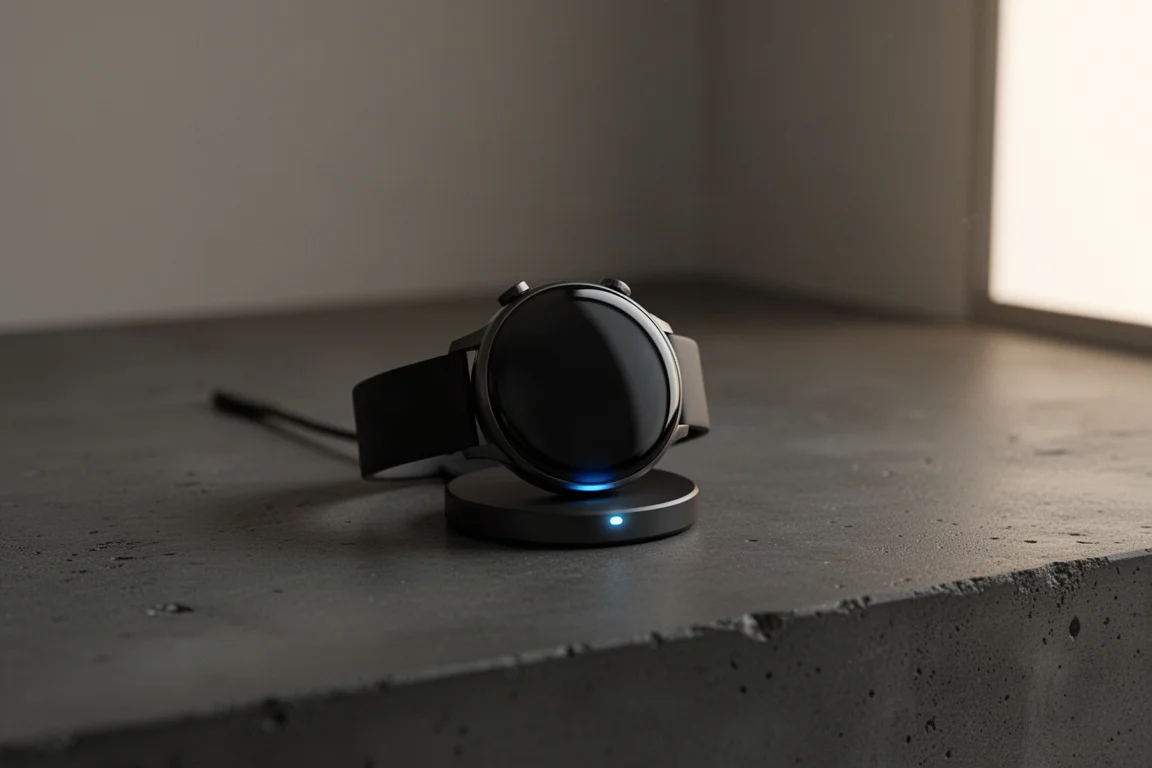
Pre-orders open today, with shipping starting October 13th. The bigger question is value: whether the Pixel Watch is a better buy than the Fitbit Sense 2 in accuracy and everyday usability, which only longer-term testing can answer.
Conclusion
The Pixel Watch is a polished first effort with a clear pitch: premium design, deep Fitbit health features, and Google’s services on your wrist, provided you are on Android. If you want a daily smartwatch with strong health tracking and do not need multi-day battery or iPhone support, it deserves a spot on your shortlist. A full in-depth review will follow with real-world testing.
Product link
View more details for Google Pixel Watch
This product is mentioned in the review. Check the specifications, options, and compatibility before buying.
View more details for Google Pixel WatchFurther reading
Related Reviews
Smartwatches
Best Budget Smartwatches 2026: Five Affordable Options That Actually Work
Five budget smartwatches tested for real daily use. From entry-level options to premium features at fraction of the cost, here's what actually delivers.
Smartwatches
Best Smartwatches on AliExpress 2026: Five Practical Options for Different Needs
Five smartwatches with strong customer feedback and competitive pricing, each suited to different priorities: premium design, battery life, outdoor durability, advanced health tracking, and sports versatility.
Smartwatches
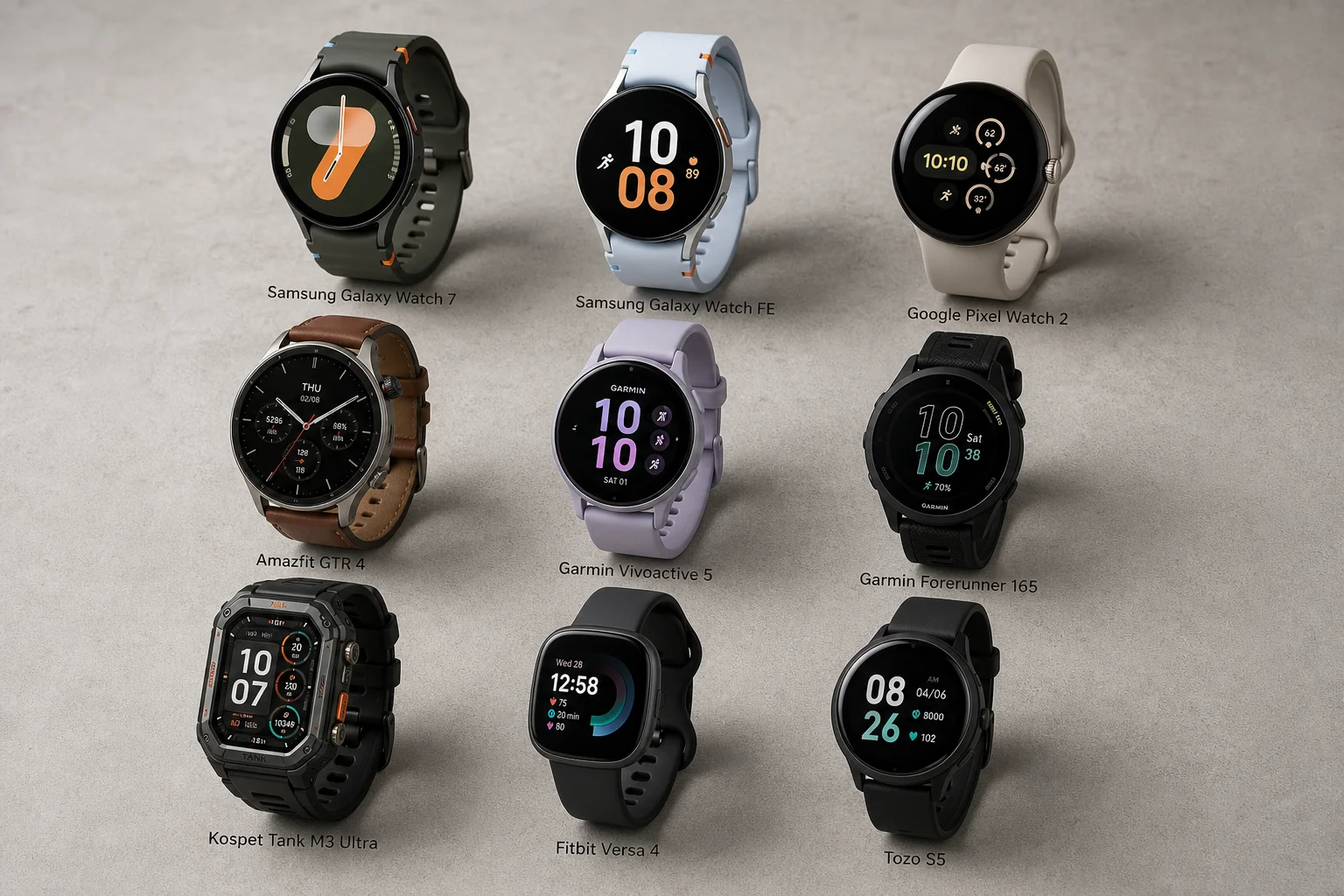
Best Smartwatches Under $300: 9 Practical Options for Every Need
A curated selection of nine smartwatches under $300, each excelling in health tracking, durability, battery life, or fitness features. Find the right match for your lifestyle.