Smartwatches
Google Pixel Watch 5 Review: Impressive GPS, Familiar Gaps
Two weeks of trail running and city testing reveal where the Pixel Watch 5 shines, where it disappoints, and whether it deserves a spot on your wrist.
Introduction
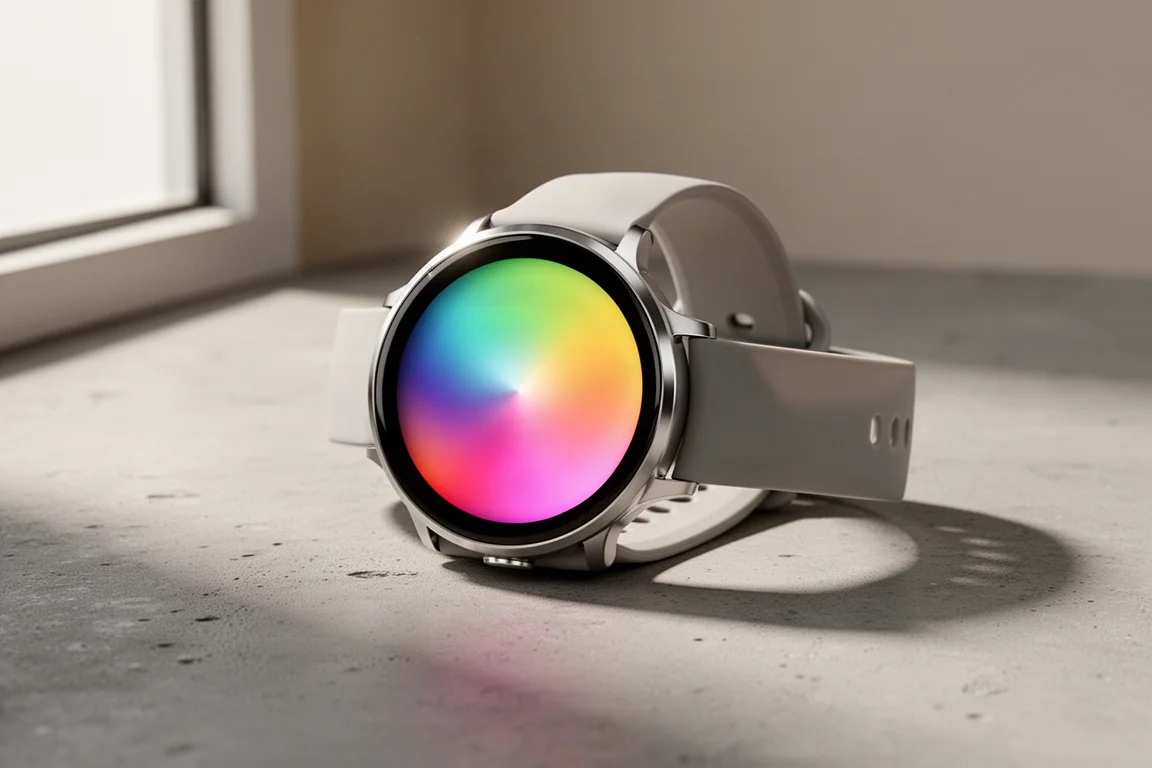
After two weeks of testing, spanning cliff-side trail runs and some of the most demanding GPS environments on Earth in New York City, the Pixel Watch 5 presents a clear picture: it is a genuine improvement, but one with very specific strengths. It is Google’s fifth-generation smartwatch, and while some features are now genuinely excellent, a few basic sports functions are still surprisingly missing.
This review covers what’s new, how the GPS performs outside ideal conditions, and who should actually consider buying it.
Design, Models and What’s in the Box
The Pixel Watch 5 comes in two sizes, just like previous generations, with a couple of color options. The larger 45mm model was the main test unit in Obsidian black, while a smaller version arrived in Coral, a pinkish-orange hue. There is also a special Steph Curry edition that matches the Fitbit Air Steph Curry edition released a few months earlier.
One important detail: the LTE models unlock emergency satellite capabilities, introduced last year, which let you signal for help via two-way satellite communication. This is only available on LTE versions because they use that antenna to talk to satellites.
Compatibility is a key point: the watch requires an Android phone, the same way an Apple Watch requires an iPhone. However, you do not need a Pixel phone for the vast majority of features. A few extras, like the Pixel phone unlock feature and the new generative response feature, do require a Pixel.
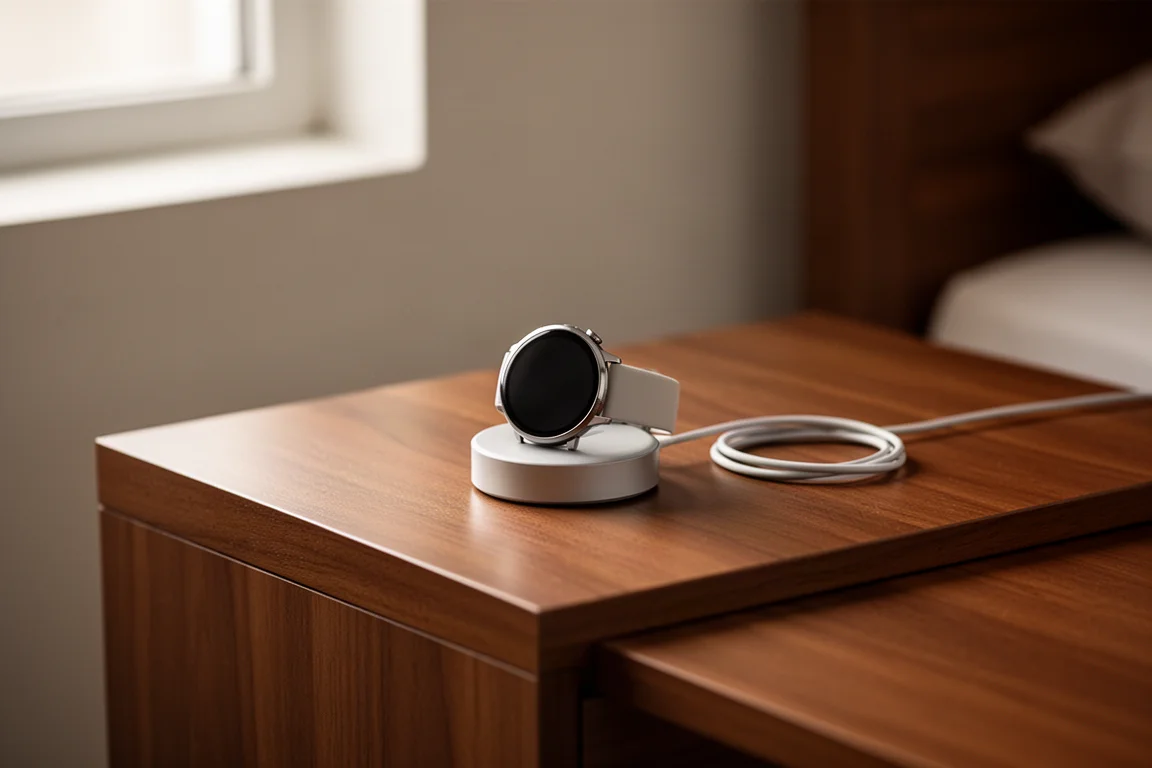
Inside the box, you get the watch pod, straps in two sizes, and the familiar charging puck, which is functional but somewhat fiddly and does not always reset cleanly on the second charge.
Sleep Tracking and Morning Insights
Sleep tracking is one area where Google has made noticeable strides. There is a new dedicated sleep watch face that activates automatically in bedtime mode, so the display no longer blinds you in the middle of the night when you glance at it.
The new smart alarms are a welcome quality-of-life addition. Set an alarm for 8:00 a.m., and the watch will wake you between 7:30 and 8:00 based on your sleep cycle, choosing the least disruptive moment. If that window passes, the alarm fires regardless.
Google claims a 15% increase in sleep accuracy, which is difficult to independently verify. However, in testing, the wake and sleep times consistently landed within about 5 minutes of the actual times, which is a solid result. Sleep stage accuracy, as with all wrist-based devices, remains in the low 80-percentile range, so treat those breakdowns with appropriate skepticism.
Daily Activity and the Google Health App
Swiping right on the watch face shows your focus metrics: steps, sleep, and weekly cardio load. Tapping through gives you daily metrics like stairs, flights, and distance. These are minor UI tweaks over last year, and your data also syncs to the phone app.
That app is now Google Health, replacing the Fitbit app after a long public beta. Opinions are divided. The core metrics sit at the top, while a descriptive AI-generated summary of your day sits below. If you don’t have the Google subscription (99 dollars a year, or cheaper if you were already a subscriber), that AI narrative shrinks to just the core basics. Importantly, your underlying data collection and availability are identical whether you subscribe or not. You are essentially paying for the AI analysis layer.
A readiness score is also available on both the phone and the watch, summarizing overnight recovery. Unlike some competitors, it does not update throughout the day, but it is still a useful indicator before your next workout.
New AI Features
Google leans heavily into AI this generation. There are new standardized watch faces that react subtly as you move, plus generative watch faces where you can type or speak a concept, a pizza theme, a Paris theme, even an oyster theme, and the watch creates it.
The biggest AI addition is smart text responses, though it is limited to Pixel 11 phones. When a text arrives, the watch can draw on your email and calendar data to suggest contextual replies, such as answering “what time is my upcoming flight?” It works well when available, but the hardware requirement narrows the audience considerably.
Sports Tracking: The Good and the Frustrating
The sports experience is largely familiar. There are roughly 55 sport modes, and you can use the built-in coach to audibly or textually create a structured workout on the fly, which then pushes to your watch. That workflow works remarkably well.
Google’s cardio load is a standout. It accumulates throughout the day, not just during logged workouts, so hauling luggage through an airport or moving heavy boxes genuinely counts toward your training load. Only Whoop does something similar; Garmin, Suunto, Coros, and Polar only count started and stopped workouts. This is a genuinely sensible approach.
However, several core sports features are still missing on a fifth-generation device:
- No pairing to external heart rate sensors, despite this being standard for nearly 20 years
- No manual lap creation
- Very limited data field customization, with only one customizable data page and no lap splits available
- A brief post-workout summary with less detail than most competitors
There are also features announced but not yet available, including a strength training workout builder with on-watch cues, blood pressure trends, insulin resistance trends, and breathing emergency detection. None of the trend features are FDA certified, and the breathing detection notifies emergency contacts after 90 seconds without a detected blood oxygen reading. Keep expectations modest on all of these.
GPS Accuracy: Great in Cities, So-So on Trails
This is the headline feature. Google claims the most accurate GPS watch on the market, specifically calling out the Garmin Fenix 8 Pro and Apple Watch Ultra 3 as watches it can beat.
The system uses three post-processing techniques: correcting multipath errors using 3D imagery of tall structures, accounting for terrain-based obstructions like cliffs and trees, and correcting for atmospheric conditions using nearby sensor stations.
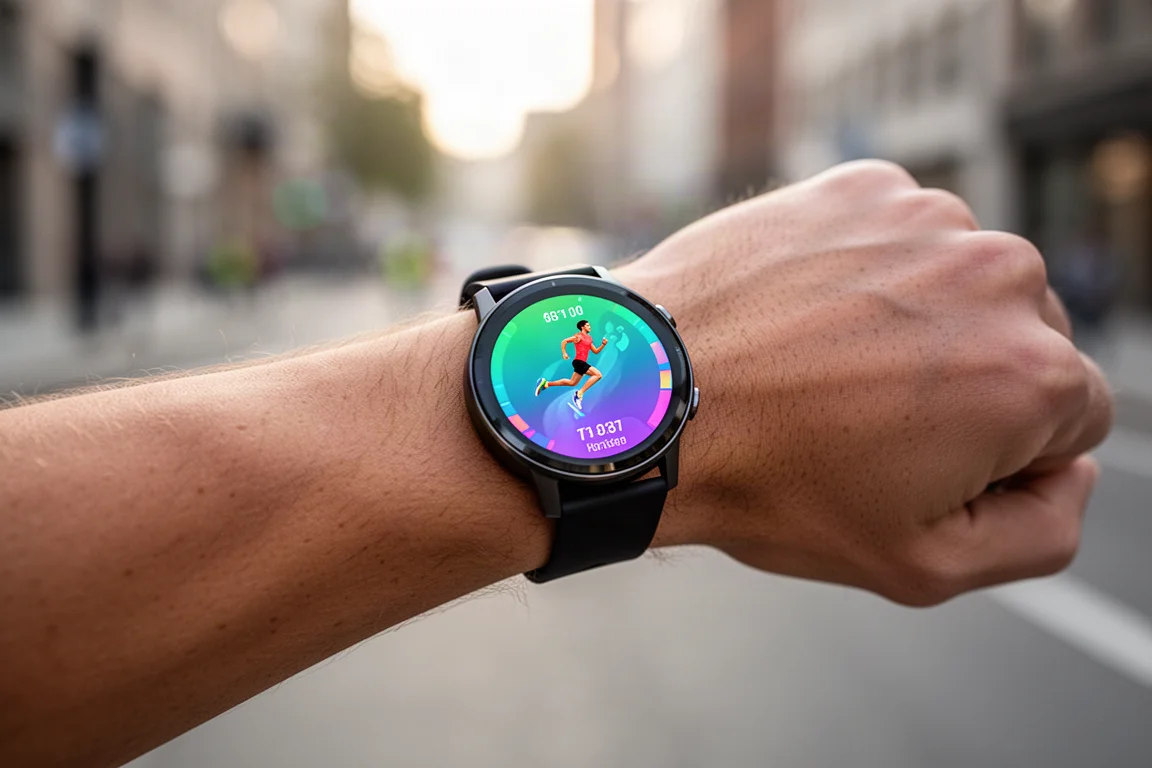
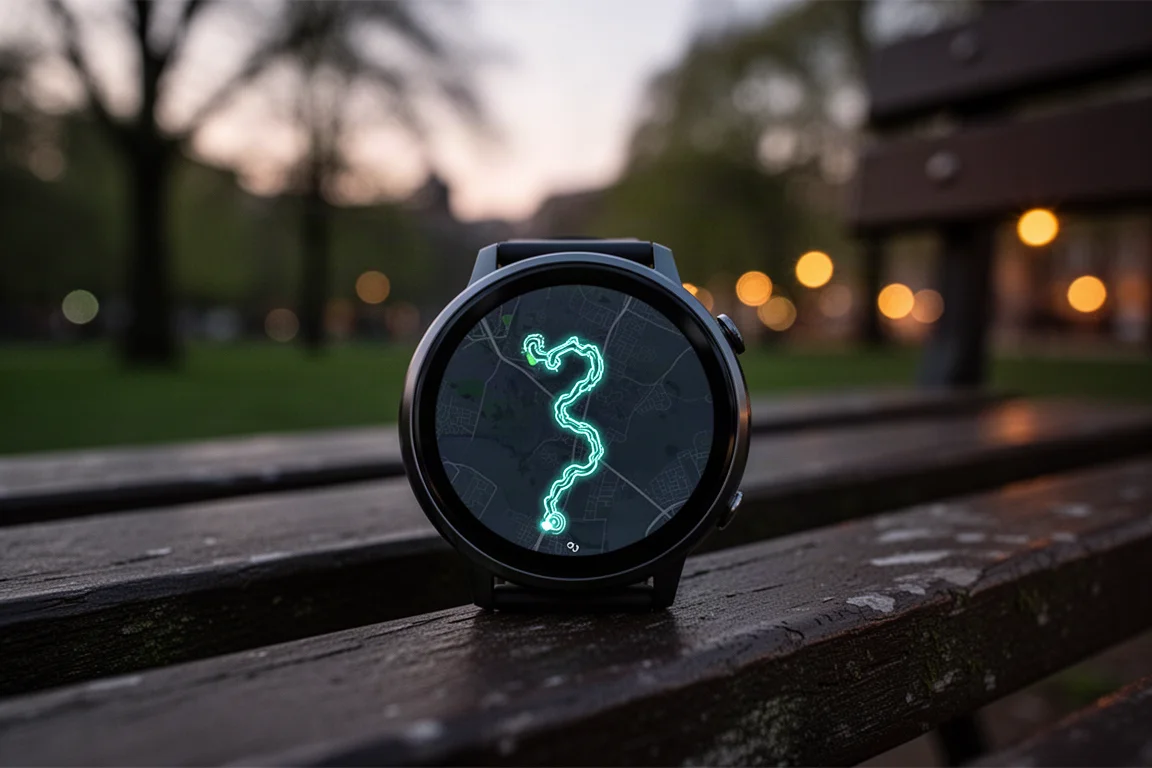
In New York City, the results were genuinely impressive, correcting errors down to the sidewalk level and beating Garmin and Apple on nearly every street. But away from tall buildings, the picture changes. On cliff-side trail runs in Newfoundland, on gravel roads, and under tree cover, the Pixel Watch 5 was largely indistinguishable from the competition. In some road sections, it was actually the least accurate of the watches tested, though not dramatically so.
The takeaway: the GPS advantage is real but situational. If you run in dense urban environments, it is a meaningful benefit. On trails, in the mountains, or on open roads, it performs about the same as other modern GPS watches.
Heart Rate Accuracy: Quietly Excellent
The heart rate sensor is unchanged from the Pixel Watch 4, which is fine, because that sensor already performed well. In testing, steady-state runs were accurate, a 90-minute trail run matched a chest strap almost exactly, and interval runs stayed stable with only minor blips of a few beats per minute for brief periods.
Indoor trainer rides and outdoor gravel rides were also strong, with the gravel performance being particularly impressive given the vibration and bumps involved. This is a very solid wrist-based optical heart rate performer.
Things to Consider Before Buying
There are honest concerns worth weighing before purchasing:
- Android only. The sports-watch market skews heavily toward iOS users, and Google is limiting its own reach. The Fitbit Air, from the same team, supports both platforms, so this is a choice, not a limitation.
- The design has not caught on broadly. Personal taste varies, but the rounded domed style has not generated widespread enthusiasm.
- Sports basics are missing. For athletes, the lack of external sensor pairing, manual laps, and data customization is a real drawback despite excellent GPS work.
- Unclear update policy. Unlike Apple (generous feature rollbacks) or Garmin (new features only for current generation), Google has not made it clear which features will come to older Pixel Watch models. This creates uncertainty for buyers.
Buying Advice
If you own a Pixel Watch 1, 2, or possibly 3, this is a substantial upgrade, particularly for the improved GPS correction in cities and the quality-of-life additions like the bedtime mode and smart alarms.
If you are a serious athlete who needs external heart rate straps, manual laps, or deep data customization, look elsewhere for now. If you want a polished everyday smartwatch with genuinely useful AI summaries and best-in-class urban GPS, and you already own an Android phone, the Pixel Watch 5 is a strong choice.
Conclusion
The Pixel Watch 5 is a nice improvement in a line that keeps getting better in targeted ways. Its GPS correction is genuinely impressive in the environments where GPS struggles most, its heart rate accuracy is quietly excellent, and its AI features are entertaining and occasionally useful. But the missing sports fundamentals and the unclear update story keep it from being an easy recommendation for everyone. Google has the resources to fix these gaps; whether it will for the Pixel Watch 6 remains the real question.
Product link
View more details for Google Pixel Watch 5
This product is mentioned in the review. Check the specifications, options, and compatibility before buying.
View more details for Google Pixel Watch 5Further reading
Related Reviews
Smartwatches
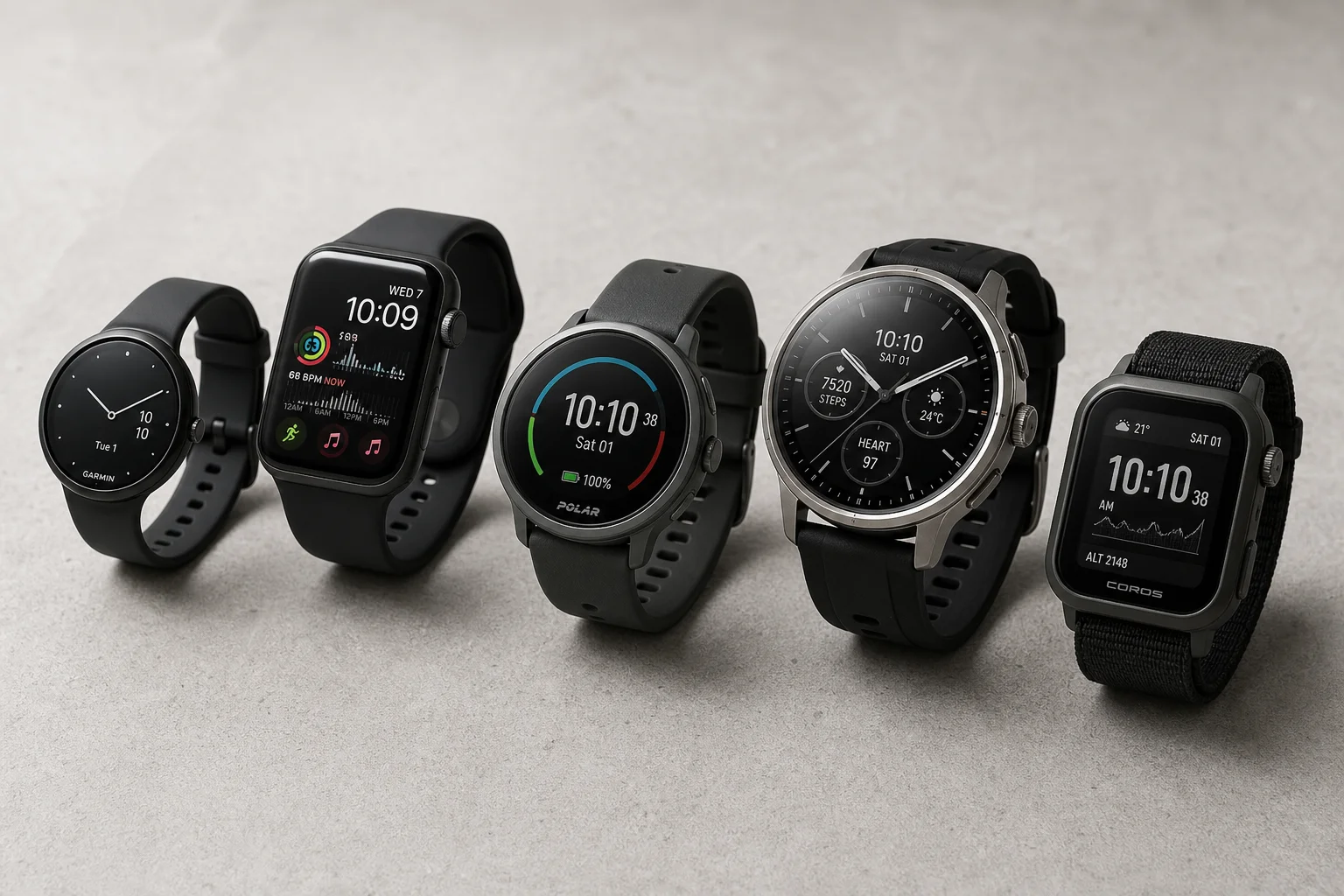
Best Budget Smartwatches 2026: Five Affordable Options That Actually Work
Five budget smartwatches tested for real daily use. From entry-level options to premium features at fraction of the cost, here's what actually delivers.
Smartwatches
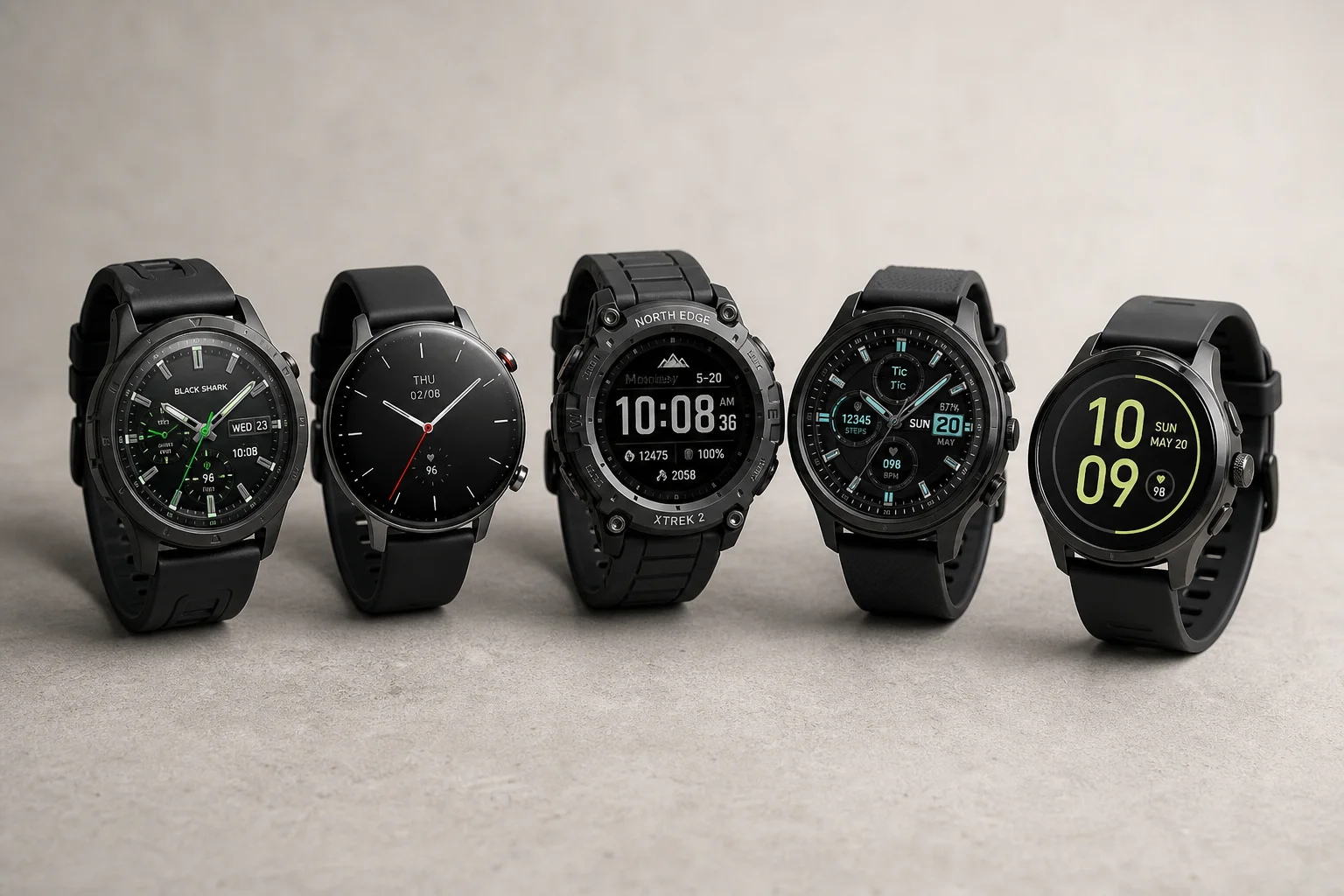
Best Smartwatches on AliExpress 2026: Five Practical Options for Different Needs
Five smartwatches with strong customer feedback and competitive pricing, each suited to different priorities: premium design, battery life, outdoor durability, advanced health tracking, and sports versatility.
Smartwatches
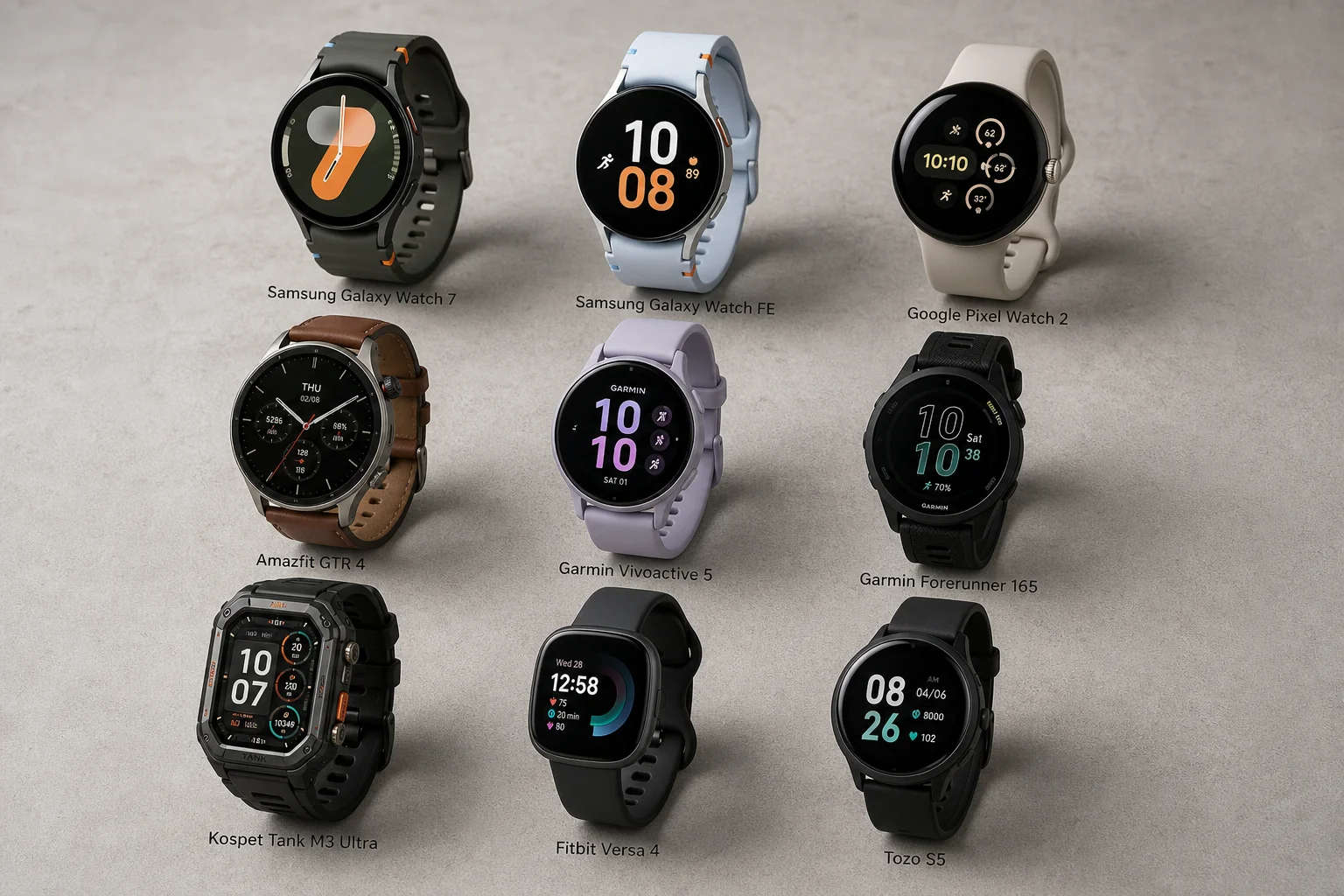
Best Smartwatches Under $300: 9 Practical Options for Every Need
A curated selection of nine smartwatches under $300, each excelling in health tracking, durability, battery life, or fitness features. Find the right match for your lifestyle.