Smartwatches
Google Pixel Watch 3 Review: A Serious Fitness Watch With a Few Caveats
Industry-leading heart rate accuracy, a genuinely useful cardio load system, and improved running features make the Pixel Watch 3 a strong step forward, though GPS and battery consistency lag behind.
Introduction
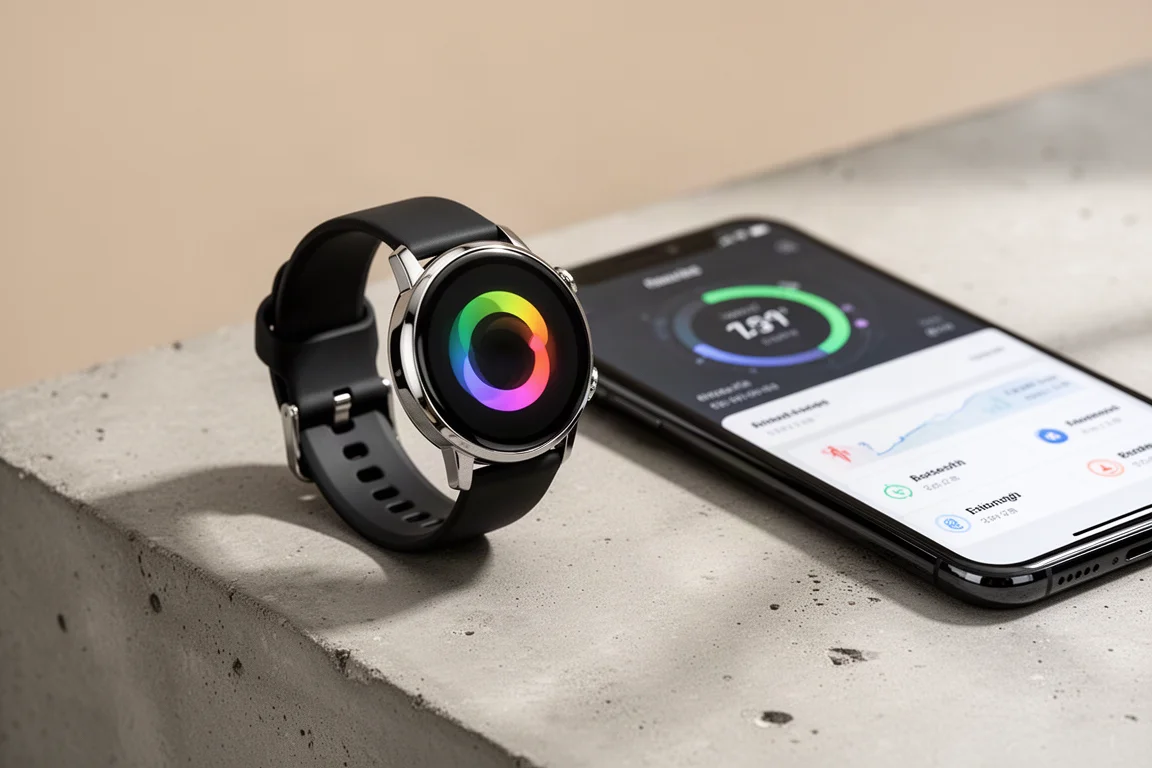
The Google Pixel Watch 3 arrives with a clear message: this time, fitness is the point. The new generation is bigger than its predecessors, most notably with a new 45mm case size alongside the smaller option, and it brings a long list of new sports and running features. After several weeks of daily use, including runs, rides and everyday wear, the pattern is consistent. Heart rate tracking is genuinely excellent, the cardio load system is one of the more thoughtful additions in the smartwatch space, and the revamped Fitbit app finally treats runners like adults. GPS tracking and battery consistency are where things get less tidy.
Hardware and Daily Battery
The headline hardware change is the new 45mm case, a welcome option for anyone who found the earlier Pixel Watches too small. The smaller size remains available, but the 45mm has been the daily driver for this period of testing, and it feels like the more natural fit for a watch pitched at fitness users. Battery life on a day-to-day basis has been solid, reliably delivering about two days per charge when paired with a phone rather than using LTE cellular. The claimed battery improvements hold up in normal use, which is an encouraging starting point.
Everyday Usability: Watch Face and Fitbit Dashboard
The watch face is highly customizable, with complications for steps, distance, active zone minutes, floors, calories, cardio load and your daily readiness score. Tapping the Fitbit icon opens the Fitbit dashboard on the watch, where you can drill into sleep sessions, readiness breakdowns including heart rate variability and resting heart rate, and the week’s activity. Swiping through the widget stream gives you steps, recent heart rate, quick workout start options, sleep stats and weather, all customizable with Fitbit, Google and third-party apps.
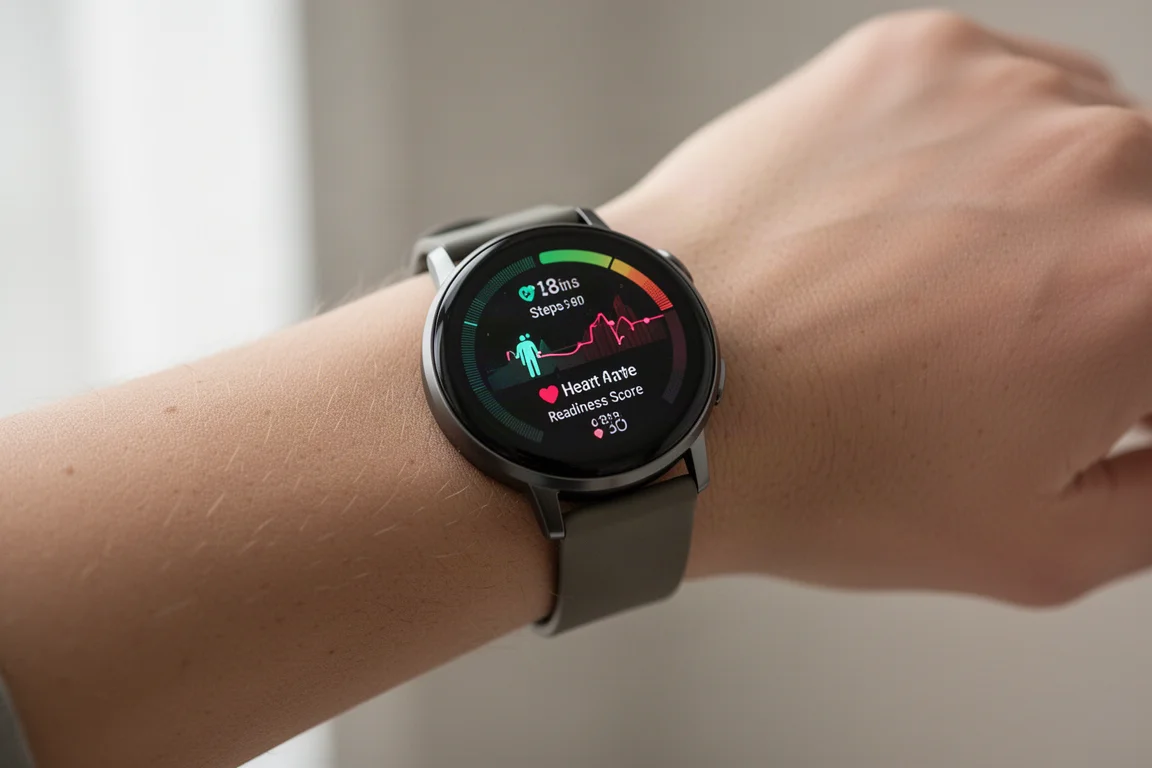
Notifications swipe up from the bottom and include both Fitbit and Google content as well as standard phone notifications, while settings pull down from the top. In short, the baseline experience is polished and easy to live with, which matters because everything else builds on it.
Structured Workouts and Running Metrics
One of the strongest new features is the workout builder in the revamped Fitbit app. For running, you can create multi-set intervals with main sets, secondary sets and repeats, targeting a heart rate zone or a pace, by distance or by time. It is flexible and quick to use, and syncing to the watch is effectively instant, which puts many competitors to shame. During a run, the watch walks you through each interval with clear targets and durations, and the whole flow works reliably.
After the workout, you get new running efficiency metrics such as vertical oscillation and ground contact time, both on the watch and in the app. Whether these metrics are actually useful is an open question shared with Garmin and Apple’s equivalents. They are numbers to geek out on, but guidance on acting on them is thin. On accuracy, Google has demonstrated serious lab validation work, including pressure-sensitive tracks and high-speed camera systems, but the inability to export running efficiency data to common standards makes independent verification difficult.

The revamped Fitbit app deserves credit on its own. The new running dashboard shows your metrics, personal records and trends over time, and it represents a real shift for a company that historically dumbed everything down. The data is now there for people who want it, without making the app harder for those who don’t. Only the automatically generated daily coaching workouts sit behind Fitbit Premium; for day-to-day features, the paywall is essentially gone.
Cardio Load: The Highlight Feature
Cardio load is the standout of this launch. Like other companies, Google calculates cardio load for every workout you start. What is unique is that it also calculates load for the rest of your day, so non-workout exertion counts. Helping move furniture for a couple of hours earned roughly the same cardio load as a solid 10k run, around 120 units, and Google does not care how you got your heart rate up. For anyone whose daily life involves physical work, this is a meaningful difference.
Each morning you receive a cardio load target based on your baseline plus recent activity and sleep. The baseline takes 14 days to establish, and right at that marker the targets can swing wildly, but after about 18 days they stabilized and became genuinely useful. Hard days produce lower targets, easy days with good sleep produce higher ones, conceptually similar to Garmin’s training readiness but with Fitbit’s own flavor.
Heart Rate Accuracy: Genuinely Industry-Leading
Google claims this is the most accurate optical heart rate sensor it has ever made, and based on several weeks of testing, that claim holds up. Across interval runs on pavement and trail, steady runs, and mixed on-road and off-road cycling, the optical data has been near identical to a chest strap. Even rough gravel riding, which is notoriously difficult for optical sensors due to vibration, produced only a couple of seconds of minor lag. This is a purely algorithmic improvement, and it puts the Pixel Watch 3 alongside or even ahead of Apple and Garmin.

If heart rate accuracy is your priority in a fitness watch, this is currently about as good as optical sensing gets.
GPS Accuracy: Not Great, Not Bad
GPS is the weaker side of the package, and there are no hardware changes here to lean on. On the whole it is fine, but not great and not horrible. Some rides look clean at a high level but reveal cut corners on closer inspection, and even runs on straight suburban roads showed small, odd quirks rather than the obvious concrete errors you normally see. The downtown city test, with 20 to 30 story buildings, was neither terrible nor impressive, which is reasonable given the watch lacks multiband or dual-frequency GPS. Still, those small unexplained glitches appeared across nearly every dataset.
Battery Life: Hit or Miss
While day-to-day battery life is a solid two days, GPS battery life is inconsistent. Some runs have burned through charge at a rate suggesting only around 5 hours of GPS tracking, which is very poor, while other workouts have been on target for 20 or more hours. The cause of the inconsistency is unclear, but it is something to be aware of if you plan long GPS activities.
How It Compares
Against the Samsung Galaxy Watch 7 and Ultra, the Pixel Watch 3 is clearly the more accurate device for heart rate, and GPS quirks aside, Samsung’s GPS issues are a level below. Google also has a practical advantage: all features work with any Android phone, whereas Samsung gates features like ECG behind its own phones. Samsung counters with native route navigation on the Ultra series, while the Pixel Watch 3’s offline mapping lives in the Google Maps app rather than the fitness app, a less smooth experience. The trend across Apple, Samsung and others suggests a larger, more rugged Pixel Watch variant would be a logical next step.
Buying Advice
If your focus is fitness and everyday health tracking on an Android phone, the Pixel Watch 3 is very strong. The cardio load system, structured workouts, revamped app and exceptional heart rate accuracy combine into a package with nothing locked behind a specific phone brand. If you rely heavily on precise GPS tracks or need long, consistent GPS battery life, treat those as known compromises before buying.
Conclusion
The Pixel Watch 3 is a big step forward for Google and Fitbit. The larger 45mm option, new running features, sensible cardio load targets and industry-leading heart rate accuracy make it easy to recommend for fitness-focused Android users, provided you can accept middling GPS and inconsistent GPS battery life.
Product link
View more details for Google Pixel Watch 3
This product is mentioned in the review. Check the specifications, options, and compatibility before buying.
View more details for Google Pixel Watch 3Further reading
Related Reviews
Smartwatches
Best Budget Smartwatches 2026: Five Affordable Options That Actually Work
Five budget smartwatches tested for real daily use. From entry-level options to premium features at fraction of the cost, here's what actually delivers.
Smartwatches
Best Smartwatches on AliExpress 2026: Five Practical Options for Different Needs
Five smartwatches with strong customer feedback and competitive pricing, each suited to different priorities: premium design, battery life, outdoor durability, advanced health tracking, and sports versatility.
Smartwatches
Best Smartwatches Under $300: 9 Practical Options for Every Need
A curated selection of nine smartwatches under $300, each excelling in health tracking, durability, battery life, or fitness features. Find the right match for your lifestyle.