Smartwatches
Google Pixel Watch 2 Review: A Polished Refinement for Fitness and Everyday Use
A closer look at the Pixel Watch 2's improved heart rate accuracy, battery life, safety features, and where it still falls short for serious sports users.
Introduction
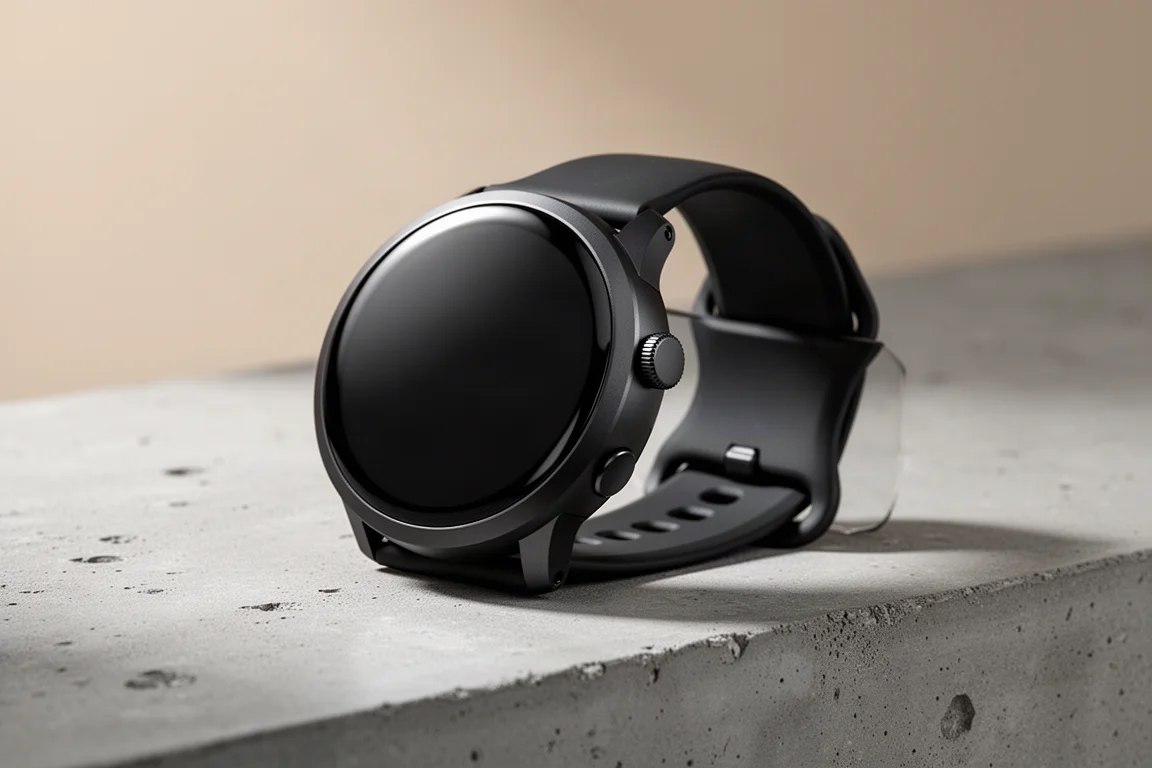
The Google Pixel Watch 2 is a very modest upgrade over its predecessor, and that turns out to be mostly a good thing. Rather than reinventing anything, Google focused on polish: better battery life, faster charging, improved sensors, and a handful of new safety features. We spent extended time with it across a variety of sports and everyday use, and it has become clear where the watch excels and where it still needs work.
Pricing starts at $349, or $399 for the LTE edition. One important note throughout: this review was conducted entirely without a Fitbit Premium subscription, so it reflects what the experience looks like on a free account. In practice, the difference is smaller than you might expect.
Design and Hardware Changes
Externally, almost nothing has changed. The case is now made from 100% recycled aluminum, which reduces the weight by about 10%, and the top glass has been strengthened. That last change matters: because the display has no raised bezel or metal edge protecting it, more durable glass is a welcome improvement.
The band latch system is unchanged, so original Pixel Watch bands are fully compatible with the Pixel Watch 2. Note that some new Pixel Watch 2 bands are not backwards compatible with the first watch.
Battery Life and Charging
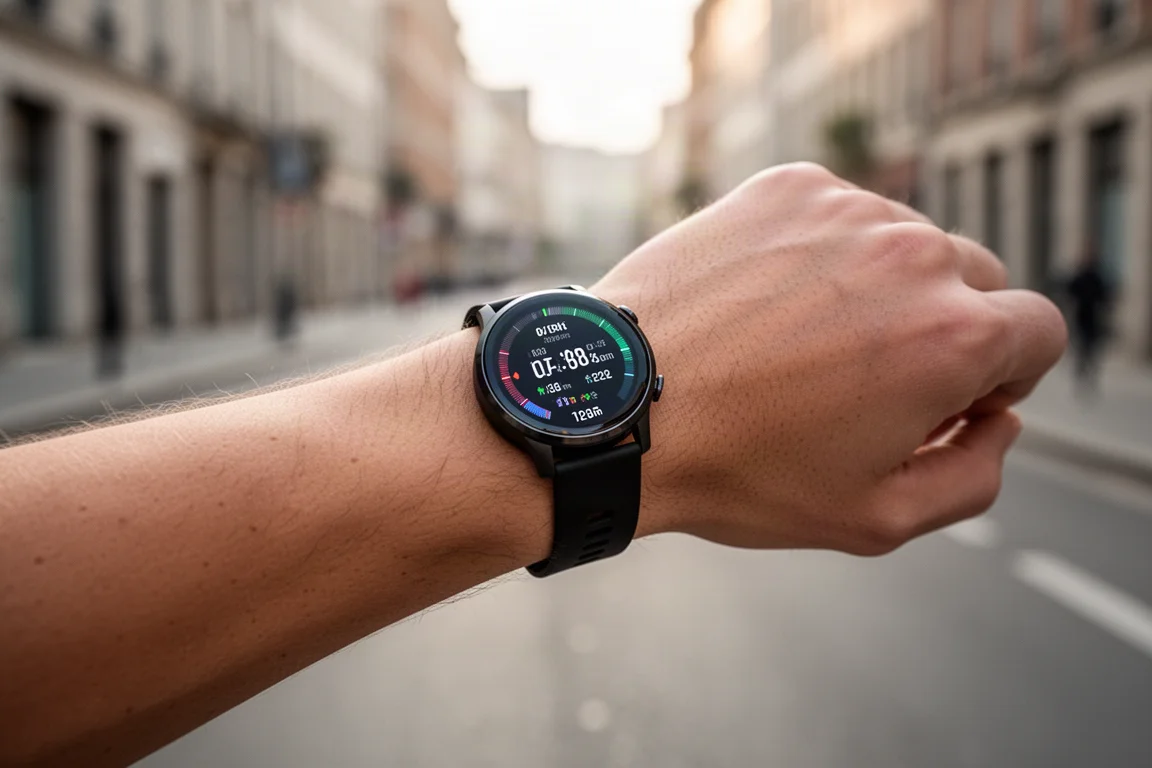
Google now claims up to 24 hours with the always-on display enabled, and in testing it hits that marker without any trouble. In an always-on configuration, charging every 30 to 36 hours was enough. Charging speed has also improved: 12 hours of battery life from a 30-minute charge holds true, and charging is genuinely fast.
The downside for existing owners is a new charging cable. The old wireless-style puck has been replaced with a pin-based charger, so the previous cable will not work.
Under the Hood: Sensors and Safety
Almost everything else changed internally. A new four-core CPU promises better performance and responsiveness, though in day-to-day use it feels largely the same. The digital crown’s tactile feedback has been improved, making scrolling through menus feel more precise.
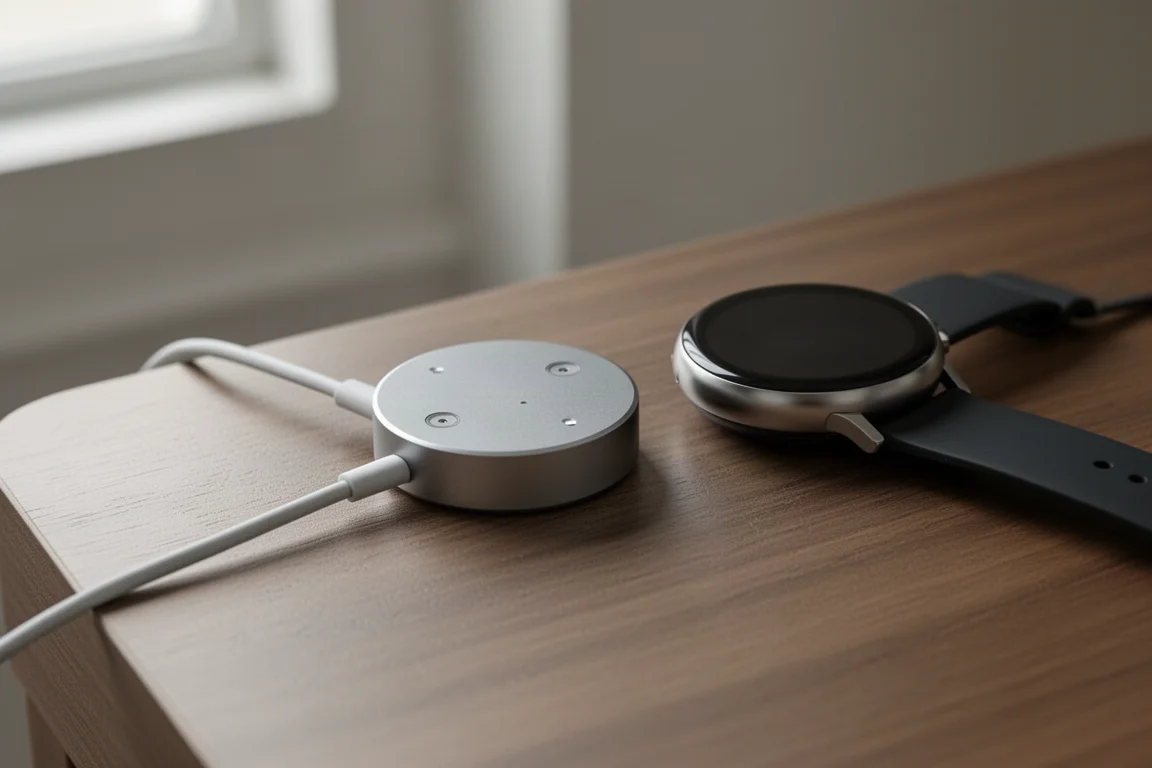
The sensor suite is the bigger story. The heart rate sensor now uses a multipath design with multiple LEDs and diodes for different reading angles. There is also a new direct skin temperature sensor (the original only estimated it via proxy math) and an electrodermal sensor that measures skin moisture.
On the safety side, Google added Medical ID, which helps someone identify you if you are found unresponsive, and Safety Check, carried over from Pixel phones. Safety Check lets you notify friends and family that you are heading out, then escalates reminders and alerts if you fail to check in. Notably, on an LTE model with Fitbit Premium activated but no LTE plan, safety information can still be relayed over a backup network, though that feature is limited to the US, Canada, the UK, and Germany.
Software and Everyday Experience
Two apps handle everything: the Watch app for watch-related settings and watch faces, and the Fitbit app for fitness data. Watch faces are customizable, and there is a vast selection on the Google Play Store, ranging from beautiful to horrific. Swiping down gives quick access to settings, battery, and a flashlight; swiping up shows notifications; and the side button opens the recent apps menu.
Most daily interactions happen through the tiles you swipe through from the right edge: steps, heart rate, quick start for sports, sleep, calendar, body responses, Maps, Assistant, and weather. Sleep tracking stood out here. Sleep start and wake times were very accurate, with no false positives, and it handled an unusual early-morning flight nap correctly.
The health metrics panel shows breathing rate, heart rate variability, skin temperature, oxygen saturation, and resting heart rate, all on the free tier. Skin temperature trends should be read cautiously, since sleeping environment and air conditioning heavily influence the readings.
Sports and Workout Features
Starting a workout is easy via quick start tiles, which launch the last three sports instantly. Just be aware they begin immediately, GPS and all, so wait until you are actually ready. The full sport list is reasonably diverse, including canoe, golf, hiking, indoor climbing, and indoor swimming. However, there is no open water swim mode, no triathlon mode, and no support for external sensors such as heart rate straps, cadence sensors, or cycling power meters; that requires third-party apps.
Running offers new Pacer and heart rate zone modes. The heart rate zone mode is well executed: you pick a target zone and the watch tracks time spent in it, which is a nice touch. Goals for distance, time, or calories remain available.

The main criticism sits with the data pages. You get a single customizable page with only four data fields, which feels far behind other smartwatches today. For a company with Fitbit’s sports heritage, this area feels underdeveloped.
After a workout, the Fitbit app shows a map, duration, distance, heart rate, pace, laps, and elevation gain. Automatic syncing to partners like Strava happens behind the scenes without installing anything extra, which is a genuine strength compared to platforms that require a companion app on your phone or watch for every service.
GPS and Heart Rate Accuracy
This is where Google claimed big improvements, and the results back them up. On a straightforward out-and-back run, the GPS track matched almost identically with a much more expensive multiband GPS watch. In a forest run, it was very good overall with just one brief 10 to 15 second drift.
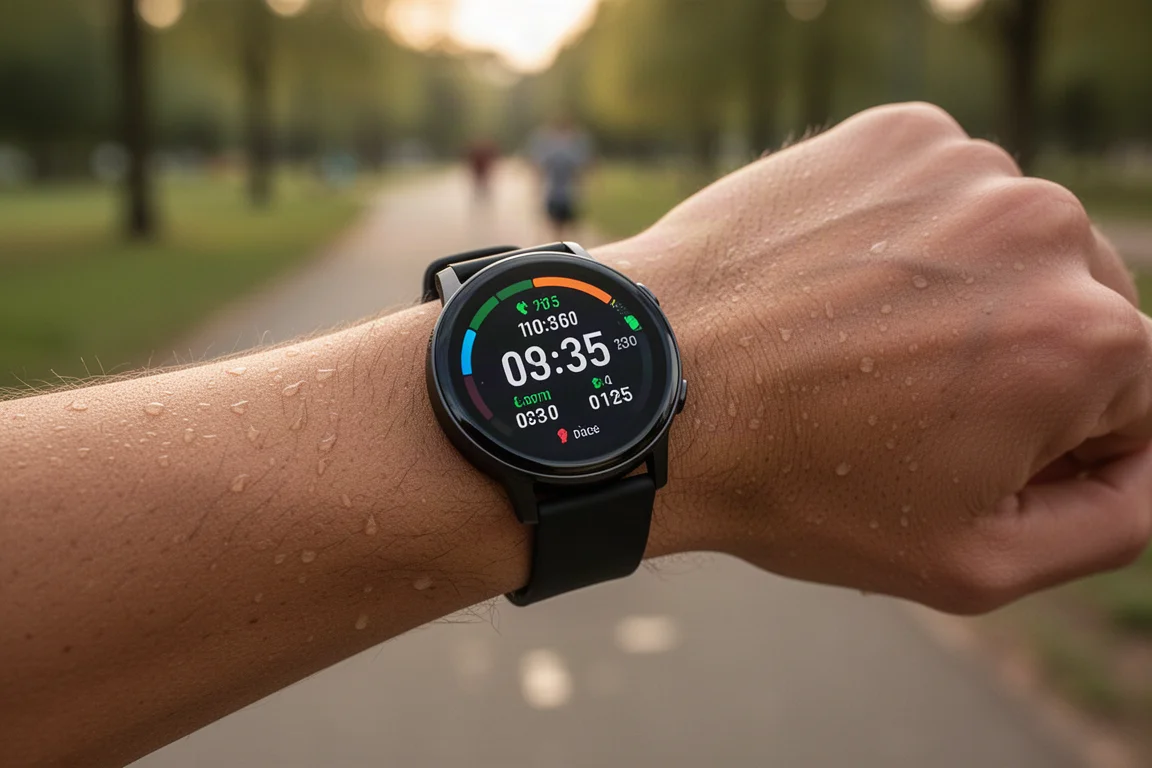
The city test, with 20 to 30 story towers separated by narrow streets, was the toughest. It is not at the level of multiband devices, but it landed in the middle to upper end of non-multiband watches, and well ahead of the Fitbit Charge 6.
Heart rate accuracy is genuinely excellent. Across interval runs, interval bike workouts, and easy sessions, the optical sensor matched a chest strap almost perfectly, even beating a premium sports watch with a well-regarded heart rate sensor. The only weak spot is the first two to three minutes of a session, where readings can briefly lag while the sensor warms up. Google’s approach relies on computational processing rather than raw sensor hardware, and whatever the method, the results are accurate.
Things to Consider Before Buying
- Sports features are slim: limited data fields, no triathlon mode, no open water swimming, and no external sensor support.
- The new pin-based charger is not compatible with the original Pixel Watch cable.
- The always-on battery life tops out around 24 to 36 hours in practice, so this is a daily-charging watch.
Should You Upgrade?
For Pixel Watch 1 owners, this is a modest, sensible upgrade: better battery, faster charging, lighter case, tougher glass, and marginally improved accuracy, since heart rate on the original was already quite good. For everyone else, this watch is about polish. It is arguably ahead of competitors on fitness, wellness, and health, and behind them on serious sports features. If Google ever gets serious about the sports side, this platform could be exceptional. For now, it is an excellent everyday fitness watch with genuinely strong heart rate tracking.
Conclusion
The Pixel Watch 2 does not reinvent anything, and it does not need to. Improved battery and charging, new sensors, meaningful safety features, and outstanding heart rate accuracy make it an easy recommendation for everyday fitness users. Runners and triathletes wanting deep sports configurability should look elsewhere, but for everyone else, this is a well-rounded and refined wearable.
Product link
View more details for Google Pixel Watch 2
This product is mentioned in the review. Check the specifications, options, and compatibility before buying.
View more details for Google Pixel Watch 2Further reading
Related Reviews
Smartwatches
Best Budget Smartwatches 2026: Five Affordable Options That Actually Work
Five budget smartwatches tested for real daily use. From entry-level options to premium features at fraction of the cost, here's what actually delivers.
Smartwatches
Best Smartwatches on AliExpress 2026: Five Practical Options for Different Needs
Five smartwatches with strong customer feedback and competitive pricing, each suited to different priorities: premium design, battery life, outdoor durability, advanced health tracking, and sports versatility.
Smartwatches
Best Smartwatches Under $300: 9 Practical Options for Every Need
A curated selection of nine smartwatches under $300, each excelling in health tracking, durability, battery life, or fitness features. Find the right match for your lifestyle.