Mini PC
GMKtec EVO X3 Steam OS Gaming Review: A Powerful AI Mini PC Turned Gaming Machine
We installed Steam OS on the GMKtec EVO X3, a Ryzen AI Max Plus 395 mini PC, and tested its gaming performance at 1440p across several AAA titles.
Introduction
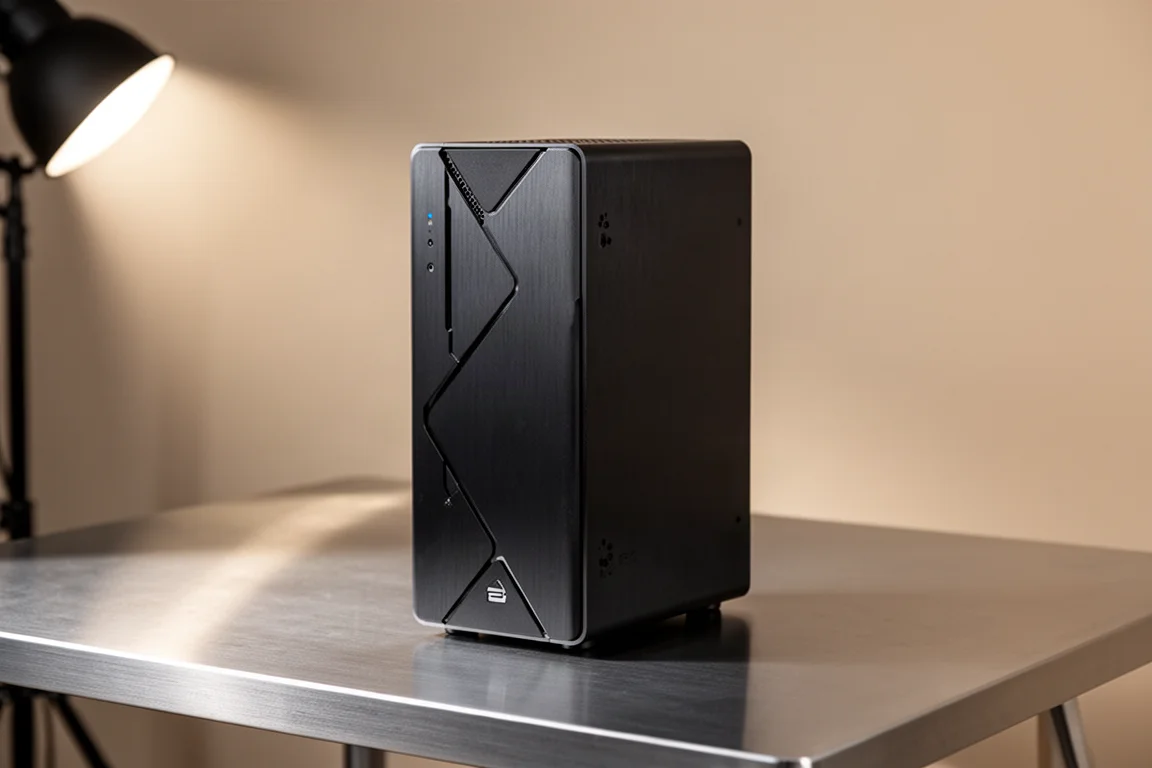
The GMKtec EVO X3 is an AI-focused mini PC workstation that ships with Windows pre-installed. It is built around the AMD Ryzen AI Max Plus 395, a processor with 16 cores, 32 threads, and what is currently the most powerful integrated GPU on the market. While the system is designed for running large language models and other AI workloads, it also has the hardware to handle serious gaming. We installed Steam OS on it to see how far this compact system can go as a dedicated gaming machine.
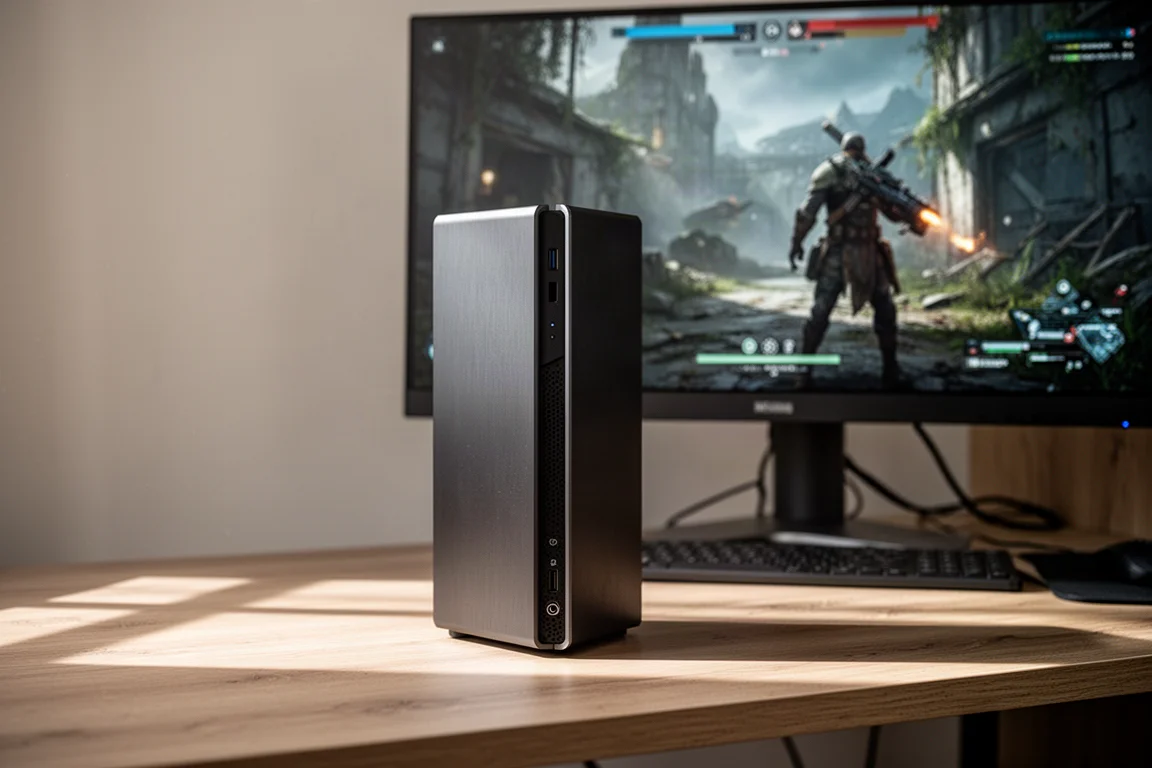
What makes this test interesting is the performance we saw. In past testing with similar systems powered by the same processor, we never saw the kind of frame rates we are getting here. The latest updates to Steam OS and Mesa drivers appear to have unlocked noticeably better gaming performance. At 1440p, this mini PC is ripping through modern titles with impressive results.
The GMKtec EVO X3 at a Glance
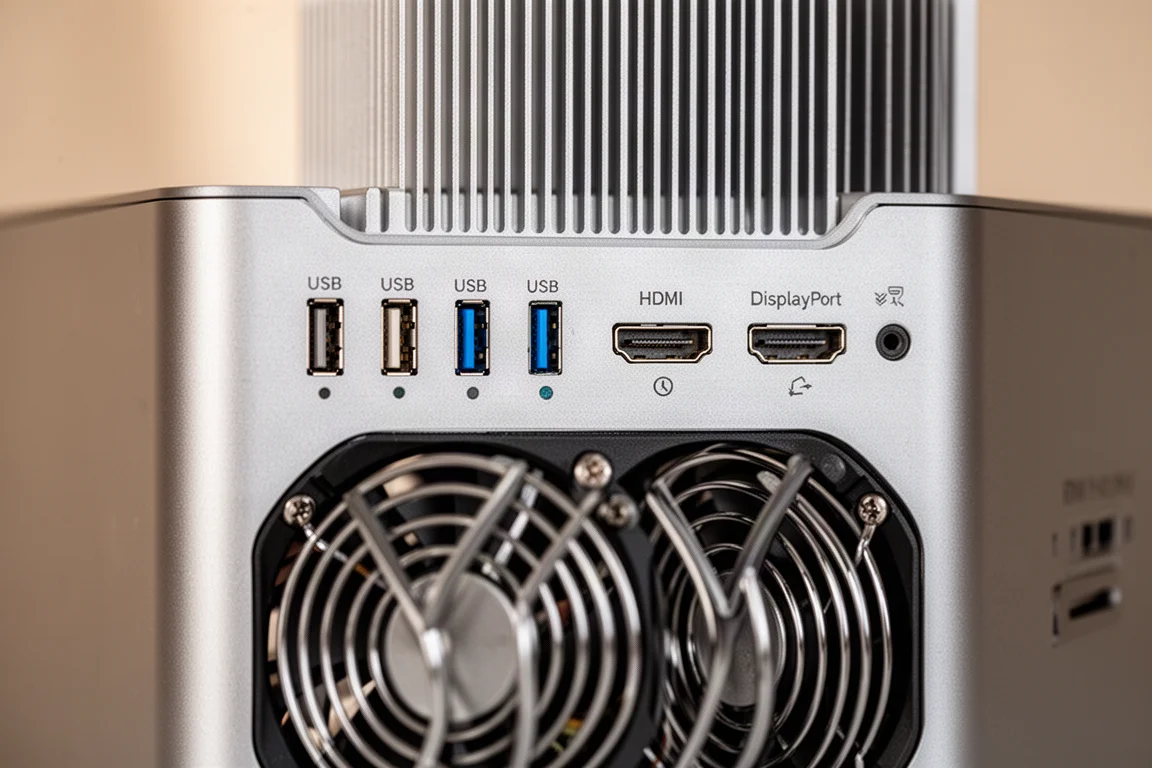
The EVO X3 is a bit larger than many other mini PCs on the market, but that extra size makes room for a substantial dual fan cooling system. The unit is designed to stand vertically, and the cooling setup keeps things running smoothly even under sustained gaming loads.
Under the hood, the system is powered by the AMD Ryzen AI Max Plus 395, running up to 5.19 GHz. It has 16 cores and 32 threads, with 128 GB of unified memory running at 8,000 mega transfers per second. The integrated GPU is the Radeon 860S, and the system allows you to dedicate up to 96 GB of unified memory to the iGPU. For this test, we dedicated 64 GB to the iGPU and kept 64 GB for the system.
Hardware and Cooling
The EVO X3 comes with a massive dual fan cooling system built in. This is important because the processor can boost up to 140 watts, though it tends to sustain around 115 to 116 watts during extended workloads. The cooling solution handles this well, keeping the system stable during long gaming sessions.
We also added a 1 TB NVMe drive with official Steam OS installed. The system has two drive slots, so you could set up a dual boot configuration if you want to keep Windows for AI workloads and Steam OS for gaming. Wi-Fi, Bluetooth, and audio all work without issues in Steam OS.
Performance Modes and TDP
The EVO X3 offers three performance settings in the BIOS: quiet, balanced, and performance. We ran all of our testing in performance mode. There are third-party apps that can give you more granular TDP control from within the operating system, but we let the system manage itself for this test.
The 140 watt boost capability is notable, though the system sustains closer to 115 to 116 watts. Even with that sustained power draw, the performance we saw was excellent, which we attribute to the recent Steam OS and driver updates.
Gaming Performance at 1440p
We tested the EVO X3 across several demanding titles at 1440p to get a clear picture of its gaming capabilities. Here is how it performed.
Cyberpunk 2077
At 1440p with the high preset and FSR set to quality, we saw average frame rates in the high 70s. We used FSR 3 instead of the stock FSR 2.1, which looks a bit better but costs a few frames. With the stock preset, you will see slightly better performance. No frame generation was needed for this title.
Horizon Zero Dawn Remastered
This game looks beautiful on the EVO X3. At 1440p with the very high preset and FSR set to quality, performance was smooth. FSR is really your best friend at 1440p for most newer AAA games. Even with the most powerful iGPU available, it is still hard to compete with a dedicated GPU that has much faster memory. The bandwidth here is not as fast as GDDR6, but it is still impressive to see an integrated GPU deliver this level of performance.
Mortal Kombat 1
At 1440p with the very high preset and no FSR, Mortal Kombat 1 ran at a continuous 60 fps. Fighting games generally max out easily on this hardware, and many are compatible with Steam OS. This one was smooth across the board.
Spider-Man 2
Spider-Man 2 has seen a nice performance boost recently thanks to updates to the game and GPU drivers in Steam OS. When the game initially released, it went Steam Deck verified, but the verification was pulled because it did not perform well in Steam OS. Testing it now, we saw averages in the high 80s at 1440p with the very high preset and FSR set to quality.
Doom Eternal
At 1440p with the high preset, we had to take FSR to balanced to get smooth performance. This game is very VRAM heavy, and even with plenty of VRAM available from the BIOS, the iGPU just does not put down enough power to run it without FSR at that high setting.
Elden Ring
At 1440p maxed out with no FSR, Elden Ring ran at a continuous 60 fps. The game looks great at these settings, and there is no scaling involved.
Forza Horizon 6
At 1440p ultra with no FSR, we saw an average of around 78 fps. We also tested at 4K and saw an average of around 62 fps, but with some dips below that. If you are willing to use FSR, you can set it to quality at 4K ultra and see around 68 fps on average.

Overall, the EVO X3 is delivering some great gaming performance. With the newer updates to Steam OS, the Ryzen Max Plus 395 is performing better than it ever has.
Who Should Consider the EVO X3
The EVO X3 is not a typical gaming purchase. It is an AI workstation first, and the price reflects that. Systems powered by the Max Plus 395 have seen some very high prices, and this one is no different. If you are looking for a dedicated gaming machine, there are more affordable options.
That said, if you already own an EVO X3 for AI workloads, or if you need the unified memory and compute power for other tasks, the gaming performance is a serious bonus. The dual drive slots mean you can keep Windows for productivity and AI work while running Steam OS for gaming.
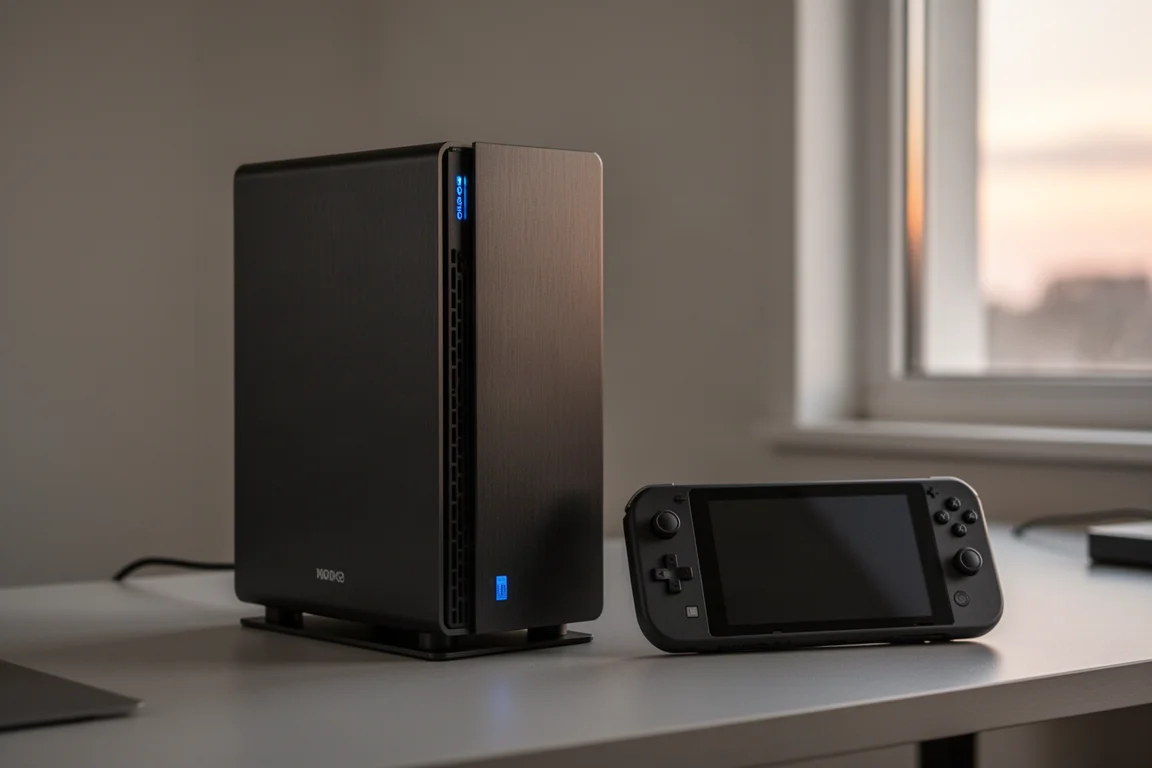
This is also a compelling option for someone who wants a single compact system that can handle both AI workloads and modern gaming at 1440p without needing a separate desktop tower.
Buying Advice
If you are considering the EVO X3, think about how you will actually use it. As a pure gaming machine, the price is hard to justify when dedicated GPUs can offer similar or better performance for less. But if you need the AI compute power, the 128 GB of unified memory, and the 16-core processor for work, the gaming performance is a genuinely impressive addition.
The Steam OS experience here is excellent, especially with the latest updates. Games that previously struggled on this hardware now run smoothly at 1440p. The dual drive slots make it easy to dual boot, and the cooling system handles sustained loads well.
Conclusion
The GMKtec EVO X3 proves that a powerful AI mini PC can also be a capable gaming machine. With Steam OS installed, the Ryzen AI Max Plus 395 delivers impressive frame rates at 1440p across a range of modern titles. The performance improvements from recent Steam OS and driver updates are significant, making this the best we have seen from this processor.
This is not a budget gaming solution, and it is not the right choice for everyone. But for those who need the AI workstation capabilities and want a system that can also handle serious gaming, the EVO X3 is a compelling option.
Product link
View more details for GMKtec EVO X3
This product is mentioned in the review. Check the specifications, options, and compatibility before buying.
View more details for GMKtec EVO X3Further reading
Related Reviews
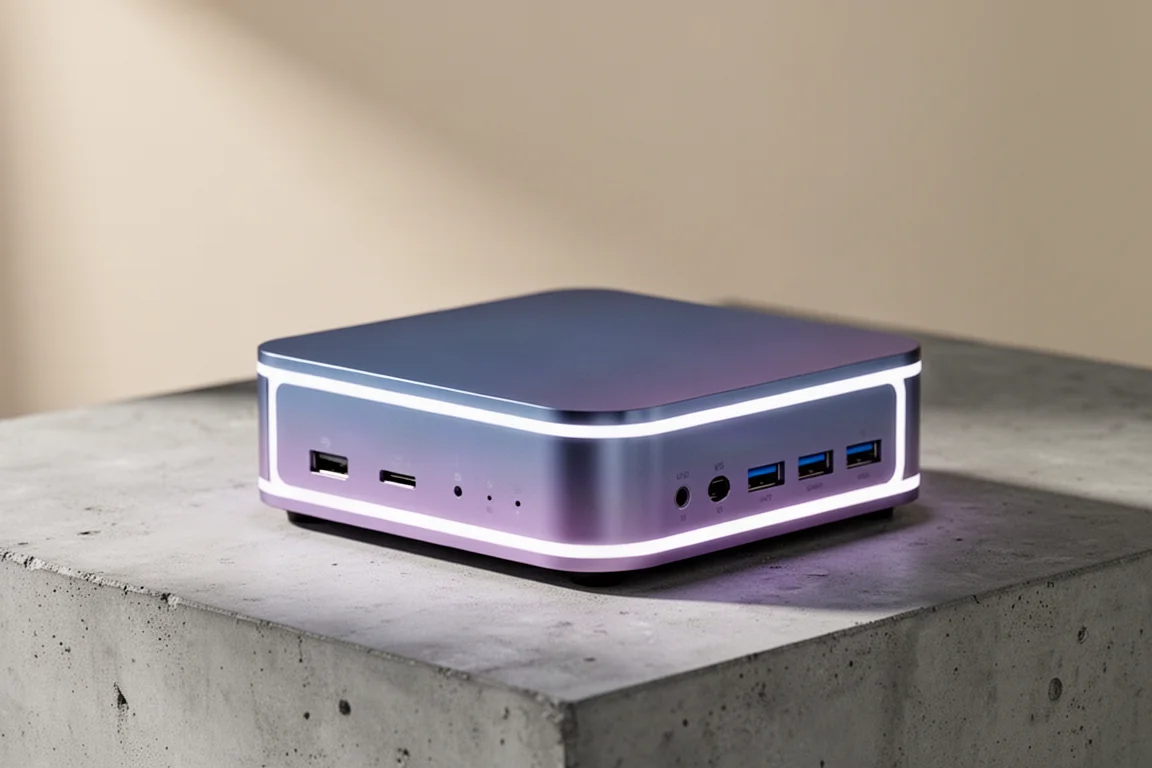
Mini PC
AMD Ryzen AI Max Plus 395 Mini PC Review: Steam OS Performance That Surprises
A compact workstation-class mini PC that runs Steam OS surprisingly well, beating Valve's own Steam Machine in gaming benchmarks.
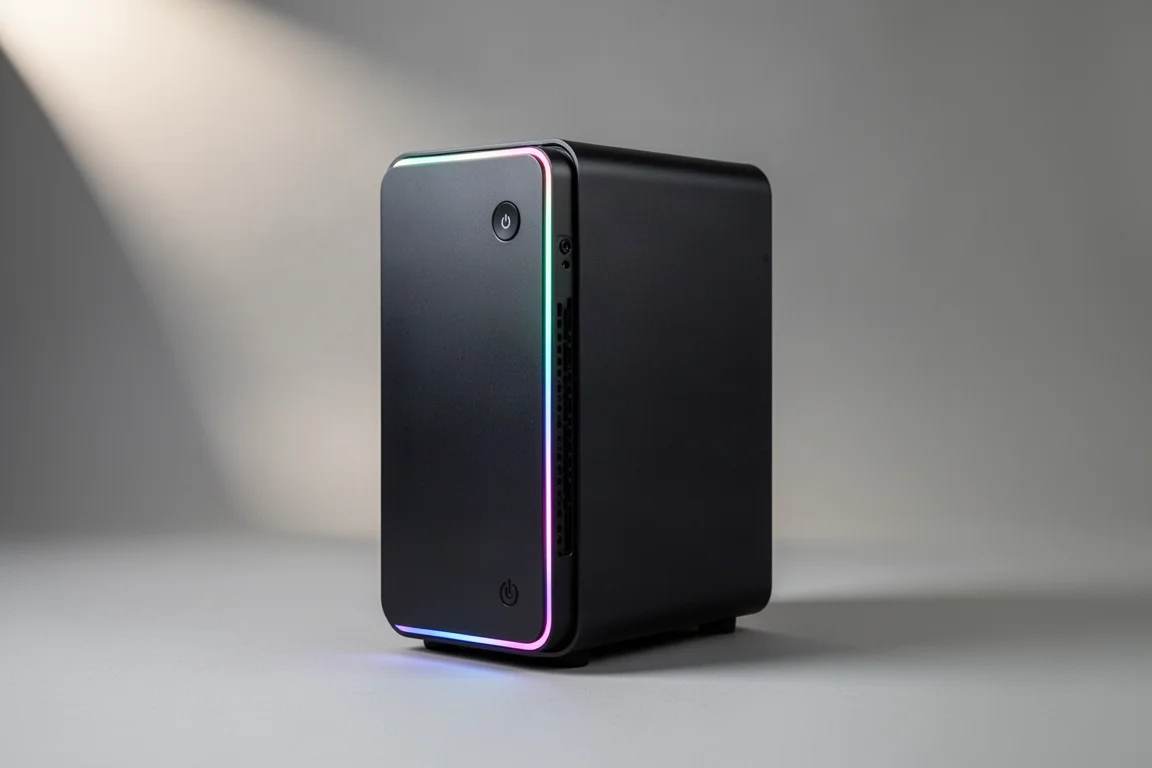
Mini PC
AtomMan G7PT Review: A Faster Steam Machine Built From a Mini PC
The AtomMan G7PT pairs a Ryzen 9 7945HX with a Radeon RX 7600M XT, and with Steam OS installed it becomes a compact gaming PC that outperforms Valve's Steam Machine.
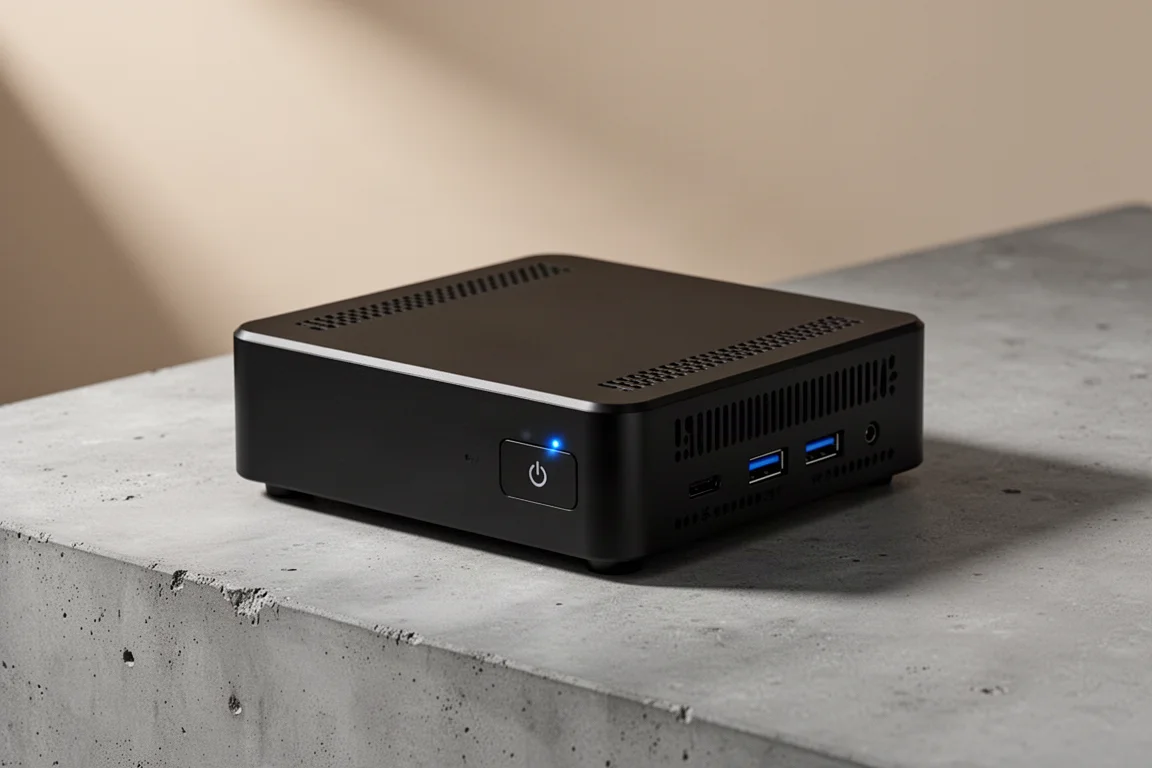
Mini PC
BLink EQI Mini PC Review: A Budget Intel Core 3 304 System With Surprising IO
The BLink EQI mini PC brings Intel's new Core 3 304 chip, dual Thunderbolt 4 ports, and a built-in power supply to the budget desktop segment.