Dash Cams
GKU D600 Pro Max Review: A Budget Dual-Channel Dash Cam With Strong Night Vision
The GKU D600 Pro Max offers dual-channel recording, a Sony Starvis 2 sensor, GPS logging, and voice control at an affordable price.
Introduction
A dual-channel dash cam is one of the most practical additions you can make to your vehicle. It records both the road ahead and what is happening behind you, giving you a clearer picture of any incident. The GKU D600 Pro Max aims to deliver this capability without a premium price tag.
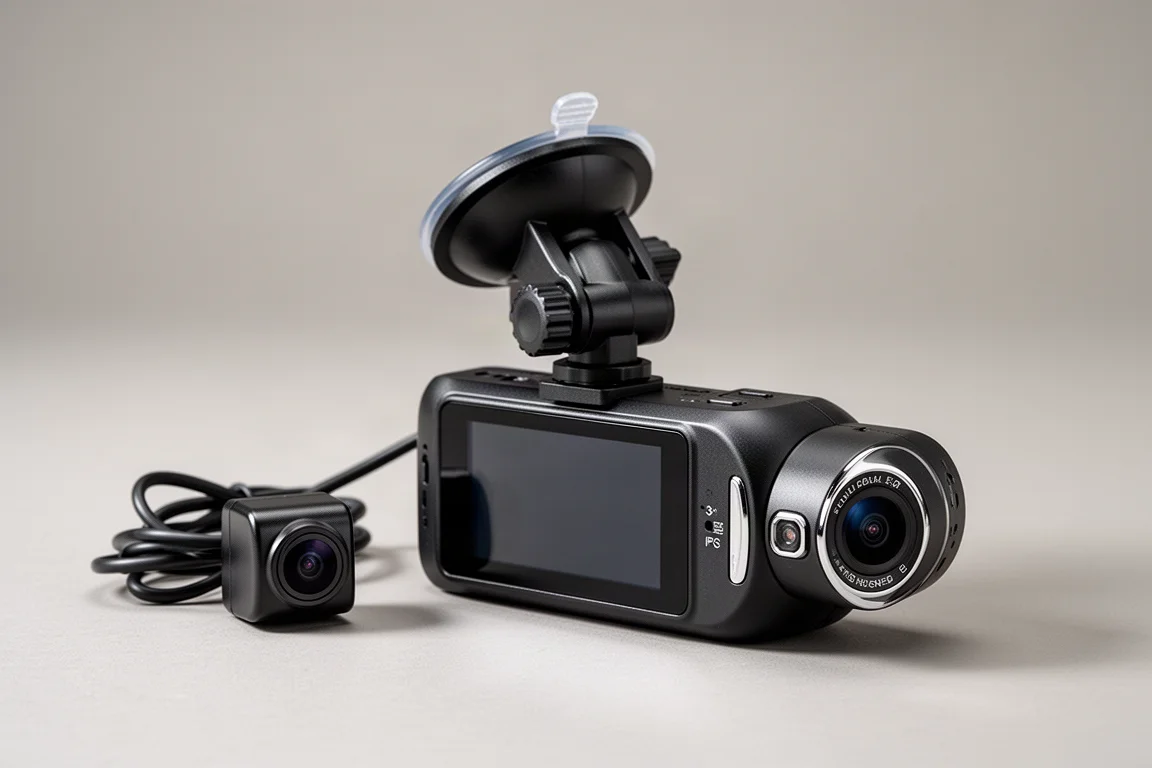
This dash cam records front and rear video simultaneously. The front camera uses a Sony Starvis 2 image sensor, which is designed to capture strong detail in both daytime and low-light conditions. A 3-inch IPS LCD display shows live footage from either camera, and built-in GPS logs your driving data. Voice control lets you operate the unit hands-free while driving.
Who This Dash Cam Is For
The GKU D600 Pro Max is aimed at drivers who want a two-channel recording setup on a budget. It is a good fit if you are looking for a straightforward dash cam that covers both ends of the vehicle without requiring a complex installation or a high-end budget.
It also suits drivers who want driving data alongside their video. The built-in GPS records speed, compass bearing, and a map view of the road you are on. If you prefer to keep your hands on the wheel, the voice control feature allows you to lock videos, switch camera views, and take photos without touching the unit.
Design and Build
The D600 Pro Max has a compact, matte black body with a front-facing camera on one side and a 3-inch IPS LCD display on the back. The front lens offers a wide 170-degree viewing angle. On the left side, you will find a speaker, while the right side houses a function button and a micro SD card slot that supports cards up to 512 GB. An emergency lock button sits on the opposite side.
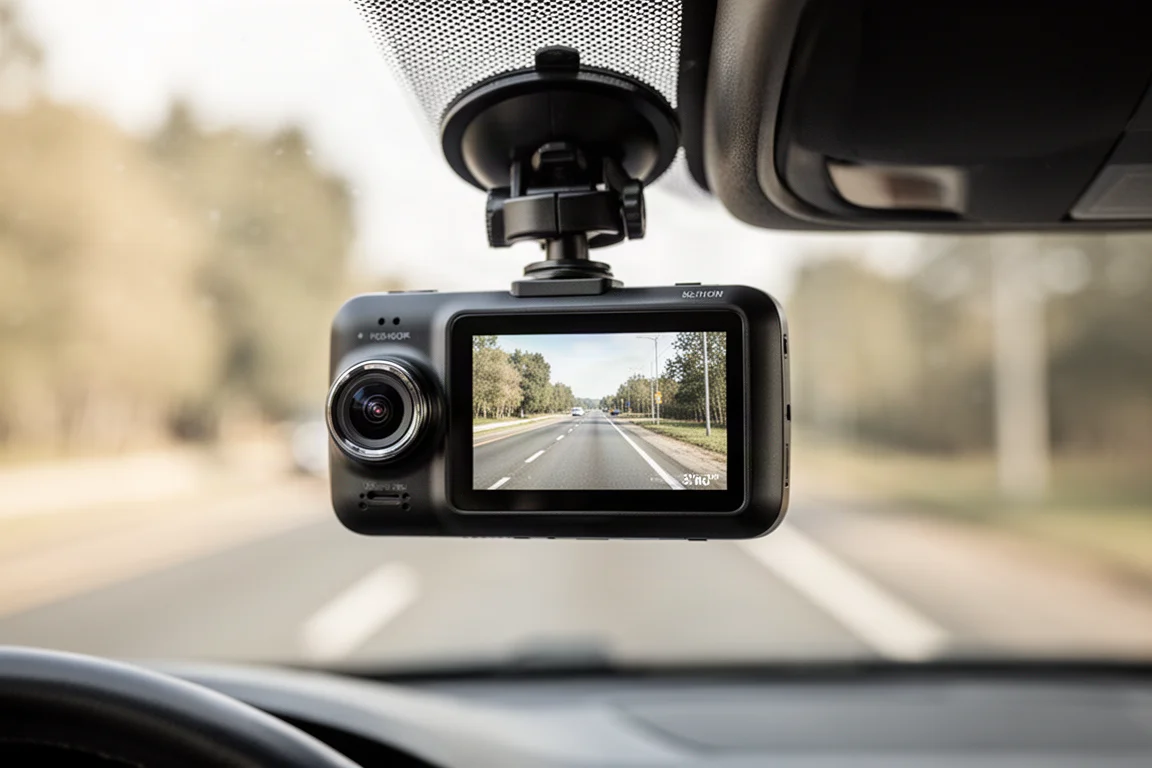
The top of the unit has a mount connector, a rear camera port, and a USB-C power input. A status LED sits at the bottom left corner of the display. The dash cam comes with two mounting options: a double-sided tape mount and a suction cup mount. Both slide onto the top of the unit, and you can adjust the angle and rotation to suit your windshield.
Installation
Installing the D600 Pro Max is a straightforward process. You can use either the double-sided tape mount or the suction cup mount to attach the unit to the windshield. The suction cup option is convenient if you want to move the dash cam between vehicles or remove it when parked.
The rear camera connects to the main unit with a dedicated cable. It records at 1080p with a 150-degree viewing angle. You attach it to the back window using the pre-applied double-sided tape. Routing the cables involves tucking them behind the headliner and weather stripping, and a plastic pry tool is included to help with this.
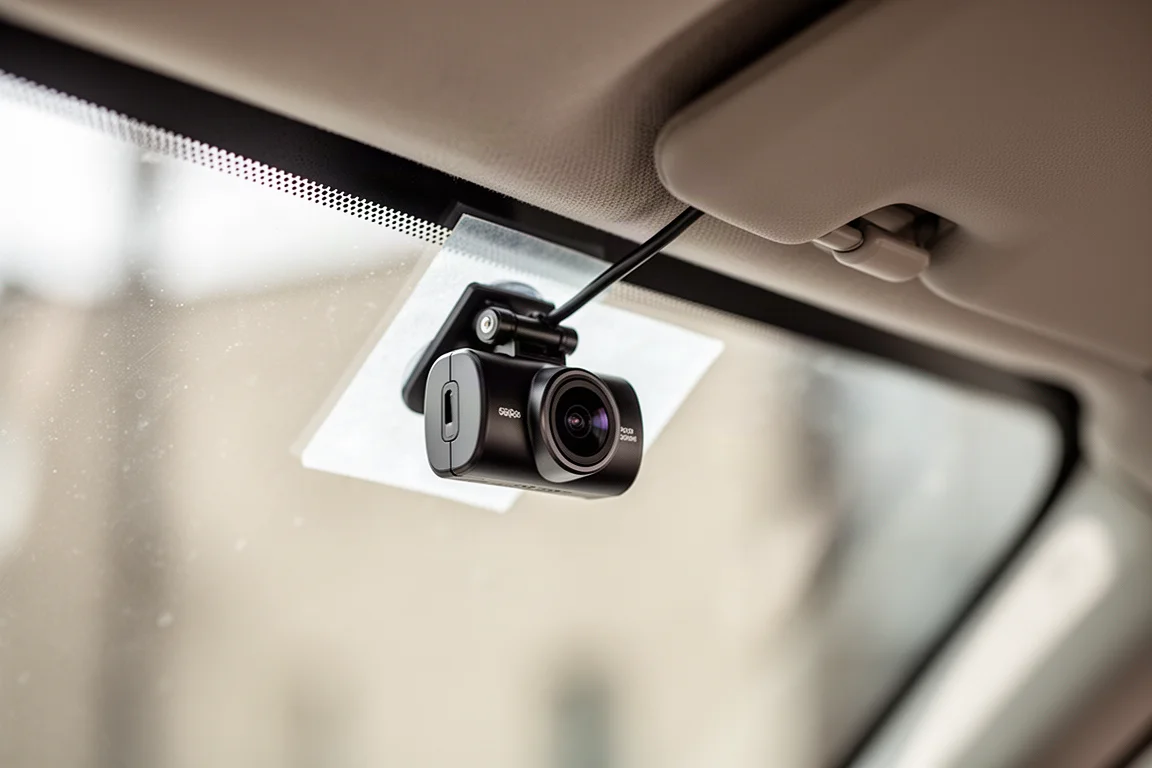
Once powered through the cigarette lighter adapter, the dash cam starts recording automatically when you turn on the ignition. The included G sensor detects impacts and locks the current video clip so it is not overwritten. You can also manually lock a clip by pressing the side button.
Mobile App and Playback
The GKU Go app is available from the Google Play Store and the Apple App Store. After connecting your phone to the dash cam’s Wi-Fi network, the app shows a live view of the front and rear cameras. It also displays your current speed and compass direction in real time.
One notable feature is that the dash cam continues recording while the app is connected. Many competing units stop recording when the app takes over, so this is a practical advantage. From the app, you can also open a map view that shows the road you are traveling on.
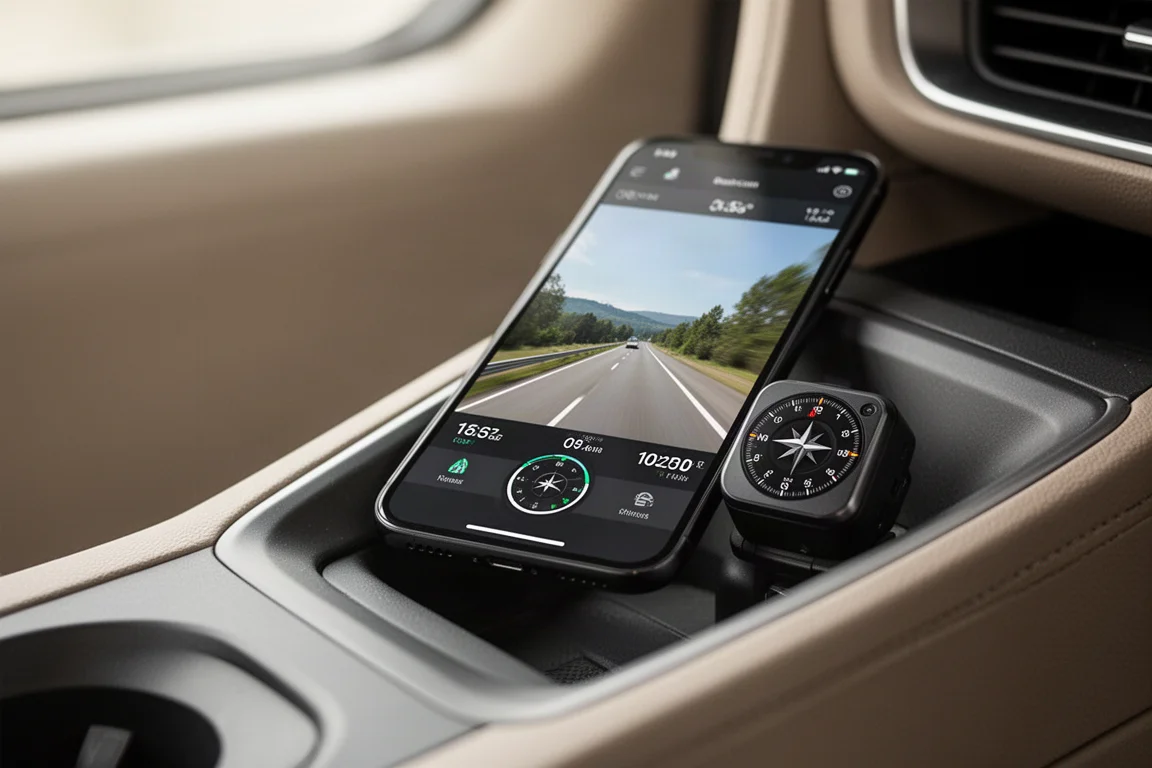
Browsing recorded footage is simple. The memory card icon opens a list of saved videos, each labeled with an F for front or B for rear. You can play back any clip and see the speed, compass bearing, and map data overlaid on the video. Downloading a one-minute clip to your phone took about 25 seconds, which is reasonably quick.
For desktop users, GKU offers a Player software that you can install on your computer. It plays back the recorded videos and displays the same driving data, including speed, compass bearing, and map position. This is useful if you want to analyze a trip in more detail.
Recording Quality
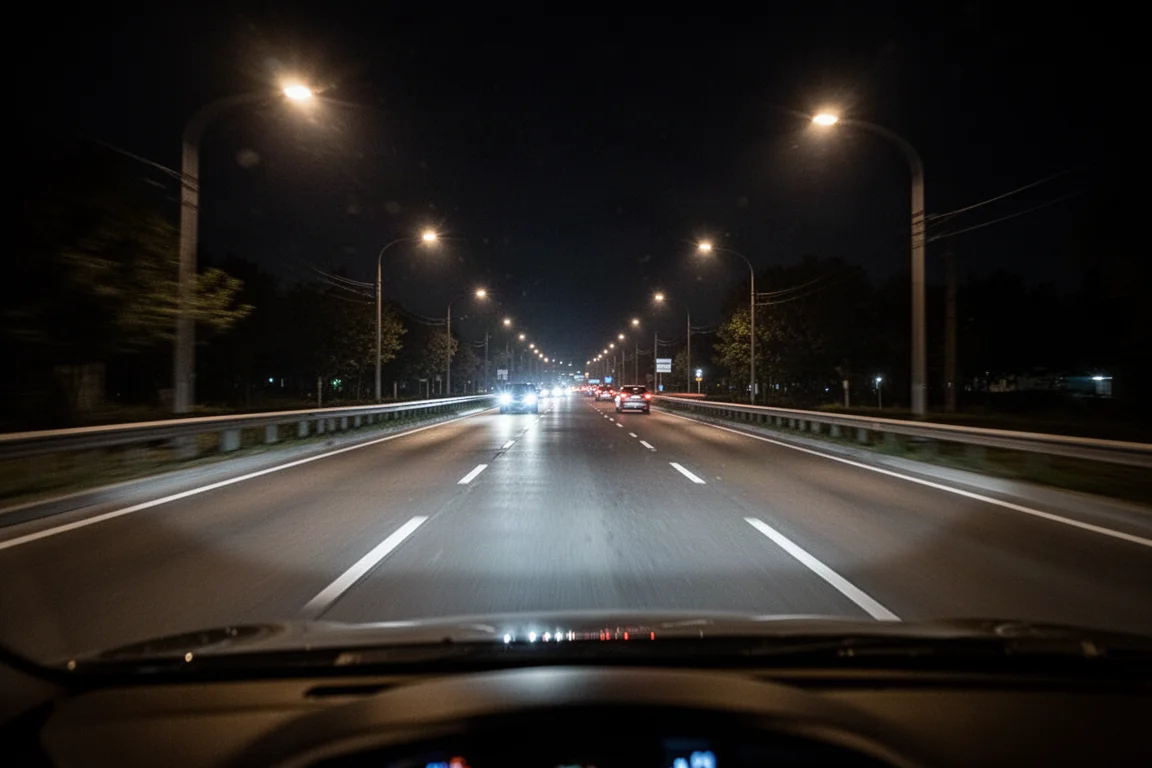
The front camera’s Sony Starvis 2 sensor delivers strong detail in both daylight and low-light conditions. Daytime footage captures road signs, license plates, and surrounding traffic clearly. The wide 170-degree lens covers a broad area in front of the vehicle.
Nighttime performance is where this sensor makes a noticeable difference. Even with very little ambient light, the recording captures enough detail to see what is happening around the vehicle. The rear camera, while lower in resolution at 1080p, still provides a useful view of traffic behind you.
The dash cam also supports voice commands such as “Turn off screen,” “Lock the video,” “Show front camera,” and “Take photo.” These commands respond quickly and make it easy to control the unit without taking your eyes off the road.
Things to Consider Before Buying
The D600 Pro Max requires a high-speed U3 rated micro SD card for reliable recording. The unit supports cards up to 512 GB, but you will need to factor in the cost of a suitable card if you do not already own one.
The rear camera cable needs to be routed through the vehicle, which takes some time and care. If you are not comfortable tucking cables behind trim panels, you may want to have it professionally installed.
The app connects over Wi-Fi, and the dash cam supports both 2.4 GHz and 5 GHz frequencies. The default password is a simple eight-digit code, so you may want to change it if security is a concern.
Buying Advice
At the time of this review, the GKU D600 Pro Max was available for around $110. For that price, you get a dual-channel dash cam with a strong front sensor, GPS logging, voice control, and a well-designed mobile app. It is a compelling option if you want front and rear coverage without spending a lot.
If you prioritize low-light performance and easy access to your recordings, this dash cam delivers on both fronts. The ability to keep recording while the app is connected is a genuine convenience that sets it apart from some competitors.
Conclusion
The GKU D600 Pro Max is a well-rounded budget dash cam that covers the essentials. Dual-channel recording, a capable Sony Starvis 2 front sensor, GPS data logging, and voice control make it a practical choice for everyday drivers. The mobile app is easy to use, and the desktop player adds extra flexibility for reviewing footage.
If you are in the market for an affordable two-channel dash cam, the D600 Pro Max is worth a close look.
Product link
View more details for GKU D600 Pro Max
This product is mentioned in the review. Check the specifications, options, and compatibility before buying.
View more details for GKU D600 Pro MaxFurther reading
Related Reviews
Dash Cams
70mai 4K T800 Dash Cam Review: Three-Channel Coverage With 4K Front and Rear
A three-channel dash cam with 4K front and rear recording, dual Sony Starvis 2 sensors, and optional 4G connectivity for remote vehicle tracking.
Dash Cams
70mai M310 Review: A $33 Dash Cam That Covers the Basics
The 70mai M310 is an ultra-budget dash cam that records at 1296p, offers basic parking modes, and works with a Wi-Fi app. Here is how it performs and who it suits.
Dash Cams
Best Dash Cam Black Friday Deals 2026: Top Picks Across Every Price Point
A practical guide to the best dash cam deals this Black Friday, covering front-only, multi-channel, cloud-connected, and budget-friendly options.