Smartwatches
Garmin Venu 3 and Venu 3S Beginner's Guide: Everything You Need to Know
A complete walkthrough of the Garmin Venu 3 and smaller Venu 3S, covering sleep coaching, workouts, music, calls, and Garmin Pay.
Introduction
The Garmin Venu 3 sits in an interesting spot: it looks like an everyday AMOLED smartwatch, but it carries most of the training tools Garmin is known for. This guide walks through the key features day to day, from sleep coaching and the Morning Report to workout tracking, on-wrist calls, music, and contactless payments, along with a few practical tips and small limitations worth knowing before buying.
First Things to Know: Two Sizes, One Feature Set
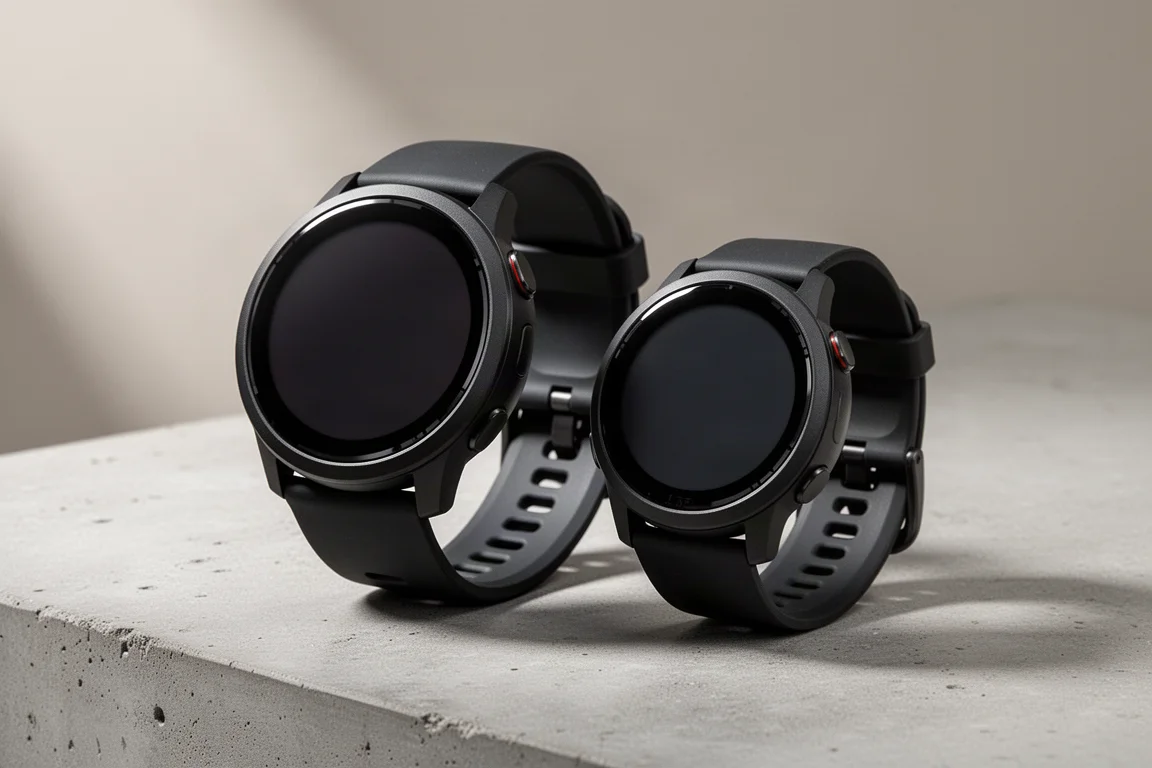
There are two versions: the Venu 3, roughly equivalent to a 45mm watch, and the Venu 3S, a smaller 41mm equivalent. Both have slightly different display sizes, and the only other difference is battery life. Beyond that, the feature sets are identical across the board.
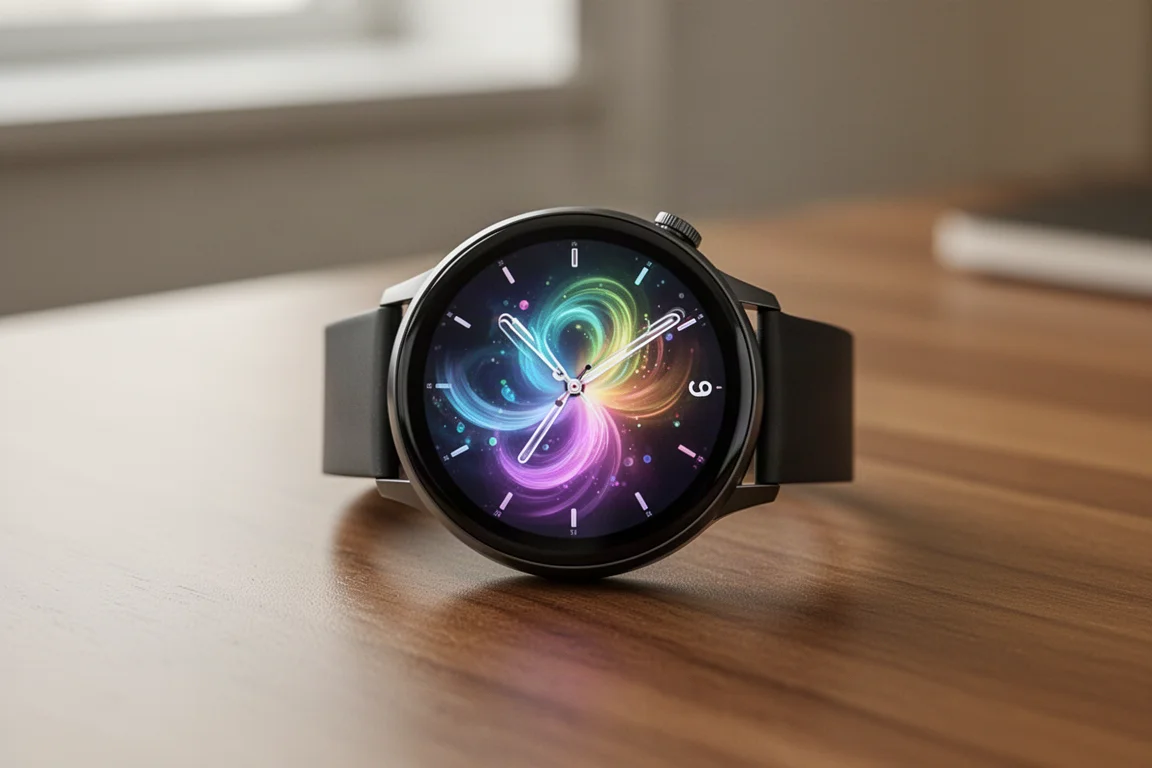
On the right side you get three buttons alongside a full touchscreen, and the back houses Garmin’s newer Elevate V5 optical heart rate sensor, which is designed to offer better accuracy than the previous generation. The silicone bands pop off using small spring pins but stay secure during wear. Watch faces are fully customizable: long-press the lower right button to switch faces, edit data components on each face, or download many more, including photo-based faces, through Garmin’s Connect IQ store.
Widgets, Body Battery, and the Garmin Connect App
Swipe up from the watch face to reach widget glances, then tap into any of them for full detail. The steps widget shows today plus the last seven days of history, the heart rate widget shows all-day heart rate and resting heart rate trends, and everything can be explored over longer time frames in the Garmin Connect smartphone app.
Body Battery is the stand-out widget here. It treats your energy like an internal battery for the day, ideally refilling to 100 overnight, though poor sleep will keep you from getting there. It also logs what drains or recharges it: a workout deducts points, a nap adds a little, and stressful moments appear in the list of factors too.
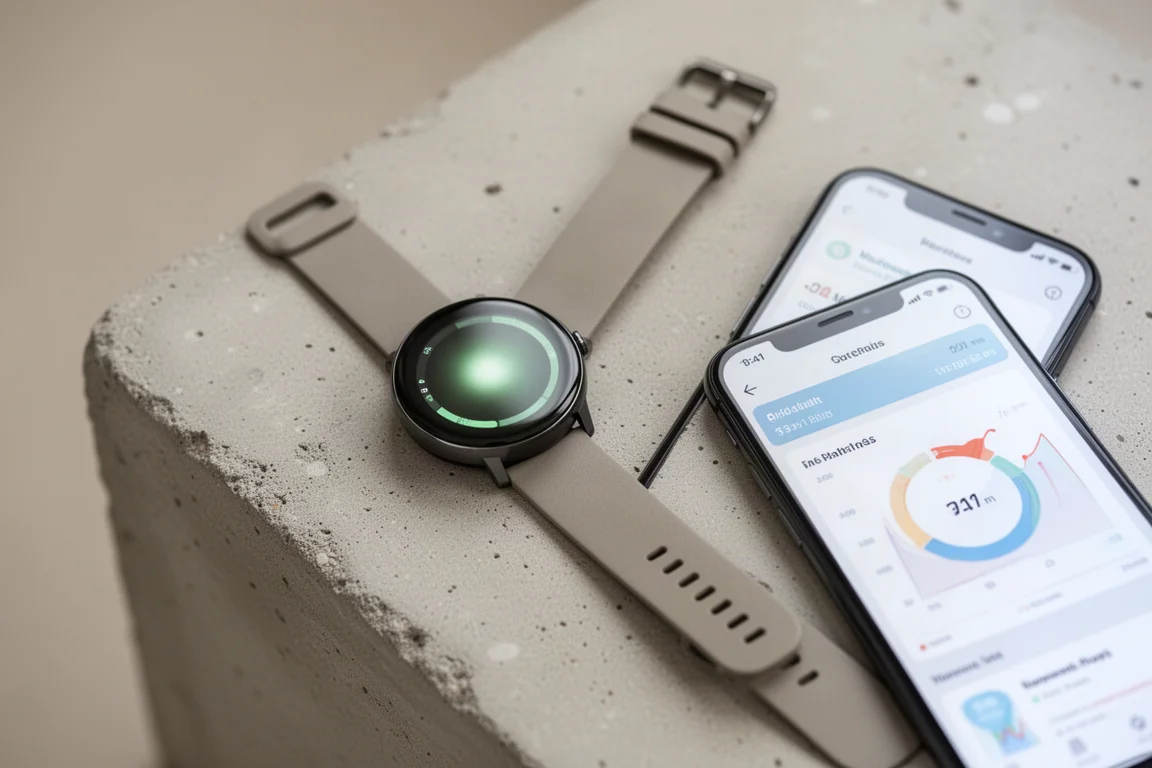
The AMOLED display offers two modes: always-on, or gesture-based where the screen sleeps until you raise your wrist. Always-on costs battery, but it is manageable. With heavy use, around 90 minutes of GPS workouts daily, real-world battery comes out to roughly four days against Garmin’s five-day claim. Charging takes about an hour from low double digits into the 90s.
Sleep Coaching, Naps, and the Morning Report
Basic sleep tracking gives you a sleep score, sleep phases, and a written summary. The new Sleep Coach goes further: it sets a personal sleep baseline, then adjusts your sleep need based on sleep history, activity history, HRV, and naps. Naps are detected automatically, and if you nap too long the watch will warn you to keep naps to 30 minutes or less to avoid grogginess.
Sleep mode can also be toggled manually from the controls menu. It dims the display heavily, enables do not disturb, and adds a nap timer. When you wake up, the Morning Report is the first thing you see: weather, sleep stats, and the day ahead, all customizable in the settings.
Two extras round out the picture. A Daily Summary appears two hours before your scheduled bedtime as a mini version of the Morning Report, though it is fairly basic at this point. And Jet Lag Adviser lets you enter trips in Garmin Connect, then delivers recommendations before, during, and after travel, and in practice those recommendations hold up well.
Sport Modes and Workout Tracking
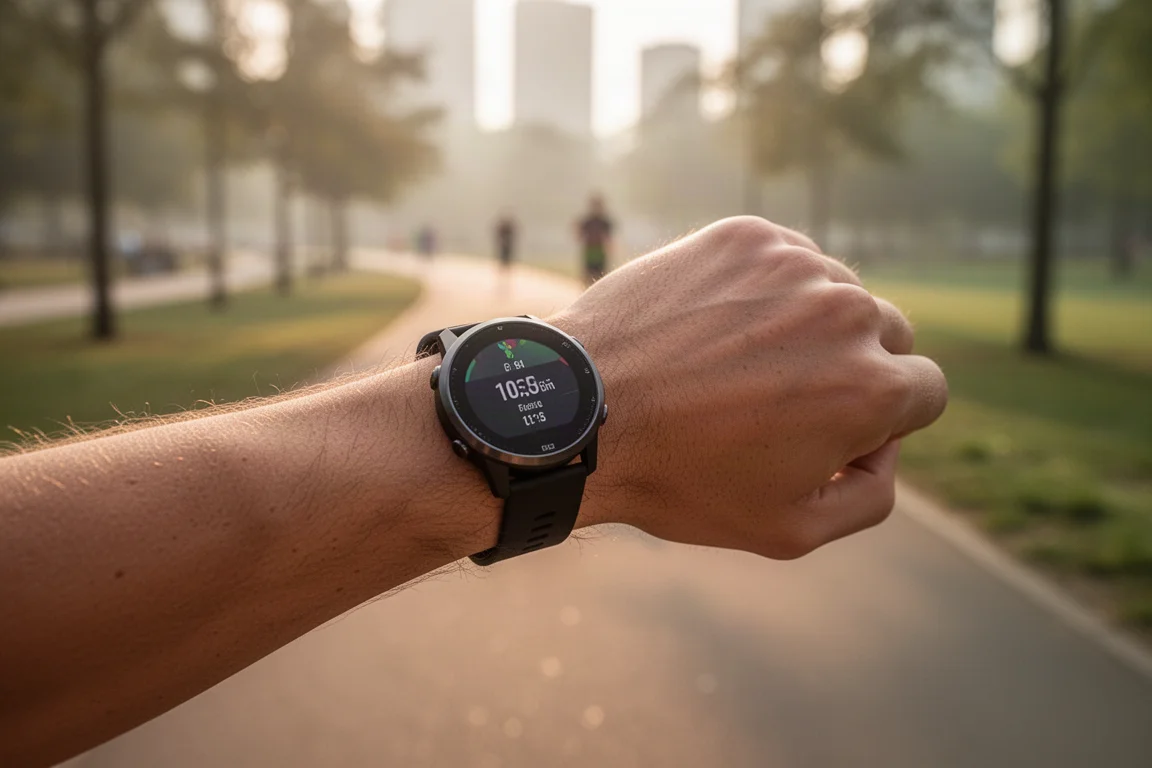
The upper right button opens sport modes and apps. For running, you get GPS and heart rate lock screens, downloadable structured workouts and full training programs from Garmin Connect, and a genuinely useful addition: on-watch interval creation, with configurable interval duration, rest, repeats, and warm-up, no phone required.
Data screens are customizable with up to four fields per page across three pages, plus a heart rate zone gauge. Alerts, auto pause, auto scroll, and broadcast heart rate, handy for Peloton, Zwift, or any Bluetooth or ANT+ device, are configured per sport profile. A lap button, lap alerts through the built-in speaker or headphones, and post-workout summaries with a breadcrumb map, training benefit, and recovery time complete the picture.
The main limitation: the Venu gets relatively few new sport profiles after launch compared with Garmin’s higher-end watches, and running power options from the Forerunner and Fenix lineups are absent, which is a noticeable gap for serious runners.
Live Tracking is a real safety plus. With your phone present, the watch automatically sends friends and family a link showing your live position and stats for up to 24 hours, all without anyone having to remember to start it.
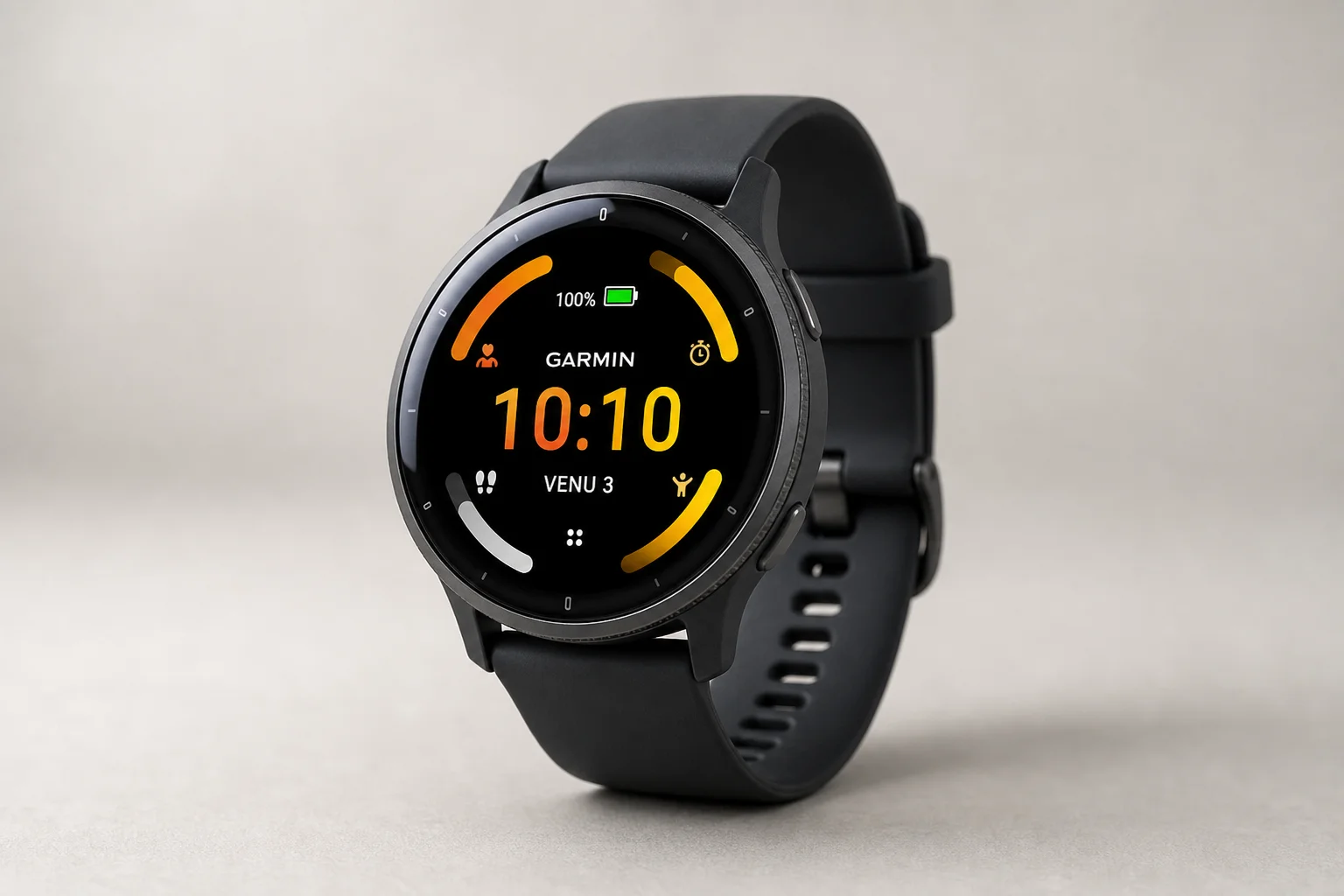
The Smaller Venu 3S
The Venu 3S is the same watch in a smaller 41mm-equivalent body with a smaller display and shorter battery life. Everything covered above, from Sleep Coach to music to Garmin Pay, works identically. If you prefer a smaller wrist presence or find the 45mm case too big, the 3S is the straightforward choice.
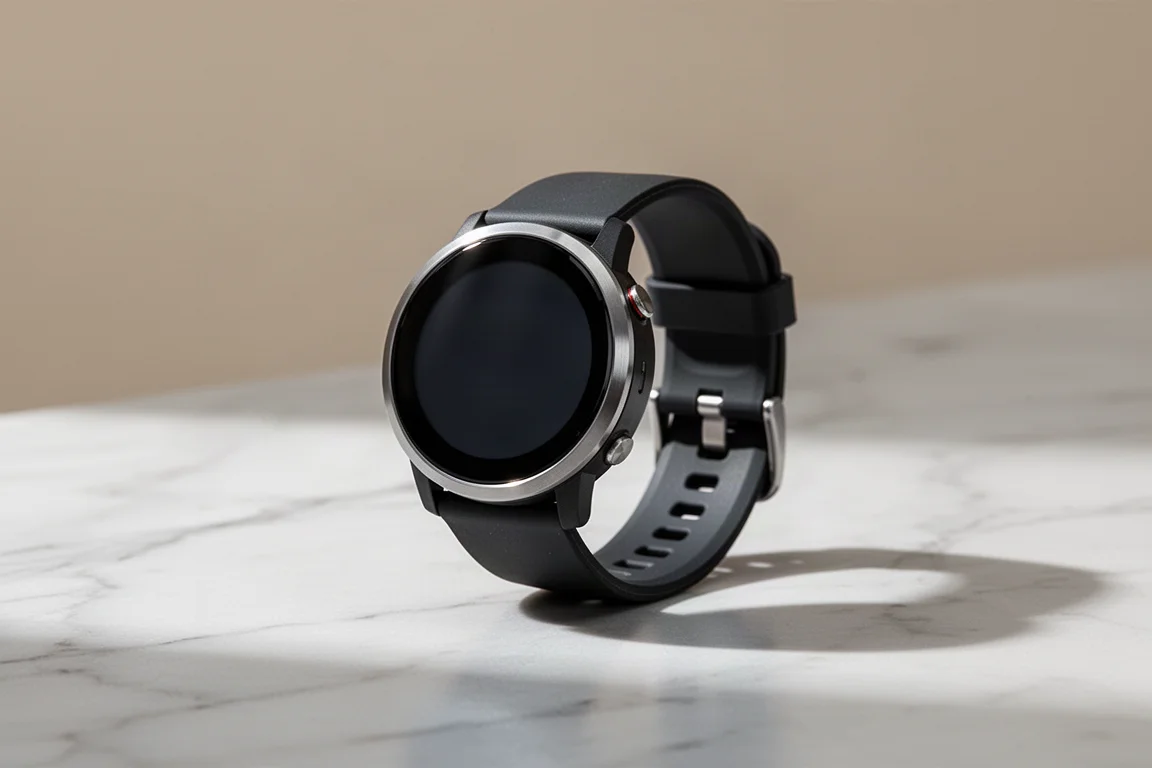
Phone Calls, Emergency Features, and Music
Unlike most Garmin watches, the Venu 3 has both a speaker and a microphone. Think of it as a Bluetooth headset on your wrist: you can answer calls, dial from the watch, or call contacts, assuming your phone is in range.
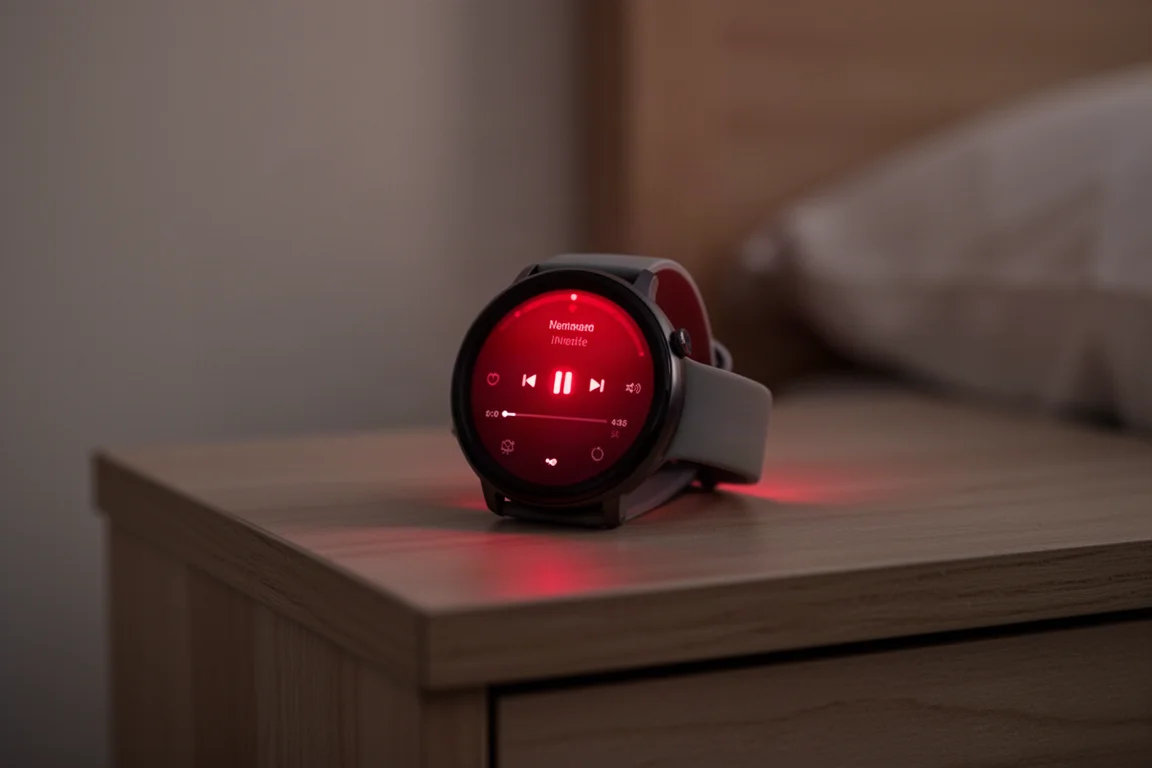
Long-pressing the upper right button brings up emergency contact options: a call or text with an automatic live tracking link, plus automatic incident detection during activities with about ten seconds to cancel. The same button flow also reveals the new on-screen flashlight with three white brightness levels and a red mode that remembers your last setting, great for moving around at night without lighting up the whole room. It can be mapped to the right-swipe shortcut for one-swipe access.
For music, the watch supports Spotify, Amazon Music, and Deezer for offline downloads, plus MP3s and podcasts. Download playlists over Wi-Fi, pair multiple Bluetooth headphones or use the speaker, and playlists refresh automatically whenever the watch is charging.
Garmin Pay and Daily Payments
Garmin Pay lets you load a supported card and tap to pay at a reader, with a passcode required only when the watch is off your wrist. Loading a card is quick through Garmin Connect. The catch is bank support: most major US banks work fine, but support outside the US is hit or miss, so check whether your card is compatible first.
Buying Advice
If you want one watch that handles everyday smartwatch duties and genuine training features without needing a chest strap or a second device, the Venu 3 family is easy to recommend. Choose the Venu 3 for longer battery life and a bigger display, or the Venu 3S if you want the smaller case. Serious runners craving running power and deep sport profiles may still want Garmin’s higher-end line, but for most people the gaps here are minor.
Conclusion
The Venu 3 and Venu 3S deliver a polished AMOLED experience with standout sleep tools, the Morning Report, on-wrist calls, offline music, a flashlight, and contactless payments. Battery life is solid, the feature set is nearly complete for everyday athletes, and the few omissions only matter to performance-focused users.
Further reading
Related Reviews
Smartwatches
Best Budget Smartwatches 2026: Five Affordable Options That Actually Work
Five budget smartwatches tested for real daily use. From entry-level options to premium features at fraction of the cost, here's what actually delivers.
Smartwatches
Best Smartwatches on AliExpress 2026: Five Practical Options for Different Needs
Five smartwatches with strong customer feedback and competitive pricing, each suited to different priorities: premium design, battery life, outdoor durability, advanced health tracking, and sports versatility.
Smartwatches
Best Smartwatches Under $300: 9 Practical Options for Every Need
A curated selection of nine smartwatches under $300, each excelling in health tracking, durability, battery life, or fitness features. Find the right match for your lifestyle.