Smartwatches
Garmin Venu 2 Plus Review: Garmin's First Smartwatch with a Speaker and Microphone
The Venu 2 Plus adds calls, voice assistant, and speaker playback to Garmin's AMOLED smartwatch line. Here is what is new, what is not, and who it actually makes sense for.
Introduction
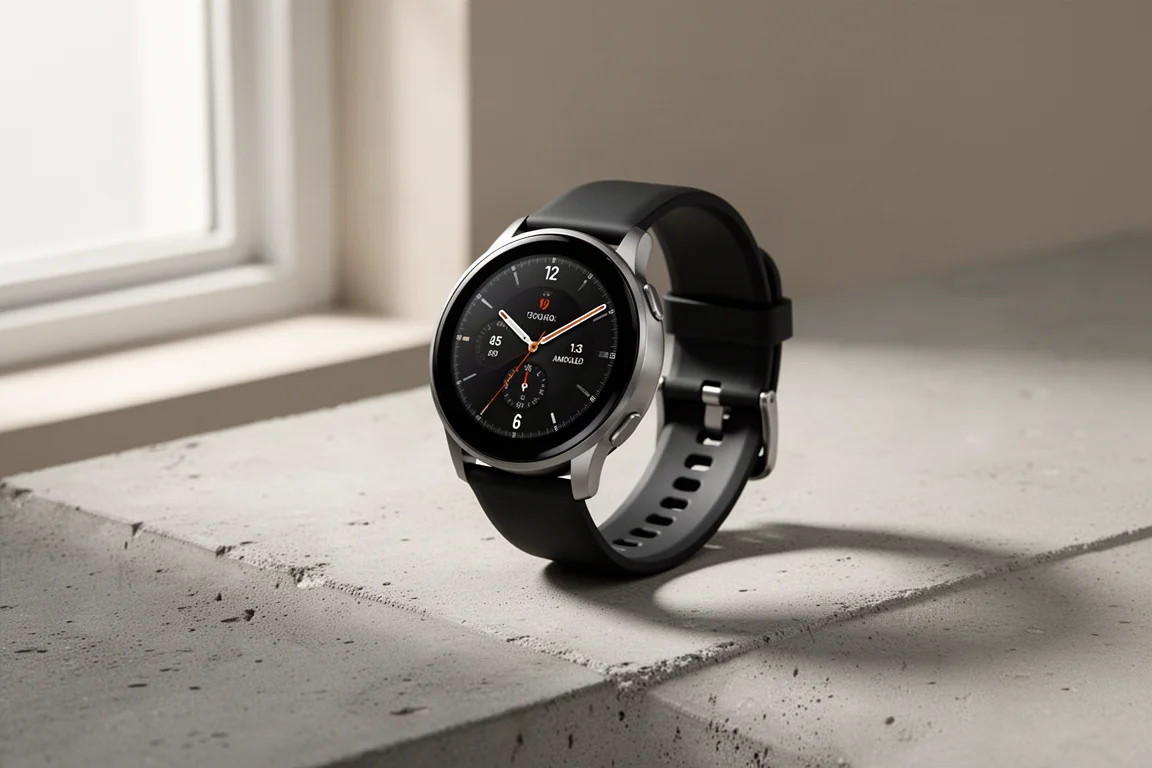
The Garmin Venu 2 Plus is a small but meaningful step forward for Garmin’s AMOLED smartwatch line. It is the company’s first wearable with a true speaker and microphone built in, which opens up phone calls, voice assistants, and on-watch music playback without headphones. Priced at $449.99, up from $399 for the previous Venu 2 series, it sits in a slightly more premium bracket while keeping most of the internals familiar.
After around a month of daily use, the picture is clear: this is a very minor update for most people, but a notable one if you have been waiting for Garmin to catch up on the calling and speaker side.
Who This Product Is For
The Venu 2 Plus makes the most sense if you are coming from an older Garmin, such as the original Venu or an older Vivoactive. For those buyers, the added speaker, microphone, calling, and voice assistant features feel like a genuine upgrade rather than an incremental refresh.
If you already own a Venu 2, there is very little here to justify the switch. This is better understood as a technological proving device, released only about six or seven months after the Venu 2 and Venu 2S, than as a must-have successor. Garmin normally refreshes the Venu line roughly once a year in late summer, so the faster cadence hints at how Garmin treated this model.
Main Strengths
Size and Display
The Venu 2 Plus sits literally smack dab in the middle between the Venu 2 and the smaller Venu 2S. Garmin kept the same 1.3-inch AMOLED display from the larger Venu 2 and simply reduced the bezel size, producing a smaller overall watch with the same screen. The band width follows suit, moving from the previous 22mm and 18mm options to 20mm in the middle.
Calls and Voice Assistant from the Wrist
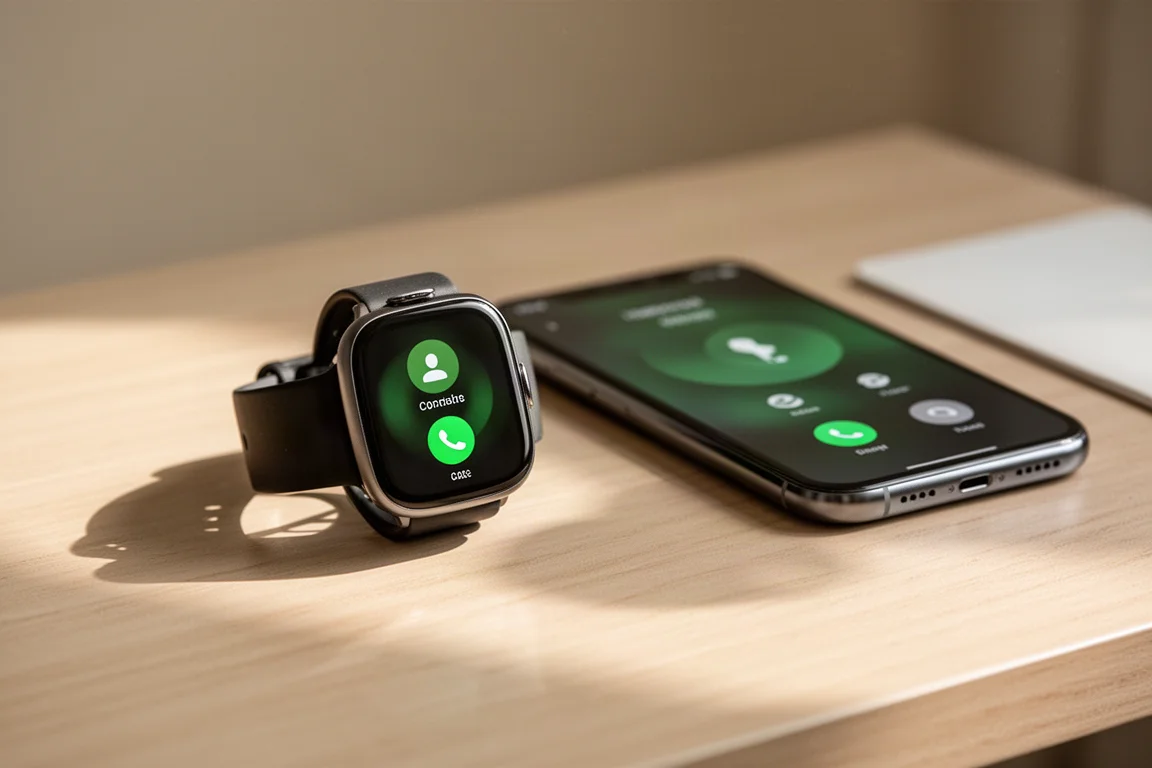
Holding the upper right button opens the controls menu, where a phone icon leads to a full calling menu for dialing numbers or calling contacts. Audio can route through the watch’s own speaker, and you can switch the output to your phone or other devices just like switching a headset. Call quality from the watch speaker is decent, though the microphone can sound slightly muffled to the person on the other end.
The same hardware powers a voice assistant. Long-pressing the middle button triggers whatever assistant your phone offers: Siri on iOS, Google Assistant on non-Samsung Android phones, and a choice between Bixby or Google Assistant on Samsung phones. Results appear on the watch screen and are spoken through the speaker. Because it simply relays your phone’s assistant, the watch itself does not affect how smart the responses are.
Keep in mind there is no LTE or cellular connectivity here. Everything depends entirely on the Bluetooth connection to your phone.
Speaker Music Playback
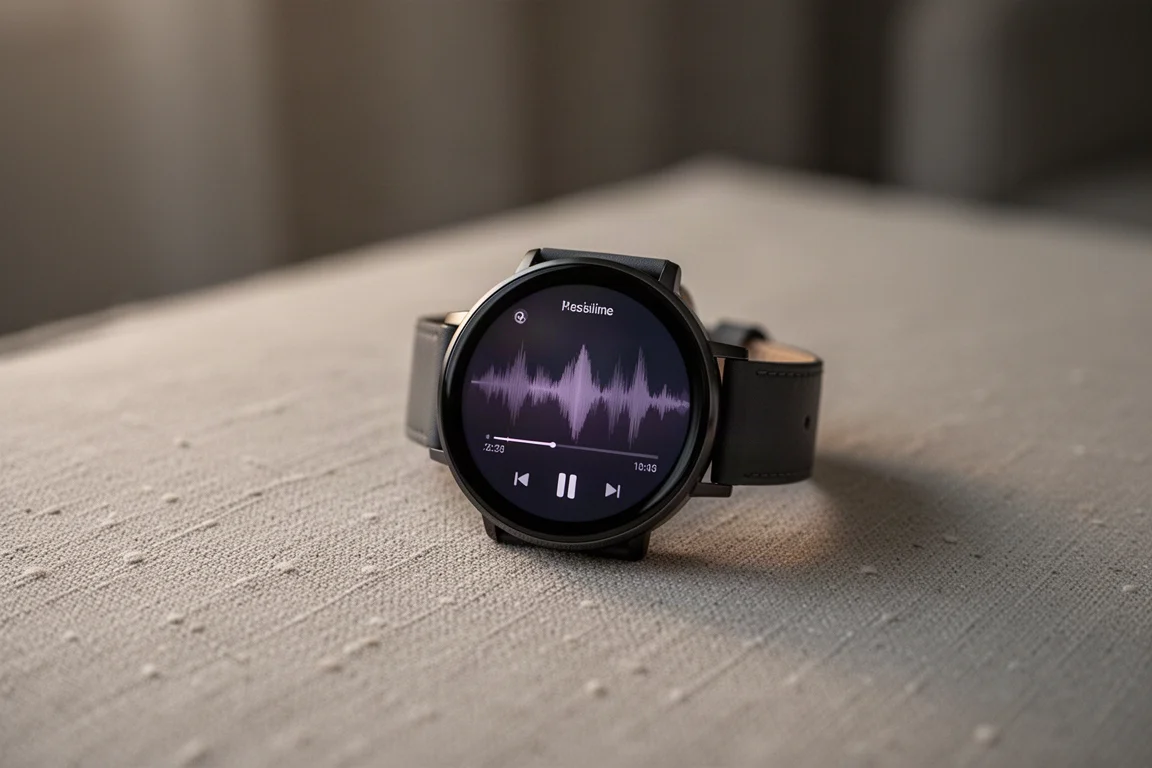
You can still pair Bluetooth headphones as before, but the speaker now lets you play downloaded music directly from the watch. Spotify, Amazon Music, and similar services work in offline mode, no phone required. The speaker is not spectacular, and it likely is not as good as an Apple Watch Series 7, but it is perfectly acceptable for casual situations like hanging out in the backyard.
Emergency Assistance with Voice
The speaker and microphone also extend to Garmin’s safety suite. Emergency assistance can be triggered in several ways, including a silent long-press, a customizable controls-menu shortcut, or crash detection. It can call a predefined contact directly from the watch, and the recipient receives an assistance alert with your coordinates and location. It also starts a LiveTrack session to that contact, which continues until you stop it and then appears in Garmin Connect as an emergency assistance activity, similar to a run or hike. This is the first time Garmin’s calling features have been combined with the safety suite in a wearable, simply because this is the first Garmin watch with a speaker and microphone.
Everyday Polish
With a real speaker instead of just a beeper, the watch gains noticeably better tones for notifications and interactions throughout the interface. It is a small thing, but it adds a level of finesse that the Venu series previously lacked compared to rivals like the Apple Watch Series 7 or Samsung Galaxy Watch. The hardware styling matches that intent: a stainless steel case back is now standard, the front bezel has a subtle etched treatment, and all metal surfaces carry a PVD coating for extra scratch resistance.
Things to Consider Before Buying
The added speaker tones come at a small battery cost. Garmin officially claims 9 days of battery life, down from 10 and 11 days for the Venu 2 and Venu 2S. In real-world use, gesture mode with roughly an hour to ninety minutes of GPS or workout activity per day delivered around five to six days, while always-on display mode managed about two to three days. Both figures are respectable and better than most other AMOLED watches on the market.
Not everything changed, and it is worth knowing exactly what did not. The optical heart rate sensor is the same Gen 4 Elevate unit as before, including pulse ox, breathing rate, 24/7 heart rate, and stress tracking. The GPS is identical to the Venu 2: GPS, GLONASS, and Galileo only, with no multiband support. Sport modes, the 1.3-inch AMOLED display, and the existing music support including Spotify and Amazon Music with Bluetooth headphones all carry over unchanged.
One welcome change is coming to the whole Venu 2 family in February: watch face complications become interactive. Long-pressing a data field such as steps or body battery jumps straight into the corresponding widget, and since widgets are customizable, this works for whatever you choose to display. It launches with the Venu 2 Plus but also arrives on the Venu 2 and Venu 2S through the update.
Accuracy and Real-World Performance
GPS performance has been very good across a wide range of scenarios. On a run mixing open paths, tree cover, tunnels, and bridges, the track was very close to reference devices, essentially in line with an Apple Watch Series 7 and a Coros Vertix 2, trading the lead between the two halves of the run. On a three-and-a-half-hour mountain ride through cliffs, trees, and tunnels, the GPS track was spot-on essentially the entire time, with no obvious major errors or many minor ones.
Heart rate tracking mirrors the Venu 2, which is expected given the identical sensor. On hard interval runs it tracked close to reference devices with only a couple of seconds of the usual wrist-based optical latency. On an indoor bike workout it was spot-on throughout. Climbing on the road bike, with steady pace and little vibration, heart rate was great; on descents, with tight grip on the handlebars, accuracy dropped off, which is the norm for essentially all wrist-based optical sensors. Overall it is on par with the competition.
Buying Advice
If you want Garmin’s health and sport ecosystem in an AMOLED watch and you value taking calls, talking to a voice assistant, and playing music straight from your wrist, the Venu 2 Plus is the Garmin to get. It is the only one with the hardware to do it.
If you already own a Venu 2, hold off: the core experience, sensors, and display are the same, and the interactive complications update arrives on your watch too. If you are on an original Venu or an older Vivoactive, the Plus is a much easier recommendation, especially at $449.99 with the expanded calling and safety features.
Conclusion
The Garmin Venu 2 Plus is a modest refresh on paper, but a significant one in practice: it is Garmin’s first wearable with a genuine speaker and microphone, enabling calls, voice assistants, on-watch music, and voice-based emergency assistance. Battery life dips slightly to a claimed 9 days, GPS and heart rate accuracy remain solid, and the design sits neatly in the middle of the Venu range. For the right buyer coming from an older Garmin, it is an easy step up; for current Venu 2 owners, it is a watch worth waiting on.
Product link
View more details for Garmin Venu 2 Plus
This product is mentioned in the review. Check the specifications, options, and compatibility before buying.
View more details for Garmin Venu 2 PlusFurther reading
Related Reviews
Smartwatches
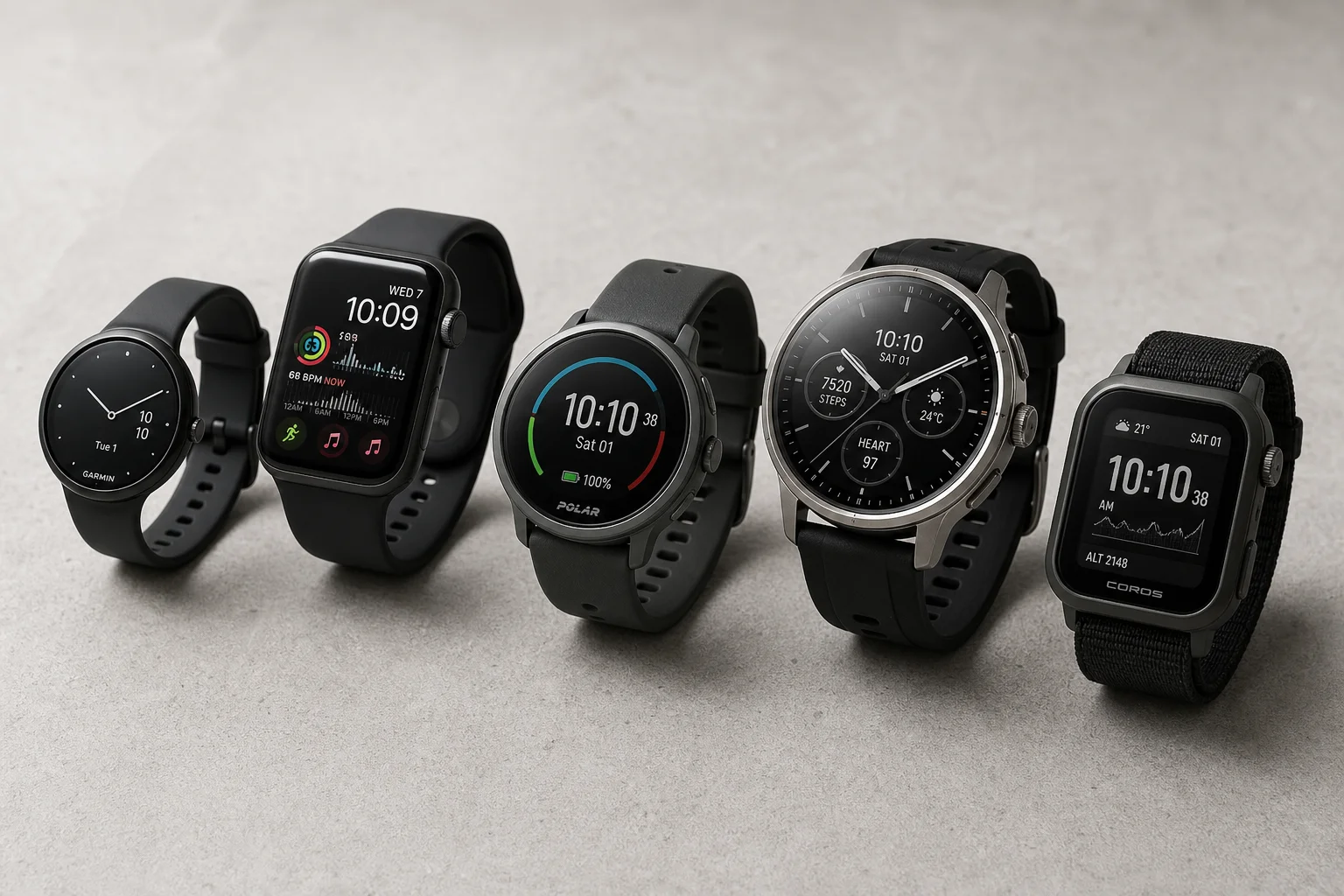
Best Budget Smartwatches 2026: Five Affordable Options That Actually Work
Five budget smartwatches tested for real daily use. From entry-level options to premium features at fraction of the cost, here's what actually delivers.
Smartwatches
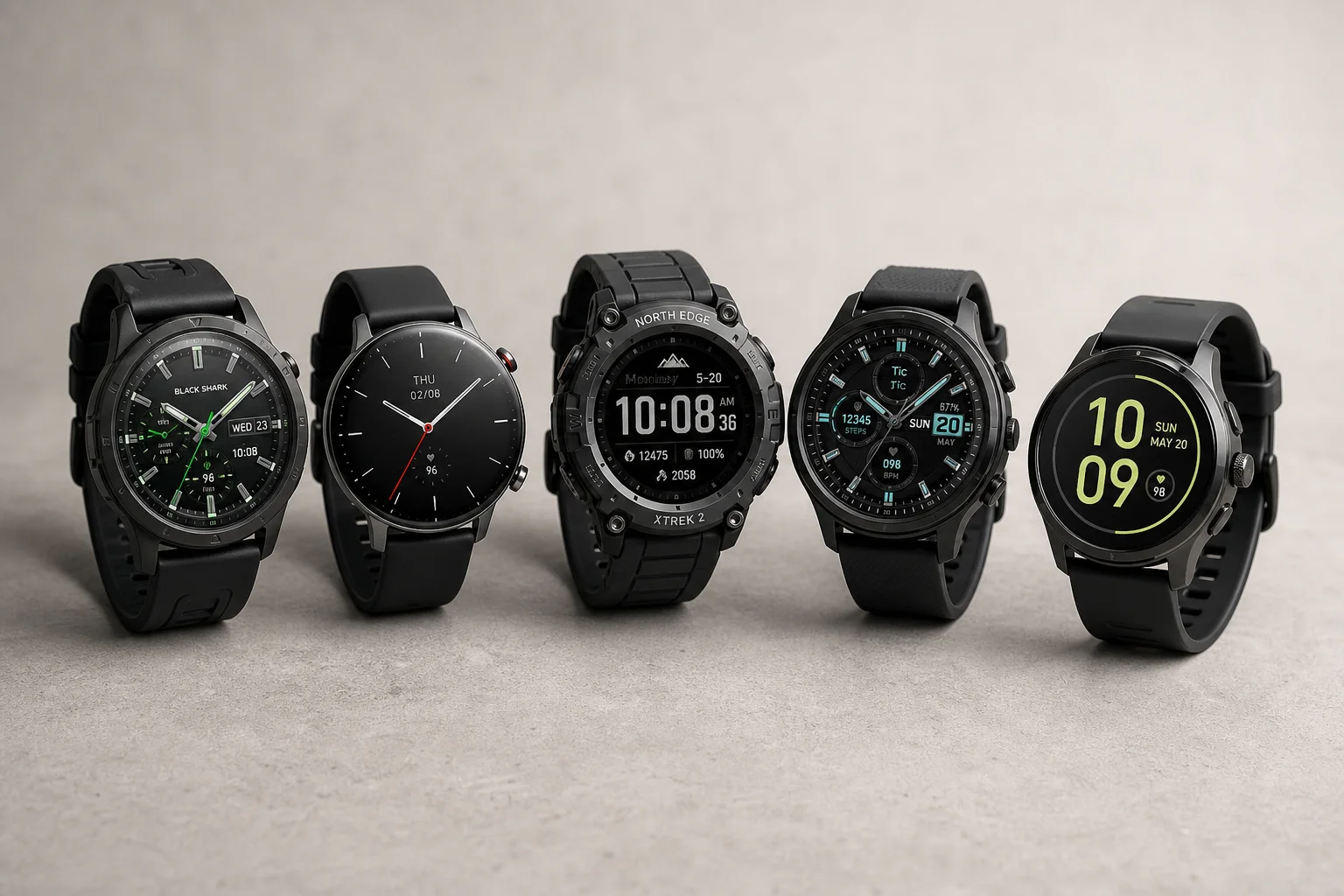
Best Smartwatches on AliExpress 2026: Five Practical Options for Different Needs
Five smartwatches with strong customer feedback and competitive pricing, each suited to different priorities: premium design, battery life, outdoor durability, advanced health tracking, and sports versatility.
Smartwatches
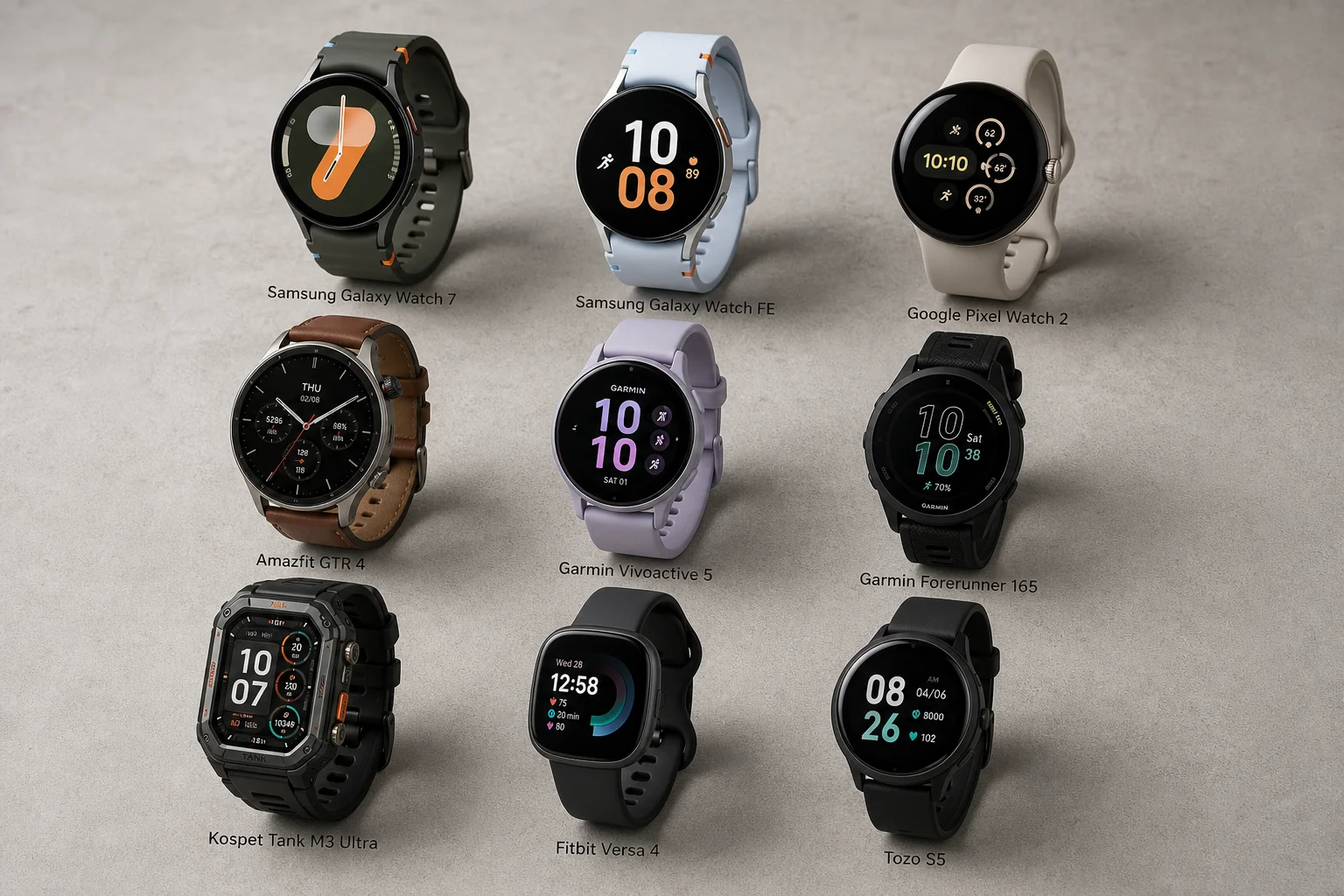
Best Smartwatches Under $300: 9 Practical Options for Every Need
A curated selection of nine smartwatches under $300, each excelling in health tracking, durability, battery life, or fitness features. Find the right match for your lifestyle.