Cycling Tech
Garmin Varia View Review: A Front Headlight Camera Built for Capturing Incidents
After weeks of testing in daylight, night, and off-road conditions, here is how the Garmin Varia View front headlight camera performs on light output, footage quality, battery life, and value.
Introduction
The Garmin Varia View is a front headlight and safety camera that automatically records everything in front of your bike, complementing the rear camera radar tail light combo Garmin already offers. Riders have anticipated a front version for roughly a decade, so expectations were high going into this test.
After several weeks of riding with it across daylight, nighttime, city streets, and off-road trails, the picture is clear: this is a well-built device with a genuinely good light and excellent daylight license plate capture, but it comes with real compromises on price, footage quality, and the Garmin Vault cloud subscription.
Design, Weight, and Mounting
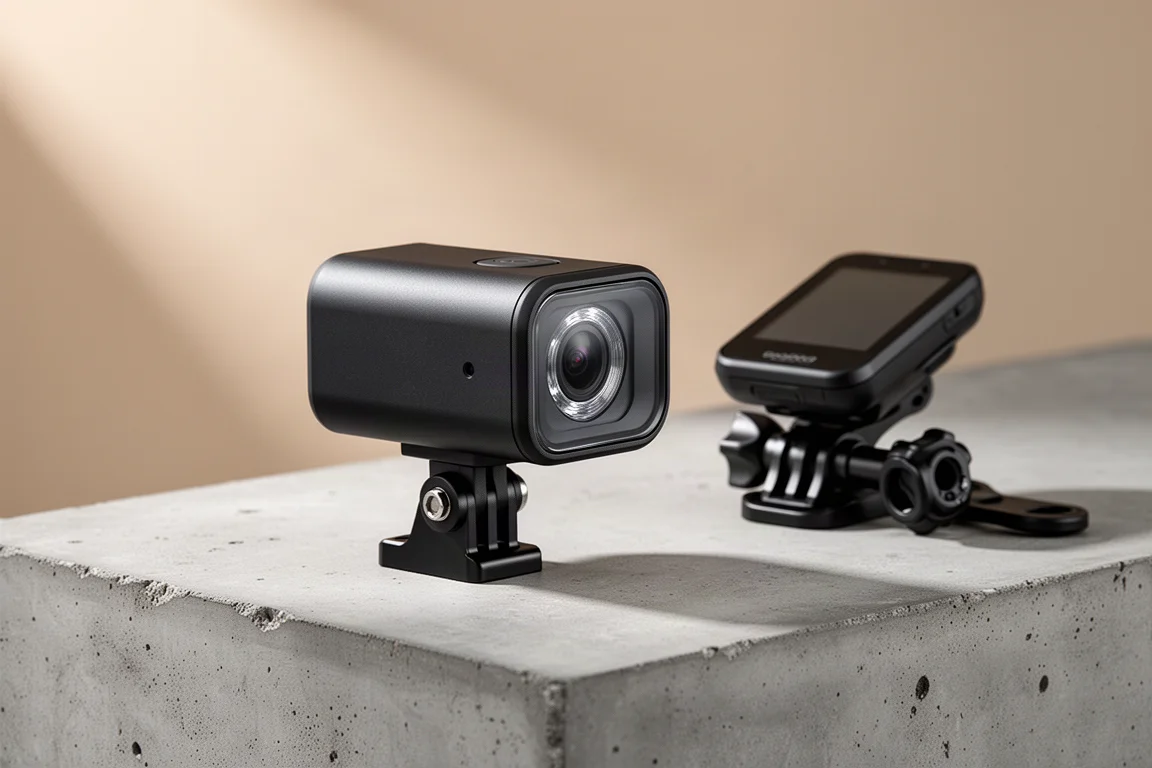
The unit weighs 199 g, roughly 50 g more than a GoPro Hero 13 Black. That extra weight buys you the integrated front light and a larger battery to support both the light and longer recording times. A GoPro-style mount sits on top and is replaceable if you break it, and the back houses USB-C charging plus a micro SD card slot for recorded footage.
It ships with an out-front mount that can also hold a Garmin Edge device, and the camera locks into a dedicated adapter. If your bike does not have round handlebars, the underside GoPro mount on standard out-front mounts works directly with the Varia View’s GoPro-style mount without issues.
Light Output and Modes
The Varia View uses the ANT Plus lighting standard, so it works with any compatible bike computer, including Garmin, Wahoo, Hammerhead, and others. There are five light settings: high at 550 lumens, medium at 300 lumens, and low at 140 lumens as always-on modes, plus night flash at 400 lumens and day flash at 600 lumens.
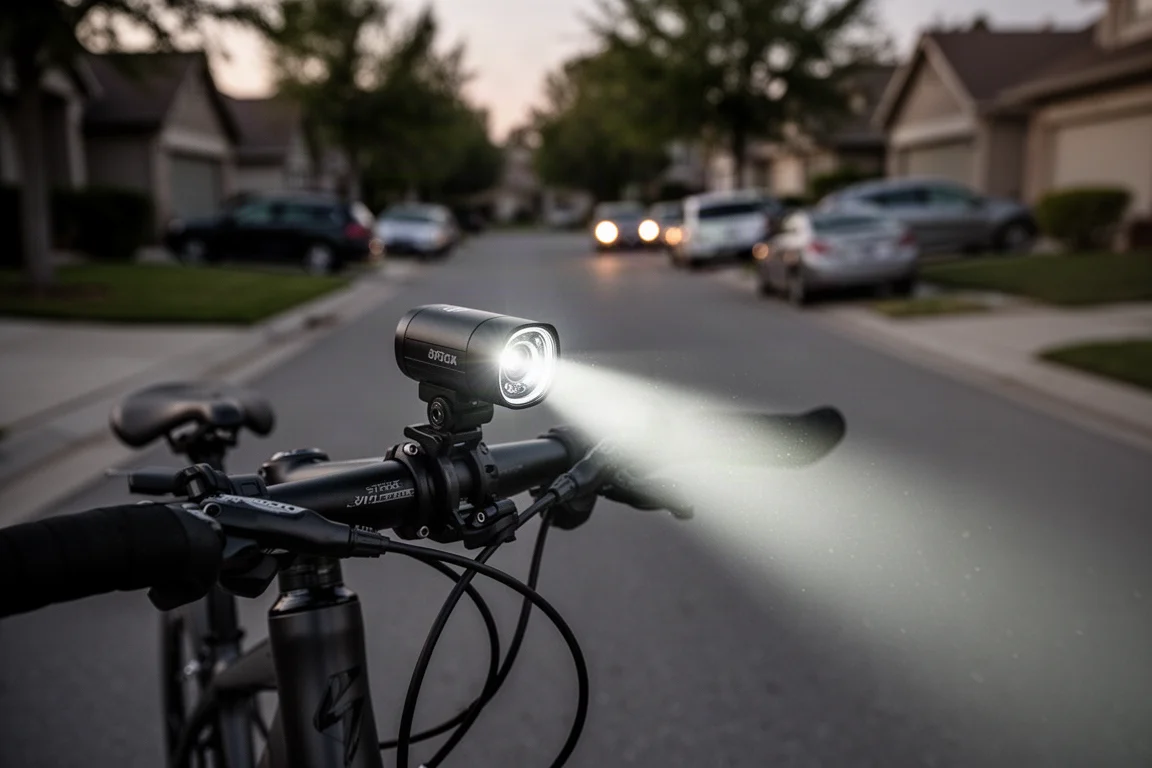
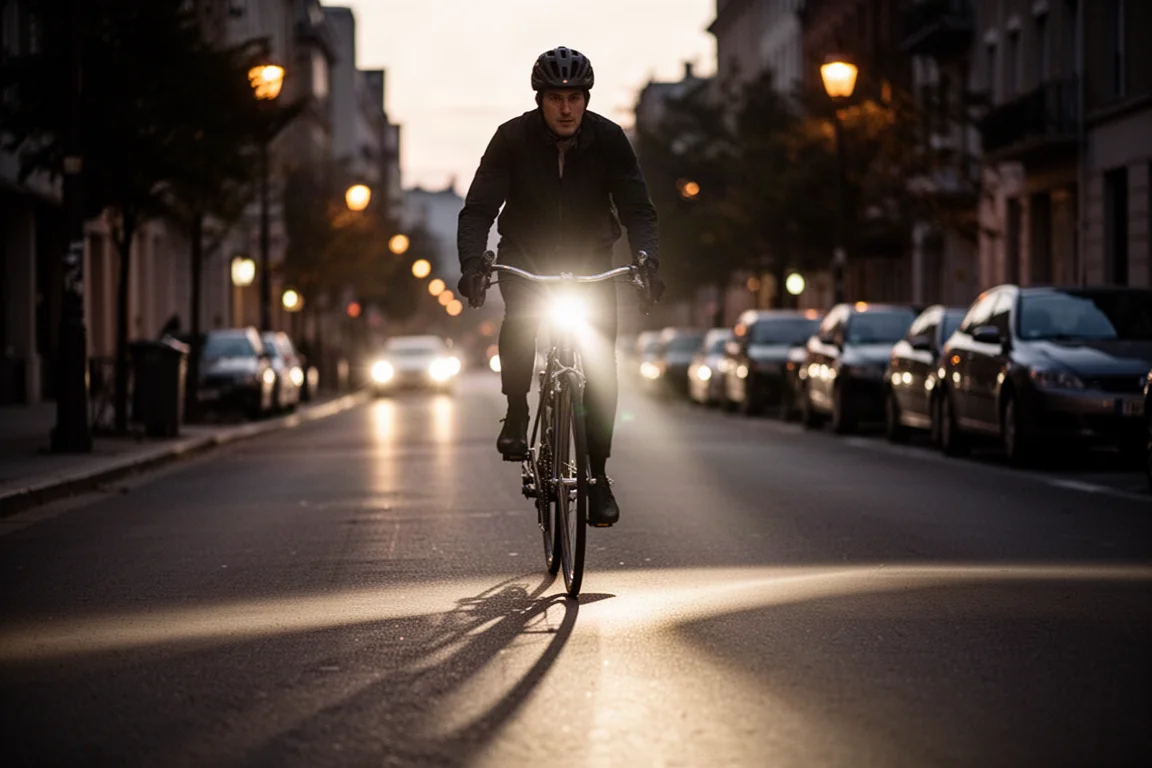
Even the low always-on setting is visible astoundingly far away in daylight, and at night the output is impressively bright. As a light, there is very little to fault here.
Camera Controls and Recording Modes
The camera starts recording automatically by default when powered on in continuous mode. There are three core recording options: continuous, on radar contacts, and off for manual triggering. Without a Garmin Edge, camera control is limited since there is no camera-control standard in ANT Plus, but with a Wahoo or other computer you can simply leave it in continuous mode and it records everything automatically.
On a Garmin Edge, the interface offers three actions: take a photo, save a clip (a short snippet that gets locked so it cannot be overwritten), and film the entire ride, which marks the footage for upload to Garmin Vault. Everything is always being recorded; “saved” in Garmin terms means the file is locked against overwriting.
Settings include 4K at 30fps, audio recording, and electronic image stabilization, all adjustable. Incident recording automatically saves and locks a clip if an incident is detected.
The App and Data Overlays
The companion app splits into a front-of-bike section and a rear-of-bike section if you also run a rear radar unit. Within the front camera section you can access the gallery, change camera configuration, and run software updates. Data overlays include GPS coordinates, date and time in 12- or 24-hour format, and a cyclist speed overlay.
After joining the camera’s Wi-Fi network, footage appears in the gallery sorted into locked and unlocked files, and you can download clips directly over Wi-Fi or from Garmin Vault.
Garmin Vault: Hard to Recommend
Garmin Vault is the company’s cloud platform, previously used for its dash cams, and the cycling side is new. It costs $99 per year, and here is the catch: only saved or locked footage uploads. If you ride without pressing any buttons, none of your footage reaches the cloud, meaning you could pay the subscription and upload almost nothing all year.
For context, GoPro’s cloud plan costs $49 per year and uploads all footage automatically at full resolution. The current implementation simply is not designed well for cyclists, and it is difficult to see the value at this price.
Battery Life in Real Testing
Official battery figures vary by light mode and resolution, with the light being the biggest draw. In the most relevant tested configuration, 4K recording with electronic stabilization and the low light mode, a 3 hour 15 minute ride ended with three of five battery blocks remaining, meaning at least 60% still left.
That is genuinely solid endurance for a device doing both lighting and continuous 4K recording.
Footage Quality and License Plate Readability
The camera records 4K, but with electronic image stabilization enabled the output is actually less than 4K, since stabilization crops within the frame rather than oversampling from a larger sensor as action cameras do. The sensor appears to be shared with Garmin’s vehicle dash cams, and the stabilization is tuned for cars rather than bicycles.
On smooth roads, daytime footage is serviceable though not super smooth. The critical claim holds up, though: license plates in daylight footage were 100 percent readable in every scenario checked across hours of recordings. On dirt roads, stability is poor.
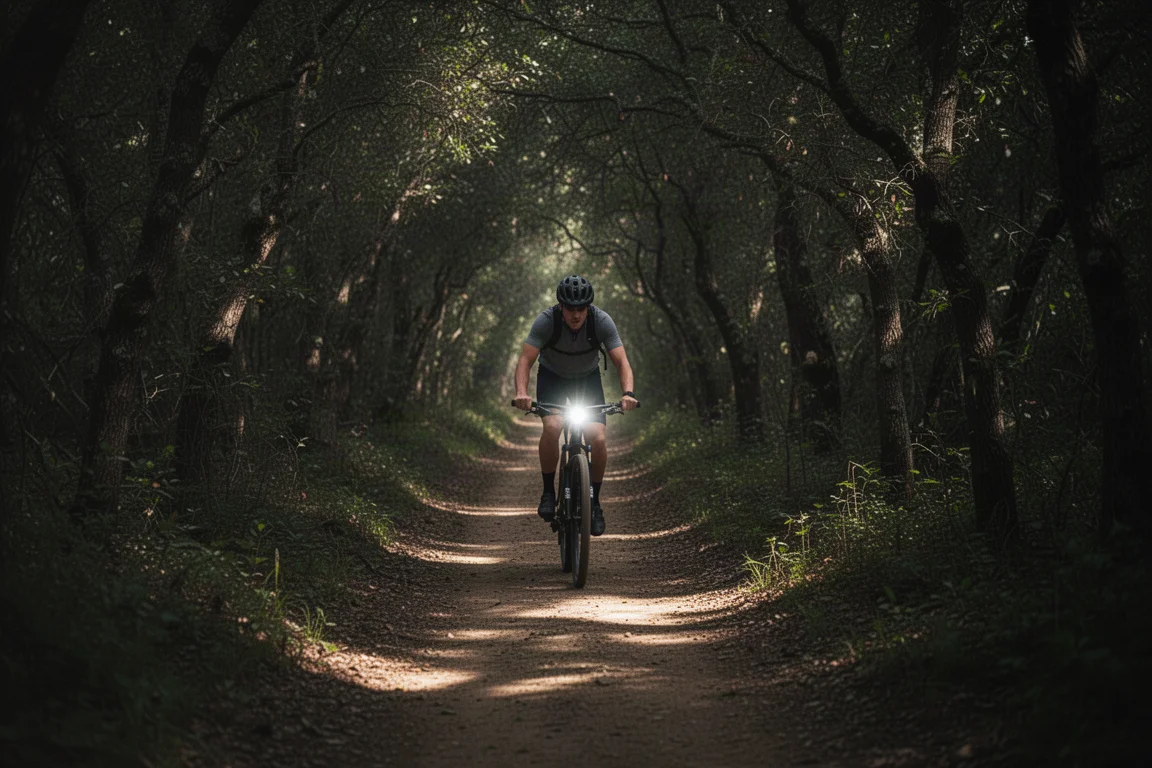
At night, the bright light combined with the small sensor blows out license plates on cars directly ahead, even though surrounding scenes remain understandable. Off-road and in trees, footage struggles badly. But this is not sold as a nighttime action camera, and even a GoPro struggles at night. For its core purpose, daytime incident capture with readable plates, it delivers.
Audio recorded at normal talking voice is clearly intelligible at speeds up to 50 km/h.
How It Compares to the Cycliq Fly 12
The main competitor is the Cycliq Fly 12, now on its third version after roughly a decade on the market. The Fly 12 Sport costs $319, saving you $230. Key differences include battery life, brightness, and the fact that the Fly 12 has no Wi-Fi, so footage transfers require a physical cable connection. A detailed comparison would be worth waiting for before deciding.
Who Should Buy the Garmin Varia View
At $549, this is expensive, and the Vault subscription adds poor value on top. But if your priority is a quality front light paired with a camera that reliably captures readable license plates in daylight incidents, and you want durable, well-built hardware, the core features deliver exactly that. Just do not buy it expecting action camera footage quality.
Conclusion
The Garmin Varia View does two things well: it is a genuinely good front light, and it captures daylight license plates with impressive consistency. It does not do well as an action camera, the stabilization is mediocre, and Garmin Vault’s current pricing and upload logic are hard to justify. Buy it for safety documentation and lighting, not for cinematic footage.
Product link
View more details for Garmin Varia View
This product is mentioned in the review. Check the specifications, options, and compatibility before buying.
View more details for Garmin Varia ViewFurther reading
Related Reviews
Cycling Tech
Best Cycling Tech: Nine Standout Products Worth Considering
Nine pieces of cycling kit that earned their place through long-term use, from a keenly priced World Tour race bike to a multi-tool that has survived two years of hard riding.
Cycling Tech
Best Pro Peloton Bikes and Components 2023: 8 Standout Upgrades
A roundup of the most technically interesting pro peloton bikes and components for 2023, from the Cannondale SuperSix EVO to Shimano Dura-Ace and Continental GP5000 S TR tires.
Cycling Tech
Bike Tech Roundup: Five Standout Upgrades Worth a Closer Look
A four-season tubeless tire, a featherweight climbing wheelset, a hangar-free drivetrain and two pairs of gravel shoes, assessed on the details that matter.