Smartwatches
Garmin Fenix 8 Pro Review: Satellite on Your Wrist, With Real Caveats
The Garmin Fenix 8 Pro adds satellite messaging and LTE to a serious training watch, but the satellite link works differently than older inReach devices and LTE has its own trade-offs.
Introduction
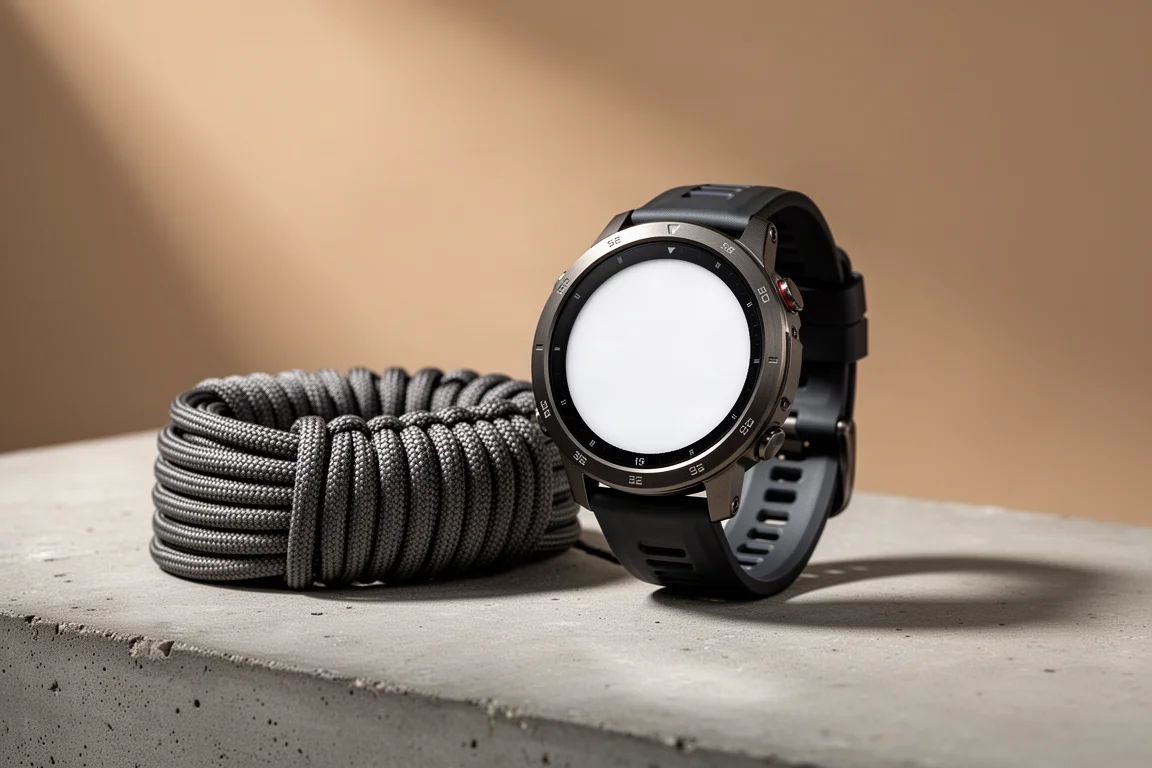
The Garmin Fenix 8 Pro is a multisport smartwatch that puts satellite messaging and LTE connectivity directly on the wrist, with no phone required nearby. On paper that combination sounds like the natural next step for anyone who spends time in the backcountry. In practice, the two connectivity systems behave quite differently from what long-time satellite messenger users might expect, and understanding those differences is the whole story of this watch.
This review looks at how the watch behaves when you actually depend on it: what the satellite link can and cannot do, how LTE changes everyday battery life, and which parts of the experience still need refinement.
Who This Watch Is For
The strongest case for the Fenix 8 Pro is the Garmin ecosystem itself. If you already value Garmin’s training metrics, activity profiles, and data fields, and you want to leave your phone at home for a run, hike, or walk that stays inside LTE range, this is the sweet spot. You keep the training tools you are used to, plus the ability to send messages, place app-based calls, and broadcast your location without carrying a handset.
The picture changes once you leave LTE coverage. Out of range, the watch falls back to satellite, and satellite functionality is deliberately limited: no voice calling, no live tracking, and no automatic messaging. That makes the Fenix 8 Pro a strong connected training watch and a much less complete replacement for a dedicated satellite communicator.

For hikers and climbers whose trips regularly take them beyond cellular coverage, the value calculation is different from that of a city runner. The watch still records activities and can share a location on request, but it asks considerably more of you at the exact moment you need it most.
Main Strengths
Satellite connectivity on a wrist-sized device is genuinely impressive engineering. The watch is small enough to wear every day and still able to reach a satellite network, which opens up messaging and location sharing from places where a phone is useless.
The messaging hardware is also well executed. Voice notes recorded on the watch are transcribed for the recipient, so they can either listen or read. Tap-back reactions make quick acknowledgements easy, and the speaker and microphone handled app-based voice calls well whenever those calls connected.
Garmin’s training and activity platform remains the reason many people stay with the brand, and the Fenix 8 Pro keeps that intact while adding connectivity options that no standard training watch offers.
Satellite Messaging: A Different inReach
Garmin labels the Fenix 8 Pro’s satellite feature as inReach and sells an inReach subscription for it, but the underlying technology is not the same as earlier inReach devices.
Previous inReach hardware uses the Iridium satellite network, a few dozen low Earth orbit satellites constantly circling the globe. That architecture delivers full global coverage, including remote locations such as Antarctica, and because satellites keep moving overhead, a message typically goes out within a minute or two even when nothing is directly above you at that moment.
The Fenix 8 Pro instead uses Skylo, which is not a satellite constellation at all. It is a software network layer that lets the watch connect to an existing geostationary satellite constellation. Those satellites sit roughly 22,000 miles above the equator and rotate with the Earth, so they never pass overhead. Their footprint is much larger, but their position is fixed. If you do not have a clear view of the satellite, nothing improves until you move, because the satellite will not move for you.
That geometry shapes coverage. Service is reasonable across most mid-latitudes, but it degrades the farther north you travel, so locations such as Alaska are a weaker proposition, and at the poles you are effectively out of luck.

Connecting is also a manual process, with no automatic satellite check. To send, you turn your body toward the satellite and follow an on-screen compass rose with a satellite icon, sometimes calibrating the compass by rotating your wrist in a figure-eight motion. Then you align a grey disk inside a grey circle by twisting your wrist. When it lines up, the interface turns blue and searches, a green circle means connecting, and then the message sends. Once a link is established, latency is very low and messages go out quickly. The connection can persist for a while, letting you keep sending, but it times out eventually.
When it fails, the disk typically moves from blue to green and then to red with a poor signal warning before timing out. In practice, satellite connections succeeded roughly half the time in light tree cover at a mid-latitude location, and sometimes failed under clear blue skies with little obvious pattern. Reliability was best in open sky, but never consistent enough to feel dependable for an emergency.
Messaging, Voice Notes, and Live Tracking
Day to day, the messaging experience leans on LTE. Voice notes only work over LTE, not satellite, and they arrive with a transcription so the recipient can read or listen. Typing on the watch is possible, but the keyboard is small, and predictive text only helps so much when your hands are tired or sweaty. There is no offline voice-to-text dictation.
Voice calling runs through the Garmin Messenger app rather than a phone number. The other person answers in the app, and calls travel over data in the same way an app-based call would on a phone. When calls connected, audio quality was good, though they did not always go through.
LiveTrack is a highlight for anyone who wants friends or family following along. It broadcasts over LTE without a phone nearby, and it is a richer experience than map share, with more detail and the option for viewers to send encouragement. The limitation is that LiveTrack has no satellite mode. If LTE drops, tracking stops, and it resumes and backfills when coverage returns. Sharing a location over satellite is possible, but only manually, using the same alignment steps as a message. There is no automatic breadcrumb trail over satellite.
LTE Behaviour and Battery Life
LTE on this watch does not behave like LTE on a typical cellular smartwatch. Two modes are available: auto LTE, which is the default, and always on LTE.
In auto mode, the watch switches LTE on temporarily when you use an LTE feature such as messaging, then checks for new messages. It does not sit connected in the background. Garmin’s documentation is explicit that when the watch is not connected to an LTE network, it does not automatically check for messages, though you can check manually. The practical consequence is significant. If someone calls with urgent news while you are out hiking, that call will not reach you in auto mode unless you happen to check for messages. Always on LTE solves this: the watch stays connected, and calls and messages arrive immediately.
The trade-off is battery life. Always on LTE drained roughly 35 to 40 percent per day in testing, which works out to about two and a half to three days of use. That is closer to a mainstream cellular smartwatch than to the multi-day endurance people expect from a Garmin. With auto LTE in smartwatch mode, drain was around 10 to 15 percent per day. During an activity with LTE live tracking and a message or two sent, drain was about 4.7 percent per hour, which is roughly in line with Garmin’s specification.

The connection itself is LTE-M, a lower-power variant of LTE designed for Internet of Things devices such as wearables. There is no phone number attached to the watch, and the link is data-only, which is why even voice calls travel as data. In testing, LTE worked roughly 75 to 80 percent of the time. It performed well on trails where a phone had no signal, and failed on other occasions in places with strong carrier coverage from several networks.
There is also no LTE signal field among the activity data screens. To check signal strength you have to swipe to a side glance or return to the watch face, which is awkward when you are trying to find a spot strong enough to send a message.
Safety Features and Incident Detection
Incident detection is a useful addition for supported activities. If you take a hard fall, the watch notifies your emergency contacts, and with the LTE model your phone can stay at home. It does not contact emergency services on your behalf, and it does not contact Garmin Response. It also does not work over satellite, since everything over satellite is manual.
That is a meaningful difference from mainstream cellular watches, which can automatically dial emergency services after a fall, whether during a workout or at home. The Fenix 8 Pro does not offer that behavior.
SOS is another area where the subscription matters. Without an active Garmin inReach plan, the SOS function cannot be used at all. Cellular watches generally allow emergency calls even without a carrier plan in regions such as the United States, Canada, Europe, and Australia, but the Fenix 8 Pro does not have a traditional cellular chip or a phone line. Its LTE-M data connection falls outside those requirements.
Things to Consider Before Buying
Subscription structure deserves attention before you commit. All inReach plans include unlimited LTE, and there are no roaming fees, so a plan purchased in one country can be used for LTE in another. What differs between tiers is how much satellite time you get. Garmin provides a short free trial of inReach when the watch is first set up.
Consumer inReach plans also allow only one active device at a time. You can register several devices to an account, but only one can be transmitting. If you want the Fenix 8 Pro alongside a dedicated inReach device for redundancy, you would need a professional plan that supports multiple devices, or a separate subscription with separate billing and contacts.
Reliability is the other consideration. Restarts occurred when saving an activity, and the automatic night-time screen dimming cannot be disabled. A more serious issue appeared during a hike: after stopping to send a satellite message, the recorded map and GPX track stopped advancing at that point even though the activity continued, while total distance still matched a second watch. The problem persisted after a firmware update and has been reported by other users as well. Firmware updates have historically fixed some issues while introducing others, so improvements are not guaranteed to arrive cleanly.
Buying Advice
Buy the Fenix 8 Pro if you are already invested in Garmin’s training platform and your typical outings stay inside LTE coverage. In that scenario the watch does something genuinely useful: it lets you leave your phone behind and still receive calls, send messages, use voice notes, and share a live track. Turning on always on LTE makes it behave like a conventional connected watch, provided you accept a two to three day battery cycle.
Do not buy it as a direct replacement for a dedicated satellite communicator. Satellite messaging requires manual alignment, coverage weakens at higher latitudes, and the connection is not consistent enough to be relied on in an emergency. Satellite also omits voice calling and live tracking entirely, and SOS depends on an active subscription. For backcountry travel where the satellite link is the whole point, a proven dedicated inReach device remains the more dependable choice.
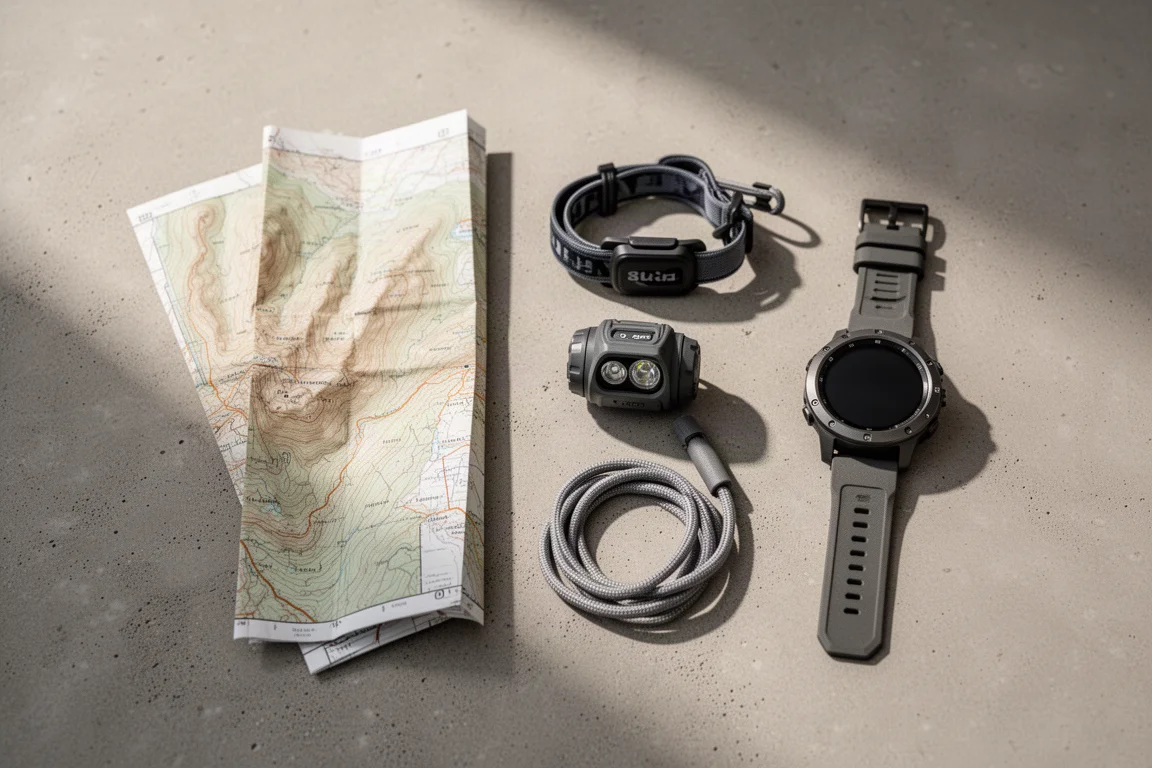
If your trips mix trail time with reliable LTE coverage and you treat satellite messaging as a bonus rather than a lifeline, the Fenix 8 Pro is a capable, well-built watch with a genuinely novel feature set and a clear role in daily training.
Conclusion
The Fenix 8 Pro shows how far wearable connectivity has come: a watch you can wear all day can reach satellites and hold an LTE data session. But the satellite implementation is a different, more constrained inReach than long-time users know, LTE behaves unlike a standard cellular watch in its default mode, and battery life suffers once you make it always connected. Buy it for the ecosystem and for phone-free days inside coverage, and keep a dedicated communicator for the trips where the connection has to work.
Product link
View more details for Garmin Fenix 8 Pro
This product is mentioned in the review. Check the specifications, options, and compatibility before buying.
View more details for Garmin Fenix 8 ProFurther reading
Related Reviews
Smartwatches
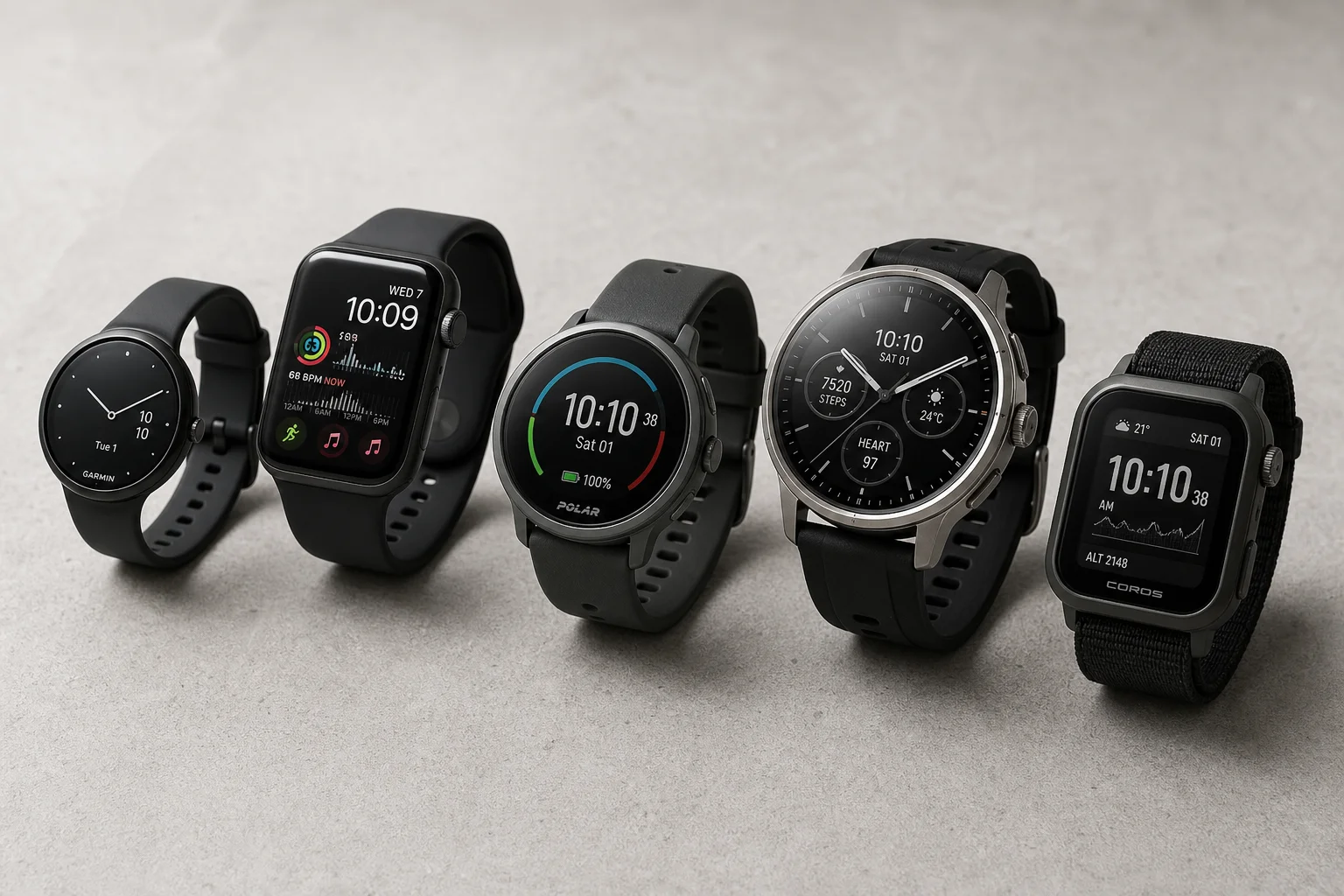
Best Budget Smartwatches 2026: Five Affordable Options That Actually Work
Five budget smartwatches tested for real daily use. From entry-level options to premium features at fraction of the cost, here's what actually delivers.
Smartwatches
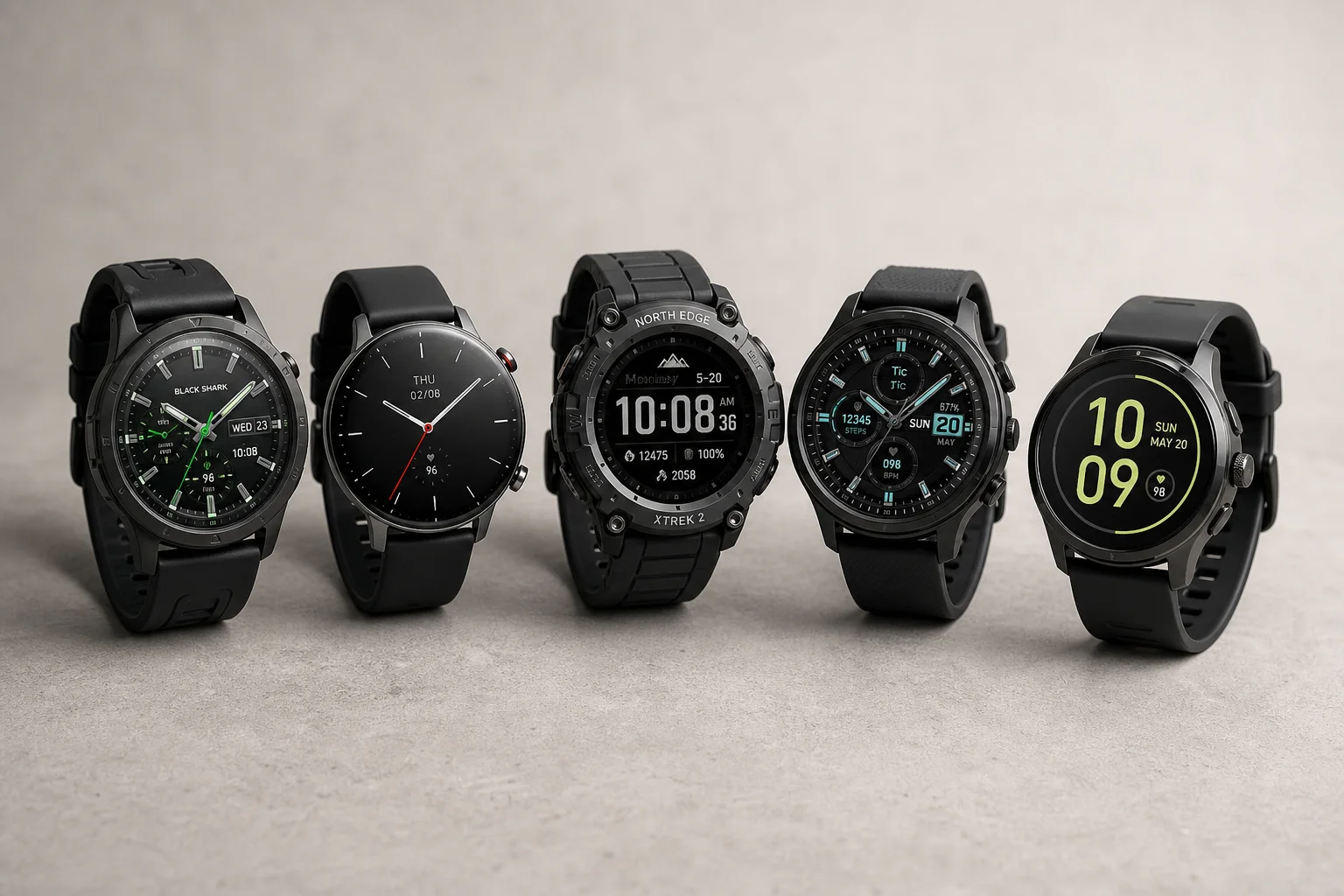
Best Smartwatches on AliExpress 2026: Five Practical Options for Different Needs
Five smartwatches with strong customer feedback and competitive pricing, each suited to different priorities: premium design, battery life, outdoor durability, advanced health tracking, and sports versatility.
Smartwatches
Best Smartwatches Under $300: 9 Practical Options for Every Need
A curated selection of nine smartwatches under $300, each excelling in health tracking, durability, battery life, or fitness features. Find the right match for your lifestyle.