Cycling Tech
Garmin Edge 850 vs Edge 550: Two New Bike Computers That Split the Line in a Smarter Way
Garmin's new Edge 850 and Edge 550 bring the bright 1050-style display to smaller bodies, with real feature separation between the two.
Introduction
Garmin has refreshed its mid-range bike computer line with two new models: the Edge 850 and Edge 550. The simplest way to think about them is that they shrink the flagship Edge 1050 into two smaller form factors, and in at least one respect one of them arguably improves on it.
The previous 800 and 500 series devices were broadly similar, with the main difference being a touchscreen on the larger model. The 850 and 550 are now more genuinely separated in terms of features, and it is not only about touchscreen versus buttons. Pricing starts at $499 for the Edge 550 and $599 for the Edge 850, roughly $50 to $150 more than the previous generation depending on the comparison model. There is no solar option on either device this time.
A Brighter Screen With a Battery Trade-Off
The headline change on both units is a new transmissive LCD display, the same kind introduced on the Edge 1050, replacing the memory-in-pixel screens of the 840 and 540. The display also grows from 2.6 to 2.7 inches. Visibility is excellent in almost all conditions, and the real advantage is more pixels, far more color, more contrast, and a much richer user interface.
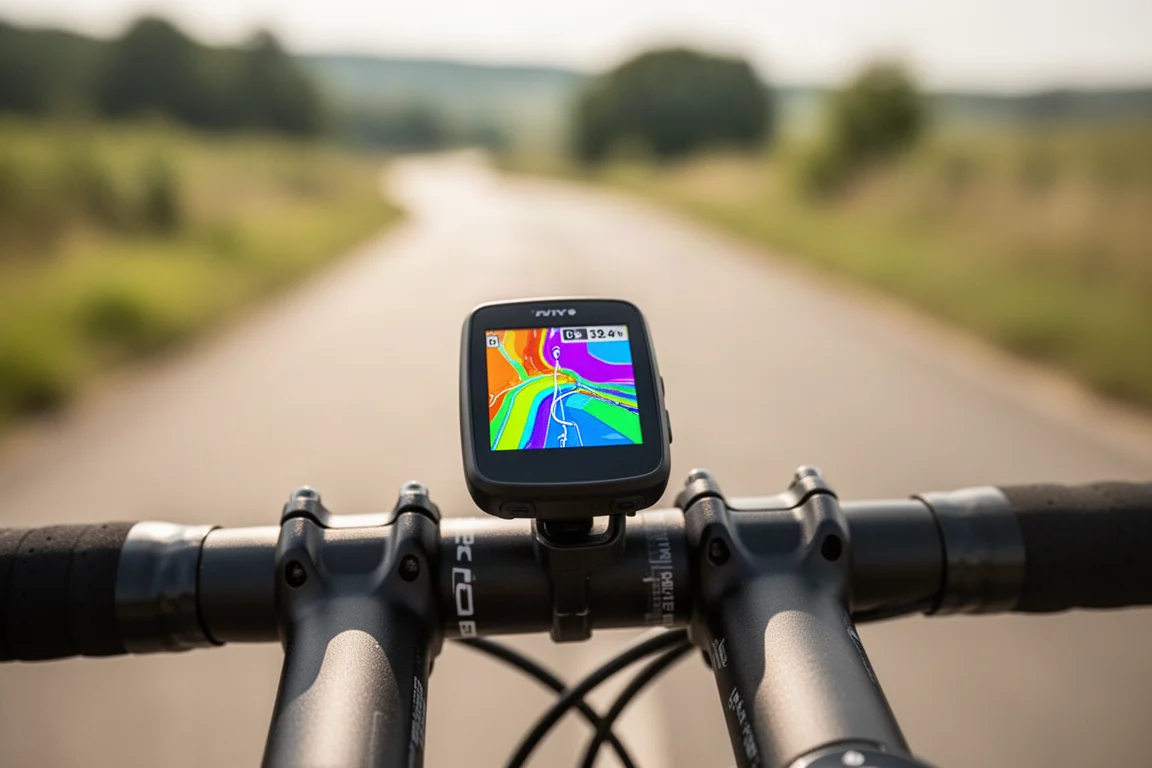
The trade-off is power. The older memory-in-pixel units ran from about 26 hours in demanding use up to 42 to 48 hours in battery saver modes. The 850 and 550 range from about 12 hours in their most demanding use case up to 36 hours in battery saver mode. In real-world riding with auto brightness enabled, that worked out to roughly 10 to 12 hours on a sunny route. Disabling auto brightness and fixing brightness at 30 percent extended it to 16 to 18 hours.
For riders doing long tours or who dislike frequent charging, that gap matters. For riders doing two to three hour rides with a radar unit running, a charge every three to five rides is realistic. It comes down to a preference: longer battery life versus a display with more pop.
Design and a Faster User Interface
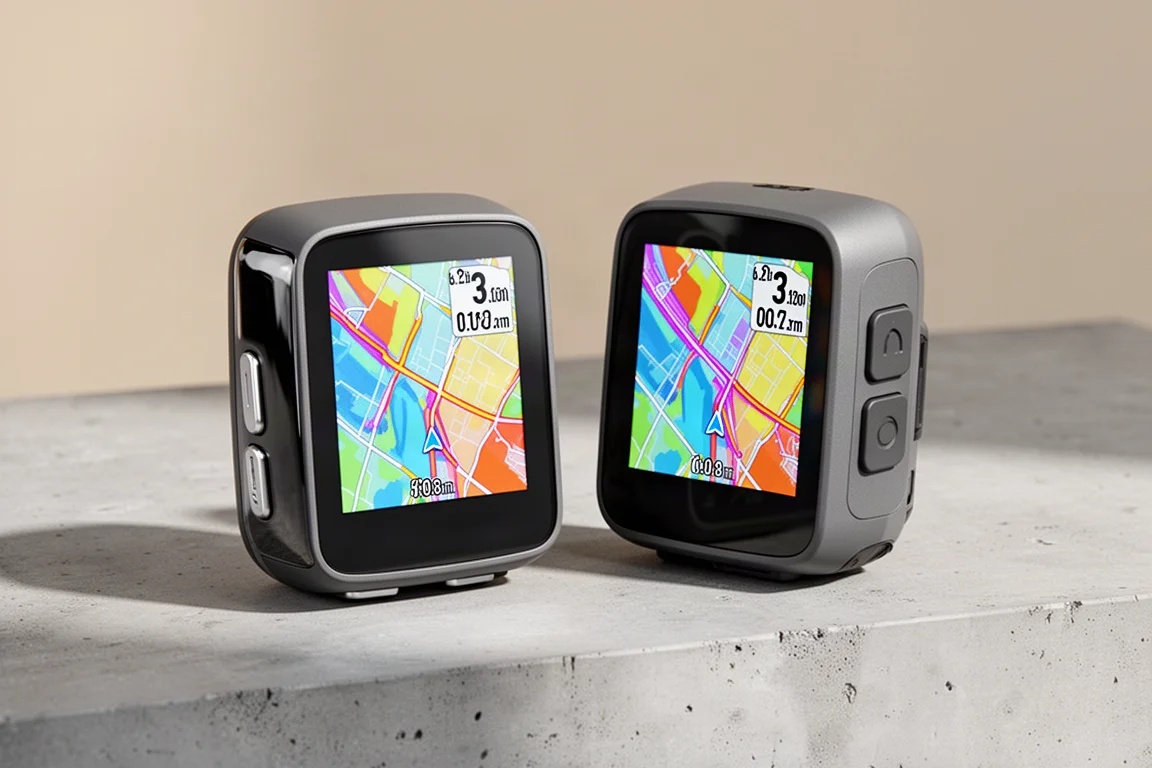
The 850 and 550 share the squared-off design language of the Edge 1050 and Edge MTB. They are slightly taller and thicker than the previous generation, and a little heavier, largely because a larger battery sits inside. From the outside they look nearly identical: the 850 has a glossy side panel and more metallic-looking buttons, while the 550 has a dark matte grey finish.
Both run the revamped user interface introduced with the 1050, with ride profiles up top, a context-aware area for things like suggested workouts, and widgets for coaching plans, ride history, weather, and training status. The most immediately noticeable difference is speed. A faster processor makes the interface dramatically more responsive than the previous generation, and a new map rendering engine makes panning and redrawing noticeably smoother. The 850 shows this off more, since the 550’s buttons are simply hard to press fast enough to bog the interface down.
Touchscreen vs Buttons: How the Two Models Diverge
The 550 keeps a seven-button interface, while the 850 pairs buttons with a touchscreen, letting you choose whichever input suits the moment. This is actually an area where the 850 has an advantage over the 1050, which combines its touchscreen with only three buttons. Riders who wanted full seven-button control on a flagship-class device now have it.
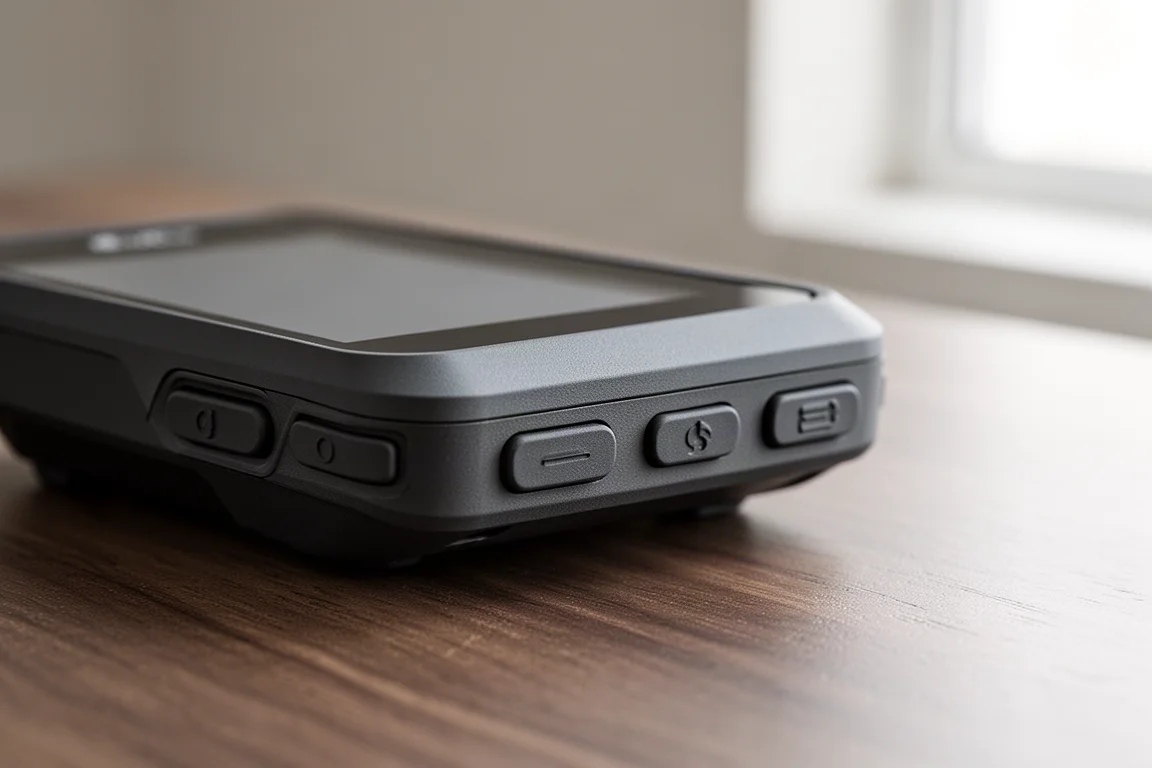
The buttons themselves give clear click feedback but feel surprisingly stiff, and they could be larger and more pronounced for use with gloves. The 550’s button interface is better than the 540’s thanks to the revised menus, but with so many more features in these computers, the 850’s dual input still feels like the more comfortable option.
Speaker, Digital Bell, and Garmin Pay
The 850 adds a built-in speaker, as on the 1050, with nicer activity tones, more robust radar alerts, and friendlier navigation sounds. The most useful addition is a digital bell: tap the screen to bring up a small menu and tap the bell icon to alert riders ahead. If you run SRAM AXS or Shimano Di2, you can map the bell to auxiliary buttons on your shifters, which takes the feature from good to genuinely great.
The 550 keeps only a beeper, not a full speaker, so it gets tones but not the richer audio, and it has no bell. That makes sense given the bell is triggered primarily by tapping the screen, which is not possible on a button-only unit.
The 850 also gains Garmin Pay contactless payments, a niche but curious addition for a bike computer. Storage is another split: the 850 has 64 GB of onboard storage versus 32 GB on the 550, both doubled from the previous generation’s 32 GB and 16 GB. With map files growing to include extra data like climb information, the extra room is welcome. New weather features include a much richer weather widget and a radar and wind overlay on the maps.
5Hz Recording for Downhill and Enduro Riders
Both models carry the downhill and enduro ride profiles introduced with the Edge MTB, now with a new 5Hz recording mode. During descents, the device records at five times per second instead of the usual one-second rate, producing cleaner tracks through fast switchbacks and high-speed turns.

The 5Hz mode engages automatically with the downhill profile as soon as you leave the chairlift and start descending, while the enduro profile triggers it when you manually start a descent phase with the lap button. If a descent includes a brief uphill section, recording drops back to one second to save space, then re-engages. There is a subtle purple border and 5Hz icon in the corner to indicate when it is active.
In practice, the benefit shows most when tight switchbacks combine with high speed. Tracks look noticeably better, though the impact on final stats like total distance is minimal. Both units also gain the enhanced Trailforks integration, showing more trail information at junctions and a post-ride breakdown of the trails ridden with a difficulty percentage.
Navigation, Mapping, and Training Features
Both devices ship with full offline maps with more detail than before, helped by the extra pixels and colors of the new display. ClimbPro appears on pre-loaded routes and on the fly, showing upcoming climbs with distance and elevation gain. The new timing gates feature, introduced with the Edge MTB and also available on the 1050, lets you set up on-the-fly segment timing to compare runs on specific sections of road or trail.
Pairing electronic shifting, whether Di2 or AXS, shows gears in real time and adds a post-ride summary of time spent in each gear ratio. New smart fueling plans generate custom recommendations based on your profile, fitness, and even the weather, though the suggested carbohydrate targets seem conservative. Power Guide can now also adapt to changes in physiological stats and altitude acclimatization.
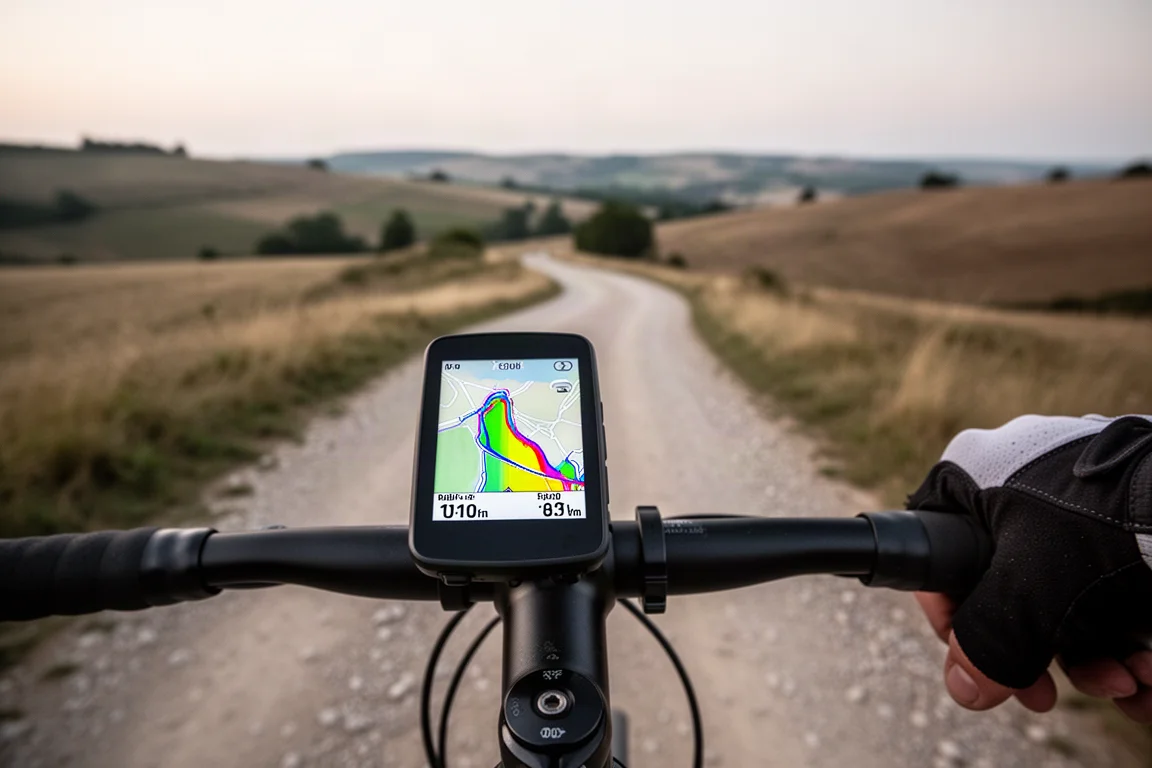
Both units retain full Varia radar and light integration, LiveTrack, incident detection, and community-driven road hazard alerts. A few software features are exclusive to the 850 because they rely on the touchscreen, including on-device address search, point of interest search, and on-demand round-trip course creation.
Which One Should You Buy?
The Edge 550 is the straightforward pick if you prefer buttons, want the lowest price, and can live without the speaker, digital bell, Garmin Pay, and touchscreen-only features. Its 32 GB of storage is still double the previous 540.
The Edge 850 makes sense if you want the touchscreen-plus-buttons combination, the speaker and bell, extra map storage, and the full feature set. In some ways it is a more complete package than the 1050, since it offers all seven buttons in a smaller body. If you mostly ride two to three hours at a time and charge regularly, the shorter battery life of the new LCD display is easy to accept.
Conclusion
The Edge 850 and 550 are meaningful upgrades over the 840 and 540, with vibrant new screens, a much faster interface, and the best features from the 1050 and Edge MTB carried down into smaller bodies. The battery life drop from memory-in-pixel will be the sticking point for some riders, but the added capability of the new display justifies the trade-off for many. Choose the 850 for the full experience, or the 550 to save money while keeping most of what matters.
Product link
View more details for Garmin Edge 850
This product is mentioned in the review. Check the specifications, options, and compatibility before buying.
View more details for Garmin Edge 850Further reading
Related Reviews
Cycling Tech
Best Cycling Tech: Nine Standout Products Worth Considering
Nine pieces of cycling kit that earned their place through long-term use, from a keenly priced World Tour race bike to a multi-tool that has survived two years of hard riding.
Cycling Tech
Best Pro Peloton Bikes and Components 2023: 8 Standout Upgrades
A roundup of the most technically interesting pro peloton bikes and components for 2023, from the Cannondale SuperSix EVO to Shimano Dura-Ace and Continental GP5000 S TR tires.
Cycling Tech
Bike Tech Roundup: Five Standout Upgrades Worth a Closer Look
A four-season tubeless tire, a featherweight climbing wheelset, a hangar-free drivetrain and two pairs of gravel shoes, assessed on the details that matter.