Cycling Tech
Garmin Edge 840 Review: The Bike Computer to Beat Right Now
Garmin's new Edge 840 adds solar charging, free-ride ClimbPro, multi-band GNSS, USB-C, and a revamped interface. Here's what holds up in real-world riding.
Introduction
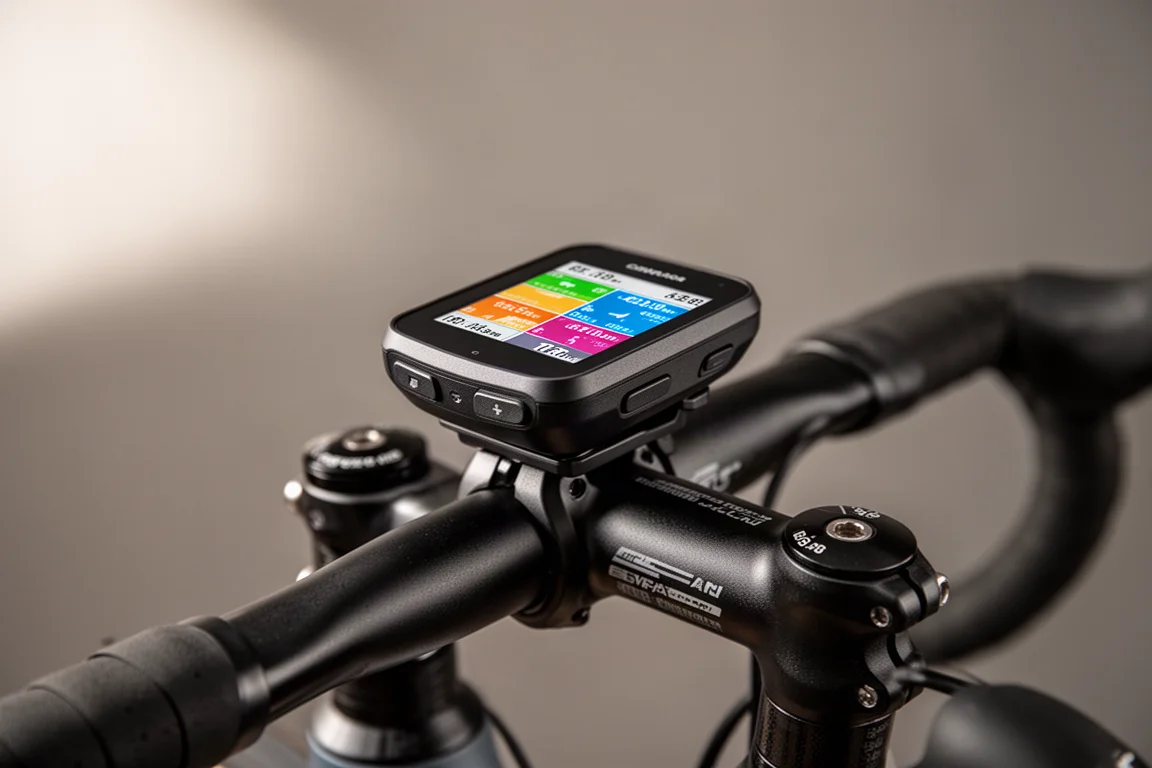
After nearly four years, Garmin finally replaced its mid-range flagship with the Edge 840, alongside the smaller Edge 540. Plenty of mileage went into testing the new hardware and software, and the short version is this: the Edge 840 is the bike computer to beat right now. It starts at $449 for the base edition and $549 for the solar edition, and it brings a wave of features that previously lived only on the top-end Edge 1040.
Who This Product Is For
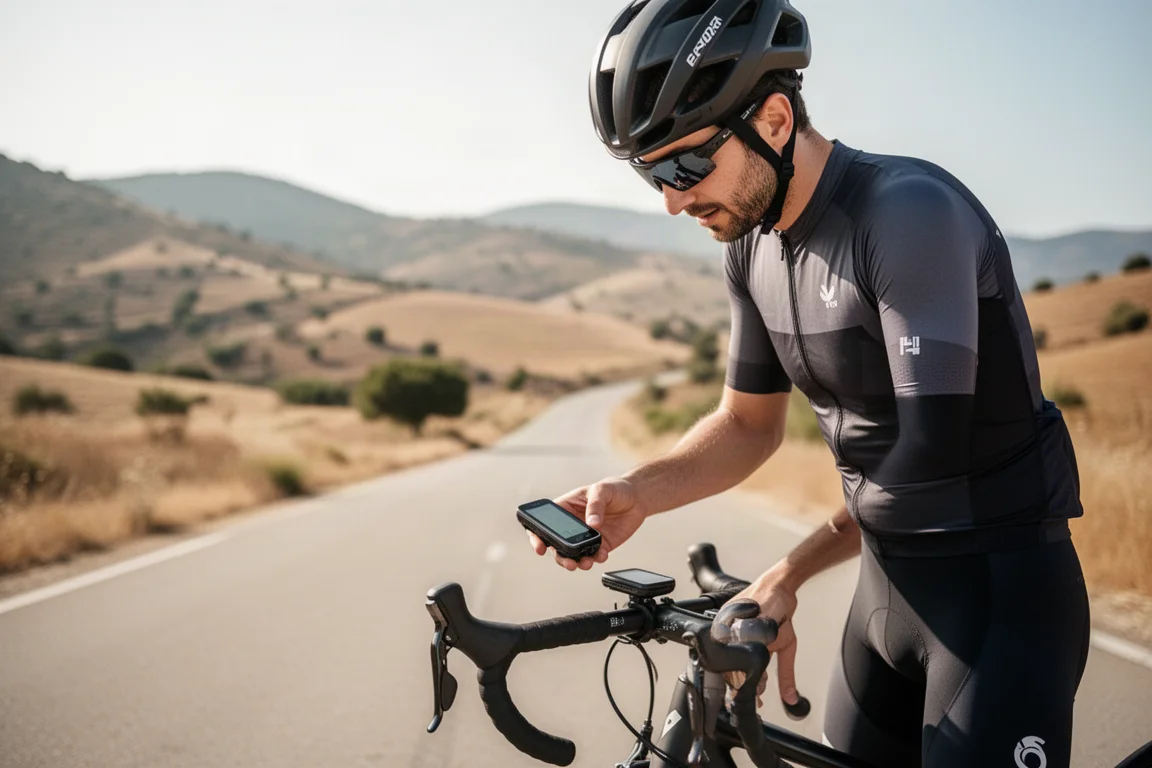
The Edge 840 suits serious cyclists who want accurate navigation, structured training tools, and detailed climb data without stepping up to the larger and pricier Edge 1040. Software-wise, the two are essentially identical, so the 840 makes sense for anyone who prefers a more compact case and does not need the bigger display.
Main Strengths
Solar Charging and New Design
The headline physical change is the solar panel, which wraps around the outer edge of the display rather than sitting over the whole screen. The solar edition gains battery two ways: passively while you ride, with a dedicated data page showing solar time gained and solar intensity, and through a sleep mode where leaving it in full sun yields roughly one to two percent per couple of hours. In practice, unless you ride constantly in reliably sunny conditions, the solar gains are modest.
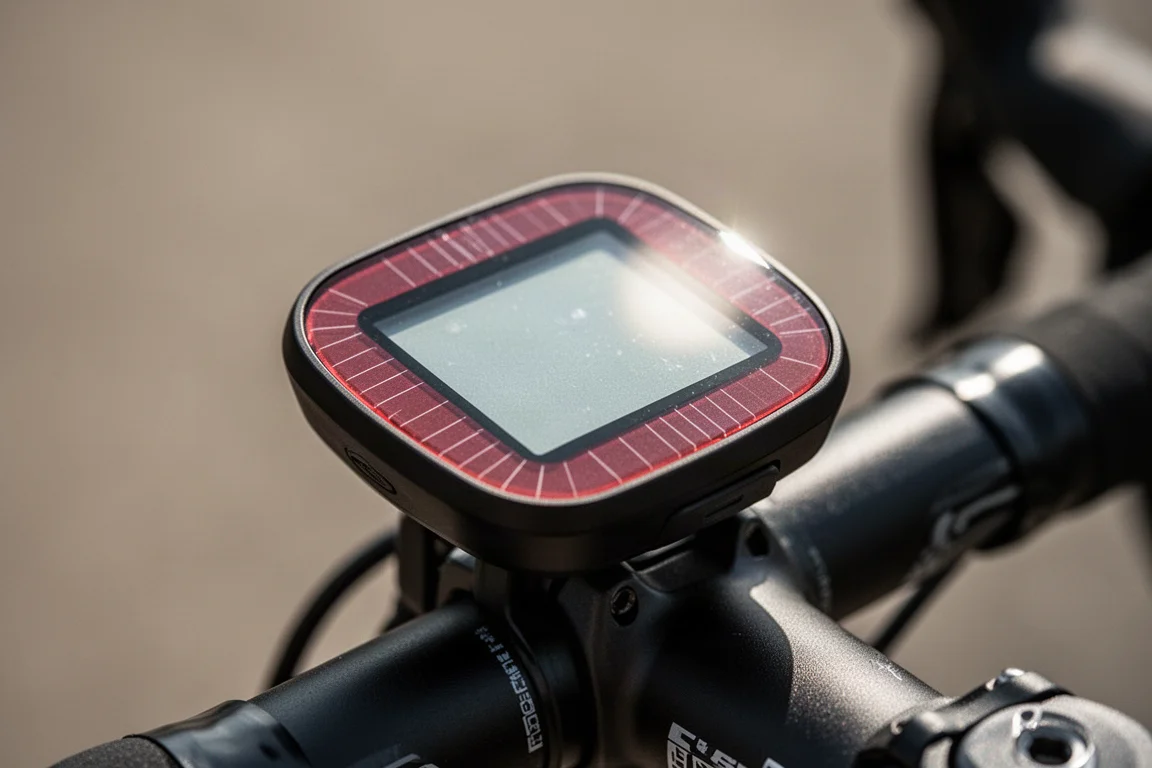
The trade-off is size. The solar panel forces a slightly chunkier, wider case, and all variants across the 540 and 840 range share the same case dimensions. The solar edition’s display is also marginally dimmer than the base version, noticeable side by side but not dramatic.
ClimbPro Goes Free Ride
The marquee software feature is freestyle ClimbPro. Previously, climb data only appeared if you had a course loaded. Now, on any ride, the device notifies you roughly 150 meters before a climb and shows the full ClimbPro screens: elevation to the top, average gradient remaining, and current gradient. It generally detects climbs of around 500 meters in length and 3 percent gradient or more.
Real-world performance splits into two categories. On clear-cut climbs, such as a mountain pass with a single road up and down, it nails the summit precisely. Where a road splits at a junction, the device uses heatmap popularity routing to guess where the climb ends, which works most of the time but occasionally guesses wrong. A quirk where it continued counting up a dirt road extension was reportedly already addressed in firmware. Companion to this is Climb Explorer, which lets you browse nearby climbs on a map, filter by difficulty, and route directly to one. Climb data is preloaded into the maps themselves, which is why map downloads have grown considerably in size.

Accuracy, Navigation, and Training Tools
The Edge 840 adds multi-band GNSS, and the accuracy is spot on: mountain switchbacks, city canyons, tunnels, and open roads all tracked cleanly, matching the platform that has proven excellent on the Edge 1040. Elevation accuracy matches other leading units as well.
On gradient responsiveness, abrupt steep sections lag behind the fastest competitors by roughly ten seconds, but for gradual climbs the difference is negligible. Importantly, ClimbPro’s upcoming-climb data proved more reliable than the competition, which sometimes dramatically overstated gradient sections that never materialized.
Training features are extensive. Training Status 2.0 includes VO2 max and acute load, plus load focus and a cycling ability analysis that compares your strengths against the demands of a given course. Power Guide lets you build power targets for a known course, recalculating targets for each segment based on your goal effort. There is also race-event training: create an event on your calendar with course, date, and start time, and the device builds a daily suggested workout plan through base, peak, taper, and recovery phases, adjusting for hard workouts recorded on a connected Garmin wearable.
Navigation got a refresh too: bike-focused point-of-interest categories like bike shops, restrooms, and coffee shops, near-instant route calculation, and a smarter off-course screen that lets you pause navigation or choose recalculation options instead of immediately re-routing. You can also configure data fields from your phone, and the button layout now mirrors the Edge 540, so every function works via touch or buttons, except timer start/stop, which is button-only. USB-C charging finally arrives as well.
Things to Consider Before Buying
The solar edition’s gains are small unless you live somewhere sunny and ride constantly, so most riders can save money with the base version. The revamped interface, shared with the Edge 1040, works well here but reportedly feels more cumbersome on the button-only Edge 540. Gradient responsiveness on abrupt, steep changes trails the fastest rival unit, a trade-off worth knowing if your rides constantly swing between flat and very steep. Also note that the same software exists on the Edge 1040, so the 840’s advantage is size, battery, and price rather than features.
Buying Advice
The Edge 840 is basically the bike computer to beat right now. The Edge 1040 offers a bigger screen and battery, but identical software, and the 840 actually has more buttons. The Edge 540’s button-only interface needs more refinement, so the 840 is the safer pick in the current lineup.
Conclusion
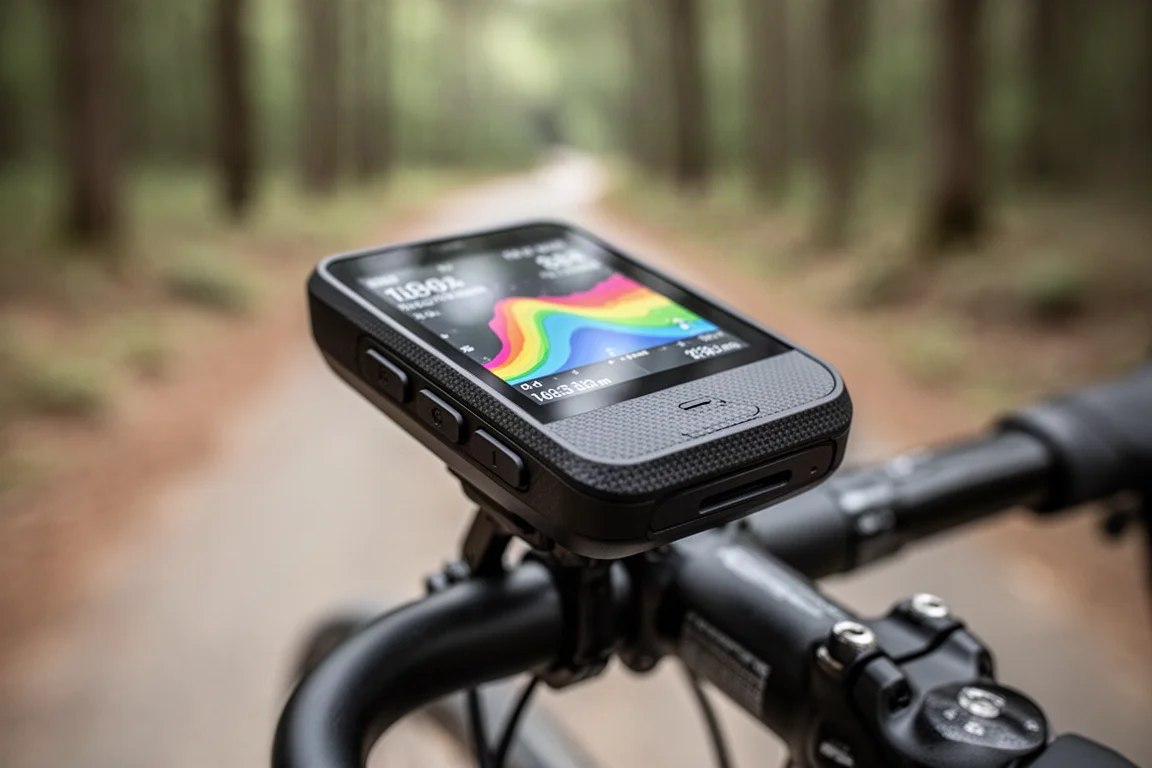
The Garmin Edge 840 brings the Edge 1040’s best software, including free-ride ClimbPro, Power Guide, and race training plans, into a compact case with multi-band GPS and USB-C. For most serious cyclists, it is the most complete option on the market today.
Product link
View more details for Garmin Edge 840
This product is mentioned in the review. Check the specifications, options, and compatibility before buying.
View more details for Garmin Edge 840Further reading
Related Reviews
Cycling Tech
Best Cycling Tech: Nine Standout Products Worth Considering
Nine pieces of cycling kit that earned their place through long-term use, from a keenly priced World Tour race bike to a multi-tool that has survived two years of hard riding.
Cycling Tech
Best Pro Peloton Bikes and Components 2023: 8 Standout Upgrades
A roundup of the most technically interesting pro peloton bikes and components for 2023, from the Cannondale SuperSix EVO to Shimano Dura-Ace and Continental GP5000 S TR tires.
Cycling Tech
Bike Tech Roundup: Five Standout Upgrades Worth a Closer Look
A four-season tubeless tire, a featherweight climbing wheelset, a hangar-free drivetrain and two pairs of gravel shoes, assessed on the details that matter.