Cycling Tech
Garmin Edge 540 vs Edge 840: Which Cycling GPS Should You Buy?
A close look at Garmin's Edge 540 and Edge 840 cycling computers: solar gains, free ClimbPro, multiband GPS, training features, and the touchscreen question that decides it all.
Introduction
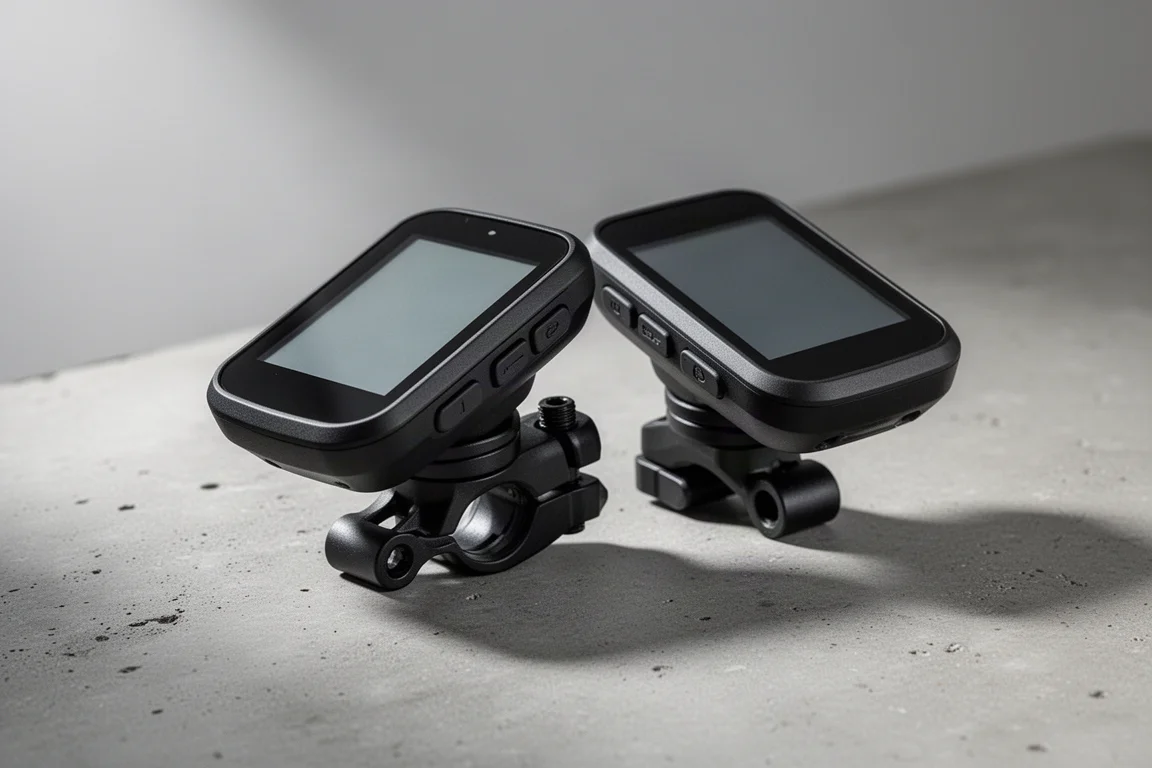
The Garmin Edge 540 and Edge 840 replace the long-running Edge 530 and 830, and the update is genuinely substantial: solar charging options, a revamped interface, multiband GPS, free-ride climb detection, and a deeper suite of training tools. After extended riding on climbs, cobbles, and structured workouts, both units prove to be strong, but the choice between them comes down to one thing: whether you want a touchscreen.
What the Edge 540 and 840 Share
Both devices share the exact same case shell, so solar and non-solar versions are identical in size. Pricing for the Edge 540 starts at $349 for the base edition and $449 for the solar edition, roughly a $50 increase over what the Edge 530 cost at launch four years earlier. The Edge 840 sits above it in the lineup with the same core software and hardware platform.
The headline hardware option is solar. Two photovoltaic sections exist on the solar variant: the outer edge of the display at full photovoltaic level, and a thin layer over the screen itself at 15%. That screen layer makes the solar edition appear slightly dimmer than the non-solar one.
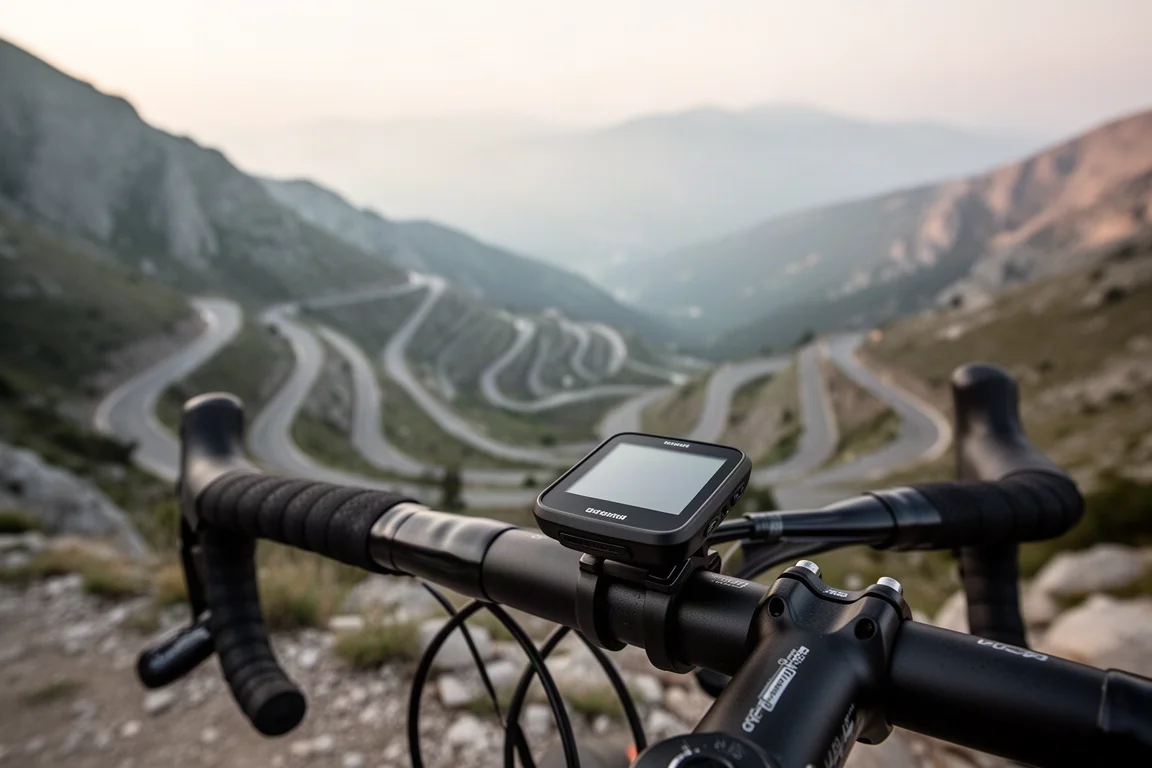
In real use, the solar gains are modest. On a sunny three-hour ride, the added time was comparable to plugging in for about five minutes, and on dark overcast days the gain was virtually nothing. Solar charging also works in sleep mode, but a couple of hours in full sun only added one or two percent. The trade-off: the solar edition is slightly chunkier, though you stop noticing after the first minute. If you mostly ride in bright conditions and hate charging, it is a nice-to-have rather than a game changer.
ClimbPro Without a Route: Free ClimbPro and Climb Explorer
The big new software headline is Freestyle ClimbPro. Previously, ClimbPro required a loaded course to show upcoming climbs, distance to the top, and gradients. Now it works without any route at all, simply detecting climbs as you ride, much like the free-riding climb feature rivals introduced earlier.
On clear-cut climbs, such as a giant mountain pass where the only option at the top is back down, it works flawlessly. On ambiguous scenarios where roads split or the top flattens before rising again, the device leans on heat map and popularity data to guess your intended route. It nails the correct routing the vast majority of the time, with occasional misses, and fine-tuning in coming months seems likely.
A companion feature, Climb Explorer, shows every climb nearby that meets a given threshold. You can filter by radius, difficulty, surface type, and sort order, then open a climb and route directly to it. Every climb in the world is pre-cached in the map download, which means the maps are much larger but lookups are instant: 150 climbs within a 100 km radius loaded immediately.
GPS, USB-C, and the New Interface
Multiband GPS (multi-GNSS, also known as dual-frequency GPS) is on board, delivering notably more accurate positioning. It burns more battery than the basic option, but for mountain biking or riding in trees it is clearly worth it. Charging moves to USB-C, which is a simple but welcome change.
The interface is revamped, mirroring the Edge 1040: customizable widget glances you can add, reorder, and long-press to configure. There is no touchscreen on the Edge 540, buttons only. A neat trick for text entry: pair with the Garmin Connect app on your phone and type there, with near-instant response on the device. Searches are processed on the device itself, the phone is only used for typing. Navigation categories are now cycling-focused rather than car-focused, including bike repair shops, convenience stores, restrooms, and water stops, all populating virtually instantly.
One notable navigation improvement: when you go off course, the device now asks whether you want to pause navigation or recalculate, instead of immediately and aggressively rerouting like older units. That makes brief detours, such as stopping to take a photo, far less painful.
Training Features: Power Guide, Stamina, and Race Plans
Training status returns in a version 2.0 form, designed to show the “unproductive” message much less often. You also get training load over the last seven days, load focus over 28 days, and cycling abilities profiling borrowed from the Edge 1040, which classifies you as a climber, sprinter, or all-rounder and can analyze how a given course suits your profile.
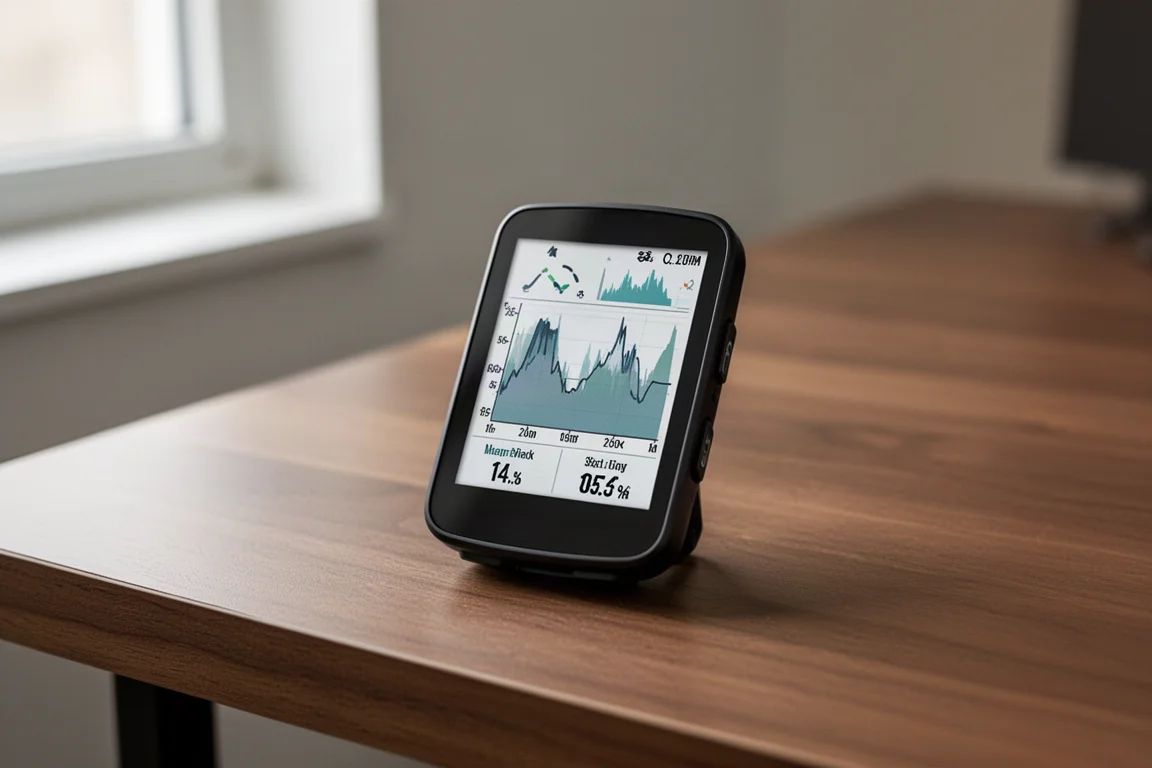
Power Guide lets you add a course ahead of time and generate a pacing plan based on your FTP, weight, and position, with editable power splits per elevation section. It is like a simplified best bike split: it targets a finish time based on your profile, and it can be adjusted in real time mid-ride if things are not going to plan. Real-time stamina, which uses heart rate and power data to estimate how long you can sustain your current intensity, also carries over and has proven quite accurate.
New race support lets you create an event in Garmin Connect with a course attached, and the device builds a full training plan around that course profile, including daily suggested workouts and a complete base, build, peak, taper, and recovery phase structure. Syncing now also incorporates data from your Garmin wearables.
Edge 540 vs Edge 840: The Touchscreen Question
The Edge 840 adds a touchscreen on top of buttons on both sides of the case, a first for the 8x0 series. The Edge 540 is buttons only, and the two cases are otherwise identical.
The buttons are the sticking point. While riding and navigating, the button interface works fine, but when you try to dig into menus or change a setting, it becomes genuinely frustrating: long-pressing, scrolling up and down to find the right section, and doing all that mid-ride is cumbersome. On the 840, a quick swipe gets you where you want to be.
Historically, the button-based 5x0 series was the easy recommendation over the touchscreen 8x0 series every generation. This time, the recommendation flips: the touchscreen Edge 840 is the better pick for most people, simply because its interface is easier to live with day to day.
GPS and Elevation Accuracy
On mountain bike trails in the trees, on a multi-loop course that traces the same route twice, both units tracked spot on, a touch better than competing multiband GPS units, though not meaningfully so. In cities between buildings, through tunnels, and in the open, performance has been essentially perfect across the board, which tracks given these share the same platform as the Edge 1040. Elevation accuracy matched other comparable units in testing.
One caveat: on gradient responsiveness, the Garmin units react more slowly than two direct rivals on sudden steep pitches, lagging by roughly ten seconds on abrupt kicks. On gradual climbs you will not notice. The flip side is that ClimbPro’s pre-populated map data is more accurate for long climbs, where competitors can show wildly wrong gradients for the remainder of a long ascent. It is a pick-your-poison situation: instant response on sudden steep ramps, or correct upcoming gradient data for the whole climb.

Buying Advice
Choose the Edge 540 if you prefer buttons and want to save money, and accept that menu navigation takes patience. Choose the Edge 840 if you want the same feature set with a touchscreen that makes the revamped interface actually pleasant to use; for most riders this is the smarter choice. On either unit, the solar edition only makes sense if you are chasing every bit of battery margin, because real-world gains are small and the screen is slightly dimmer as a result.
Conclusion
The Edge 540 and 840 are the most capable mid-range cycling computers Garmin has made, with genuinely useful additions in free ClimbPro, multiband GPS, and race-aware training plans. The deciding factor is not features, since both share nearly everything: it is whether a touchscreen is worth the step up. For most riders, it is.
Product link
View more details for Garmin Edge 540
This product is mentioned in the review. Check the specifications, options, and compatibility before buying.
View more details for Garmin Edge 540Further reading
Related Reviews
Cycling Tech
Best Cycling Tech: Nine Standout Products Worth Considering
Nine pieces of cycling kit that earned their place through long-term use, from a keenly priced World Tour race bike to a multi-tool that has survived two years of hard riding.
Cycling Tech
Best Pro Peloton Bikes and Components 2023: 8 Standout Upgrades
A roundup of the most technically interesting pro peloton bikes and components for 2023, from the Cannondale SuperSix EVO to Shimano Dura-Ace and Continental GP5000 S TR tires.
Cycling Tech
Bike Tech Roundup: Five Standout Upgrades Worth a Closer Look
A four-season tubeless tire, a featherweight climbing wheelset, a hangar-free drivetrain and two pairs of gravel shoes, assessed on the details that matter.