Cycling Tech
Garmin Edge 540 vs 840: Four Bike Computers, One Smart Choice
The Edge 540, 540 Solar, 840, and 840 Solar bring flagship features to a smaller form factor. Here is how they differ and which one fits your riding.
Introduction
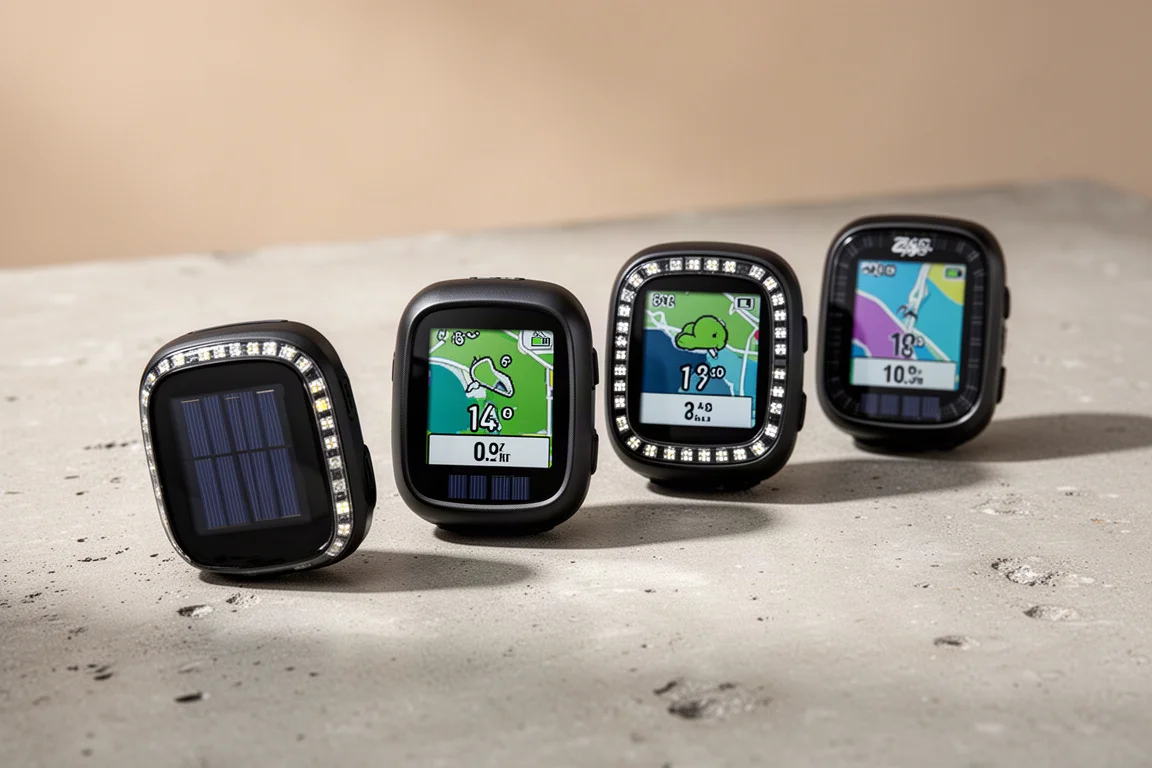
Garmin’s new Edge 540 and Edge 840 replace the long-running Edge 530 and 830, and they take most of what made the flagship Edge 1040 appealing and pack it into a smaller form factor. That includes solar charging, a refreshed user interface, more training and performance feedback features, and dual-band satellite support. There are also genuinely new additions, most notably a major overhaul of the ClimbPro feature and a seven-button layout on the 840 that removes the usual touchscreen compromise.
There are technically four new computers here: the Edge 540, Edge 540 Solar, Edge 840, and Edge 840 Solar. This guide walks through what they share, where they differ, and which one makes sense for your riding.
Four Models, Two Core Choices
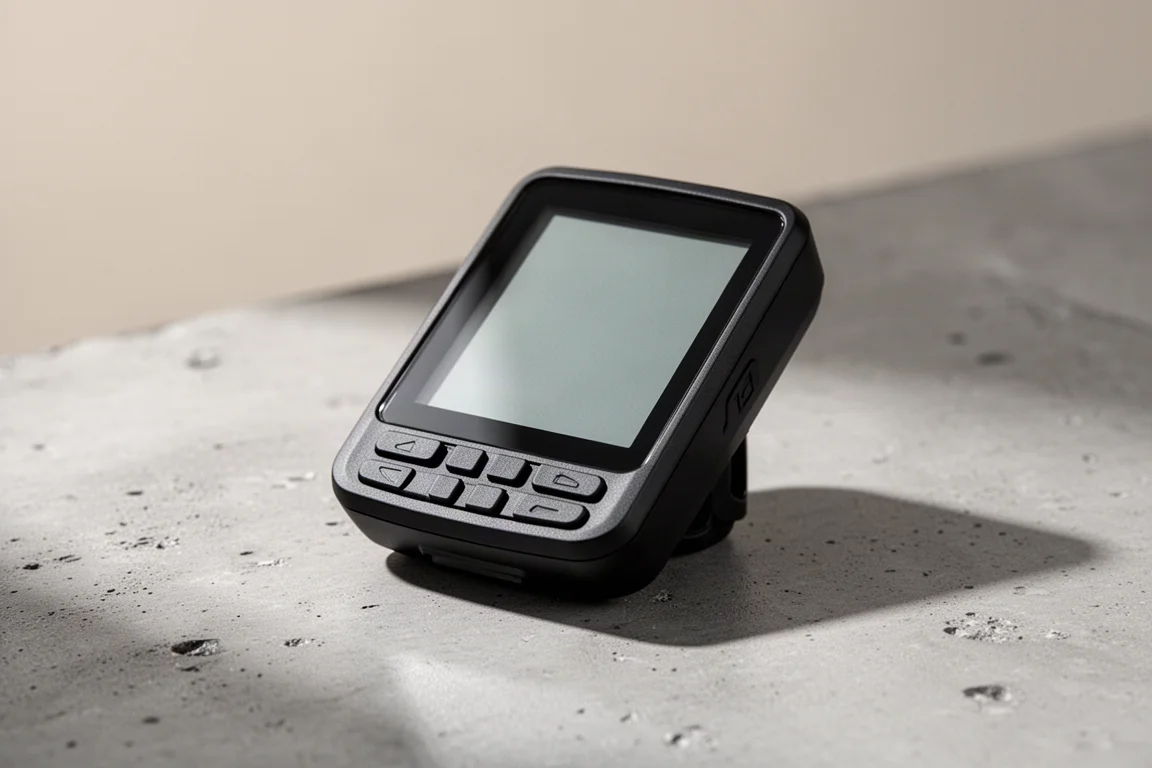
The primary difference between the 540 and 840 is input. The Edge 540 uses an all-button configuration with no touchscreen, while the 840 adds a touchscreen alongside the physical buttons. And that is the interesting part: the 840 no longer follows the older Edge 830 approach of three buttons plus a touchscreen. It now carries the exact same seven-button configuration as the 540, so you never give anything up by choosing the touchscreen model.
The buttons themselves are improved over the previous generation. They sit slightly more raised with a taller profile, feel noticeably clickier, and provide much more feedback than the softer, marshmallow-like buttons of the 530 and 830. There is also a distinguishable edge on the inside corner of each button so you always know your finger is on it.
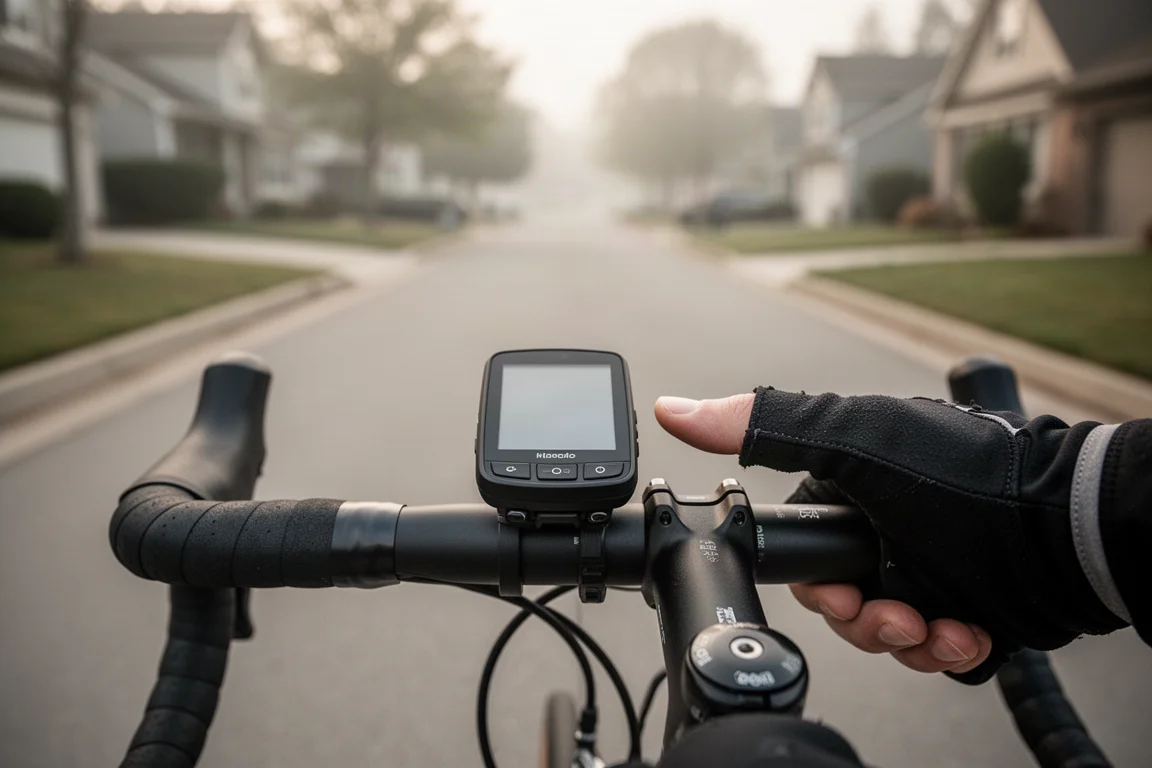
Beyond input, the two models are nearly identical. Both offer a solar option, dual-band satellite support, the enhanced ClimbPro feature set, Power Guide for managing efforts during a ride, real-time stamina, and the revamped dashboard-style interface from the Edge 1040. The main remaining differences are storage and a few touchscreen-dependent navigation and creation features reserved for the 840.
Design, Display, and Everyday Handling
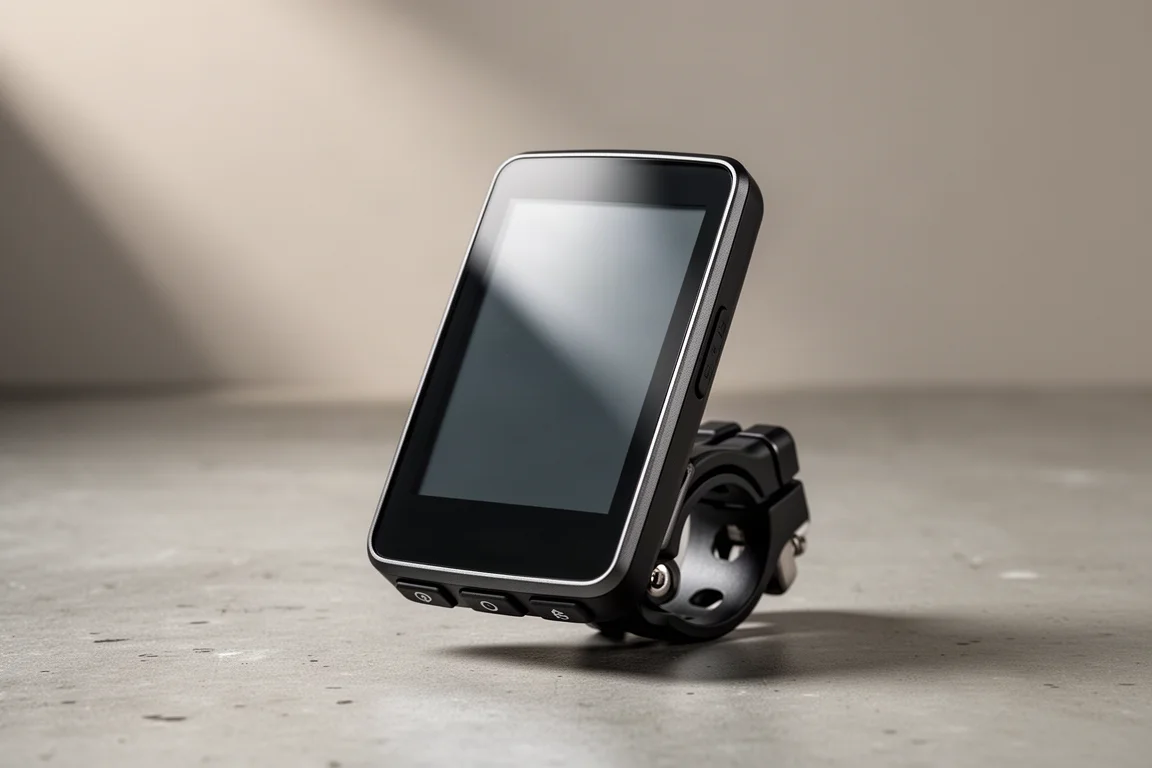
The 540 and 840 are basically identical in dimensions, similar in height to the 530 and 830 but slightly wider. Weights are close to the outgoing generation: the Edge 540 non-solar comes in at 81.1 grams (versus 77.2 for the 530), the 840 Solar at 89.1 grams (versus 79.8 for the 830), and the 540 Solar at roughly 85 grams. Solar models add a few grams over their non-solar siblings.
The quarter-turn mount sees a small but significant change. Like previous mounts, the plastic tabs can snap off in a crash, but on the 540 and 840 the two small screws on the mount are now replaceable, so a crash is less likely to ruin the whole mount. The gold pins on the bottom also carry over, meaning both devices are compatible with Garmin Charge power packs.
In the box you get the computer, an out-front mount with handlebar adapters and Allen wrenches, two sets of elastic quarter-turn mounts for multiple bikes, a tether, manuals, and a USB-C charging cable. That cable matters: it supports data transfer, not just charging, so keep track of it. Generic USB-C cables will usually charge the device but may not show up in Garmin Express or as an external drive.
The displays are the same size and resolution across both models and match the previous generation. They do not appear quite as bright as the 530 and 830 at similar brightness levels, though readability was never an issue in testing. Up to 10 data fields can be shown on a single page, just like before.
A Refreshed User Interface
Both devices inherit the dashboard-style interface introduced with the Edge 1040, and it is a genuine improvement. Instead of a simple profile screen with navigation and training shortcuts, the home screen now scrolls through widgets: daily suggested workouts, a navigation widget, location search, a training widget with your calendar and activity history (including workouts from a Garmin watch), notifications, weather, and a long list of performance metrics like training status, VO2 max, FTP, training load, recovery time, cycling ability, event calendars, intensity minutes, and fitness age. Everything is customizable, so you can keep only the widgets you want and reorder them.
Here the touchscreen question becomes practical rather than theoretical. The interface is dense, and getting around is simply faster on the 840. In-ride widgets, for example, are one swipe away on the 840, while the 540 requires a button press, a scroll to the widgets option, and more scrolling after that. The same applies to map panning and zooming, which is far more fluid with touch controls.
The touchscreen on the 840 handles light gloves, capacitive-compatible gloves, rain, and wet hands about as well as the 830 did, which is to say it works well in most situations. For heavier gloves, the full seven-button layout means you can fall back on buttons without losing any functionality.
The Big Update: Enhanced ClimbPro
ClimPro has long been one of the most useful Garmin features: load a route, and the device automatically identifies every climb, then triggers a dedicated data page as you approach, with a countdown, a color-coded grade chart, your position on the climb, and remaining distance and ascent. The catch was that it only worked with a loaded route. Until now.
The 540 and 840 add automatic climb detection, sometimes called free-ride climbs. Whether or not you have a route loaded, the device predicts your forward path using the elevation data baked into its new, much larger map files, and pops up the familiar ClimbPro page well before the climb even begins. The page shows an elevation profile, your position, current grade, average remaining grade, distance remaining, and elevation remaining, plus a map with the climb highlighted by classification color. When a road forks, it even displays climb options for each possible direction.
Detection has thresholds: a climb needs at least a 3 percent grade sustained for at least 500 meters. Short, punchy climbs sometimes do not register, especially on mountain bike rides, and the feature is currently tuned more for road and gravel riding, with refinement expected over time.
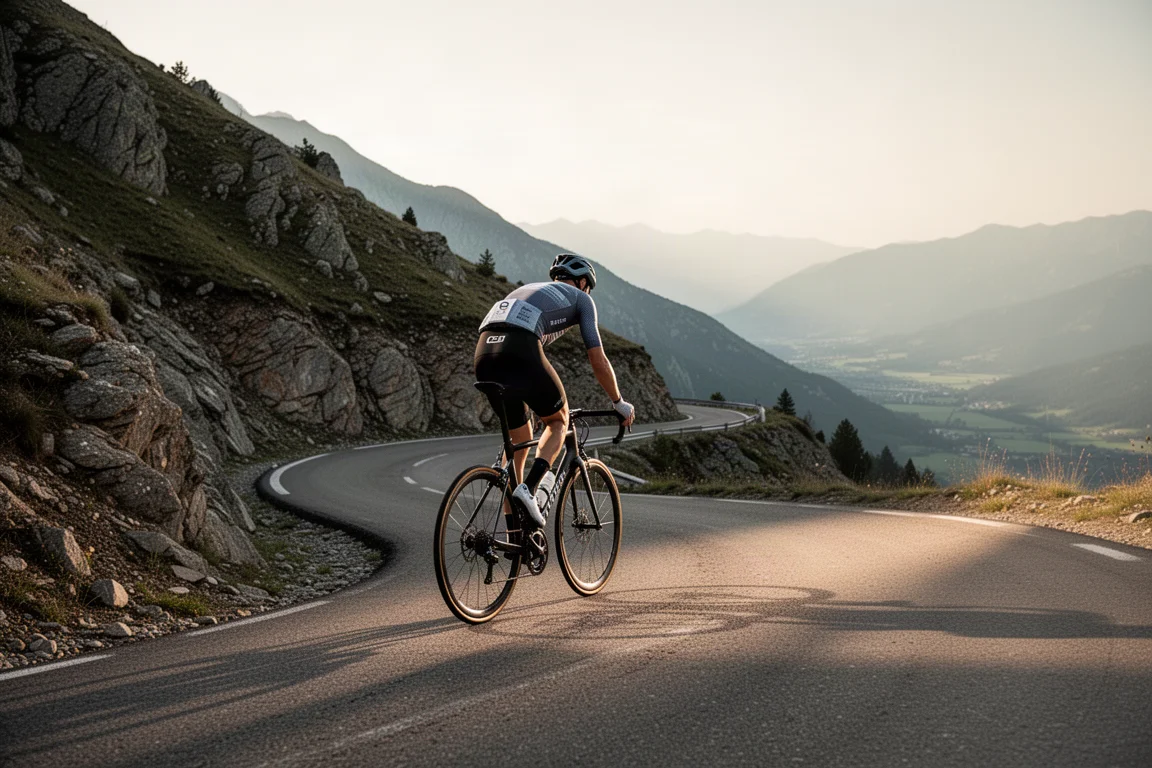
There is also a new Climb Explore widget. It lists detected climbs near your current location with distance, direction, average grade, and climb length, using a slightly higher threshold of 3.5 percent so the listed climbs are ones worth deliberately seeking out rather than stumbling upon. Tap one and you get the elevation profile, details, and a map, then a single tap calculates the best route there. You can filter by search radius, minimum and maximum grade difficulty, surface type, and sorting. These climbs also appear on the map with new mountain icons, and selecting one via the pin shows the same details. Notably, Climb Explore and map climb thresholds match what loaded-route ClimbPro would flag, so the lists stay consistent.
The usability gap shows up here too. On the 840, you pan the map with your finger and tap the climb. On the 540, you align the pin with buttons, which takes noticeably longer.
One practical caveat: the new map data with built-in climb information is much larger than before, so loading more than one region at a time may be tricky on the 840 even with 32 gigabytes of storage, and even more limited on the 540 with its 16 gigabytes. Also worth knowing: the enhanced ClimbPro features are coming to the Edge 1040, but they will not be backported to the 530 and 830.
Training Tools: Power Guide and Real-Time Stamina
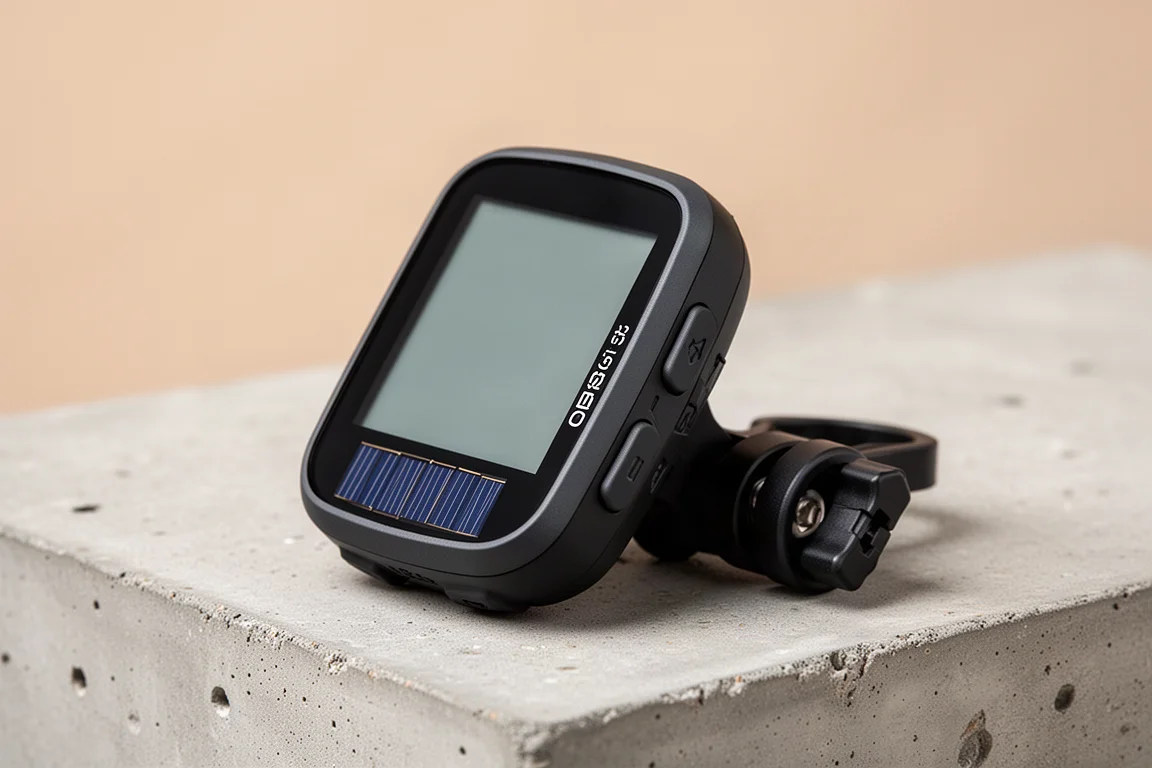
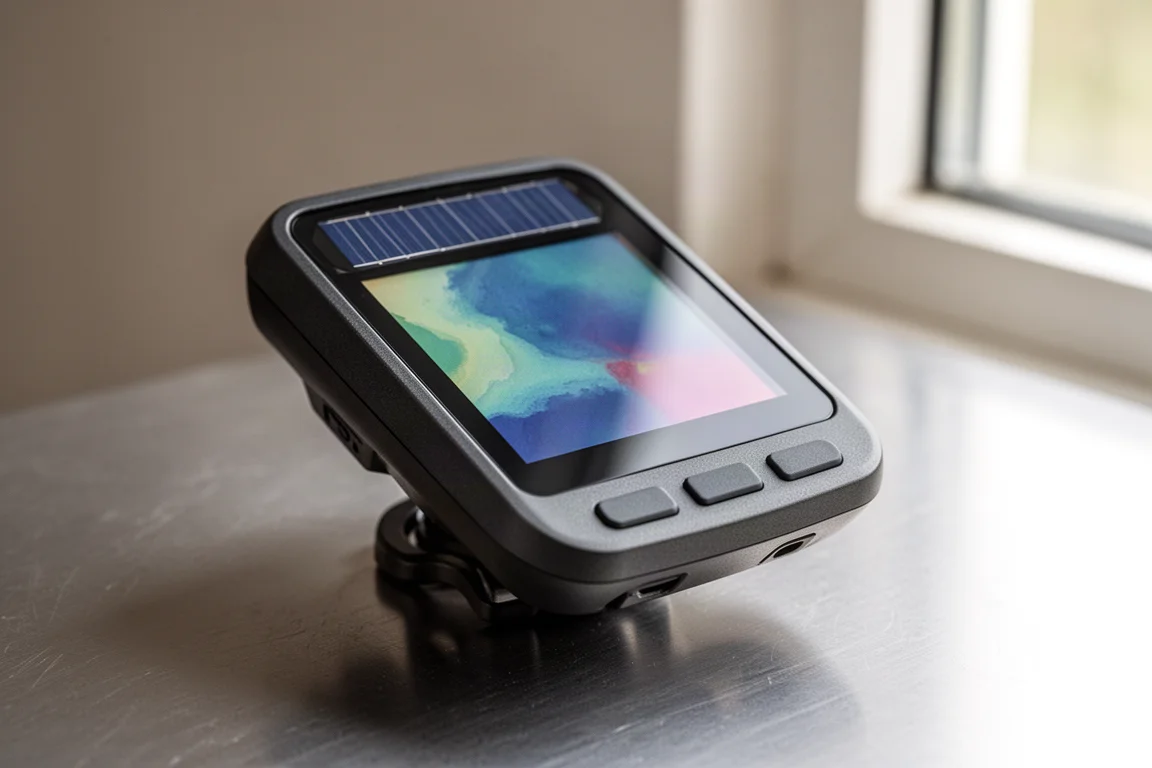
Both devices also gain two training features that debuted on the Edge 1040. Power Guide creates a power strategy based on a route to help you pace your efforts. You set up parameters in Garmin Connect, including bike weight, riding position, and the route, then fine-tune the strategy based on desired power output or estimated finish time.
Real-time stamina works like a gas tank gauge for your body. The data page shows a heart rate graph, a power graph, and two key fields: stamina and potential. Potential is your long-term energy, reflected in an estimated time to full depletion at your current pace. Stamina covers short-term energy for hard bursts, dropping quickly during sprints or surges and recovering as you ease off, while the total estimated time at the top adjusts in real time. Together they give you a readable picture of how much you have left and how hard efforts are costing you.
A few features remain exclusive to the 840 because they are difficult to use without a touchscreen: certain navigation search functions, on-device course creation, and on-device workout creation.
Solar Charging and Battery Life
The Solar variants bring the Edge 1040 Solar’s power technology down to the smaller body. Solar models combine a ring of solar cells around the display with Garmin’s Power Glass, a layer atop the display, together extending battery life to up to 32 hours at the highest accuracy settings and up to 60 hours in battery saver mode.
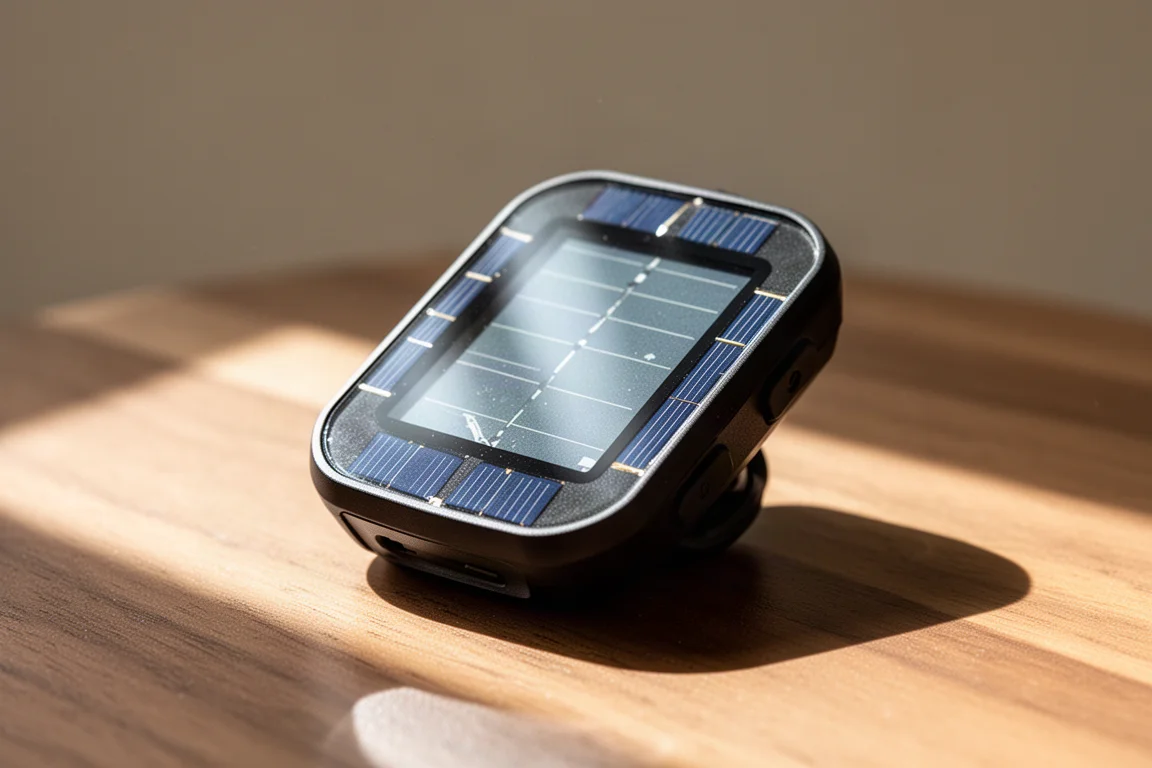
Non-solar models are no slouches either, with an advertised 26 hours at highest accuracy settings and up to 42 hours in battery saver mode. In testing, the 840 Solar delivered on its 32-hour claim on a fairly sunny ride. Offline charging works too: leave the device in the sun when you are not using it, though gains depend on conditions. On a cloudy day, a few hours in the sun added roughly 2 percent at around a 55 intensity.
Dual-Band GPS Accuracy in the Real World
The 540 and 840 carry a new dual-band, multi-band satellite chipset that accesses two satellite frequencies at once. The goal is better accuracy where signals get iffy: steep canyons, heavy tree cover on mountain bike trails, and tight switchbacks.
In testing, the results were strong across the board. On a gravel ride, the 840 tracked right in line with comparison devices, with a crispy, accurate trace through corners and solid straight-line sections, where the non-dual-band 830 showed slightly softer cornering. Elevation gain on that ride showed a bit of variance versus the 830, though other devices and the corrected Strava figure sat closer together.
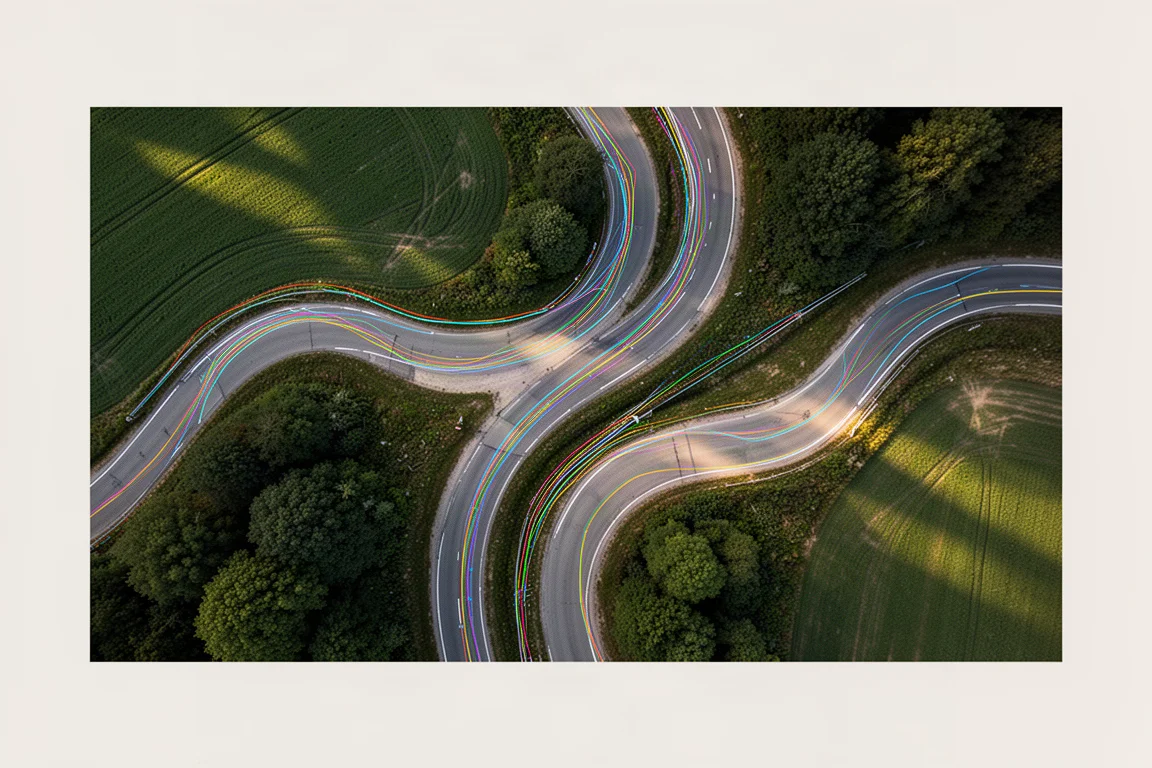
On an out-and-back road ride that climbed into a canyon, total distance and elevation lined up nearly perfectly across devices, and the 540 and 840 did an excellent job distinguishing one side of the road from the other, even where satellite signals get impaired. Mountain bike tests told the same story: tight, accurate loops with total distances matching nicely, and only minor deviations from a comparison device, nothing dramatic.
Pricing and Which One to Buy
The Edge 540 non-solar runs $349, and the non-solar 840 runs $449, so the touchscreen costs a $100 premium. Solar adds another $100 to each: $449 for the 540 Solar and $549 for the 840 Solar.
Whether you need solar depends on how much battery life you actually use and whether you ride long days in sunny conditions. The touchscreen decision is more interesting. A hundred dollars is not a small amount, but after using both devices side by side, the 840 is genuinely easier to live with, and the full seven-button layout means you lose nothing by choosing it. If you find yourself instinctively reaching to tap the screen, that instinct is telling you something.
Conclusion
The Edge 540 and 840 successfully shrink the Edge 1040 experience into smaller bodies, and the enhanced ClimbPro with automatic climb detection and Climb Explore is the standout addition. Pick the 540 if you prefer buttons only and want to save money, the 840 if you want the flexibility of touch plus full button control, and the Solar variants if extended battery life for long rides matters. Whichever you choose, you are getting one of the most capable cycling computers available for everyday riding.
Further reading
Related Reviews
Cycling Tech
Best Cycling Tech: Nine Standout Products Worth Considering
Nine pieces of cycling kit that earned their place through long-term use, from a keenly priced World Tour race bike to a multi-tool that has survived two years of hard riding.
Cycling Tech
Best Pro Peloton Bikes and Components 2023: 8 Standout Upgrades
A roundup of the most technically interesting pro peloton bikes and components for 2023, from the Cannondale SuperSix EVO to Shimano Dura-Ace and Continental GP5000 S TR tires.
Cycling Tech
Bike Tech Roundup: Five Standout Upgrades Worth a Closer Look
A four-season tubeless tire, a featherweight climbing wheelset, a hangar-free drivetrain and two pairs of gravel shoes, assessed on the details that matter.