Cycling Tech
Garmin Edge 1060: What's New on Garmin's Latest Flagship Bike Computer
Garmin's new Edge 1060 adds voice control, a full button layout, smarter routing, and a slightly smaller body for $799. Here's what changes versus the Edge 1050.
Introduction
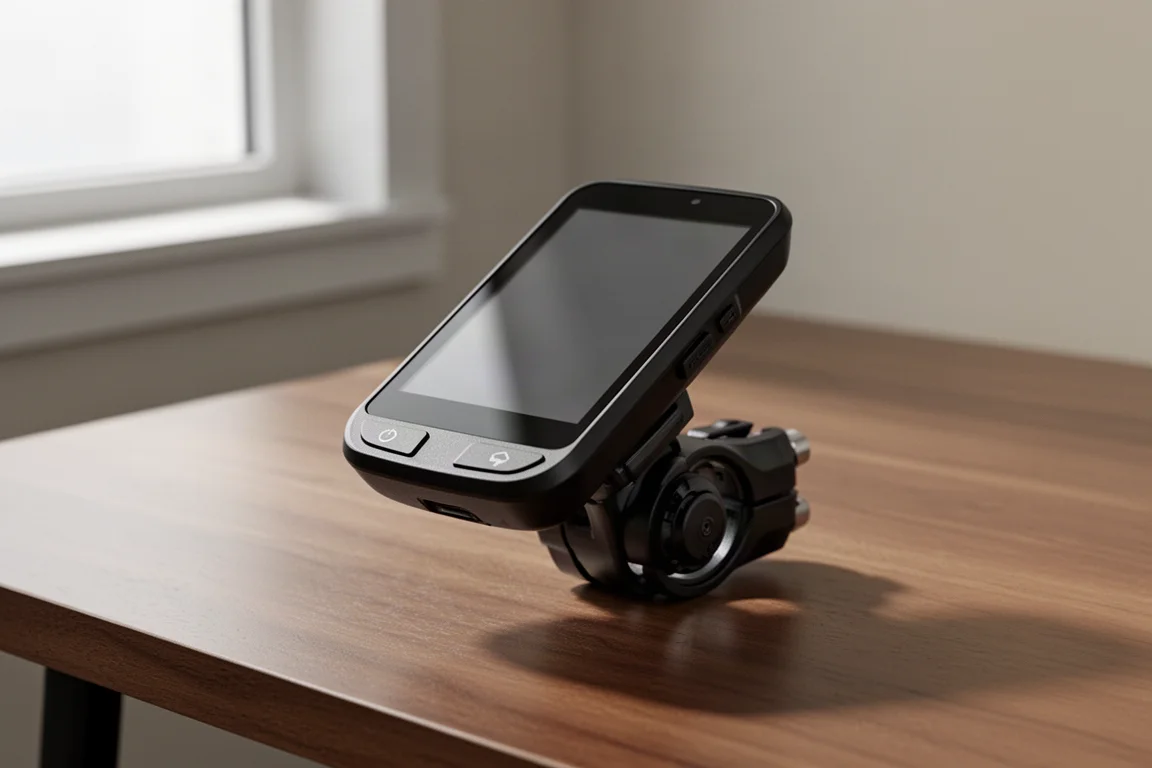
Garmin’s new Edge 1060 arrives as the latest flagship in its bike computer lineup, and the headline changes go beyond a spec bump. There’s hands-free voice control with a new built-in microphone, expanded communication features, new navigation tools, a refreshed user interface, and, finally, a full button layout. At $799 in the US, it costs $100 more than the Edge 1050 did at launch, so the question is whether the additions justify the premium.
What’s in the Box and Hardware Changes
The box contents are basically the same as the 1050: the unit itself, a standard out-front mount with spacers for different bar sizes, two standard elastic handlebar mounts, a tether, a USB-C cable, and manuals.
Physically, Garmin reduced the size and weight slightly. The 1060 is a bit shorter, which matters more than it sounds: the Edge 1050 was tall enough that it didn’t work with some third-party mounts, and the reduced height should improve compatibility.
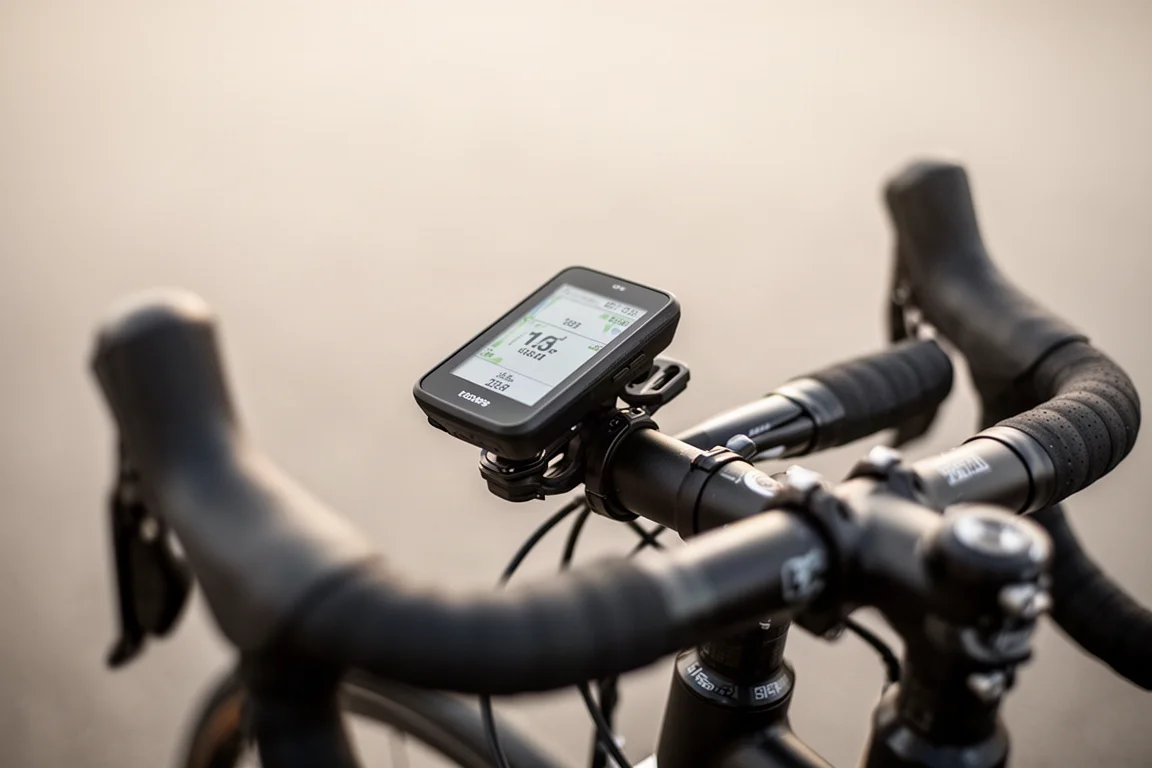
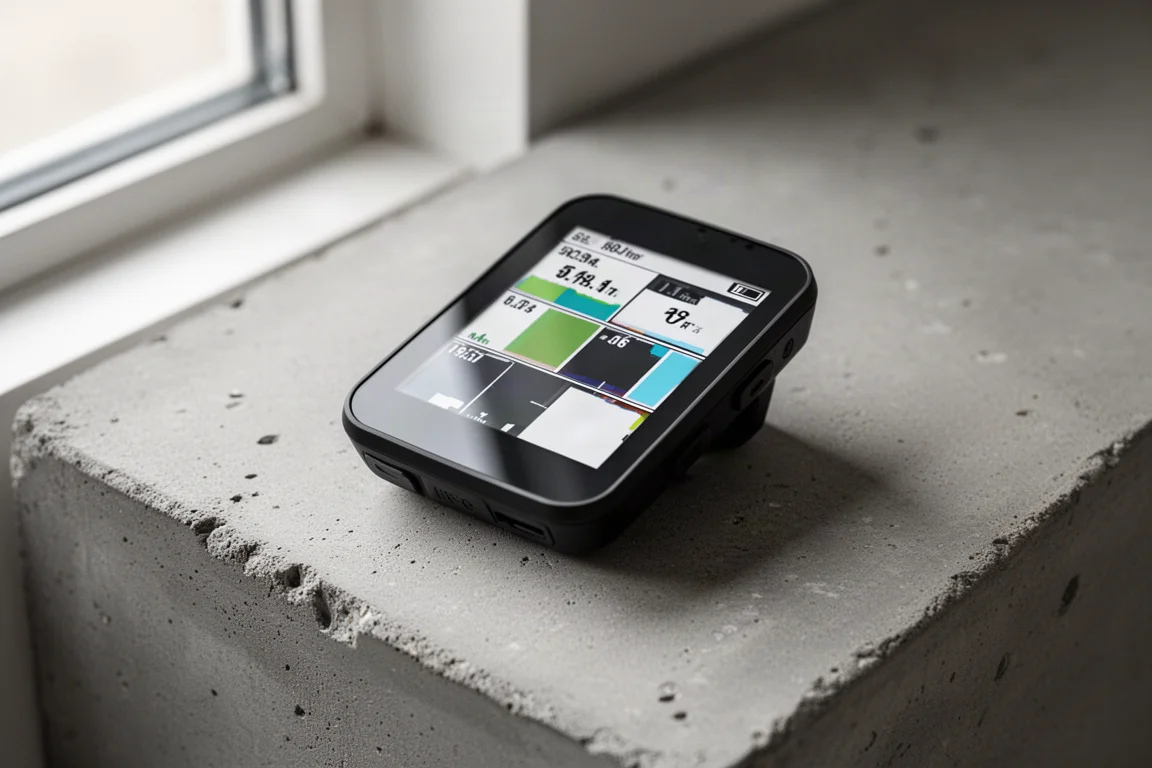
The display is the same 3.5-inch LCD touchscreen as before, with the same resolution and rated brightness. Side by side, though, the 1050 can look slightly brighter. The difference is contrast: the 1060 spreads its backlight more evenly, producing deeper blacks, while the 1050’s display carries a slight bluish hue.
Buttons, Charging Port, and Speaker
One of the most practical changes is the button layout. The 1050 had only three buttons and leaned heavily on the touchscreen; the 1060 now has a full set of buttons, similar to the Edge 850, so you can choose between touch and buttons depending on the situation, such as when wearing gloves. The back and start buttons are slightly smaller than on the 1050 and have been shifted toward the corners, which should also play better with mounts.
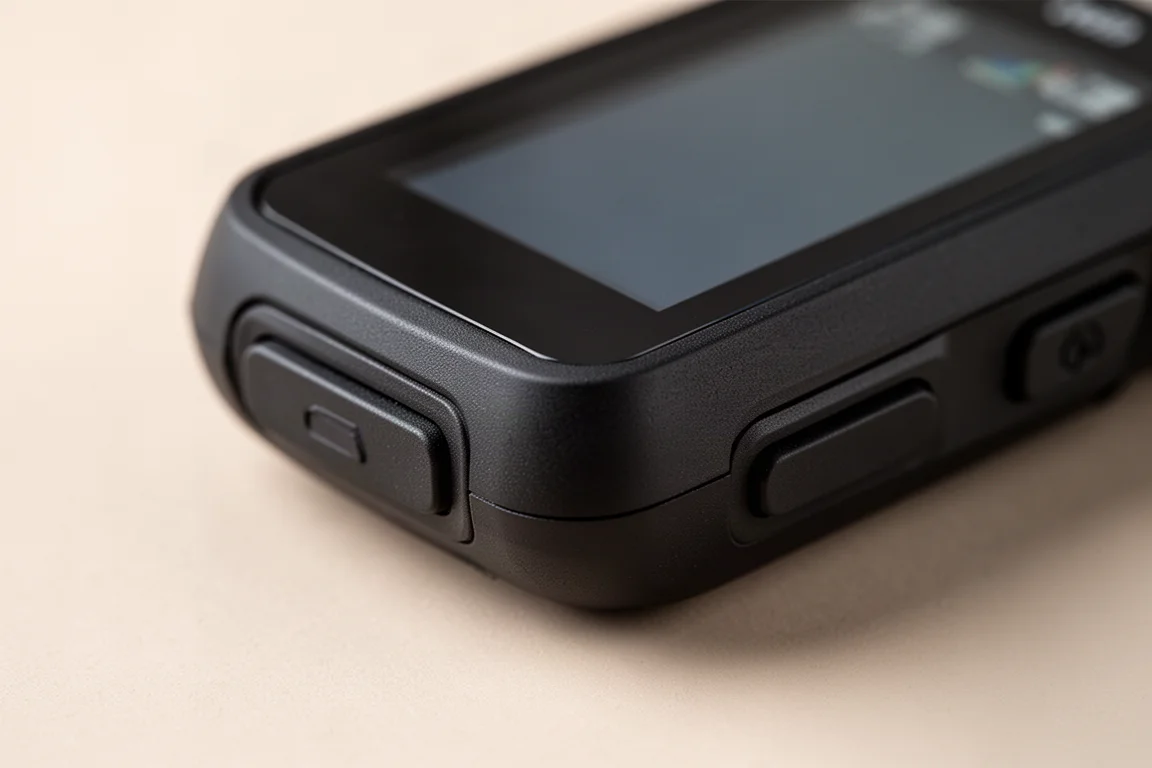
The charging port has moved to the bottom of the device, the same placement as Apple’s Magic Mouse. That choice freed Garmin to reposition the speaker to the chin of the device, and it is noticeably louder and clearer than before, with nicer tones for starting and stopping rides, turn alerts, workout cues, and even voice messages from Garmin Messenger. The built-in bell feature remains: double-tap any data page to ring it, tap the bell icon, or map it to an auxiliary button like a remote blip.
Voice Control with the New Microphone
The new microphone enables the “OK Garmin” voice command feature. You can start and pause an activity, open the map, zoom in and out, ask for stats like current speed or power, report a road hazard, change settings, and send messages through Garmin Messenger. You can even ask it to find the closest bakery.
Activation works three ways: the wake phrase, a long press of the back button, or a mapped button on a remote such as a shifter blip. If you’d rather not have it listening, you can disable the wake phrase entirely and use the physical button instead. Commands are processed on the device itself, so no phone connection is needed. In early use, it understood most requests, though a few commands, like panning the map or discarding a ride, didn’t land reliably.
There are limits. You can’t take calls routed through your phone, there’s no general voice assistant functionality like on some Garmin watches, and there’s no voice note recording during a ride. Android users can still send quick replies to texts and calls.
New Interface Features
The user interface gets several refinements. A new ride readiness option appears on the ride profile before you start, showing sensors and options like LiveTrack and incident detection you may want to check. It’s also accessible mid-ride by tapping the screen and using the icon in the upper right corner.
The controls menu, opened by swiping down from the top, has been consolidated so more options fit on a page with less swiping. A clever new feature handles missing sensors: if a ride profile includes a power field but your power meter’s battery is dead, the display can fall back to an alternative data field instead of leaving dead space. There’s also a new QWERTY keyboard layout with predictive text, replacing the old phone-style input.
Navigation and Routing Improvements
The big navigation addition is Free Flow Routing, used for on-device routing to a location or when creating round-trip routes. It’s a new algorithm that prioritizes routes with fewer stops like stop signs and traffic lights, favors smoother terrain, and combines your previous activity history and expected speed with popularity-based routing to deliver a faster, smoother ride. It becomes the default, but you can switch back to popularity-based routing or elevation preferences.
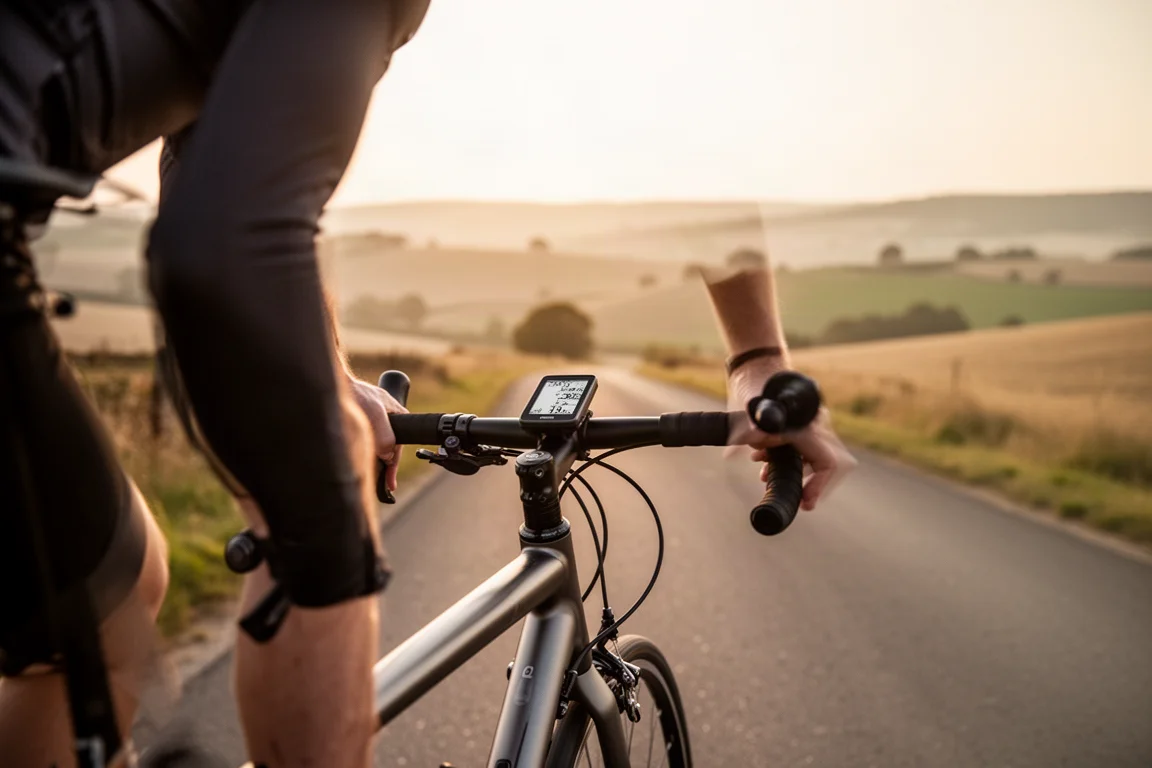
Route previews are richer before you start, showing surface type, traffic, and reported road hazards. During navigation, the Up Ahead feature builds a cue sheet of specified points of interest, like water stops, coffee shops, or meetup points, along with turns, visible both as a list and on the map page. Workout screens are more interactive, letting you expand or collapse upcoming and completed steps, and segments receive similar enhancements. Map detail has also been adjusted to better account for smaller roads at higher zoom levels.
Other Additions
Garmin also added eBike compatibility and enhanced group ride functionality, including full ride leaderboards. A new Garmin Link feature, announced alongside the Edge Explore 3, lets a paired Garmin watch automatically broadcast heart rate to the computer when you start an activity.
Software Updates Rolling Out to Older Models
Not every new feature stays exclusive to the flagship. Some of these additions will arrive via software update to the Edge 1050, 850, 550, and even the 840 and 540, though not all of them. Garmin has been rewriting its base software across devices to support future features, and that approach is starting to show real benefits for existing owners.
Conclusion
The Edge 1060 is a meaningful refresh rather than a cosmetic one: a slightly smaller, lighter body, a genuinely more usable button layout, on-device voice control, smarter routing, and a clearer speaker. The extra $100 over the 1050’s launch price buys mostly hardware and interface improvements, while software gains will partially trickle down to older models. If voice control, better mount compatibility, and the refined routing appeal to you, the upgrade case is stronger than usual; if not, it’s worth watching which features land on the Edge 1050 through updates.
Product link
View more details for Garmin Edge 1060
This product is mentioned in the review. Check the specifications, options, and compatibility before buying.
View more details for Garmin Edge 1060Further reading
Related Reviews

Cycling Tech
Best Cycling Tech: Nine Standout Products Worth Considering
Nine pieces of cycling kit that earned their place through long-term use, from a keenly priced World Tour race bike to a multi-tool that has survived two years of hard riding.
Cycling Tech
Best Pro Peloton Bikes and Components 2023: 8 Standout Upgrades
A roundup of the most technically interesting pro peloton bikes and components for 2023, from the Cannondale SuperSix EVO to Shimano Dura-Ace and Continental GP5000 S TR tires.
Cycling Tech
Bike Tech Roundup: Five Standout Upgrades Worth a Closer Look
A four-season tubeless tire, a featherweight climbing wheelset, a hangar-free drivetrain and two pairs of gravel shoes, assessed on the details that matter.