Keyboards
Epomaker HE75 TMR Review: A Magnetic Keyboard That Lets You Choose Your Switches
The Epomaker HE75 TMR brings tunnel magnetoresistance to a 75% layout, offering magnetic switch features with the freedom to swap in mechanical switches.
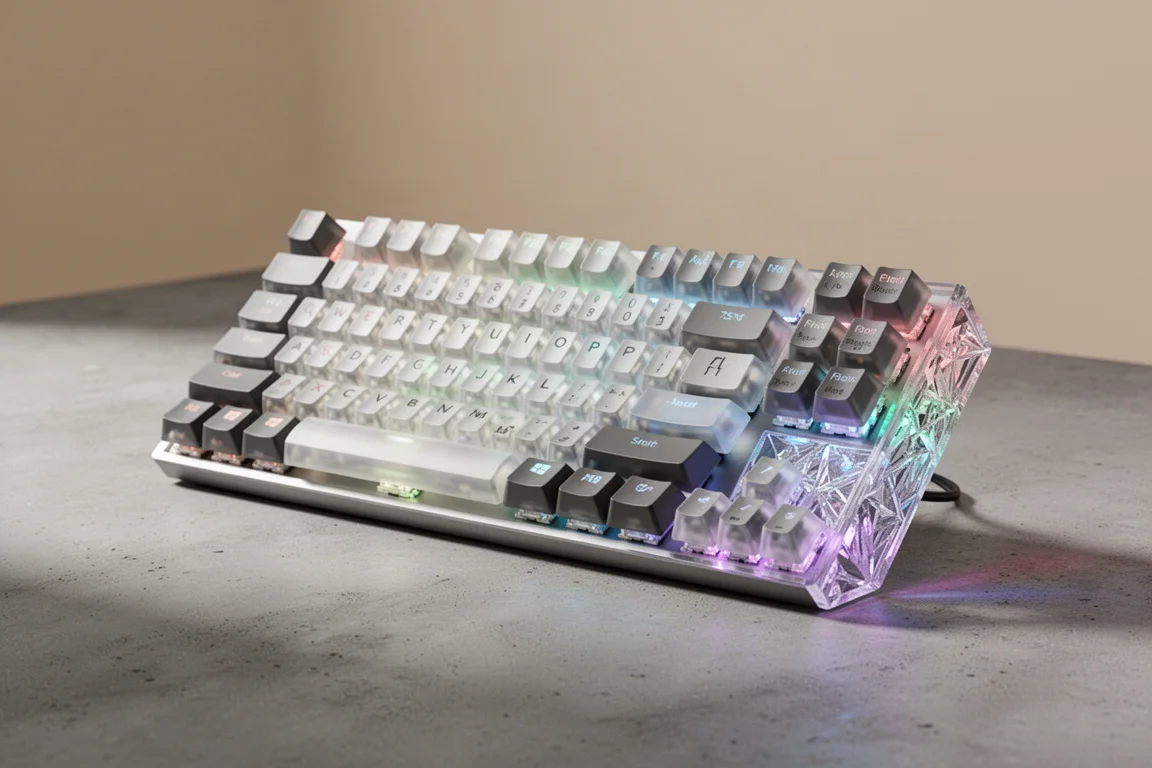
Introduction
Gaming keyboards have been in a heated competition over the last few years, with every manufacturer trying to make the best Hall effect keyboard. Magnetic switches brought fast latency and plenty of buzzwords, but they also meant giving up some important features: no wireless support, no mechanical switches that sound thocky or creamy. For many people, gaming is not the only thing they do with their keyboard. They want a keyboard that can do everything.
That is where tunnel magnetoresistance, or TMR, comes in. TMR is an alternative to Hall effect technology that allows you to use magnetic switches and all of their perks, like rapid trigger, analog input, and SOCD. But the most important part is that it gives you choice. At its most basic, you can take out a magnetic switch that sounds a little chattery and put in a mechanical one into the same exact board. This is incredibly cool technology because it gives you a lot more choice on what switches you want in your keyboard.
The keyboard we are focusing on is the Epomaker HE75 TMR. As of this writing, pricing and final details are not yet confirmed, but the non-TMR version of this keyboard starts at about $80. If this TMR version is priced similarly, it makes it very competitive.
Design and Build Quality
The Epomaker HE75 TMR is a 75% keyboard, which means you keep your F keys up at the top and your arrow keys down at the bottom. This already makes it a better layout than most other magnetic keyboards, because many of them opt for a 60% or 65% layout, which gives up a lot of buttons that could be used for macros.
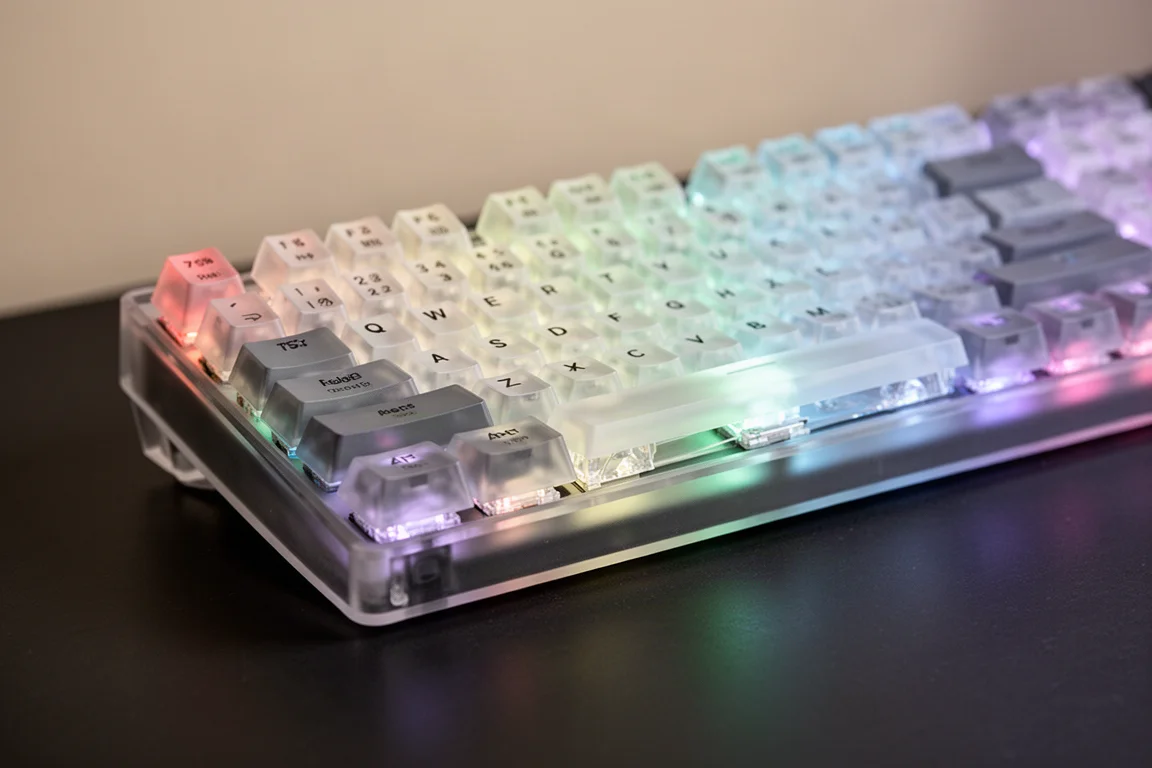
Unlike some other keyboards that come in around $130, this one is unapologetically plastic. It also lacks any form of screws or quick release that would make the case easier to mod. If you have a problem with the inside of this keyboard, taking it apart is going to require a pry tool and potentially breaking something in the case. This is not a modding friendly keyboard, especially when you consider some of its competition that is easier to mod.
The keyboard does have two-stage flip feet, which is a good perk, and a wireless dongle hidden under one of those feet. The keycaps are translucent with very bold legends printed on them. Some people might like these, and some might not, but you can swap the keycaps out if you do not like them.
When you turn the keyboard on, it is really pretty. There is a crystal-like see-through bit cut into the back case, and the RGB shines through it nicely. If you are somebody who hates RGB, you can just turn it off, but it is a nice touch.
The TMR Advantage: Switch Freedom
The most interesting part of this keyboard is the TMR technology. You can remove the magnetic switches and plop in better switches. This is a big pro because it gives you the freedom to choose what switches you want in your keyboard.
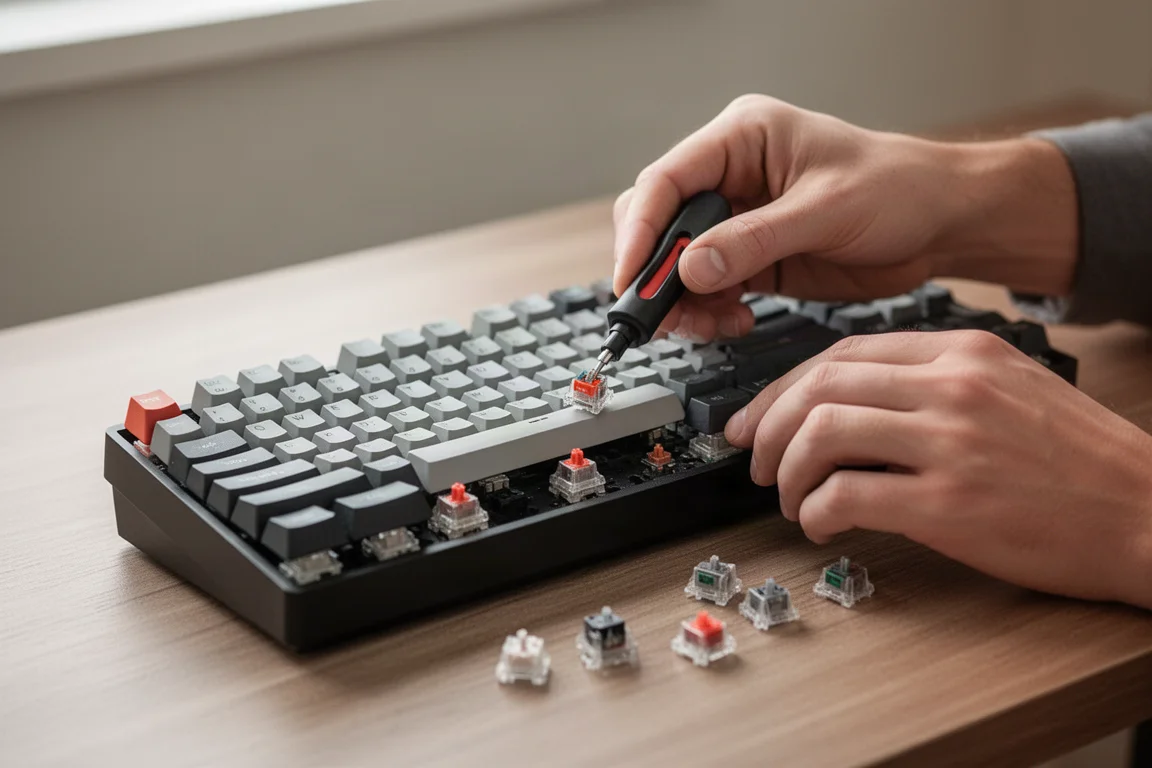
The keyboard comes with Epomaker Creamy Jade Hall effect switches. Compared to some of the other Hall effect switches out there, these are at the upper echelon, but still much worse than standard mechanical keyboard switches. They feel really smooth to type on, but they also sound a little bit chattery and not creamy whatsoever.
If you want your gaming keyboard to actually be creamy, you are going to need to put some creamy sounding switches in there. The keycaps actually do lend themselves a little bit to sounding creamy. You can remove all of the switches from the keyboard, which is really easy to do with the included switch remover, and pull out the regular Epomaker Creamy Jade switches, not the Hall effect ones, and plop those in. These are incredibly budget-friendly switches with a lightweight 45-g force. They will instantly make the keyboard sound pretty creamy because of the POM stem, the PC top, and the PA66 bottom housing. Three different kinds of plastic that all come together to sound really nice.
If you have a TMR keyboard like this at home, you probably only want the magnetic switch features on maybe your WASD, maybe your QWER, 1 2 3 4, the keys that you are going to be using the most for gaming. So you can swap those out and keep those as magnetic switches, and then make everything else creamy mechanical switches, or maybe even just swap a couple switches in when you play games.
Wireless Performance and Connectivity
One of the big selling points of this keyboard is wireless performance. With the right chips, 2.4 GHz can be a very fast protocol, faster than some other wired keyboards. Epomaker claims that this keyboard has 0.1 ms of latency over wired and 0.5 ms of latency over 2.4 GHz. Those are honestly kind of crazy claims. Similar performance has been seen out of TMR keyboards at around 1 ms to 2 ms over wireless.
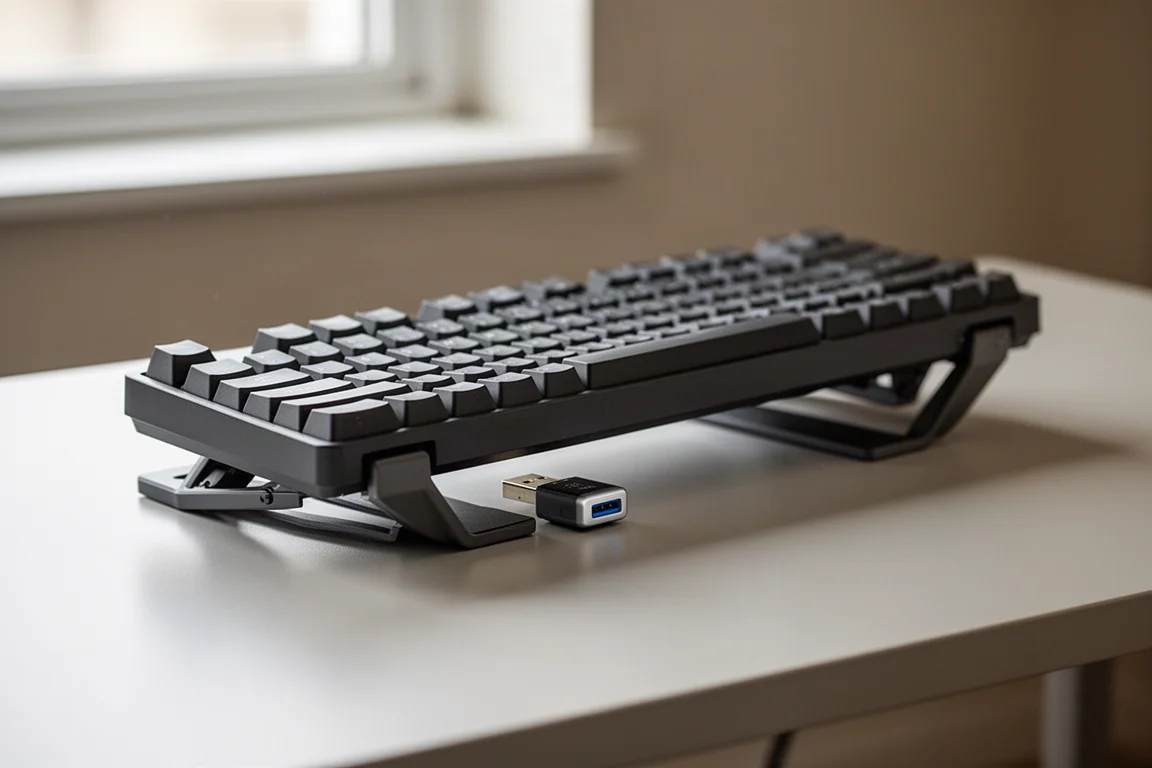
The wireless dongle is hidden under one of the two-stage flip feet, which is a neat storage solution. Getting rid of the cable on your desk while maintaining low latency is a genuine advantage for gamers who want a cleaner setup.
Software Experience
Here is where Epomaker has still failed. After installing Epomaker’s proprietary software, plugging the keyboard in so that it actually recognized it, because it did not recognize it over wireless initially, the software is a clunky mess. If you are the kind of person that sets your software once and forgets it, this will probably be fine for you because you can set it once and then delete the software. But if you are buying a gaming keyboard like this, you are probably going to want to tweak things very frequently, fine-tune your actuation points.
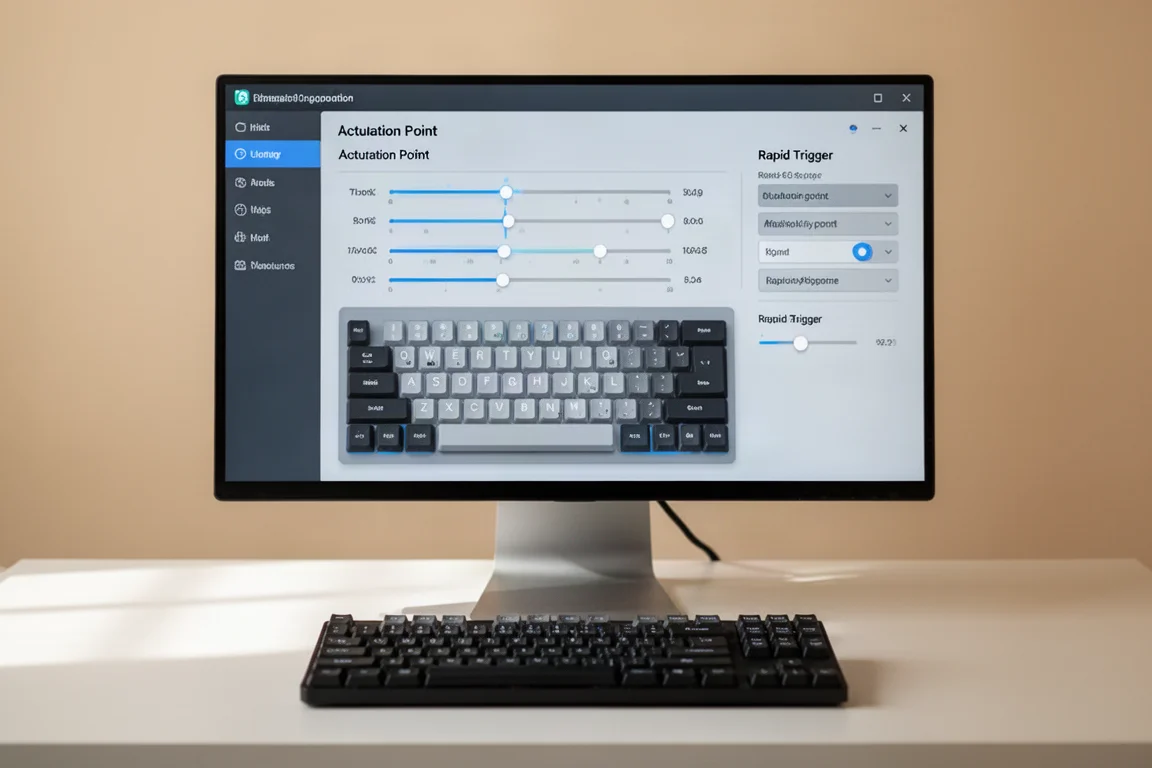
You can adjust your actuation points, you can set rapid trigger, snap tap, whatever you want in here. But the software experience is very clunky and still leaves some things out. The most annoying thing is that this keyboard does not auto calibrate for when you have swapped a mechanical switch in. Meaning that if you want your keyboard to work properly after you have replaced a switch, you have to have the software open and re-detect the switches. And the worst part, it is not even a web software, so you do have to download it.
On top of that, they tried to bake in an AI assistant in this whole page of terrible AI programs and things. It is all useless. Nobody asked for this on keyboard software. It needs to be removed.
The Hot-Swappable Knob
In the top right, there is a knob. This knob is hot-swappable, meaning you can fully remove it. This is really nice because there was a prototype unit where the knob literally did not work, and every time the knob was turned, it muted the computer. But when you pull it out, it opens two new spots for switches. This is another big pro from TMR technology, giving you even more flexibility in how you configure your keyboard.
Buying Advice
Despite being amazingly cool, none of these TMR keyboards have completely knocked it out of the park yet. They have something wrong or missing, maybe not the best software experience, and software is really important on a keyboard like this. But if you are on a tighter budget and you just want the freedom of having a TMR keyboard or want to play around with it, something like this could be pretty cool.
The Epomaker HE75 TMR is a solid option for those who want the benefits of magnetic switches without being locked into them. The ability to swap in mechanical switches for a creamier sound and feel is a genuine advantage. The 75% layout is better for gaming than the 60% or 65% layouts found on many competitors. The wireless performance is impressive on paper, and the hot-swappable knob adds extra flexibility.
However, the software experience is a significant drawback. The clunky proprietary software, the lack of auto calibration when swapping switches, and the unwanted AI features are all points of frustration. The plastic build and lack of easy disassembly also make it less appealing for modders.
Conclusion
The Epomaker HE75 TMR is a keyboard that offers something genuinely different: the choice between magnetic and mechanical switches in the same board. It brings the gaming features you want, like rapid trigger and adjustable actuation points, while letting you swap in creamy mechanical switches for everyday typing. The 75% layout, wireless performance, and hot-swappable knob are all strong points.
The software experience holds it back, and the plastic build is not for everyone. But if you are on a budget and want to explore TMR technology, this keyboard is worth considering. It is a stepping stone in an exciting new direction for gaming keyboards, and the switch freedom it offers is a compelling reason to give it a try.
Product link
View more details for Epomaker HE75 TMR
This product is mentioned in the review. Check the specifications, options, and compatibility before buying.
View more details for Epomaker HE75 TMRFurther reading
Related Reviews
Keyboards
Ajazz AK820 vs AK820 Pro: Two Budget Keyboards With Very Different Switches
A close look at the Ajazz AK820 and AK820 Pro, two budget keyboards that share a frame but differ sharply in typing feel and value.
Keyboards
Best Budget Keyboards on Amazon 2026: Six Solid Options Under $150
A practical roundup of six budget-friendly mechanical keyboards available on Amazon, each with real strengths and trade-offs worth considering before purchase.
Keyboards
Best Prime Day Keyboard Deals 2026: Top Picks for Every Budget
A curated roundup of the best keyboard deals this Prime Day, from budget-friendly options to premium aluminum builds, with honest trade-offs for each pick.