Drones
DJI Mavic 4 Pro Creator Bundle: What You Get and Why It Matters
A hands-on look at everything inside the DJI Mavic 4 Pro Creator Bundle, from the RC Pro 2 controller to the high-speed charging setup.
Introduction
The DJI Mavic 4 Pro Creator Bundle is the top-tier package in the Mavic 4 Pro lineup, and the differences between it and the standard bundles are worth understanding before you spend money. The bundle was purchased at retail, so the observations here come from actually handling the product as it ships.
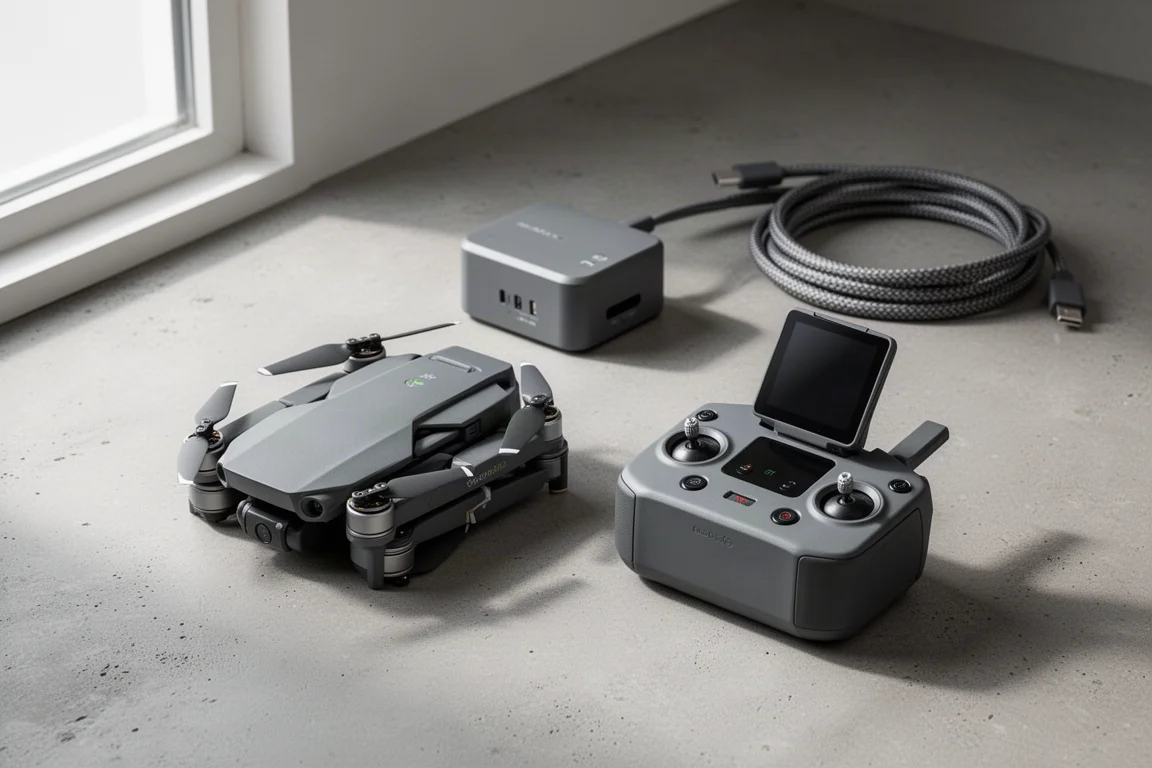
At its core, the Creator Bundle separates itself from cheaper bundles in two ways: the controller and the number of batteries. This bundle ships with the new RC Pro 2 controller instead of the RC2, and it includes more batteries than the base option. Everything arrives packed in a generously sized carrying bag, which is a genuinely practical touch for a bundle this large.
What Separates the Creator Bundle from Other Bundles
The key difference is the controller. This bundle includes the RC Pro 2, while the regular bundles come with the RC2, a much cheaper remote that still has an integrated display. The RC Pro 2 has a tilting screen that powers on automatically when you pull it out, and its joysticks fold down at the bottom, which gives it a neat, travel-friendly profile.
The second difference is batteries. The base bundle includes just a single battery, while the Creator Bundle includes three. Anyone who has flown a consumer drone for more than one session knows that a single battery is rarely enough, so this alone justifies part of the price gap for frequent flyers.
Finally, the whole kit arrives essentially ready to go inside a substantial carrying bag. It is a beefy bag from a weight standpoint, and having it included means you do not need to budget for a third-party case on day one.
The Drone Itself
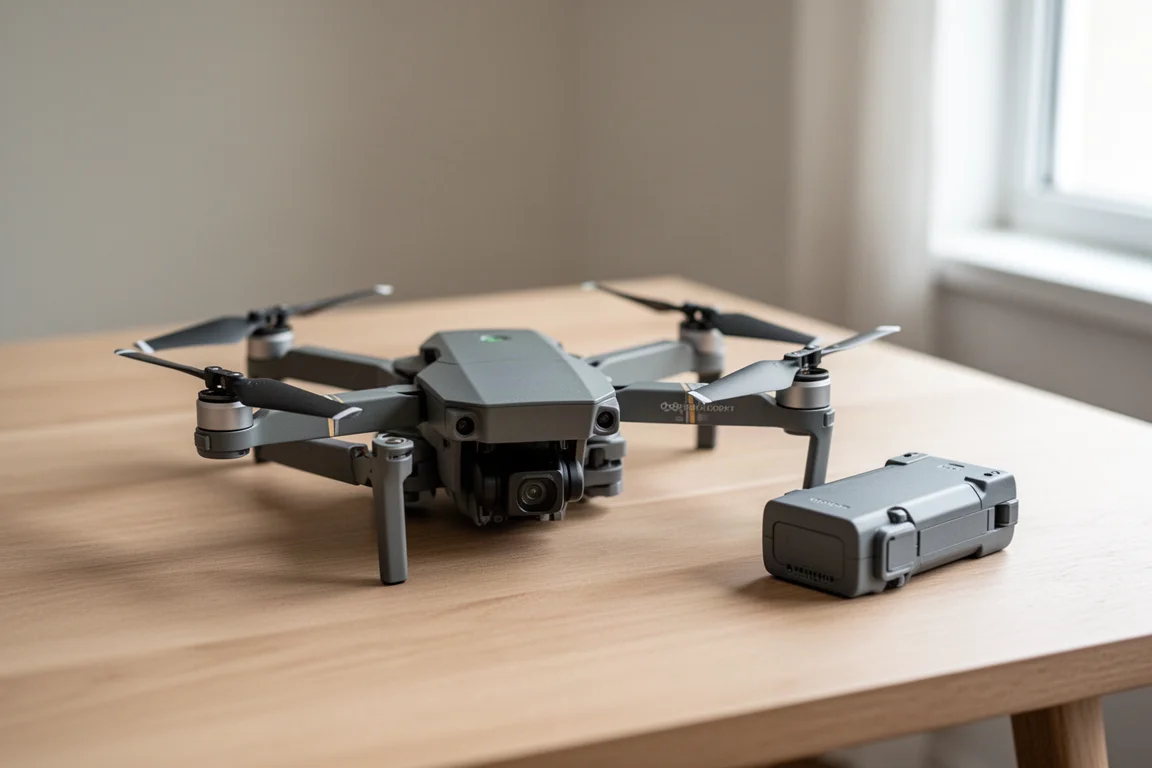
The Mavic 4 Pro itself arrives still wrapped in protective plastic, and the first noticeable improvement over the previous generation is the protective cover design. Compared with the Mavic 3 Pro cover, which relied on a whole lot of straps and was fiddly to deal with, this one simply snaps in and comes off much more easily. Small quality-of-life details like this add up when you are handling the drone several times per flight session.
Once the cover is off and the bottom protection is removed, setup follows the familiar modern DJI flow. Unfold the arms and the drone powers on automatically; fold them back up and it turns off within a couple of seconds. It is the same simple behaviour seen with the DJI Flip, and it removes one more step from the pre-flight routine. From there, you walk through the standard first-run setup process.
Charging Hub and Power Block
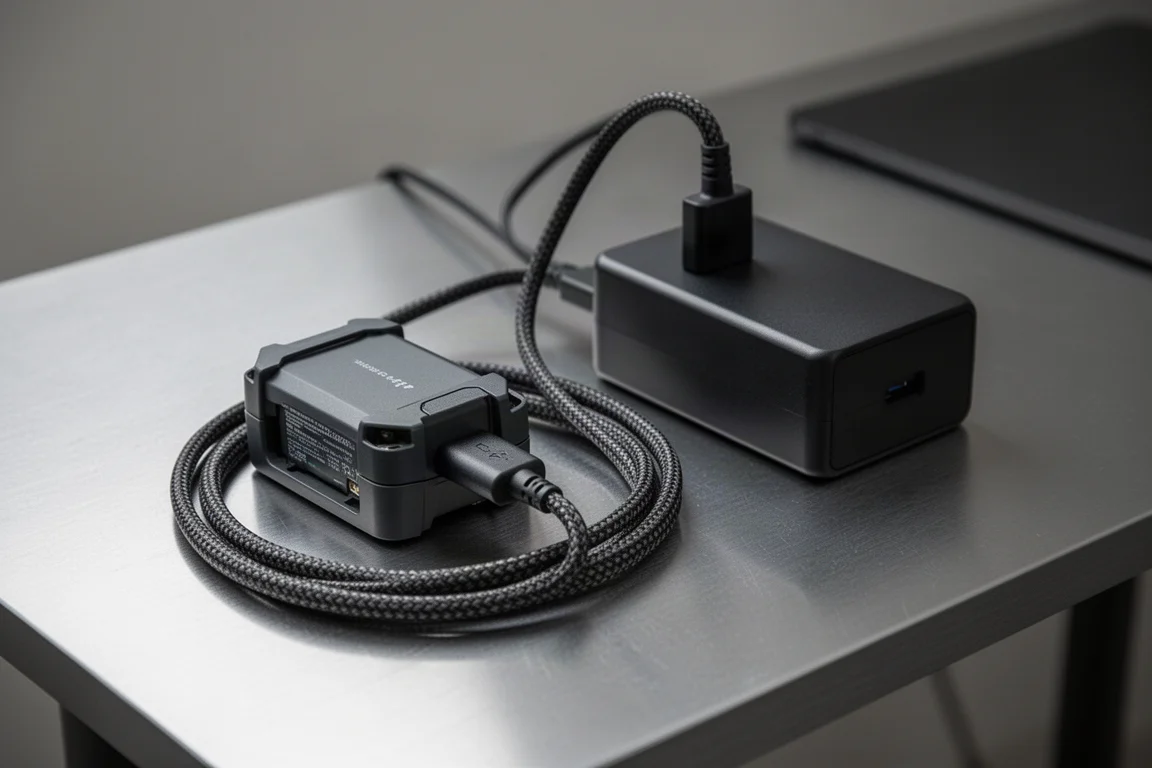
The battery charging hub supports much higher charging speeds than earlier versions. It retains USB-C input at up to 100 watts, which means you can charge your batteries from the same brick you travel with for your laptop. It will just take longer to get through all three batteries that way.
As with previous DJI charging hubs, the sequence is predictable: it charges the lowest battery first, then tops off the remaining batteries once that one is done. To unlock the fastest charging speeds, you use the included high-speed power block, a genuinely large unit rated at 240 watts, which plugs into the hub via a dedicated beefy connector. The power block also keeps a USB-C port available, which is handy for other devices.
Props, Cables and Small Extras
The Creator Bundle includes two full extra sets of props. The drone uses A and B props, and you need two sets to fully equip the entire drone. In practice, most people break one prop at a time, so having this many spares means you would have to break a lot of props at once to run out.
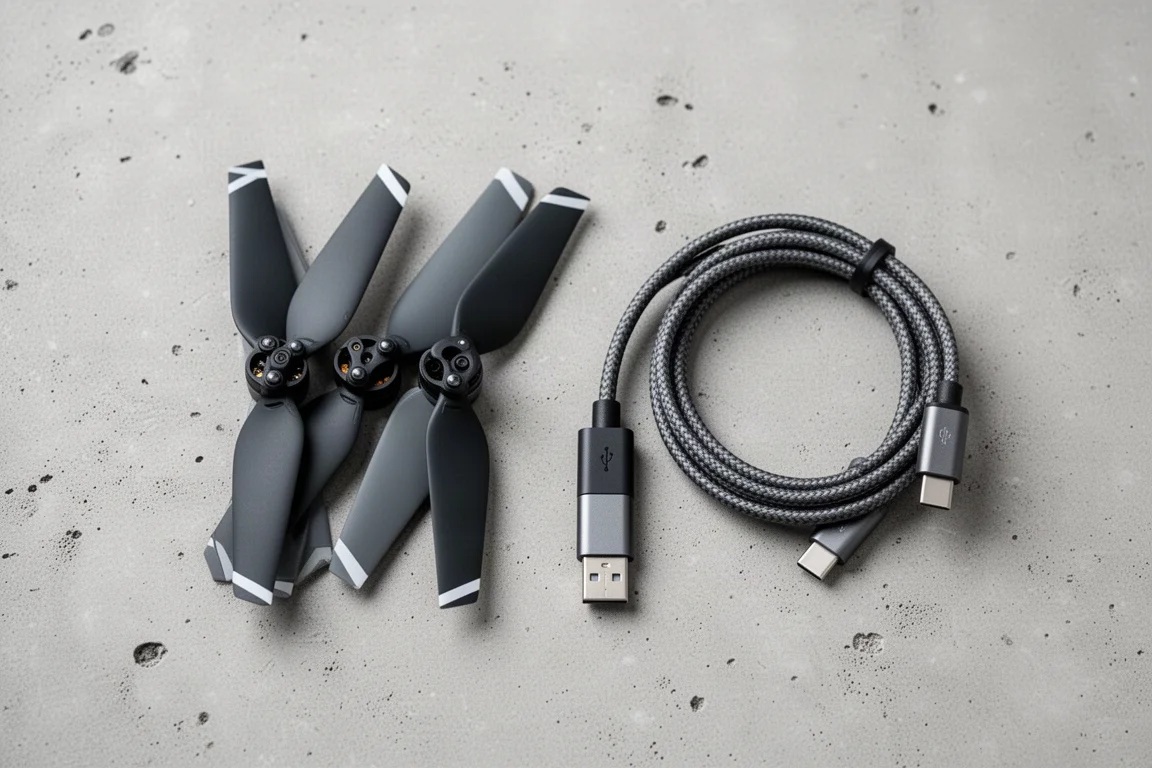
Then there are the cables, and there are a lot of them. Alongside the braided USB-C charging cable, the bundle ships with an assortment of international power plug adapters: a UK plug, an angled plug that appears to be Australian, two different Euro plugs, and three American plugs, one for the battery charging hub plus extras that look largely interchangeable. If you travel internationally, this variety is useful to have in the bag rather than having to source adapters separately.
Buying Advice
If you are choosing between Mavic 4 Pro bundles, the decision comes down to the RC Pro 2 controller and the extra batteries. The RC2 in cheaper bundles still has an integrated display and is perfectly capable, but the RC Pro 2 adds the tilting screen, auto power-on and folding joysticks. Add three batteries and a fast 240-watt charging setup, and the Creator Bundle is aimed squarely at flyers who will fly often rather than occasionally.
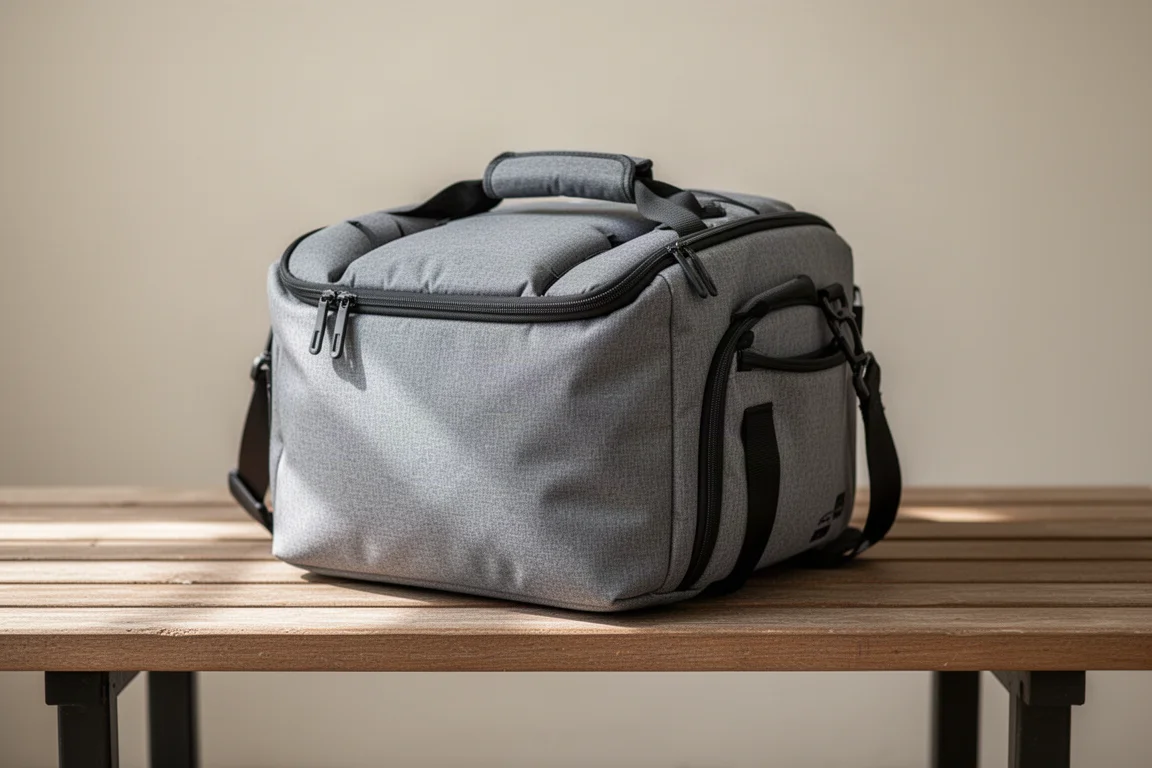
If you only fly a few times a year, the base bundle’s single battery and cheaper remote may be enough. If you fly regularly and want to minimise downtime between flights, the Creator Bundle covers that use case comprehensively, right down to the carrying bag and international plugs.
Conclusion
The DJI Mavic 4 Pro Creator Bundle is a complete kit for serious hobbyist and travel flyers. The RC Pro 2 controller, three batteries, fast charging hardware, spare props and a roomy carrying bag mean there is very little left to buy after the drone itself. For anyone planning frequent flights, that completeness is the bundle’s real value.
Product link
View more details for DJI Mavic 4 Pro Creator Bundle
This product is mentioned in the review. Check the specifications, options, and compatibility before buying.
View more details for DJI Mavic 4 Pro Creator BundleFurther reading
Related Reviews
Drones
Best Budget Camera Drones Under 3000: Five Practical Options for Video and Photography
Five affordable camera drones with HD video capability and stable flight performance, each suited to different needs and budgets.
Drones
Best Budget Drones Under $200: Five Practical Options for 2026
Five budget-friendly drones with GPS, 4K cameras, and FPV capabilities. Real strengths and trade-offs to consider before buying.
Drones
Best Drone Cameras Under $500: Five Options for Different Needs
A practical guide to five drones under $500, covering portability, flight time, camera quality, and key features to help you choose.